
快捷菜单
常用功能一站直达
更多功能请点顶栏「快捷菜单」
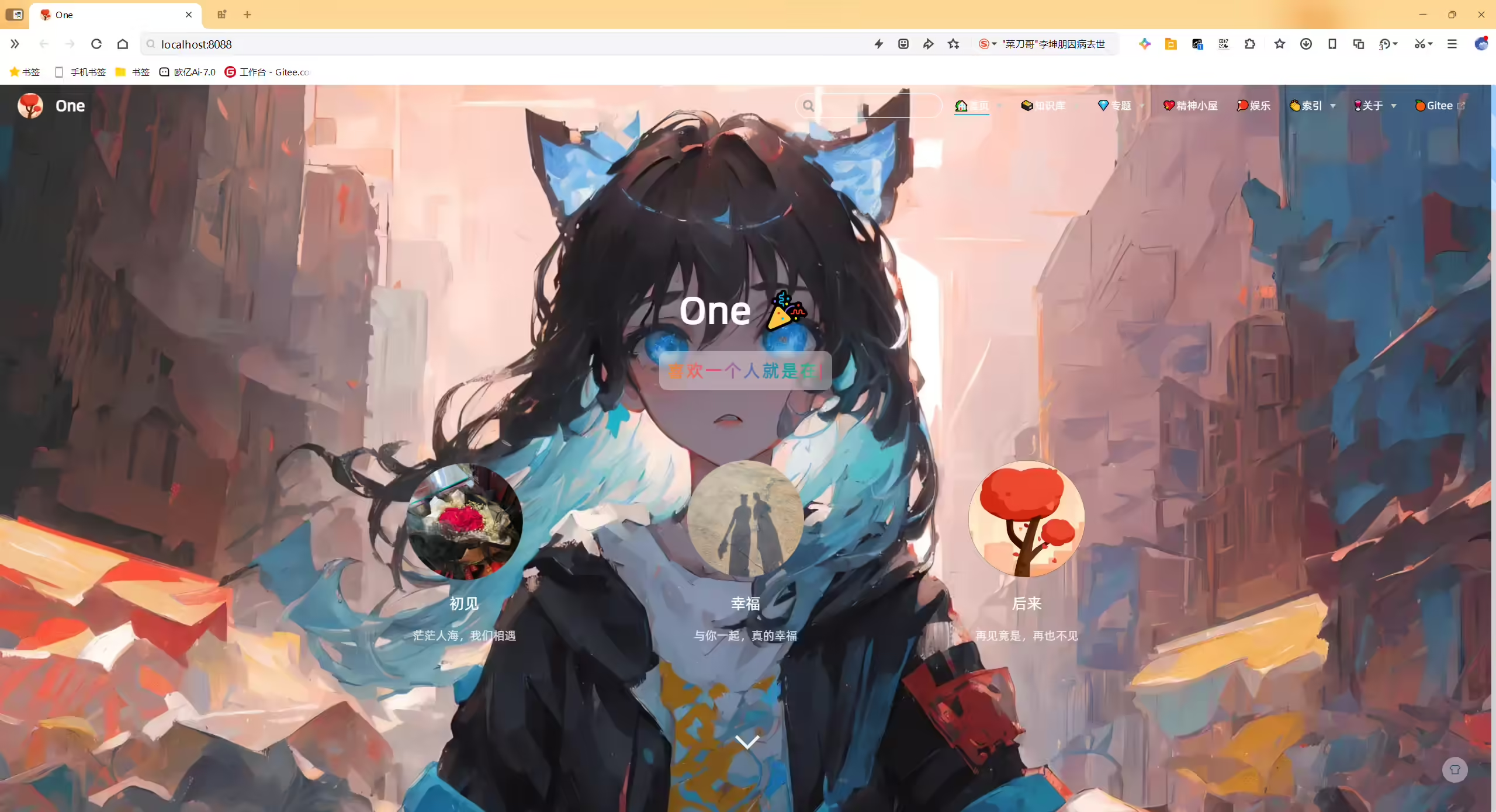
2025年3月3日测试成功
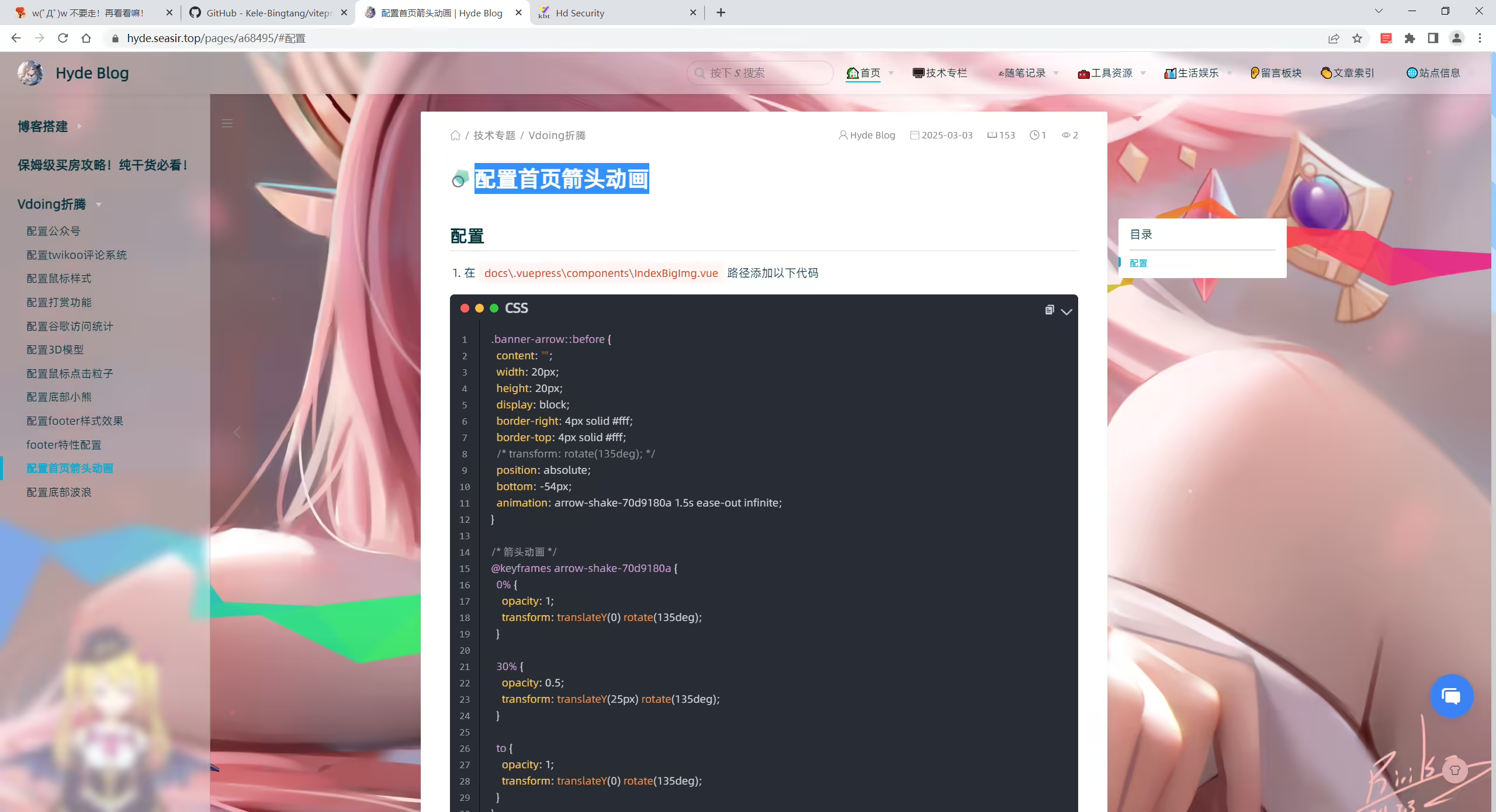
次配置来源于《Hyde Blog》大佬贡献的代码,原文为《配置首页箭头动画》十分感谢。
自己开源的 《vuepress-theme-vdoing-one-public》网站模板。
此模板是在Young Kbt blog的开源项目《Kele-Bingtang.github.io》基础上修改为自己的风格而成,感谢大佬开源的模板&感谢原作者开源的vdoing主题。❤️❤️

(1)在 docs\.vuepress\components\IndexBigImg.vue 路径添加以下代码
 1.banner-arrow::before {
 2  content: "";
 3  width: 20px;
 4  height: 20px;
 5  display: block;
 6  border-right: 4px solid #fff;
 7  border-top: 4px solid #fff;
 8  /* transform: rotate(135deg); */
 9  position: absolute;
10  bottom: -54px;
11  animation: arrow-shake-70d9180a 1.5s ease-out infinite;
12}
13
14/* 箭头动画 */
15@keyframes arrow-shake-70d9180a {
16  0% {
17    opacity: 1;
18    transform: translateY(0) rotate(135deg);
19  }
20
21  30% {
22    opacity: 0.5;
23    transform: translateY(25px) rotate(135deg);
24  }
25
26  to {
27    opacity: 1;
28    transform: translateY(0) rotate(135deg);
29  }
30}
(2)并在次文件里注释另一个箭头的伪元素
1/* .banner-arrow::after {
2  content: "";
3  width: 20px;
4  height: 20px;
5  display: block;
6  border-right: 3px solid #fff;
7  border-top: 3px solid #fff;
8  transform: rotate(135deg);
9} */
(3)运行测试效果
精选 · 友链 · 更多

One的公众号
爱折腾博客的小白
