快捷菜单
常用功能一站直达
更多功能请点顶栏「快捷菜单」
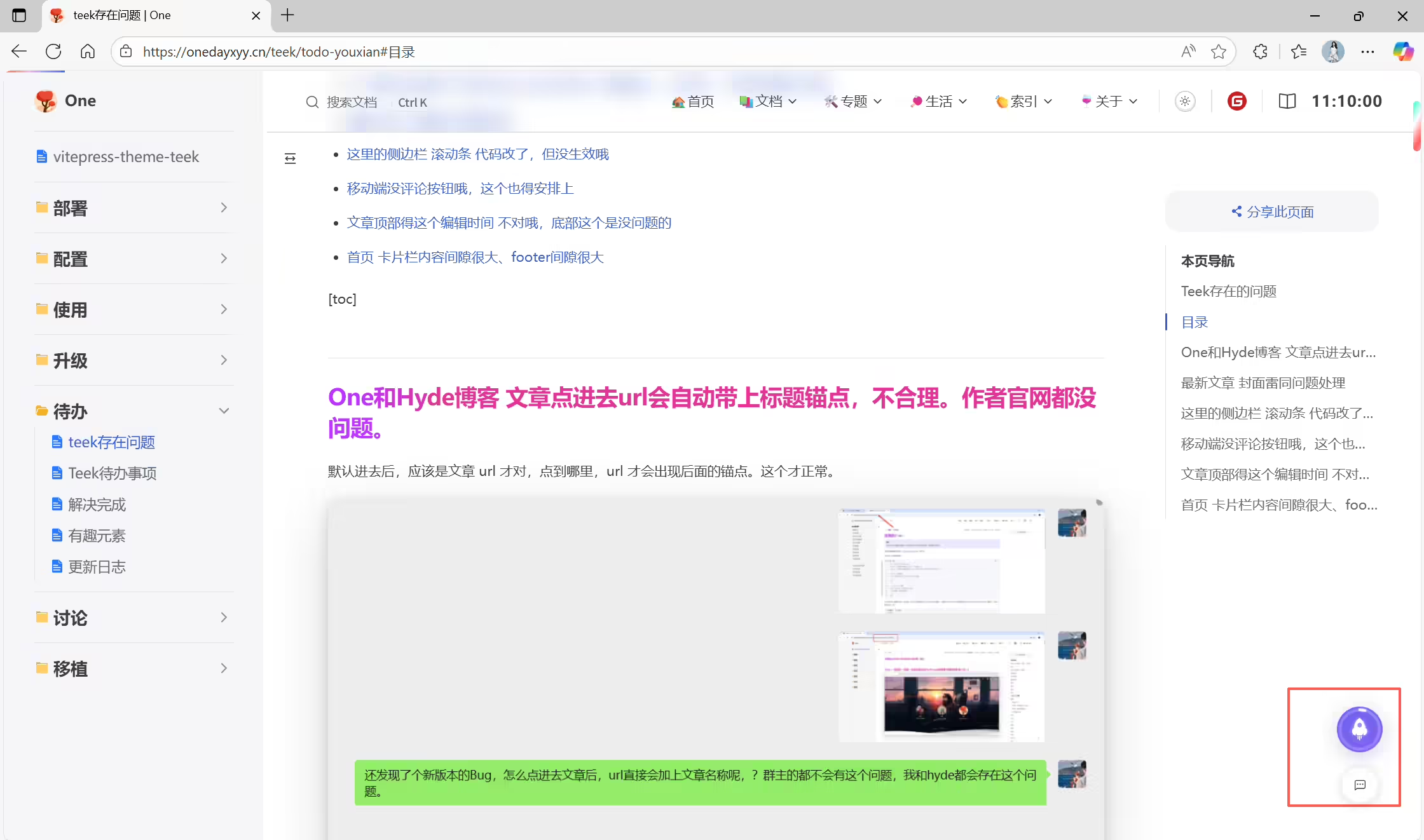
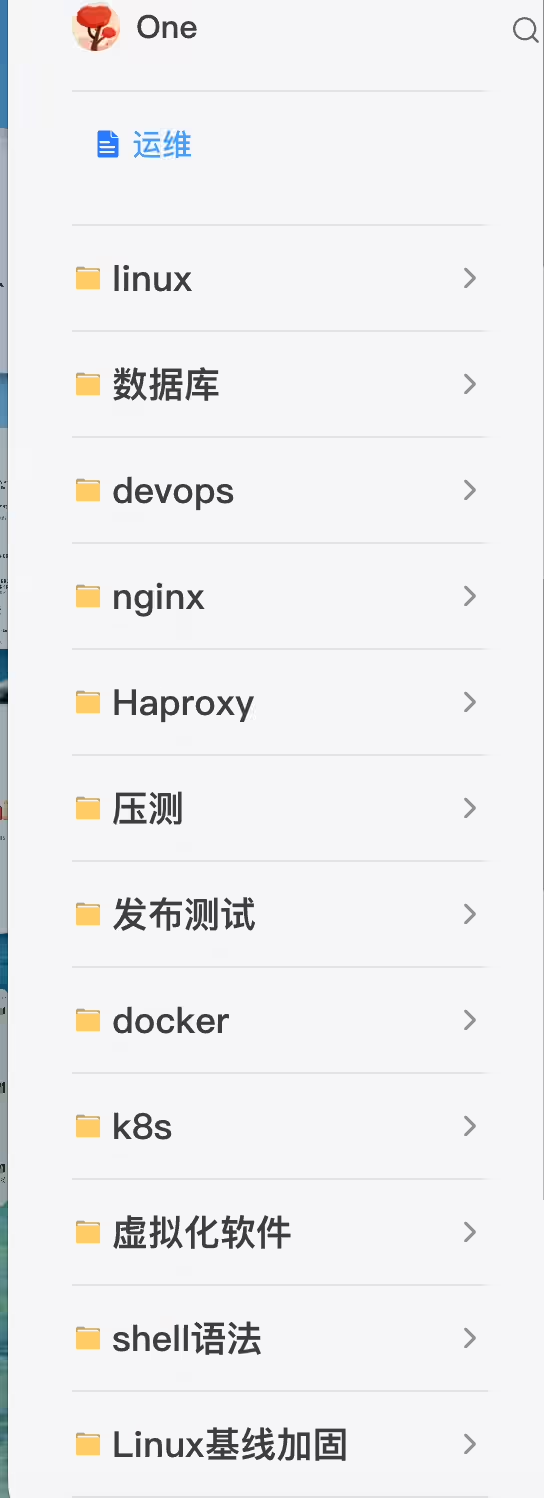
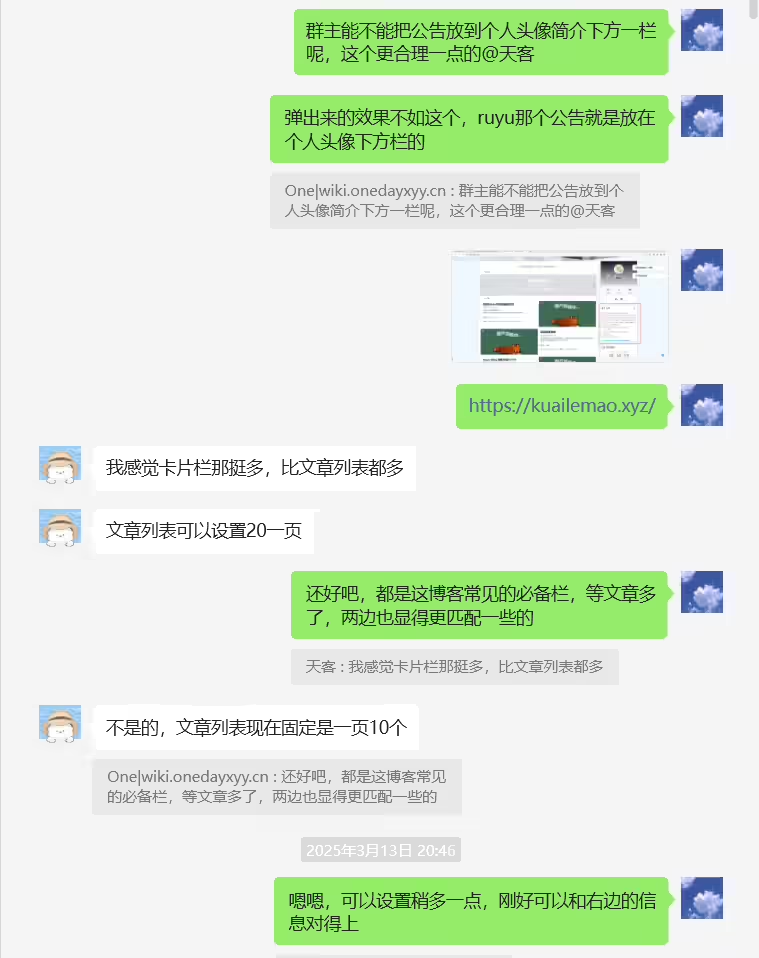
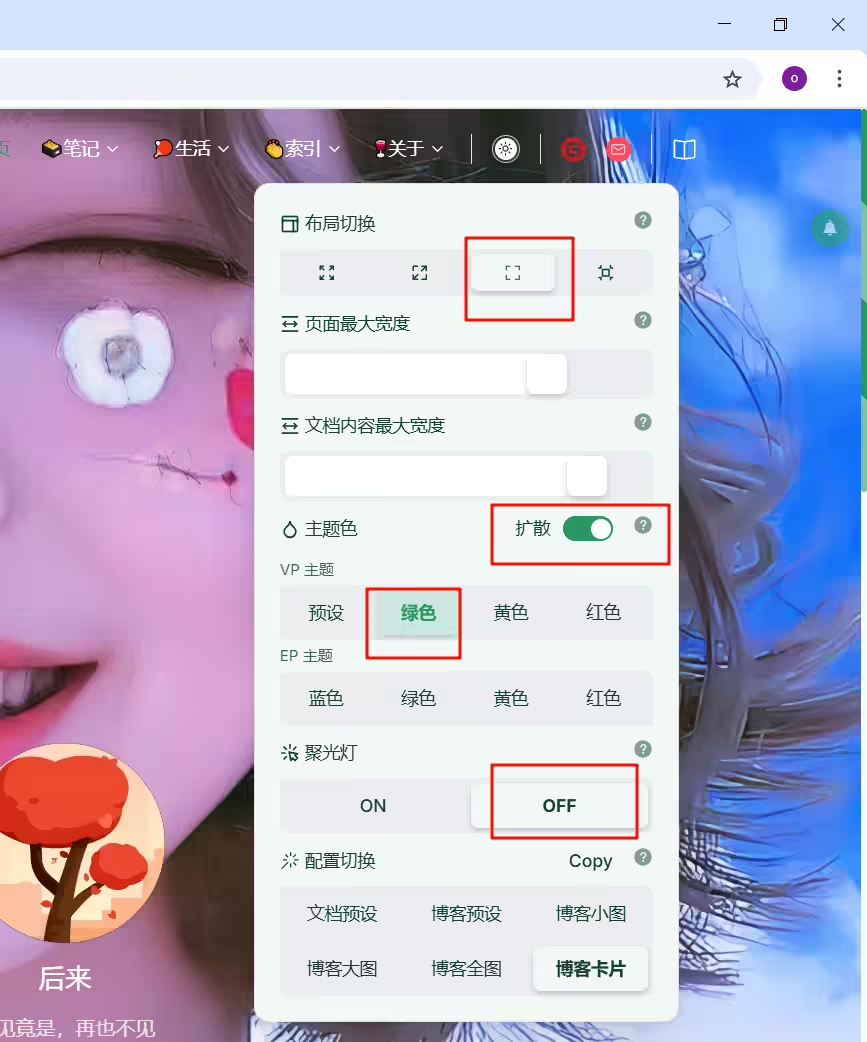
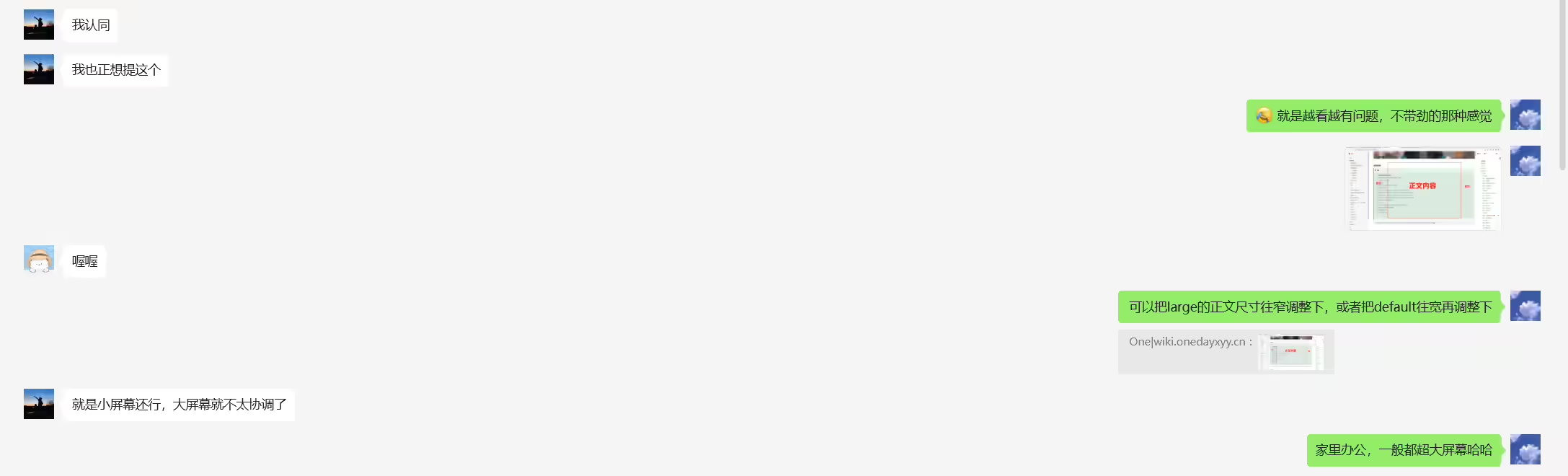
移动端的大小是一致的,但pc端的大小不一致:
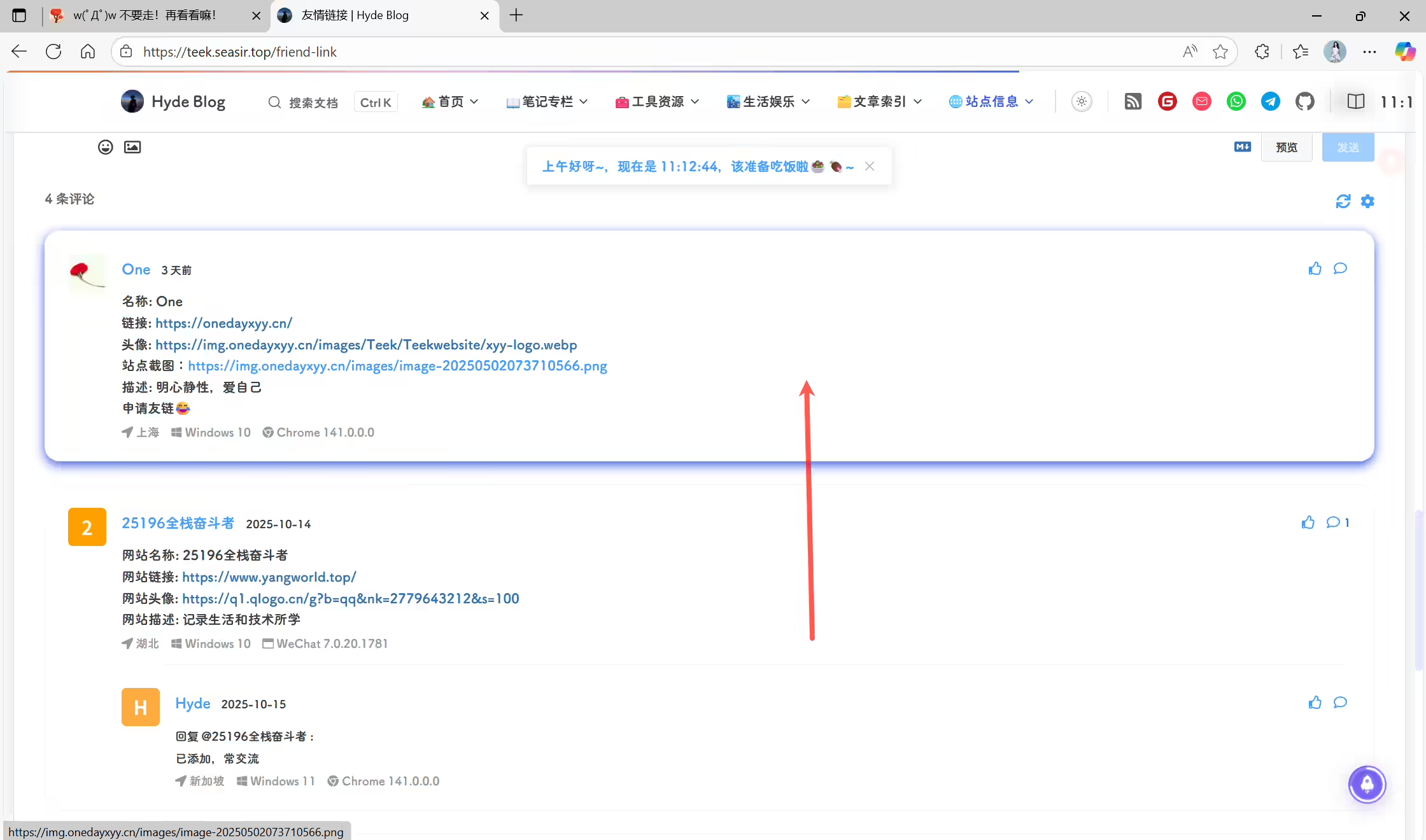
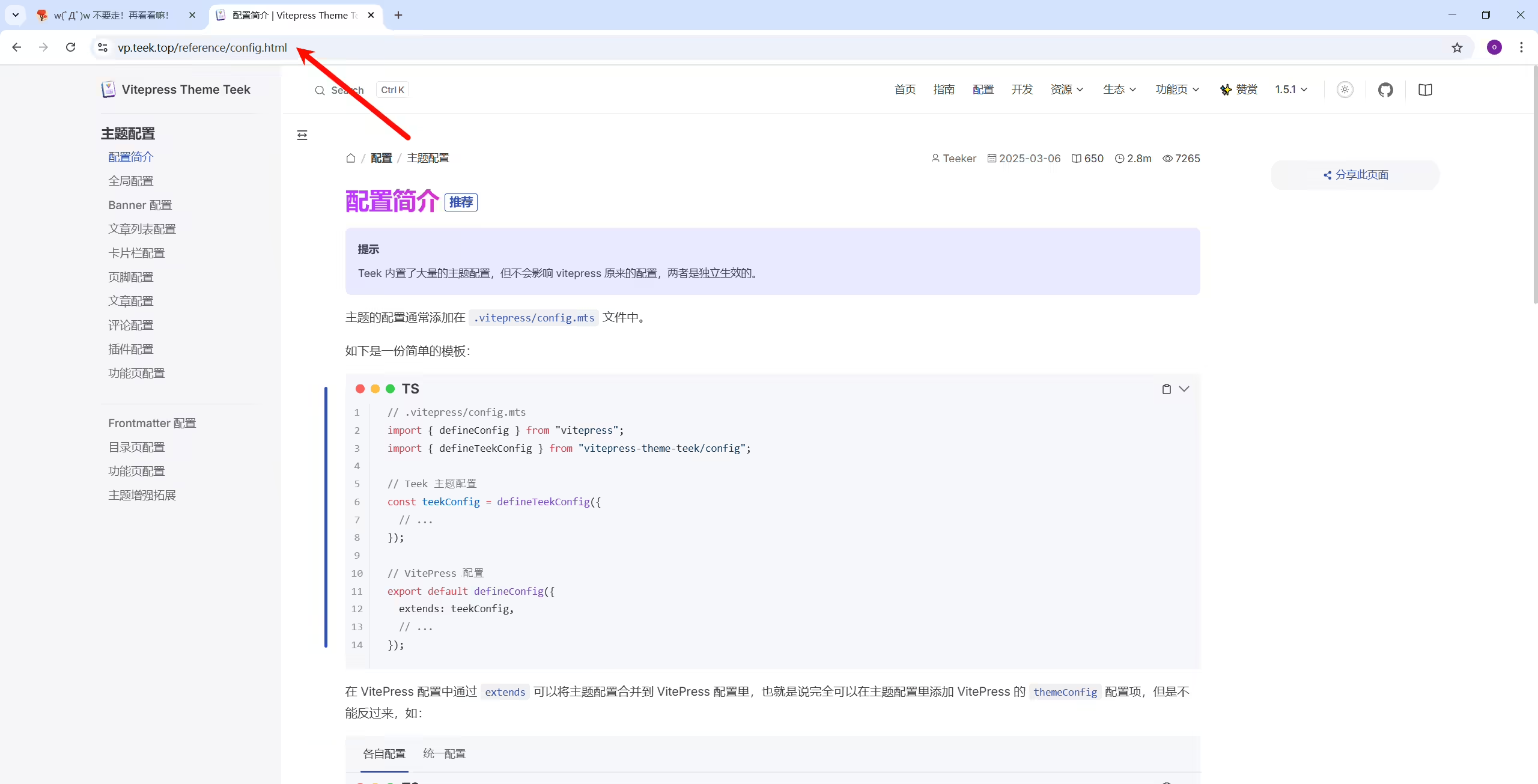
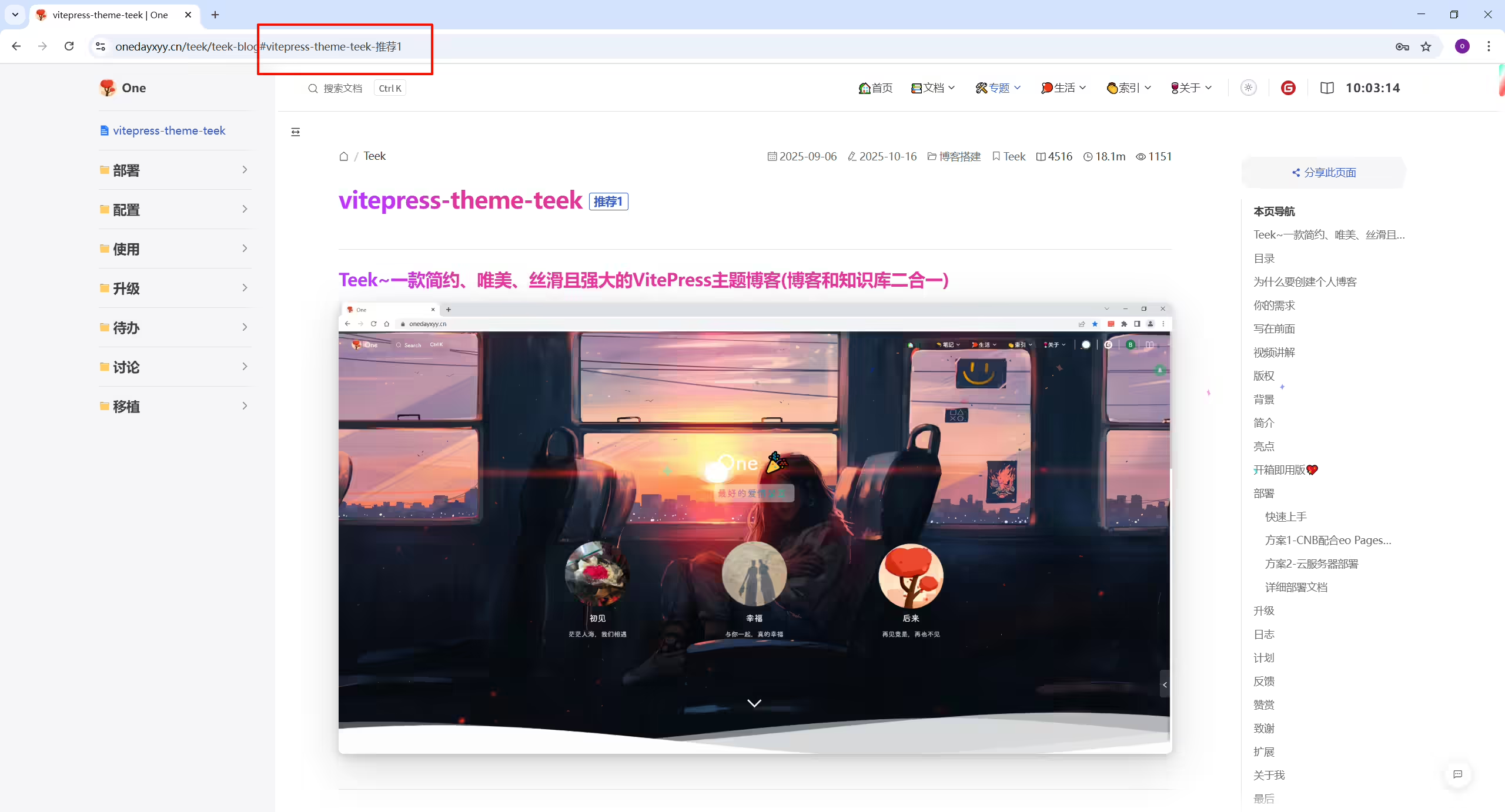
默认进去后,应该是文章 url 才对,点到哪里,url 才会出现后面的锚点。这个才正常。
群主的:
One的:
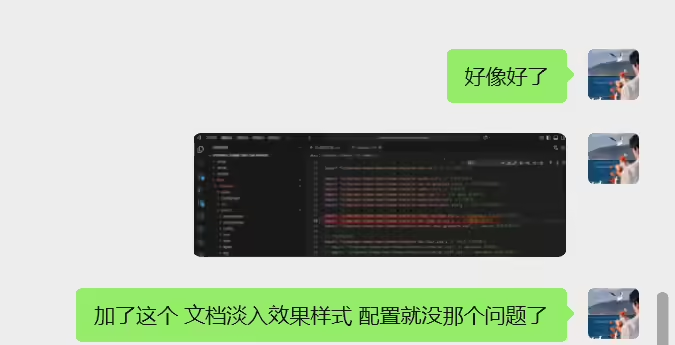
已解决:
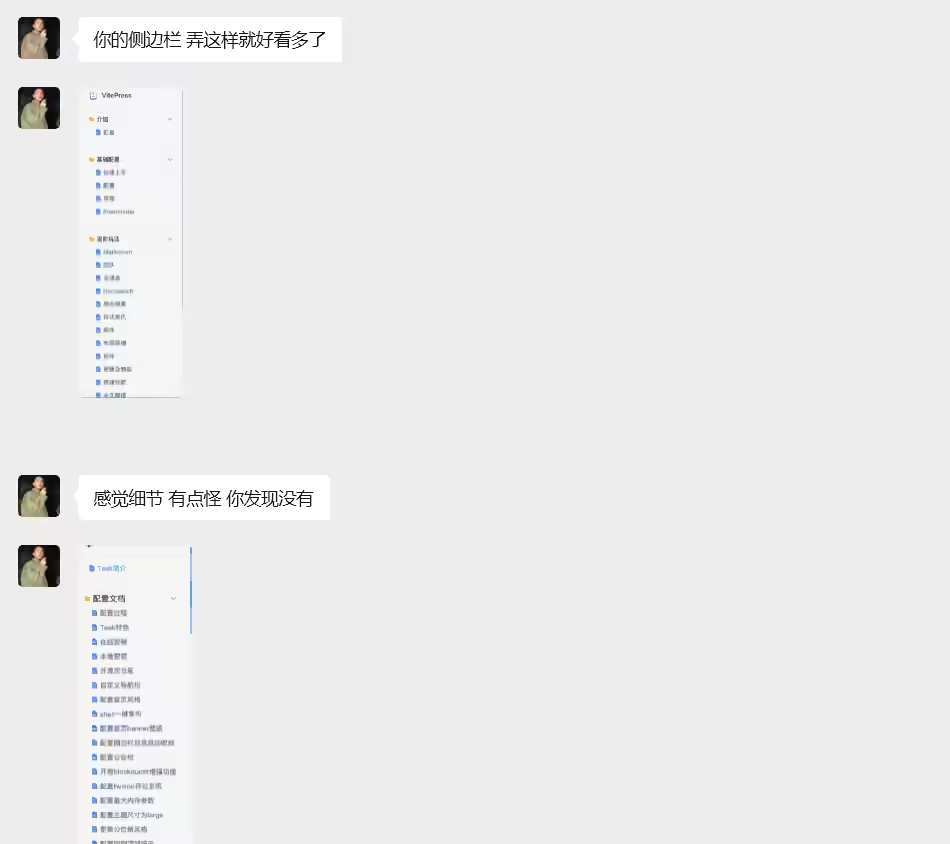
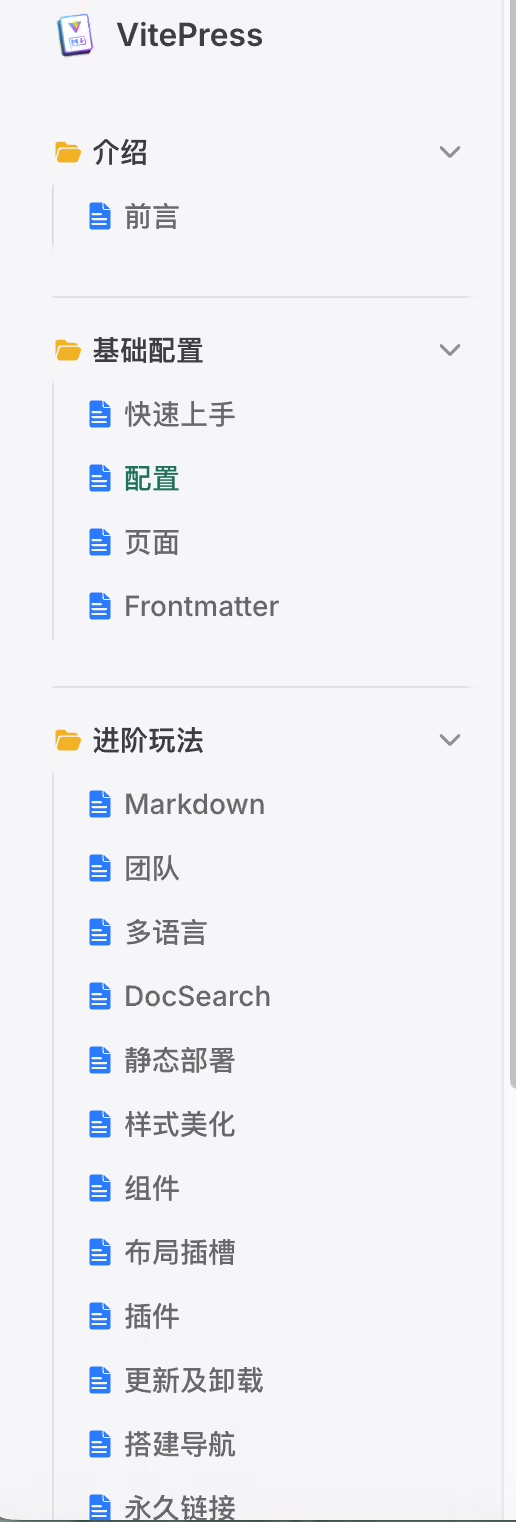
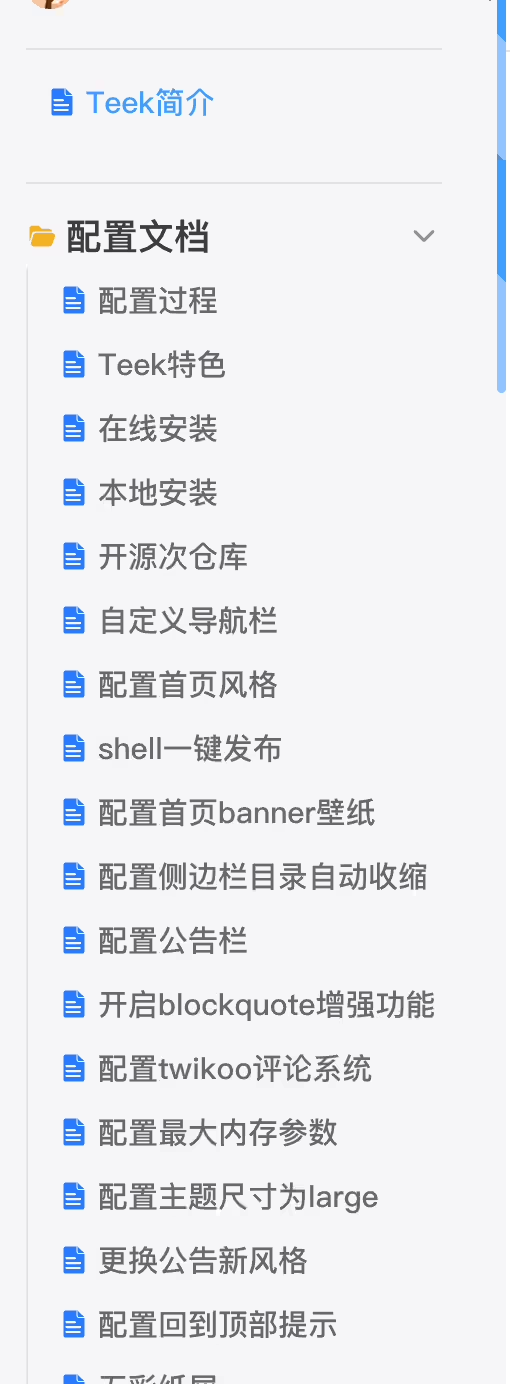
👀
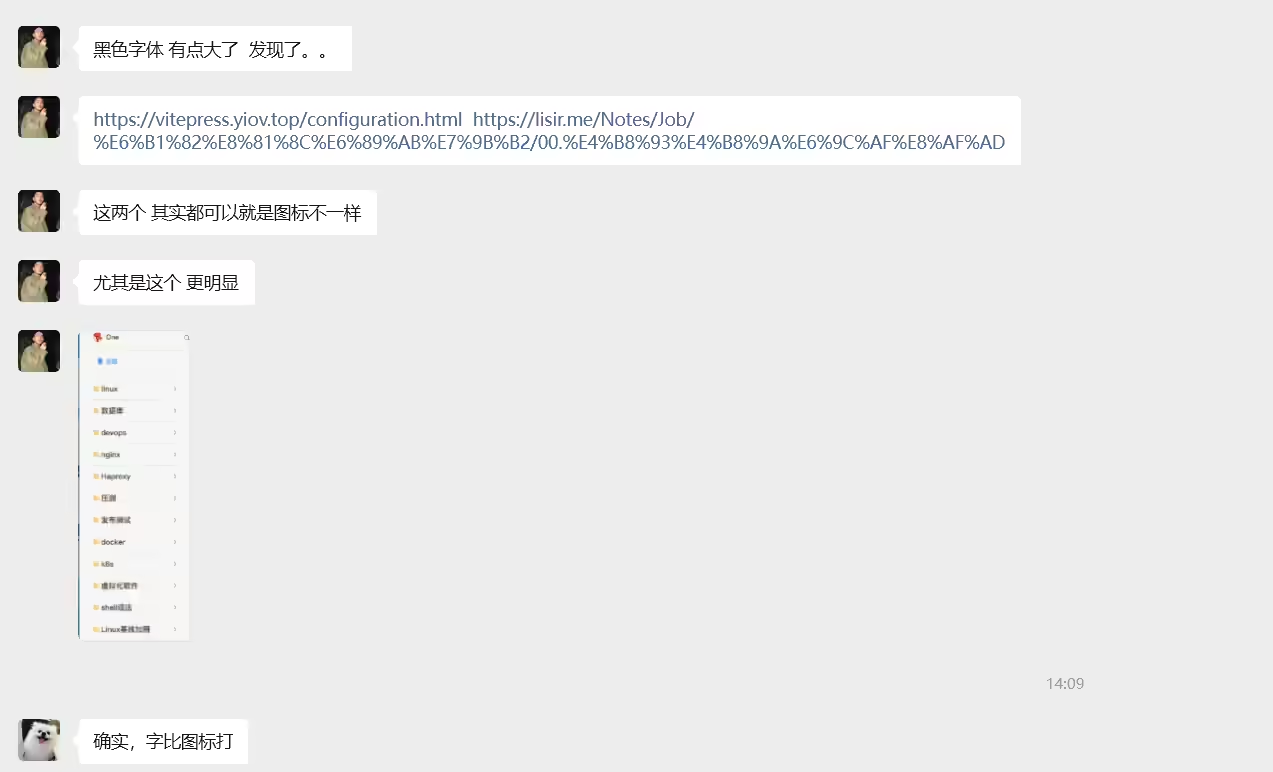
https://vitepress.yiov.top/configuration.html
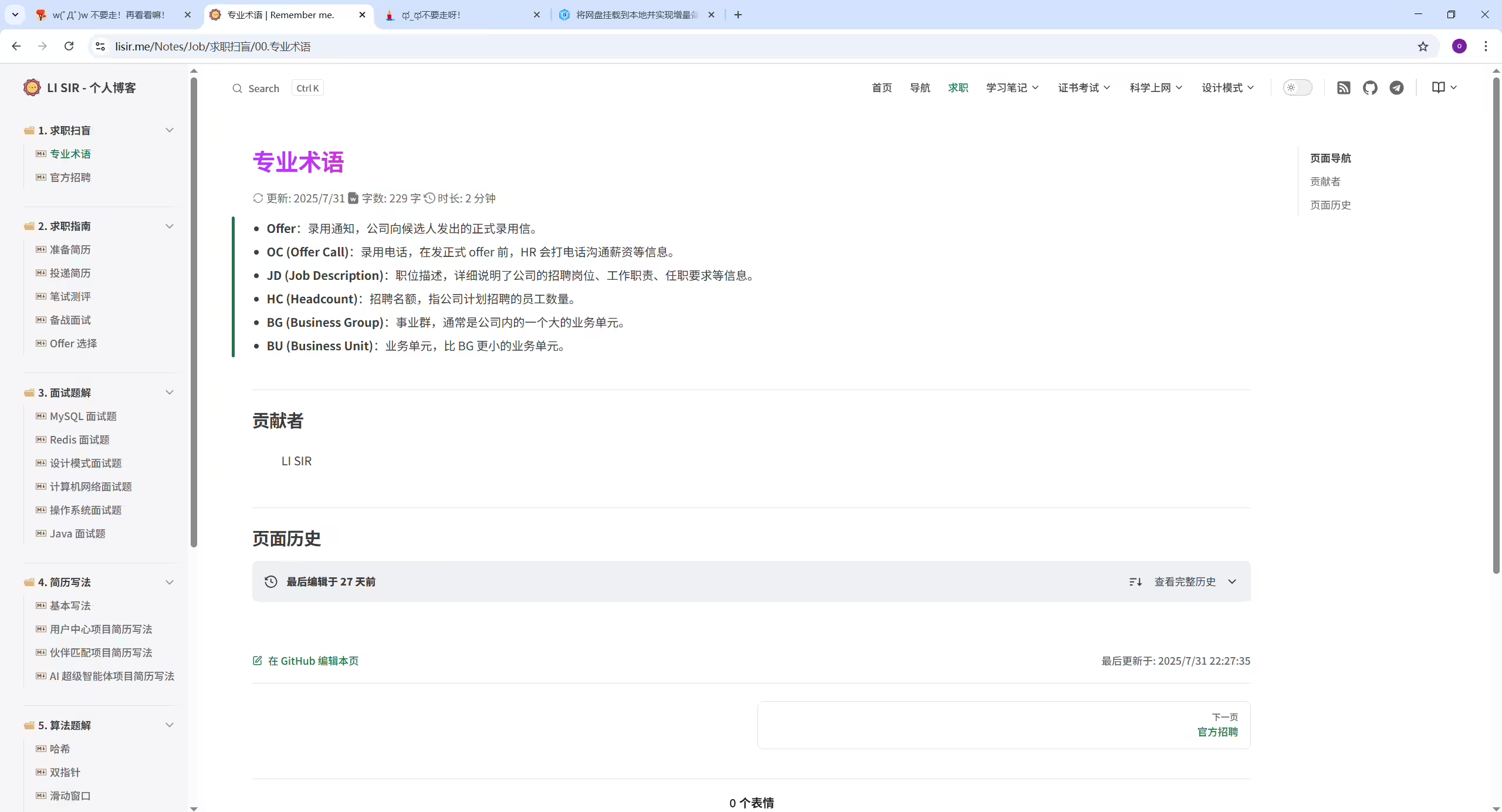
博客默认是文档风格,但是选择博客卡片等风格后,再次刷新又恢复到文档风格了。 这个看起来不是很合理哦,体验下来也有点奇怪。
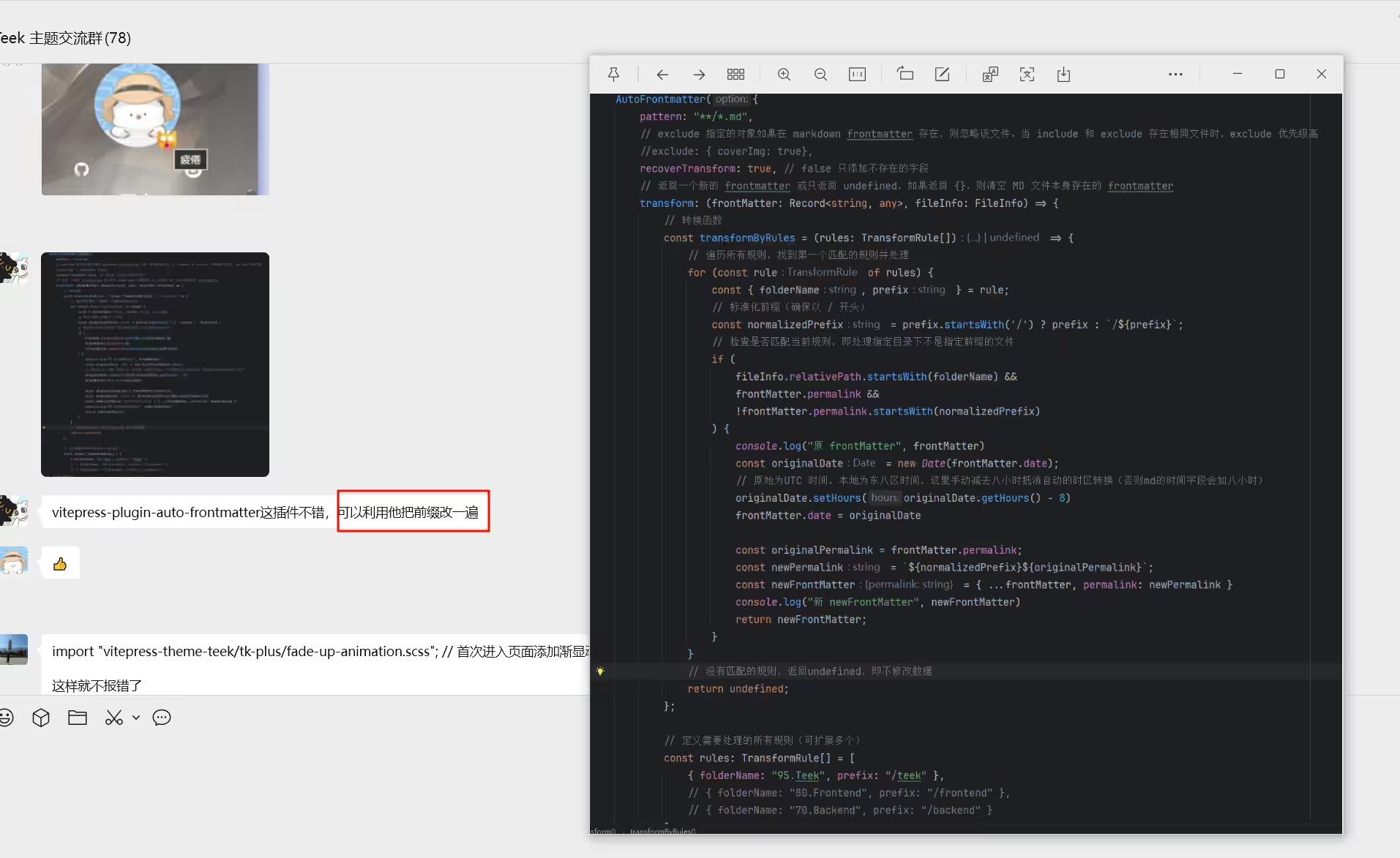

!
威威的:
!
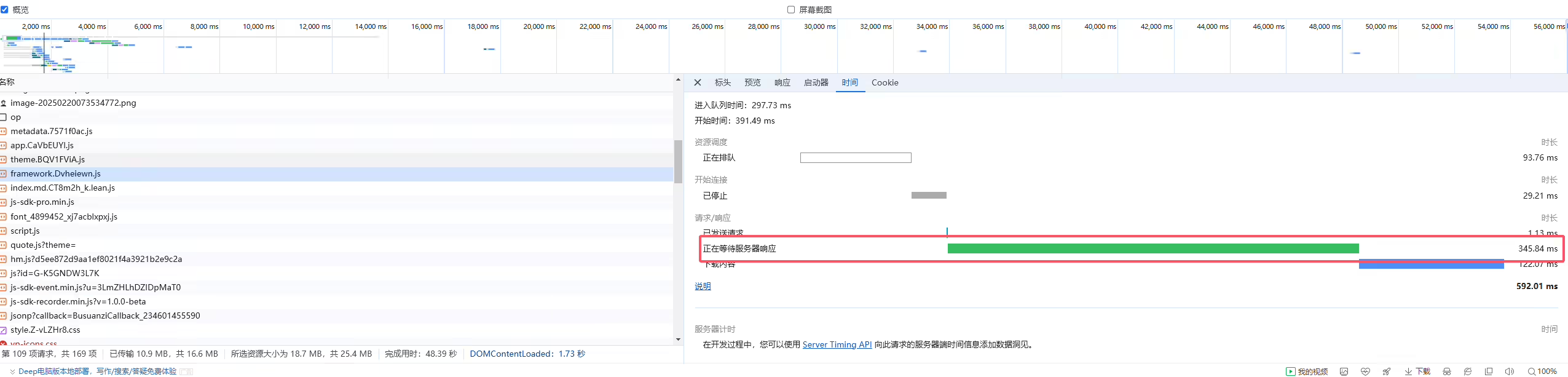


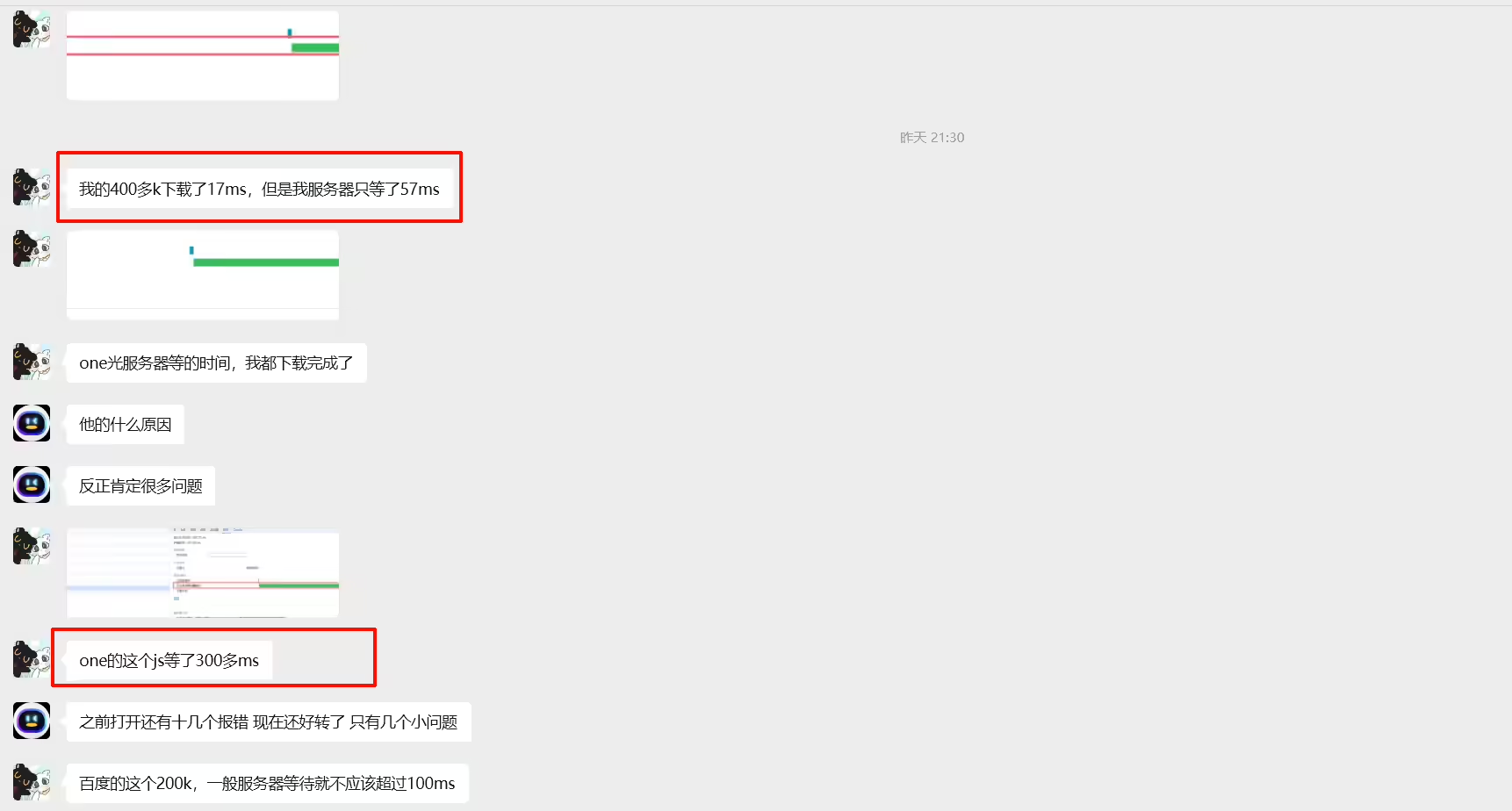



!
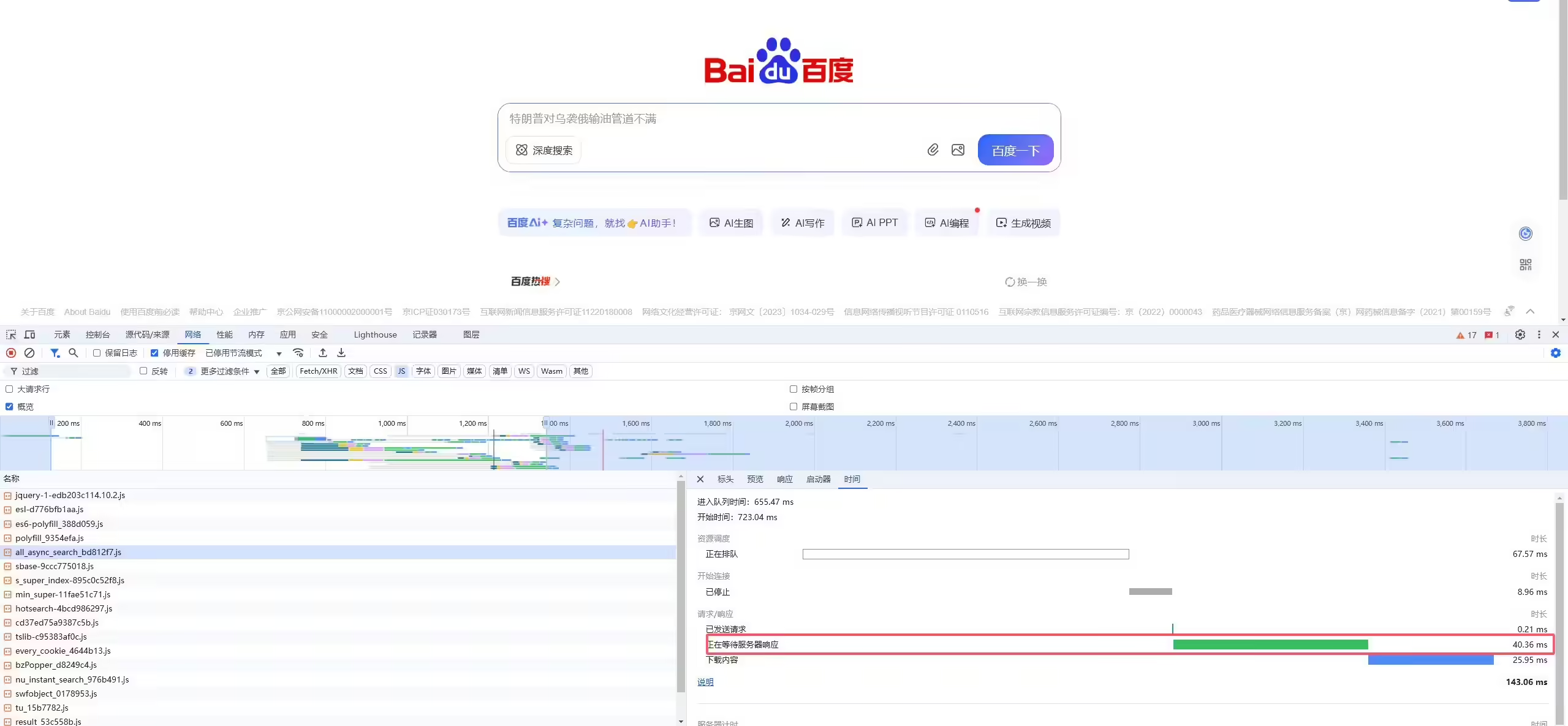
!
!

!
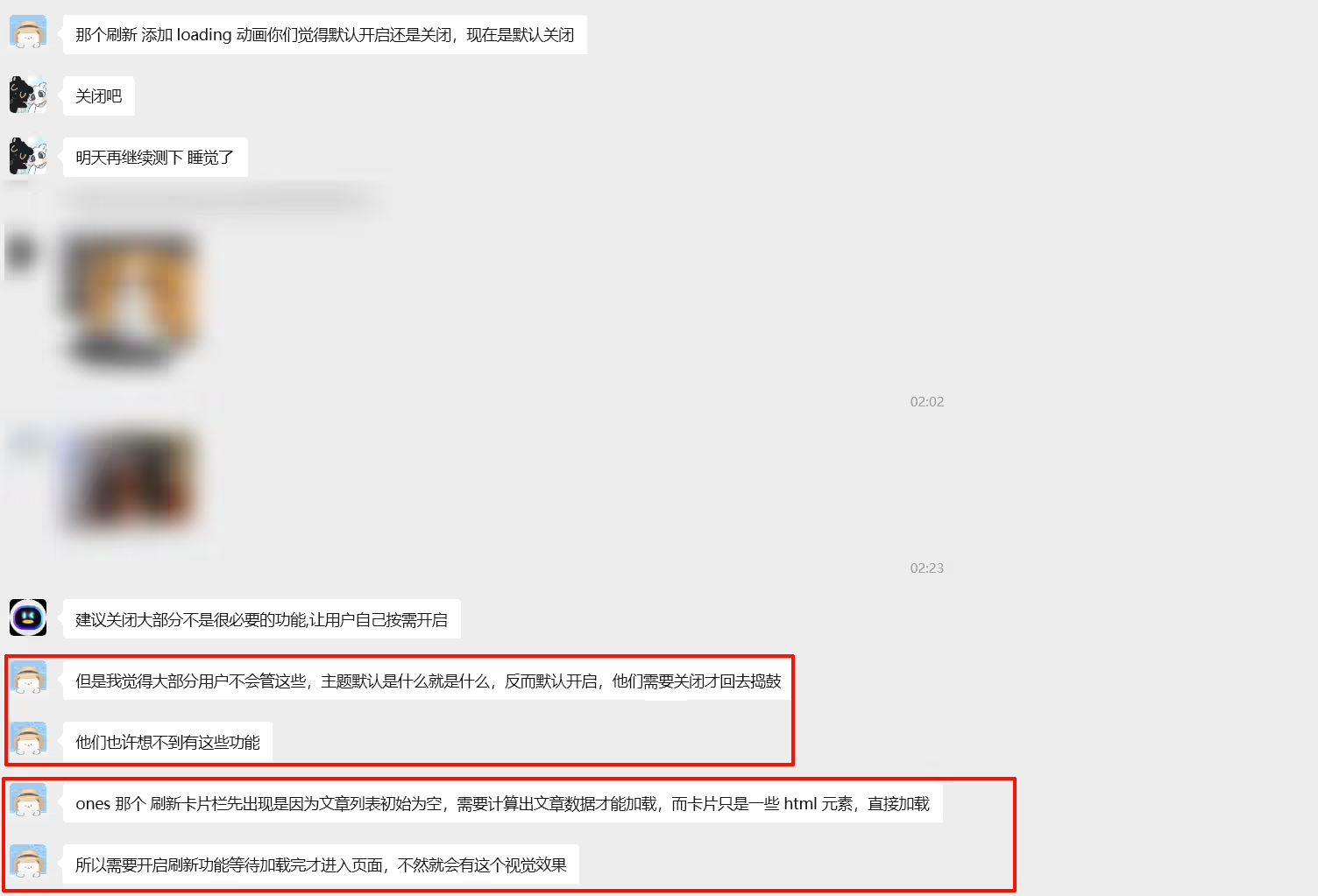
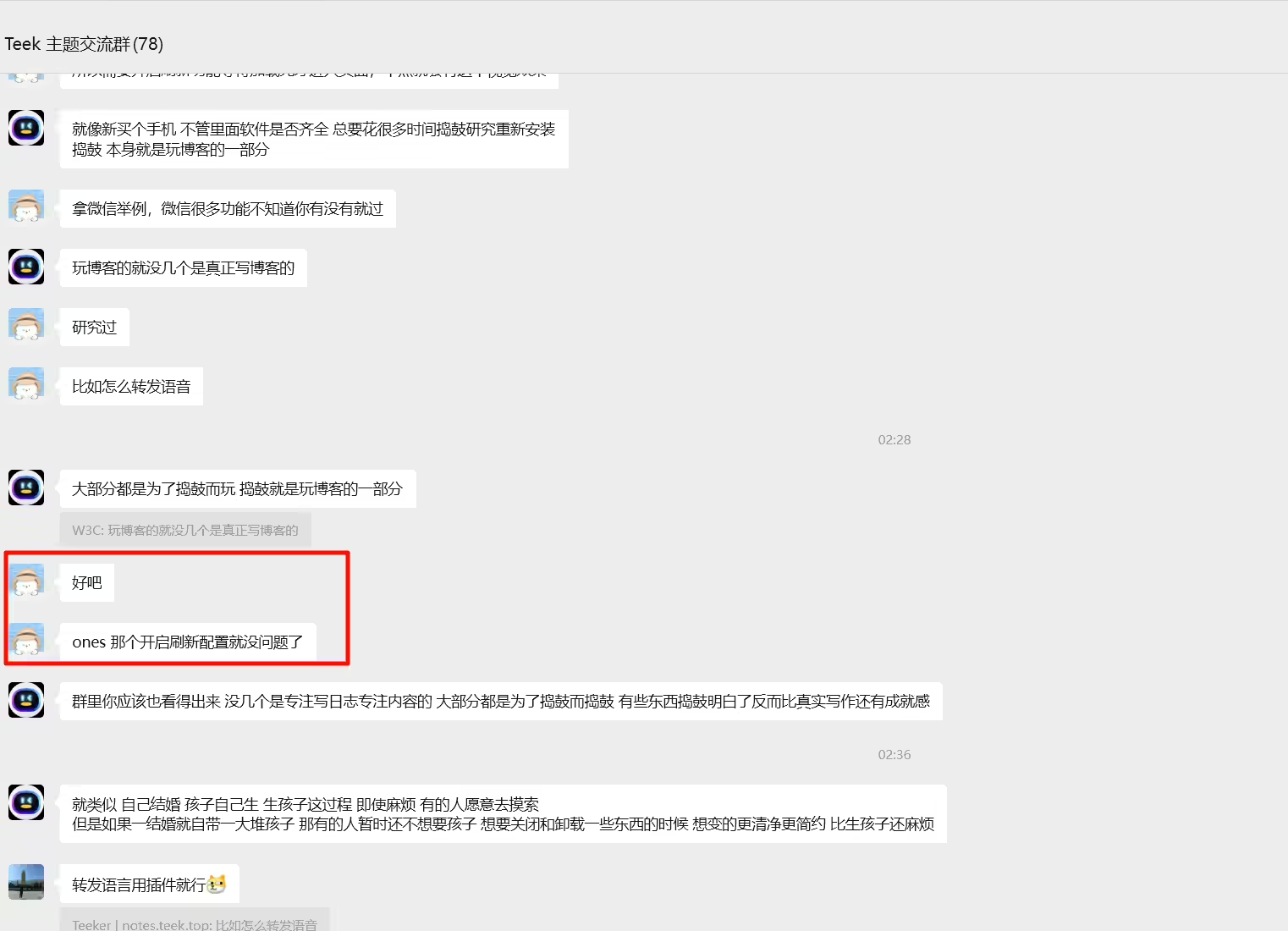
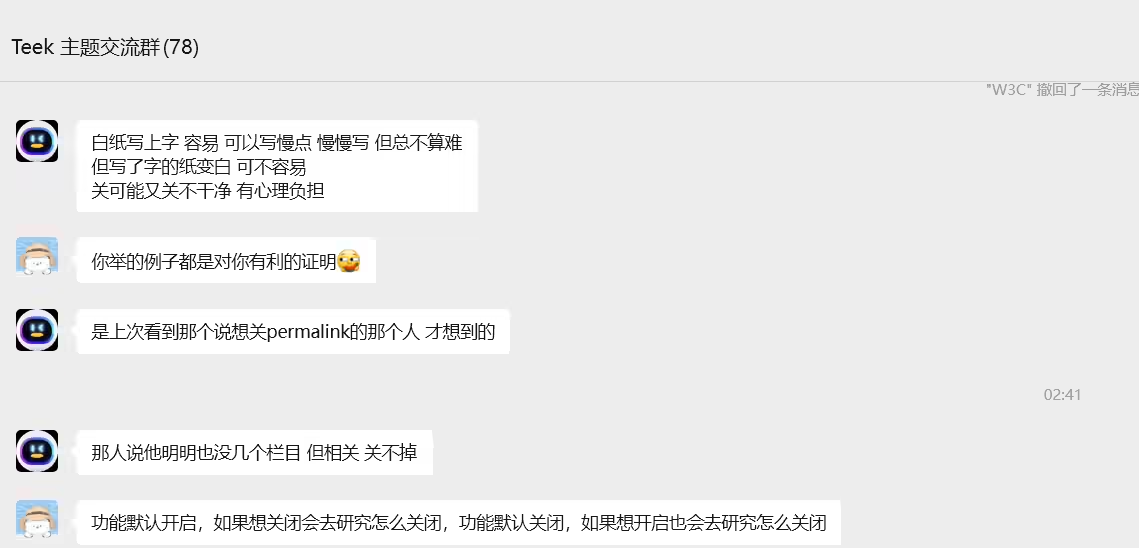
故障现象:
Teek@1.4.4-2025.8.23 测试现象;
2025年8月22日发现
2025年7月21日提出。
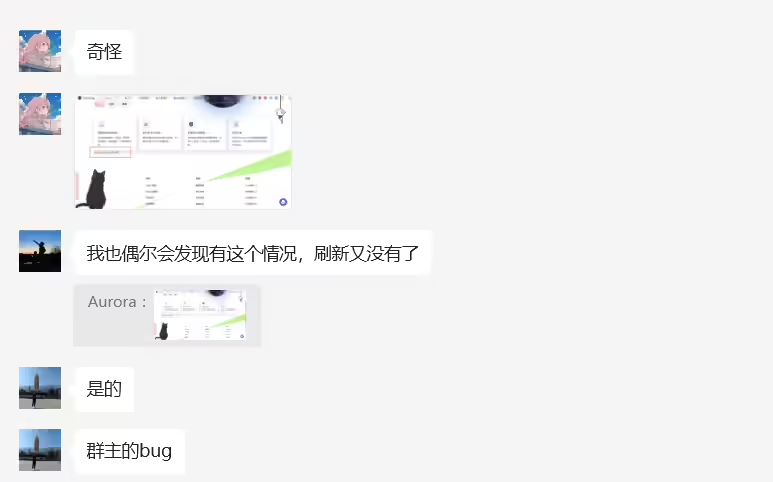
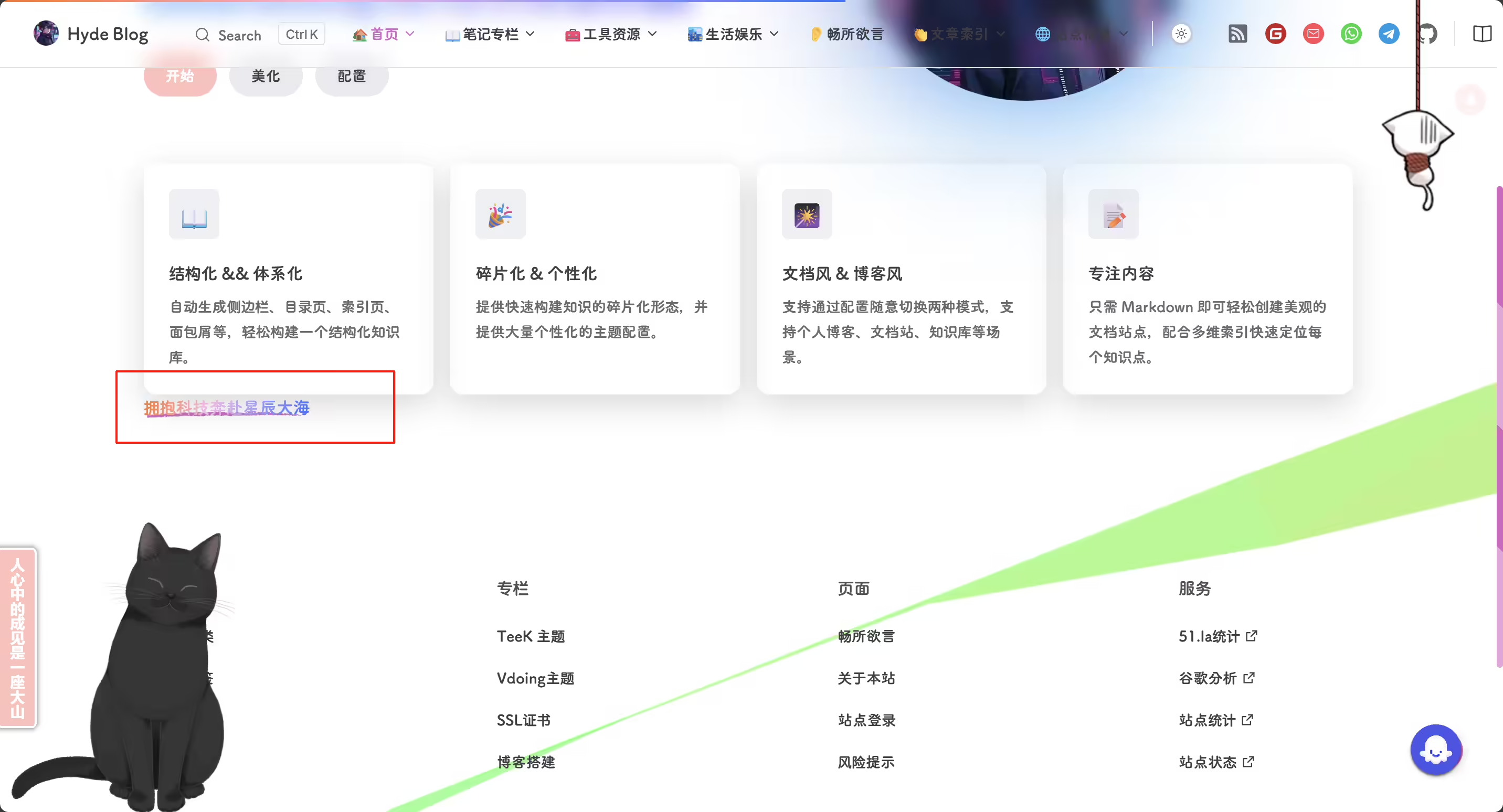
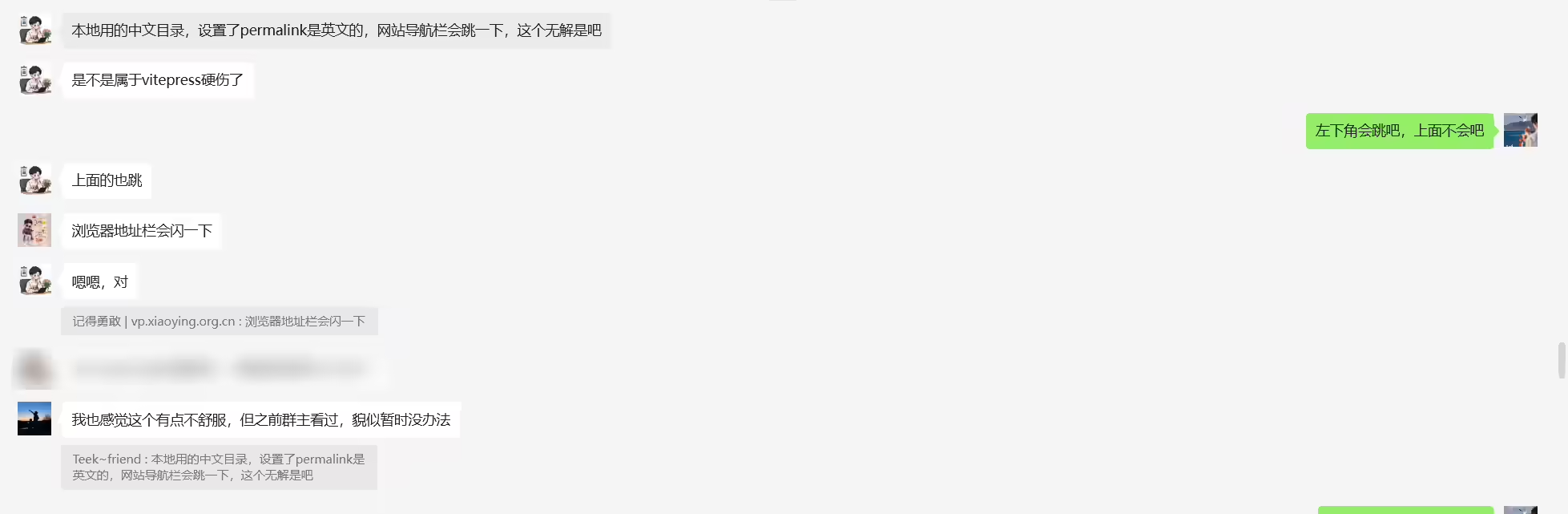
这个大佬解决了这个问题:
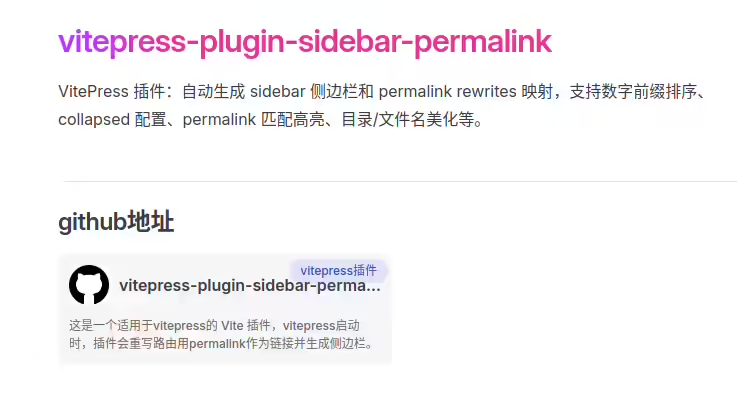
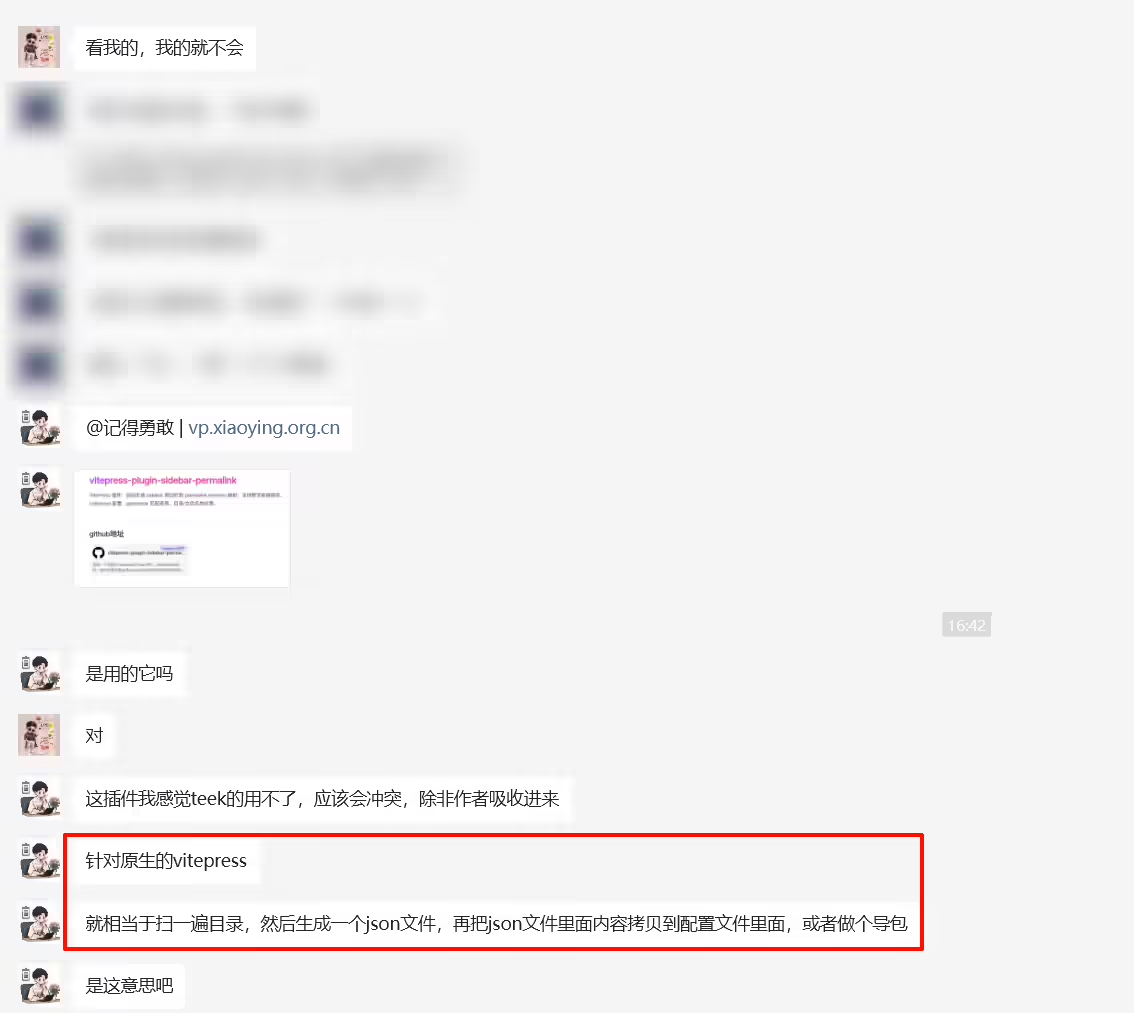
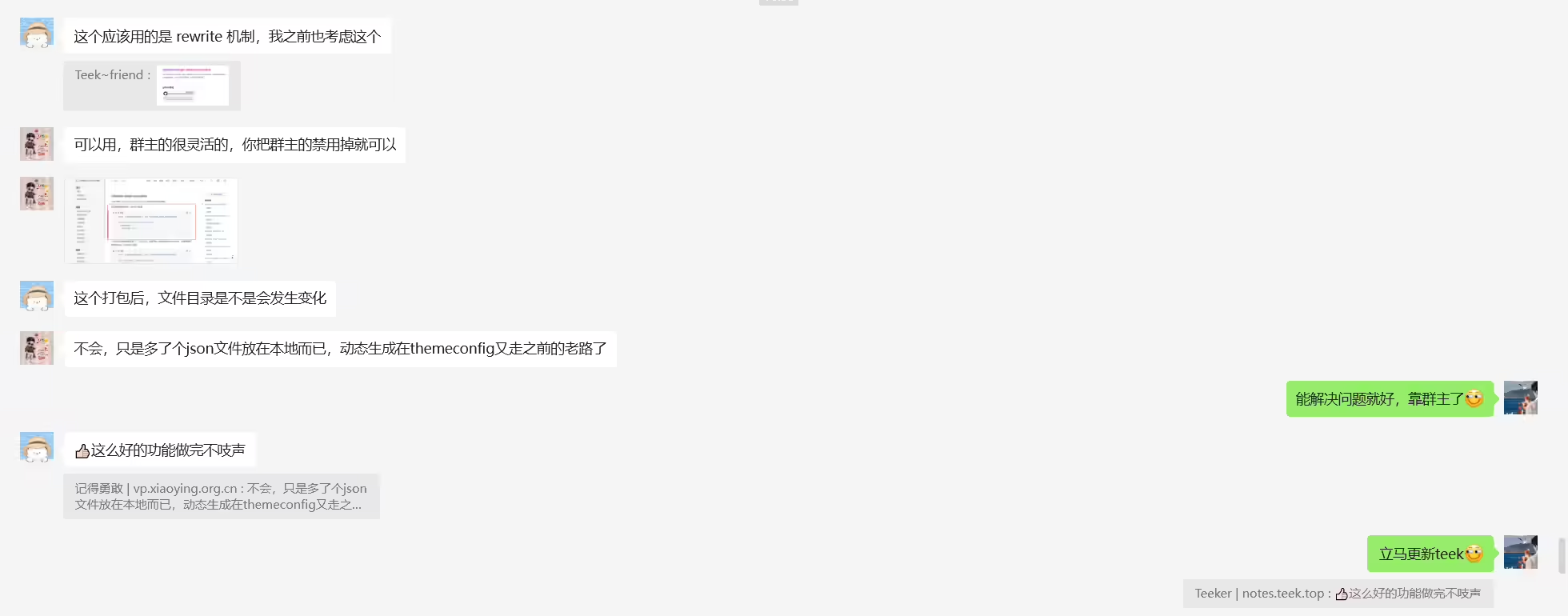
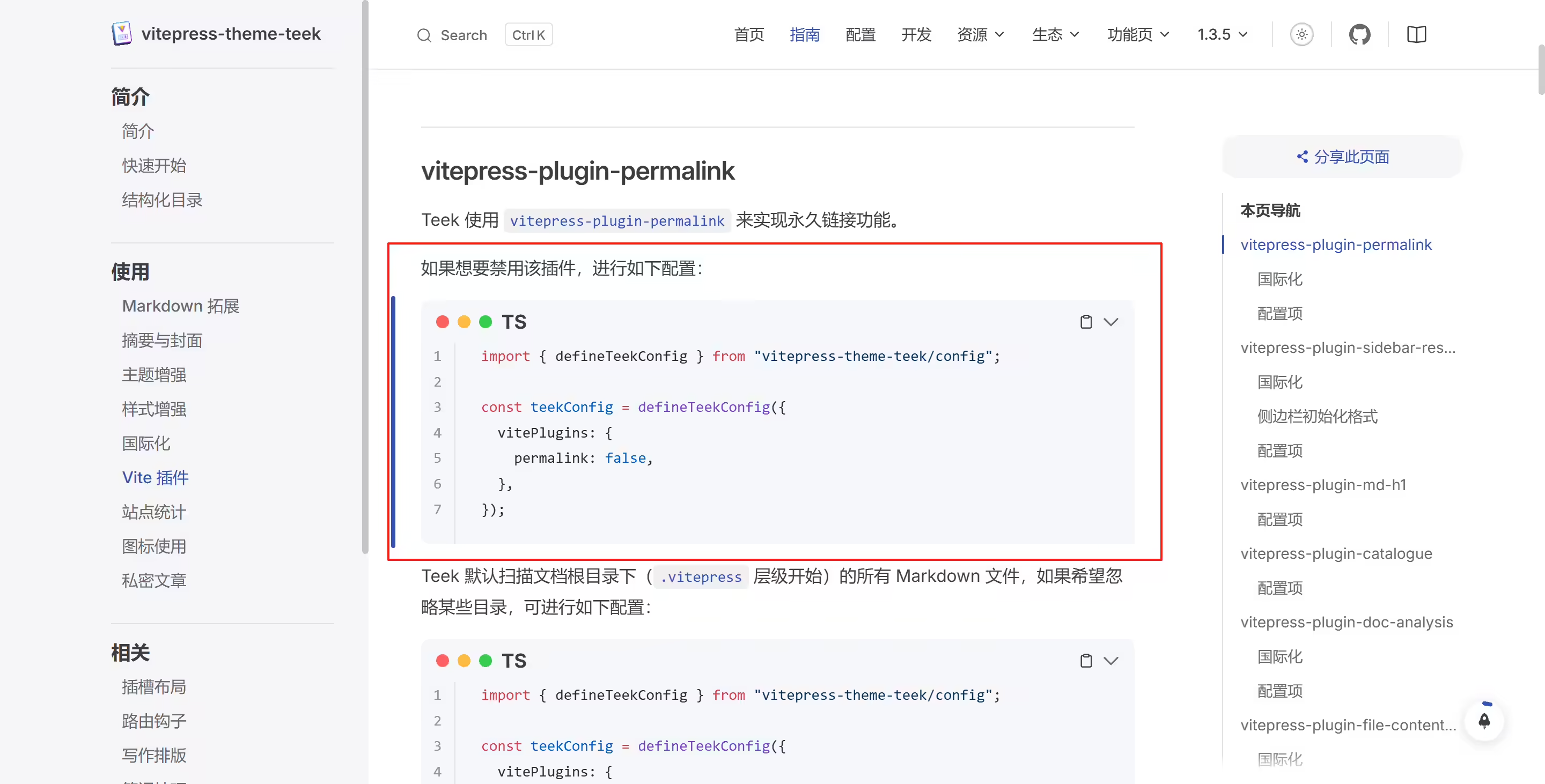
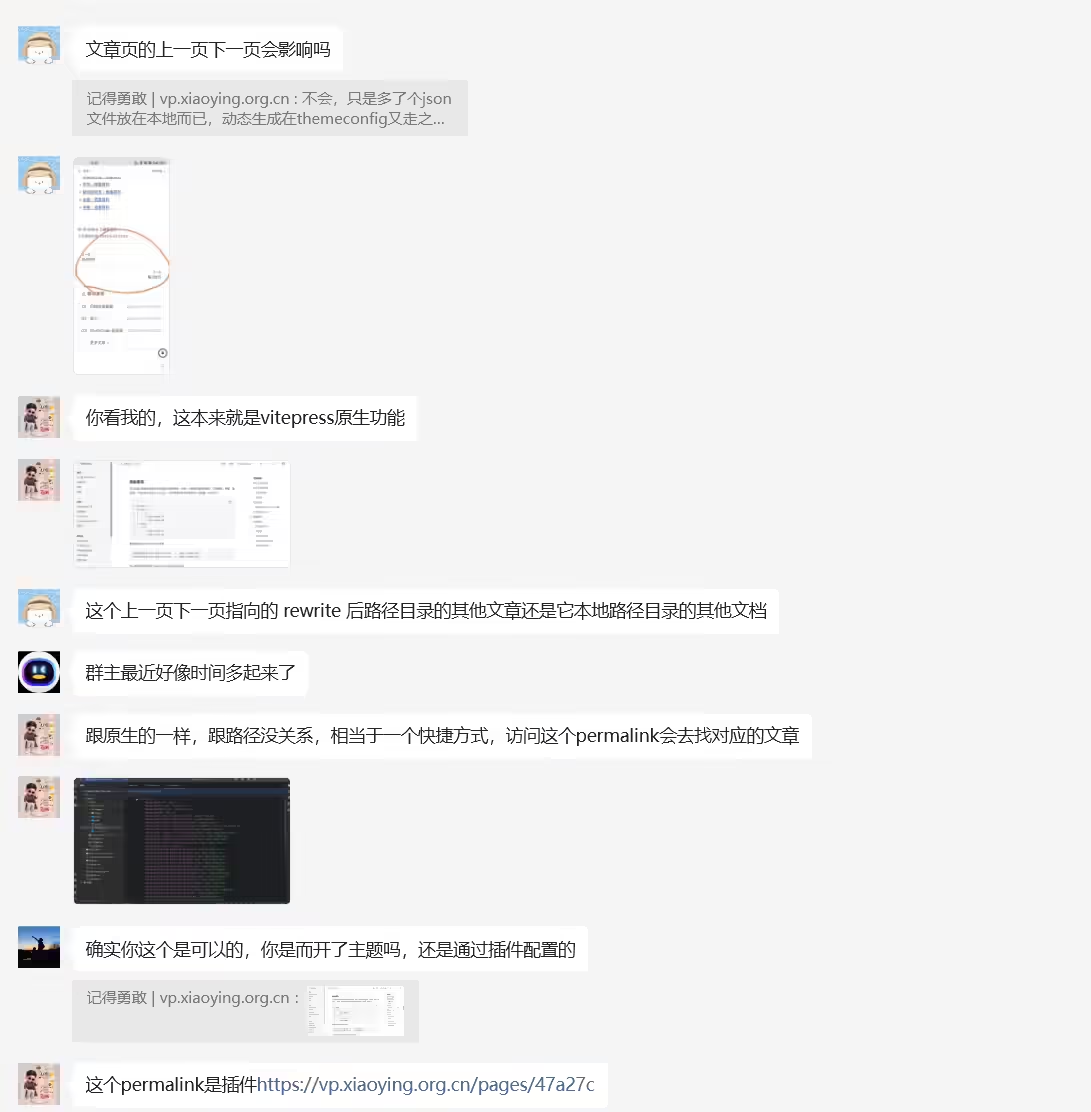
这个permalink是插件https://vp.xiaoying.org.cn/pages/47a27c
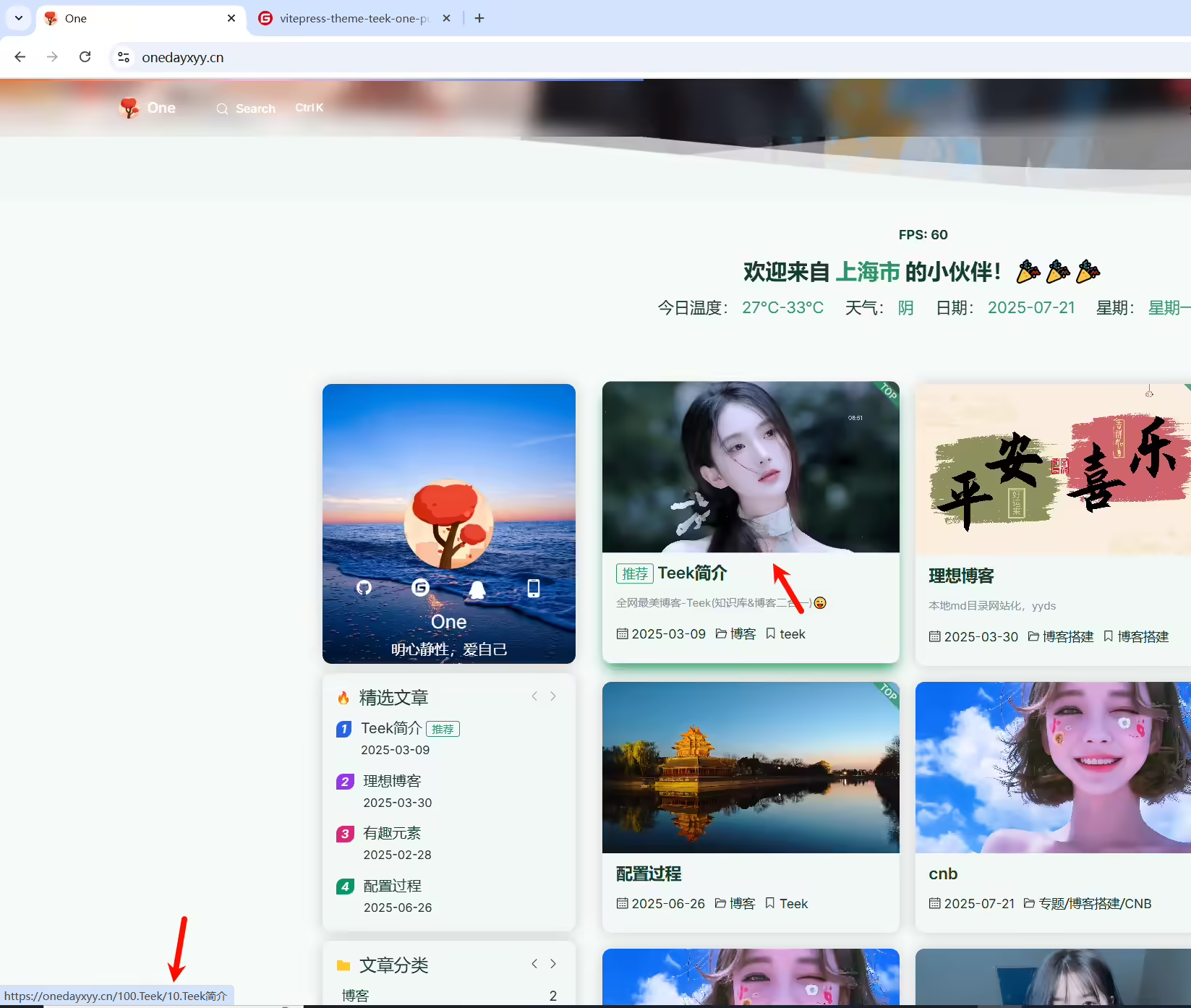
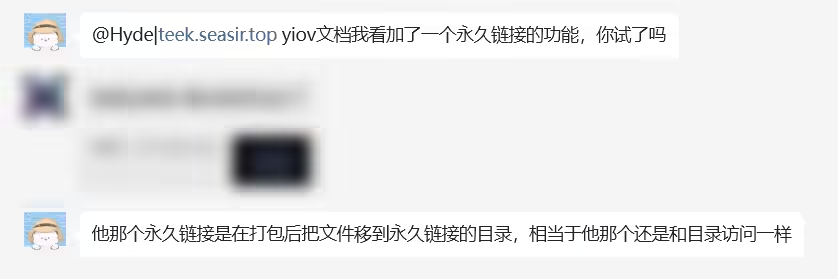
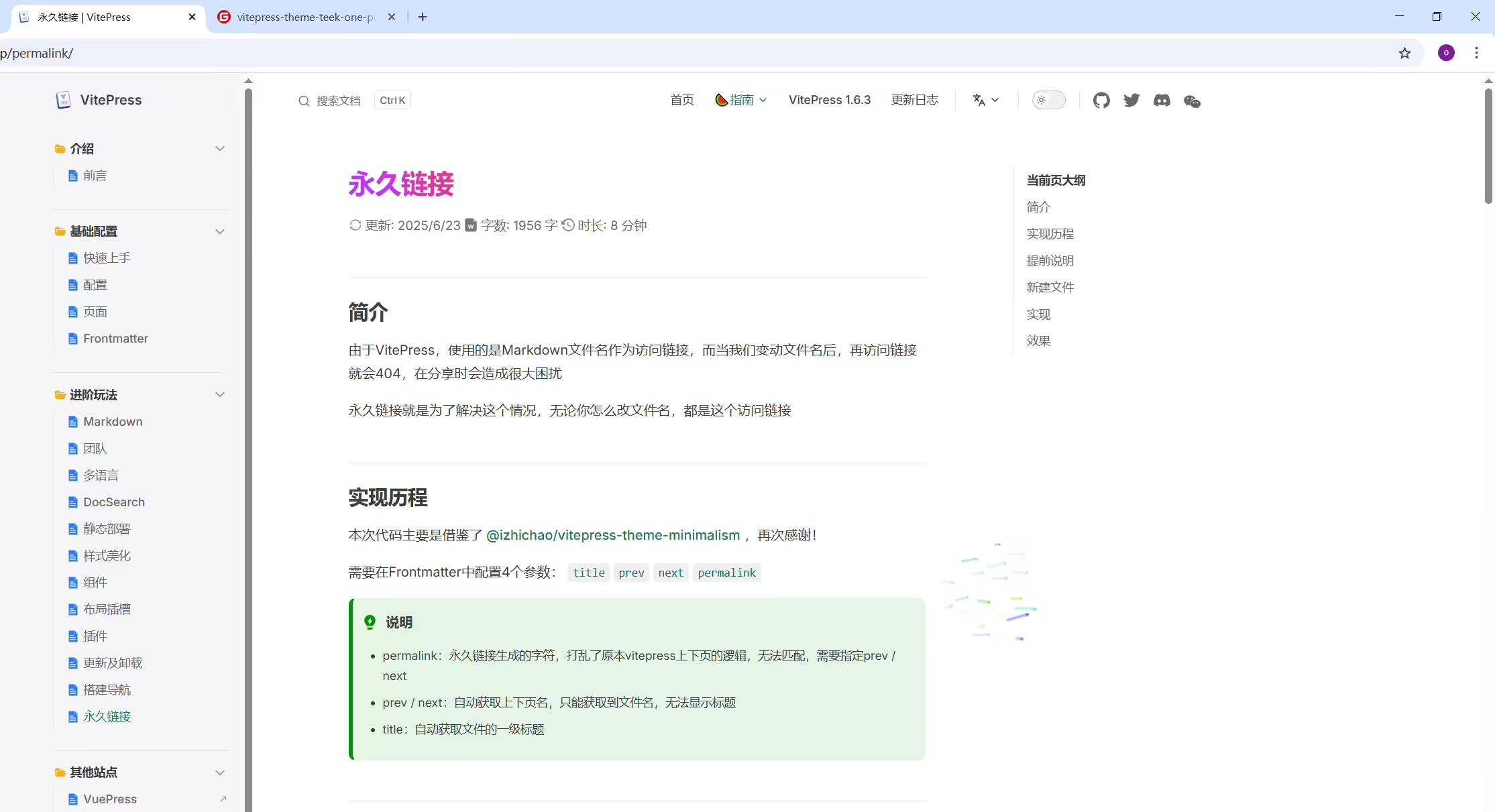
docusaurus就可以支持这个。
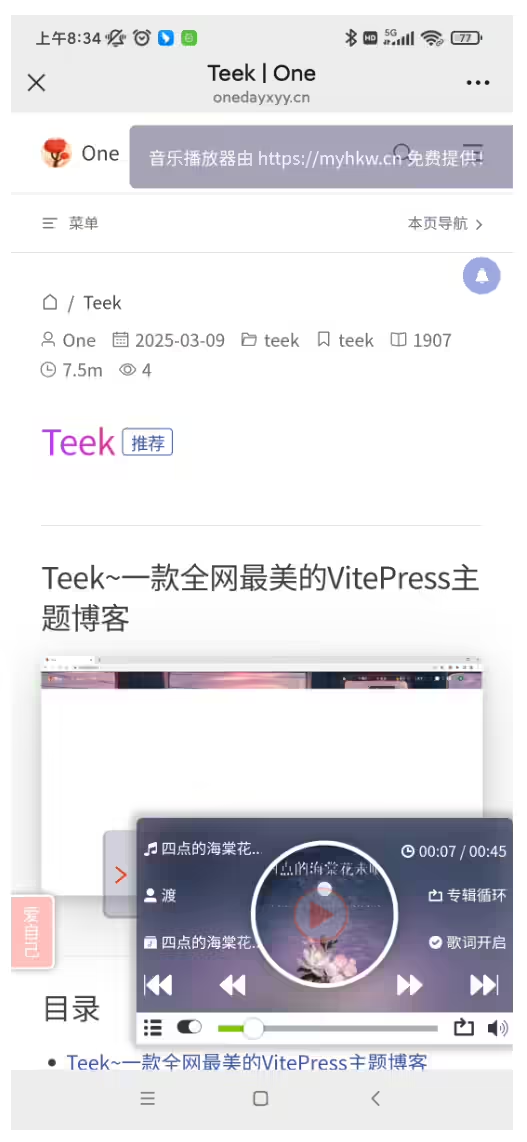

2025年8月6日记录
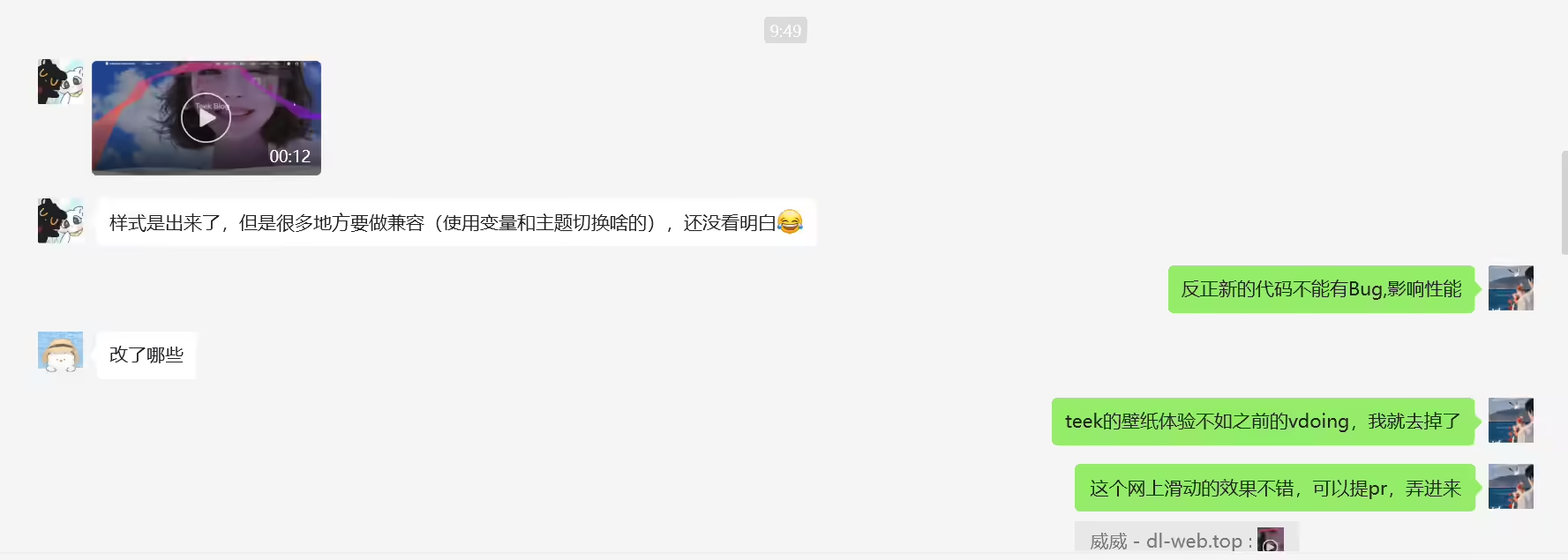
效果:
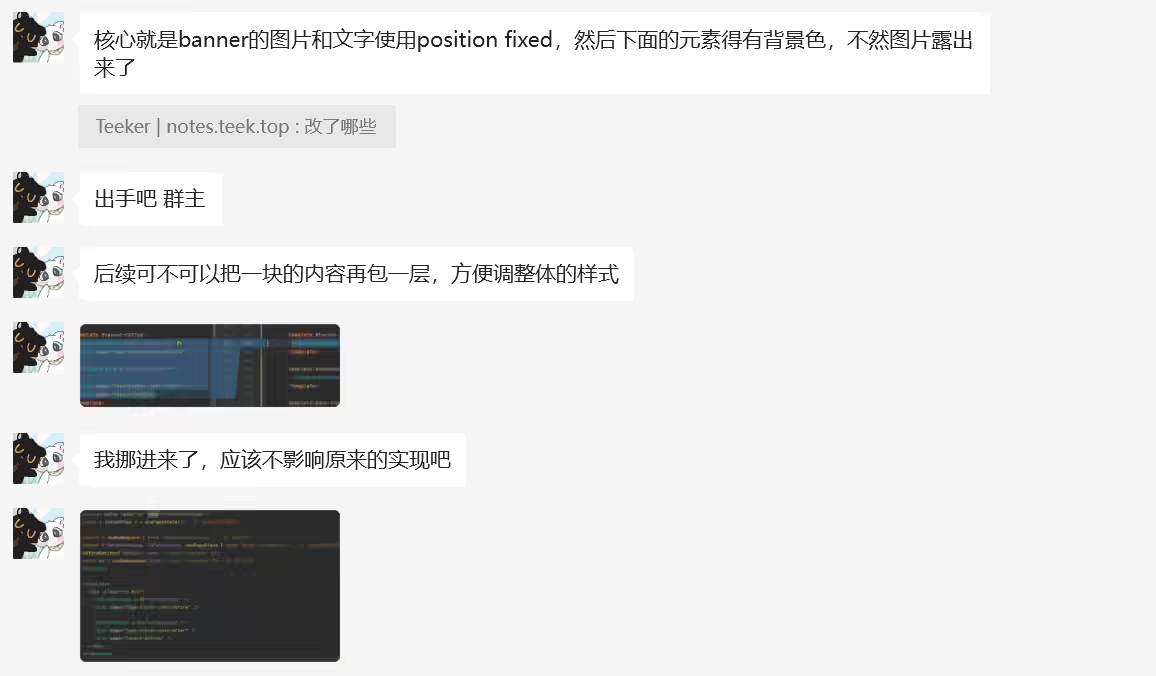
2025年7月18日提出问题。
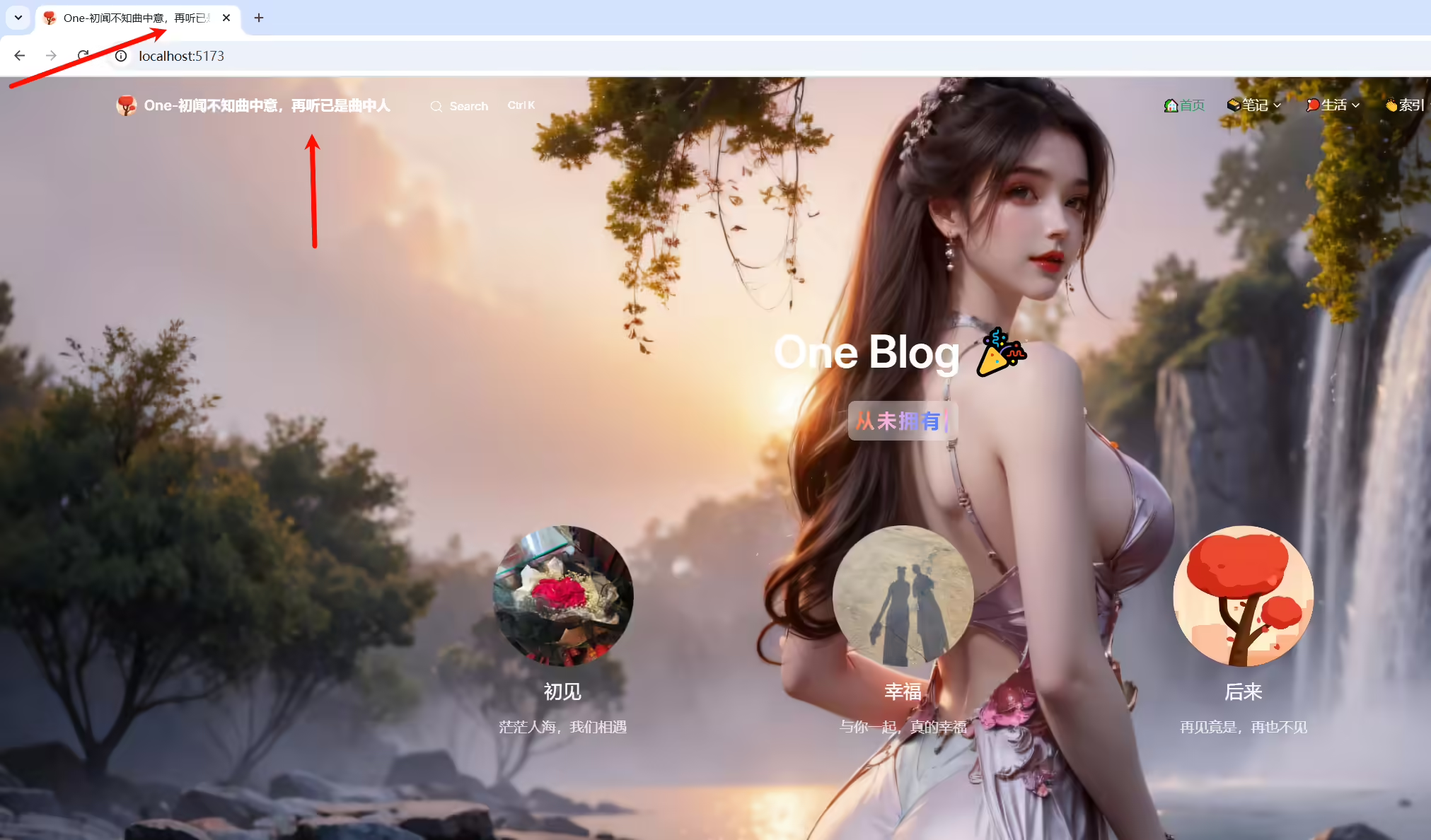
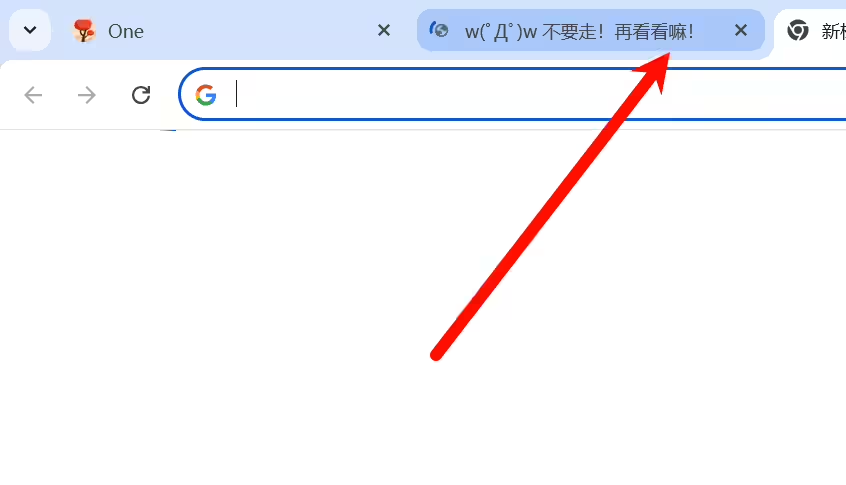
自己网站标签页如何显示特定内容?
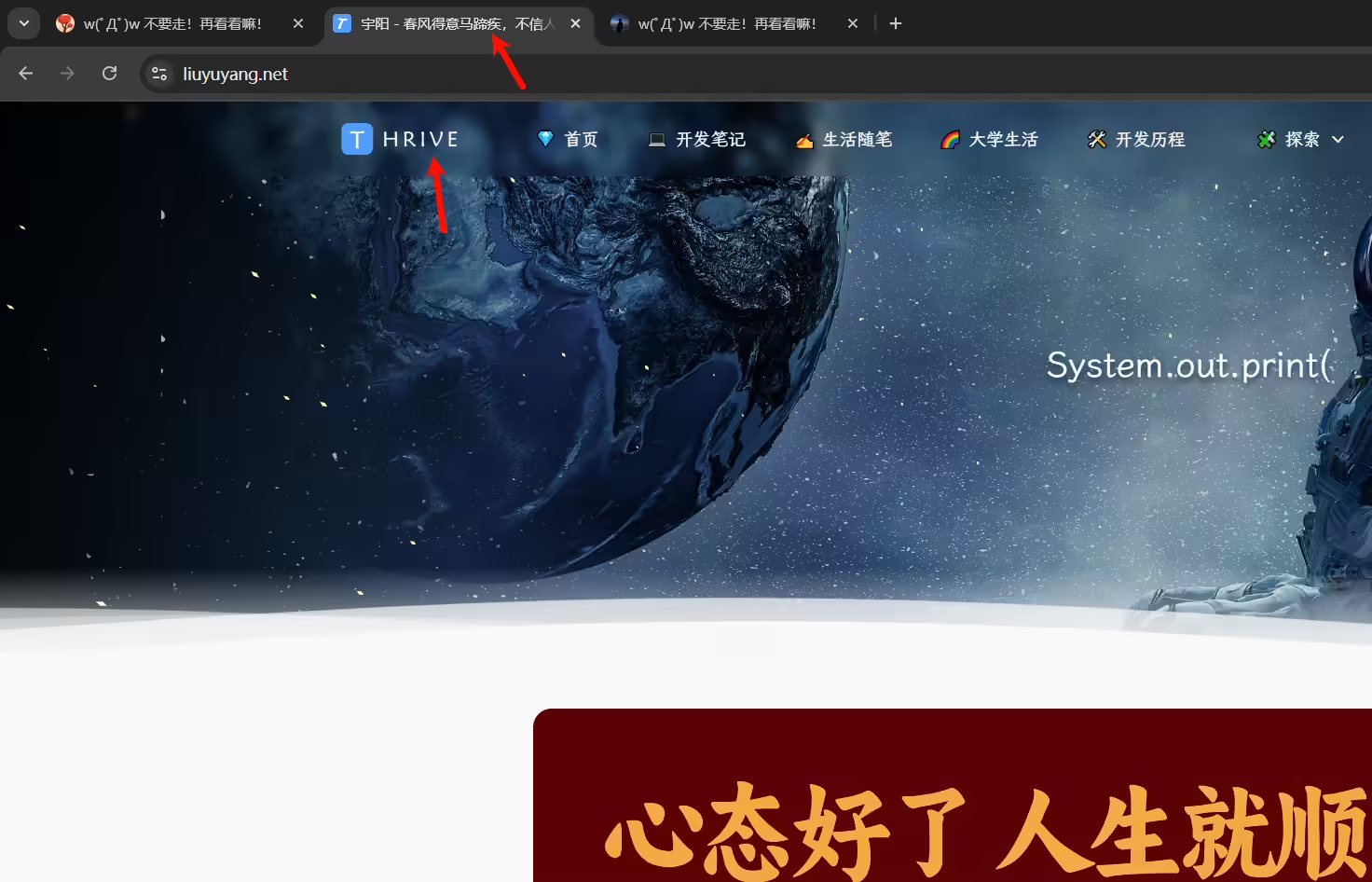
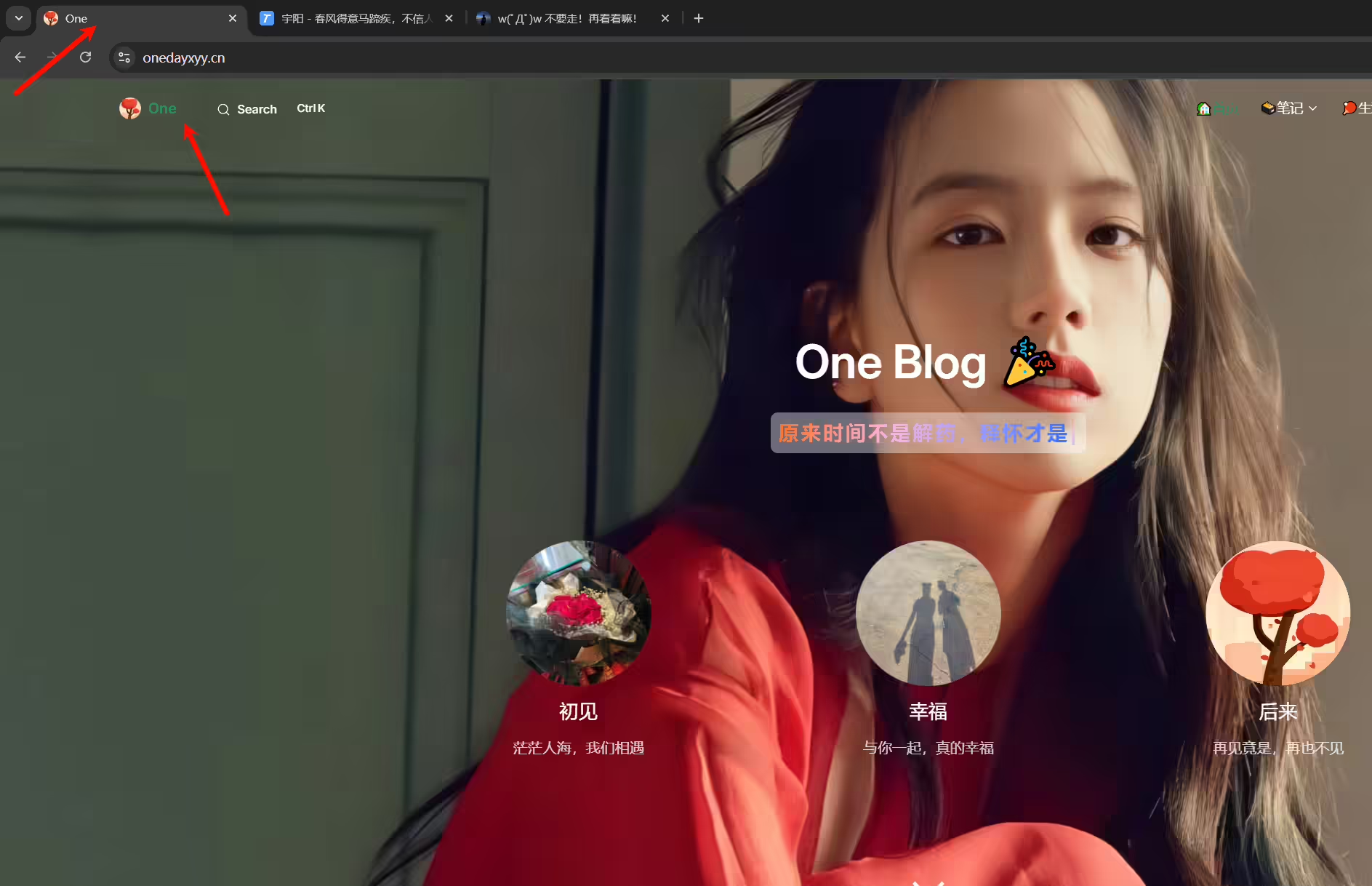
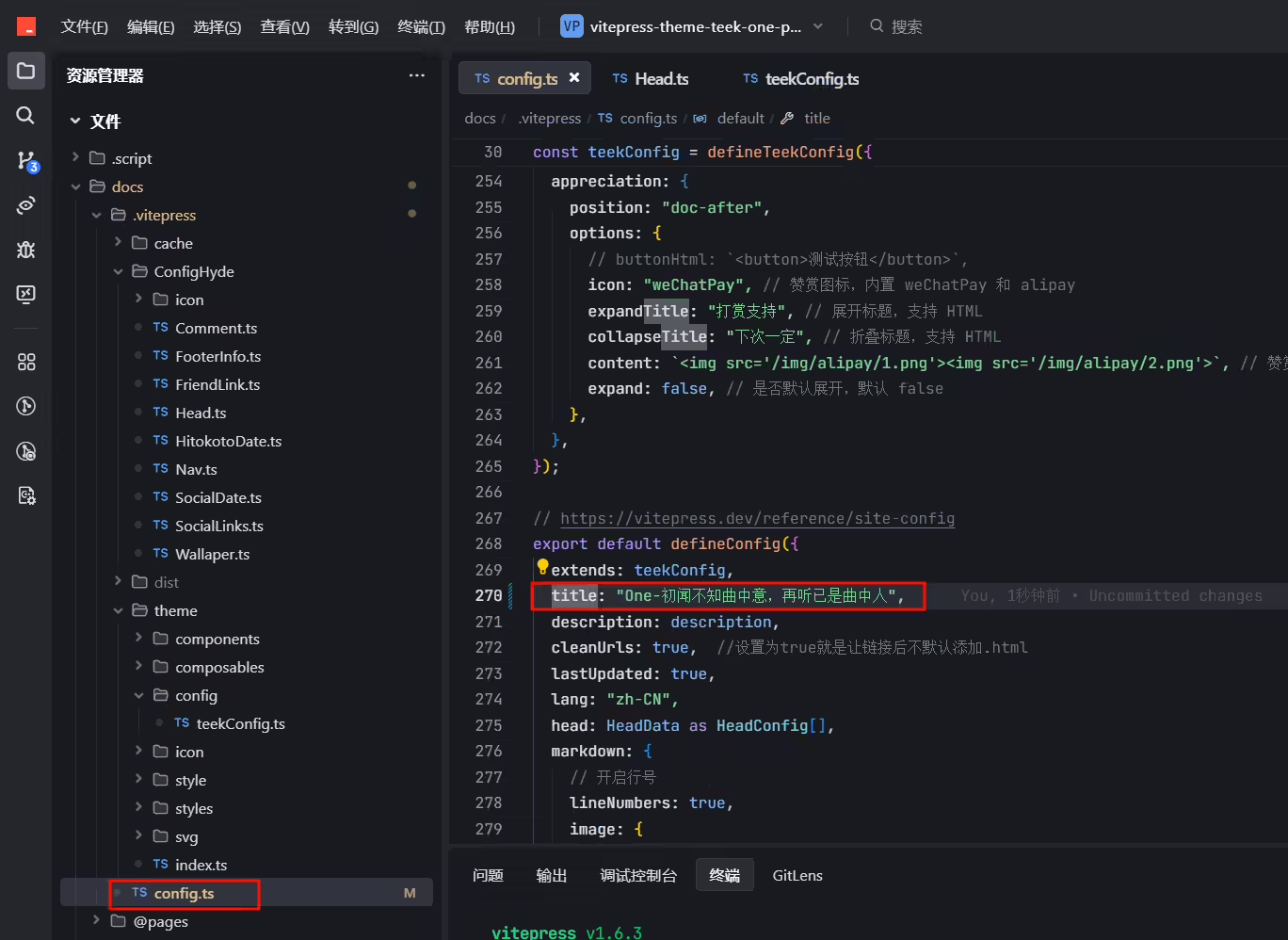
现象:。。。
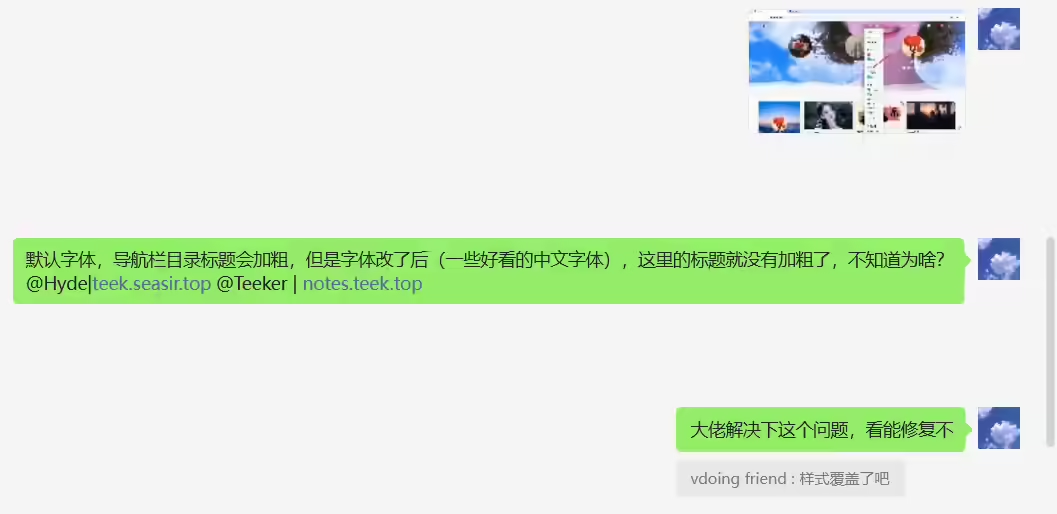
2025年7月3日提出。
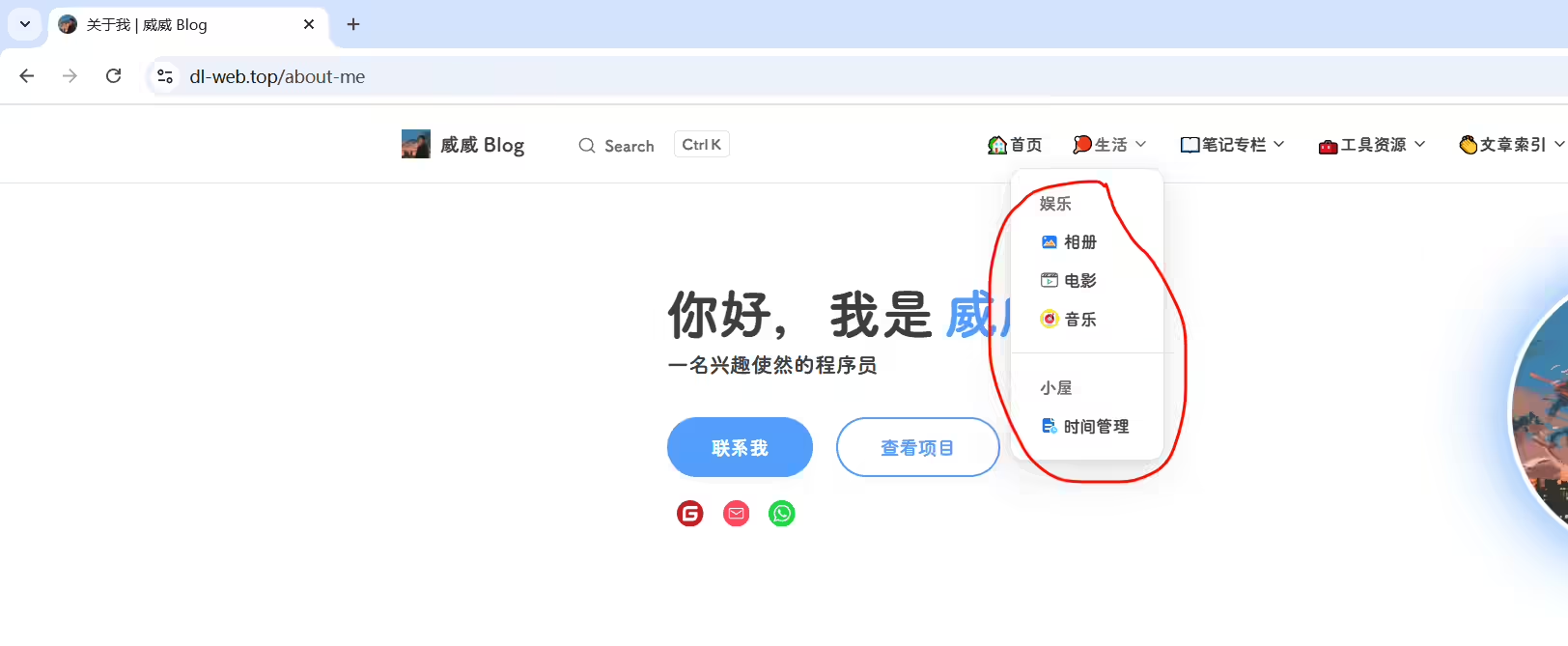
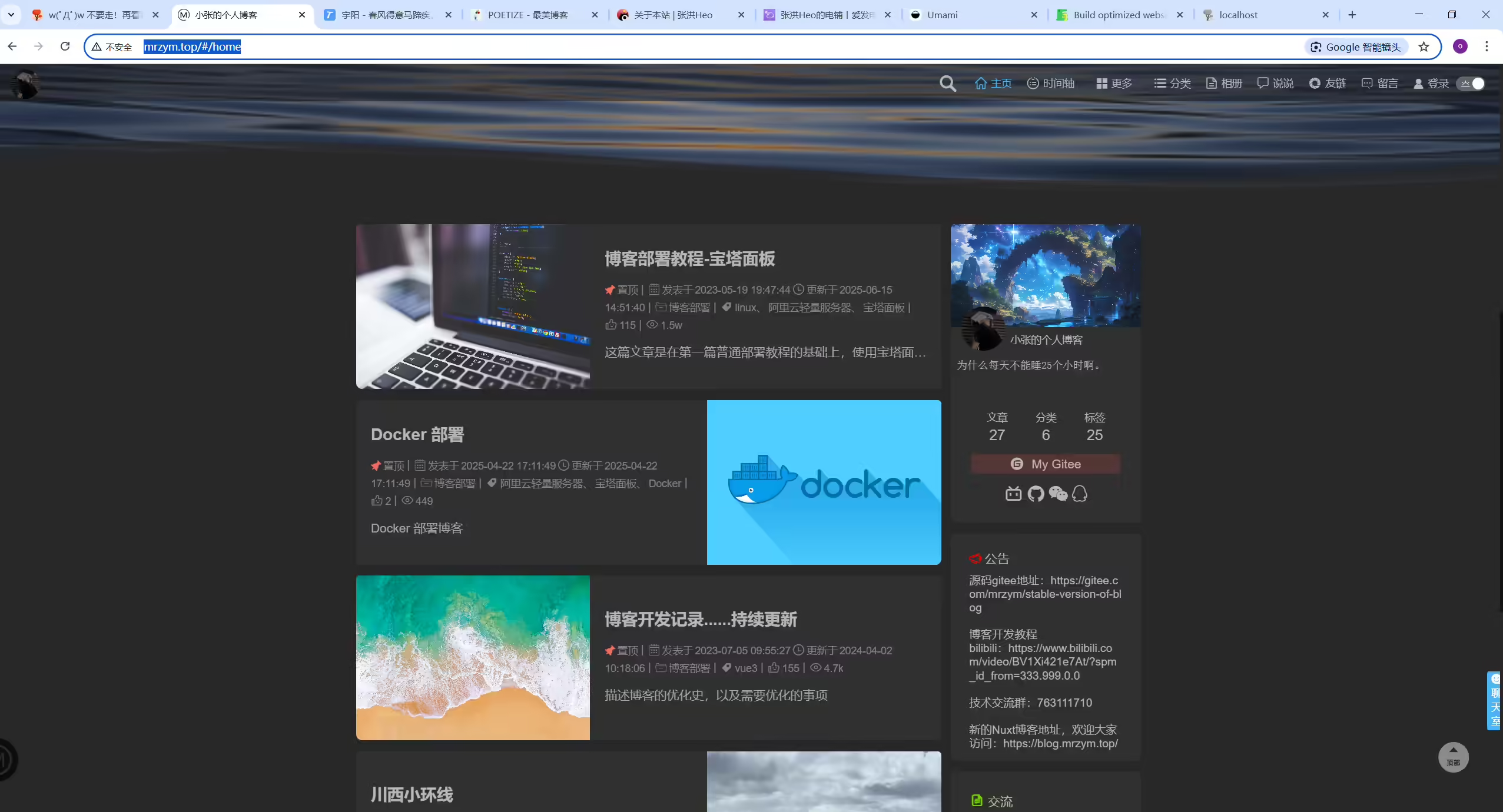
案例:小张的个人博客
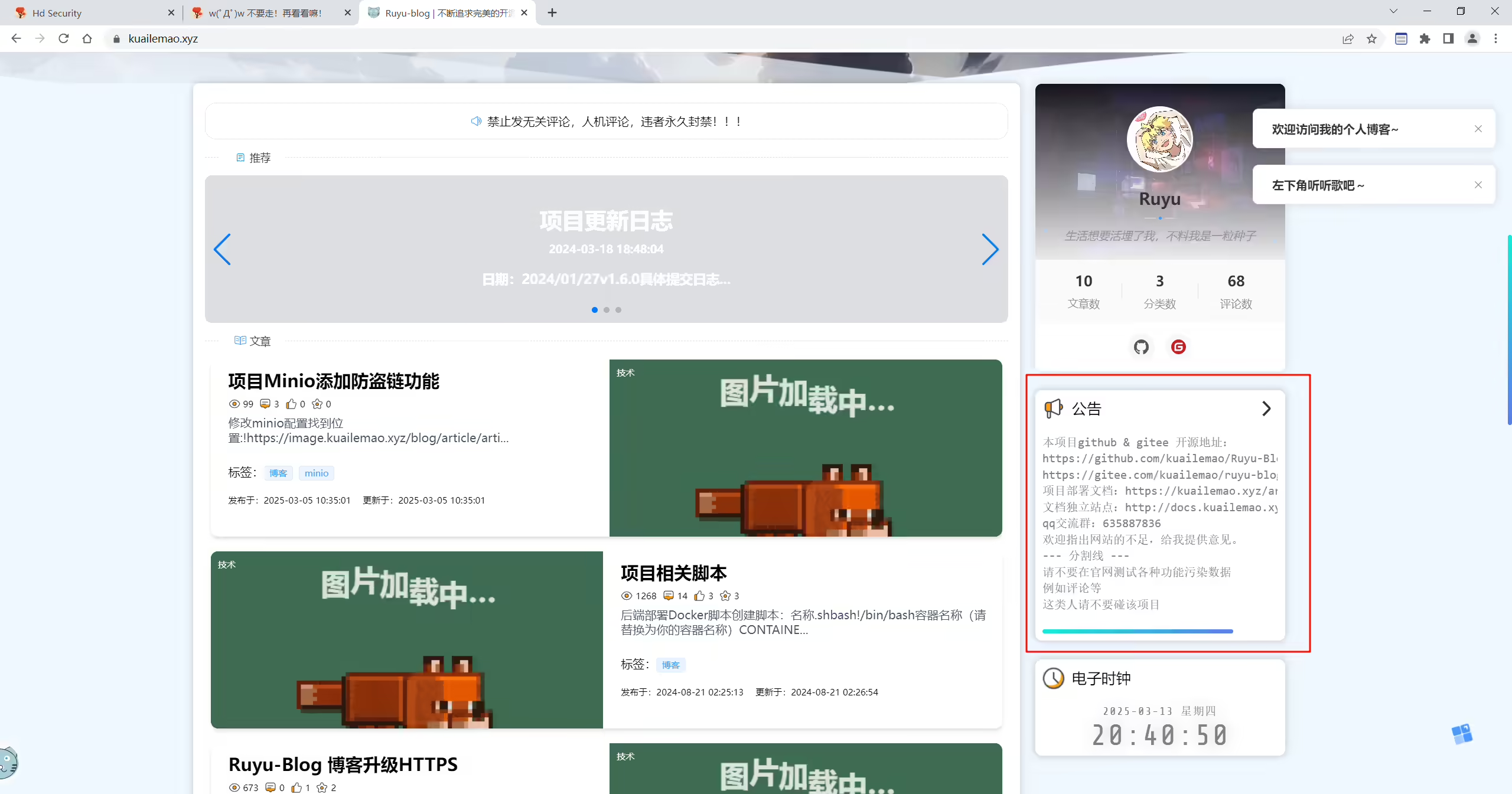
案例
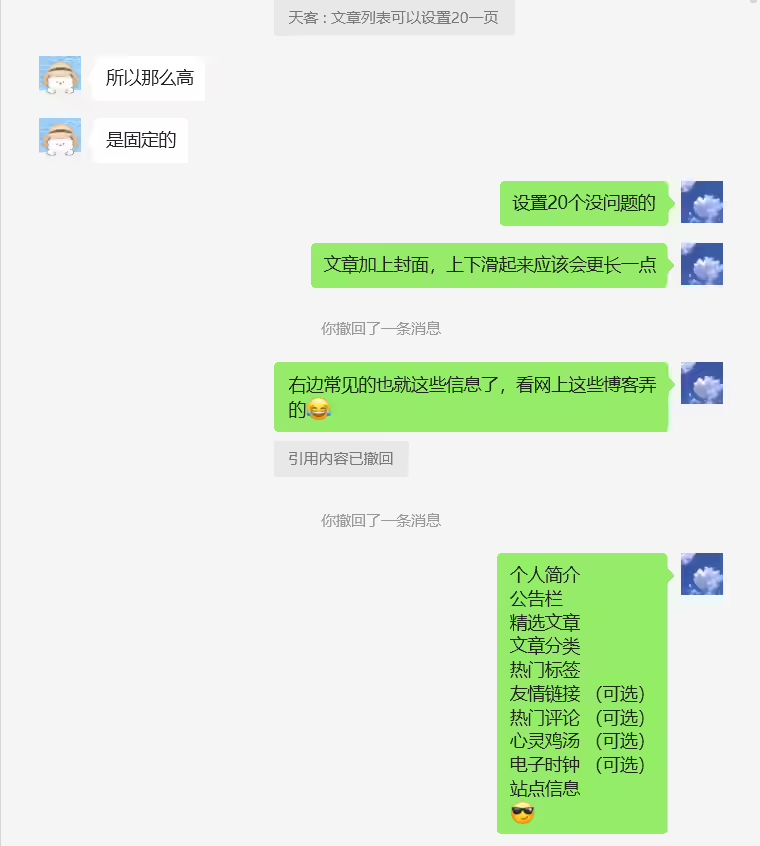
案例
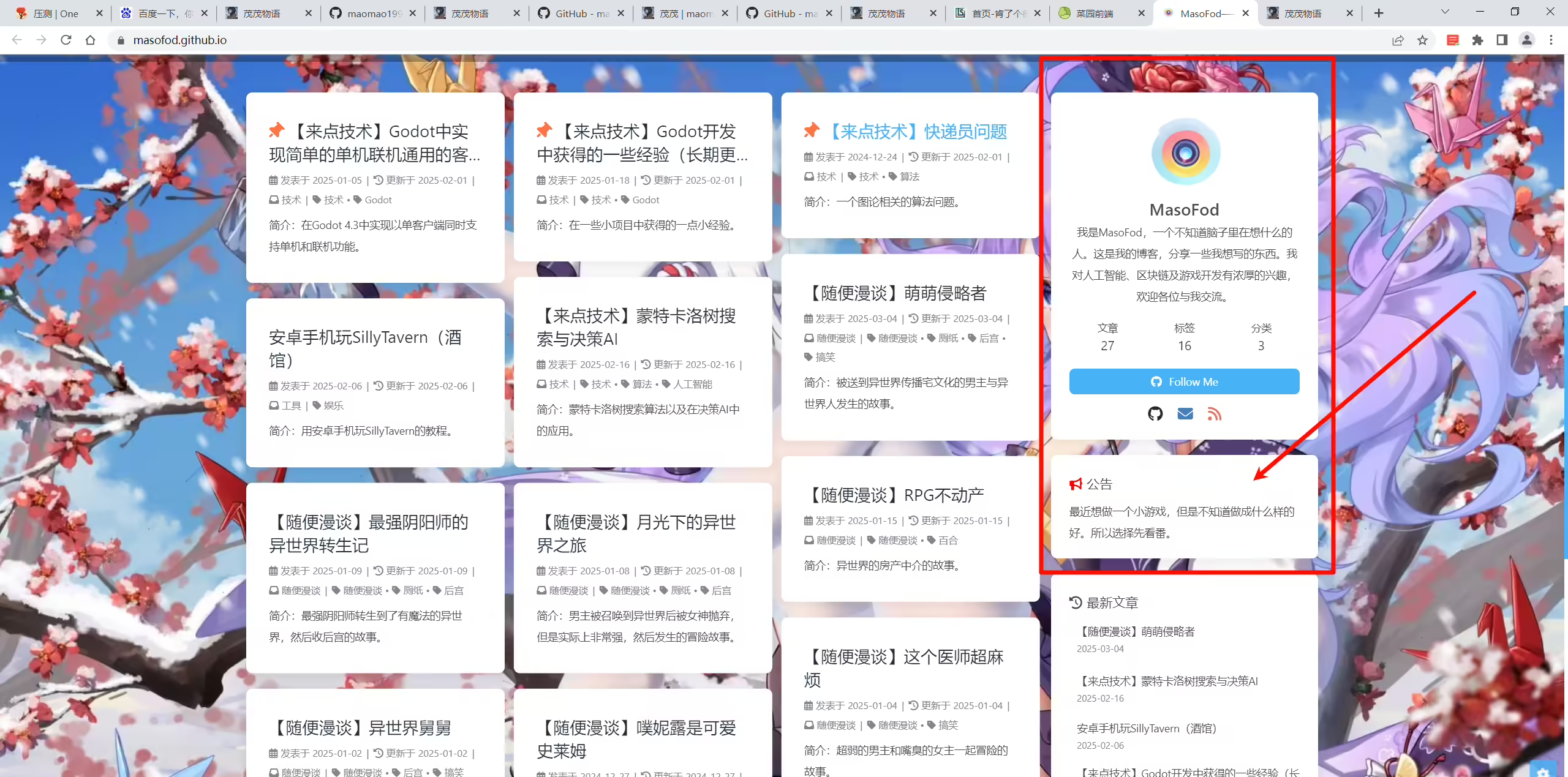
案例

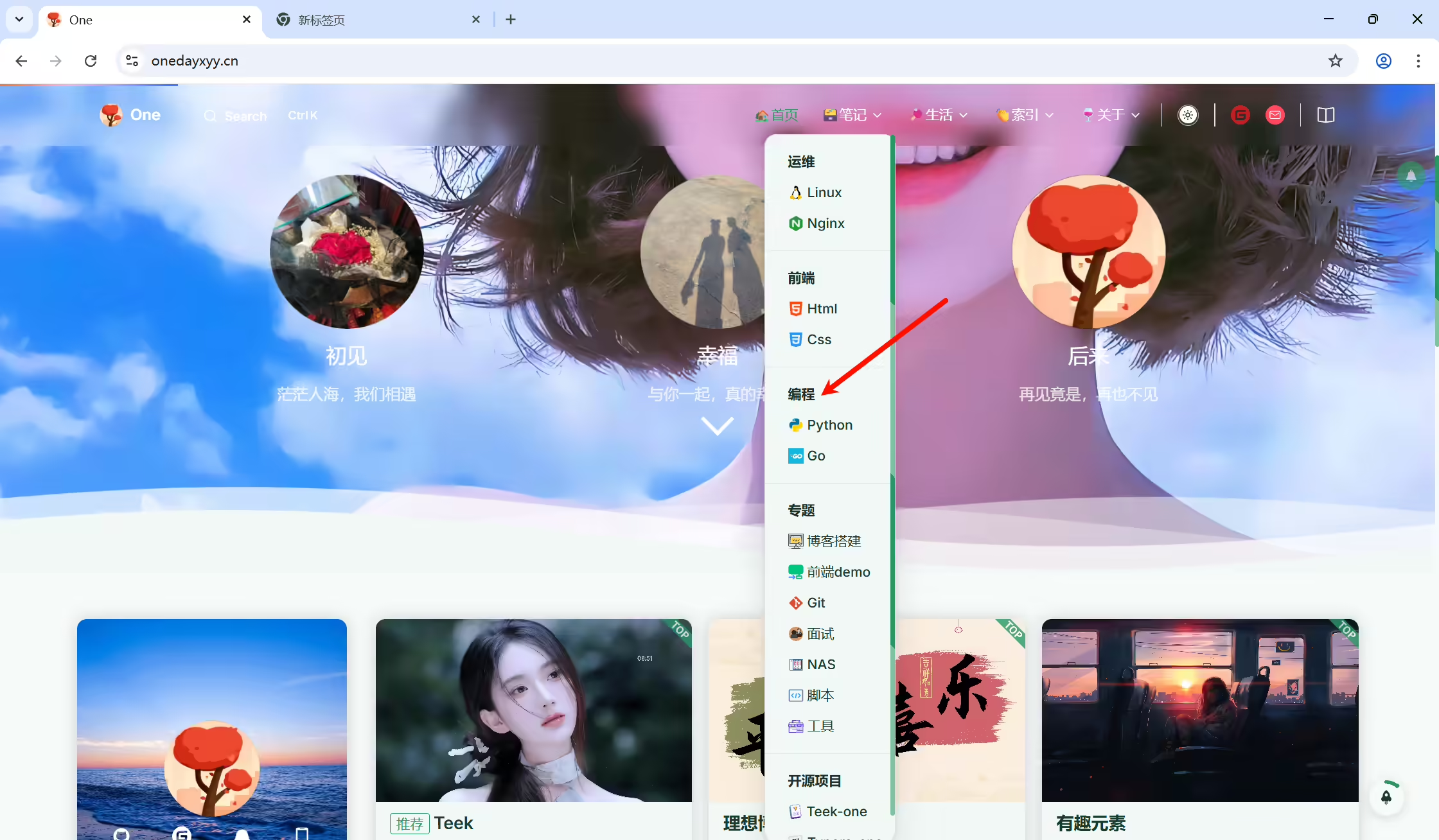
是否能让导航栏所有的子菜单所在的目录 按一级目录渲染呢?
我的Teek的docs目录下md笔记目录嵌套结构为如下:
 110.运维
 2	10.linux
 3	20.docker
 420.前端
 5	10.html
 6	20.css
 730.编程
 8	10.Python
 9	20.Go
10……
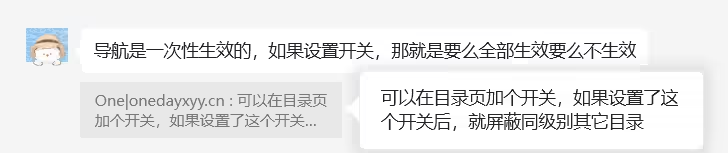
我的 30.编程/10.Python 目录在2级目录,能不能实现在网站导航栏点击进后,出现的是一级目录的效果,就是这个目录下没其他知识点目录,不然用户阅读文章时,会被其它目录的内容干扰到。并且,我们底层维护md文档时,也可以按对应大的知识点来存放相关知识点目录,很友好。
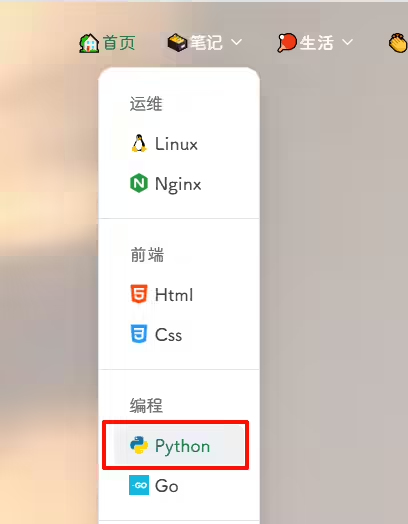
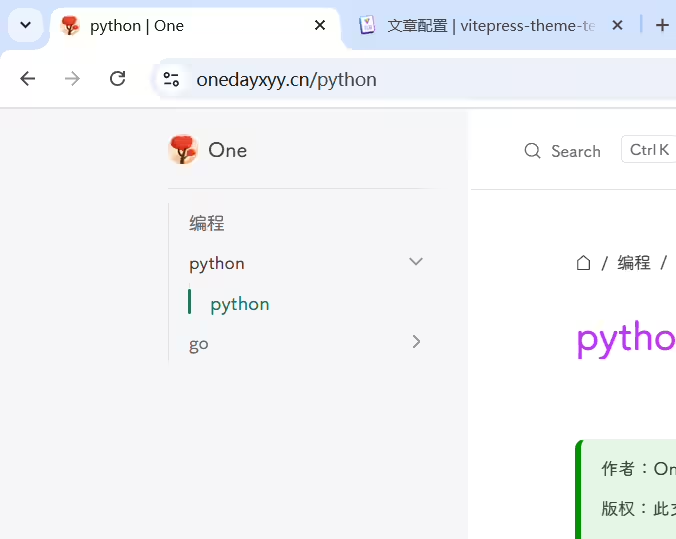
方案1
方案2
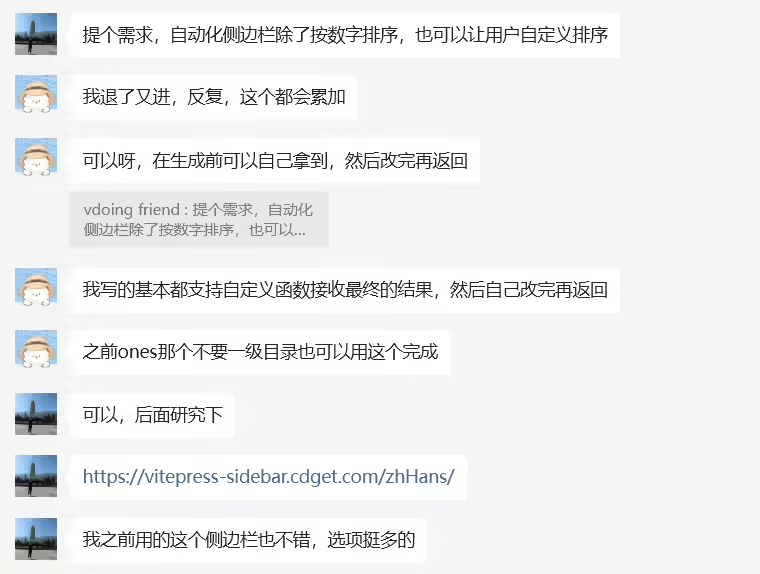
https://vitepress-sidebar.cdget.com/zhHans/
2025年7月20日提出
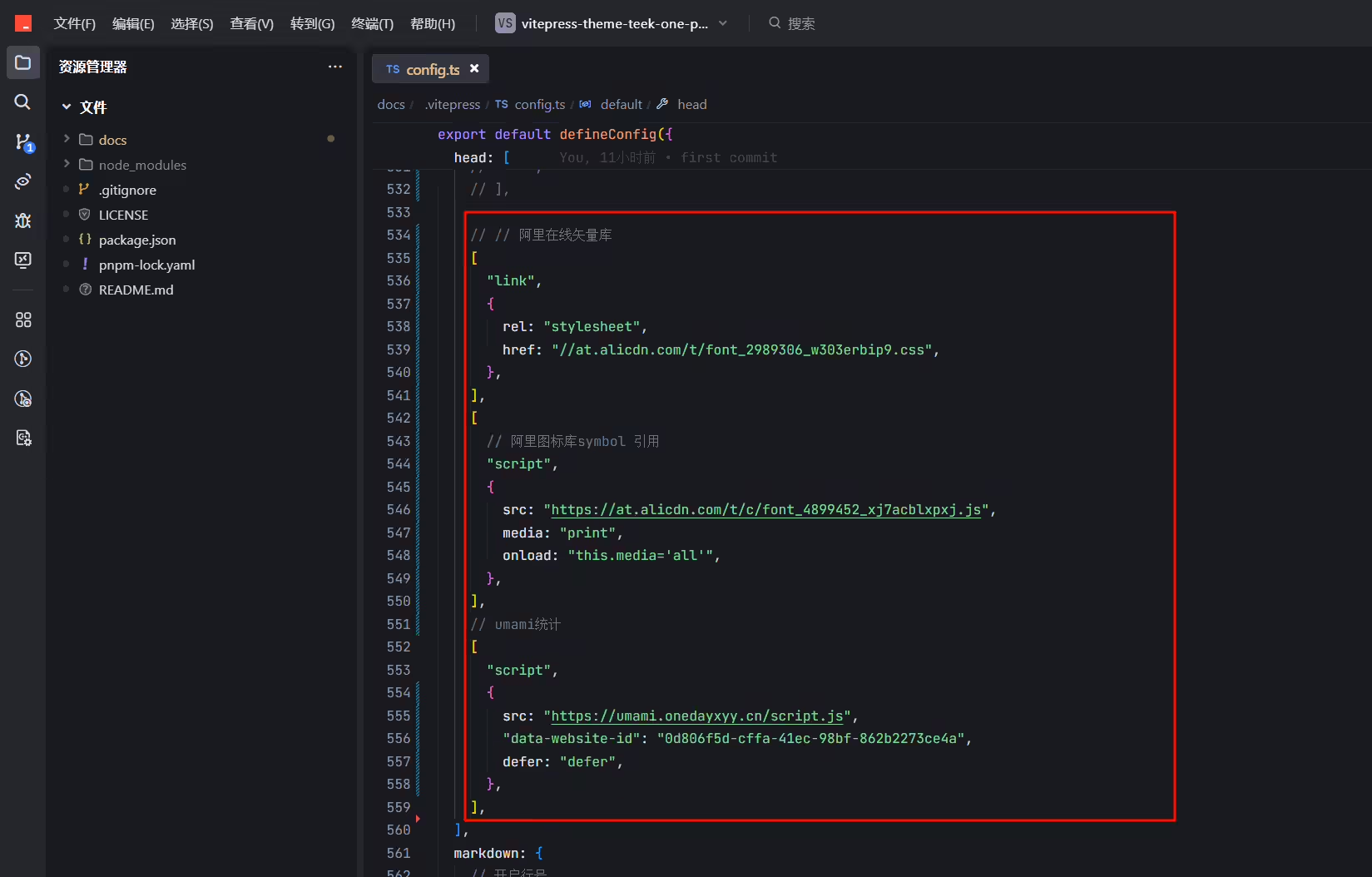
经测试,发现是head 代码产生的bug;。。。。。
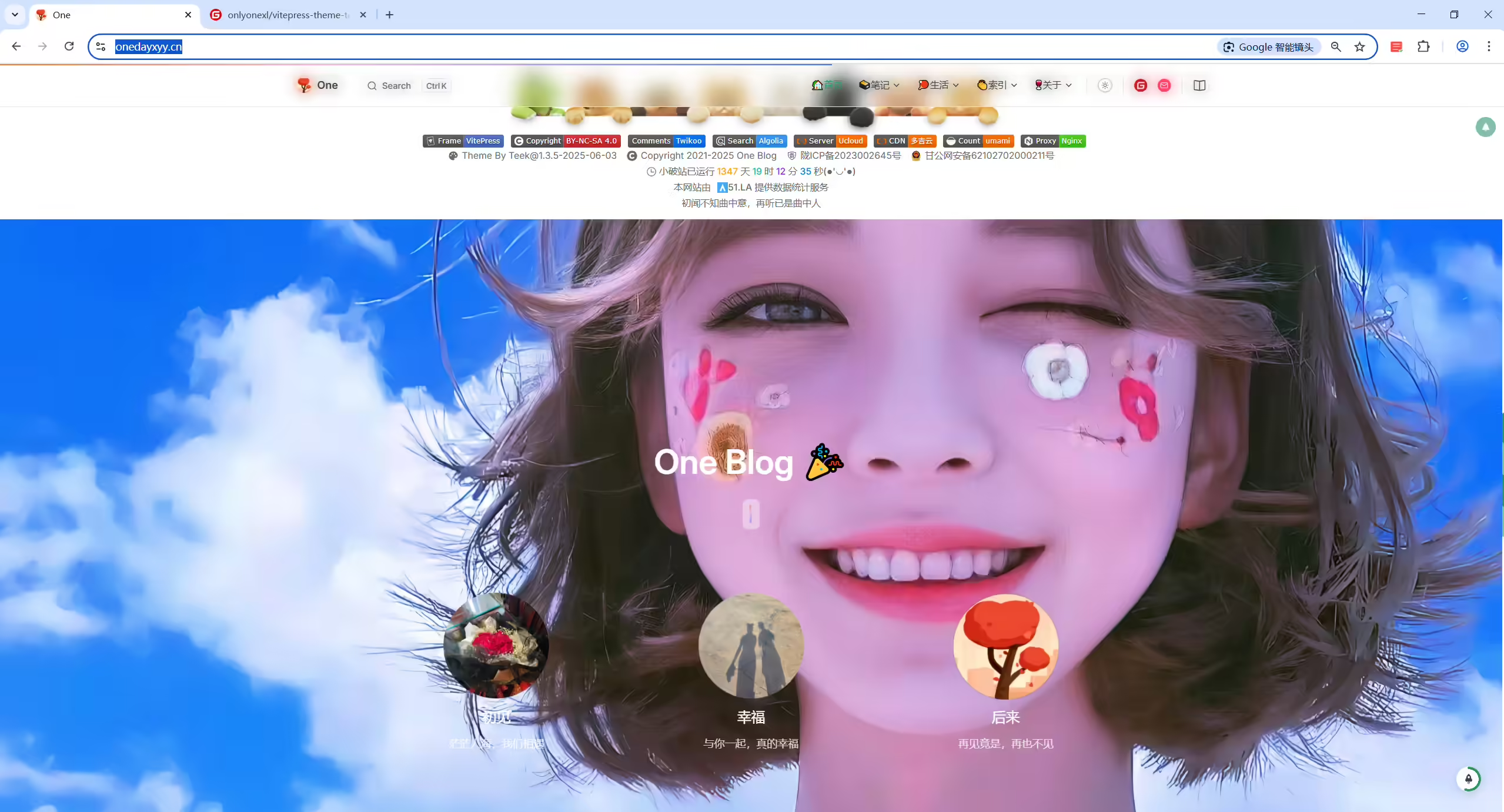
1群主,有空了拉下我仓库,帮我排查下这个问题哦:
2
3故障现象:
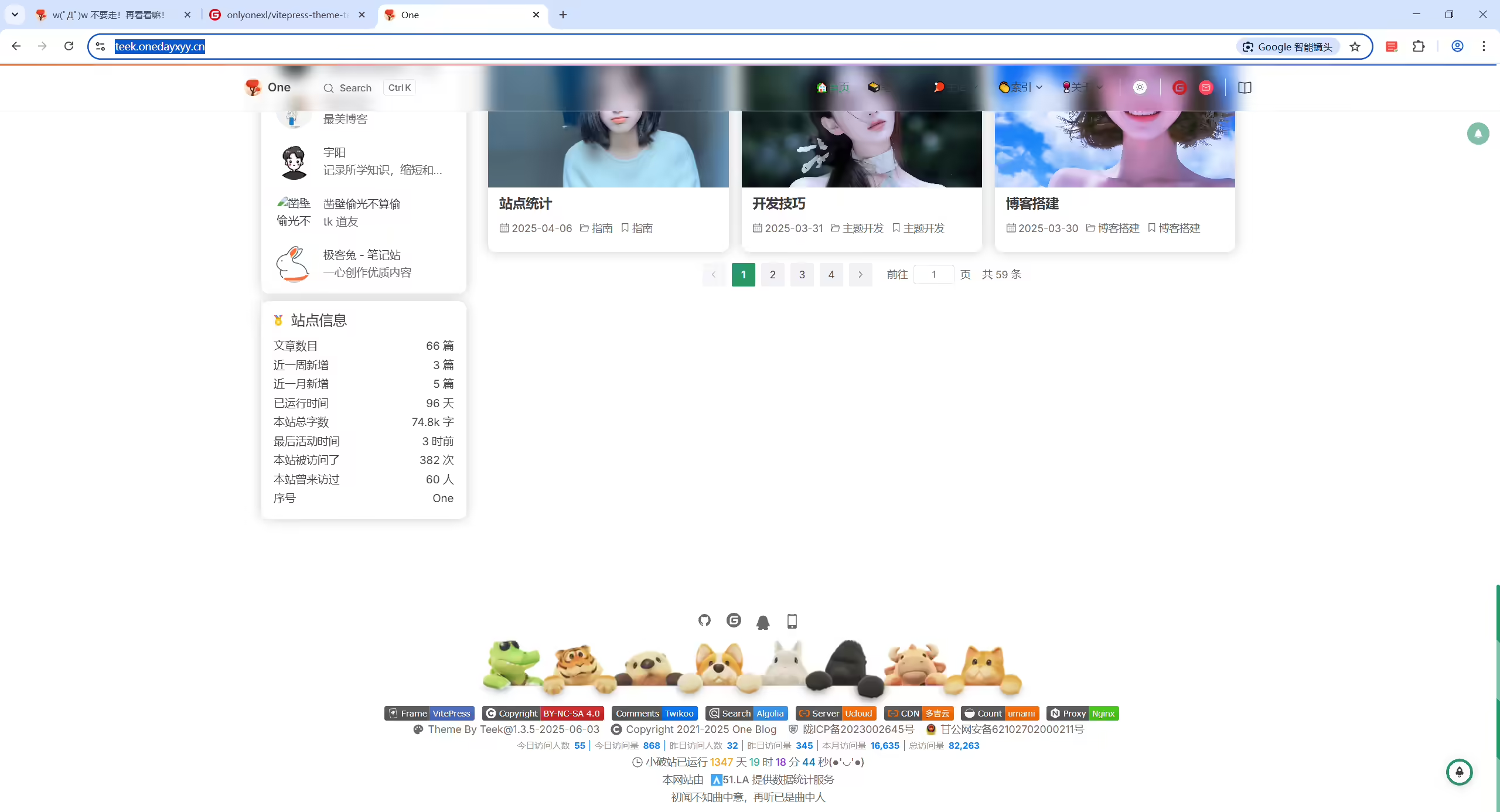
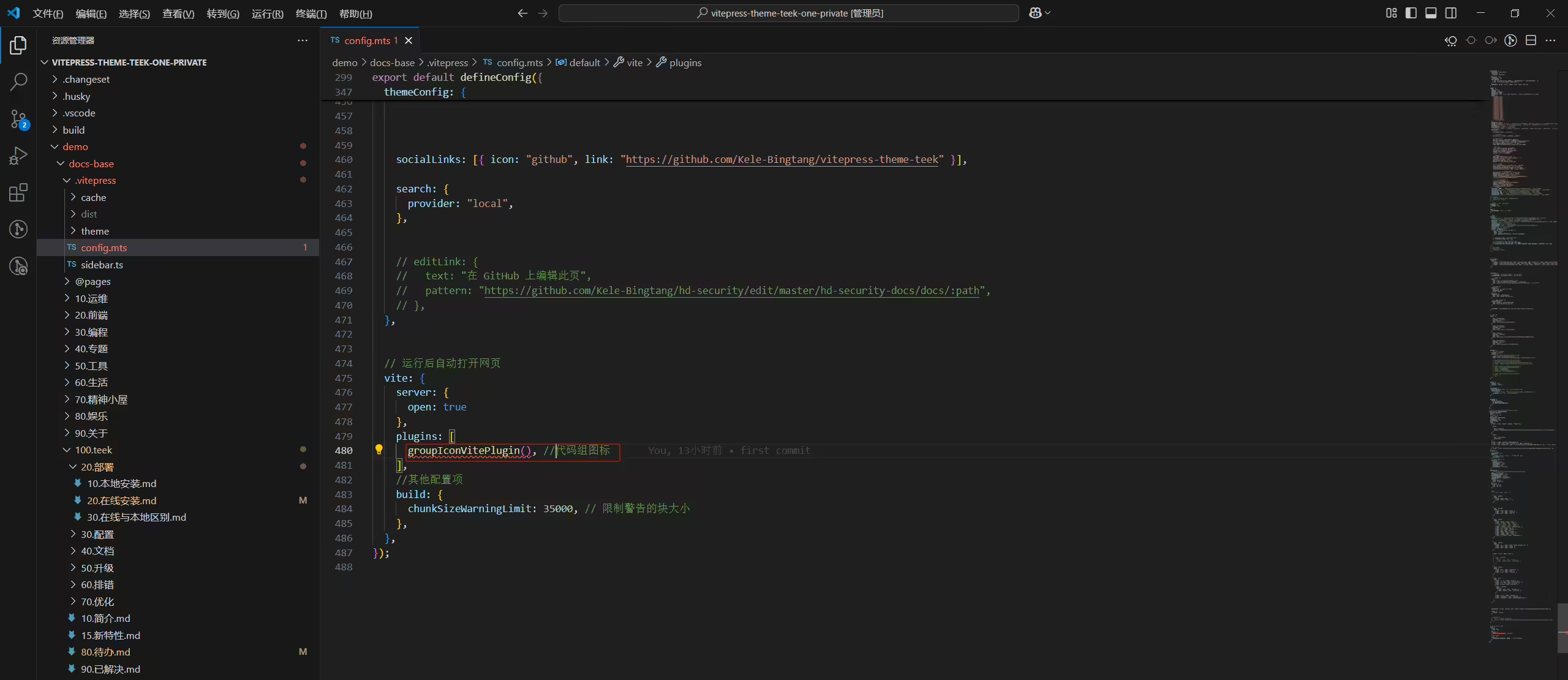
4基于你的vitepress-theme-teek-docs-template 做的这个简约版模板,其他都没啥问题了,但是只要在head里加入这3段代码里的其中一段,我把打包好的静态文件推送到云服务器后(网站加了阿里云cdn),就会出现这个问题;
5
6试了好几次,hyde模板也会有这个问题,加了阿里云cdn就会有这个问题,去掉阿里云cdn,这个问题就会消失;
7
8奇怪,就是不知道哪里问题影响了 @Teeker | notes.teek.top 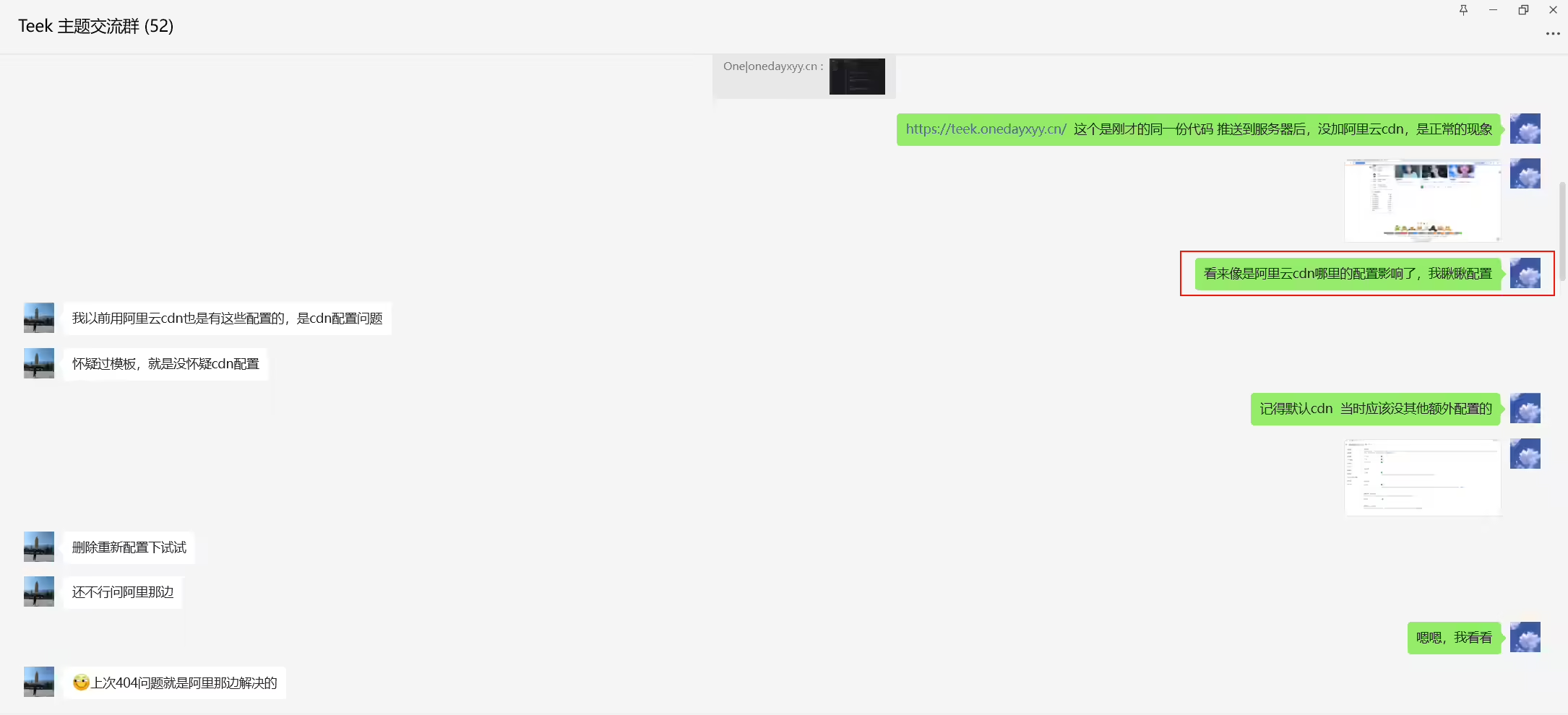
-将md渲染成类似朋友圈动态功能
ai配音
2025年8月20日测试。
1
!
!

!
!
2025年9月8日 提出。
https://zola.onedayxyy.cn/articles/docs/teek/
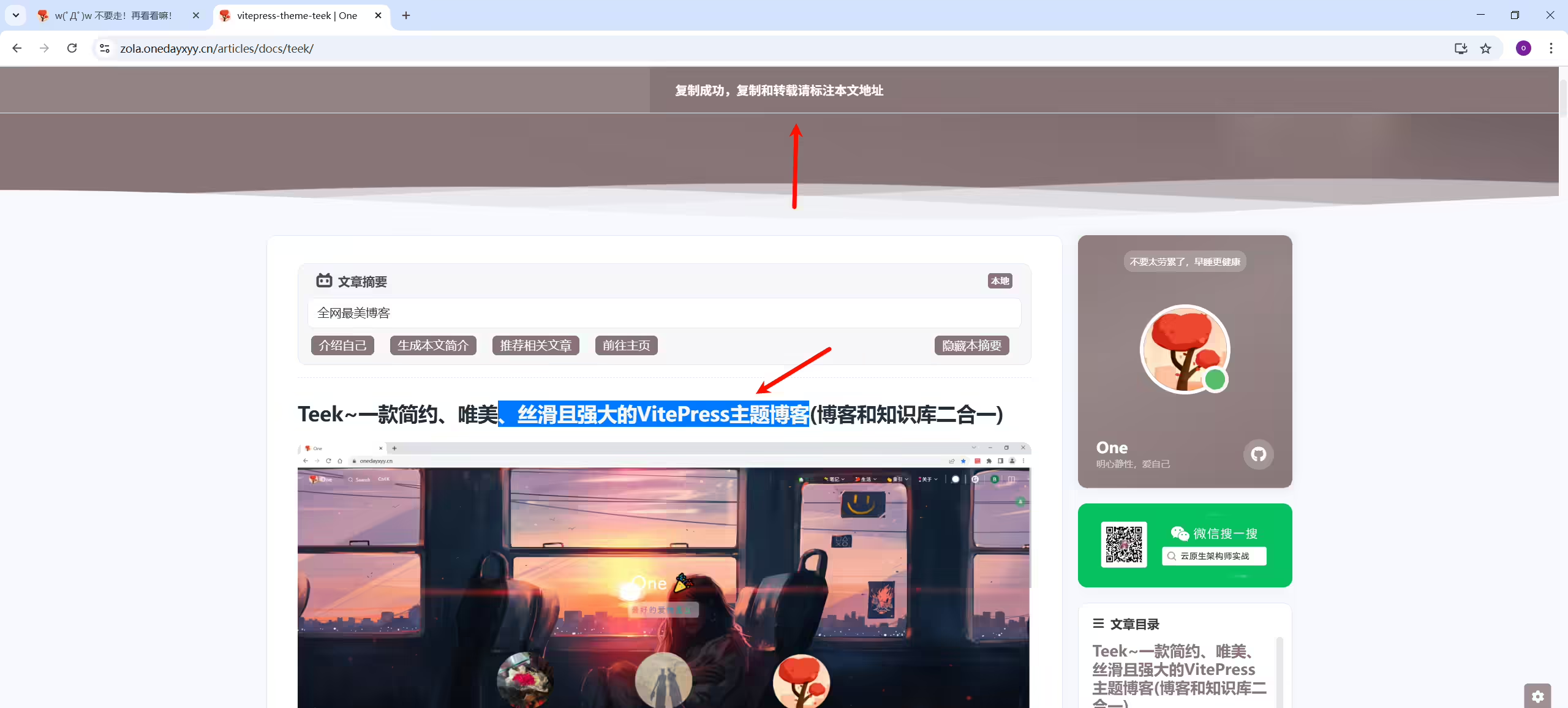
需求
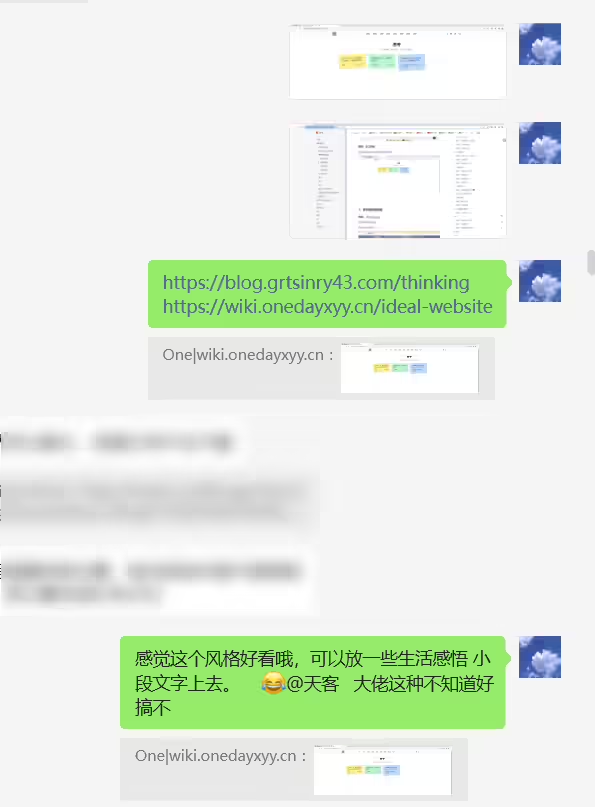
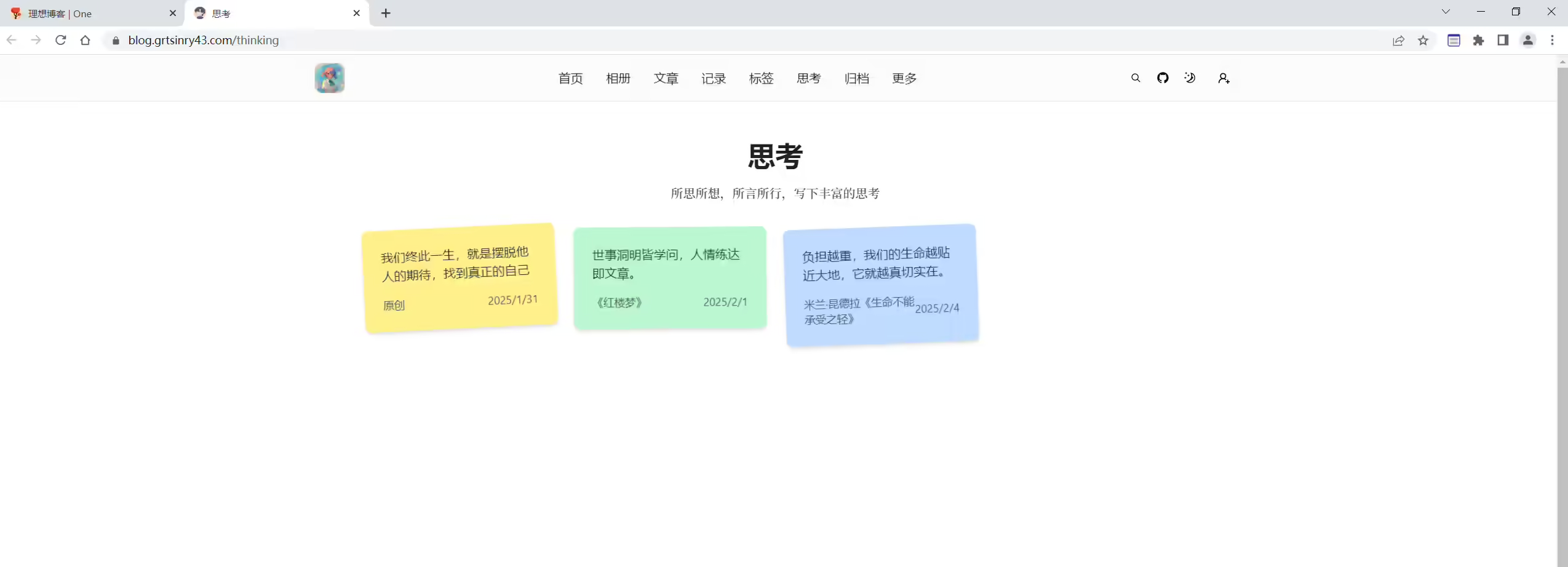
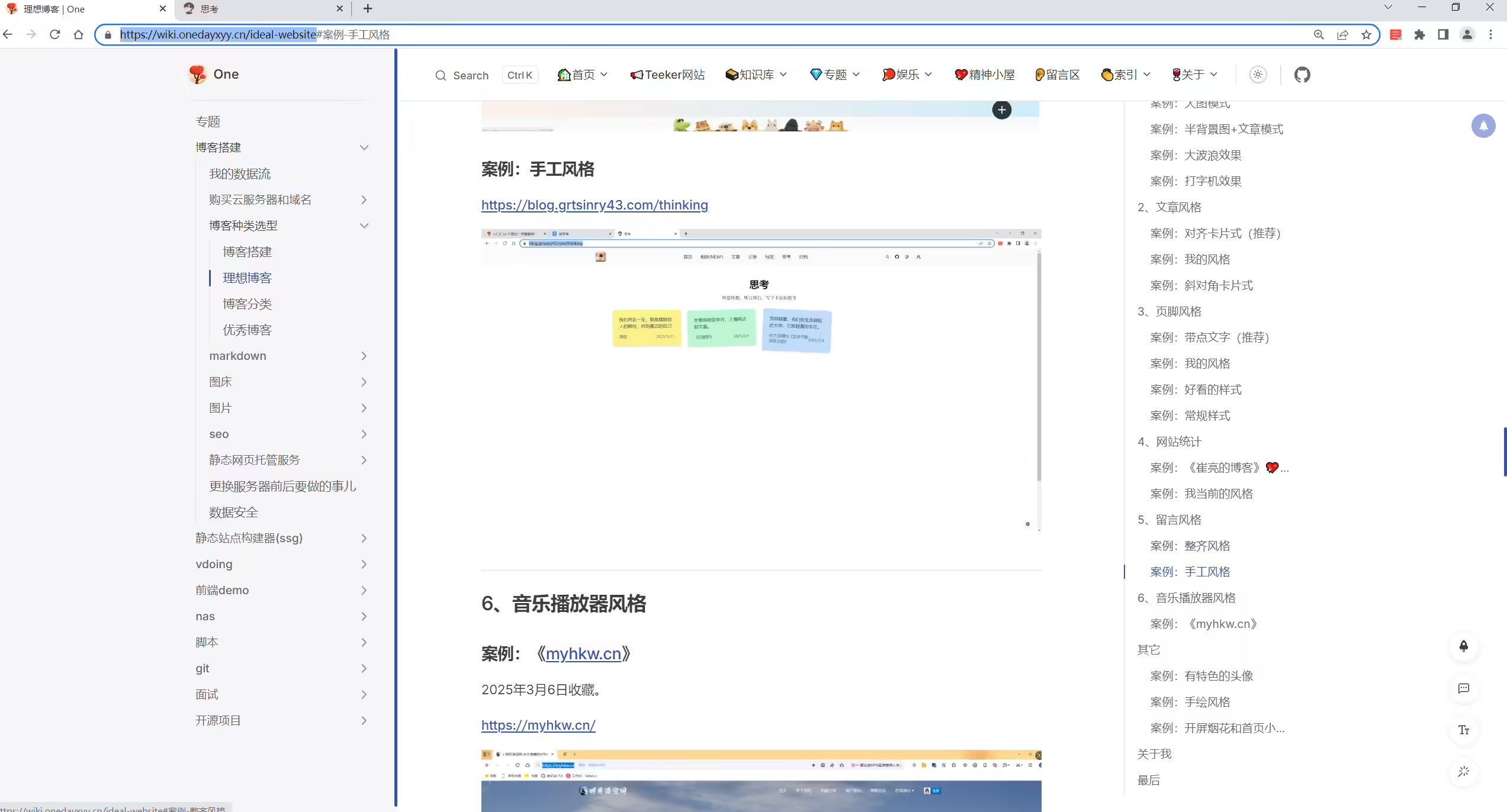
https://blog.grtsinry43.com/thinking https://wiki.onedayxyy.cn/ideal-website
Te
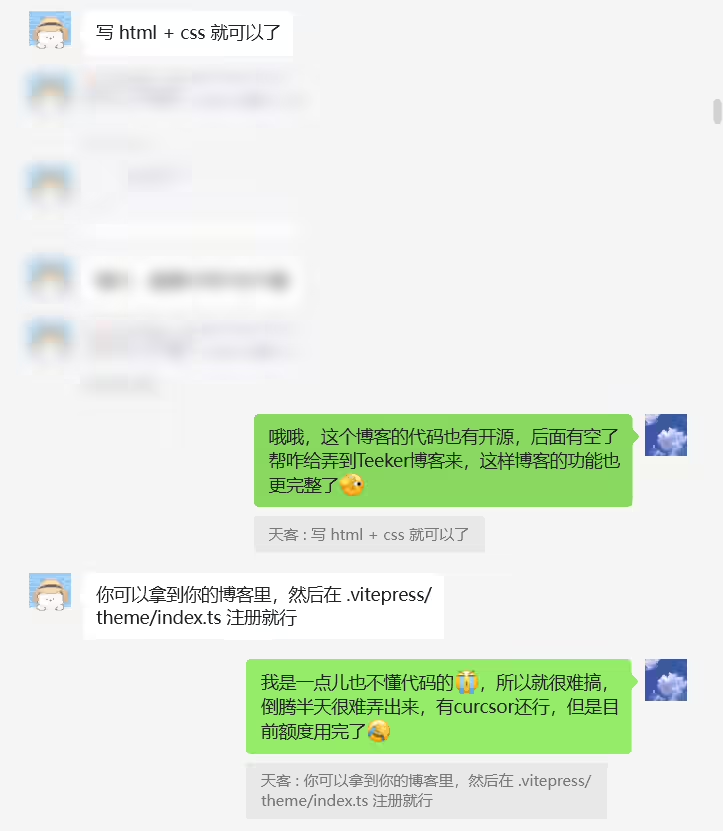
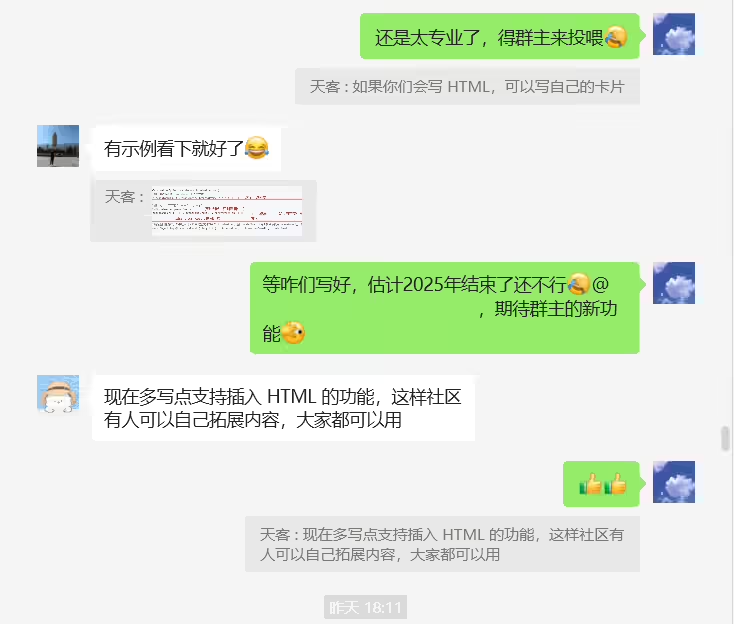
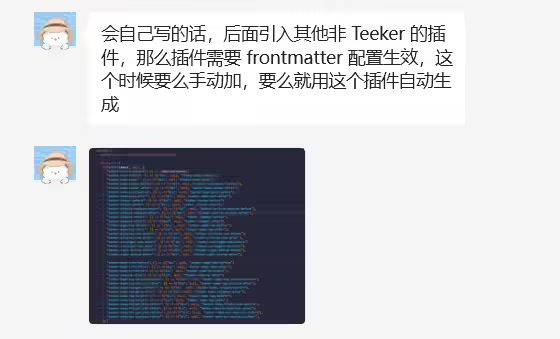
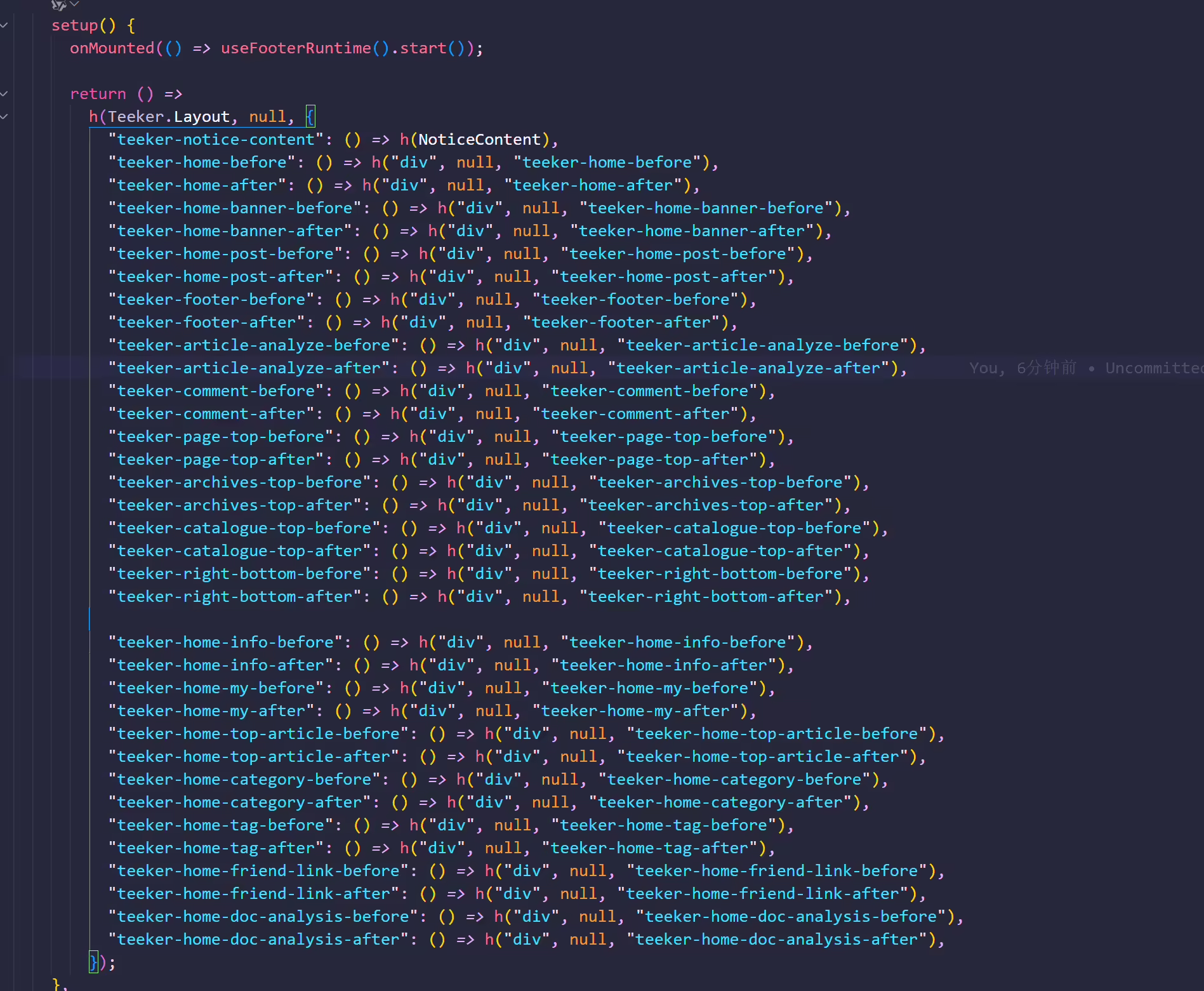
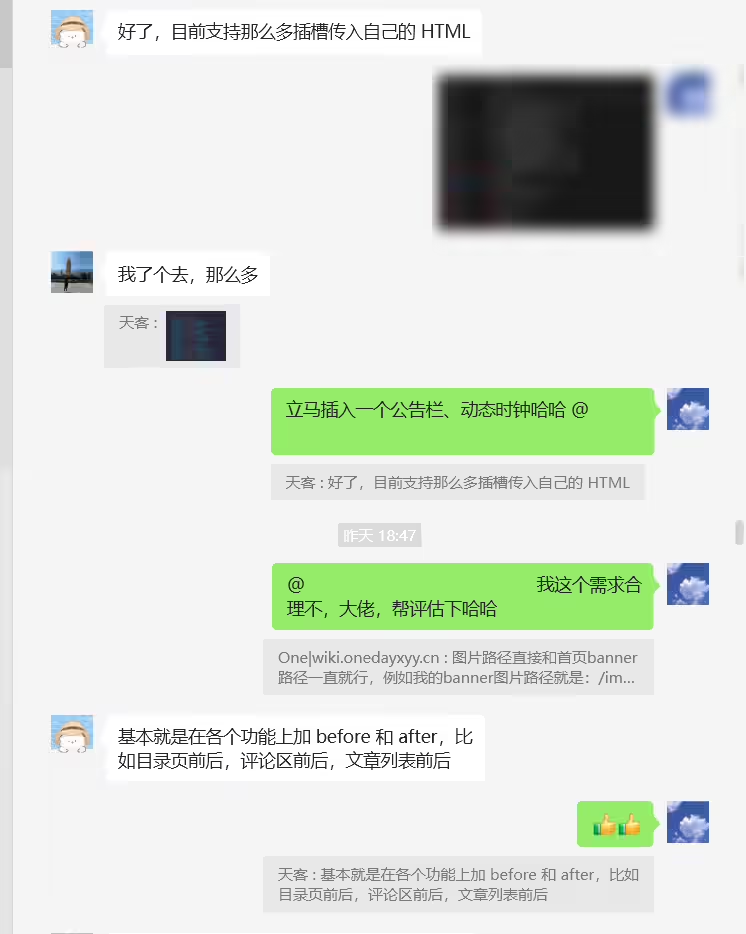
Teeker-写html+css就好了

时光

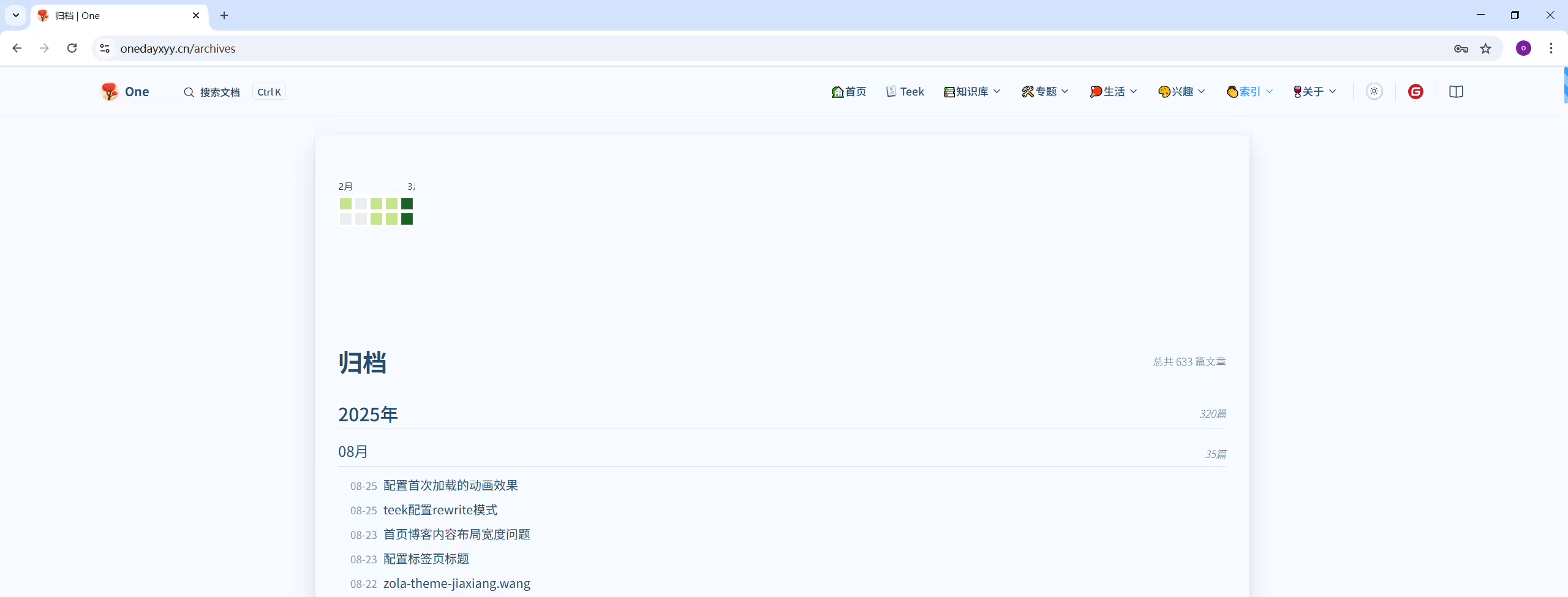
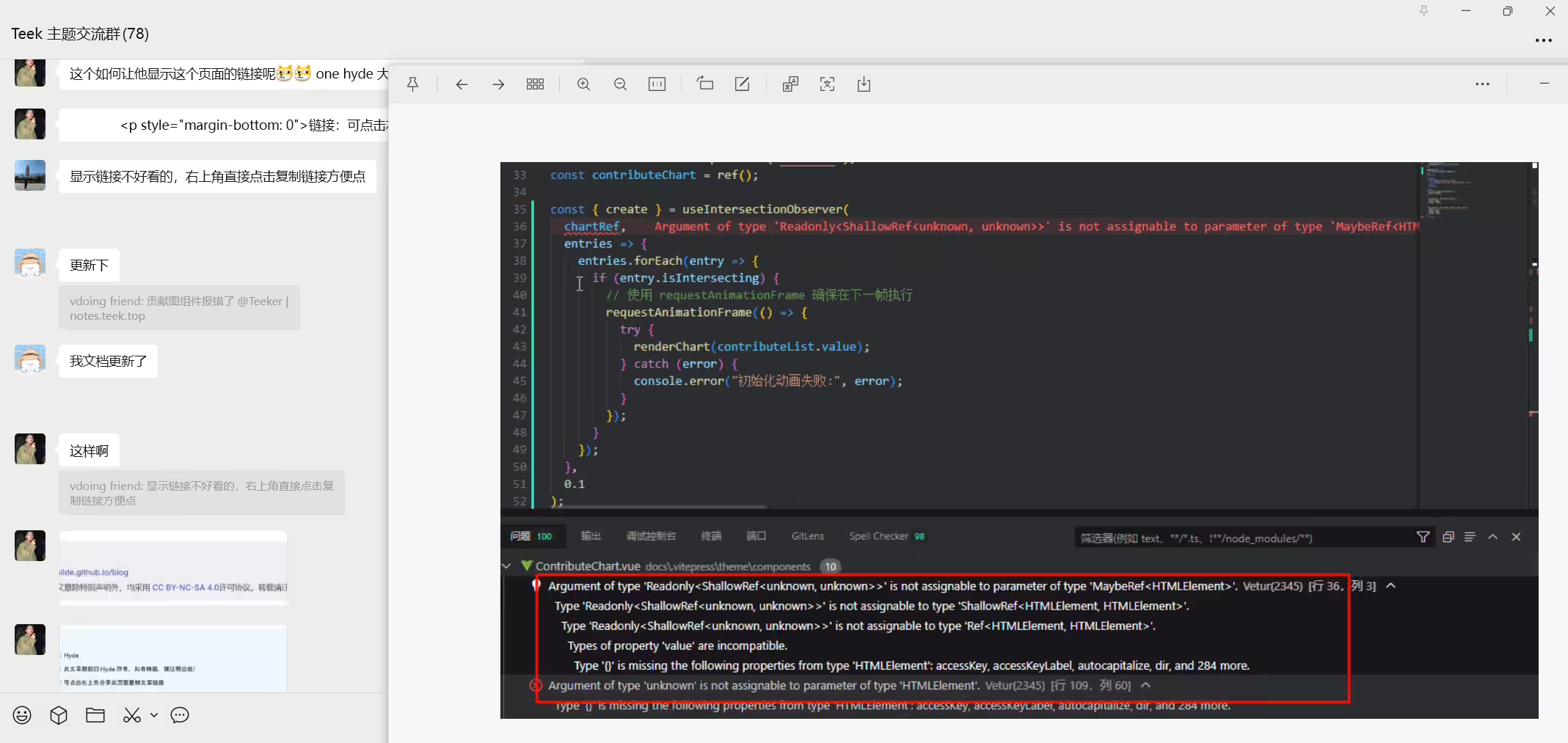
2025年8月25日
Teek@1.4.5-2025.8.24 测试成功。
编辑docs\.vitepress\theme\components\ContributeChart.vue文件:
  1<script setup lang="ts" name="ContributeChart">
  2import * as echarts from "echarts";
  3import { ref, watch, nextTick, computed, onMounted } from "vue";
  4import { useData } from "vitepress";
  5import { formatDate, usePosts, useIntersectionObserver } from "vitepress-theme-teek";
  6
  7const { isDark } = useData();
  8const posts = usePosts();
  9
 10// 今天
 11const today = formatDate(new Date(), "yyyy-MM-dd");
 12// 获取一年前的时间
 13const beforeOnYear = formatDate(new Date(new Date().getTime() - 364 * 24 * 60 * 60 * 1000), "yyyy-MM-dd");
 14
 15// 贡献图数据
 16const contributeList = computed(() => {
 17  const contributeObject = ref({});
 18
 19  posts.value.sortPostsByDate.forEach(item => {
 20    if (!item.date) return;
 21
 22    const date = item.date.substring(0, 10);
 23    if (contributeObject.value[date]) contributeObject.value[date]++;
 24    else contributeObject.value[date] = 1;
 25  });
 26
 27  const contributeDays = Object.keys(contributeObject.value);
 28
 29  return contributeDays.map((item: string) => [item, contributeObject.value[item]]).reverse();
 30});
 31
 32const chartRef = ref<HTMLElement | null>(null);
 33const contributeChart = ref();
 34
 35const { create } = useIntersectionObserver(
 36  chartRef,
 37  entries => {
 38    entries.forEach(entry => {
 39      if (entry.isIntersecting) {
 40        // 使用 requestAnimationFrame 确保在下一帧执行
 41        requestAnimationFrame(() => {
 42          try {
 43            renderChart(contributeList.value);
 44          } catch (error) {
 45            console.error("初始化动画失败:", error);
 46          }
 47        });
 48      }
 49    });
 50  },
 51  0.1
 52);
 53
 54// Echarts 配置项
 55const option = {
 56  tooltip: {
 57    formatter: function (params) {
 58      return `${params.value[0]} <br/> ${params.value[1]} 篇文章`;
 59    },
 60  },
 61  visualMap: {
 62    show: false,
 63    min: 0,
 64    max: 5,
 65    inRange: {
 66      color: ["#ebedf0", "#c6e48b", "#7bc96f", "#239a3b", "#196127", "#196127"],
 67    },
 68  },
 69  calendar: {
 70    left: "center",
 71    itemStyle: {
 72      color: "#ebedf0",
 73      borderWidth: 5,
 74      borderColor: "#fff",
 75      shadowBlur: 0,
 76    },
 77    cellSize: [20, 20],
 78    range: [beforeOnYear, today],
 79    splitLine: true,
 80    dayLabel: {
 81      firstDay: 7,
 82      nameMap: "ZH",
 83      color: "#3c3c43",
 84    },
 85    monthLabel: {
 86      color: "#3c3c43",
 87    },
 88    yearLabel: {
 89      show: true,
 90      position: "right",
 91    },
 92    silent: {
 93      show: false,
 94    },
 95  },
 96  series: {
 97    type: "heatmap",
 98    coordinateSystem: "calendar",
 99    data: [],
100  },
101};
102
103// 渲染贡献图
104const renderChart = (data: any) => {
105  option.calendar.itemStyle.borderColor = isDark.value ? "#1b1b1f" : "#fff";
106  option.calendar.itemStyle.color = isDark.value ? "#787878" : "#ebedf0";
107
108  if (contributeChart.value) echarts.dispose(contributeChart.value);
109  if (chartRef.value) contributeChart.value = echarts.init(chartRef.value);
110
111  option.series.data = data;
112  contributeChart.value?.setOption(option);
113};
114
115watch(
116  contributeList,
117  async newValue => {
118    await nextTick();
119    renderChart(newValue);
120  },
121  { flush: "post" }
122);
123
124watch(isDark, async () => {
125  await nextTick();
126  renderChart(contributeList.value);
127});
128
129onMounted(() => {
130  if (chartRef.value) create();
131});
132</script>
133
134<template>
135  <div class="contribute__chart">
136    <div class="chart__box" ref="chartRef"></div>
137  </div>
138</template>
139
140<style>
141.tk-article-page.tk-archives {
142  width: 1220px;
143}
144
145.tk-archives .contribute__chart {
146  width: 100%;
147  height: 260px;
148}
149
150.tk-archives .contribute__chart .chart__box {
151  margin: auto;
152  width: 100%;
153  height: 100%;
154}
155</style>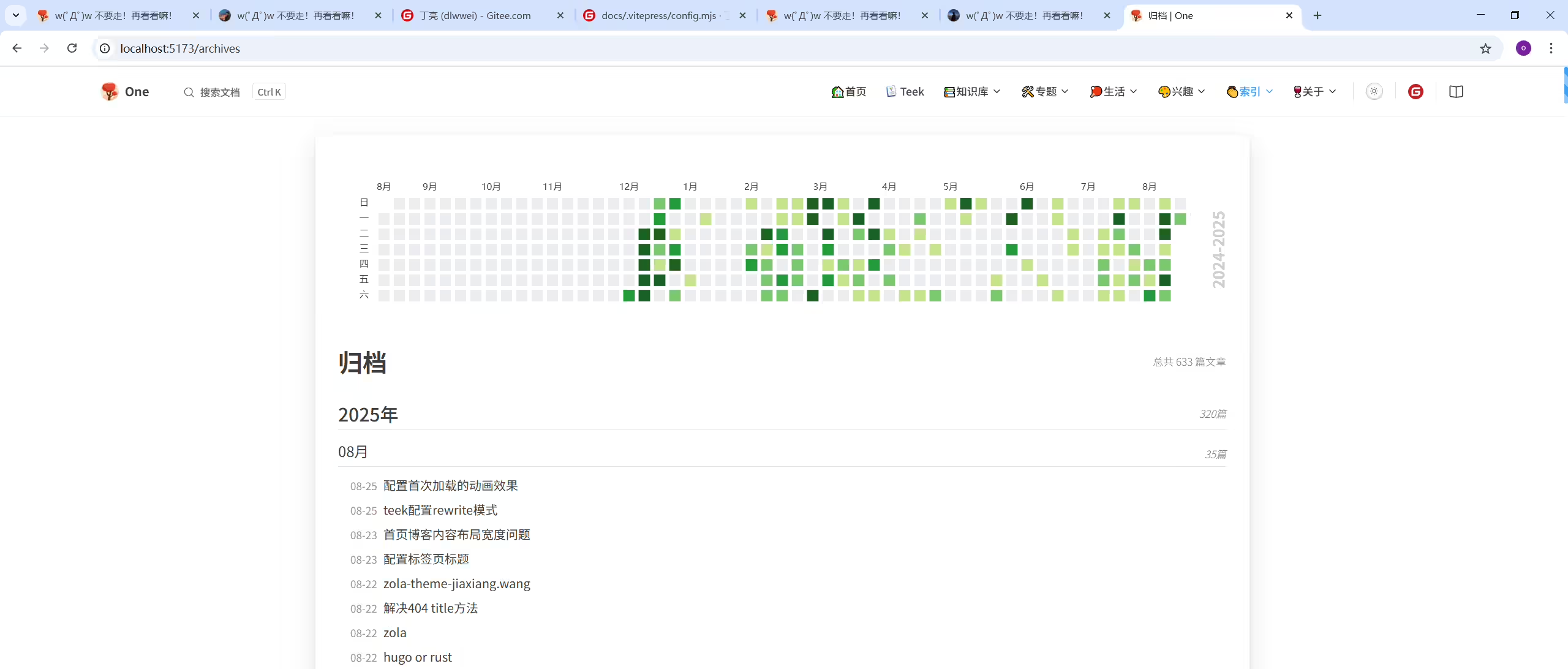
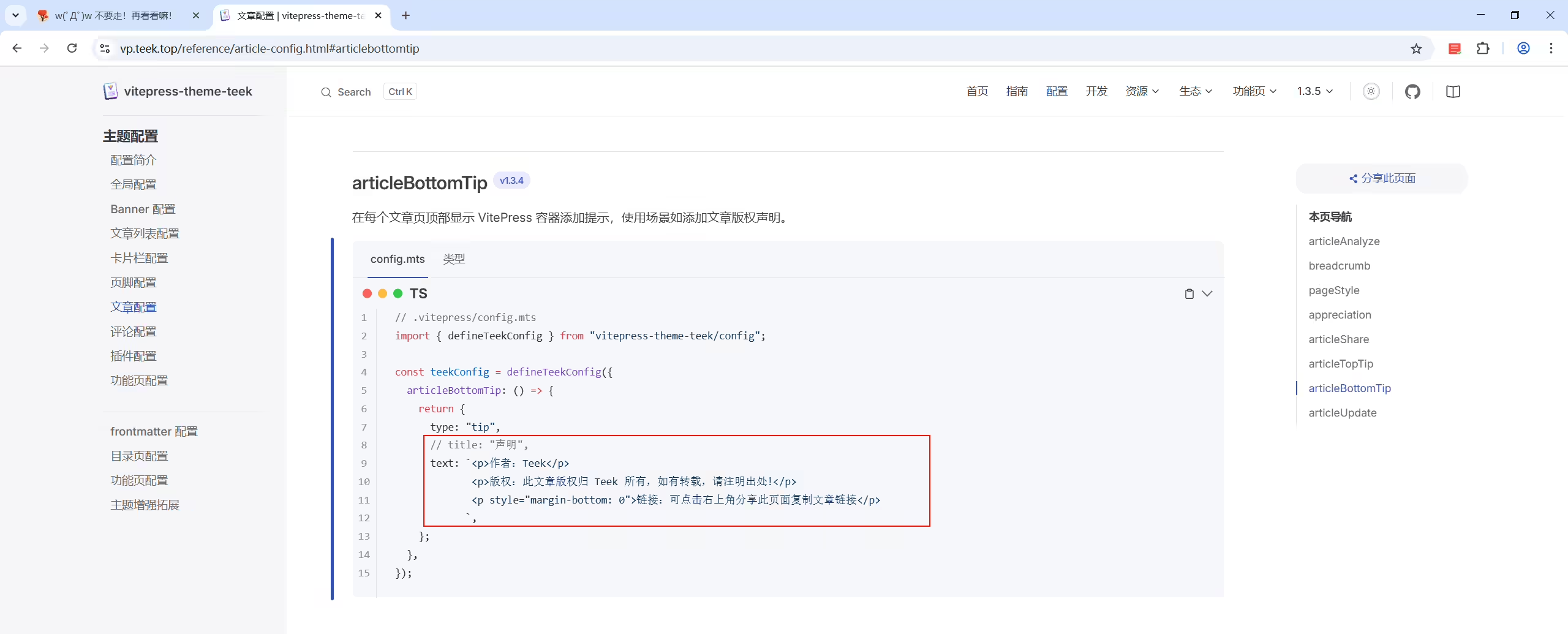
 1// 在每个文章页顶部显示 VitePress 容器添加提示,使用场景如超过半年的文章自动提示文章内容可能已过时。
 2  articleBottomTip: () => {
 3    return {
 4      type: "tip",
 5      title: "声明",
 6      text: `<p>作者:Hyde</p >
 7             <p>版权:此文章版权归 Hyde 所有,如有转载,请注明出处!</p >
 8             <p style="margin-bottom: 0" @click="window.open(xxx)">链接:可点击右上角分享此页面复制文章链接</p >
 9            `,
10    };
11  },
!
 1// 在每个文章页顶部显示 VitePress 容器添加提示,使用场景如超过半年的文章自动提示文章内容可能已过时。
 2  articleBottomTip: () => {
 3    return {
 4      type: "tip",
 5      title: "声明",
 6      text: `<p>作者:Hyde</p >
 7             <a href=" ">你的链接</a >
 8             <p style="margin-bottom: 0">链接:可点击右上角分享此页面复制文章链接</p >
 9            `,
10    };
11  },
2025年8月26日
Teek@1.4.5-2025.8.24 测试成功。
配置:
(1)编辑docs\.vitepress\config.ts文件:
 1  articleBottomTip: () => {
 2    return {
 3      type: "tip",
 4      title: "声明",
 5      text: `<p>作者:<a href="https://onedayxyy.cn/" target="_blank" rel="noopener noreferrer">One</a></p>
 6             <p style="margin-bottom: 0">链接:可点击右上角分享此页面复制文章链接😜</p>
 7             <p>版权:本博客所有文章除特别声明外,均采用<a href="http://www.suncai.net/PubLicense/CCBY40.html" target="_blank" rel="noopener noreferrer">CCBY-NC-SA4.O</a>许可协议。转载请注明来自<a href="https://onedayxyy.cn/" target="_blank" rel="noopener noreferrer">One Blog</a></p>
 8            `,
 9    };
10  },
(2)验证
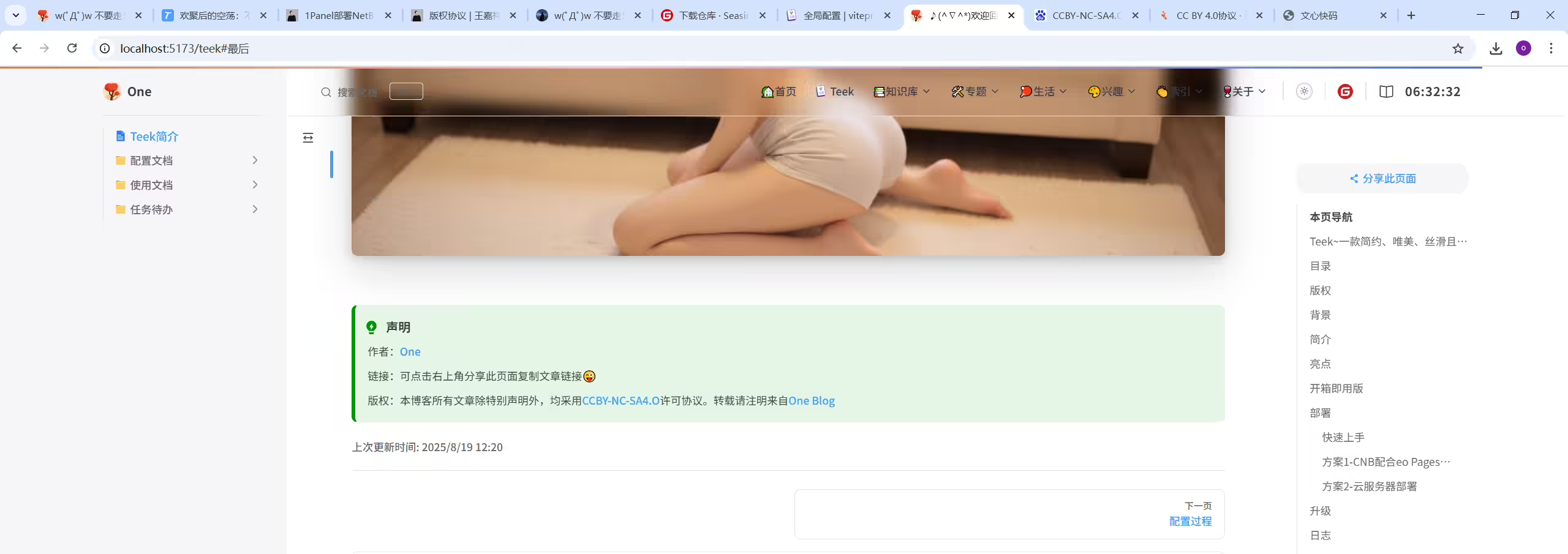
结束。
bug反馈: Teek首页banner,默认是刷新一次后会弹到指定的壁纸。 但合理的需求应该是每刷新一次,会弹到随机的壁纸。 但此时我们这个版本会先短暂弹到指定的壁纸,再才会切到随机的壁纸,这个bug需要再修复下。
✅时钟安排起来
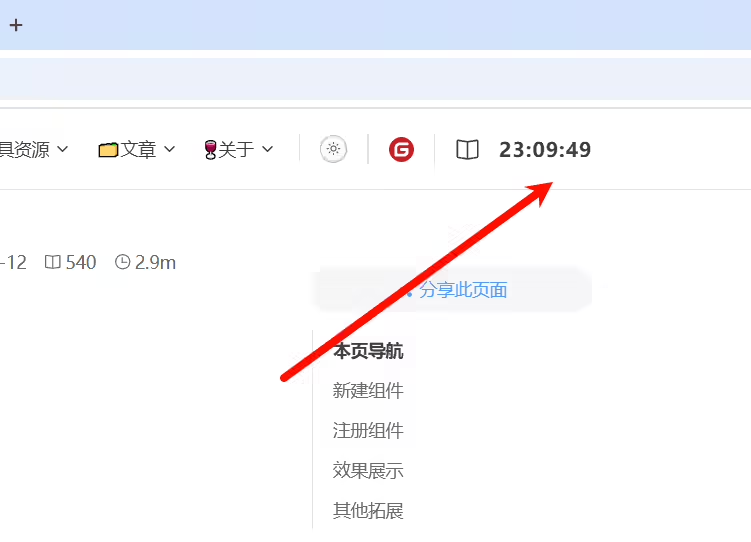
2025年8月25日
Teek@1.4.5-2025.8.24 测试成功。
配置方法:
(1)创建docs\.vitepress\theme\components\Clock.vue文件
  1<template>
  2  <div id="clock">
  3    <div class="time">
  4      <span class="hour">{{ hours }}</span>
  5      <span class="separator">:</span>
  6      <span class="minute">{{ minutes }}</span>
  7      <span class="separator">:</span>
  8      <span class="second">{{ seconds }}</span>
  9    </div>
 10  </div>
 11</template>
 12
 13<script setup lang="ts">
 14import { onMounted, onUnmounted, shallowRef } from "vue";
 15
 16// 定时器管理
 17const timerID = shallowRef<number | null>(null);
 18
 19// 时间状态 - 拆分小时、分钟、秒
 20const hours = shallowRef<string>('00');
 21const minutes = shallowRef<string>('00');
 22const seconds = shallowRef<string>('00');
 23
 24// 初始化时钟
 25const initClock = () => {
 26  if (timerID.value !== null) {
 27    cancelAnimationFrame(timerID.value);
 28  }
 29  timerID.value = requestAnimationFrame(animateClock);
 30};
 31
 32// 动画循环函数
 33function animateClock() {
 34  const now = new Date();
 35  const currentSeconds = now.getSeconds();
 36
 37  // 只有当秒数变化时才更新(避免同一秒内多次更新)
 38  if (currentSeconds !== parseInt(seconds.value)) {
 39    seconds.value = zeroPadding(currentSeconds, 2);
 40  }
 41
 42  // 分钟和小时变化频率低,单独判断更新
 43  const currentMinutes = now.getMinutes();
 44  if (currentMinutes !== parseInt(minutes.value)) {
 45    minutes.value = zeroPadding(currentMinutes, 2);
 46  }
 47
 48  const currentHours = now.getHours();
 49  if (currentHours !== parseInt(hours.value)) {
 50    hours.value = zeroPadding(currentHours, 2);
 51  }
 52
 53  timerID.value = requestAnimationFrame(animateClock);
 54}
 55
 56// 数字补零函数
 57function zeroPadding(num: number, digit: number): string {
 58  return String(num).padStart(digit, '0');
 59}
 60
 61onMounted(() => {
 62  // 组件挂载时初始化
 63  initClock();
 64})
 65
 66// 组件卸载时清理
 67onUnmounted(() => {
 68  if (timerID.value !== null) {
 69    cancelAnimationFrame(timerID.value);
 70  }
 71});
 72</script>
 73
 74<style scoped lang="scss">
 75#clock {
 76  order: 99;
 77  text-align: center;
 78  margin-left: 15px;
 79  display: flex;
 80  align-items: center;
 81
 82  .time {
 83    /* 隔离渲染范围 */
 84    contain: content;
 85    letter-spacing: 0.05em;
 86    font-size: 16px;
 87    font-weight: bold;
 88  }
 89
 90  .time span{
 91    /* 将每个部分用 inline-block 包裹,形成独立“绘制单元”,避免局部更新,整个重绘的问题 */
 92    display: inline-block;
 93  }
 94}
 95
 96/* 视口宽度 ≤ 767px 时生效(移动端),调整时间显示位置 */
 97@media (max-width: 767px) {
 98  // 移动端导航栏吸顶
 99  #clock{
100    order: 0;
101  }
102}
103
104/* 父级有.full-img-nav-bar类时的样式(Banner范围内) */
105:deep(.full-img-nav-bar #clock) {
106  color: var(--vp-c-white);
107  text-shadow: 0 0 20px rgba(10, 175, 230, 1), 0 0 20px rgba(10, 175, 230, 0);
108
109  /* 暗色模式下的样式 */
110/*  :deep(html.dark .full-img-nav-bar #clock) {
111    color: #b9199b;
112  }*/
113}
114
115/* 父级没有.full-img-nav-bar类时的样式(滚动离开Banner后) */
116:deep(:not(.full-img-nav-bar) #clock) {
117  color: var(--vp-c-text-1);
118  text-shadow: none;
119
120  /* 暗色模式下的样式 */
121/*  :deep(html.dark :not(.full-img-nav-bar) #clock) {
122    color: #daf6ff;
123  }*/
124}
125</style>(2)编辑docs\.vitepress\theme\components\TeekLayoutProvider.vue文件
1import Clock from "./Clock.vue"; // 时钟组件
2
3
4    <template #nav-bar-content-after>
5      <Clock/>
6    </template>
(3)验证
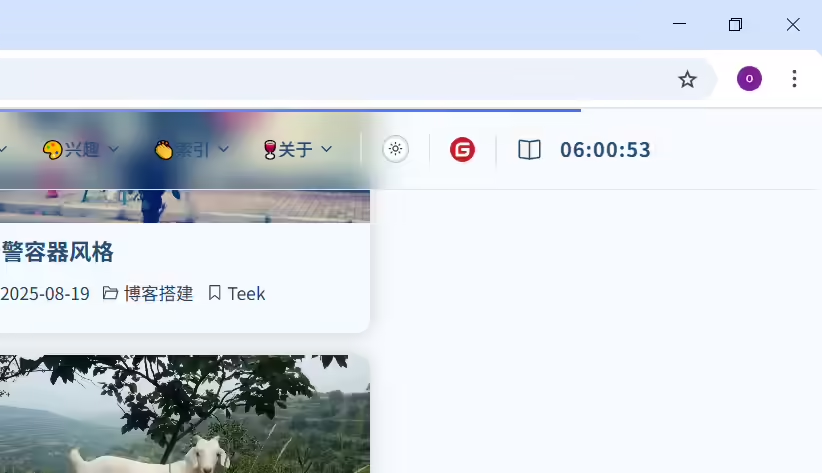
结束。
自己配置了,但是没有文件高亮。最后回退了。
2025年8月28日测试
2025年8月19日提出。
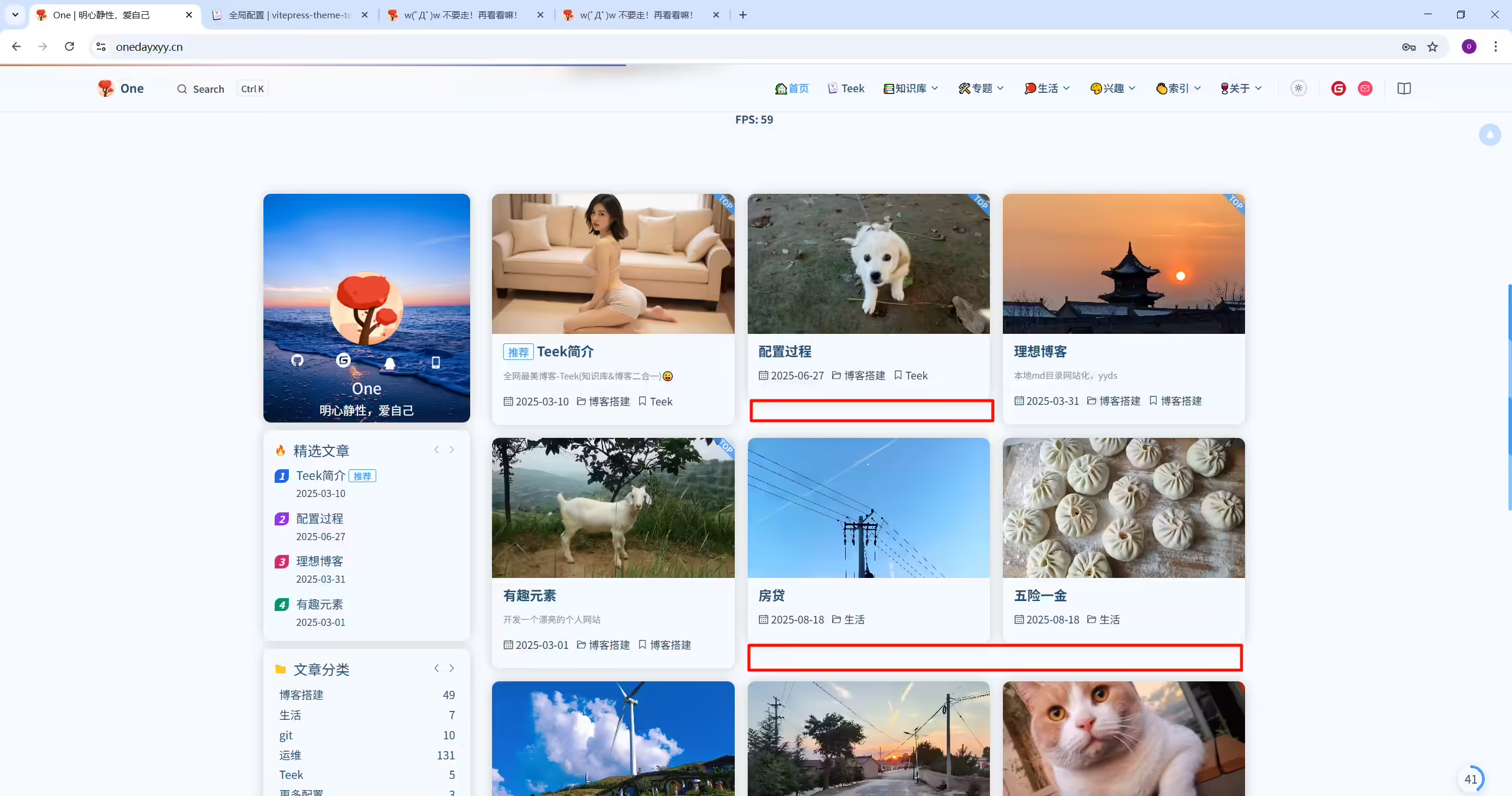
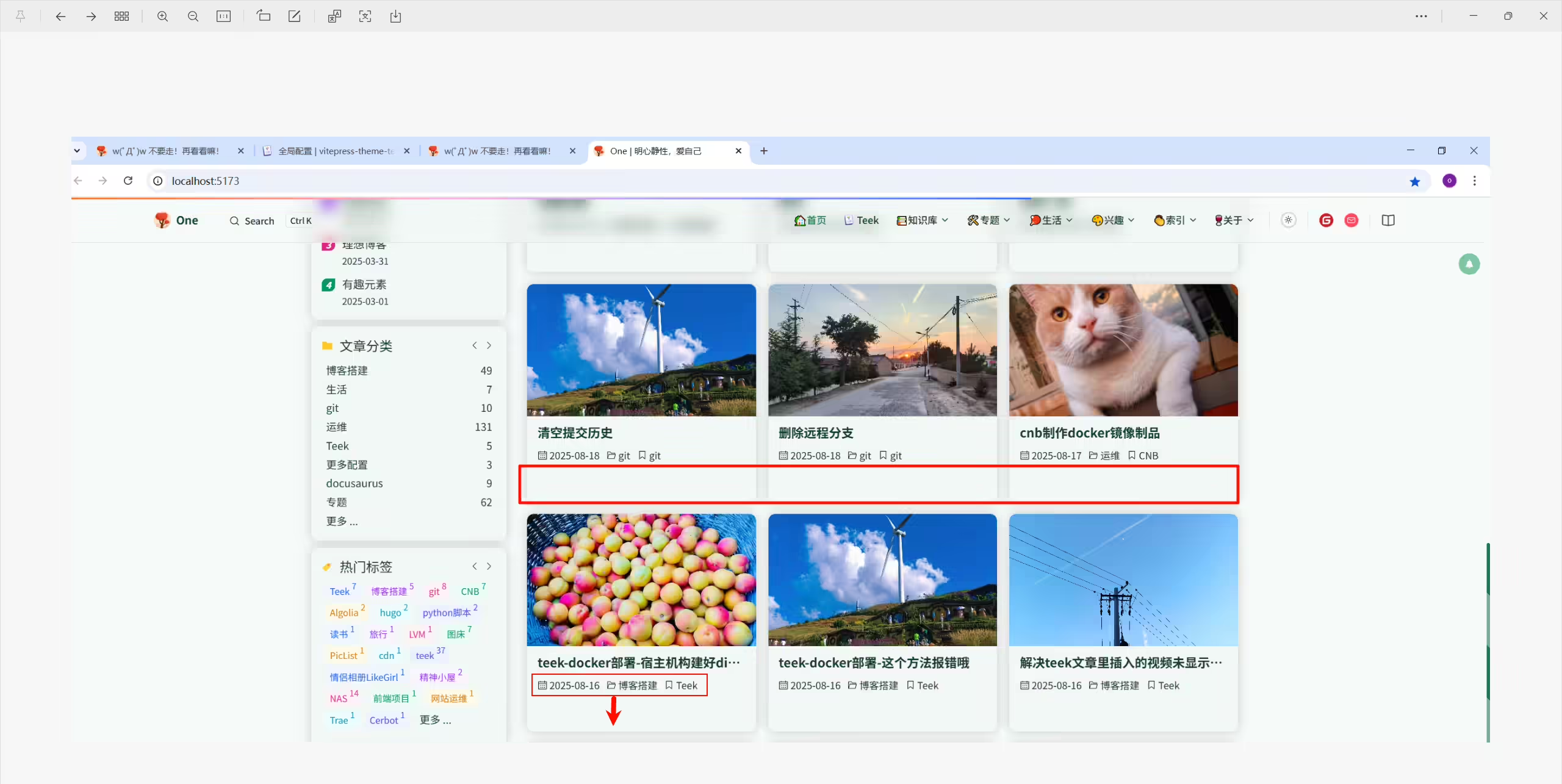
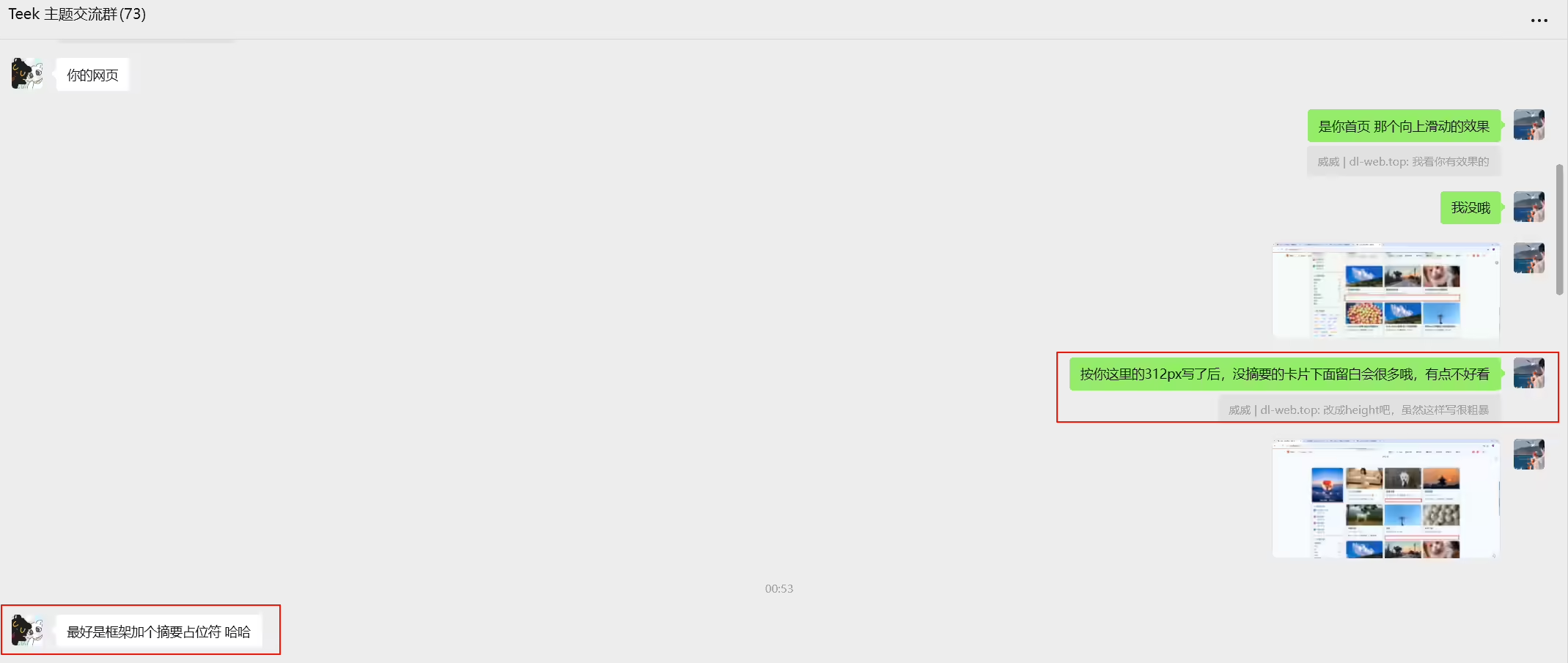
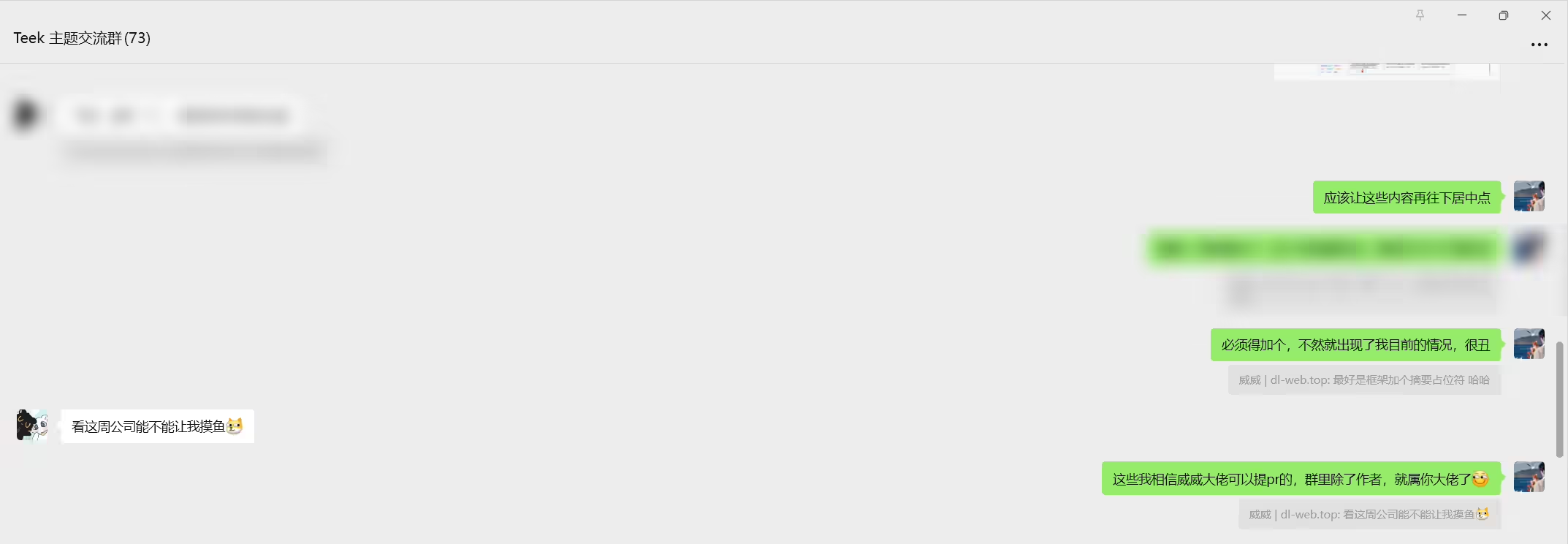
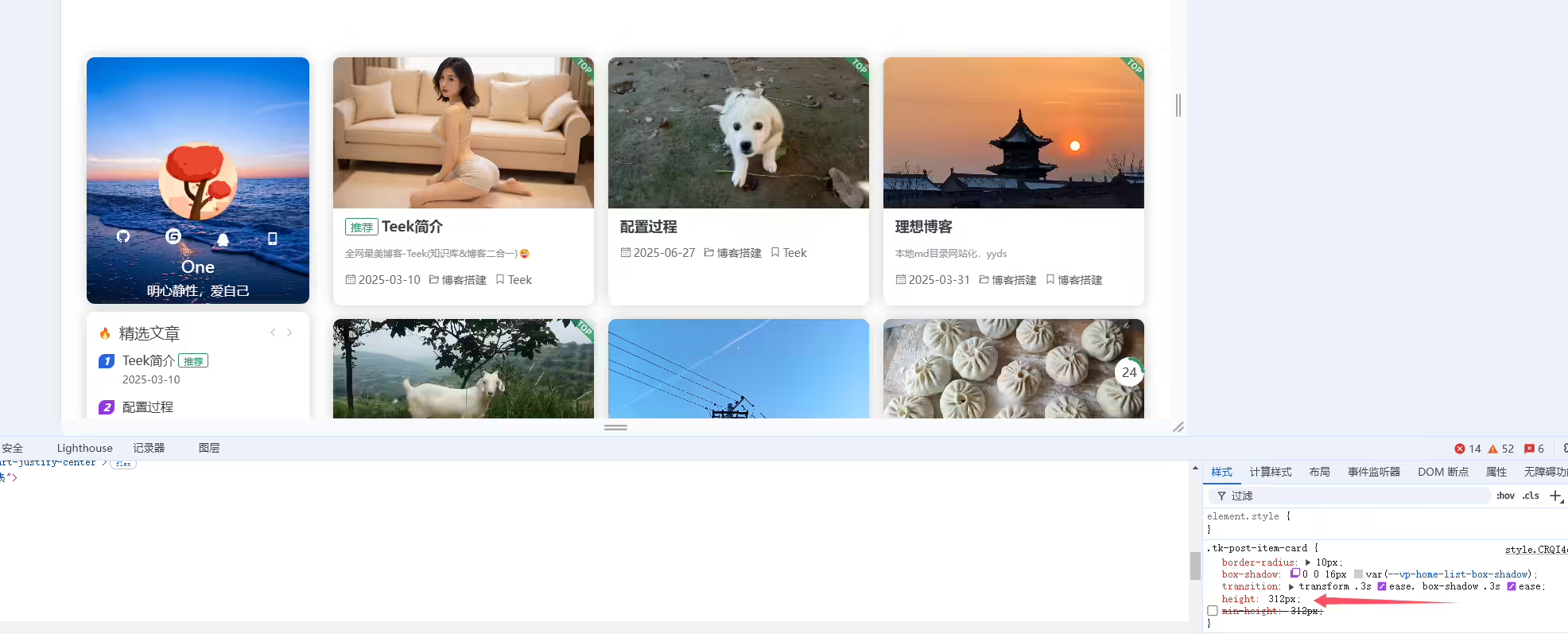
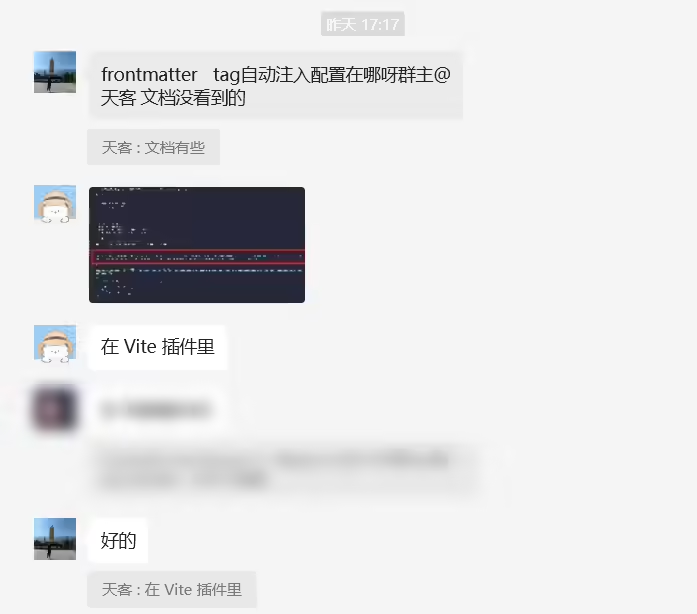
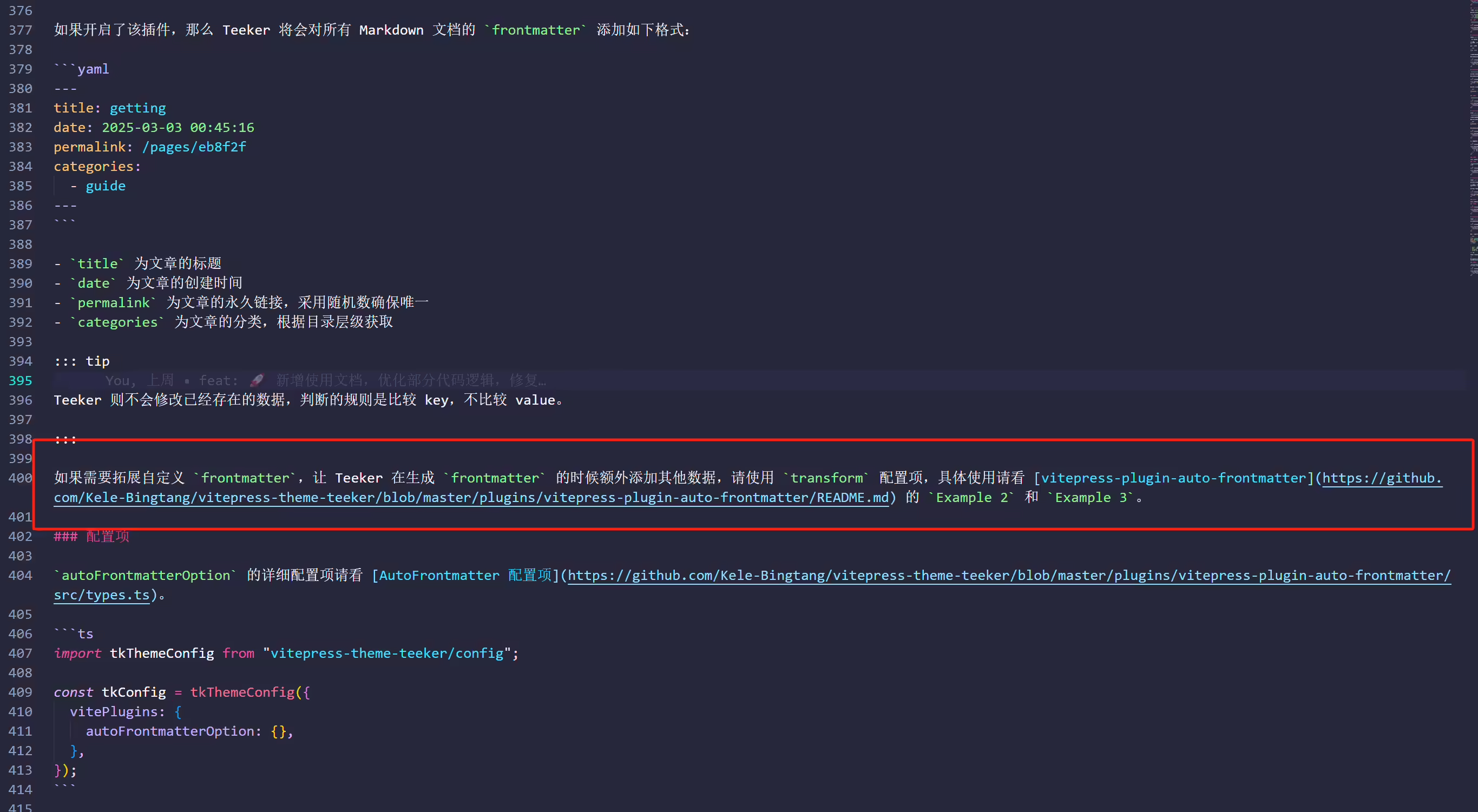
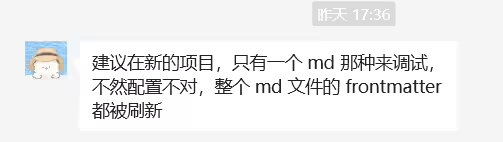
目前teek还没实现自动注入tag功能呢?
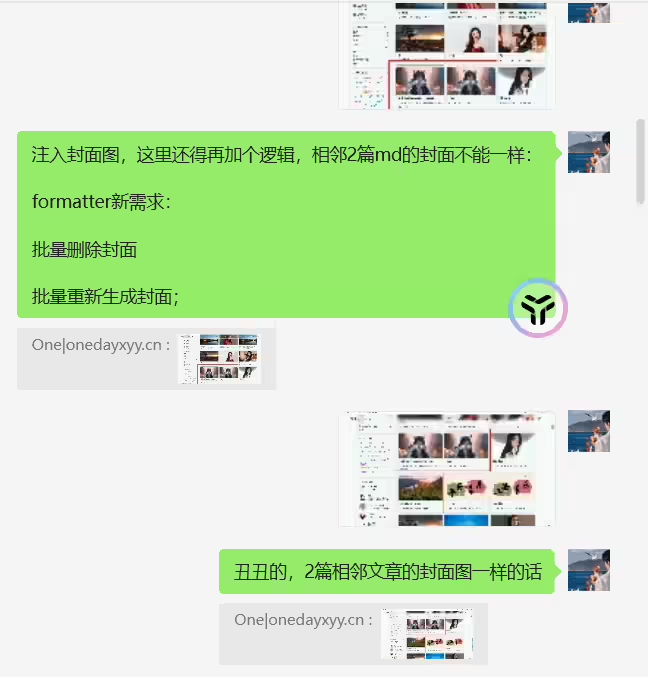
提出需求
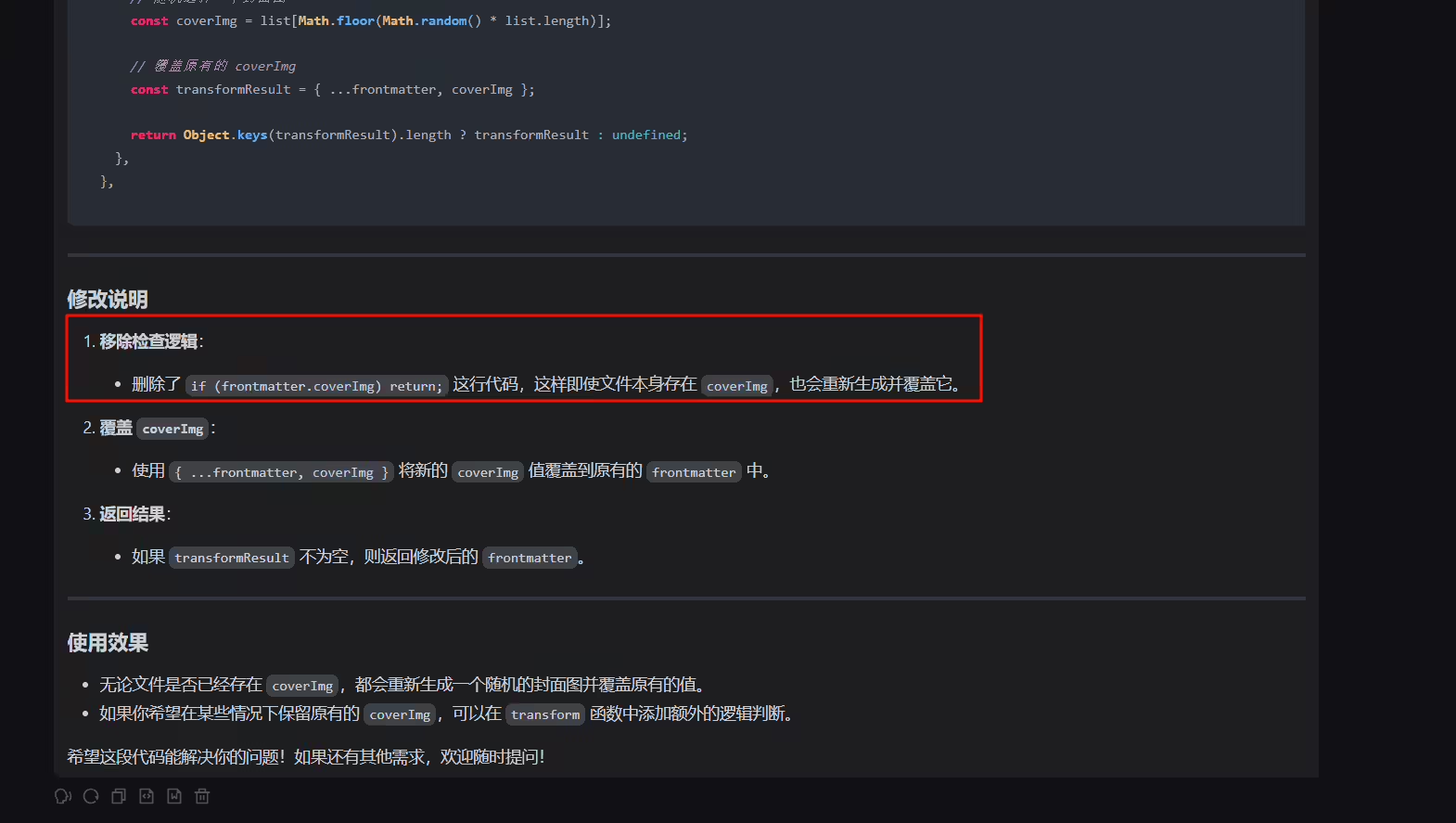
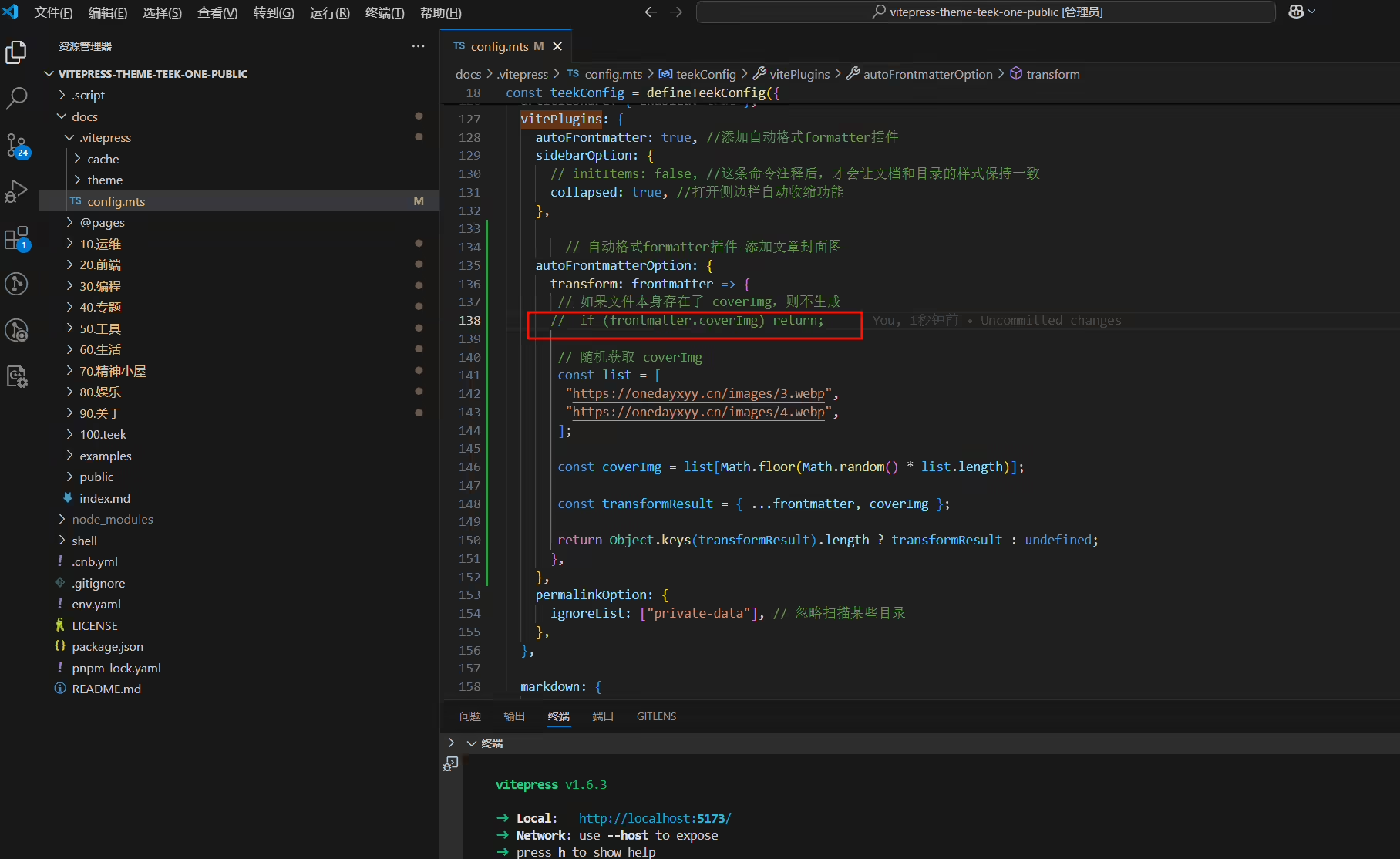
- 批量删除原来文章封面;
- 批量重新生成文章封面;
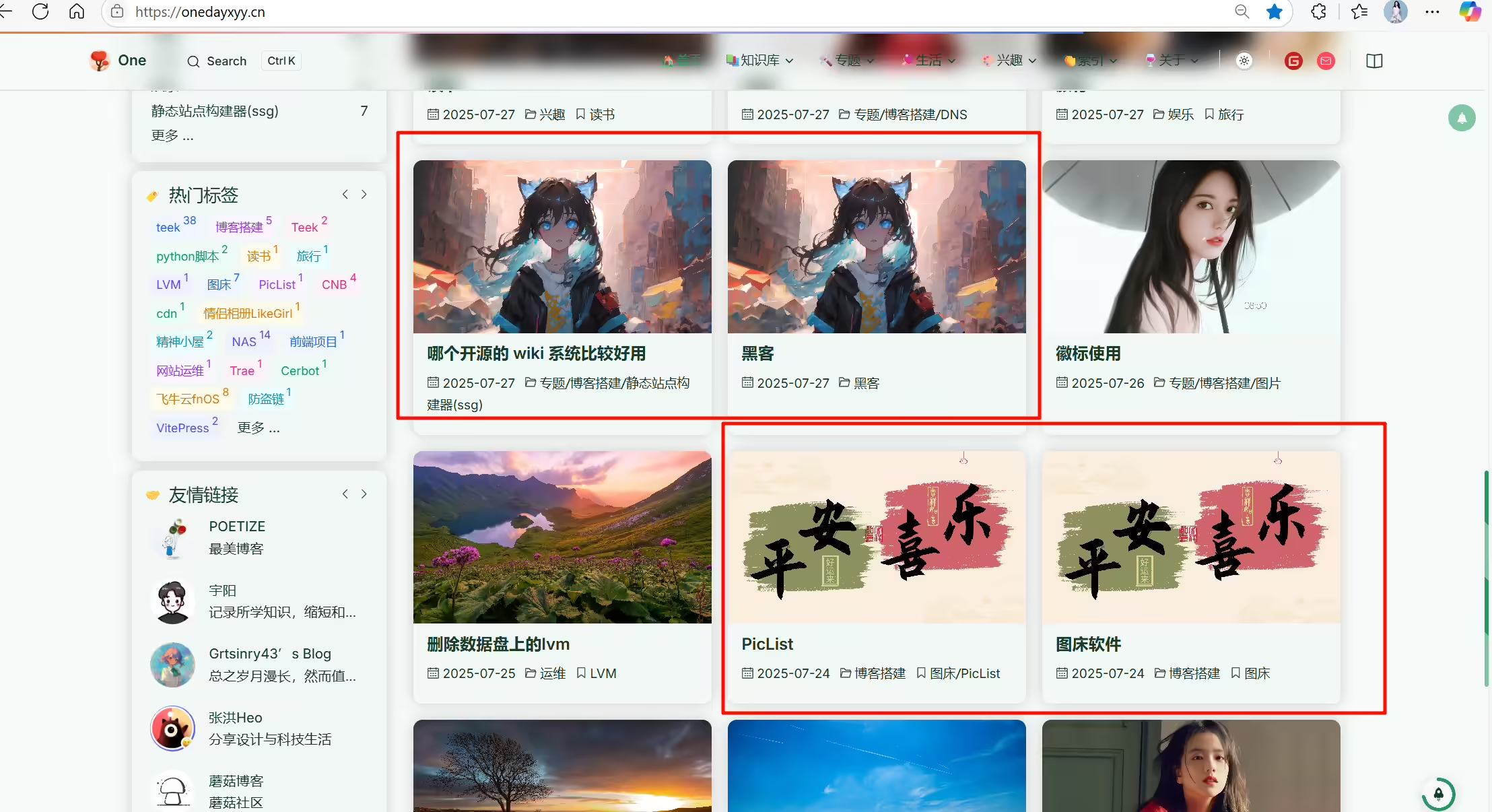
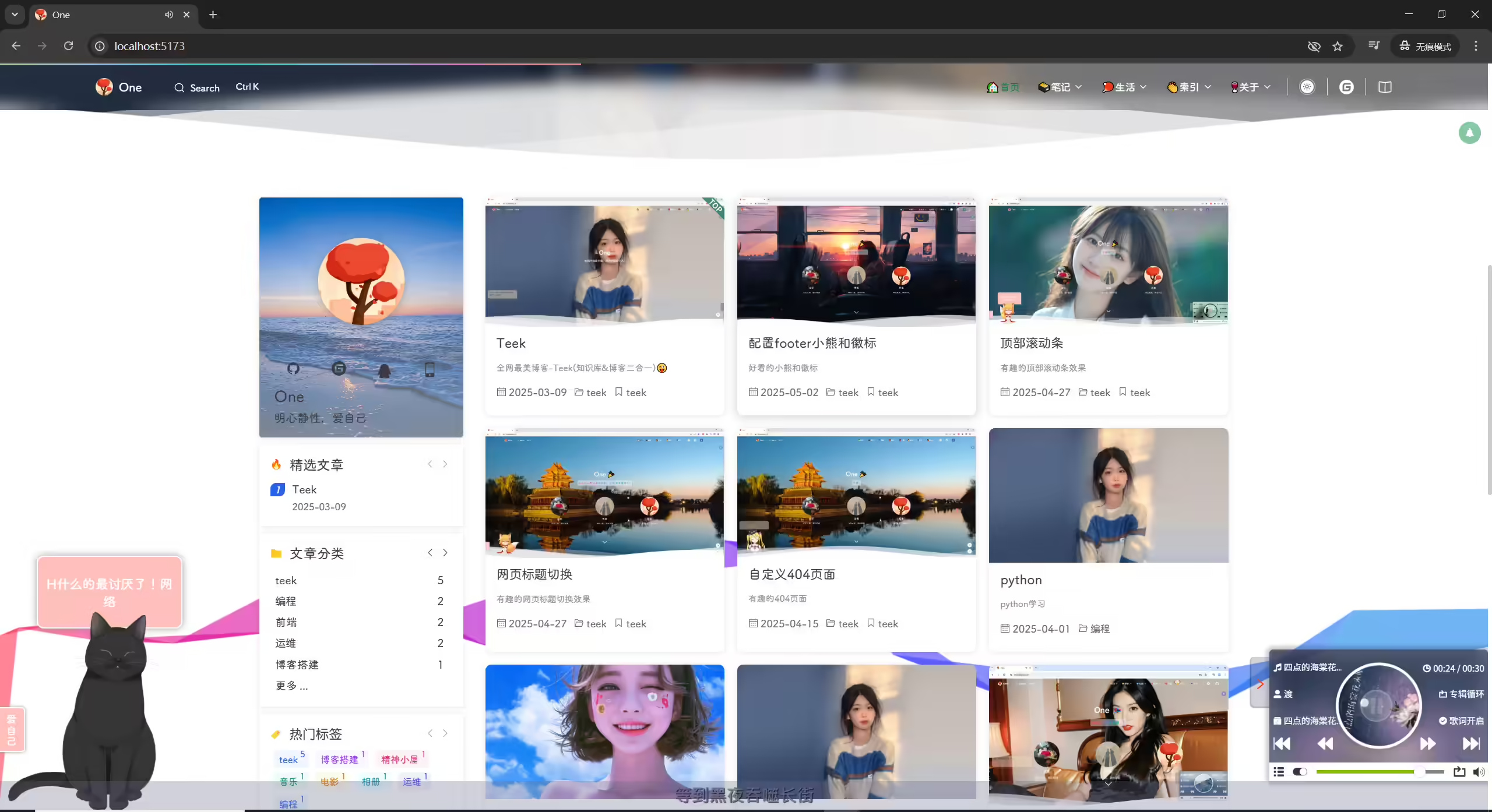
- 注入封面图,这里还得再加个逻辑,相邻2篇md的封面不能一样:
2025年7月28日更新
(2025年5月15日提出)
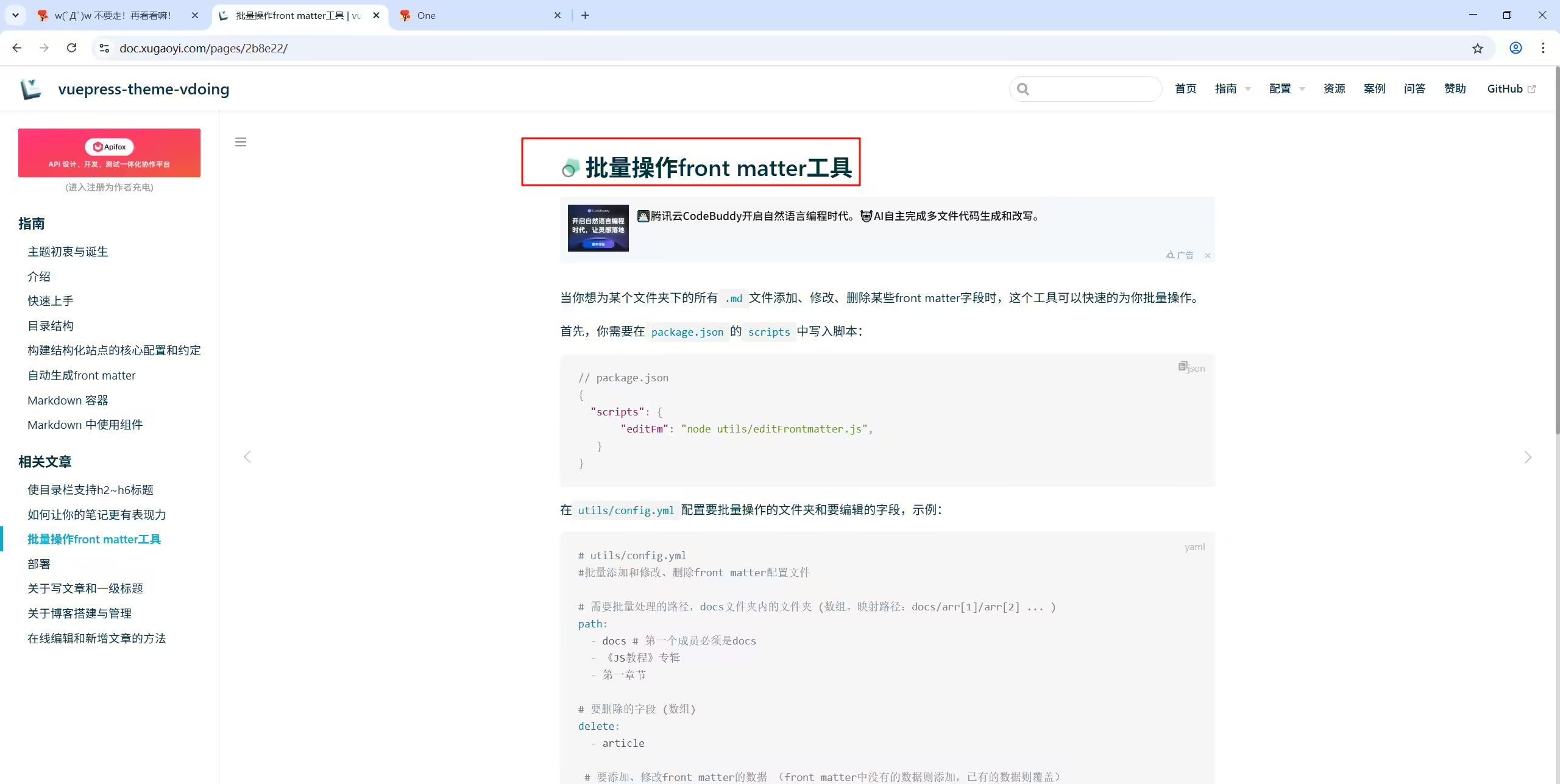
1vp能实现 “批量操作front matter工具”吗?
2
3需求背景:
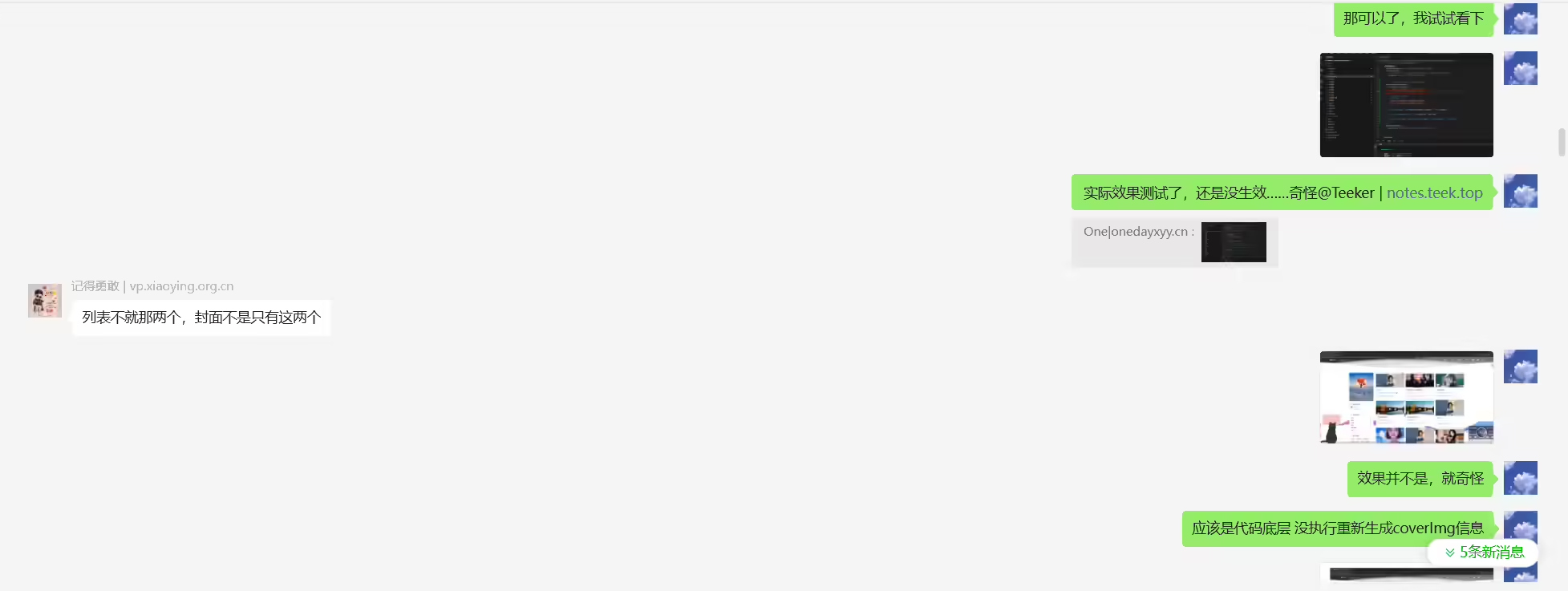
4现在我从网上剽了10张好看的妹纸图片,想让这些好看的妹纸做我的博客所有文章的封面,但是昨天已经用frontmatter 自动生成了壁纸,此时该怎么办呢?(感觉简便的方法  就是 只能利用autofrontmatter先删除coverImg信息,再重新生成coverImg信息)
测试失败
2025年5月15日测试。
测试环境:
警告
Teek@1.2.0-2025.5.12版本

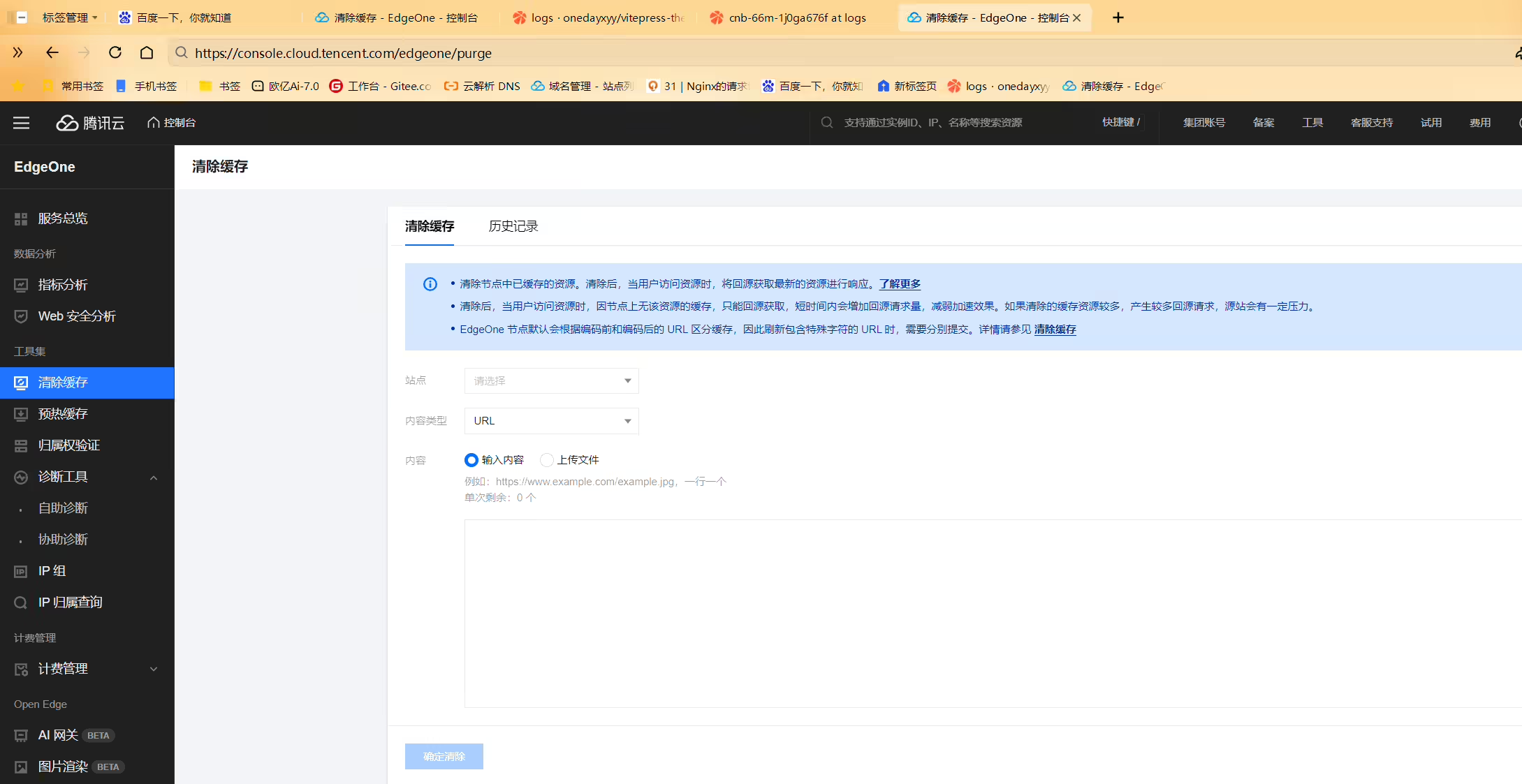
用了edgeone后,每次都要强制刷新url才行,不然网页最新页面最新内容都呈现不了…… 有那种sdk,方便咋们执行的没,就像阿里云,有sdk,我再ecs执行下刷新脚本就好
回答1:

回答2:
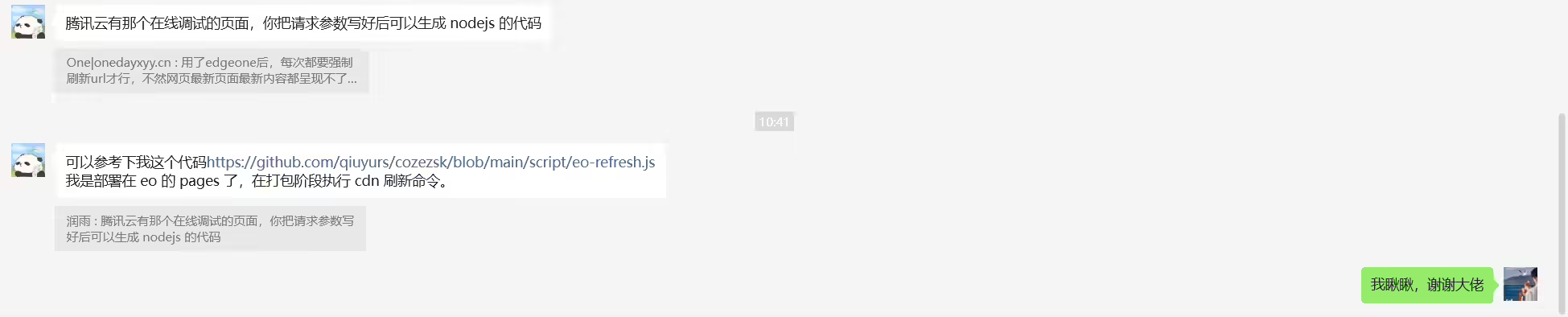
可以参考下我这个代码https://github.com/qiuyurs/cozezsk/blob/main/script/eo-refresh.js 我是部署在 eo 的 pages 了,在打包阶段执行 cdn 刷新命令。
2025年7月19日测试
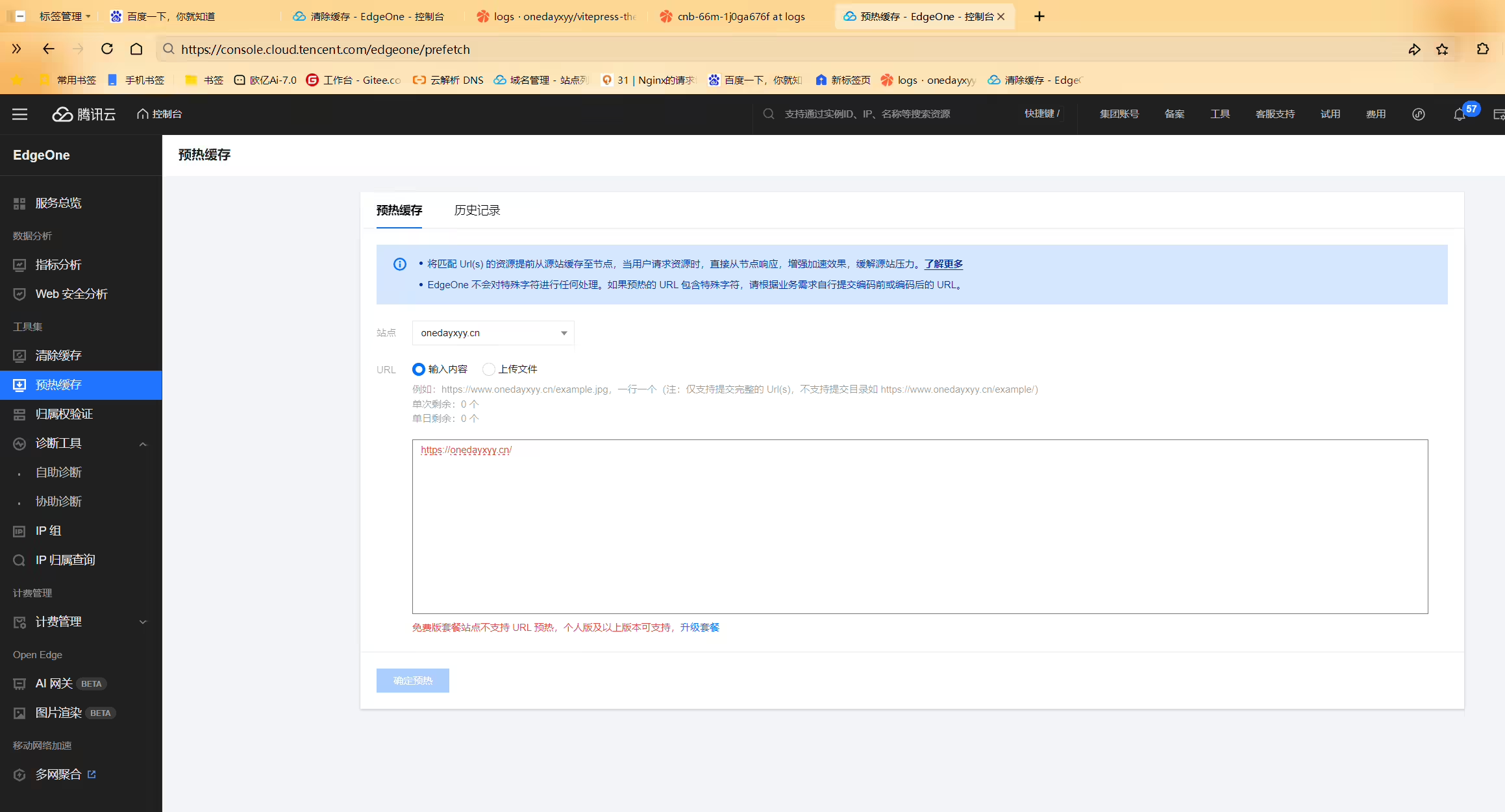
因此,只能是清除缓存:
2025年7月20日记录。
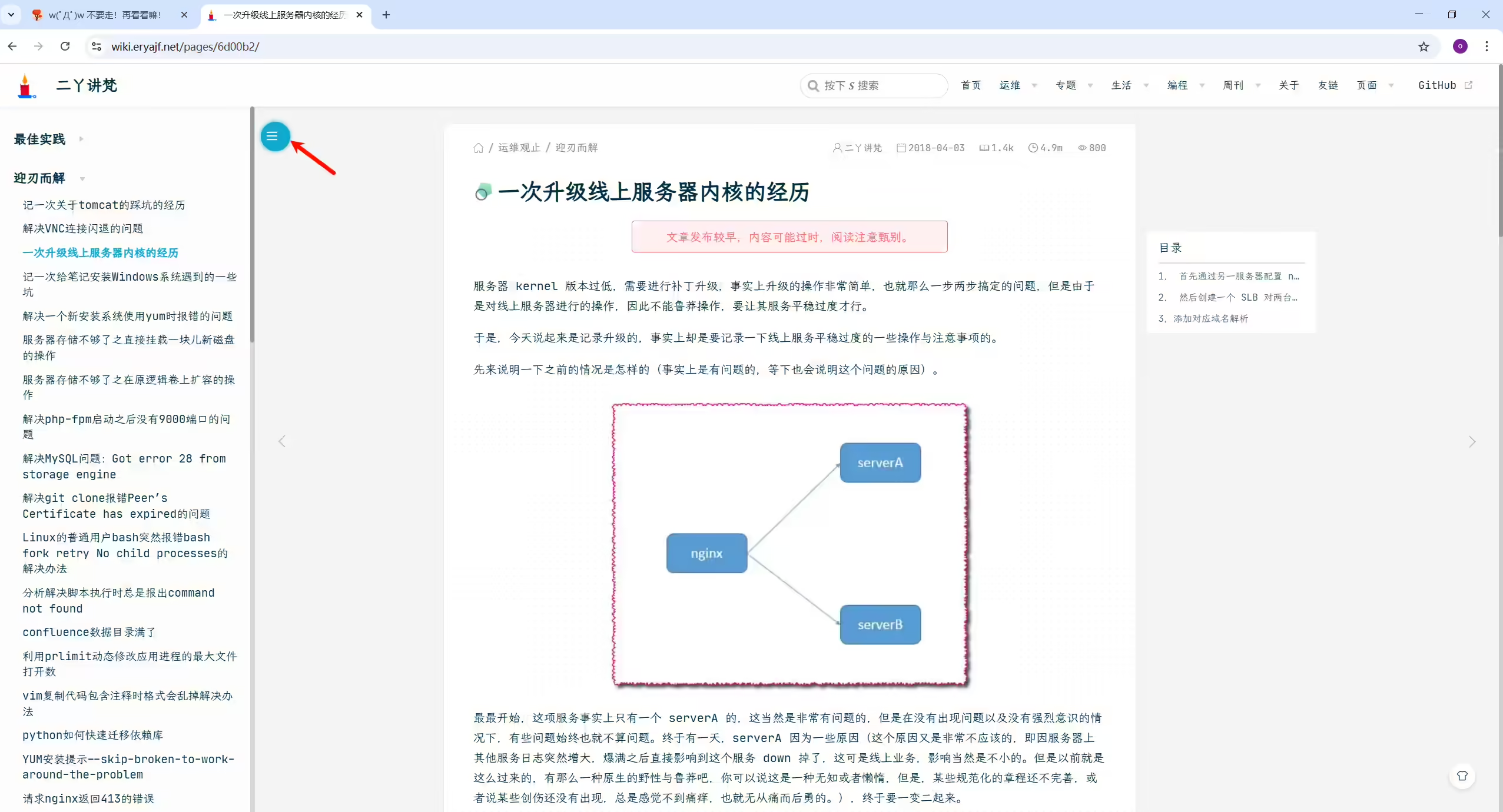
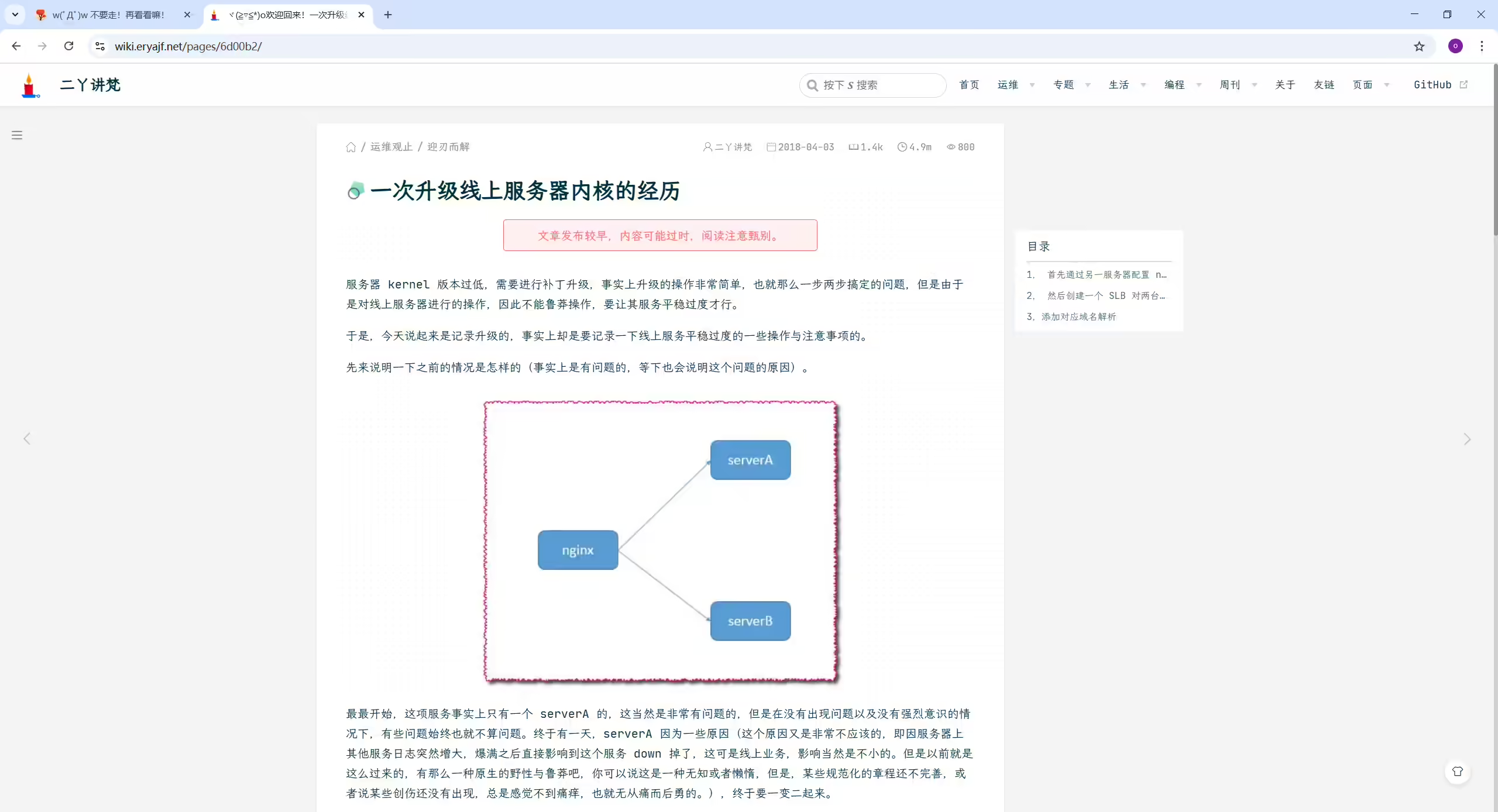
2025年7月20日提出。
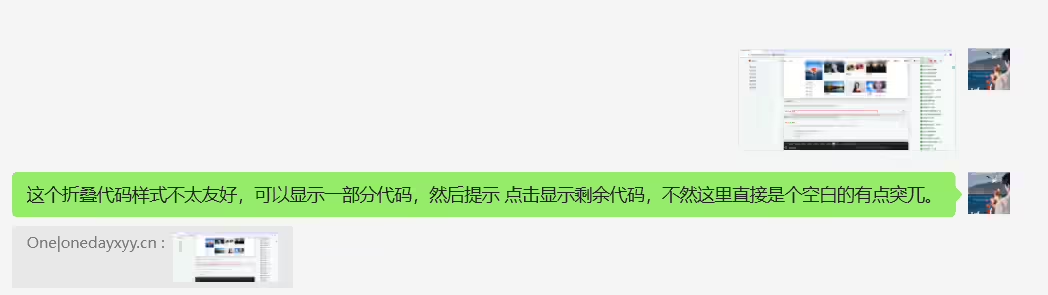
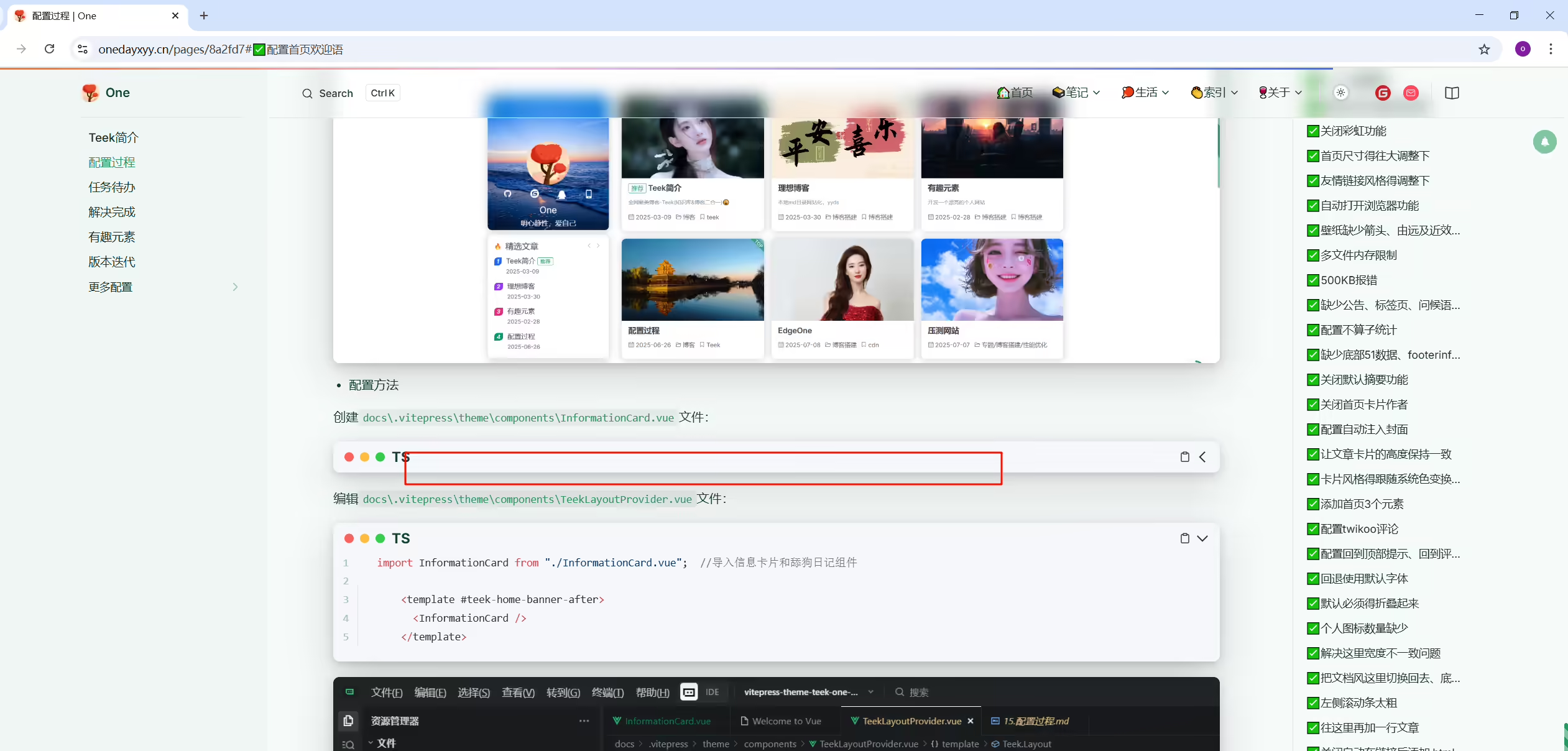
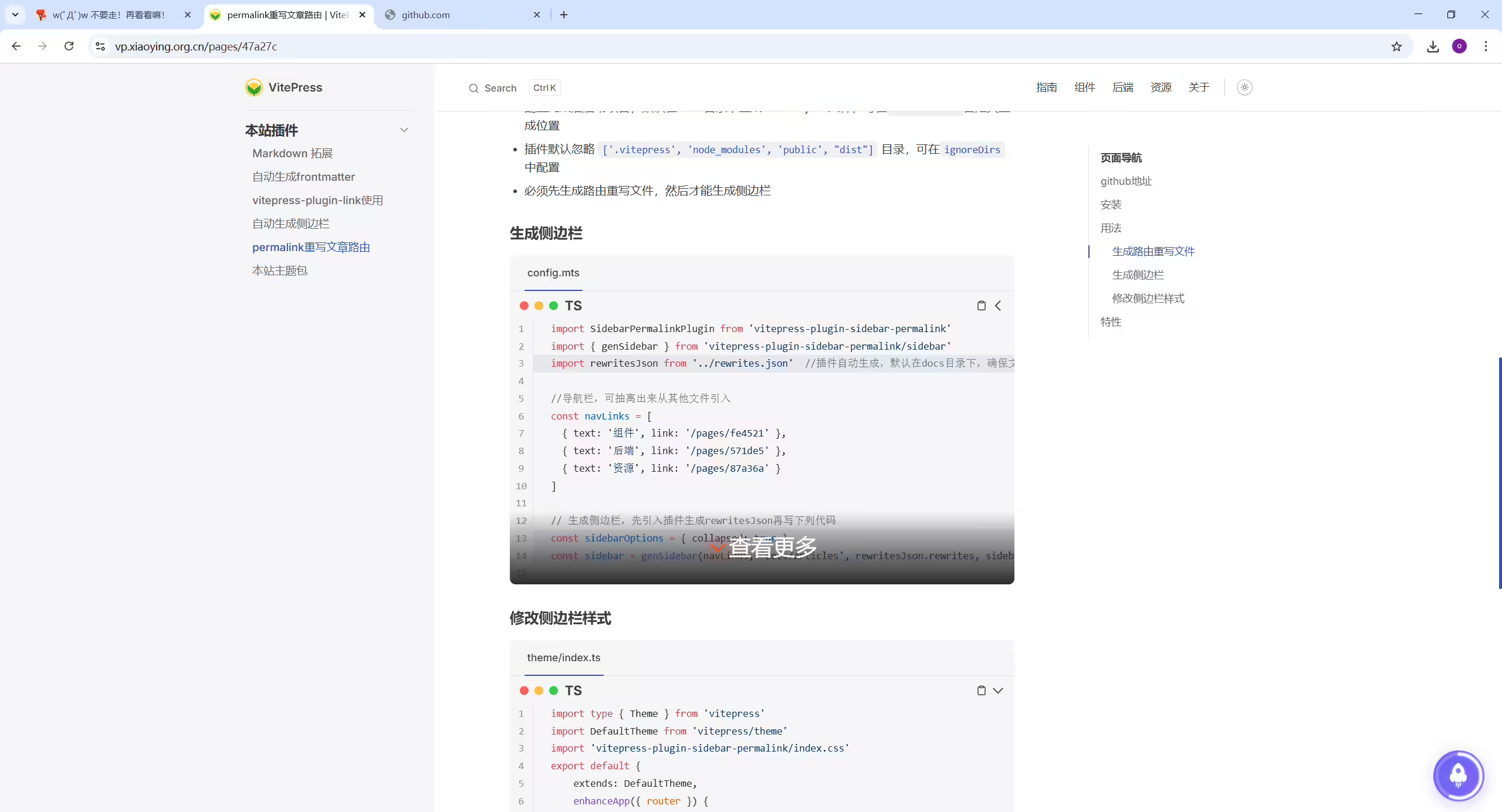
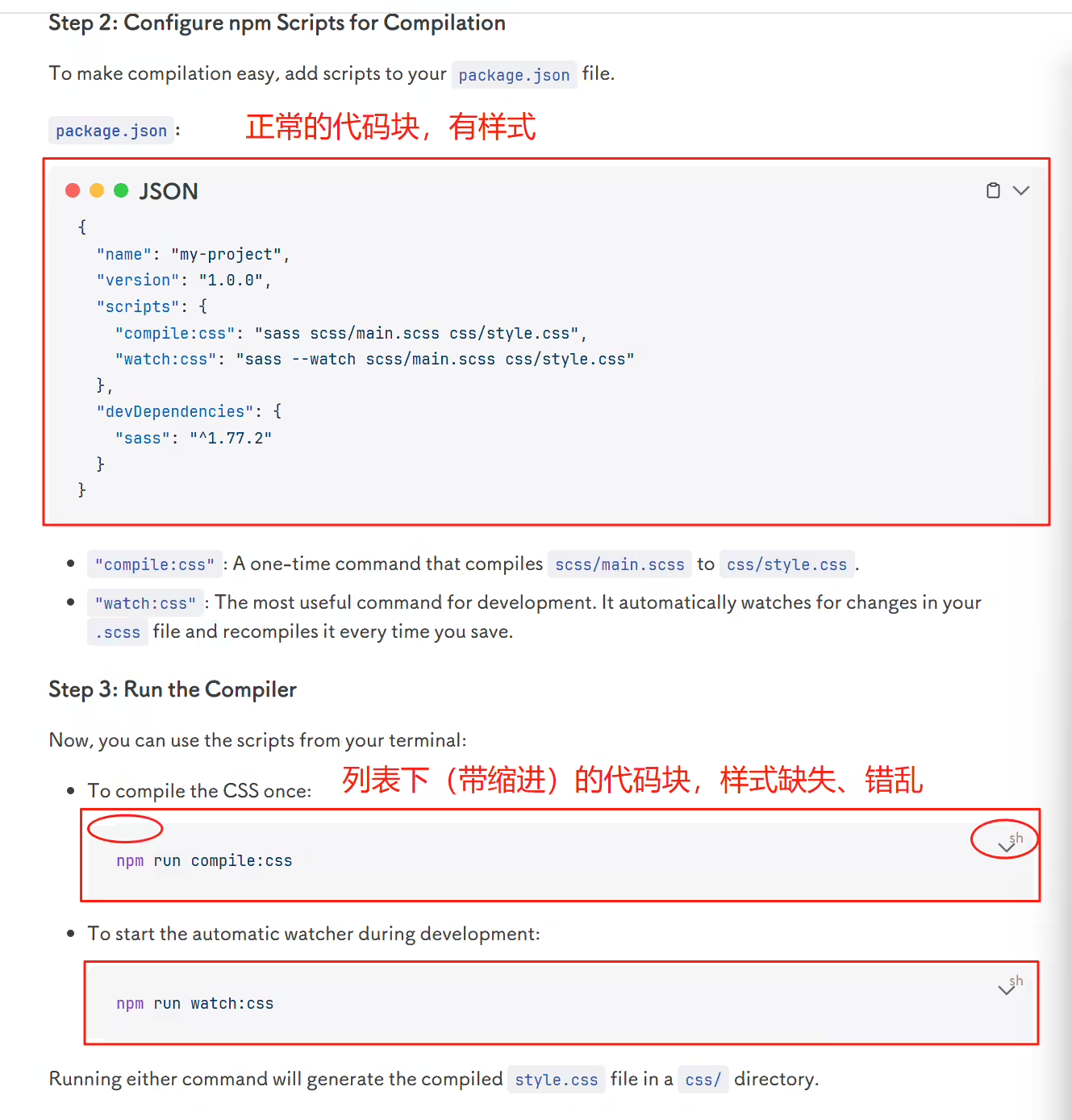
这个折叠代码样式不太友好,可以显示一部分代码,然后提示 点击显示剩余代码,不然这里直接是个空白的有点突兀。
案例:《记得勇敢 写的代码》
https://vp.xiaoying.org.cn/pages/47a27c 2025年7月31日记录

提出需求:(2025年6月28日)
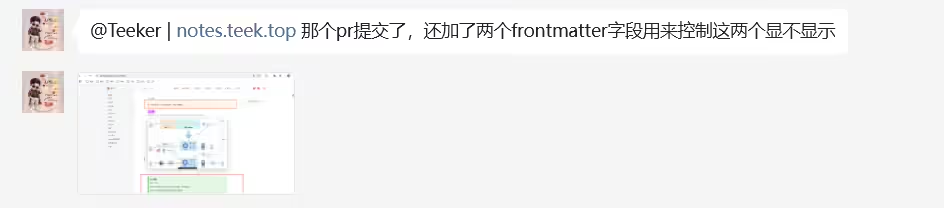
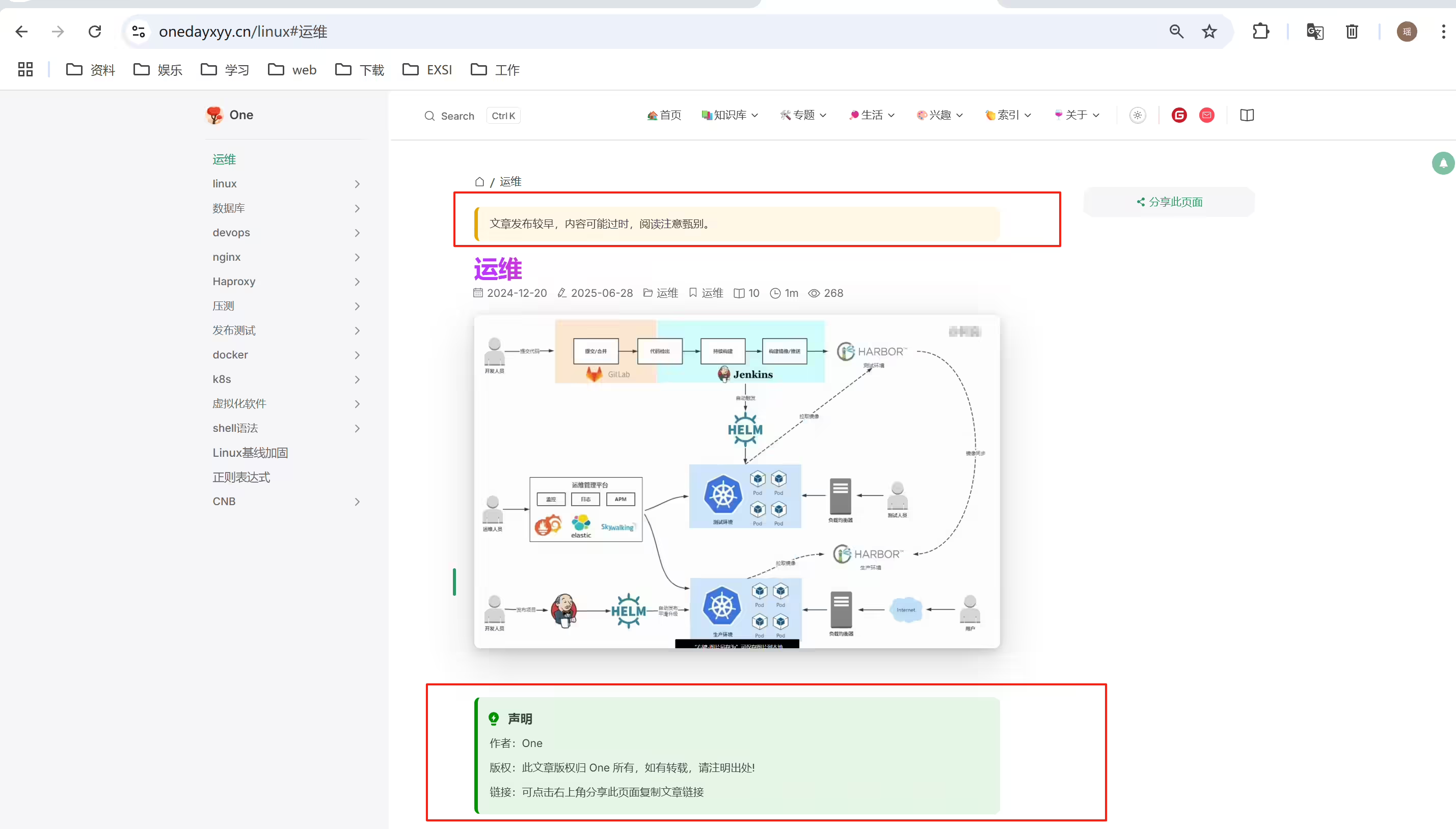
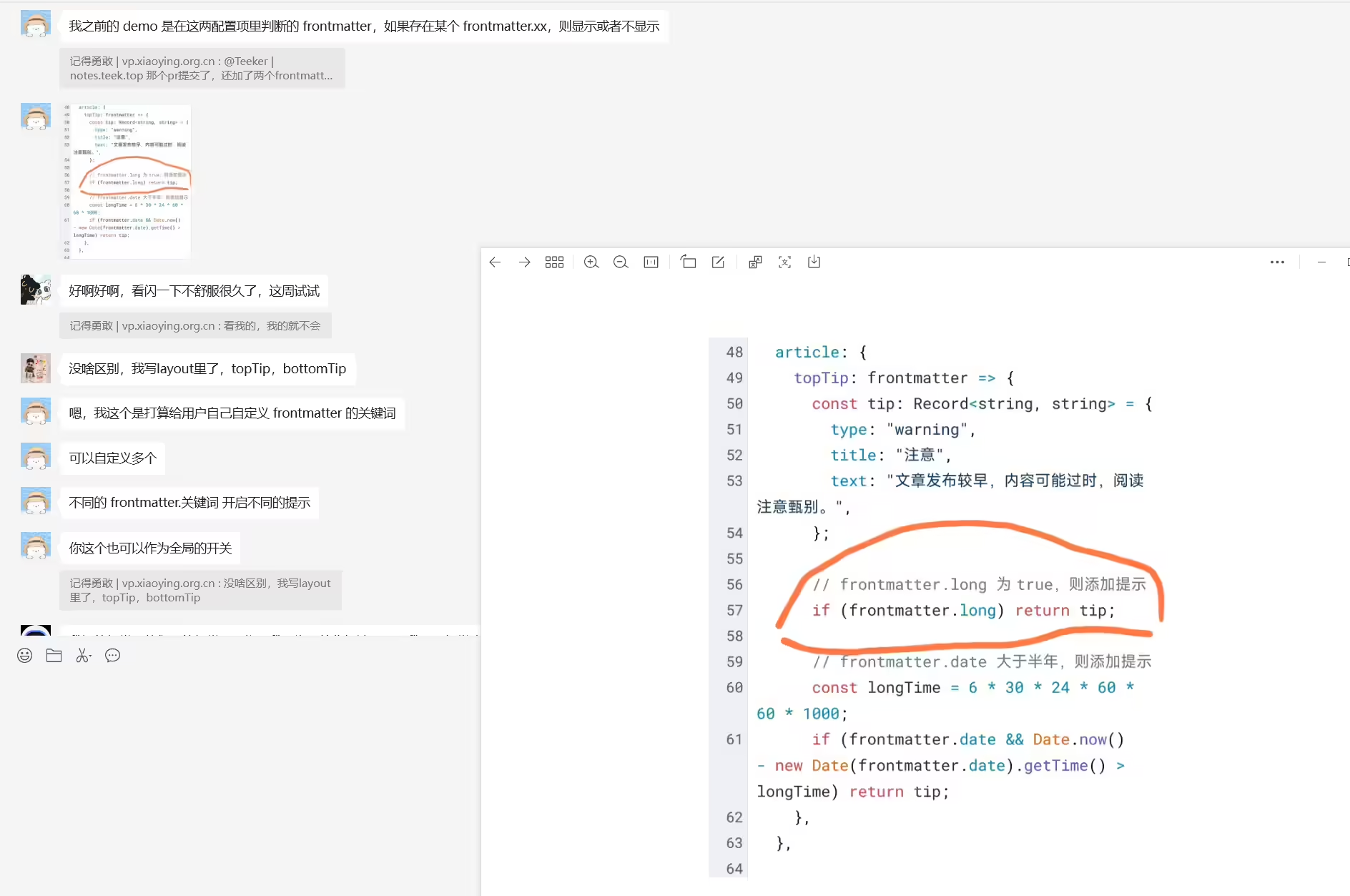
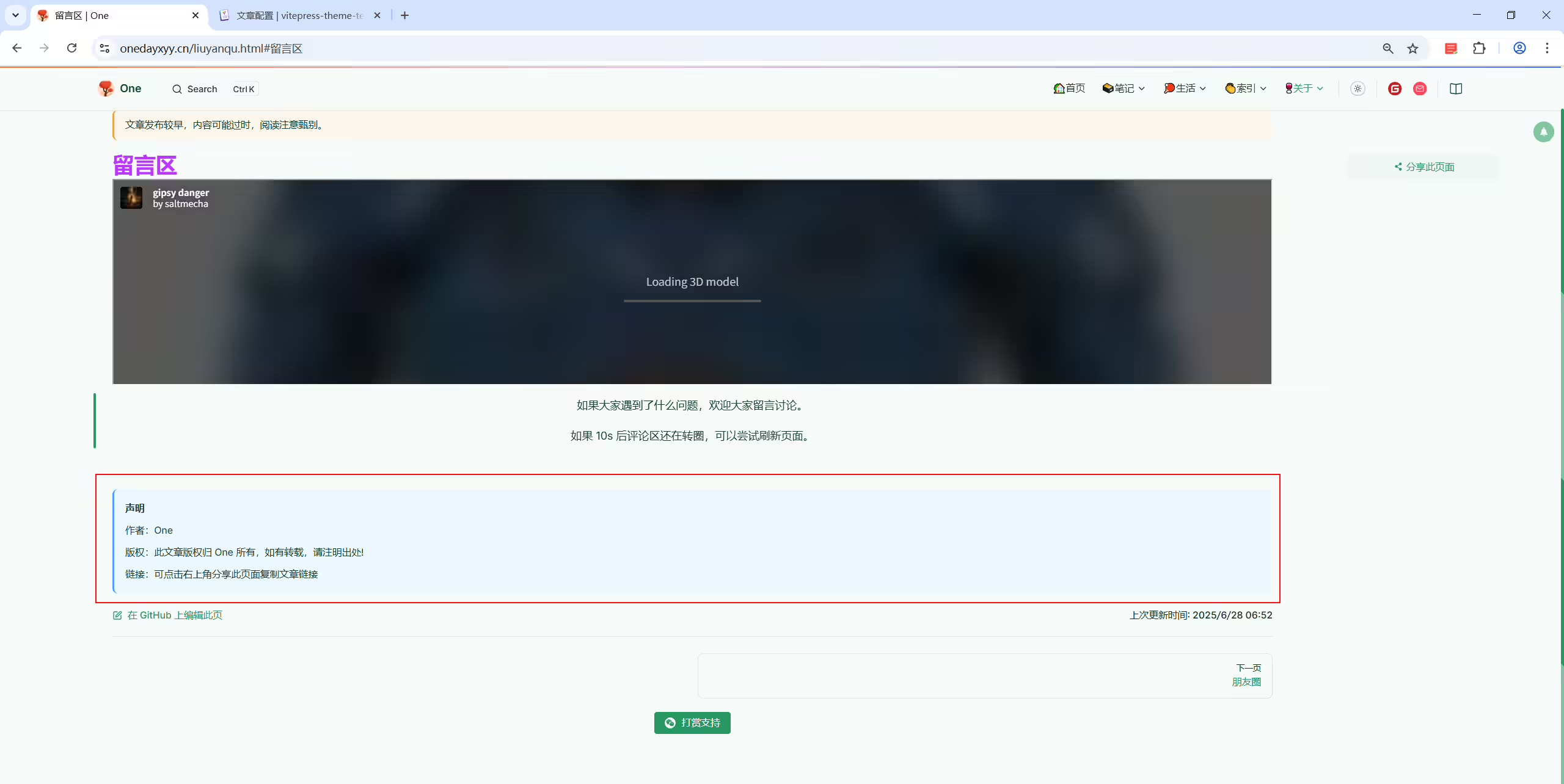
能不能支持在某些页面 关闭这个 声明 功能呢?例如 关于 这一导航栏里的大多数页面不需要 声明 功能的。 最好可以在formatter里关闭; @Teeker | notes.teek.top
2025年7月21日提出。
2025年3月30日 hyde提出。
你试试直接访问这个链接 https://theme.hacxy.cn/guide/intro/#%E5%BF%AB%E9%80%9F%E5%BC%80%E5%A7%8B
https://theme.hacxy.cn/guide/intro/
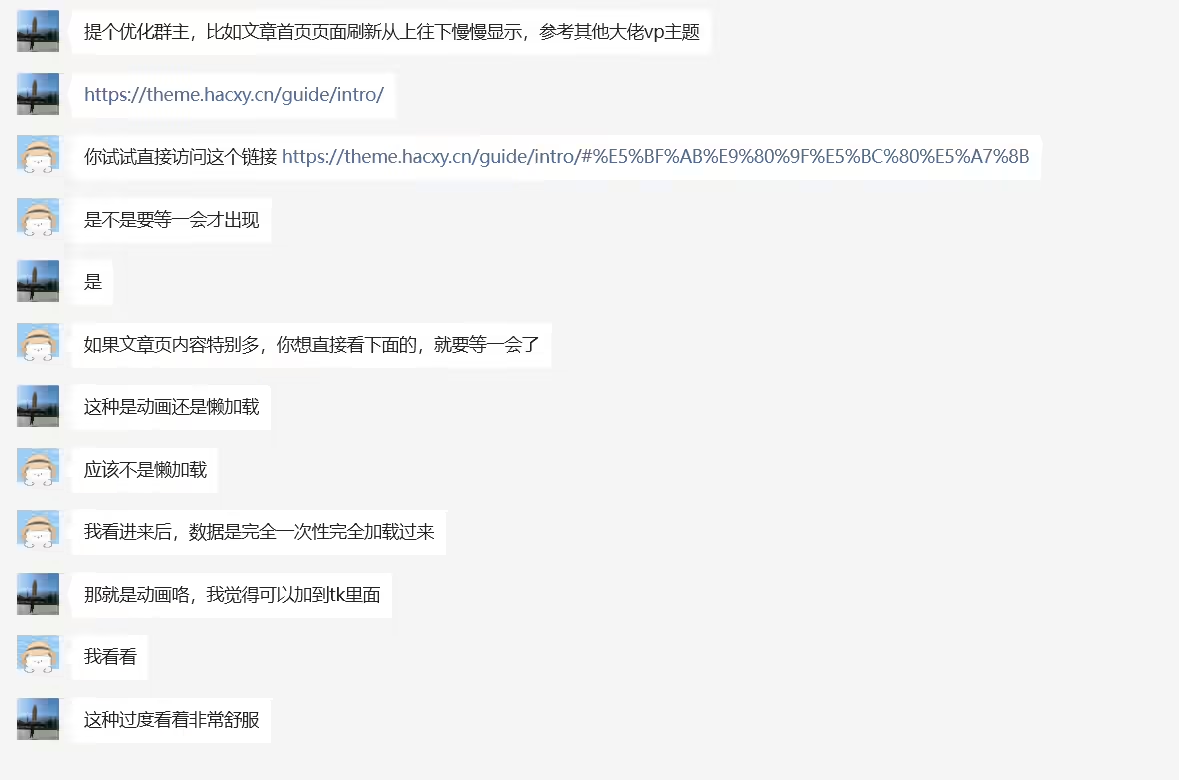
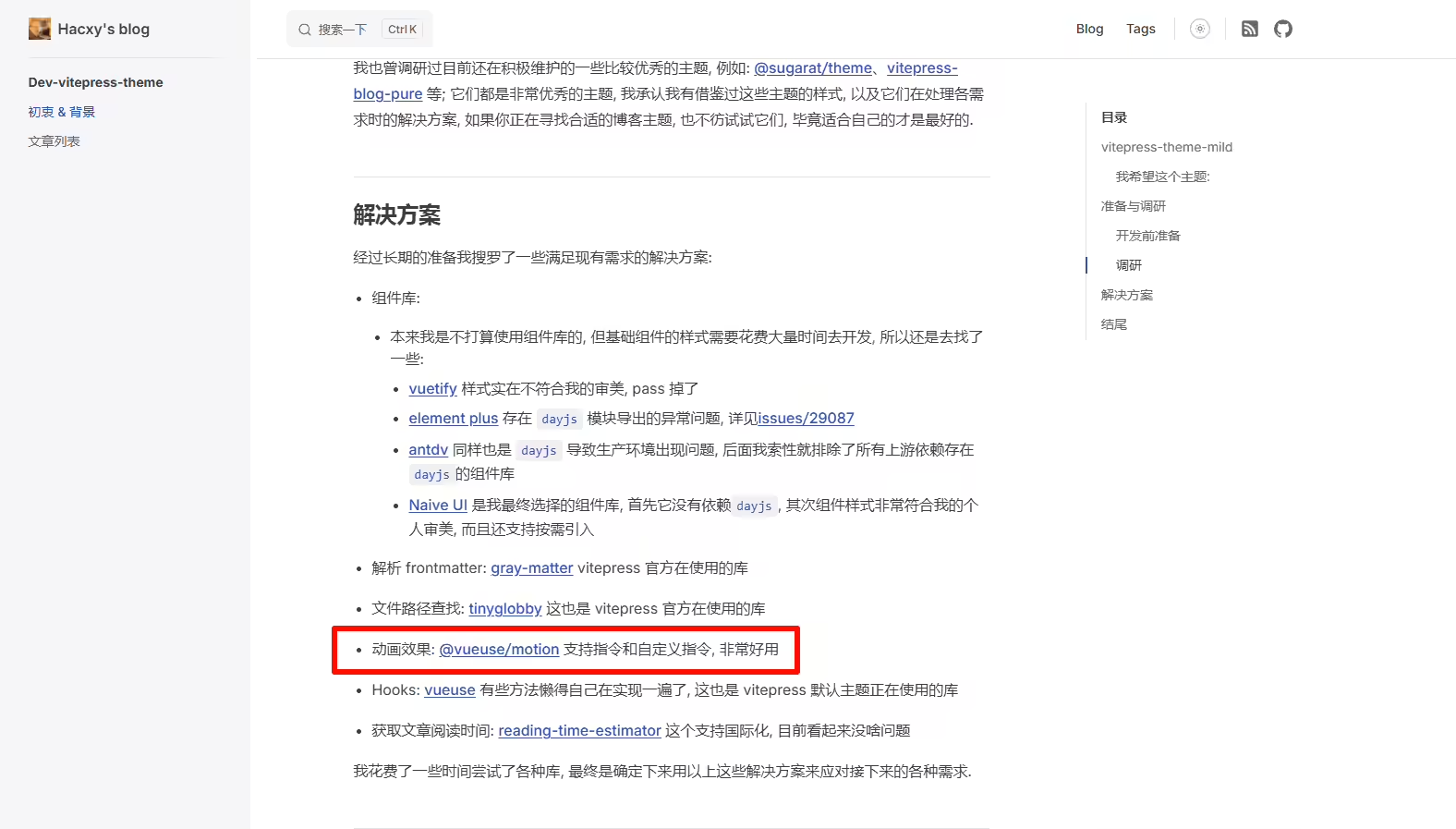
https://hacxy.cn/docs/posts/dev-vitepress-theme/ @天客
集成生成sitemap的能力 –已实现
2025年4月1日提出。

2025年5月21日记录
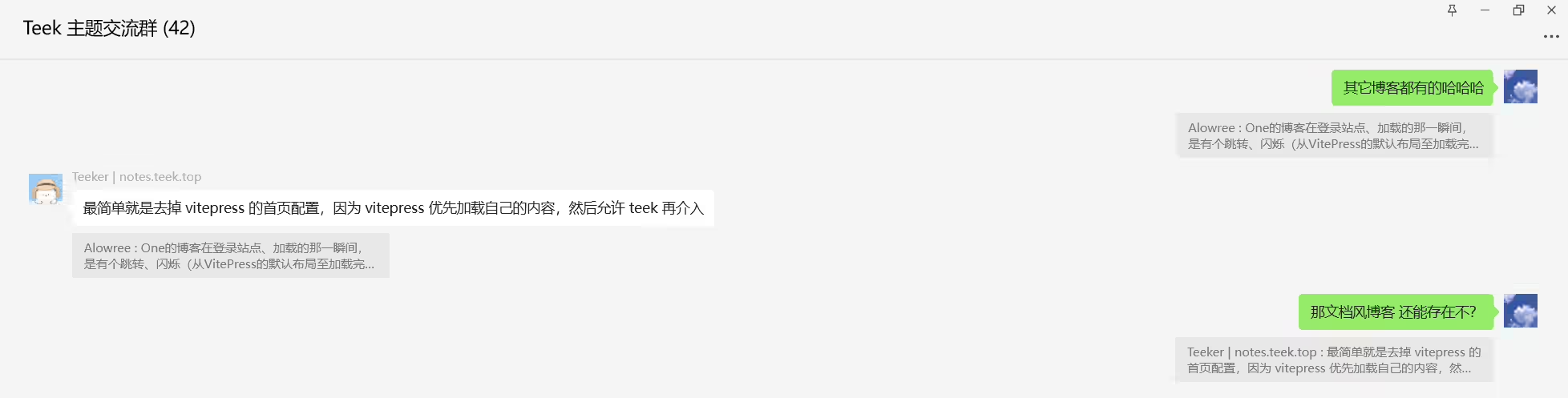
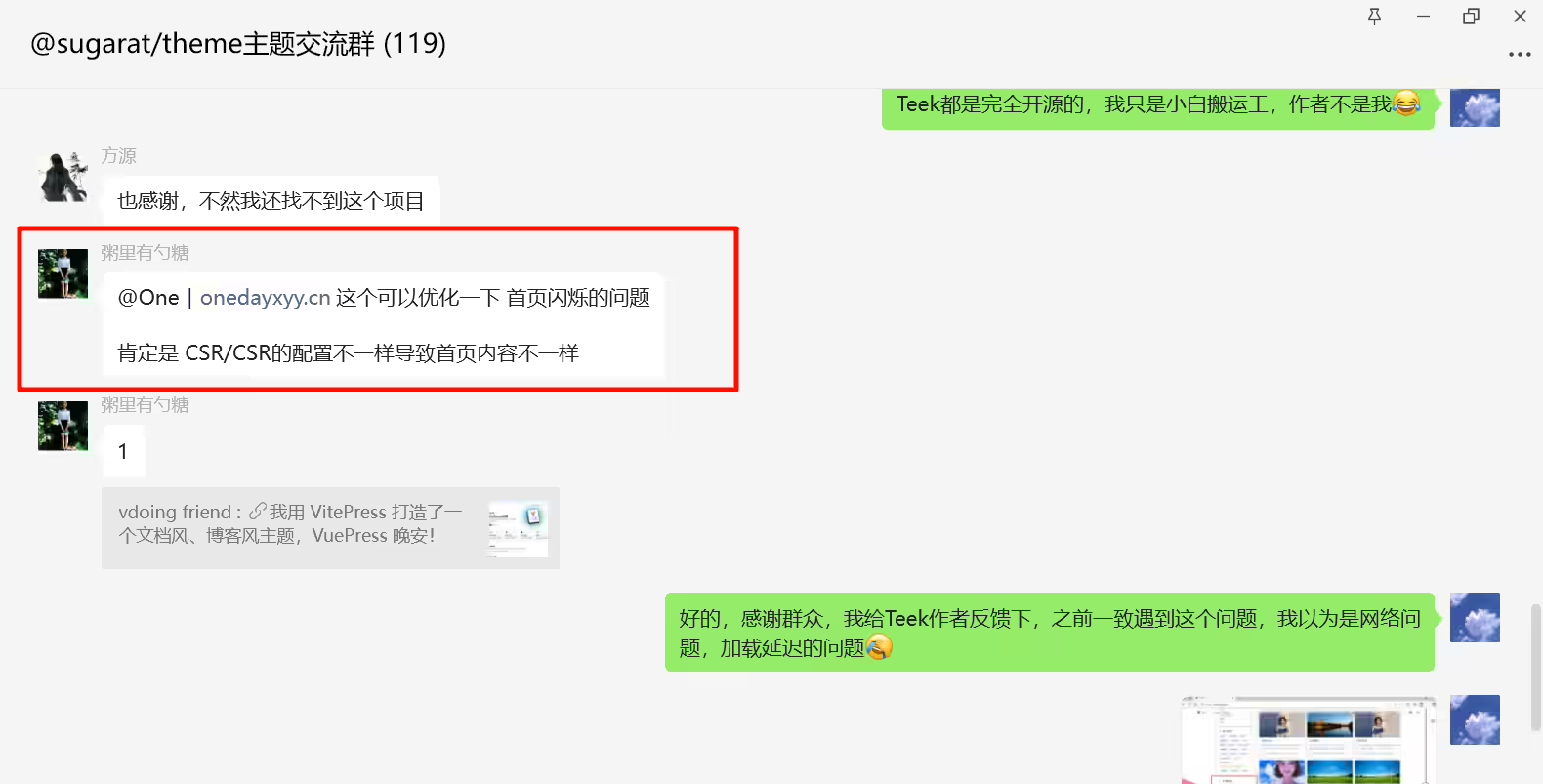
后面发现是我浏览器默认被缩小了,默认情况下是正常的,体验Nice。
提出需求:(2025年6月28日)
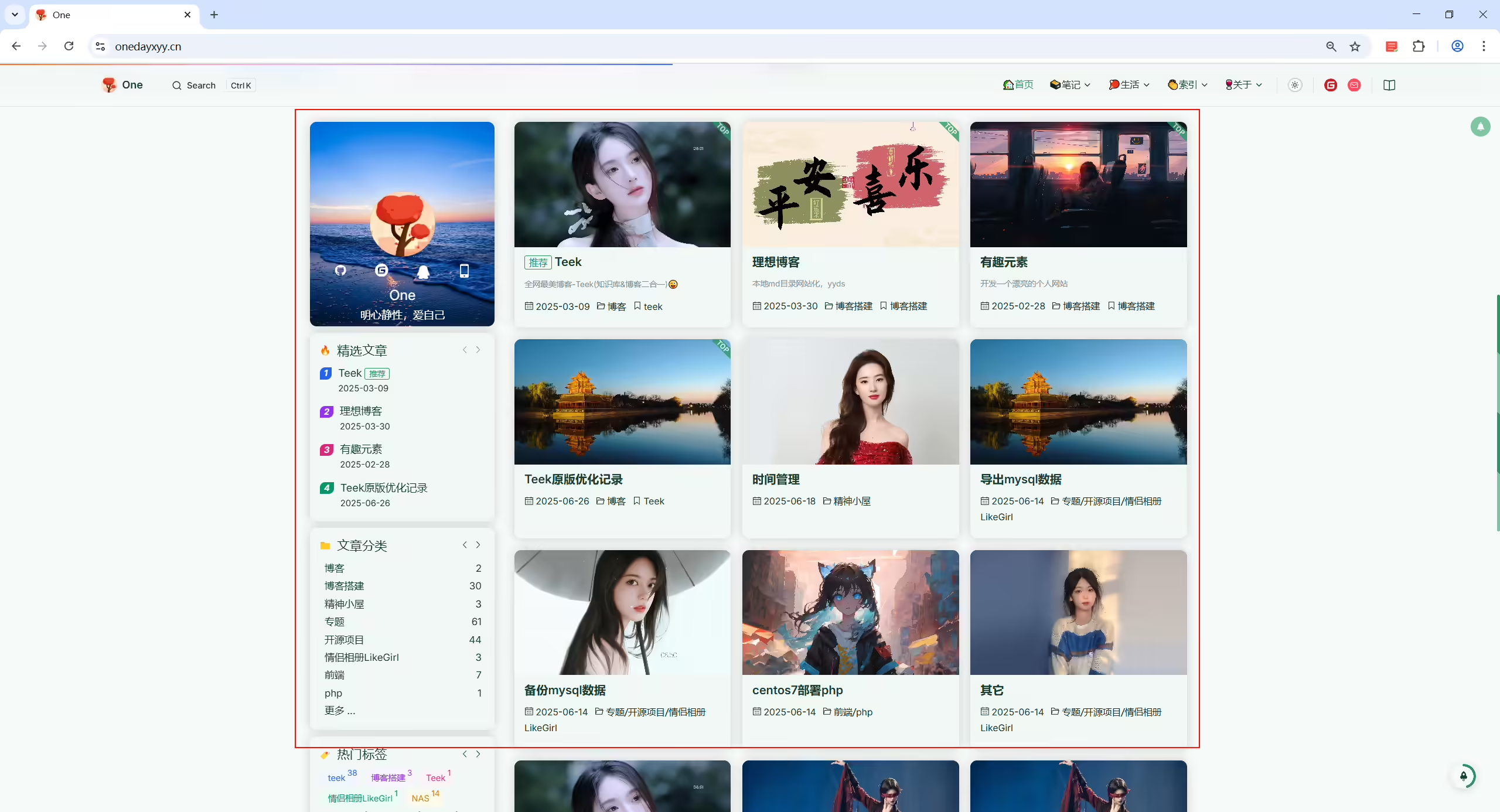
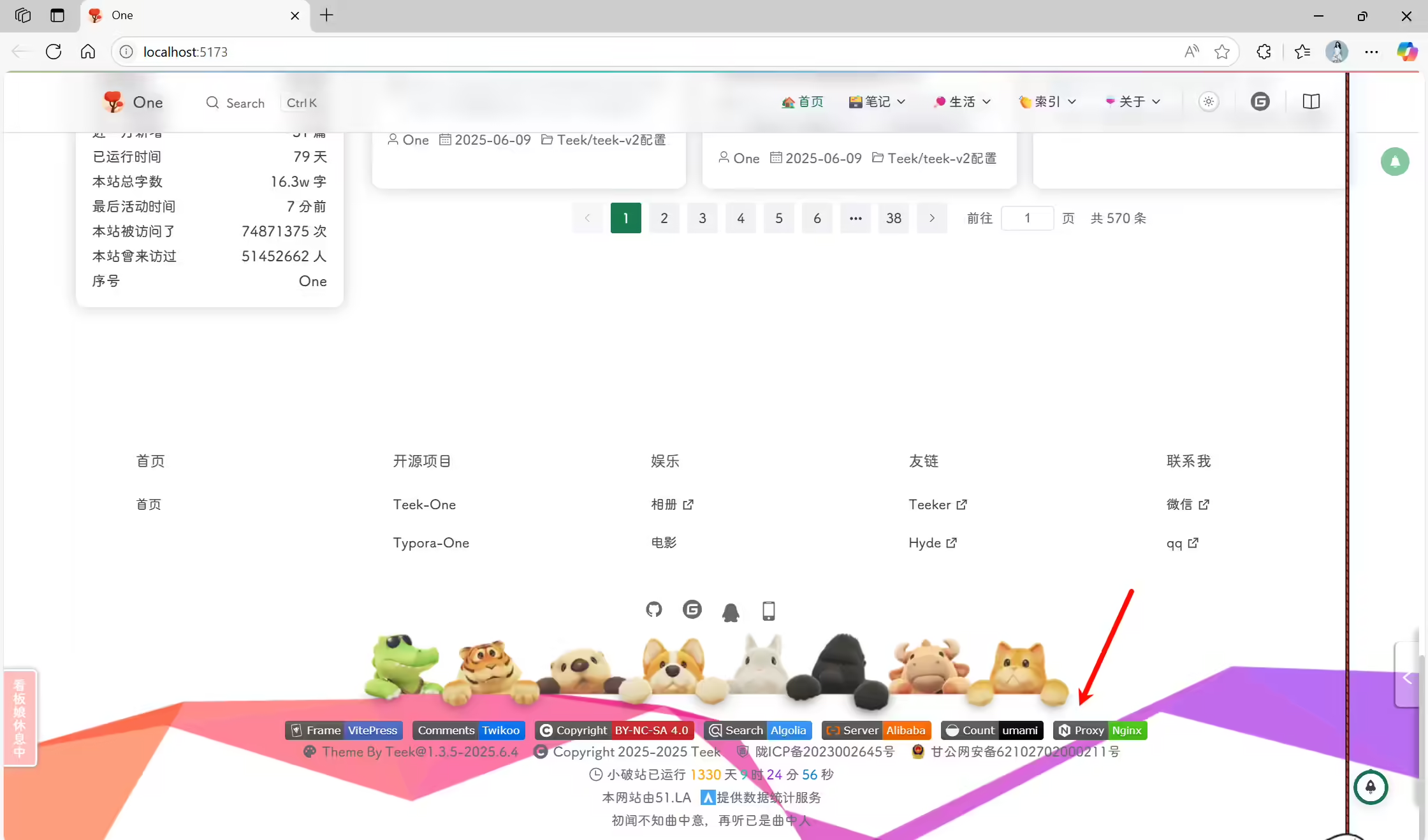
希望 这个首页内容的宽度是自适应 不同尺寸屏幕的,我工作电脑24寸,首页宽度就基本填充了,很不错。 但是家里这台电脑是大屏幕,首页这里就显得太小了,不是很友好。@Teeker | notes.teek.top
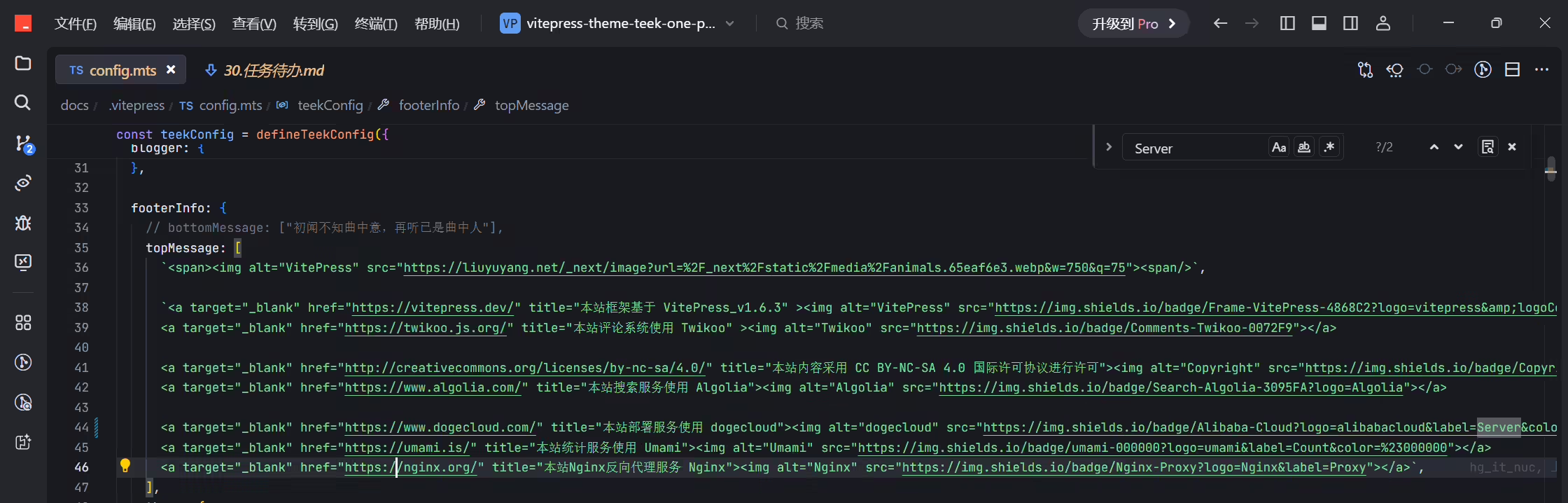
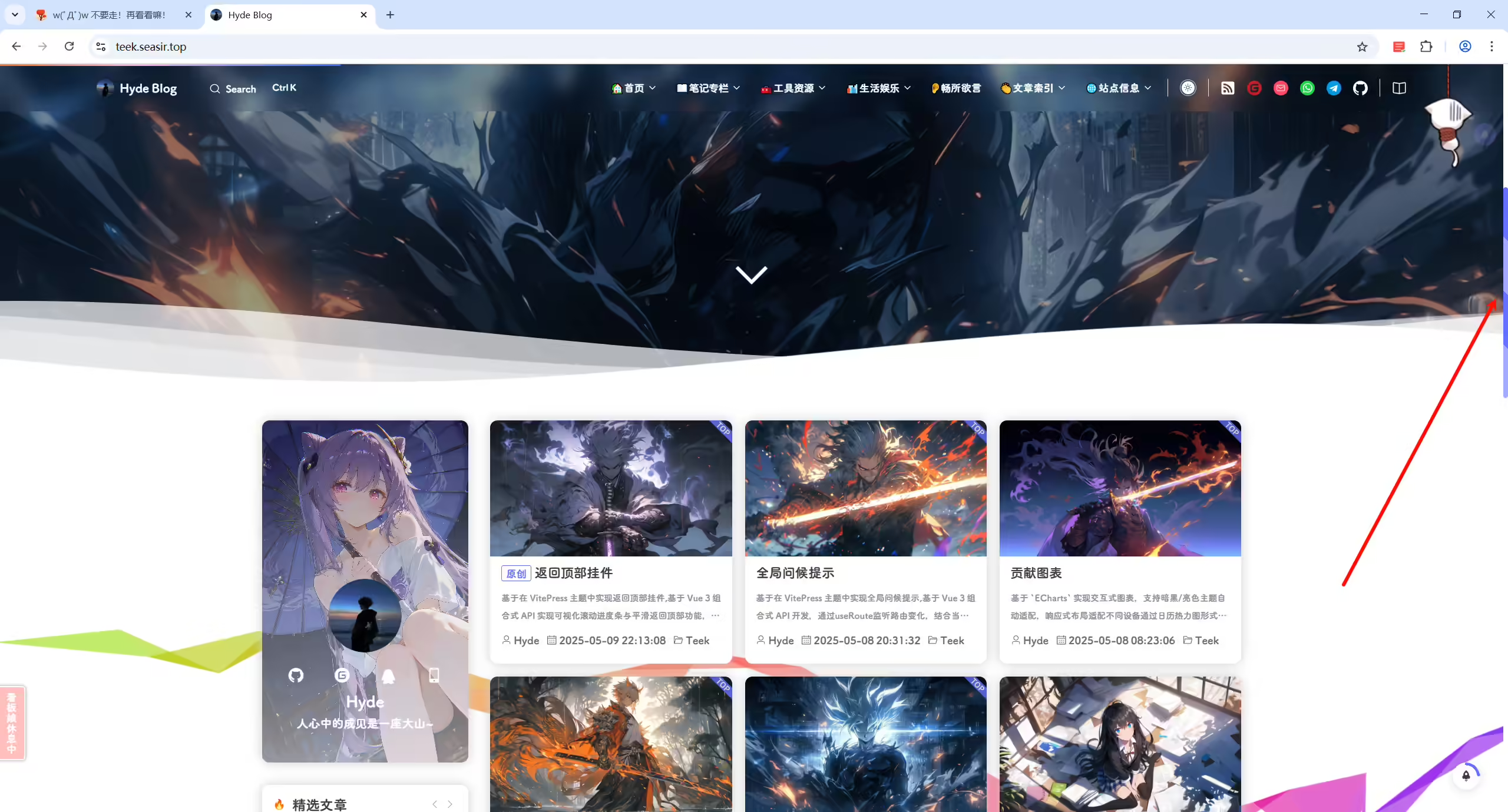
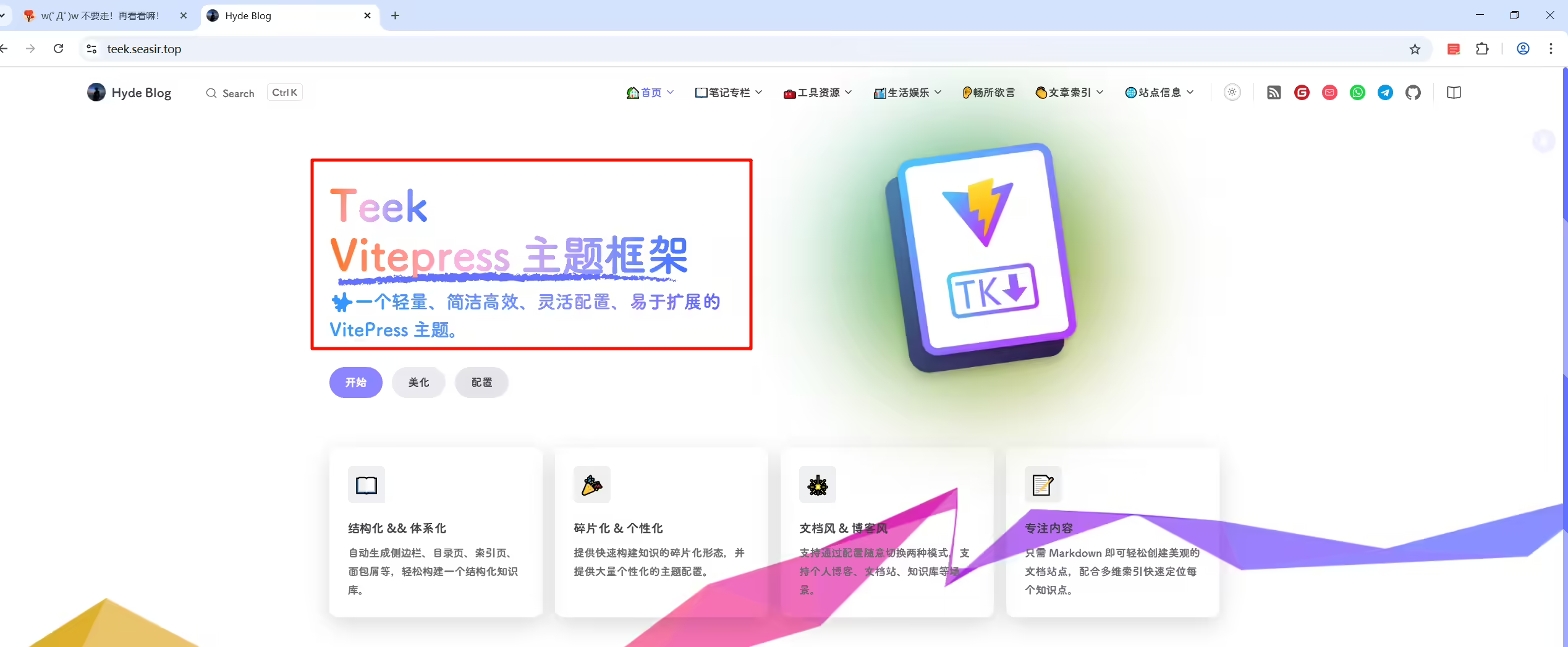
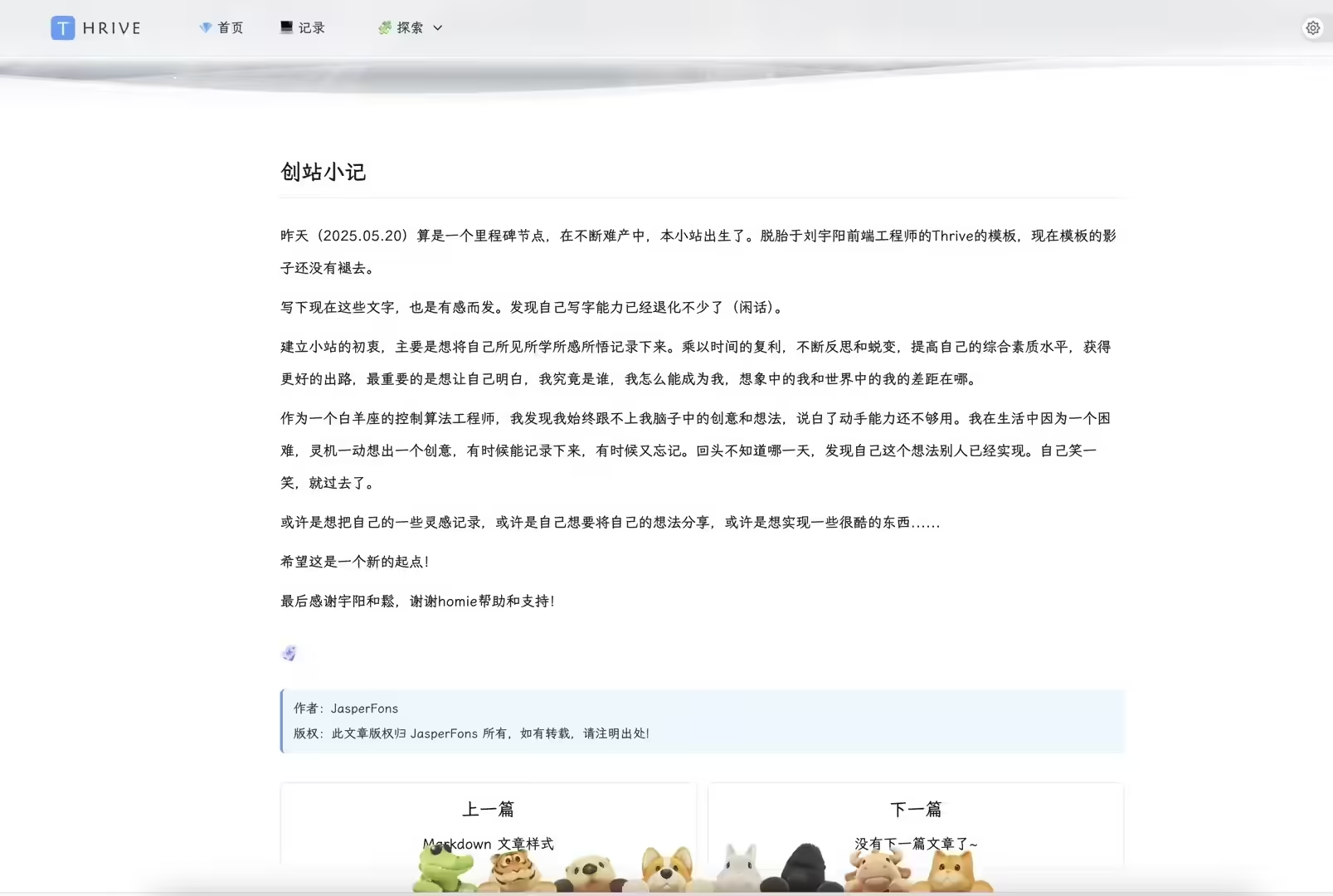
2025年3月15日 提出。
提示
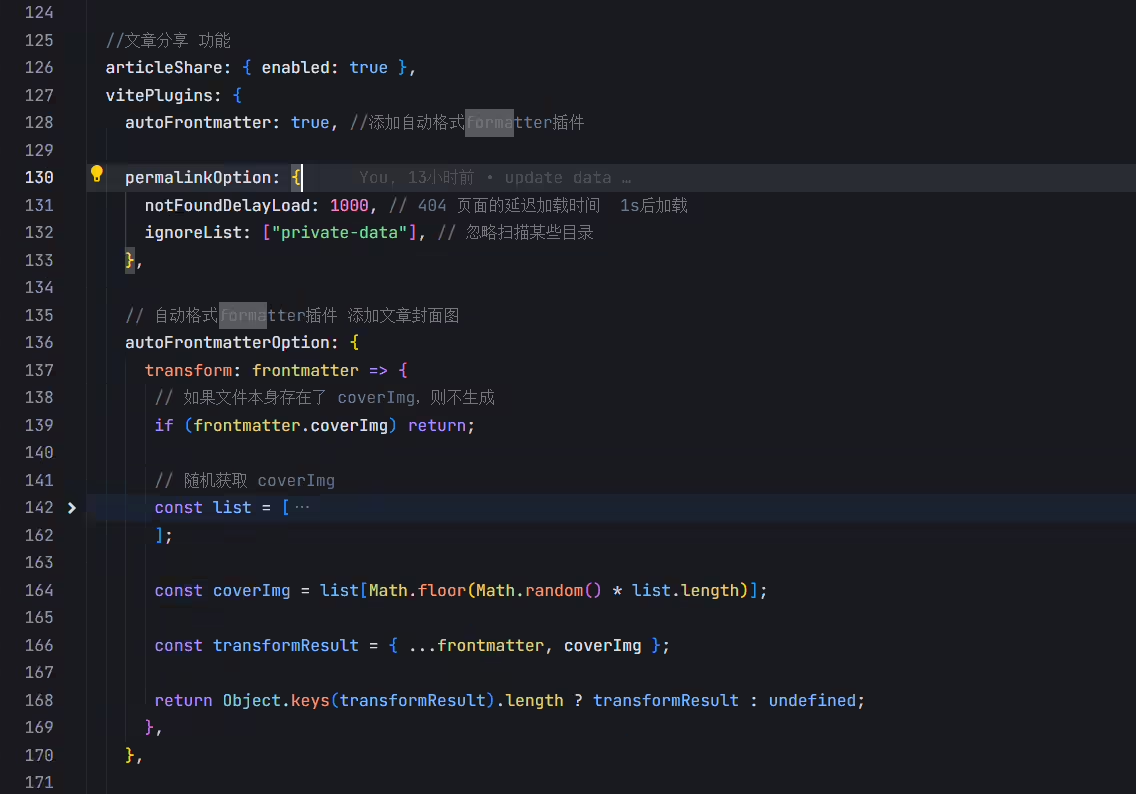
formatter自动注入文章封面功能:
1.可以设置个开关,由用户自己决定是否开启次功能;
2.图片路径可以是本地(和banner壁纸同一个路径,例如/img/bg/1.avif),也可以是在线url(将封面壁纸上传到自己图床后,然后把多个壁纸 url写到一个列表里)。然后随机自动注入到每一篇md或者新创建的md。
实现次功能的好处是:
封面图自动注入后,就可以解放双手,不用手动单独给每篇新建的md添加封面了,首页文章排版一致,都有封面,不然有的有封面,有的忘记加封面了,就很丑。

关于图片是本地还是在线链接问题:
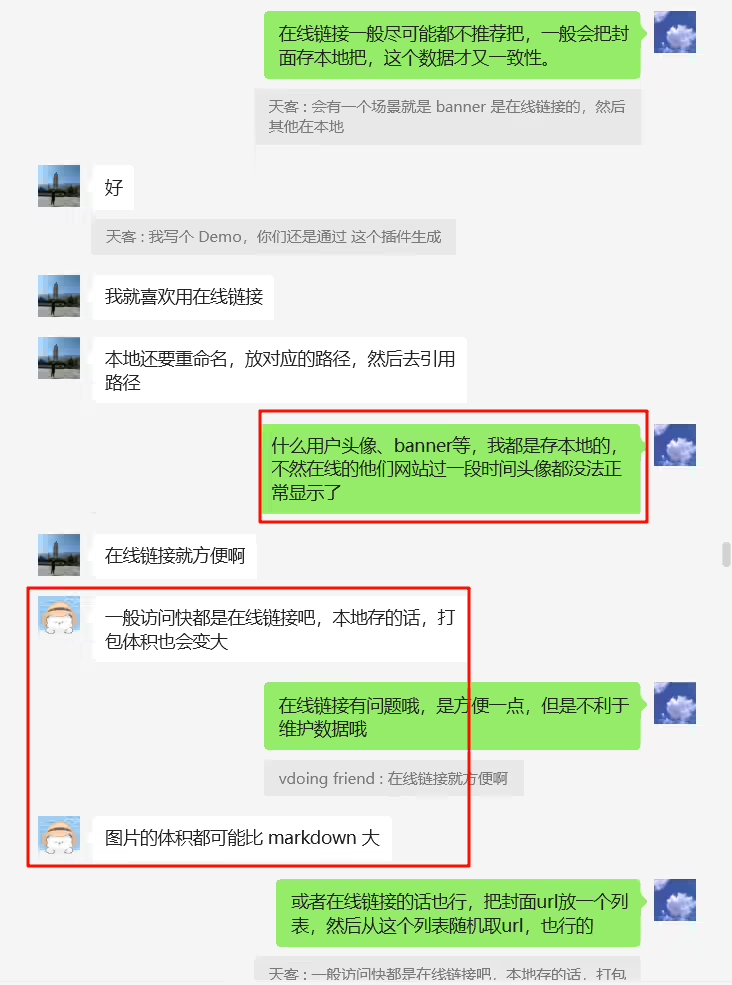
2025年4月13日记录。
https://vitepress-theme-bluearchive.vercel.app/
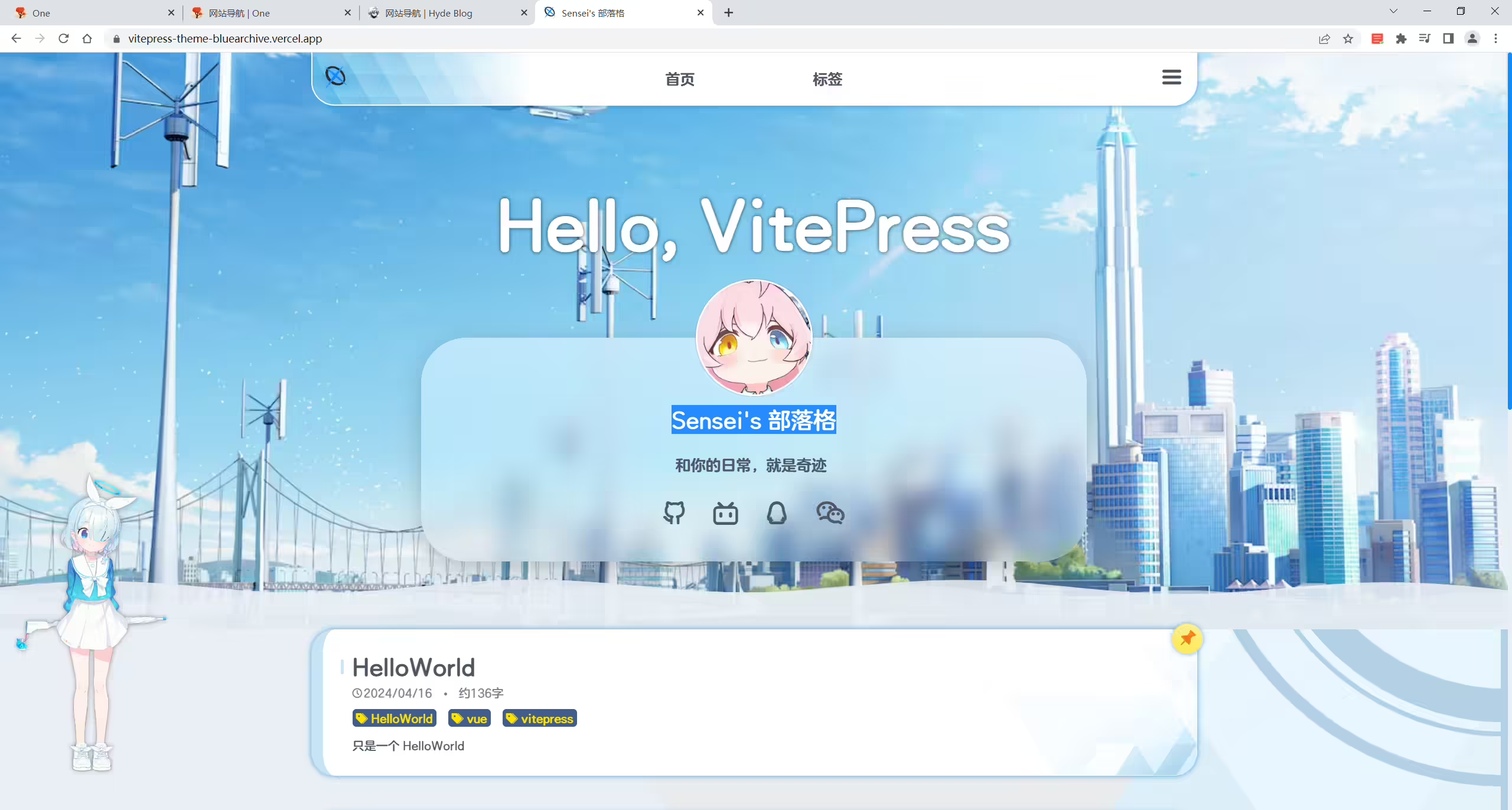
2025年4月13日记录。
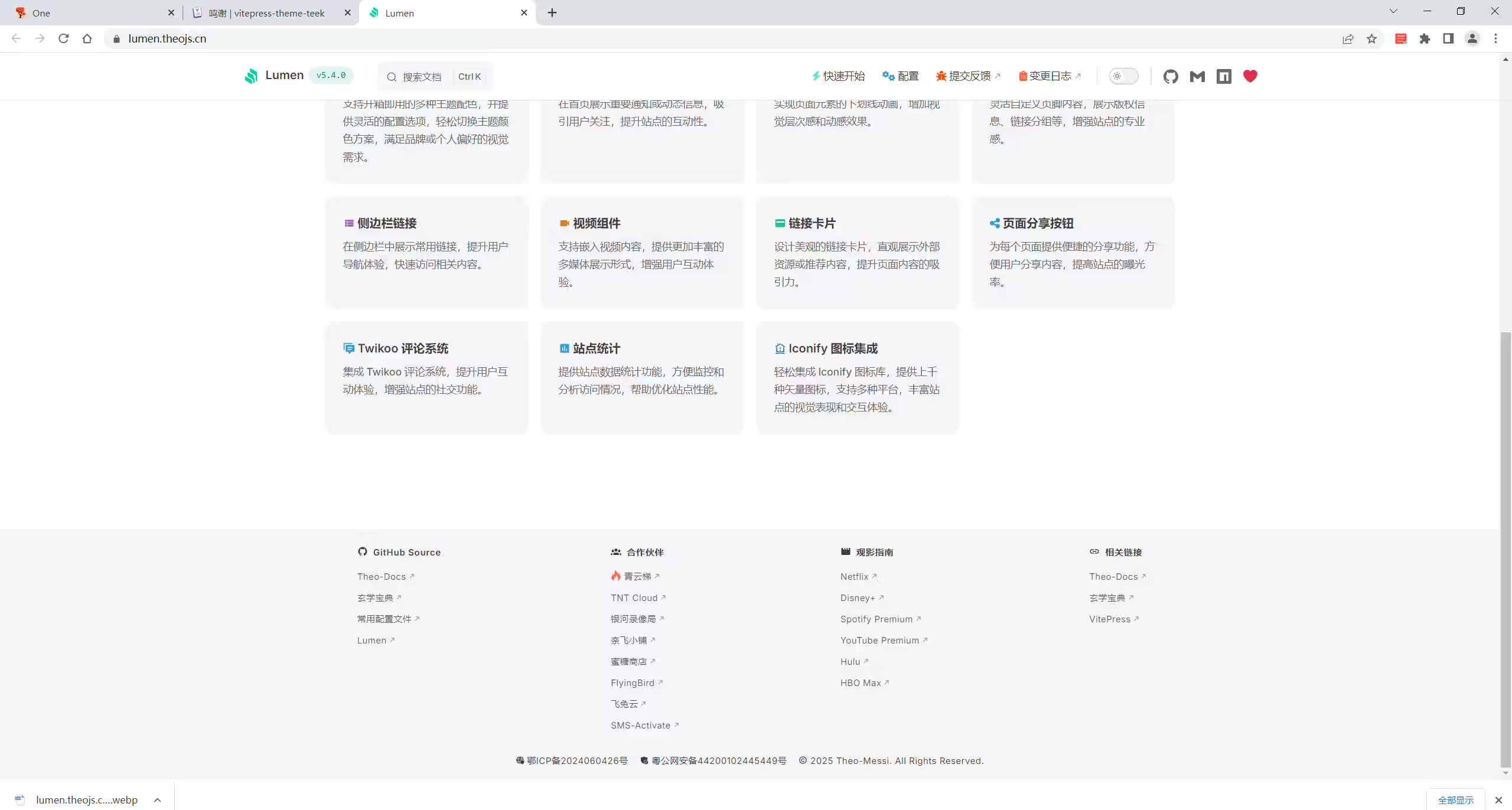
2个案例博客。
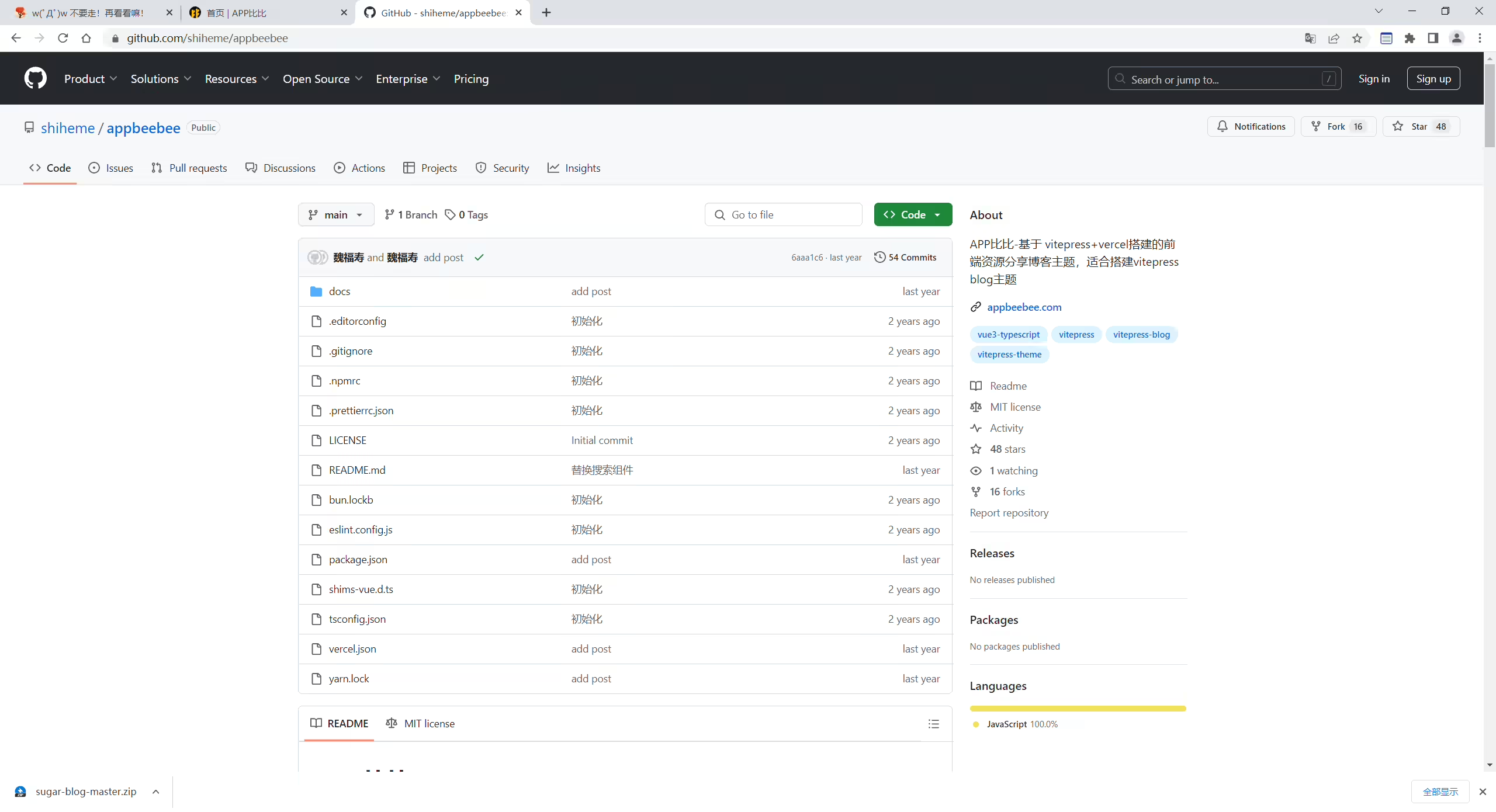
《APP比比》
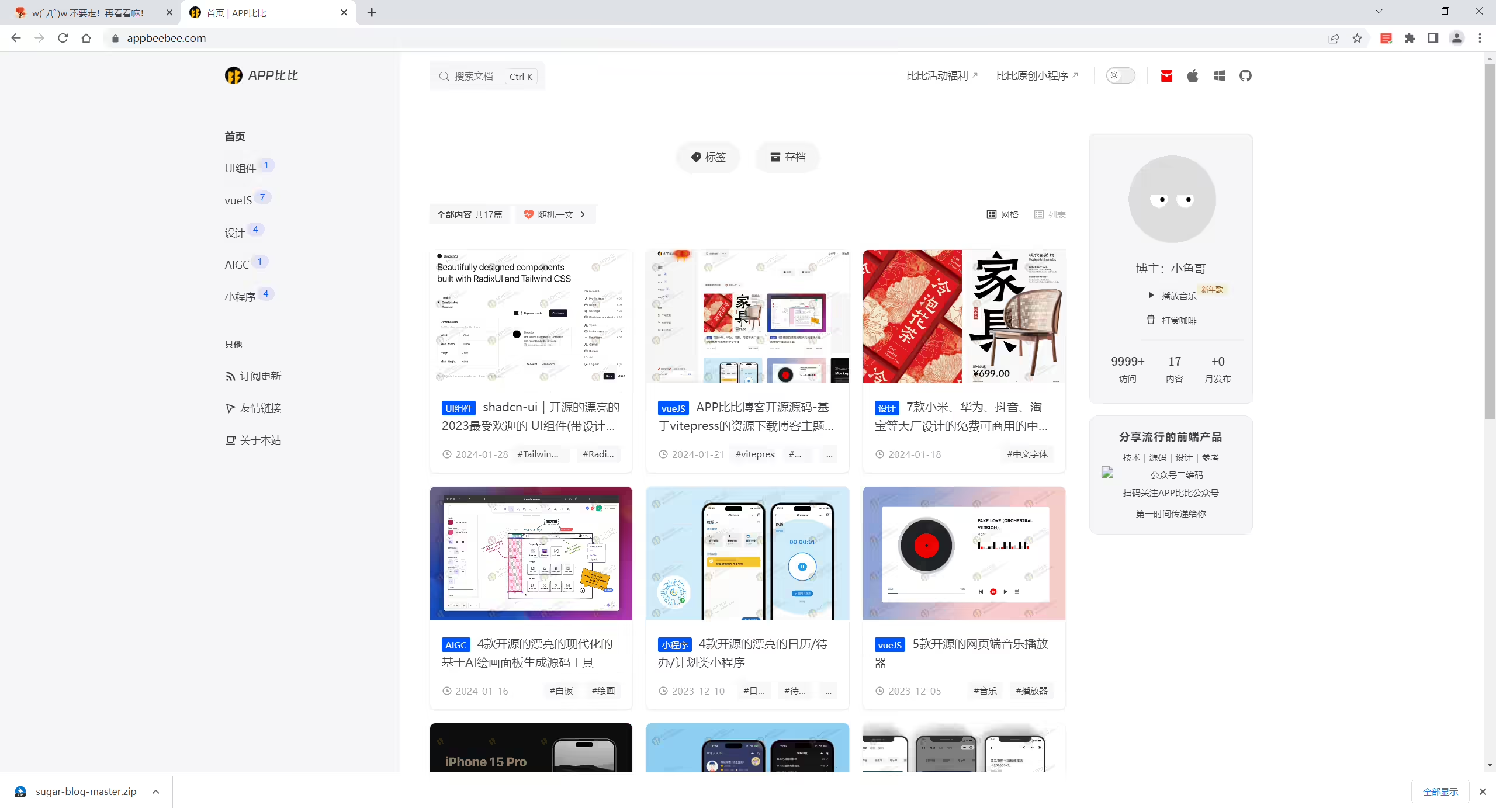
https://github.com/shiheme/appbeebee
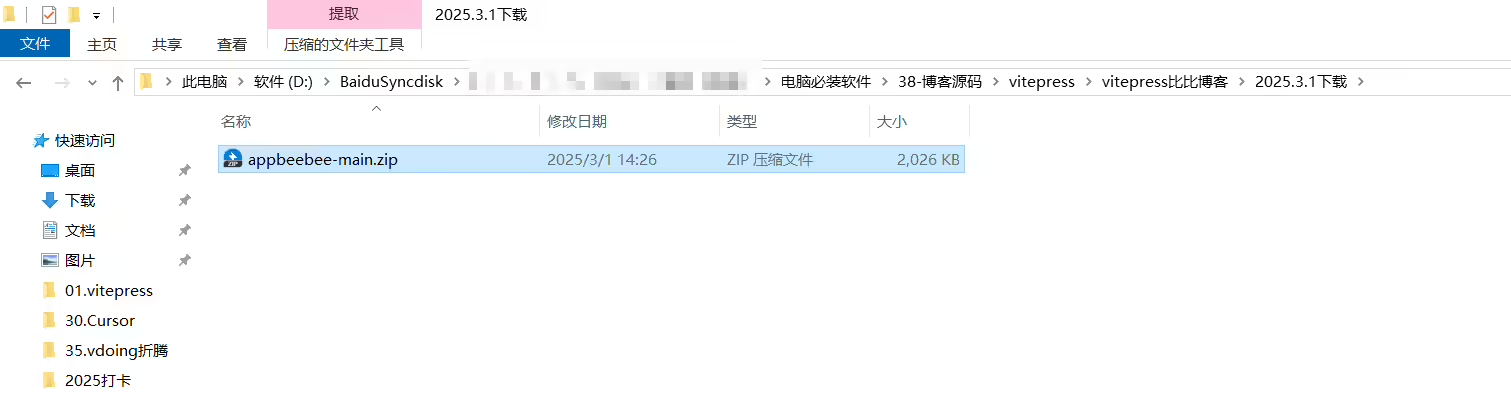
《博客主题开源 |新年到!新年到!vitepress比比博客源码开源啦》ㅤㅤ
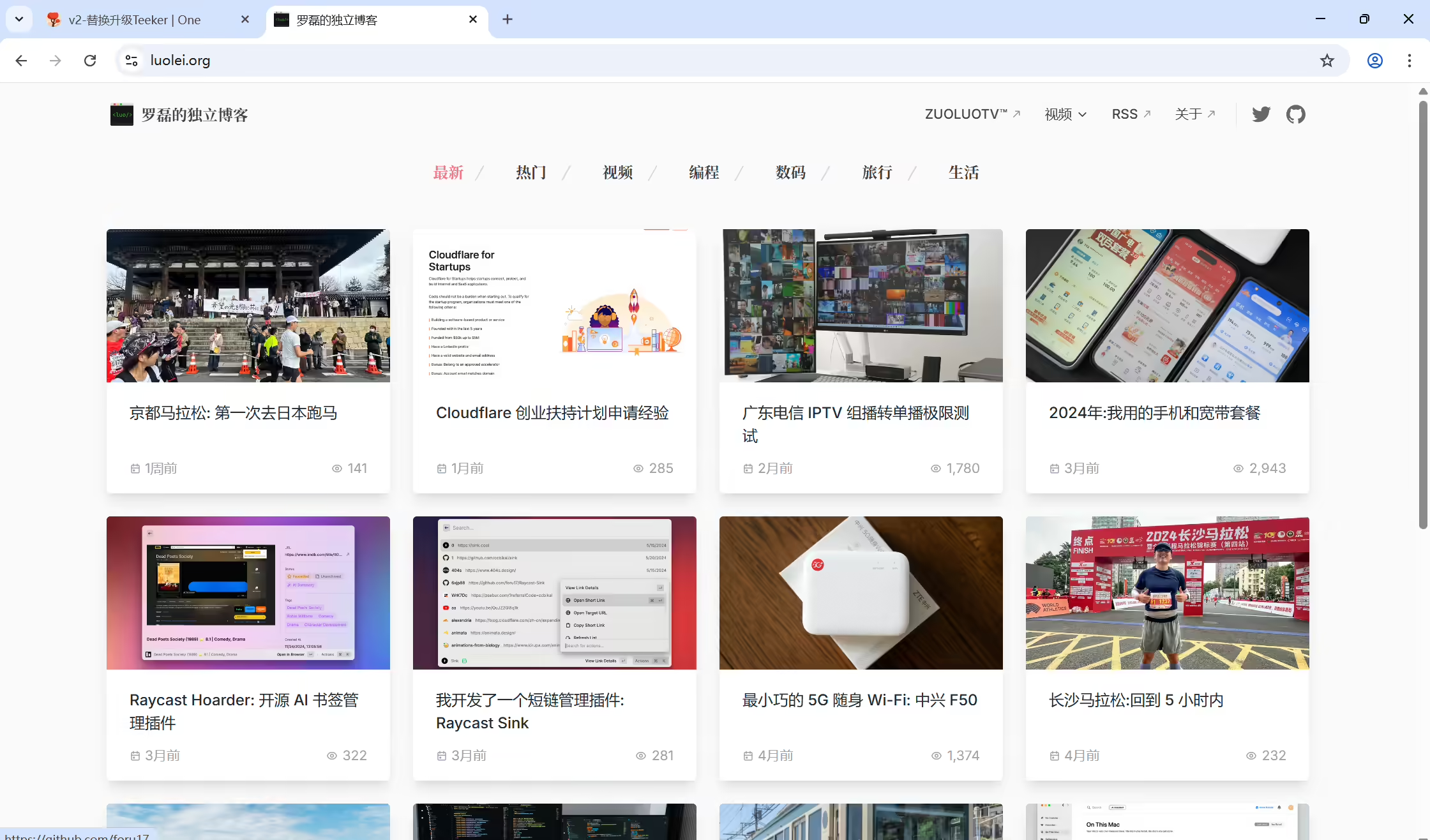
《罗磊的独立博客》
2025年3月18日收藏。
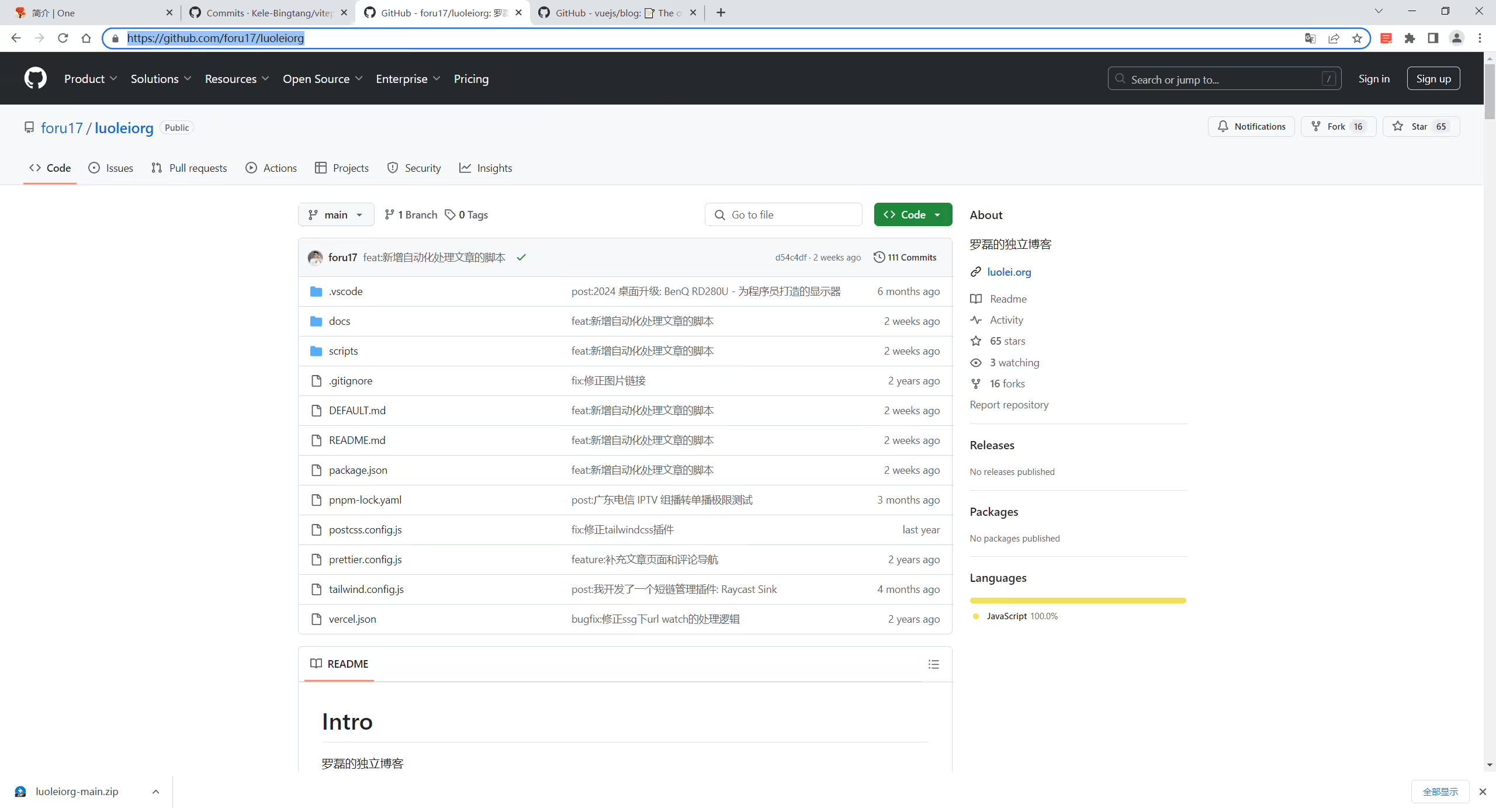
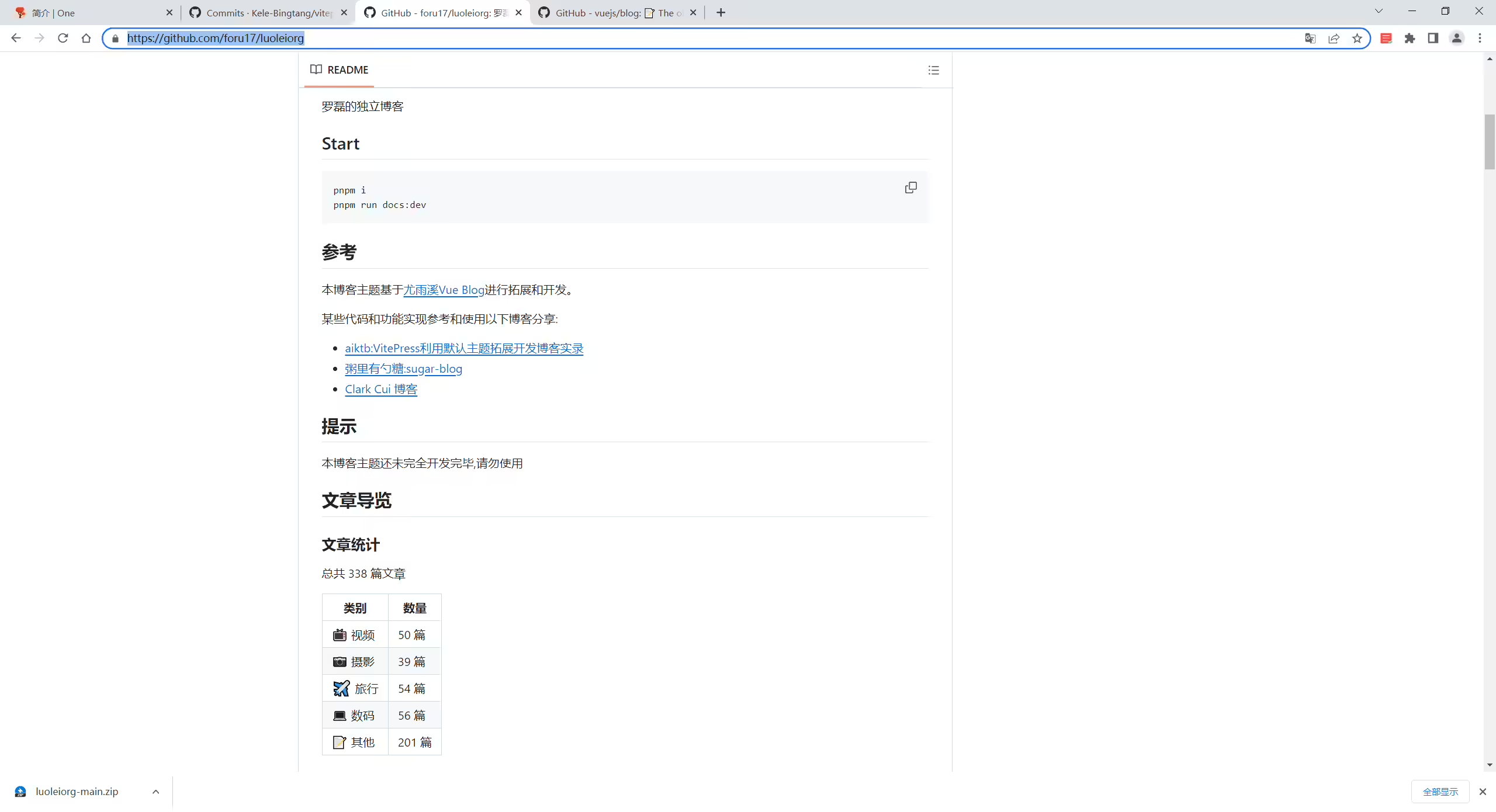
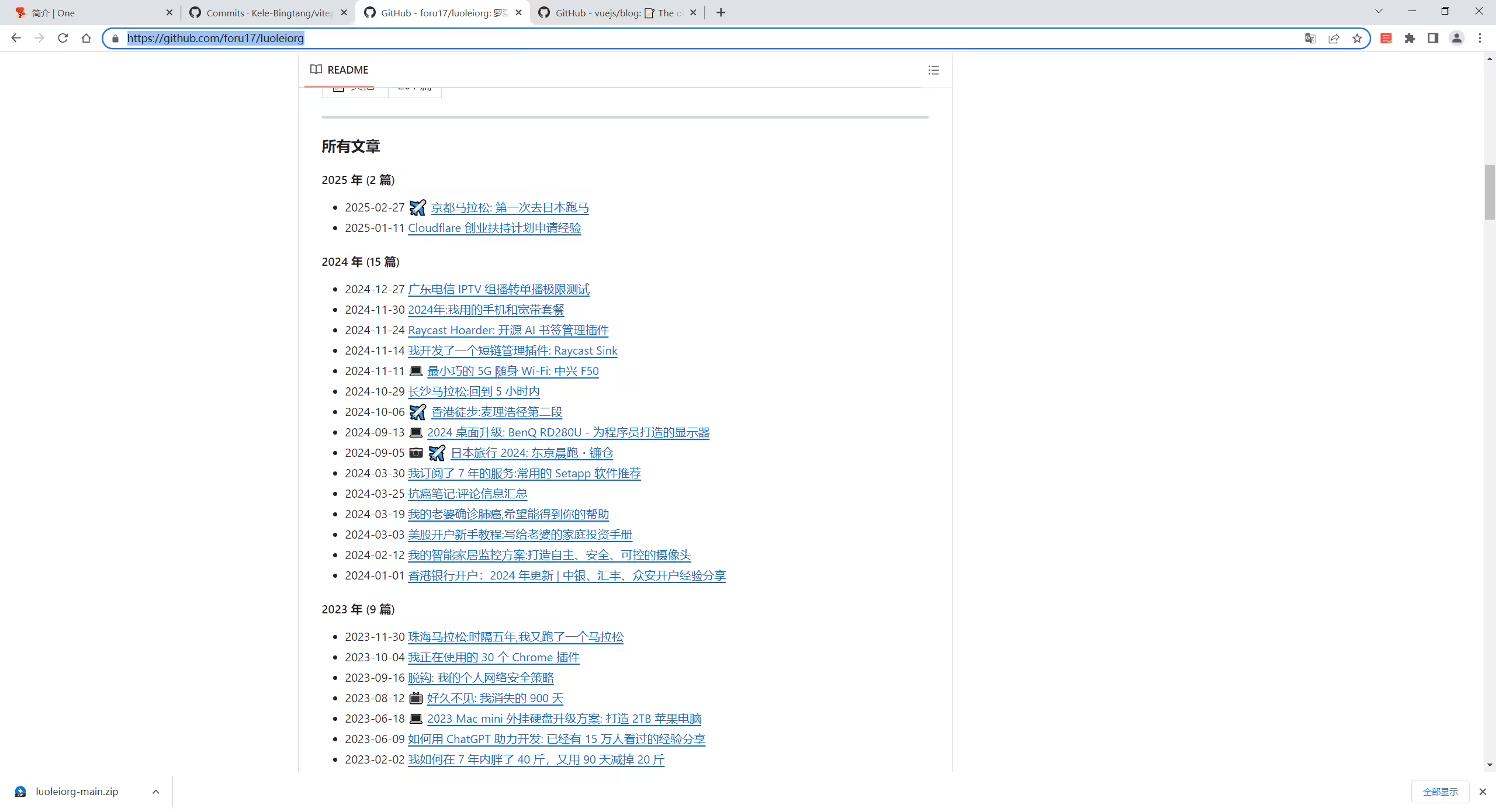
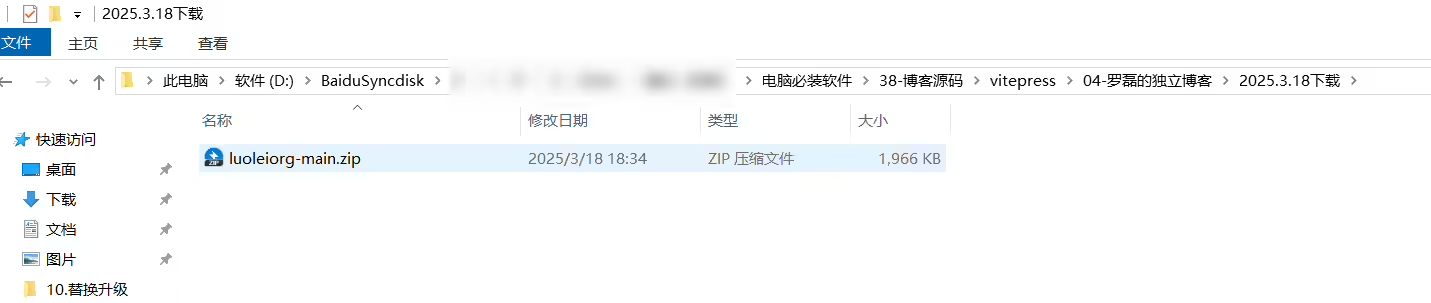
luoleiorg-main.zip
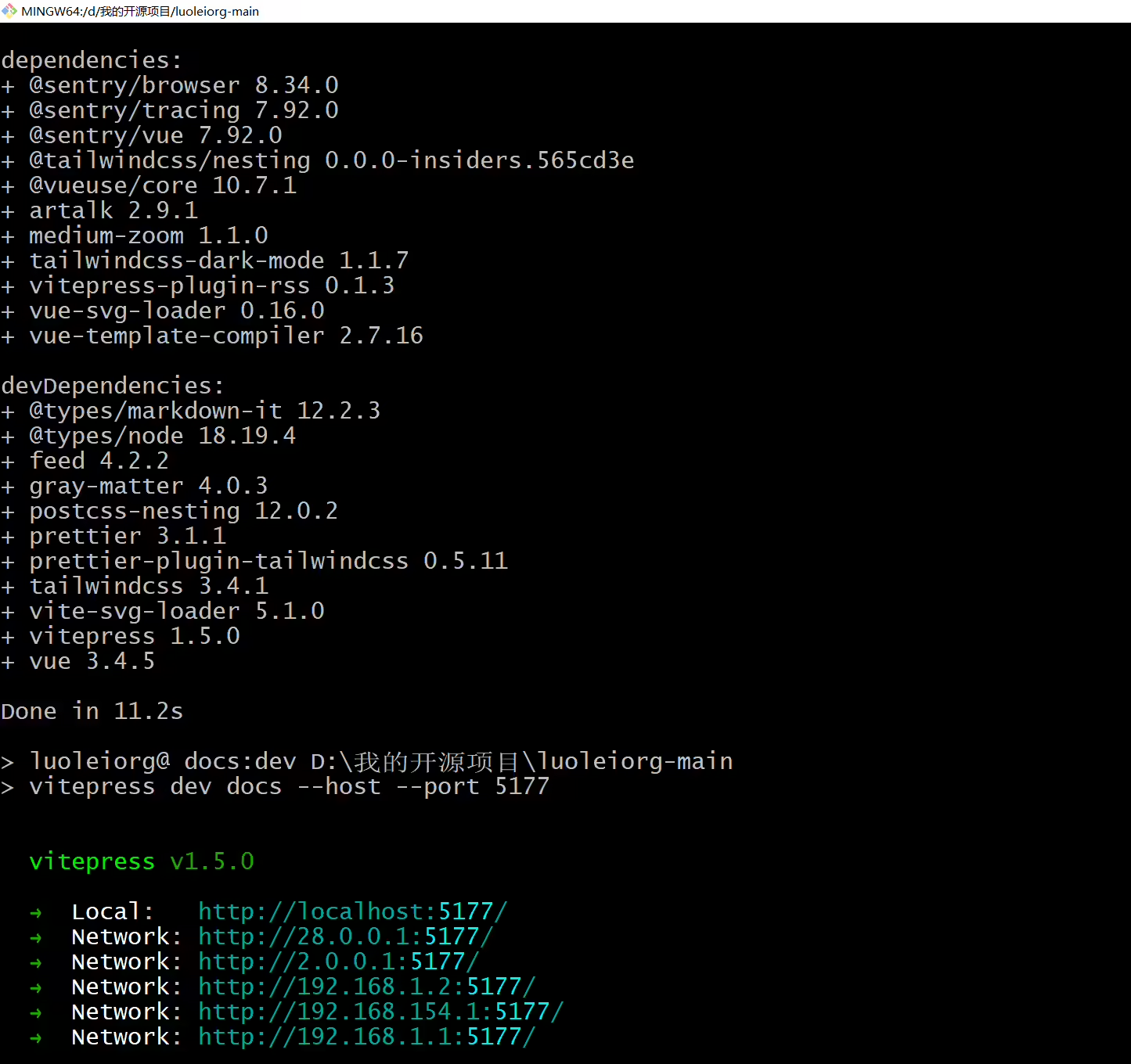
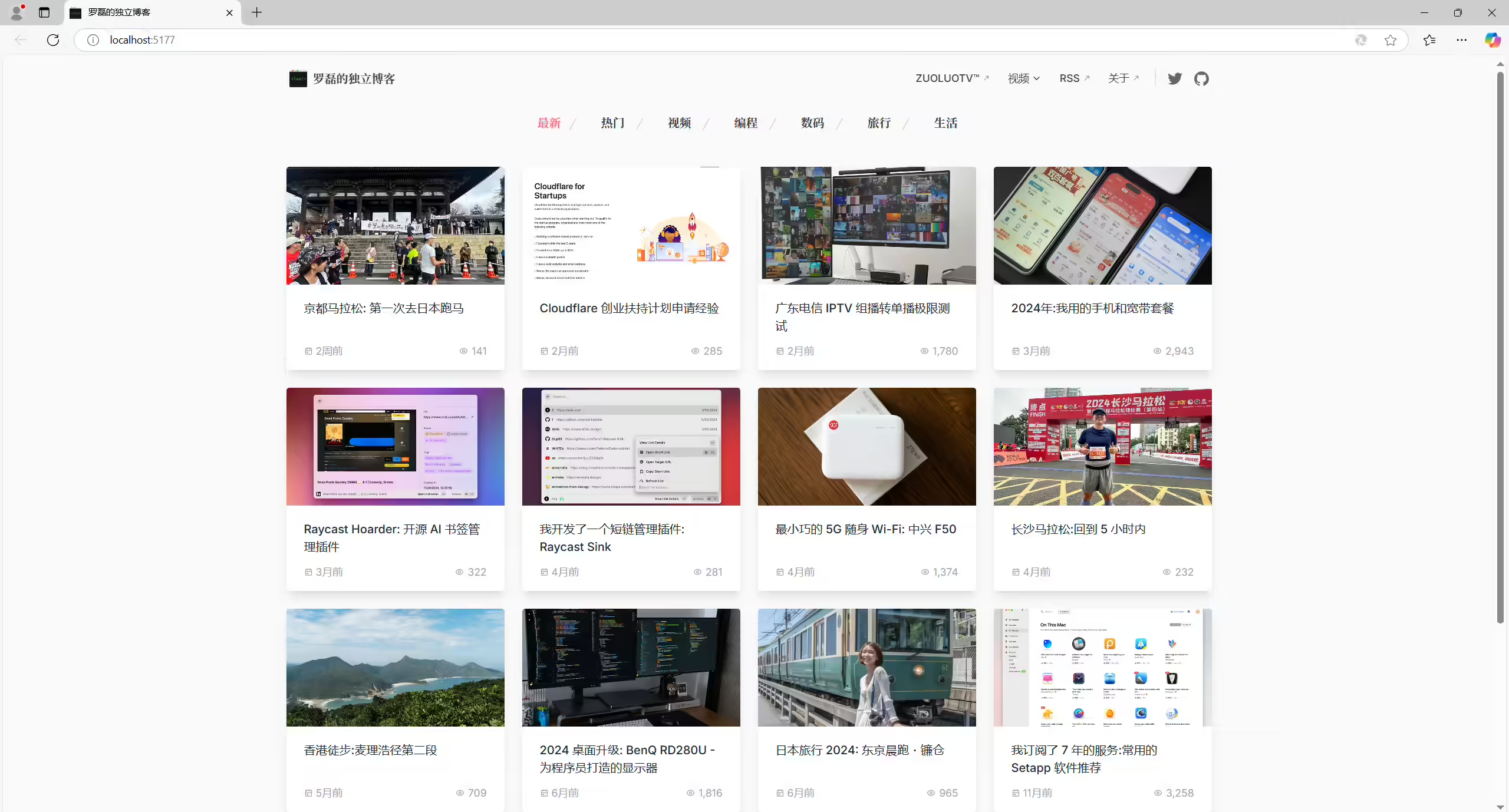
2025年4月13日收录。
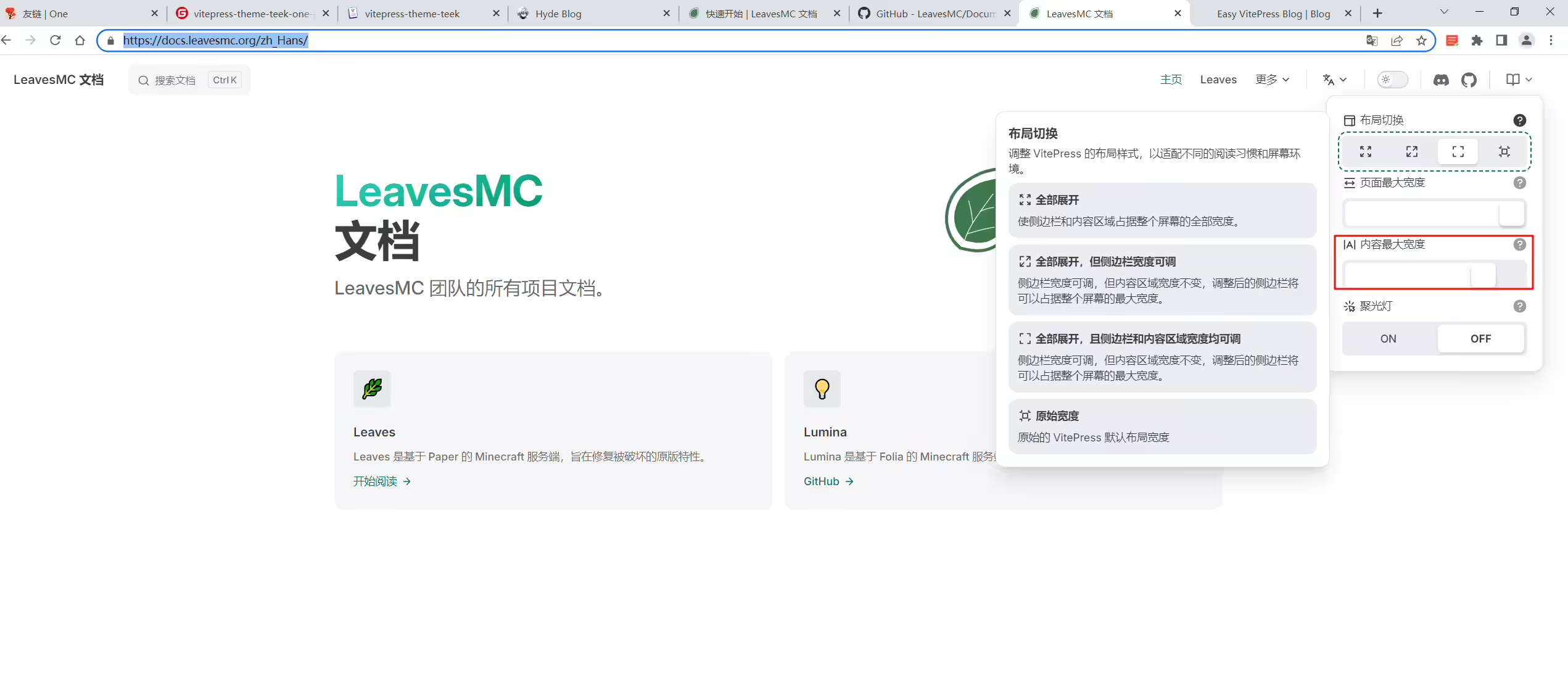
https://docs.leavesmc.org/zh_Hans/
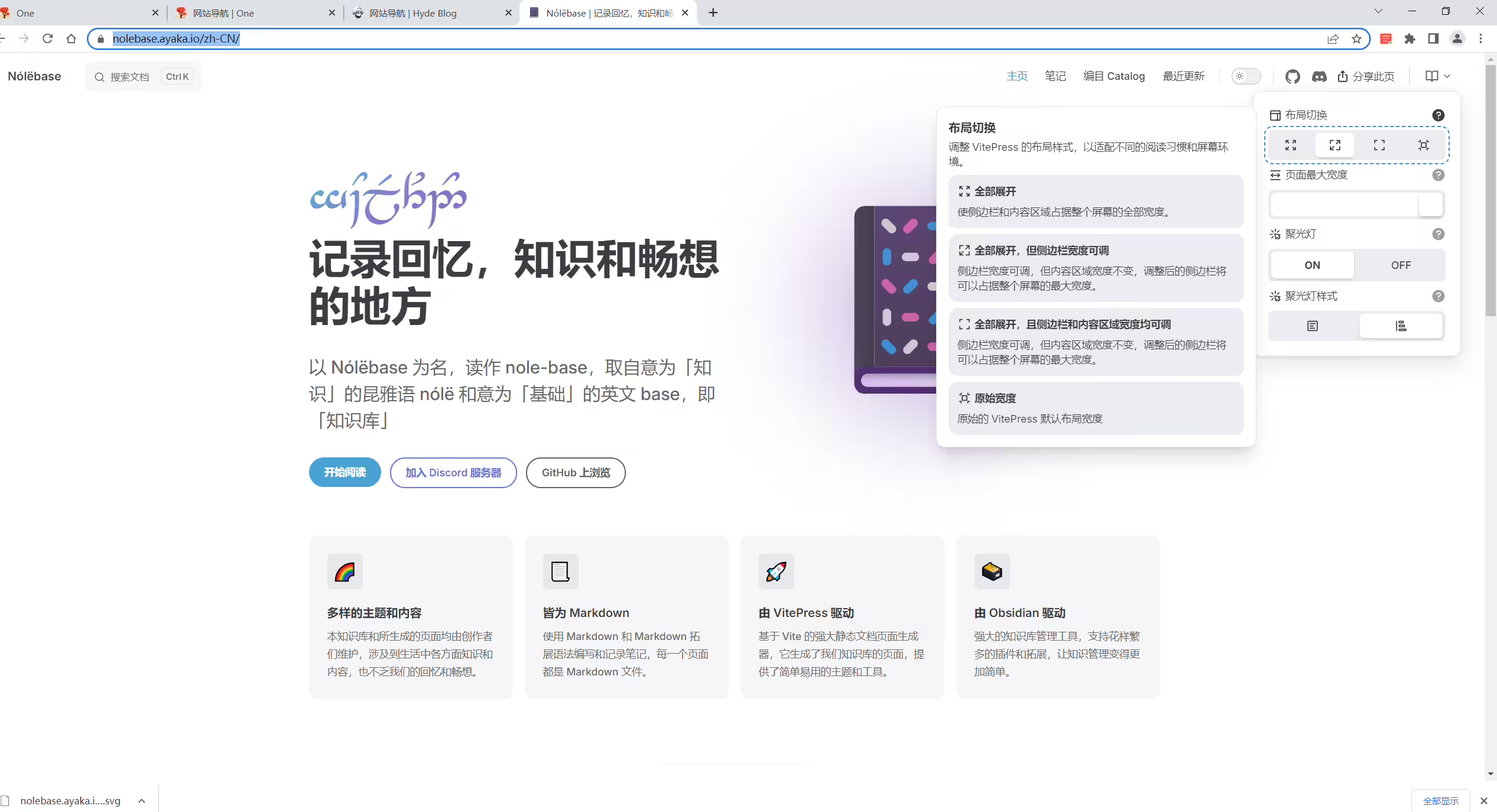
https://nolebase.ayaka.io/zh-CN/
2025年4月1日提出。
2025年3月10日记录
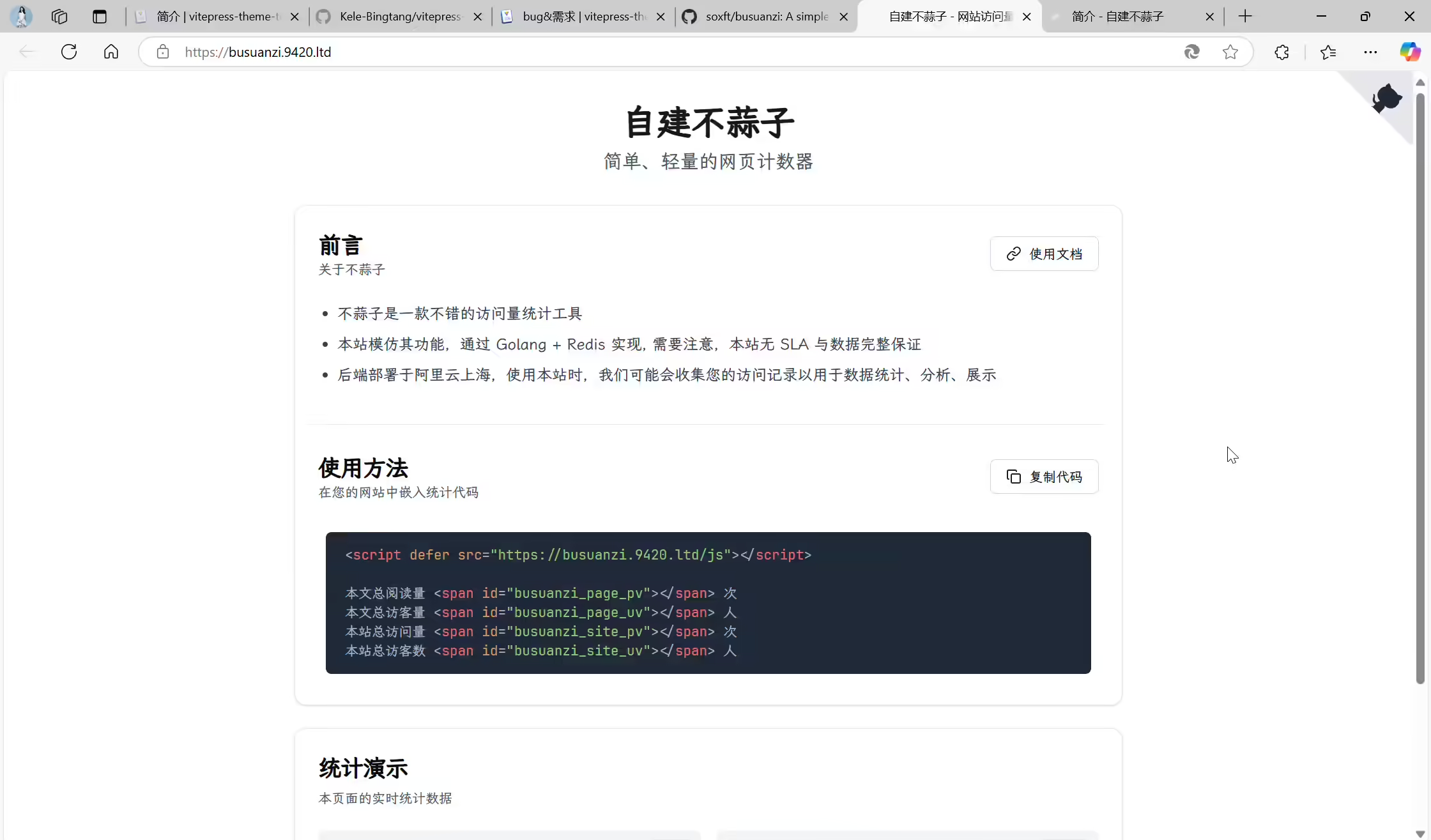
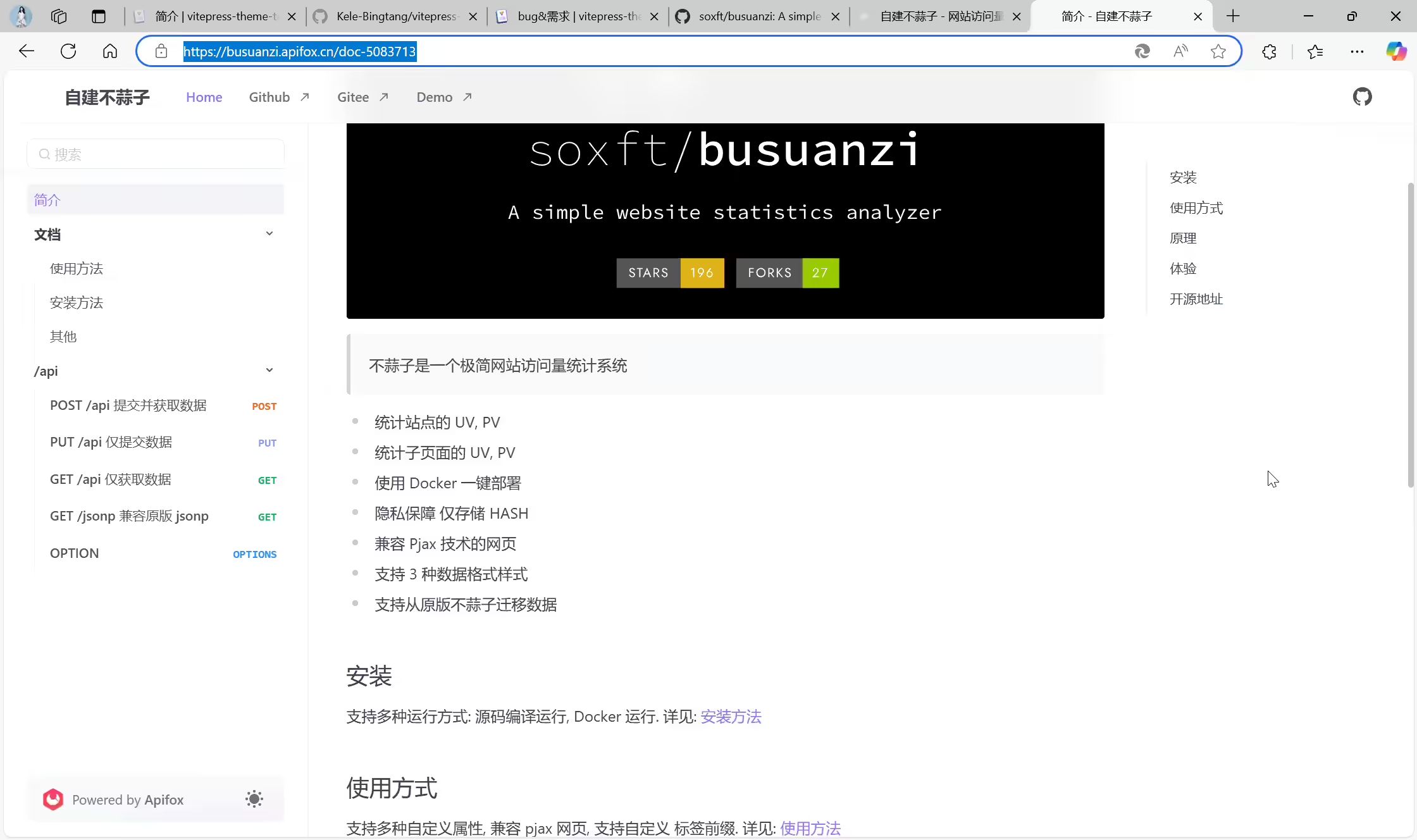
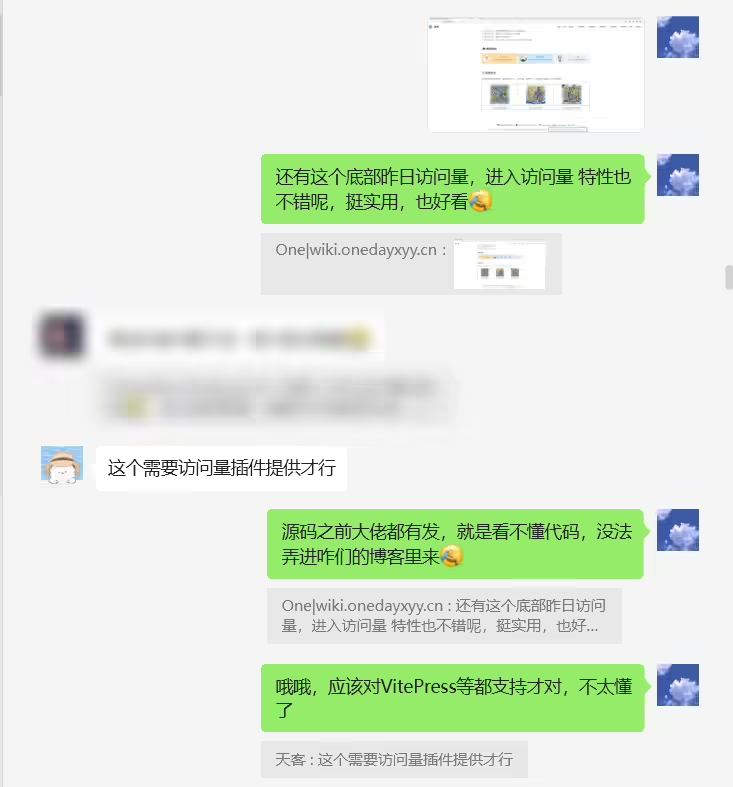
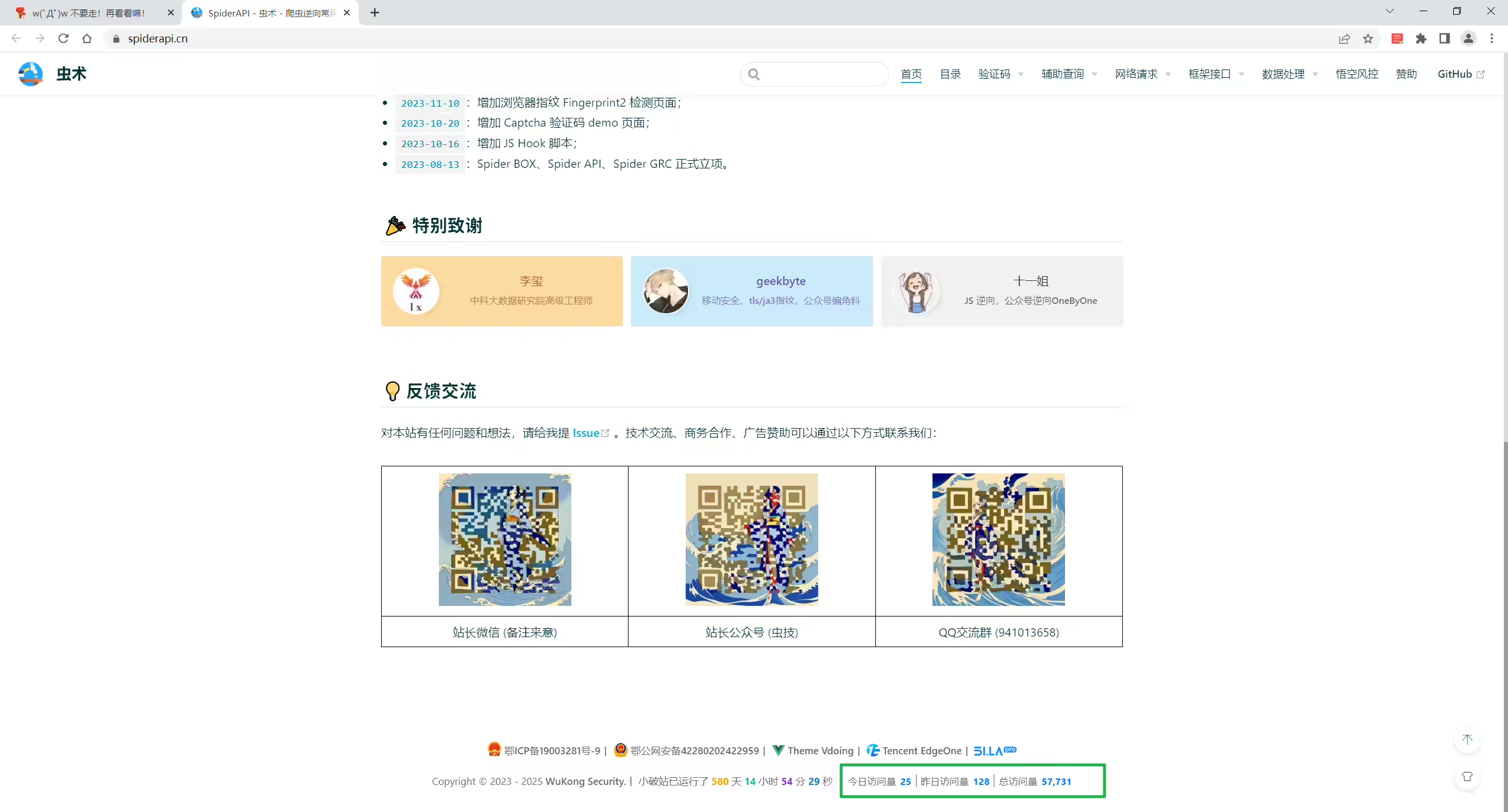
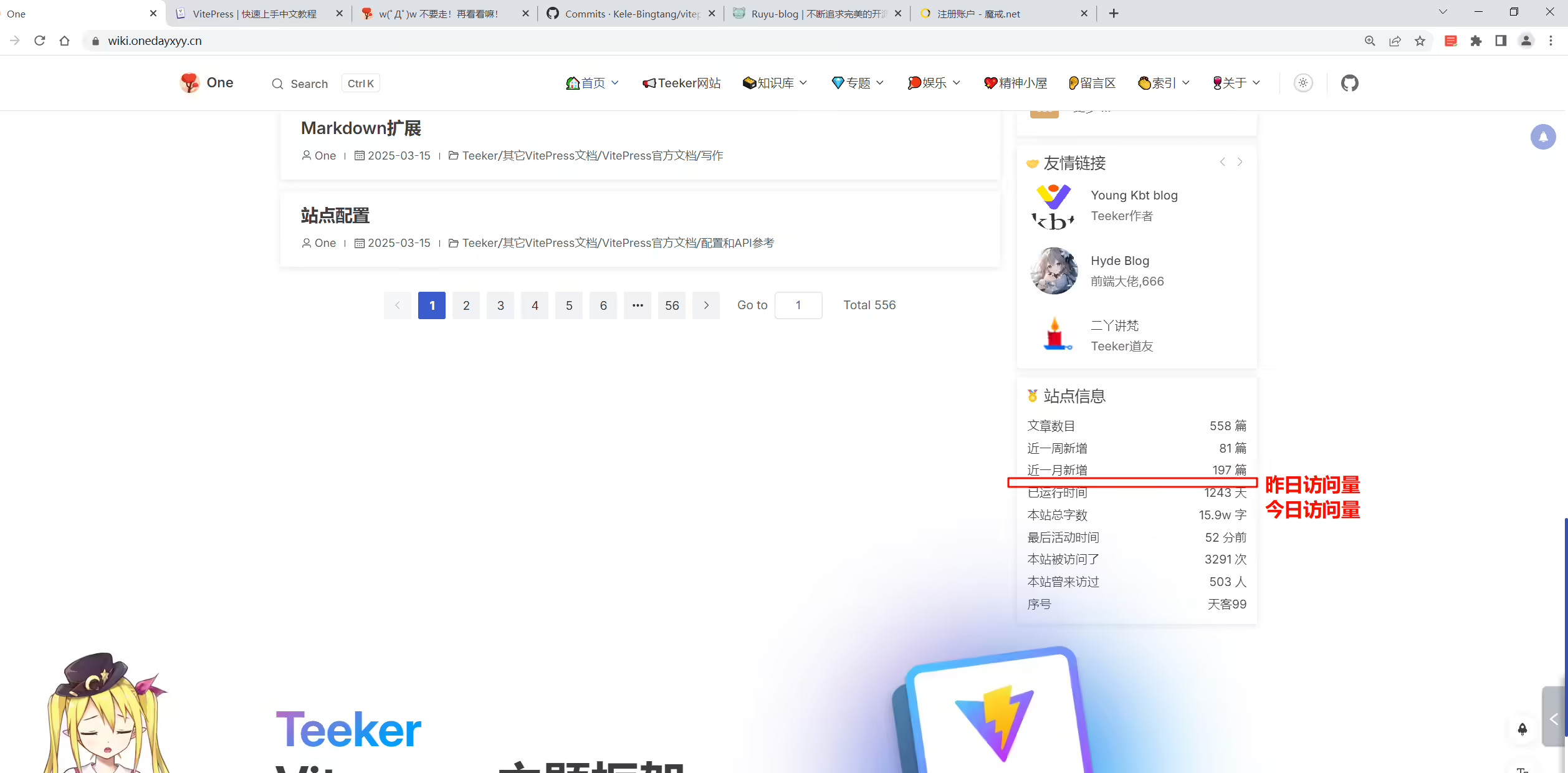
busuanzi
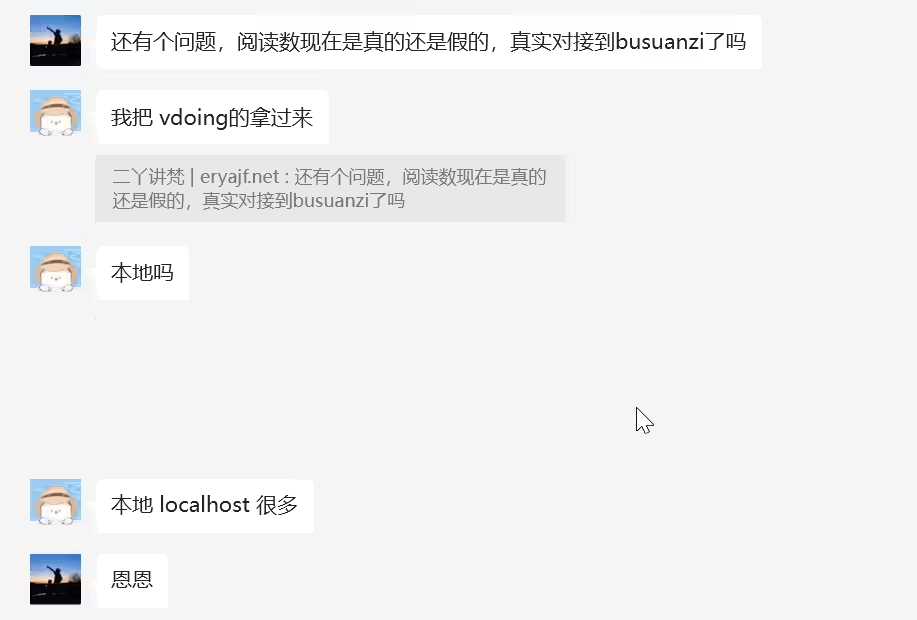
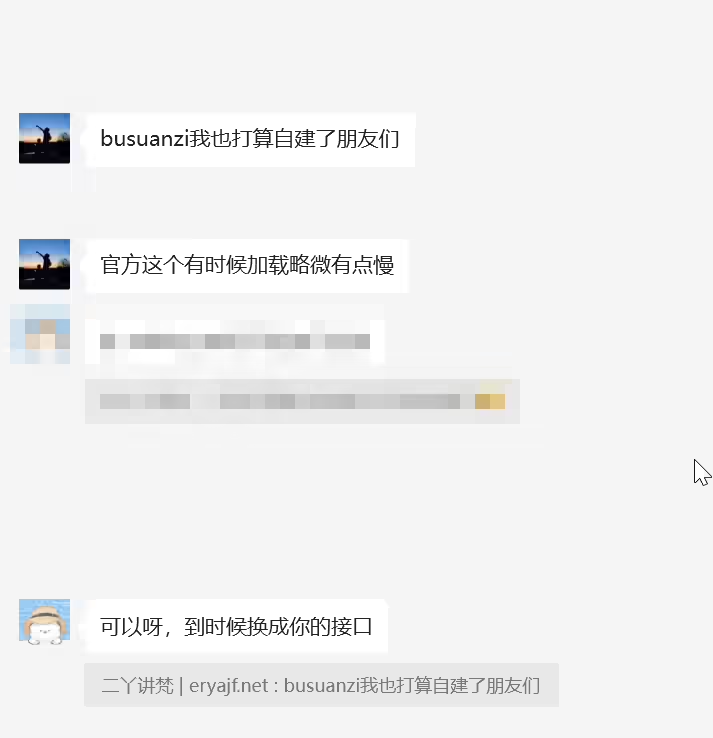
https://github.com/soxft/busuanzi

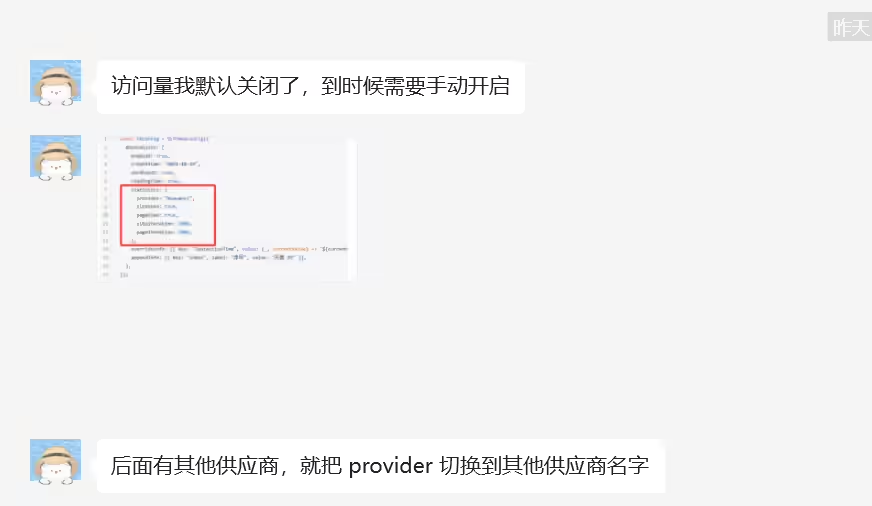
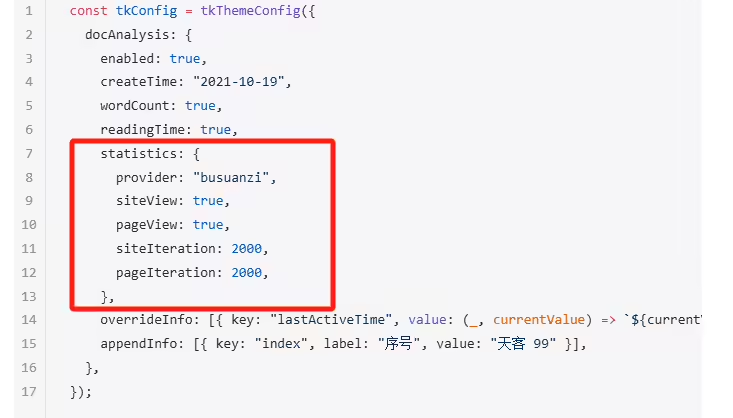
访问量我默认关闭了,到时候需要手动开启,后面有其他供应商,就把 provider 切换到其他供应商名字
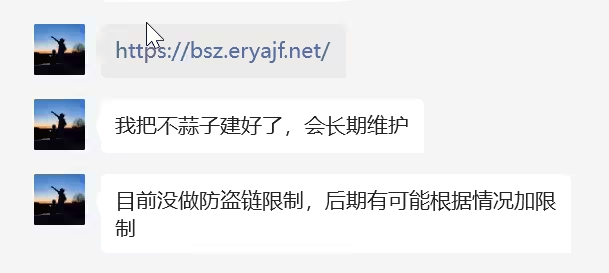
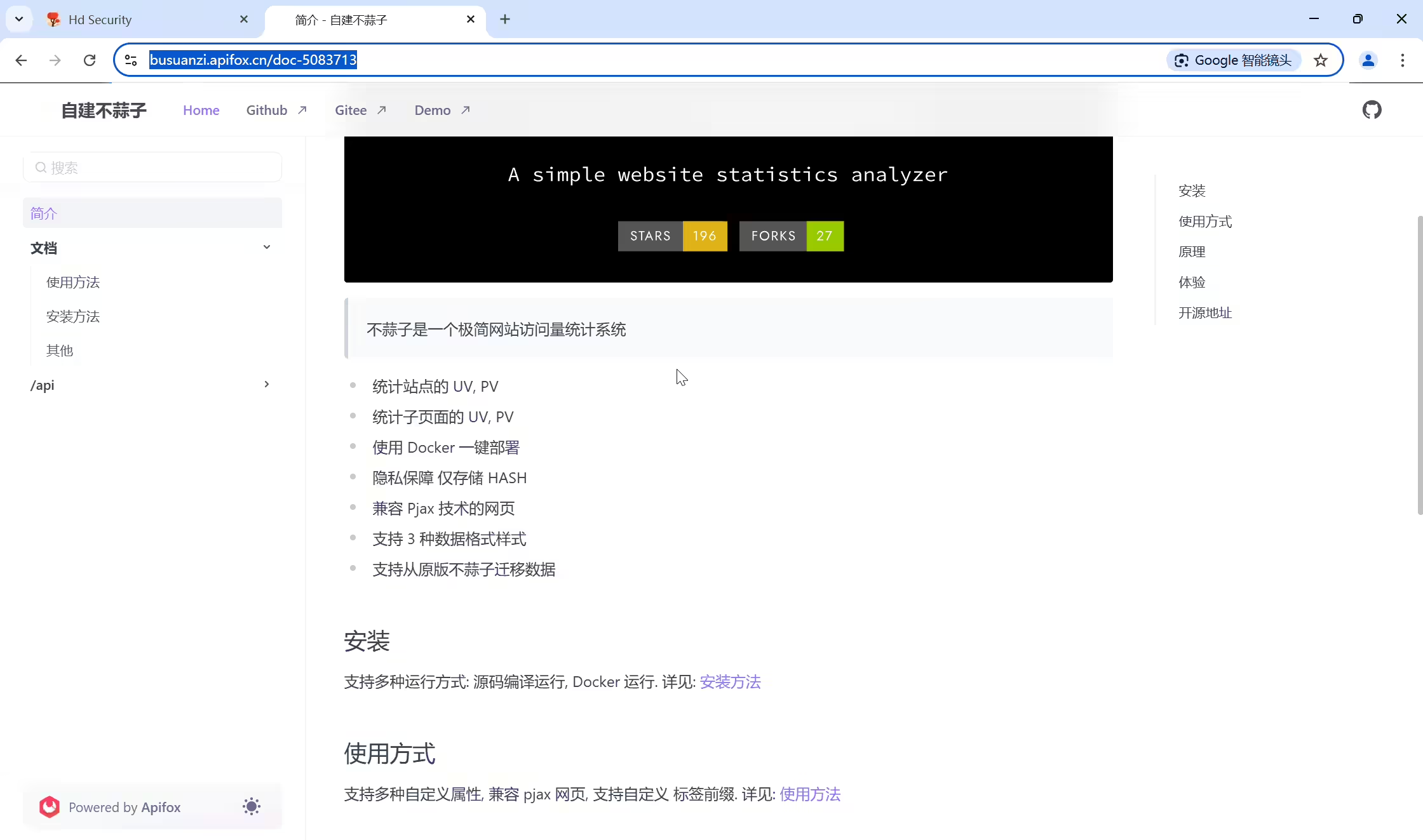
我把不蒜子建好了,会长期维护
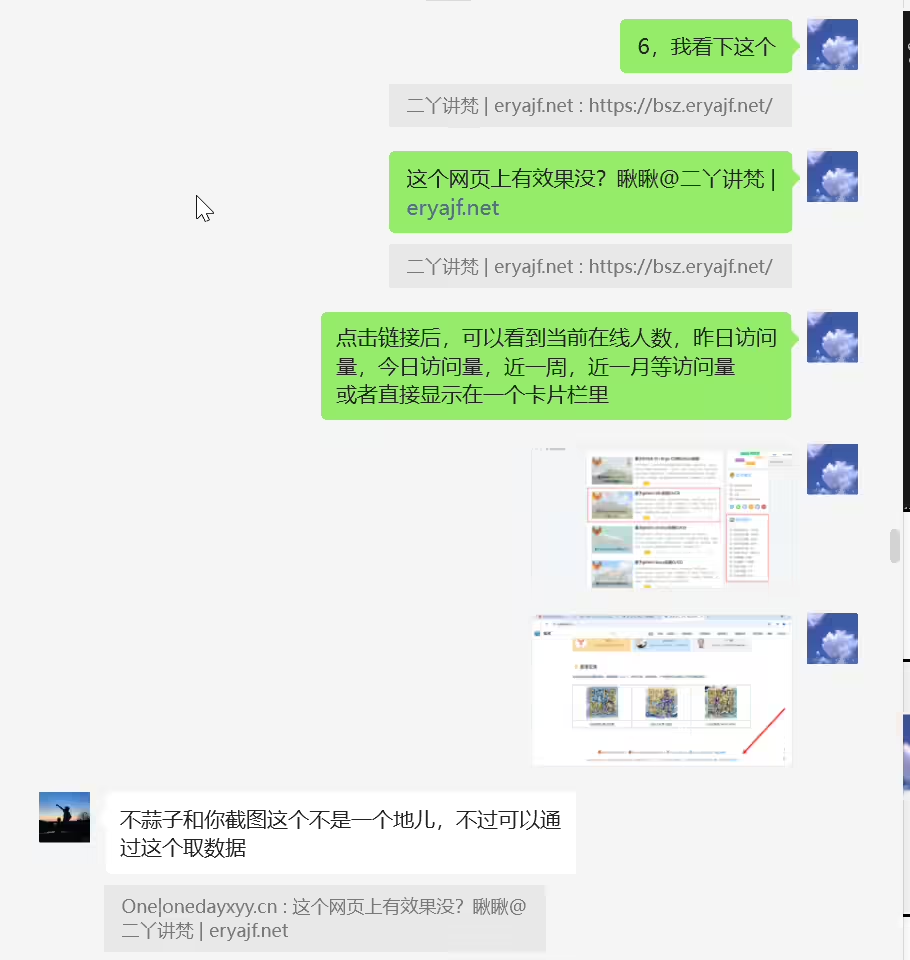
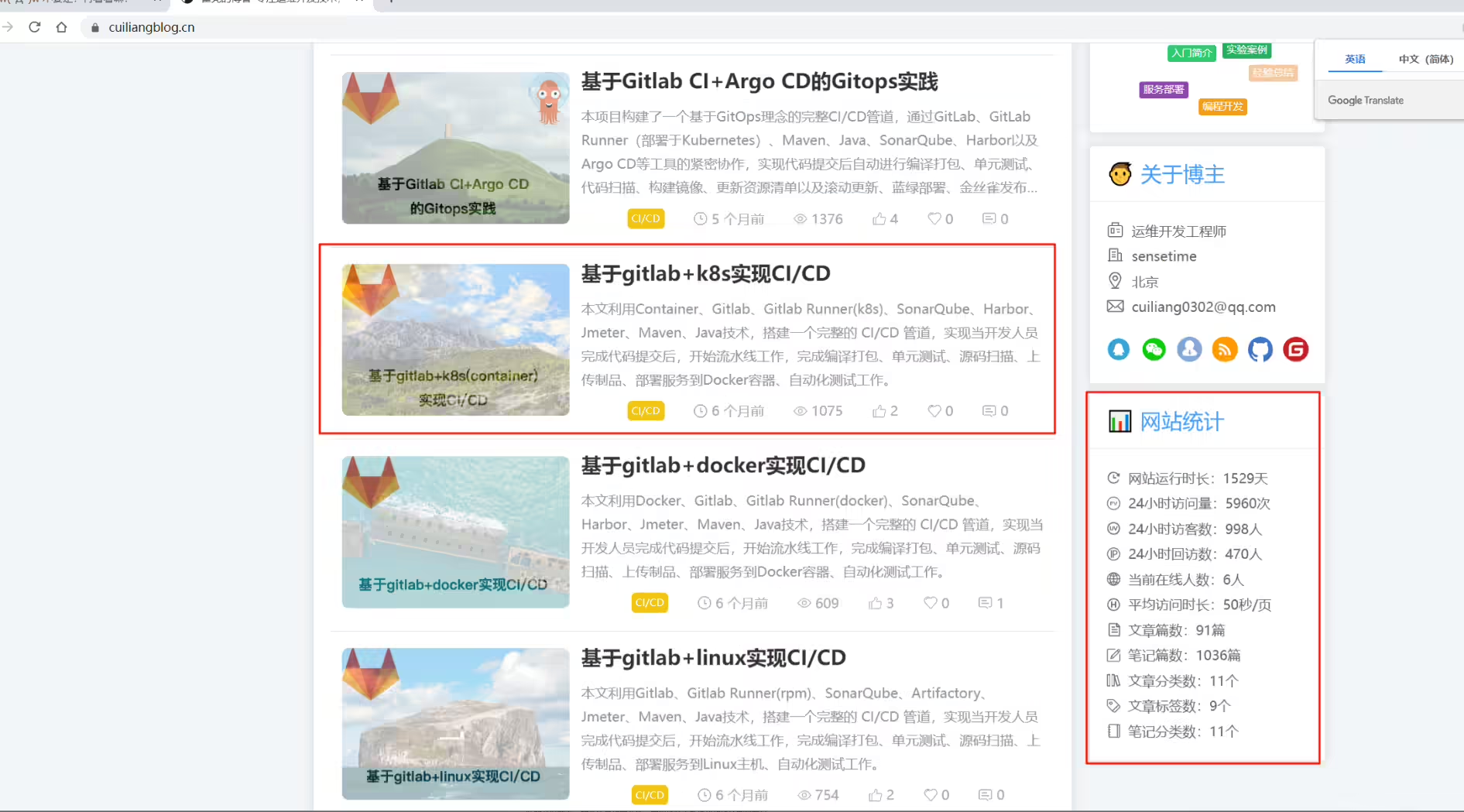
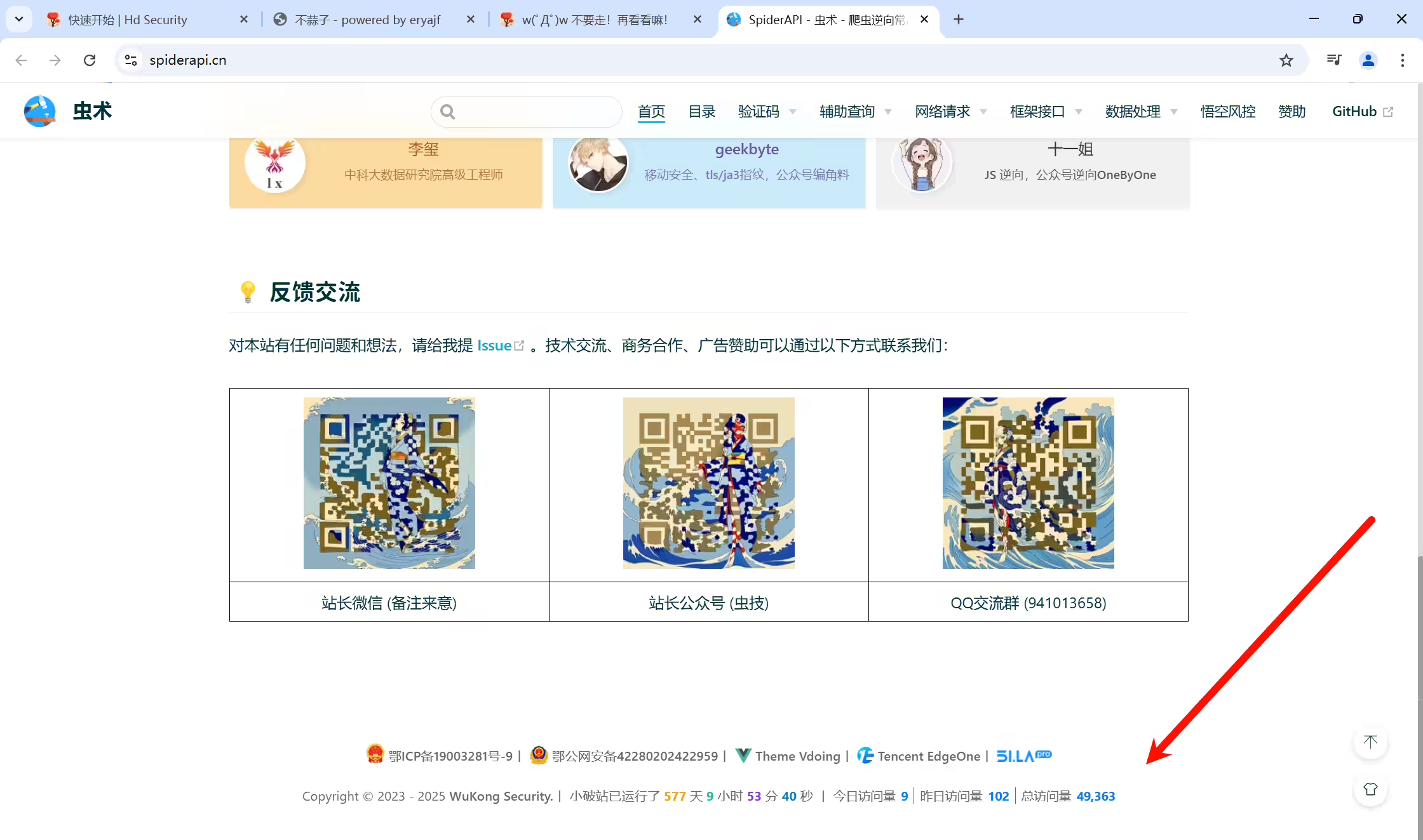
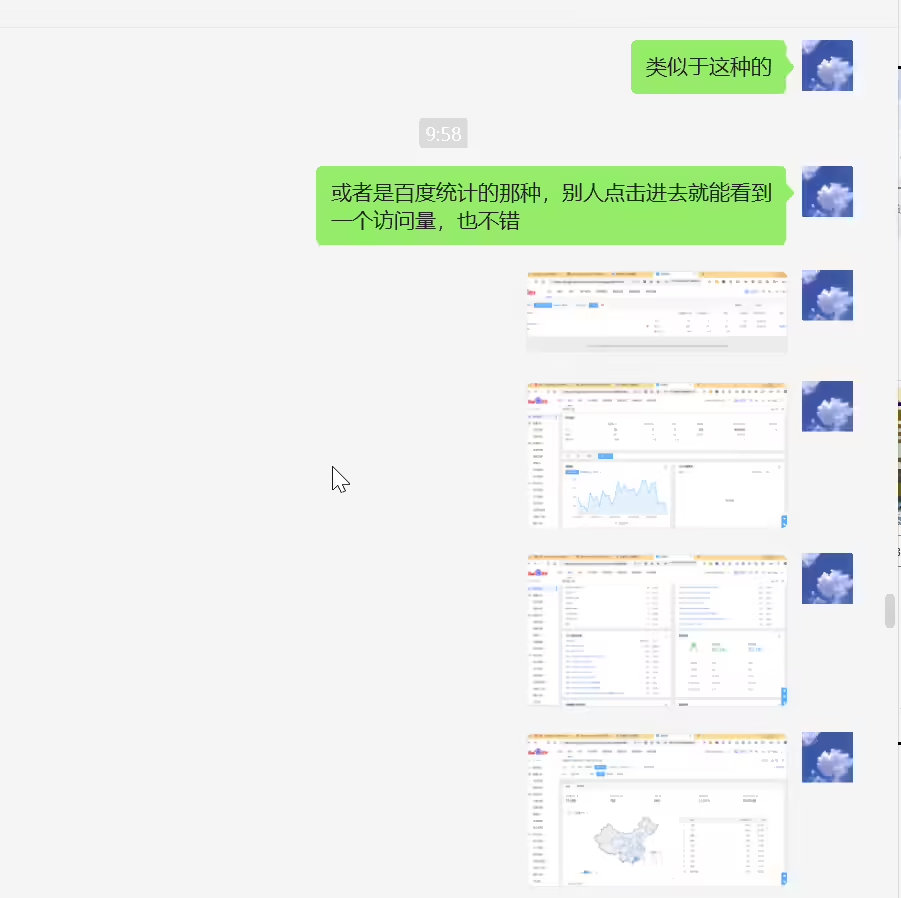
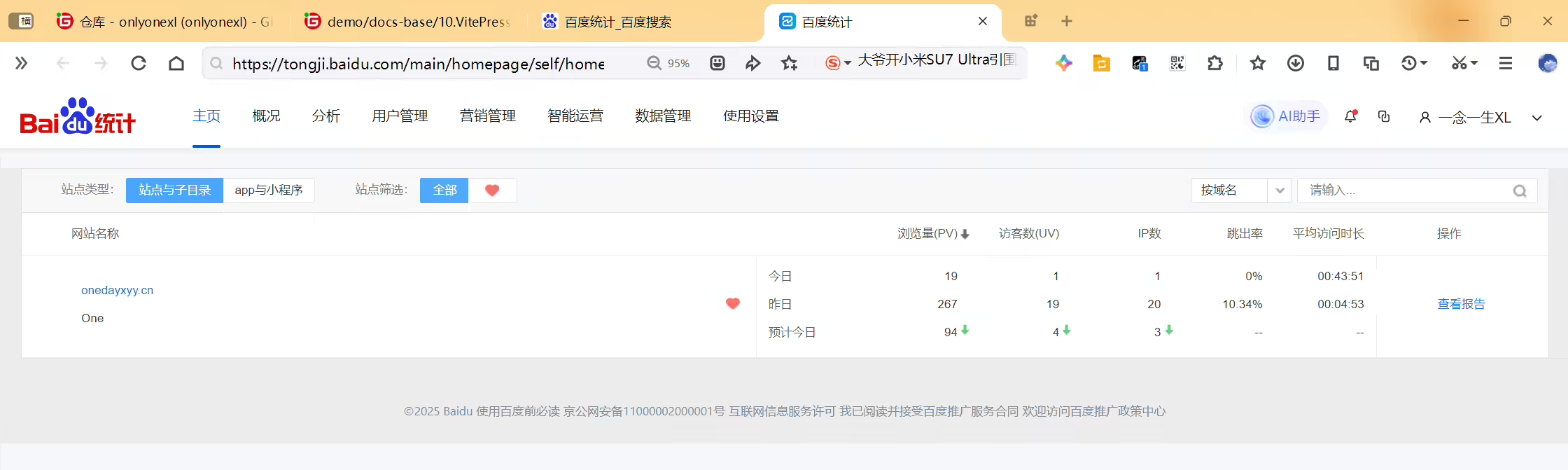
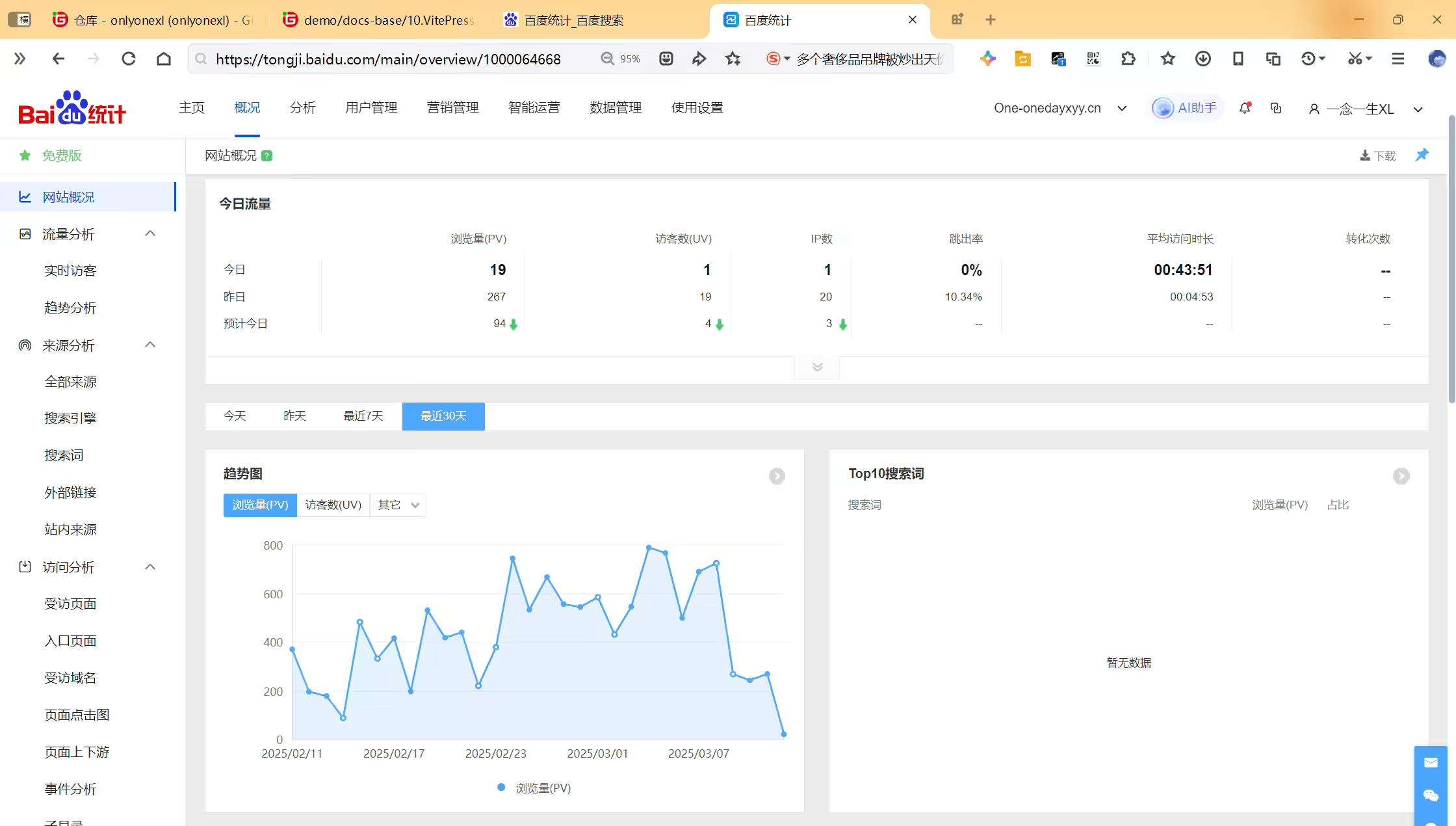
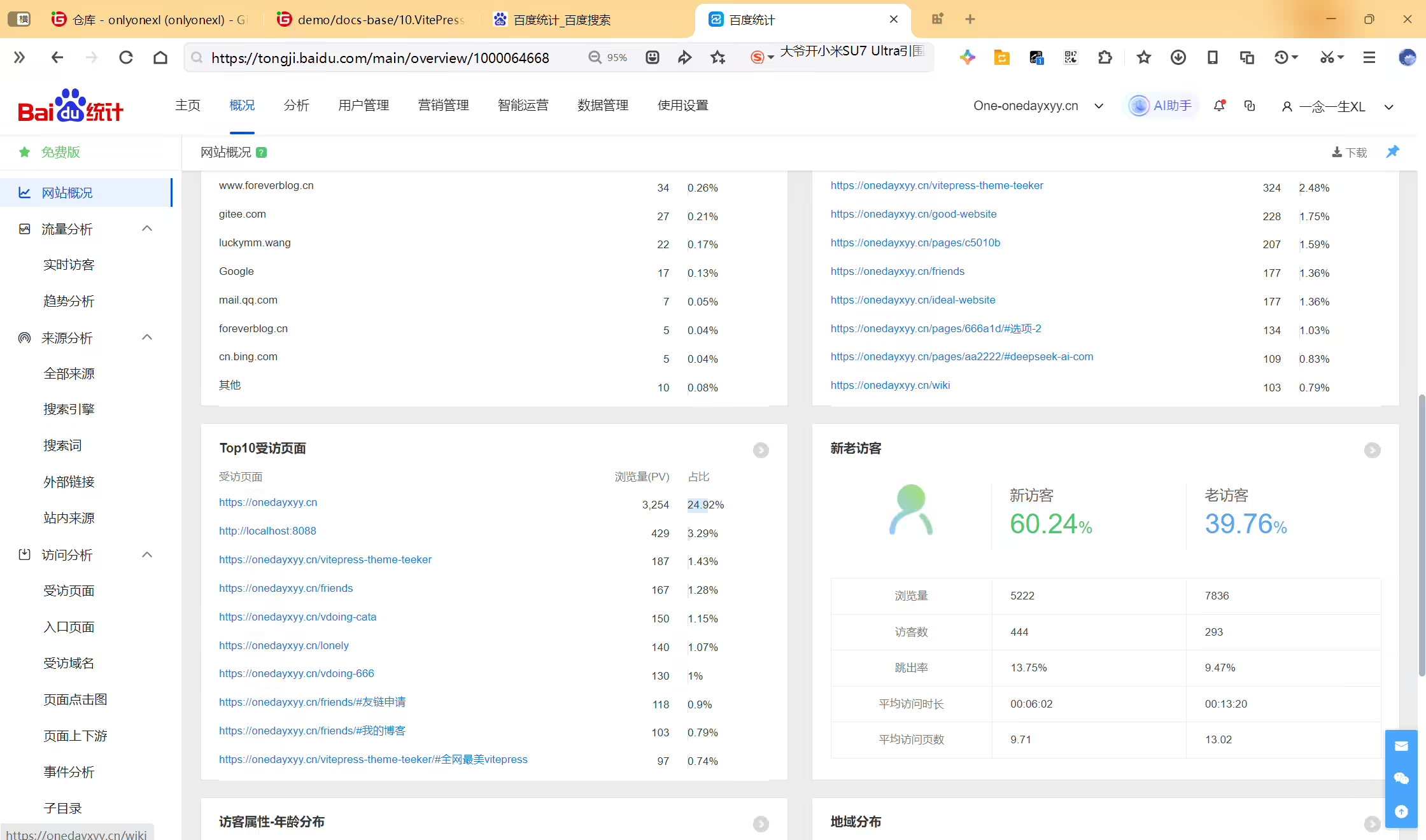
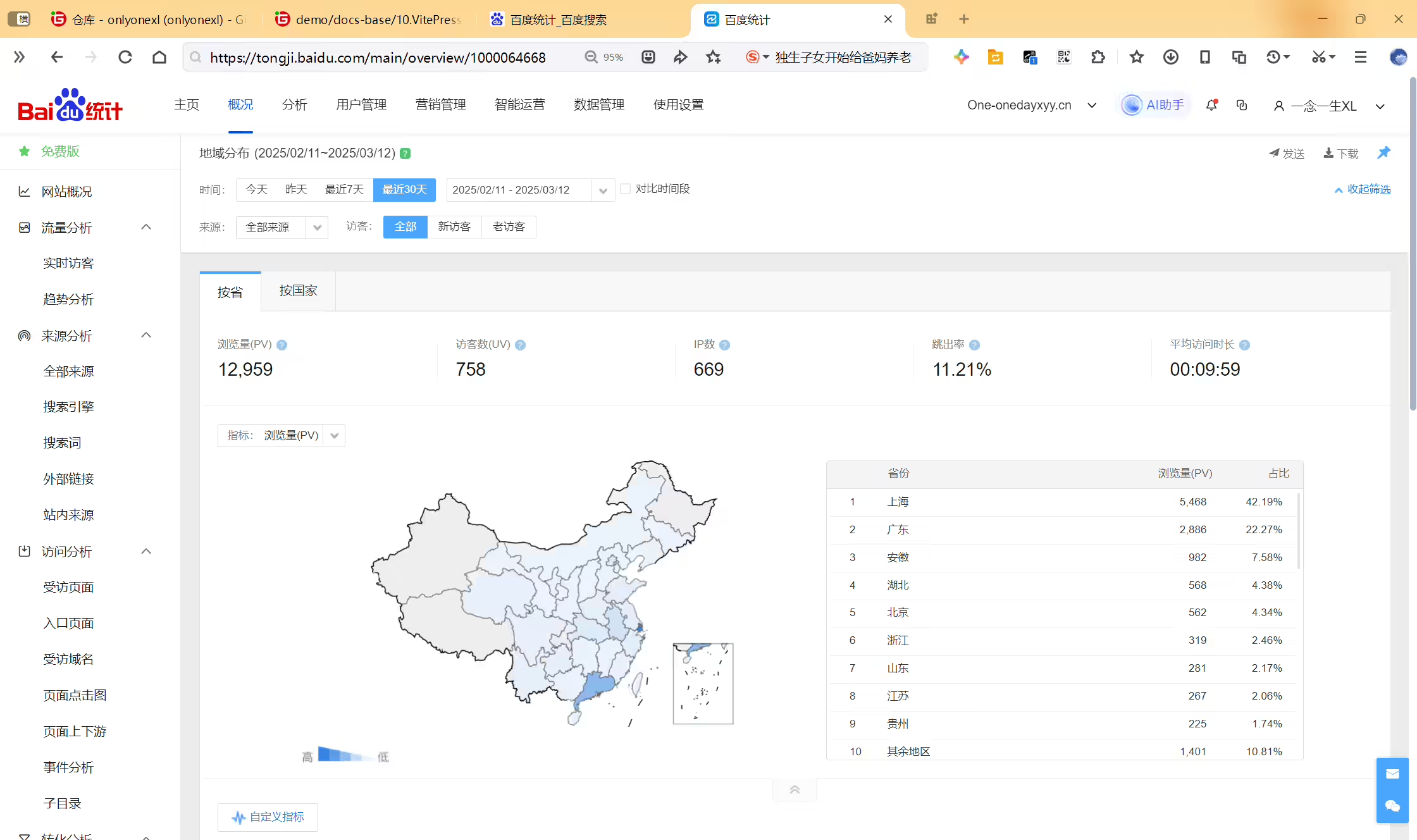
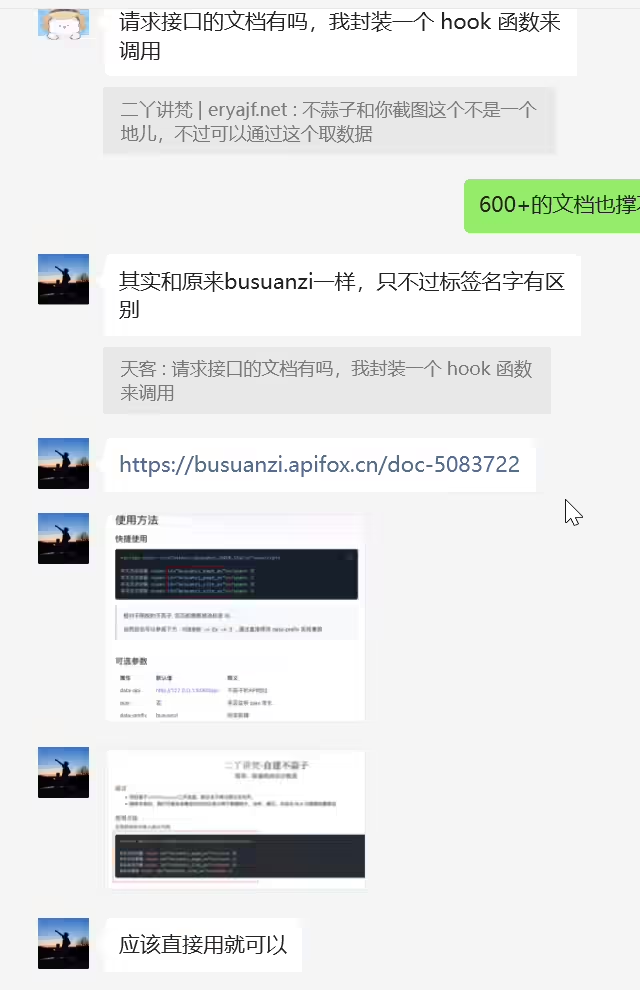
https://busuanzi.apifox.cn/doc-5083722
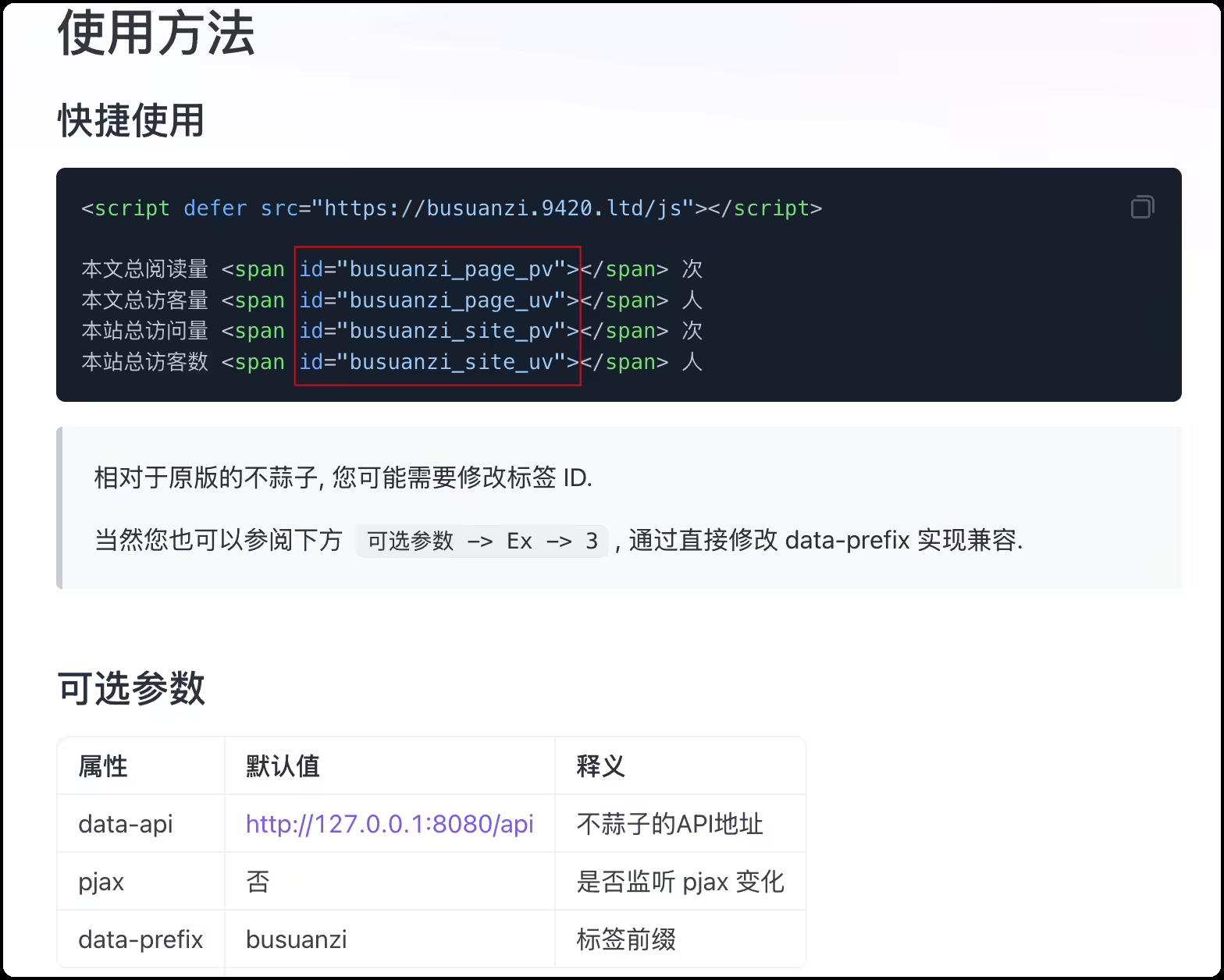
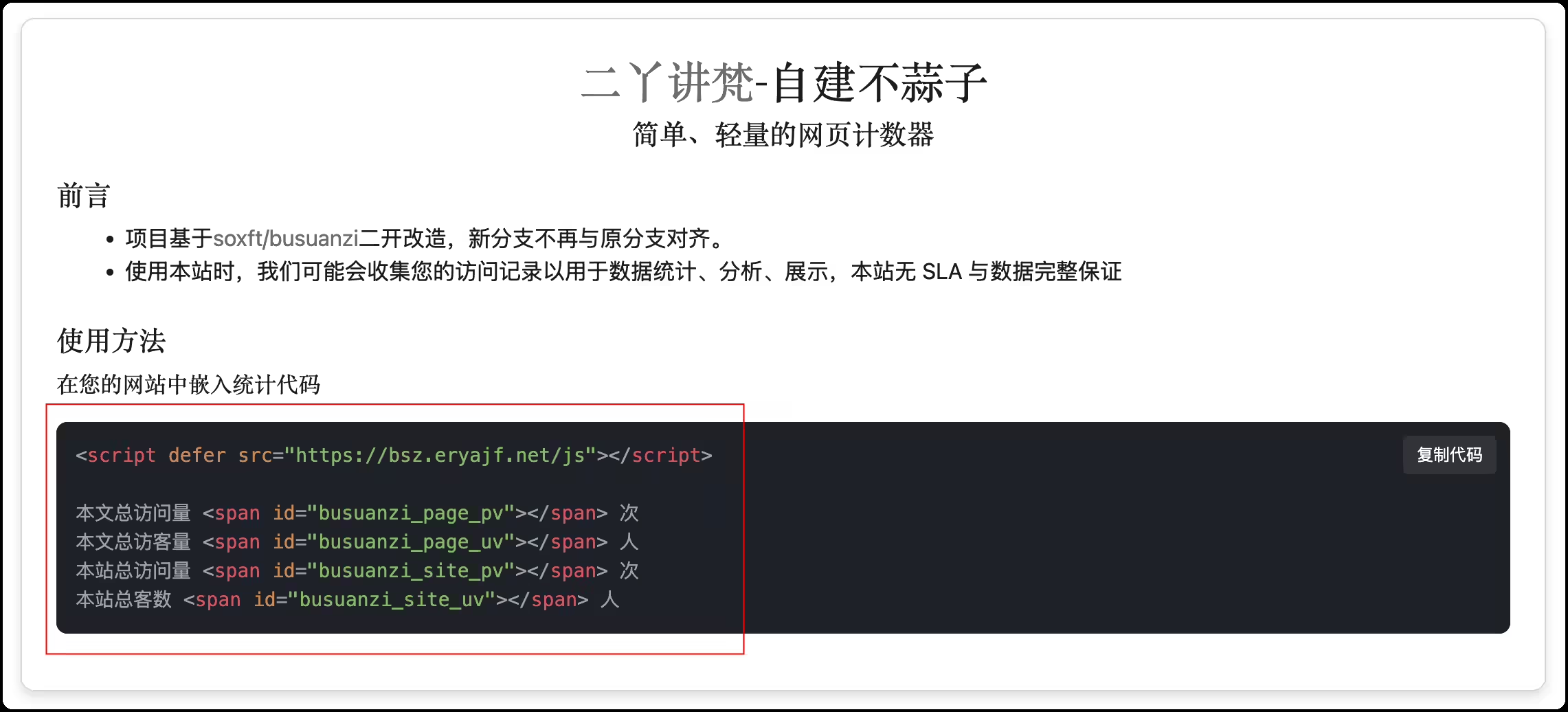
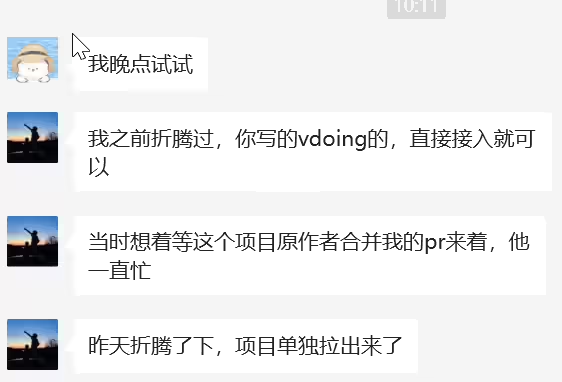
https://busuanzi.apifox.cn/doc-5083713
2025年3月10日记录
作者最近一次提交:17137d05da6a4355dd6a5edc63315d6fe598422e
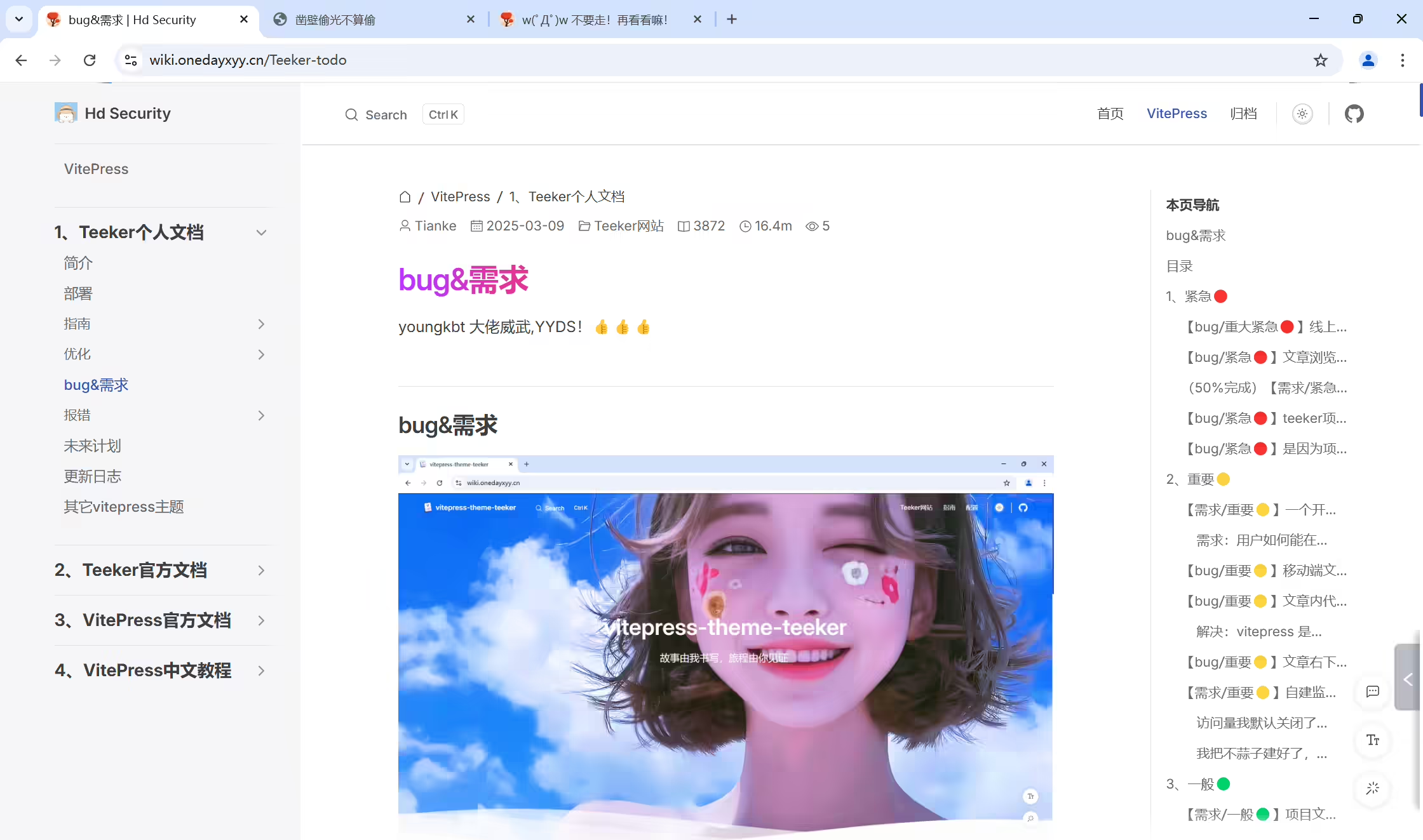
次项目是《youngkbt》大佬开源的《vitepress-theme-teek》博客项目(知识库+博客 二合一),非常简约唯美,且也在持续迭代更新,大佬威武❤️❤️。
在线网页音乐播放器配置后本地可以生效但推送后不生效
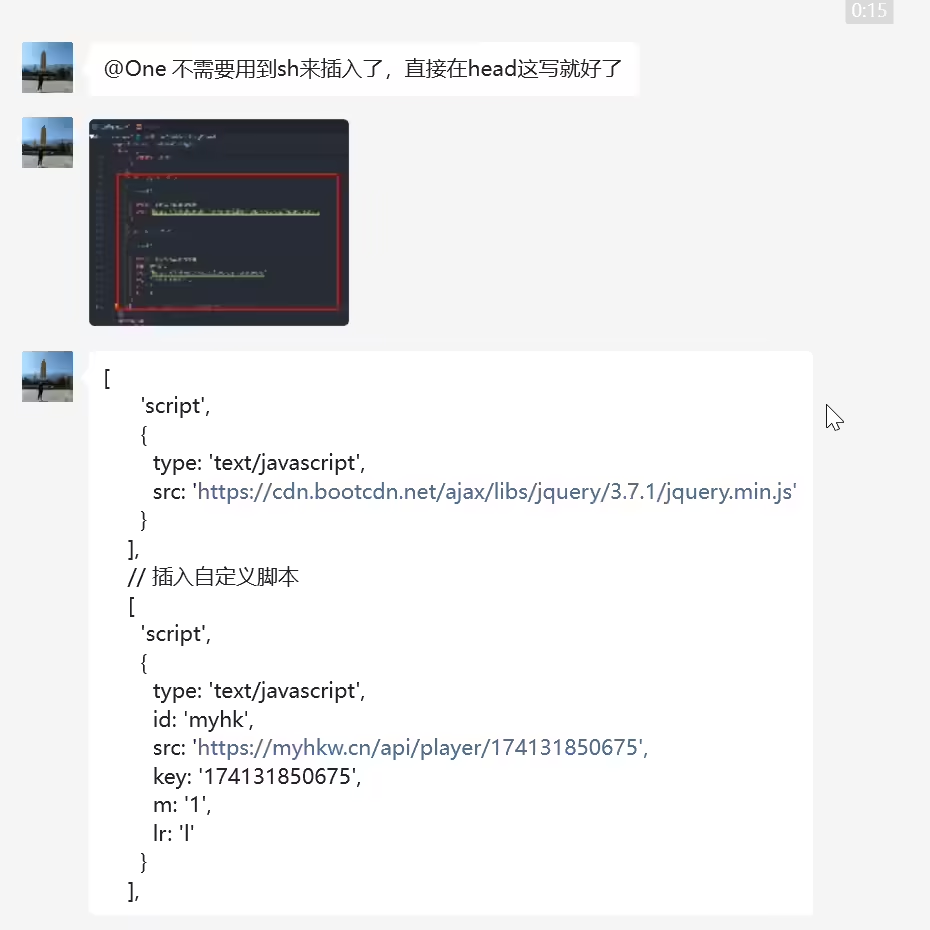

 1[
 2      'script',
 3      {
 4        type: 'text/javascript',
 5        src: 'https://cdn.bootcdn.net/ajax/libs/jquery/3.7.1/jquery.min.js'
 6      }
 7    ],
 8    // 插入自定义脚本
 9    [
10      'script',
11      {
12        type: 'text/javascript',
13        id: 'myhk',
14        src: 'https://myhkw.cn/api/player/174131850675',
15        key: '174131850675',
16        m: '1',
17        lr: 'l'
18      }
19    ],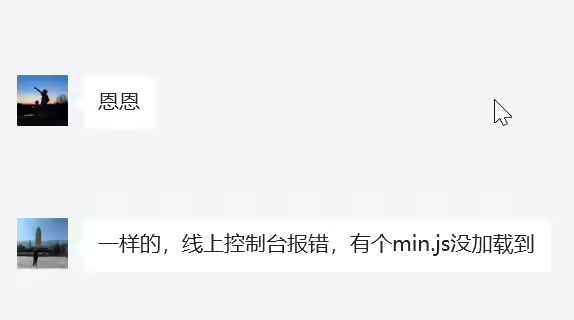
先通过之前的sed命令插入方法实现。
2025年3月25日记录
https://github.com/umami-software/umami
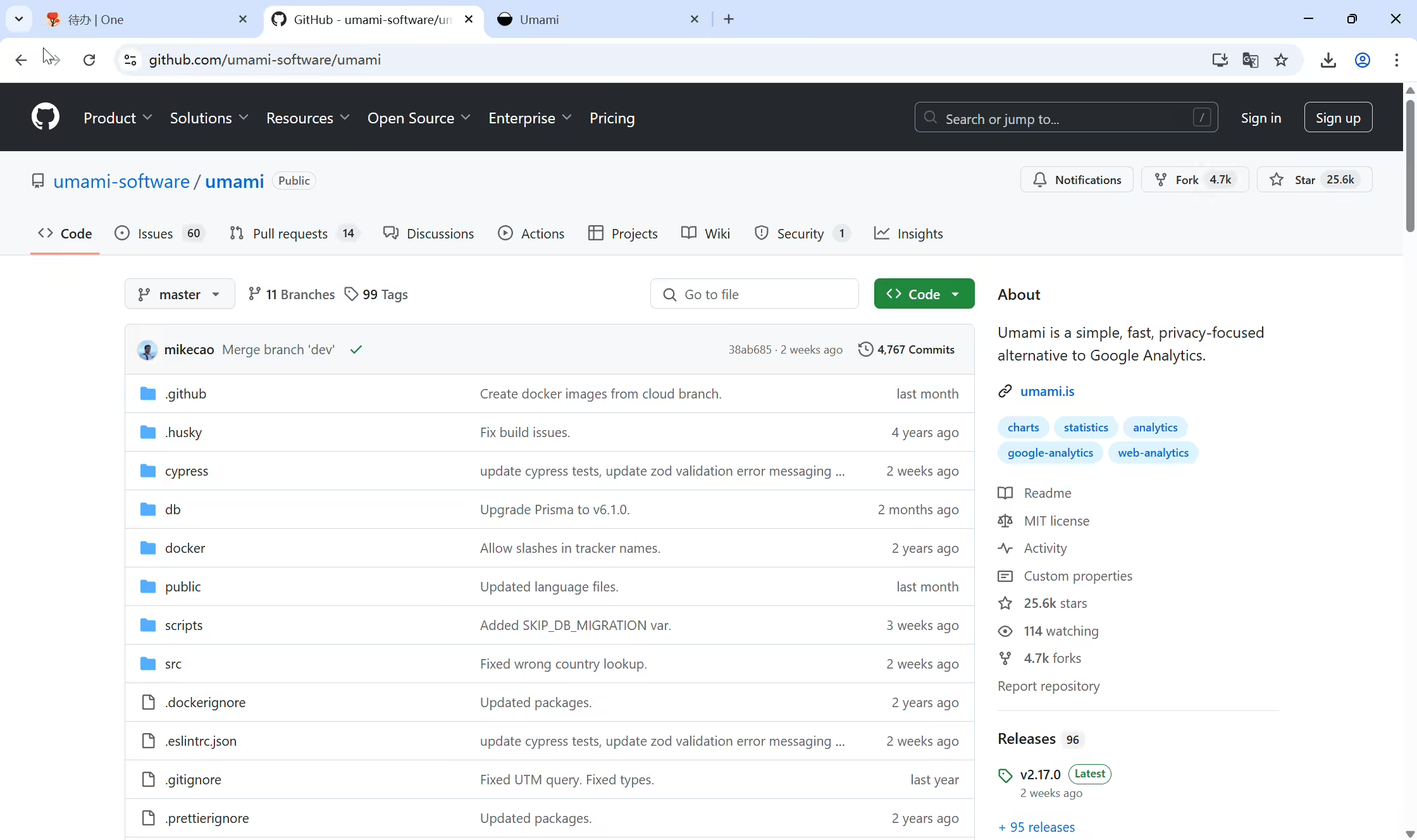
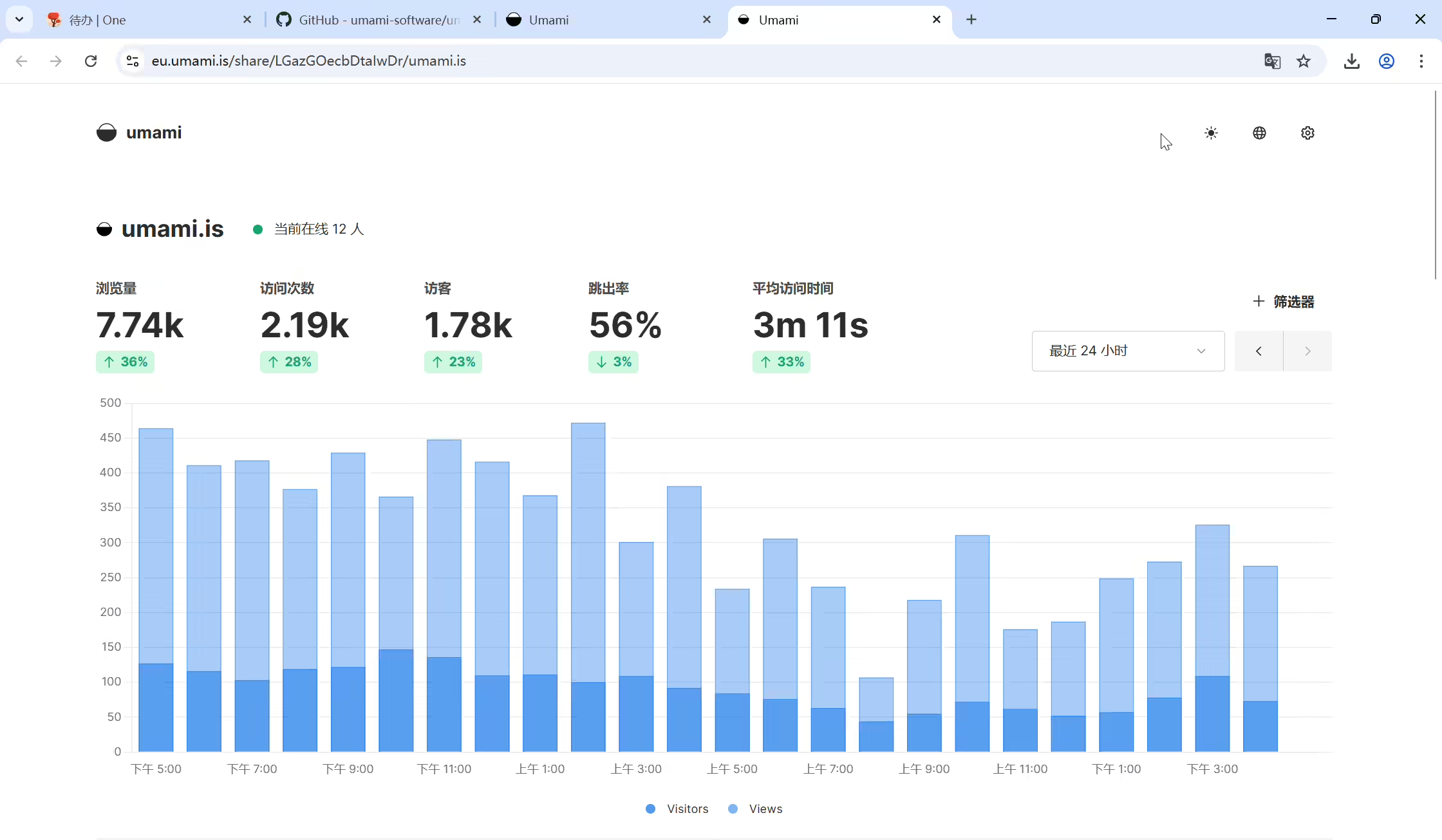
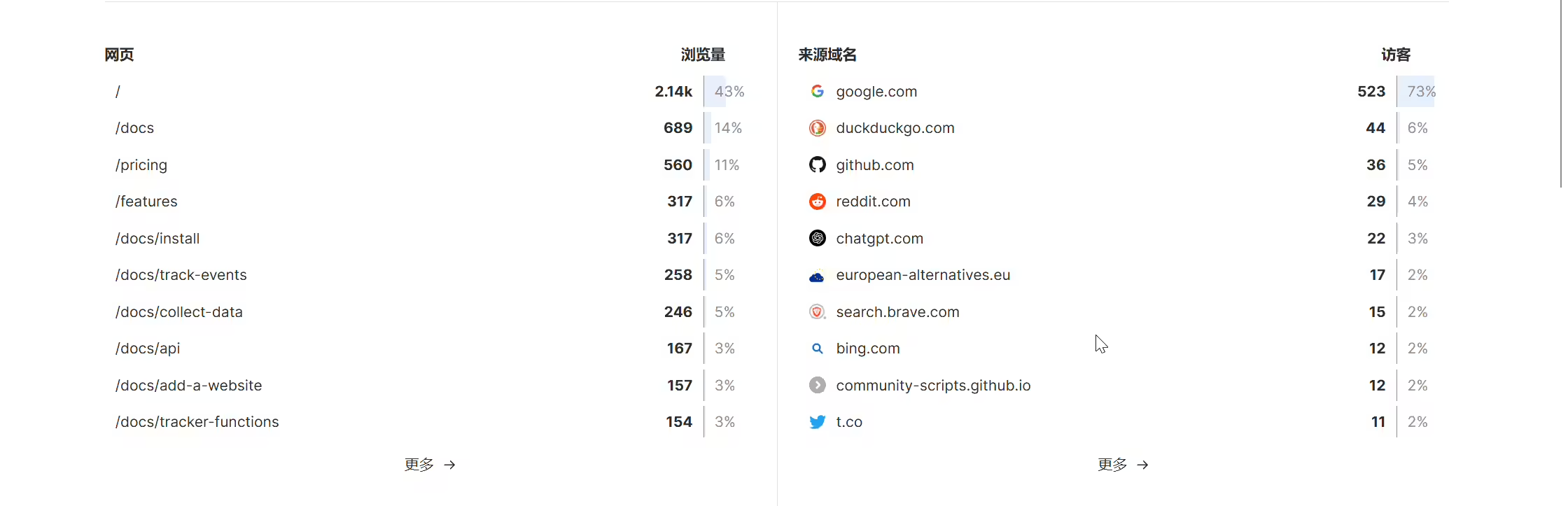
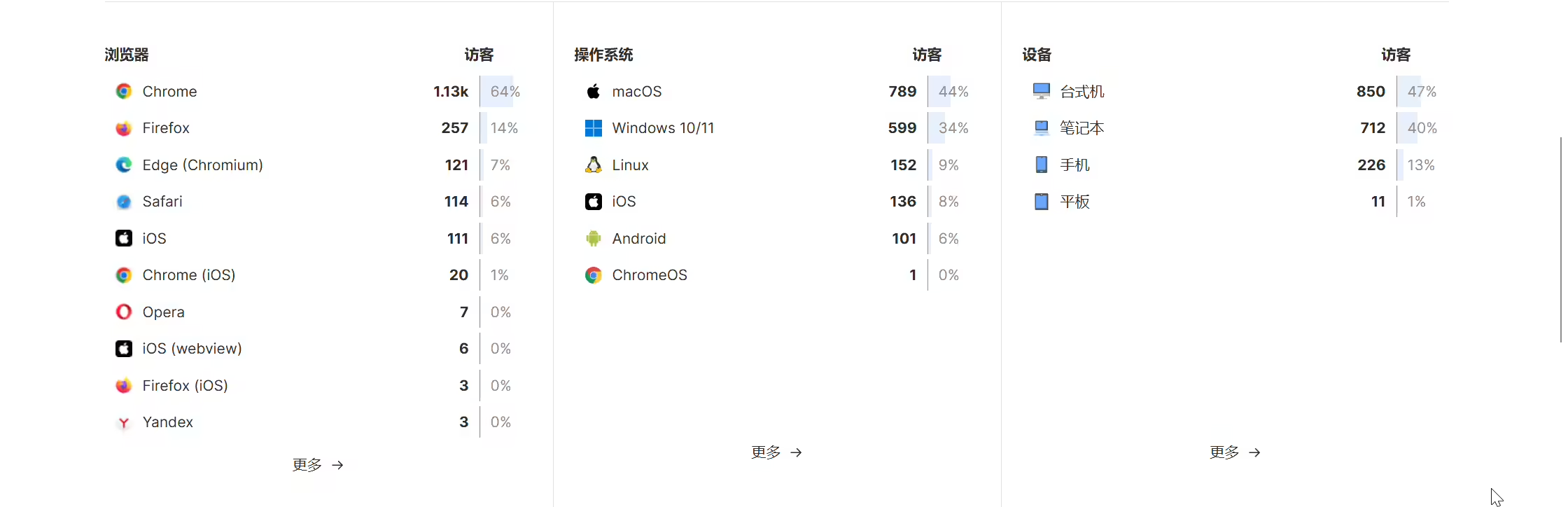
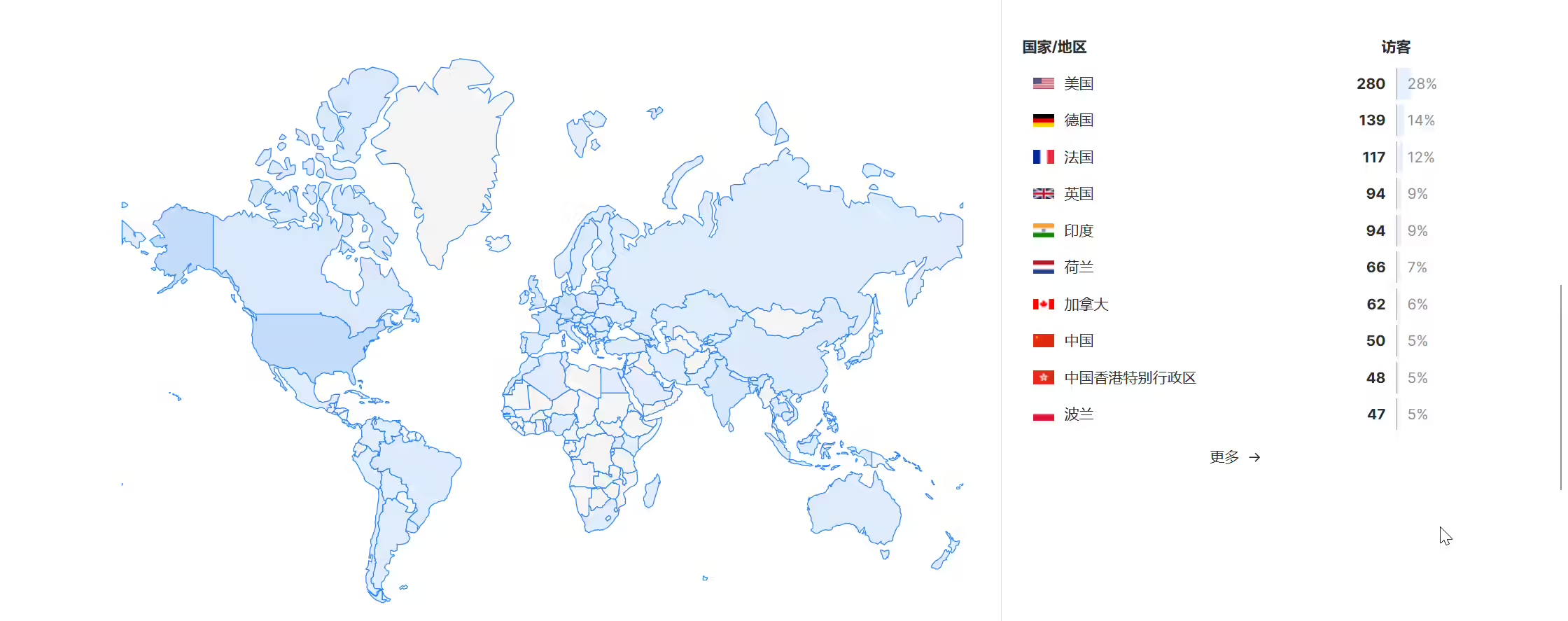
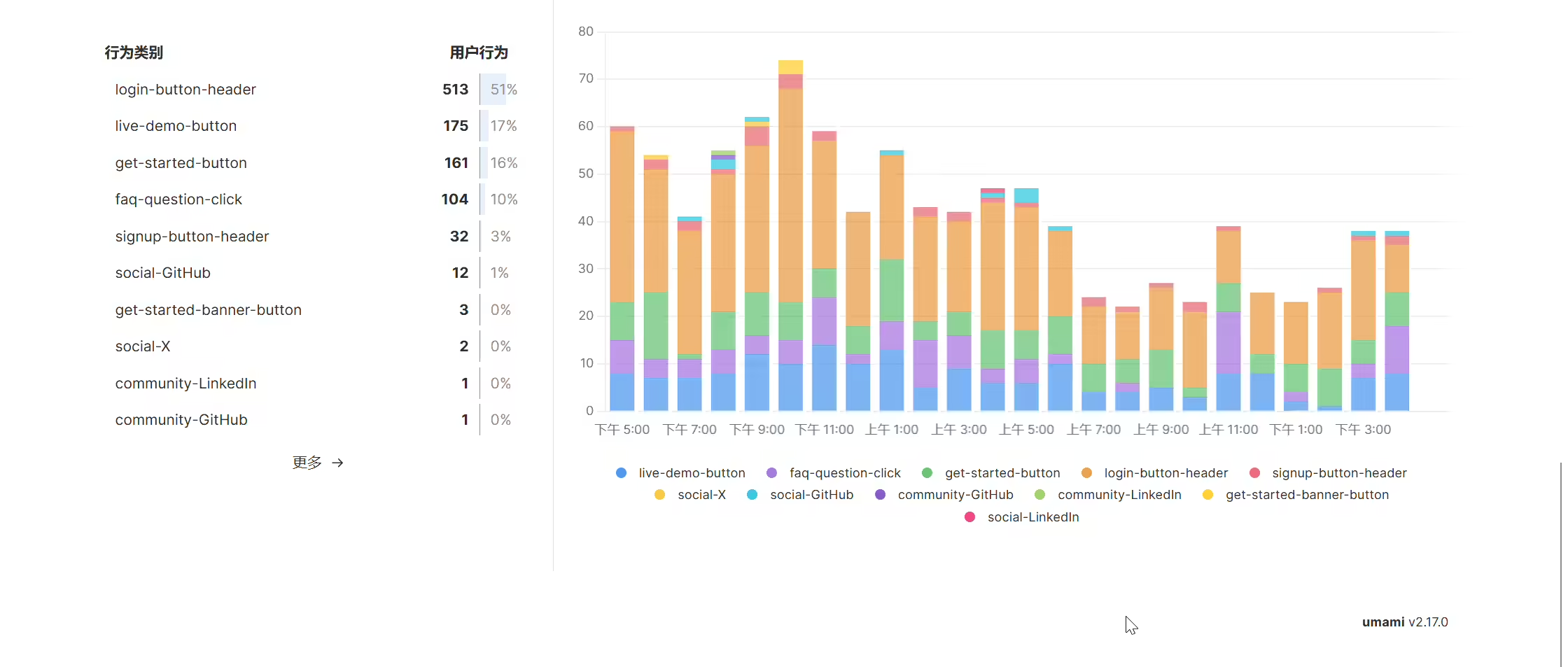


2025年3月25日记录
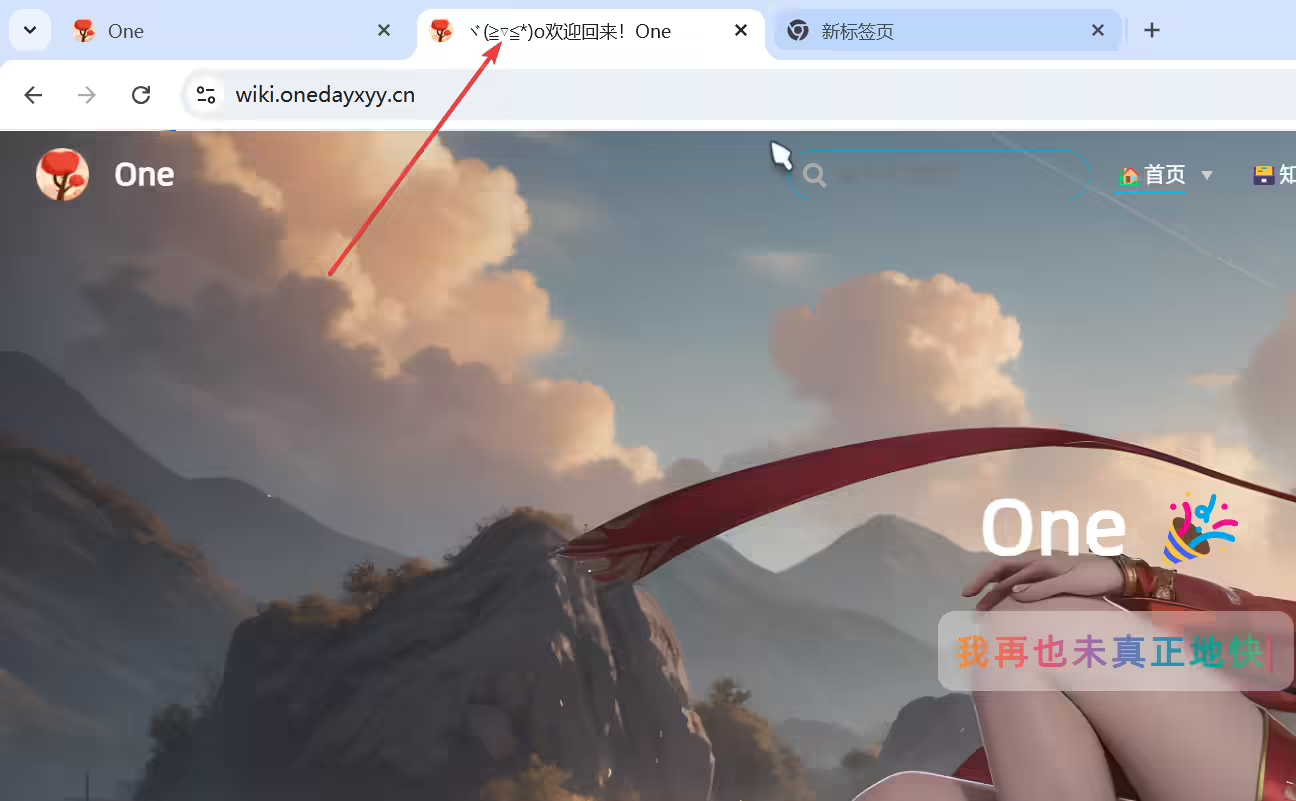
2025年3月19日记录。
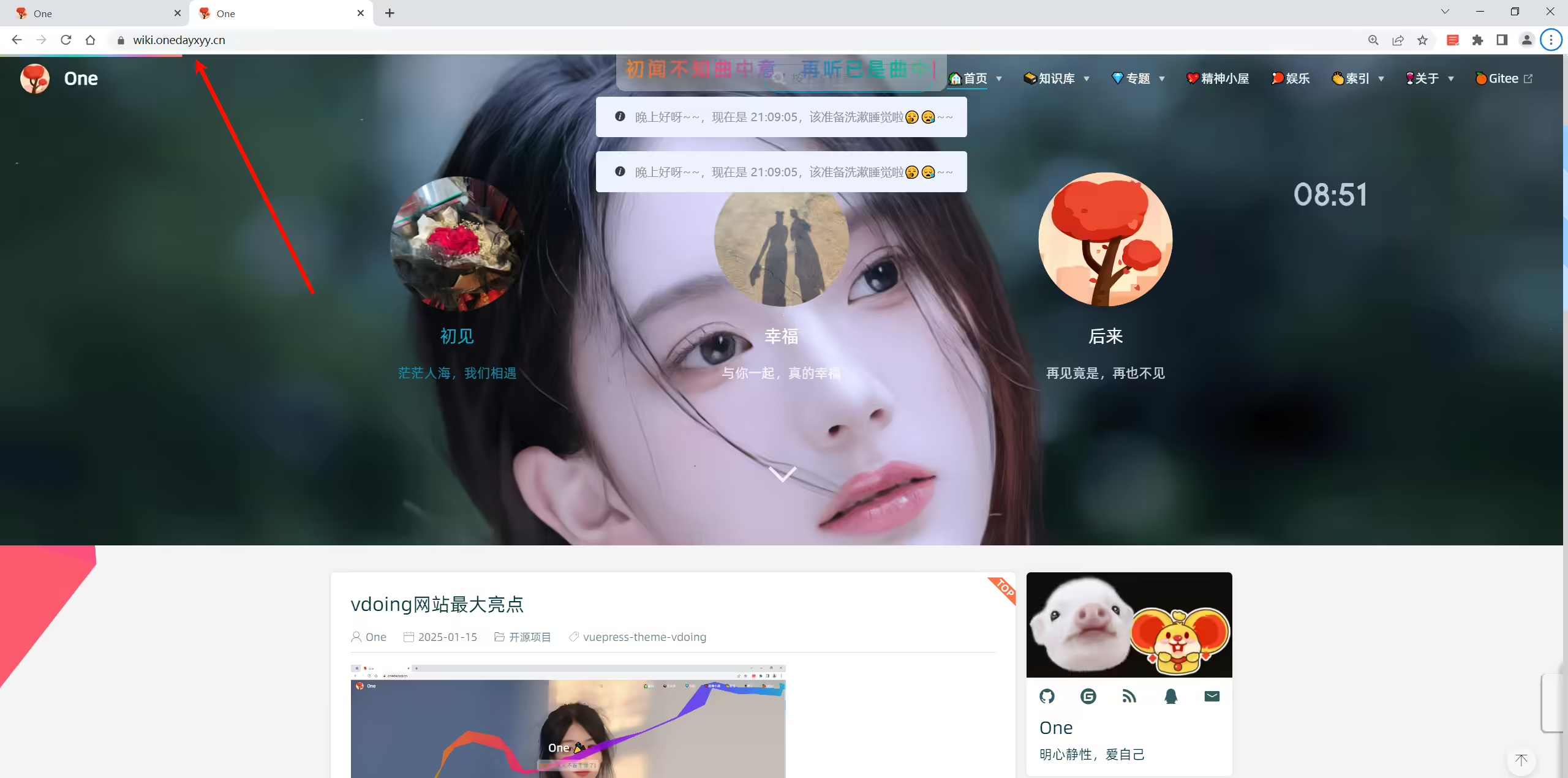
2025年4月3日已解决。
2025年4月1日提出。
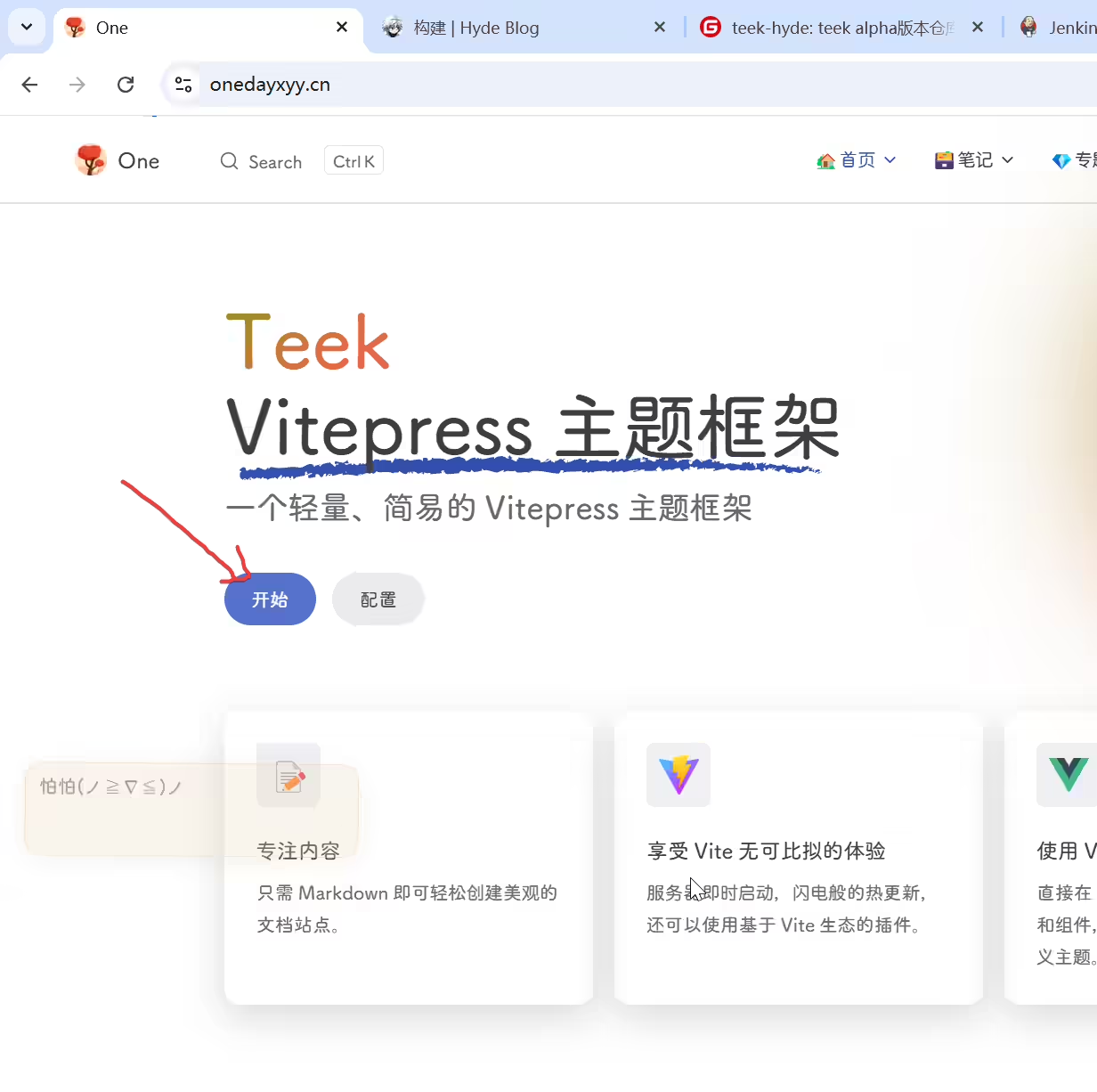
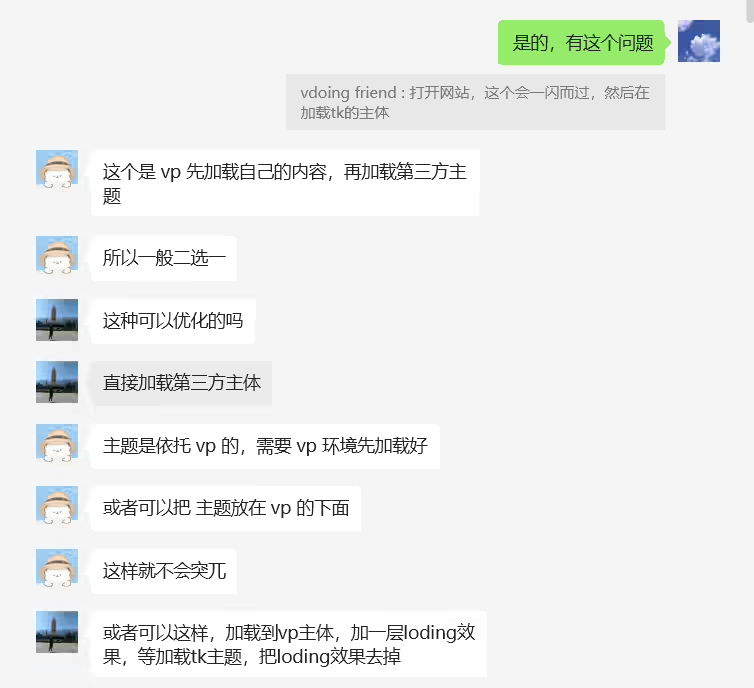
当前这个问题挺好的,也不错。
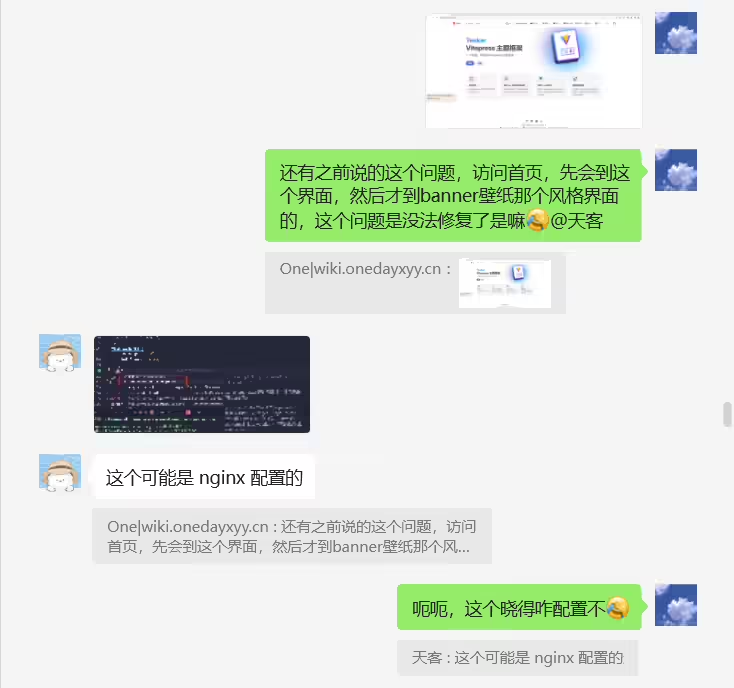
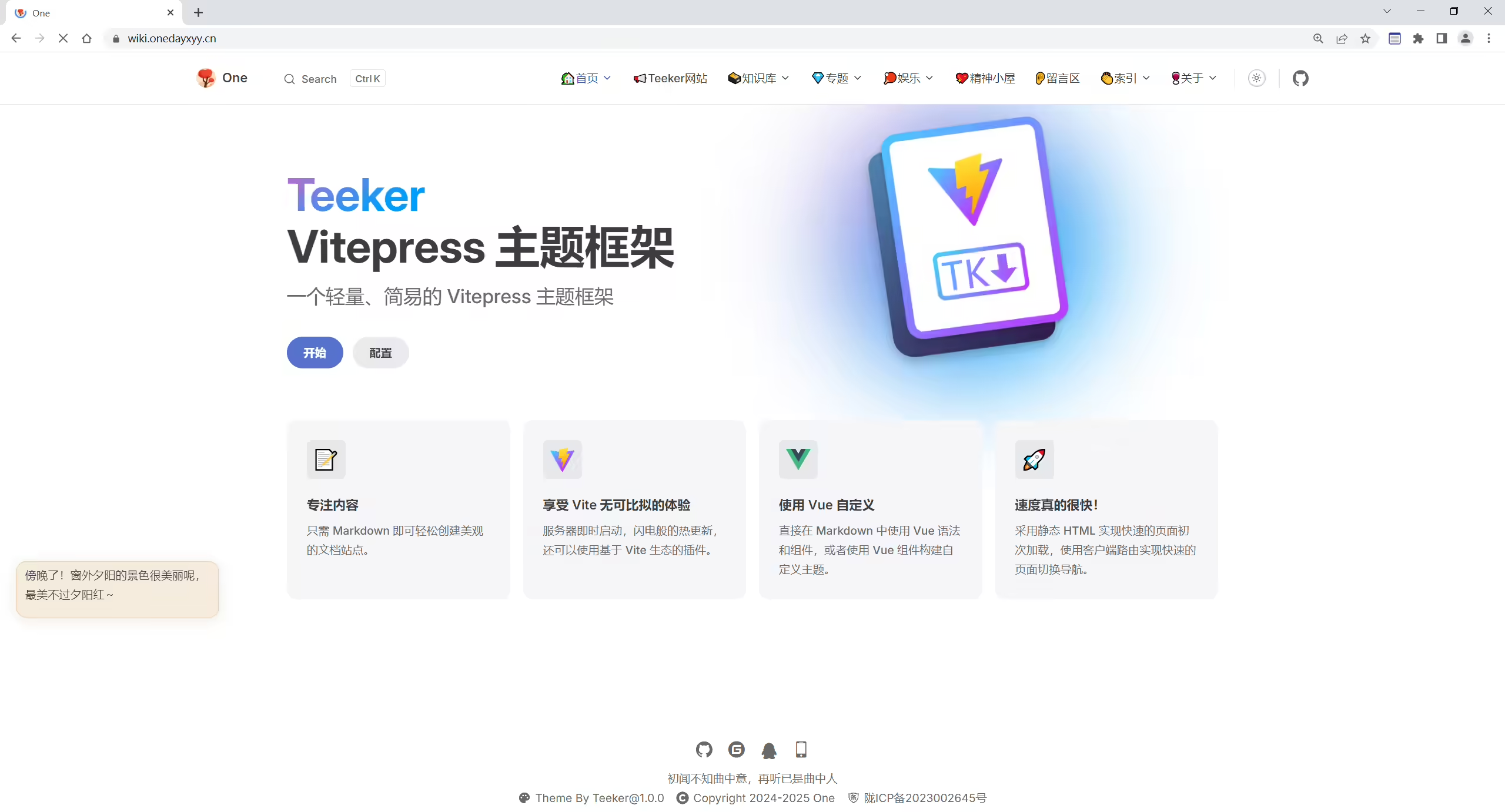
 1[root@wiki ~]# cat /etc/nginx/conf.d/wiki.onedayxyy.cn.conf
 2server {
 3    gzip on;
 4    gzip_types text/plain text/css application/json application/javascript text/xml application/xml application/xml+rss text/javascript;
 5
 6    listen 80;
 7    server_name _;
 8    index index.html;
 9
10    location / {
11        # content location
12        root /root/rsync/rsync-vitepress/dist;
13
14        # exact matches -> reverse clean urls -> folders -> not found
15        try_files $uri $uri.html $uri/ =404;
16
17        # non existent pages
18        error_page 404 /404.html;
19
20        # a folder without index.html raises 403 in this setup
21        error_page 403 /404.html;
22
23        # adjust caching headers
24        # files in the assets folder have hashes filenames
25        location ~* ^/assets/ {
26            expires 1y;
27            add_header Cache-Control "public, immutable";
28        }
29    }
30}
31
32
33
34server {
35    listen  443 ssl;
36    server_name  wiki.onedayxyy.cn;
37
38    root /root/rsync/rsync-vitepress/dist;
39    location / {
40        index index.html index.htm;
41        try_files $uri $uri/ /index.html;
42    }
43
44    location /images {
45        alias /images;
46        index index.html;
47      valid_referers none blocked *.onedayxyy.cn onedayxyy.cn *.gitee.com gitee.com localhost 127.0.0.1;
48      if ( $invalid_referer ) {
49           # 如不满足,指定访问如下资源
50           rewrite ^/ https://onedayxyy.cn/error/1.avif;
51           return 403;
52      }
53    }
54
55    location /home {
56    alias /root/home3.0/;
57        index index.html index.htm;
58    }
59
60
61
62    location /wiki {
63    alias /root/rsync/rsync-docusaurus/build;
64        index index.html index.htm;
65    }
66
67    location /newyear {
68    alias /root/rsync/rsync-qianduan-demo/qianduan-demo/newyear;
69        index index.html index.htm;
70    }
71
72
73    location /error {
74        autoindex on; # 启用目录索引
75        alias /FdangDaoLianImages;
76        index index.html;   # 默认显示index.html文件,如果没有则列出目录内容
77    }
78
79
80    ssl_certificate             /etc/letsencryp
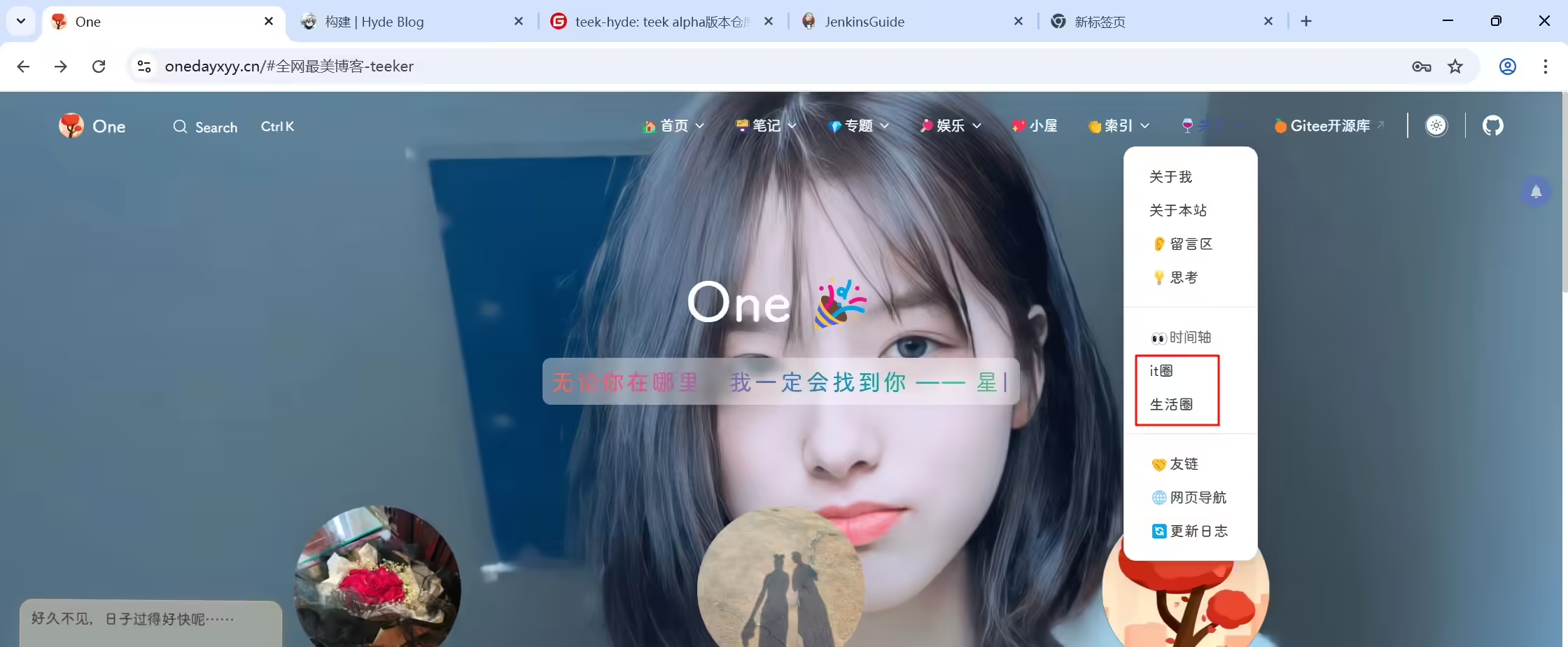
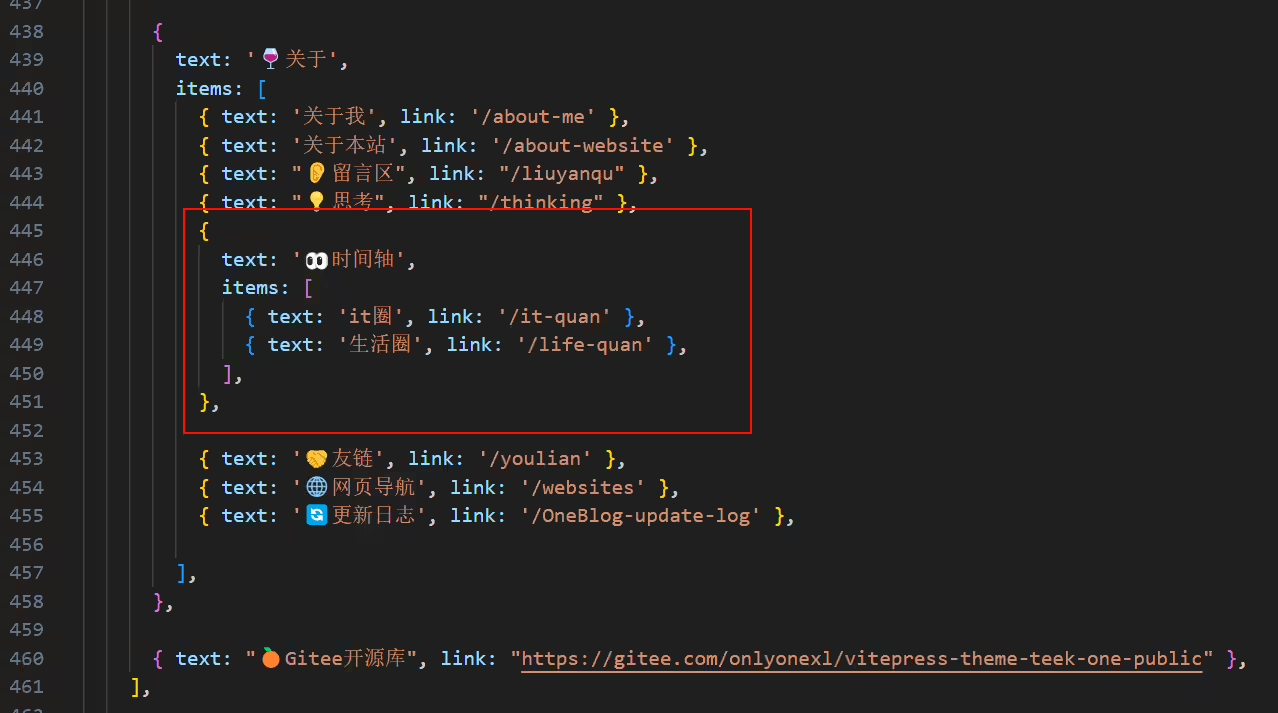
配置代码:
新版本已解决。
2025年3月15日记录。
暂不需要。
2025年3月9日记录。
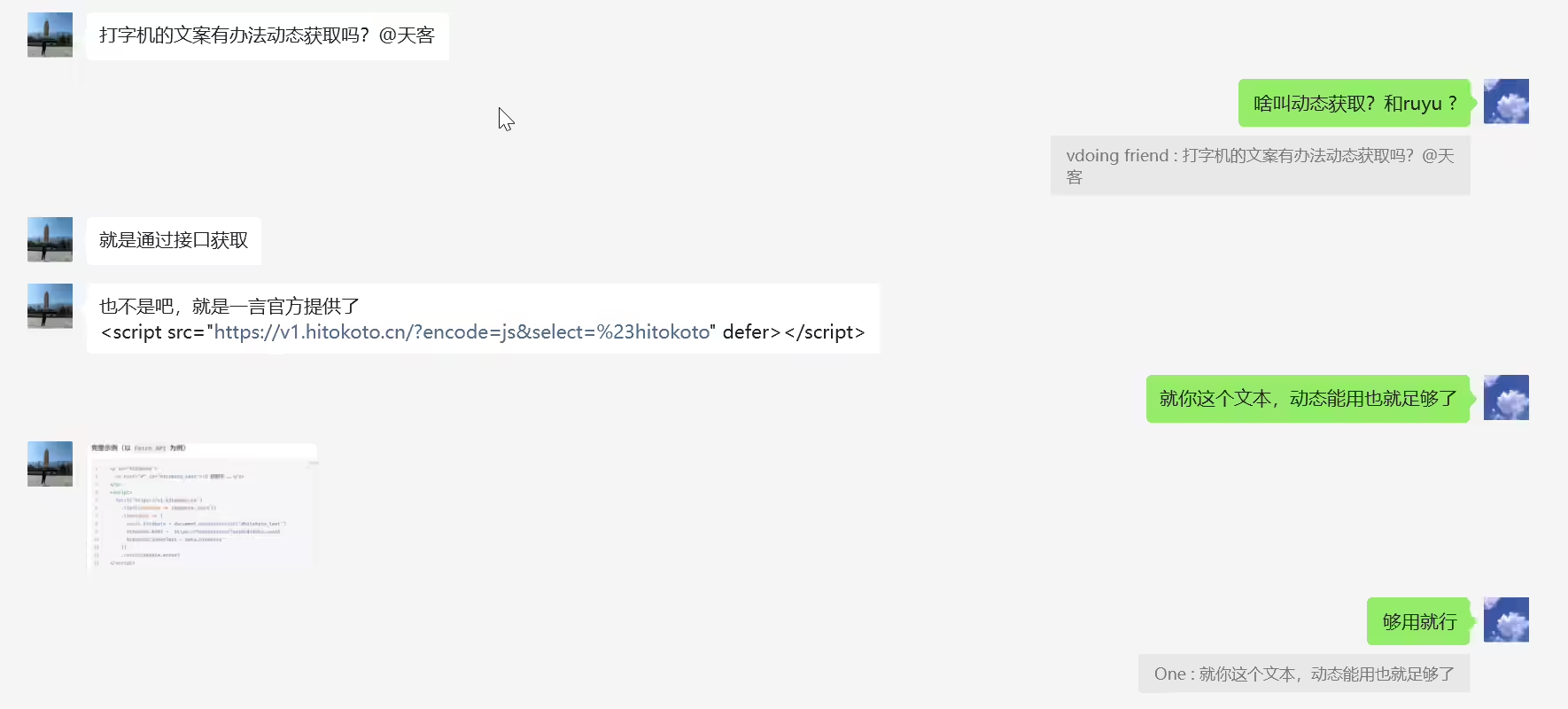
1也不是吧,就是一言官方提供了
2<script src="https://v1.hitokoto.cn/?encode=js&select=%23hitokoto" defer></script>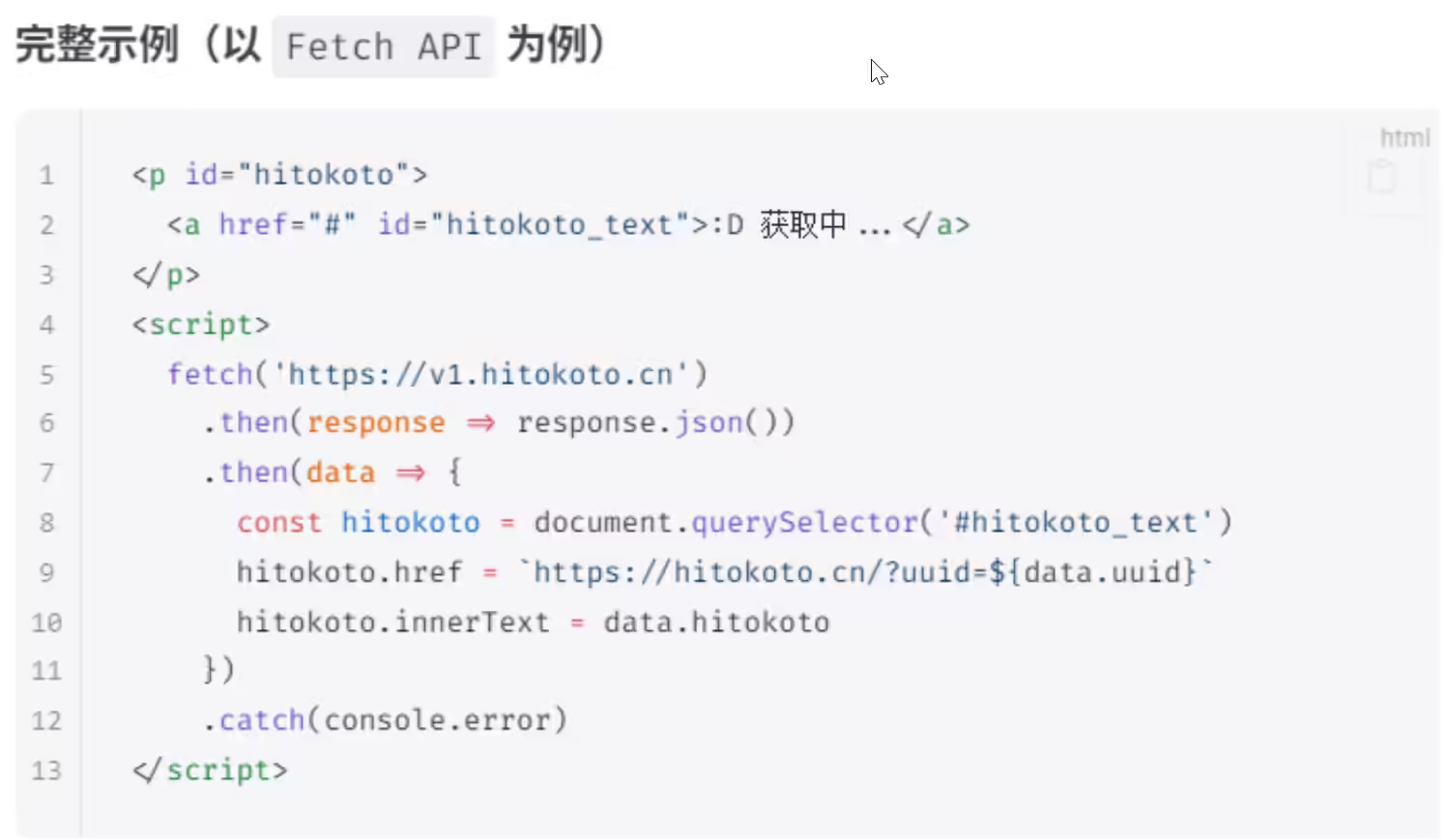
暂不需要。
2025年3月9日记录。
需求:
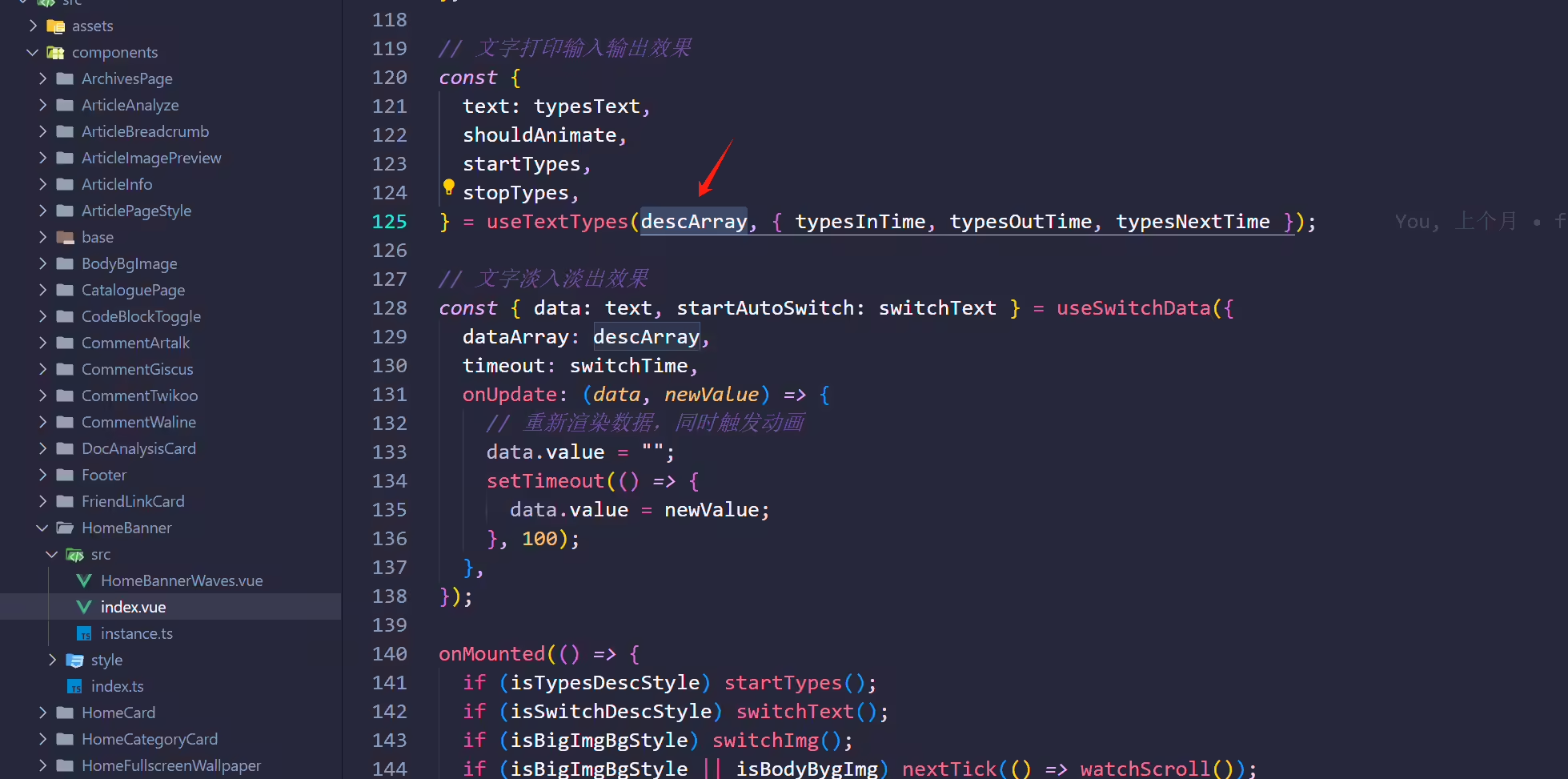
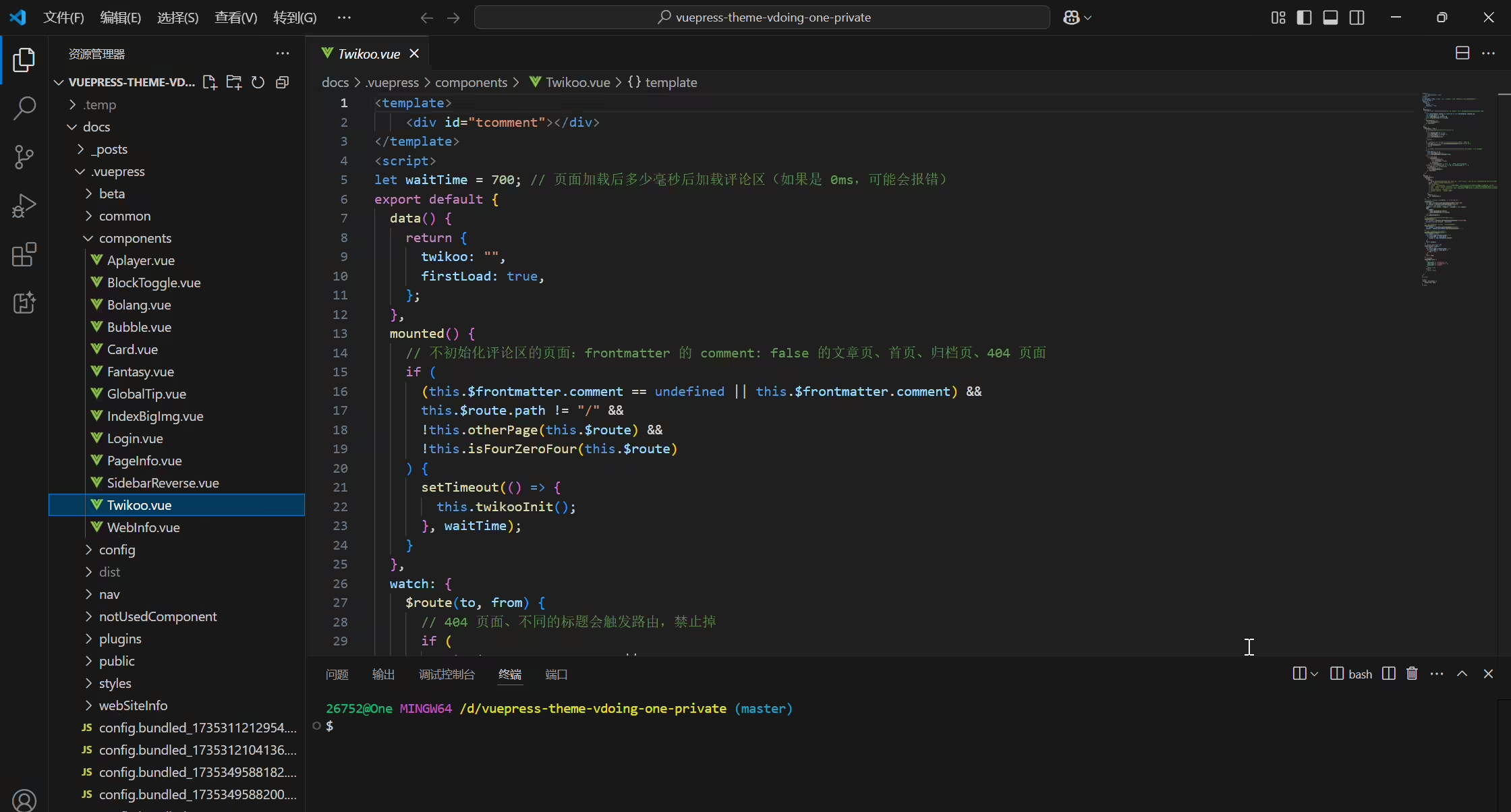
打字机文案能从另一个文件导入进来就好了,封装一个文件,后续我只需维护那个导入的文件就好,vdiong我就是这样做
vdoing当初配置:
docs\.vuepress\components\Twikoo.vue文件:
详情
docs\.vuepress\config\hitokoto.ts文件:
详情
新版本已解决。
2025年3月12日记录。
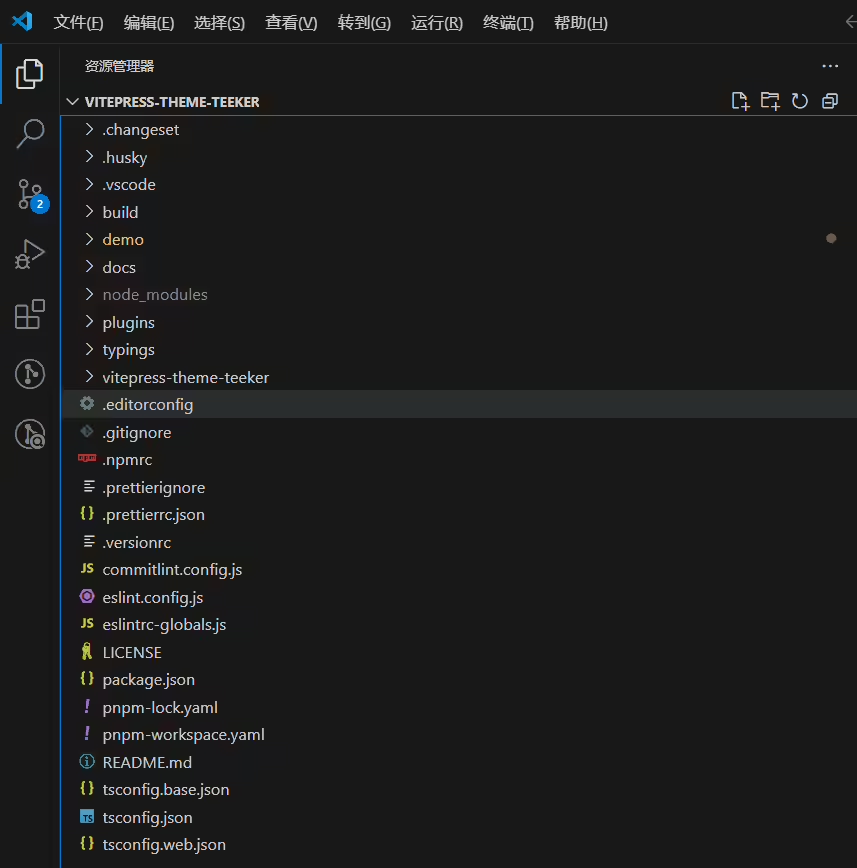
当前2025年3月12日项目文档如下:
后面发现还好的,能接受的。
2025年3月17日提出。
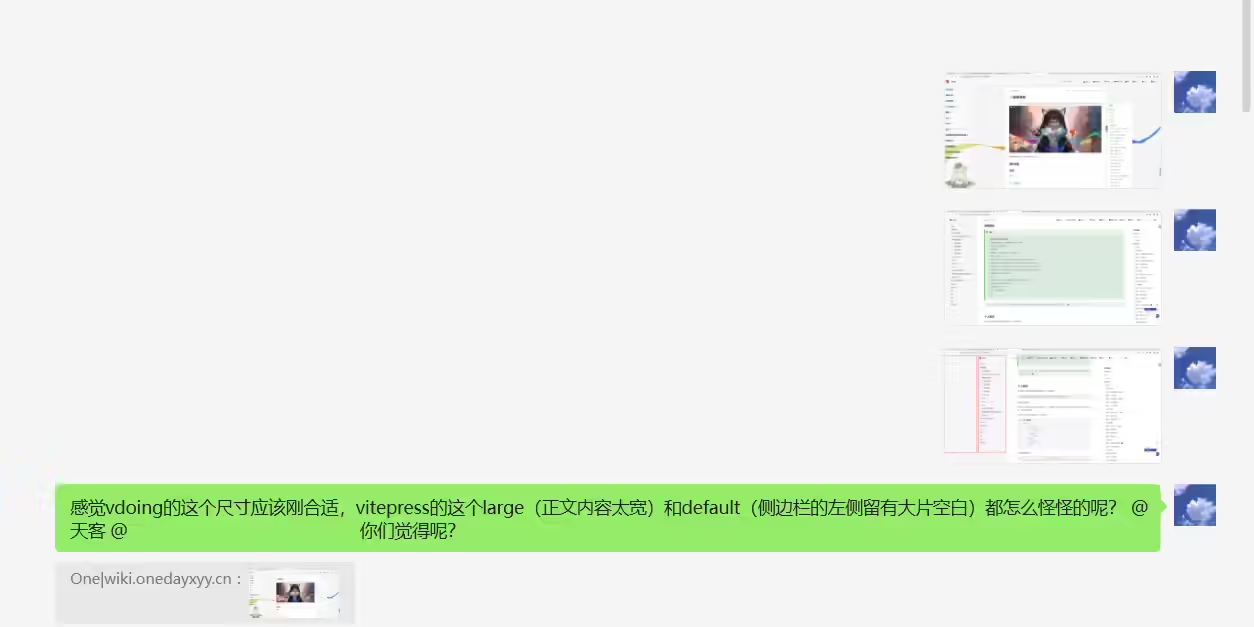
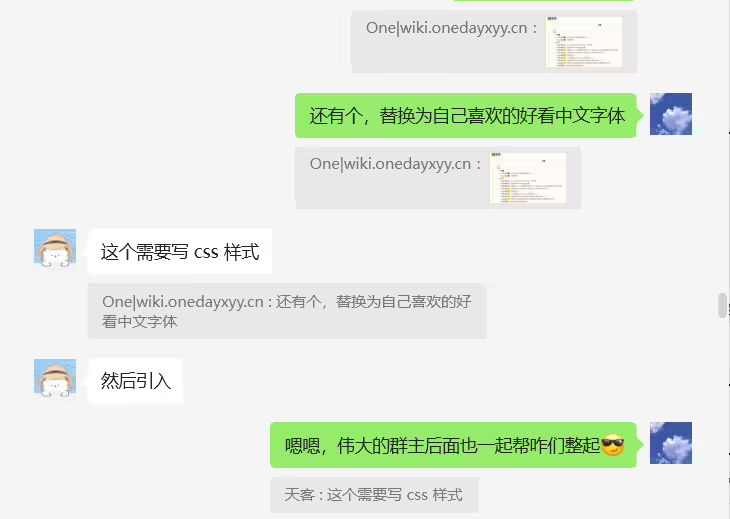
vdoing风格:
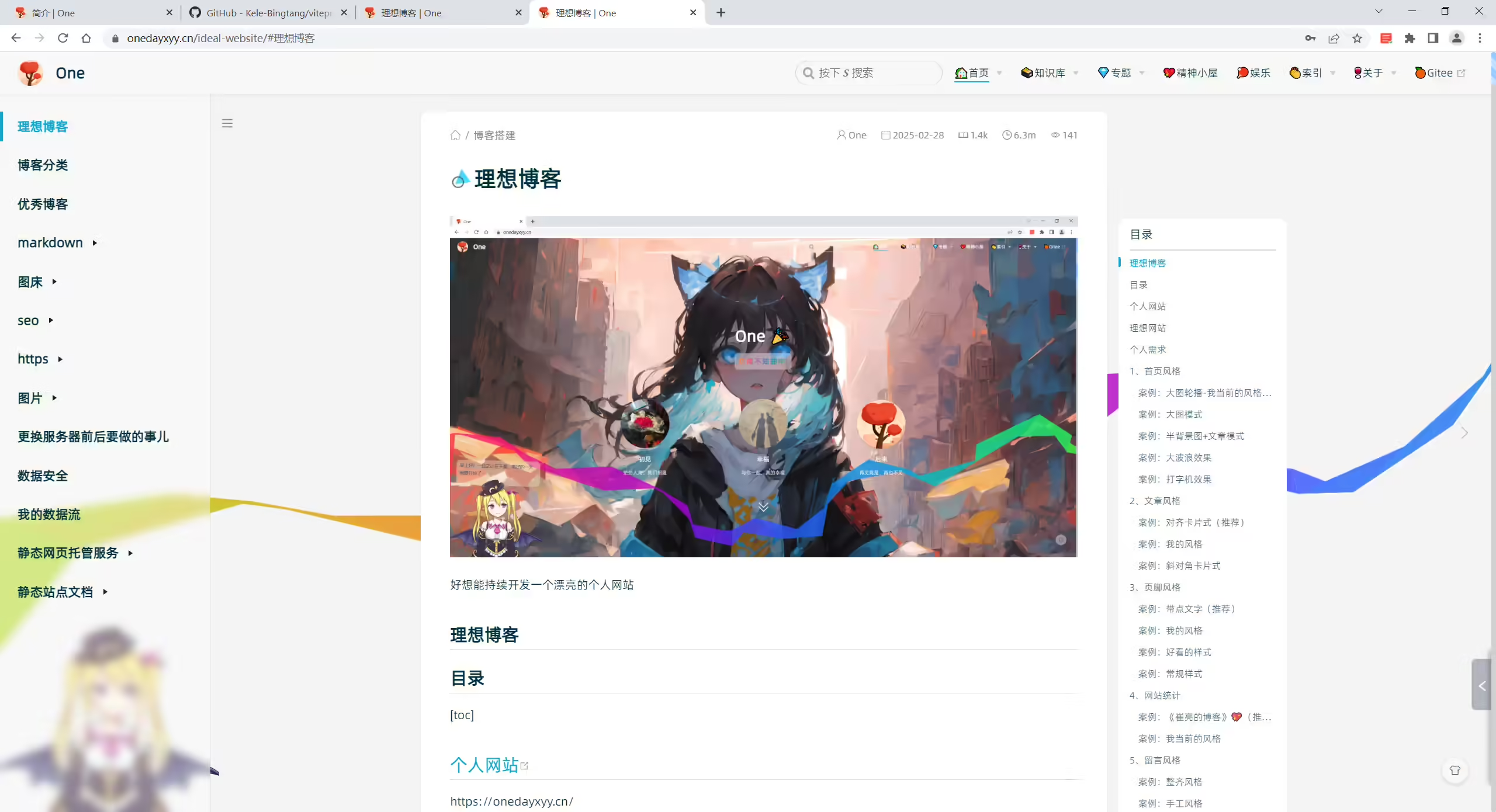
teeker large风格:
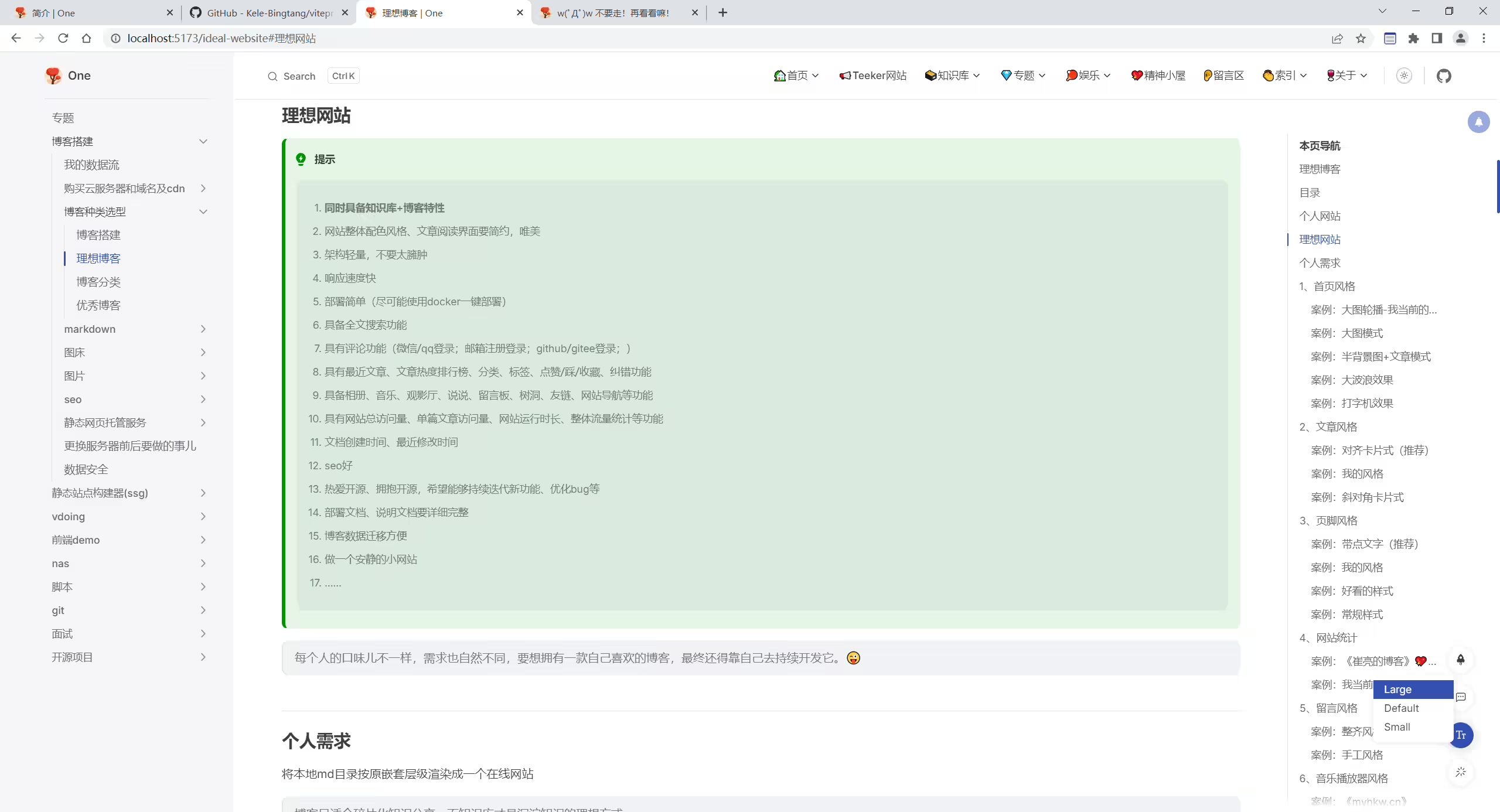
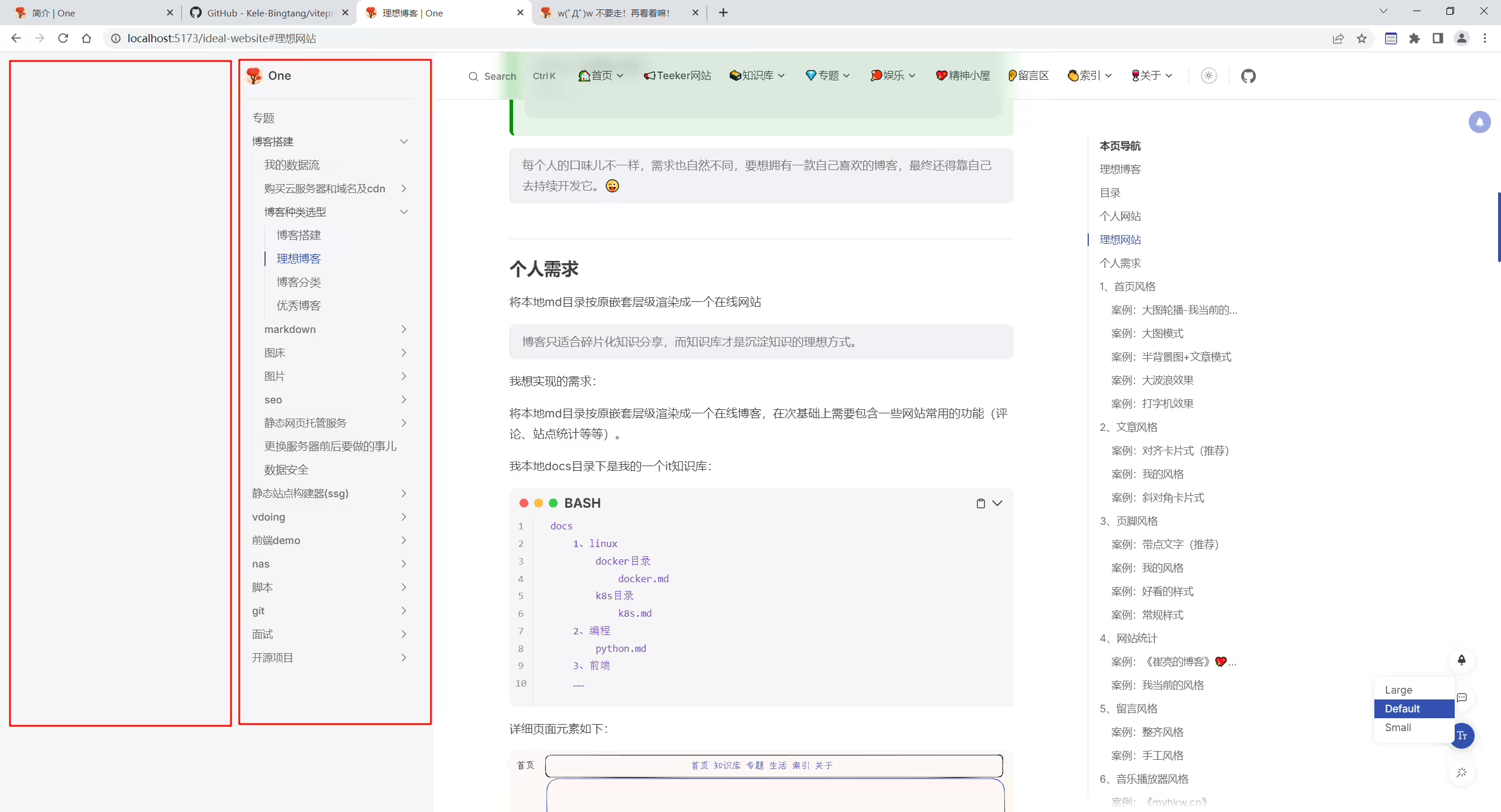
large default风格:
新版本已解决。
2025年4月1日已解决。
2025年4月1日已解决。
2025年3月30日记录。
teek@2023.3.30-60f489b版本。
2025年4月1日已解决。
2025年3月30日记录。
teek@2023.3.30-60f489b版本。
作者最新代码没问题,自己的仓库有问题,应该是自己的哪些配置有影响。
2025年4月1日已解决。
🍊需求
用户如何能在原项目上 平滑地升级最新版本的主题?
2025年3月12日。
如何平滑升级Teeker到最新版本?
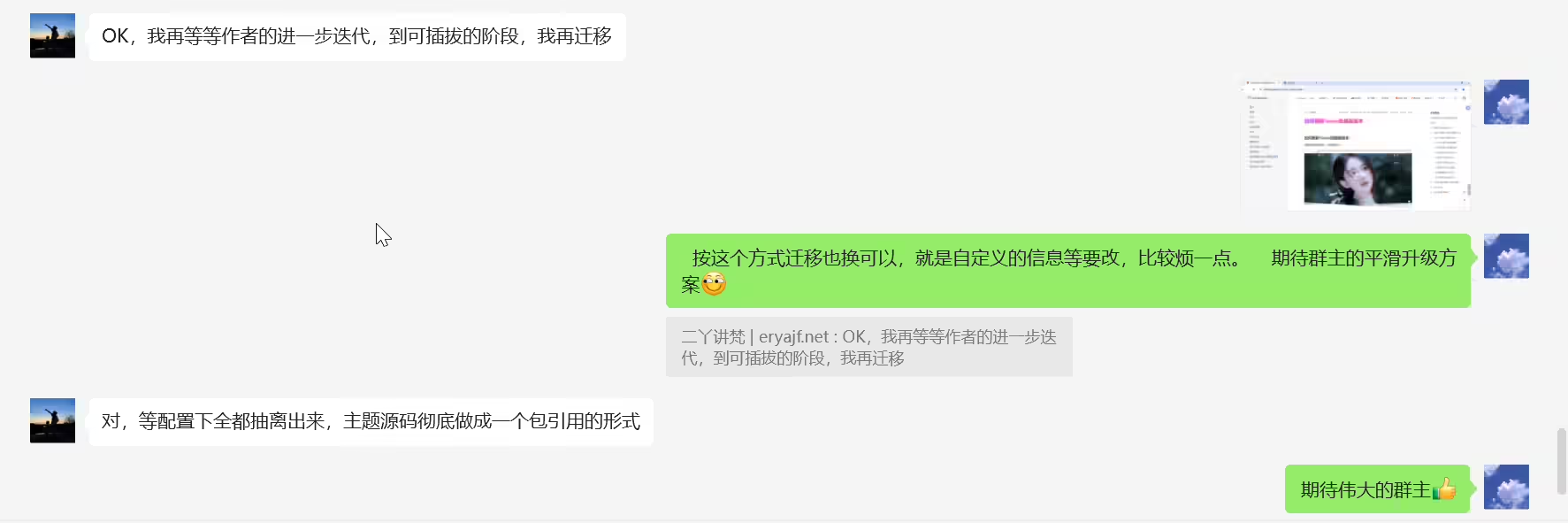
不然当Teeker每次迭代后,自己都需要改好多配置项,特别麻烦。
如何平滑升级Teeker到最新版本
一个开源项目开发版和发版的最佳实践?
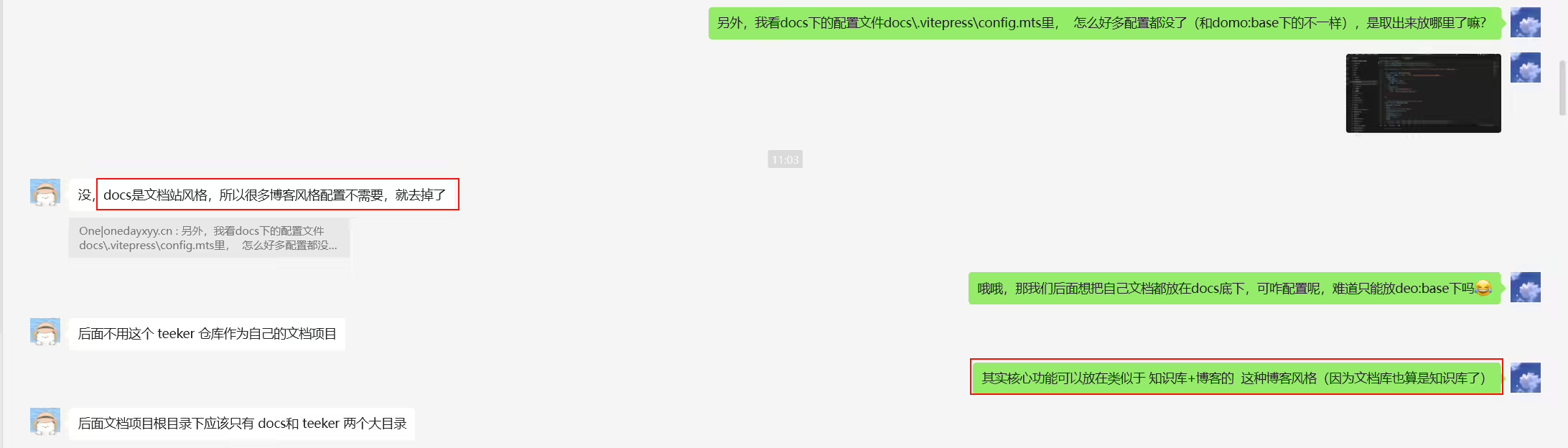
功能应该也修复得差不对了,可以看看用户如何能在原项目上 平滑地升级最新版本的主题。 不然每次更新主题,都要来回拷贝复制一些东西,有点小麻烦@天客
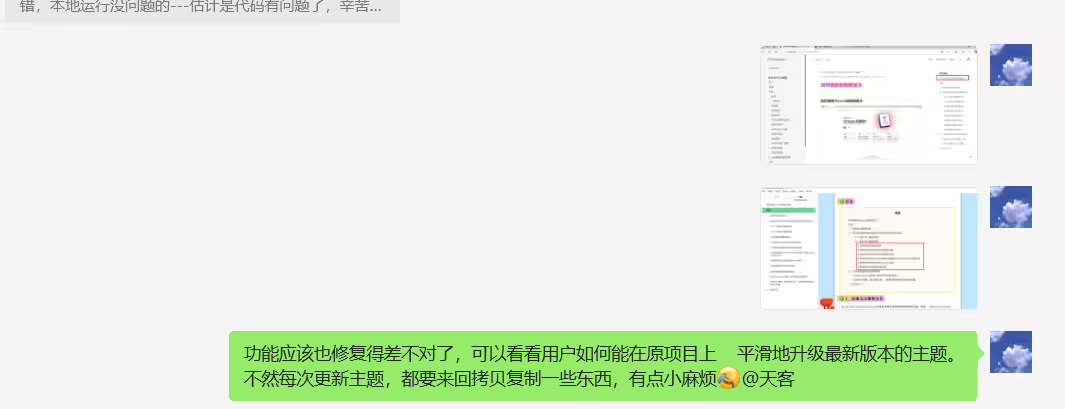
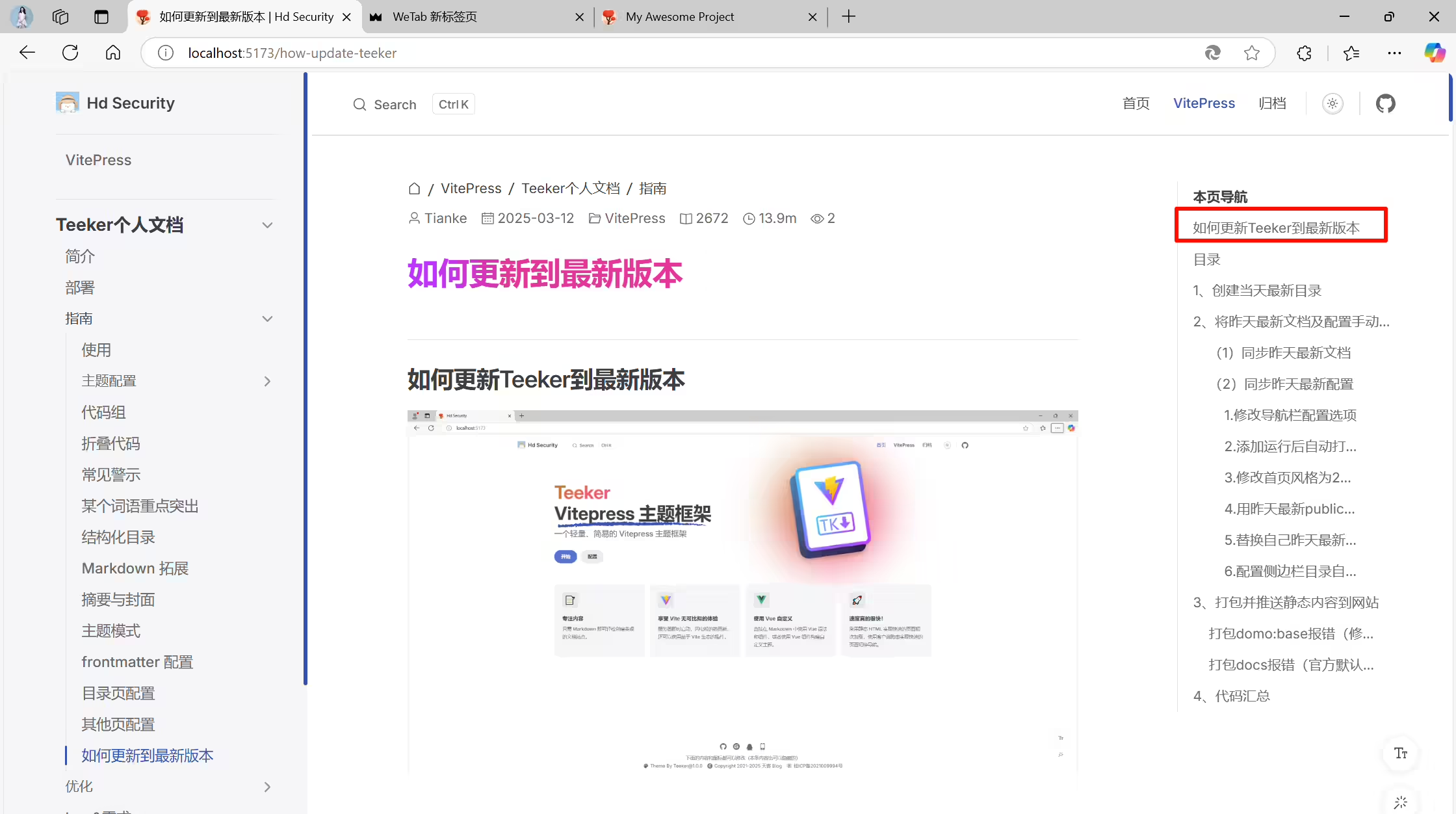
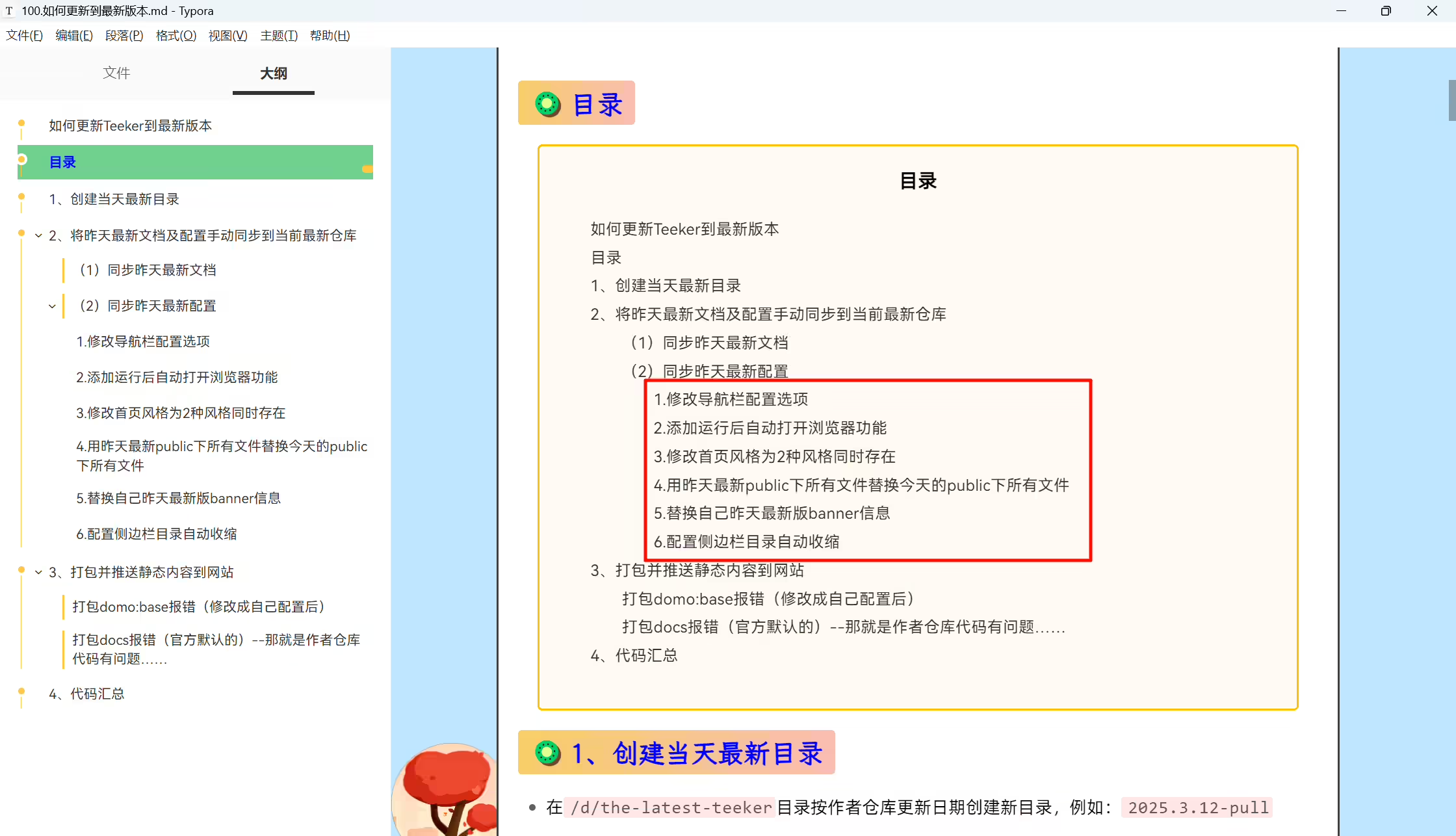
🍊 docs比demo/base的配置文件里配置少
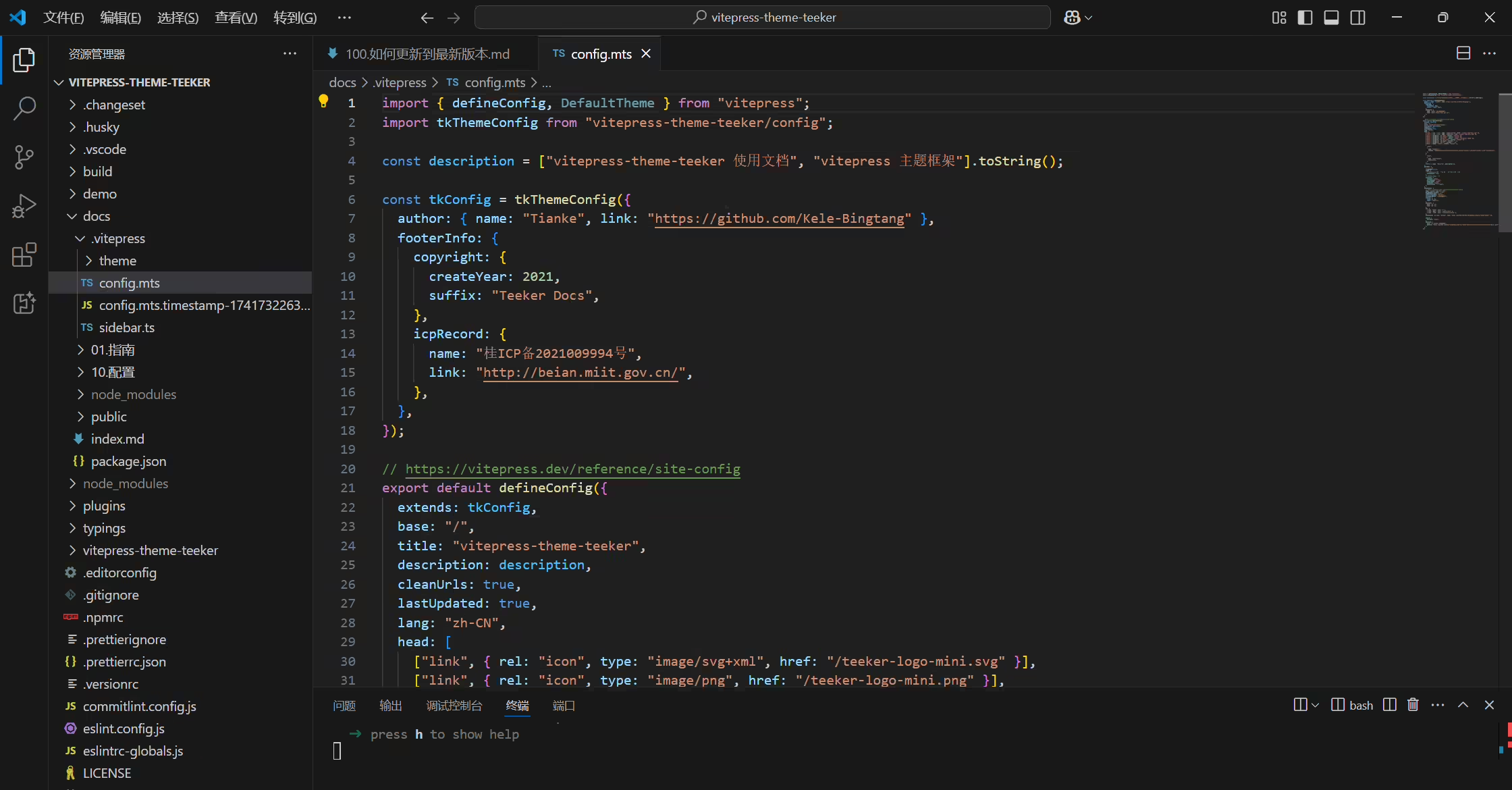
另外,我看docs下的配置文件docs.vitepress\config.mts里, 怎么好多配置都没了(和domo:base下的不一样),是取出来放哪里了嘛?
🍊可插拔
2025年3月25日已解决
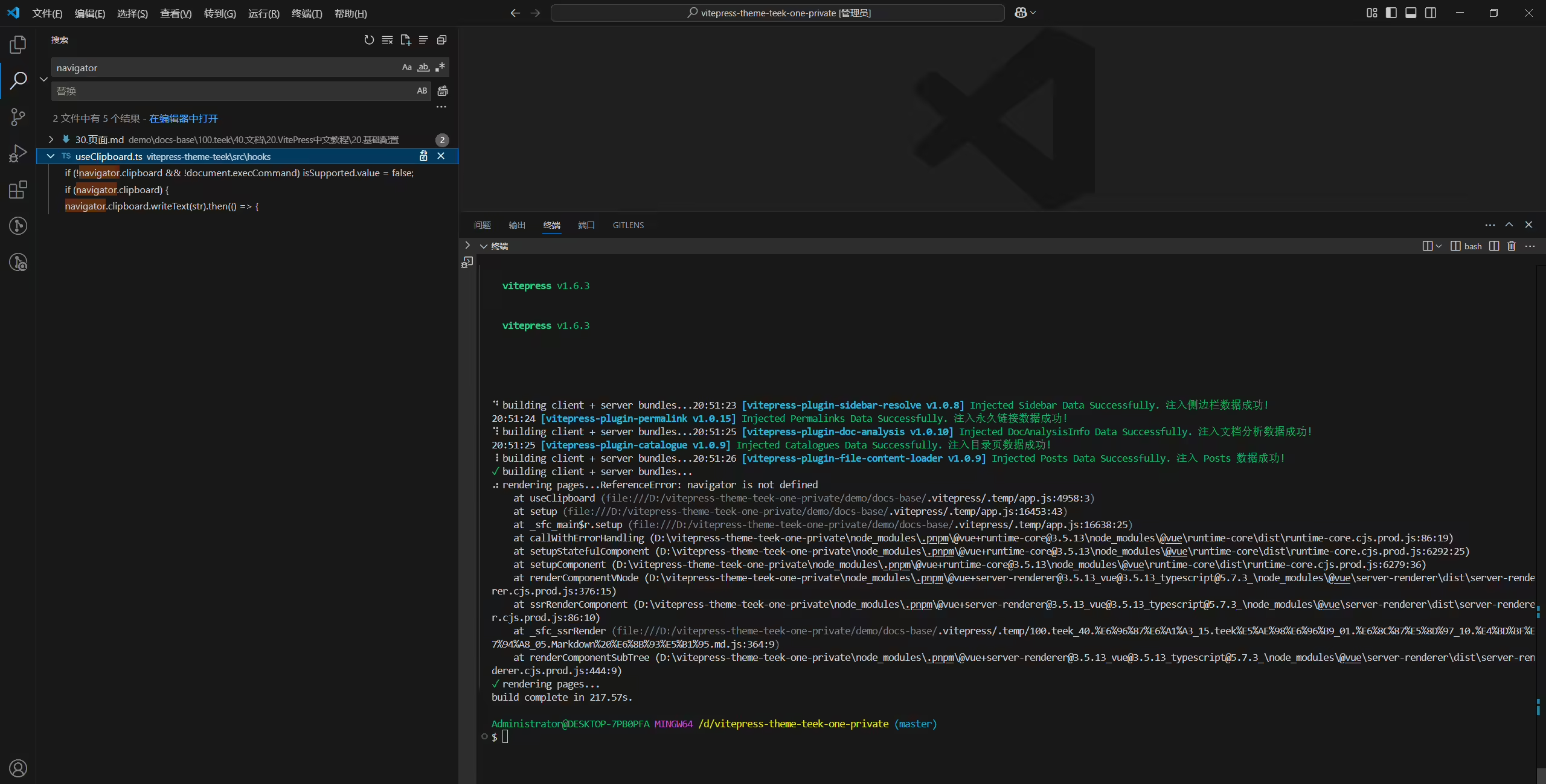
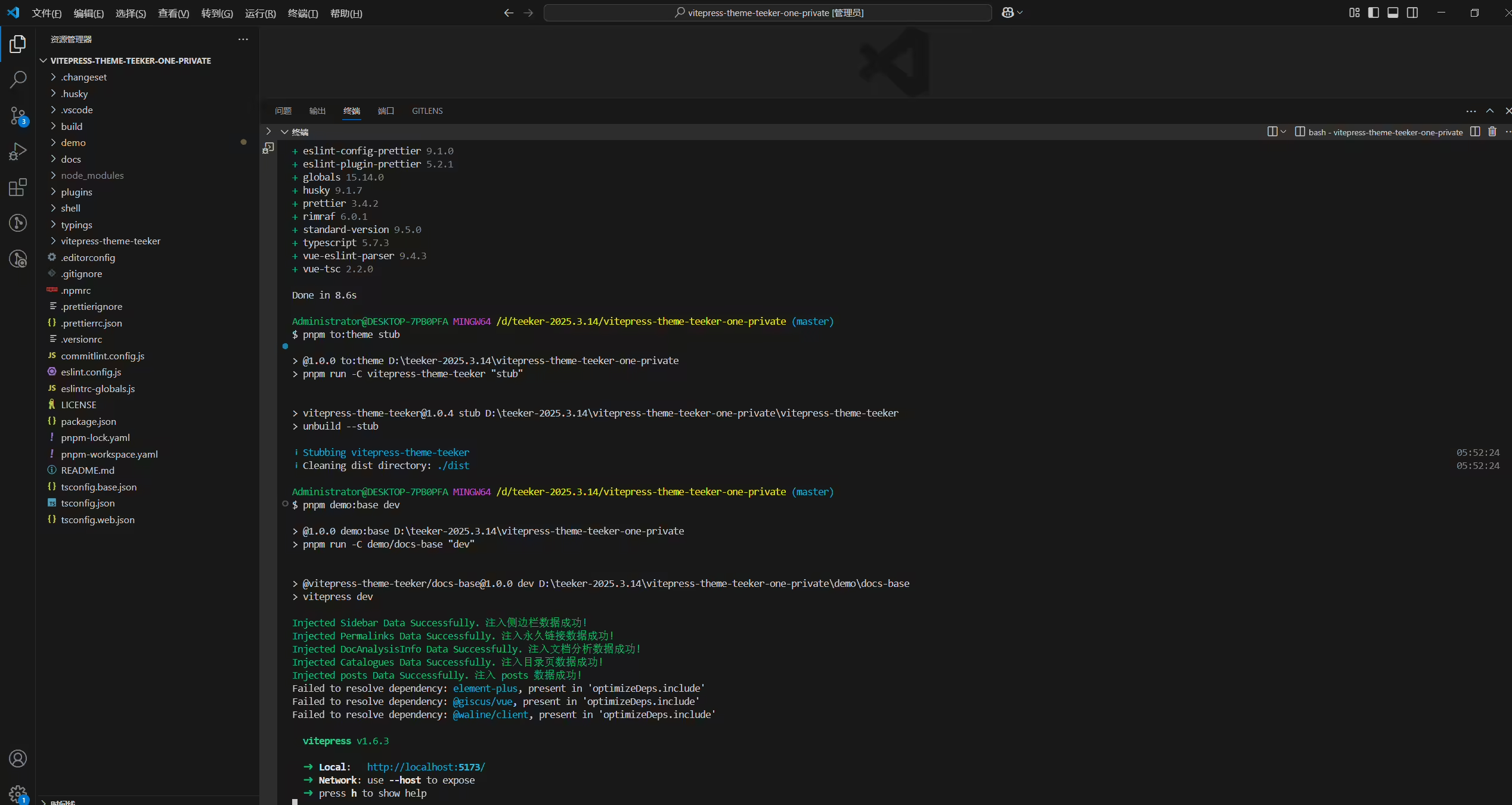
为什么手动下载仓库的压缩包解压后,再执行pnpm i && pnpm to:theme stub命令后,执行pnpm demo:base dev命令会报错,提示这个项目Error: Command failed: git log -1 --format=%cd --date=format:"%Y-%m-%d %H:%M:%S"?(按道理不应该啊)
2025年3月14日记录。
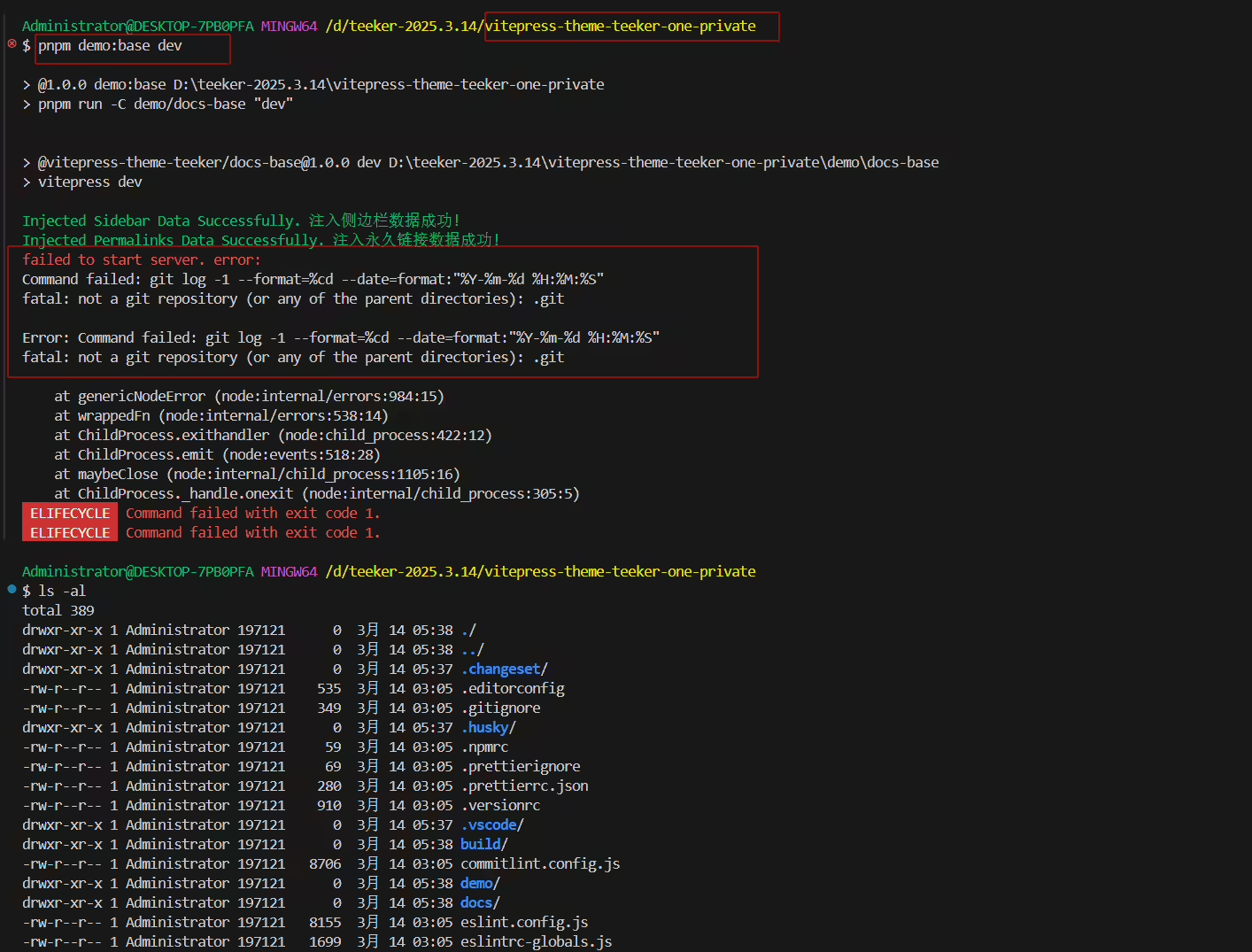
 1Administrator@DESKTOP-7PB0PFA MINGW64 /d/teeker-2025.3.14/vitepress-theme-teek-one-private
 2$ pnpm demo:base dev
 3
 4> @1.0.0 demo:base D:\teeker-2025.3.14\vitepress-theme-teek-one-private
 5> pnpm run -C demo/docs-base "dev"
 6
 7
 8> @vitepress-theme-teek/docs-base@1.0.0 dev D:\teeker-2025.3.14\vitepress-theme-teek-one-private\demo\docs-base
 9> vitepress dev
10
11Injected Sidebar Data Successfully. 注入侧边栏数据成功!
12Injected Permalinks Data Successfully. 注入永久链接数据成功!
13failed to start server. error:
14Command failed: git log -1 --format=%cd --date=format:"%Y-%m-%d %H:%M:%S"
15fatal: not a git repository (or any of the parent directories): .git
16
17Error: Command failed: git log -1 --format=%cd --date=format:"%Y-%m-%d %H:%M:%S"
18fatal: not a git repository (or any of the parent directories): .git
19
20    at genericNodeError (node:internal/errors:984:15)
21    at wrappedFn (node:internal/errors:538:14)
22    at ChildProcess.exithandler (node:child_process:422:12)
23    at ChildProcess.emit (node:events:518:28)
24    at maybeClose (node:internal/child_process:1105:16)
25    at ChildProcess._handle.onexit (node:internal/child_process:305:5)
26 ELIFECYCLE  Command failed with exit code 1.
27 ELIFECYCLE Command failed with exit code 1.1git init还是报错:。。。(那么,当前的问题就是不能使用下载的解压包,只能拉取仓库代码使用了。。。)
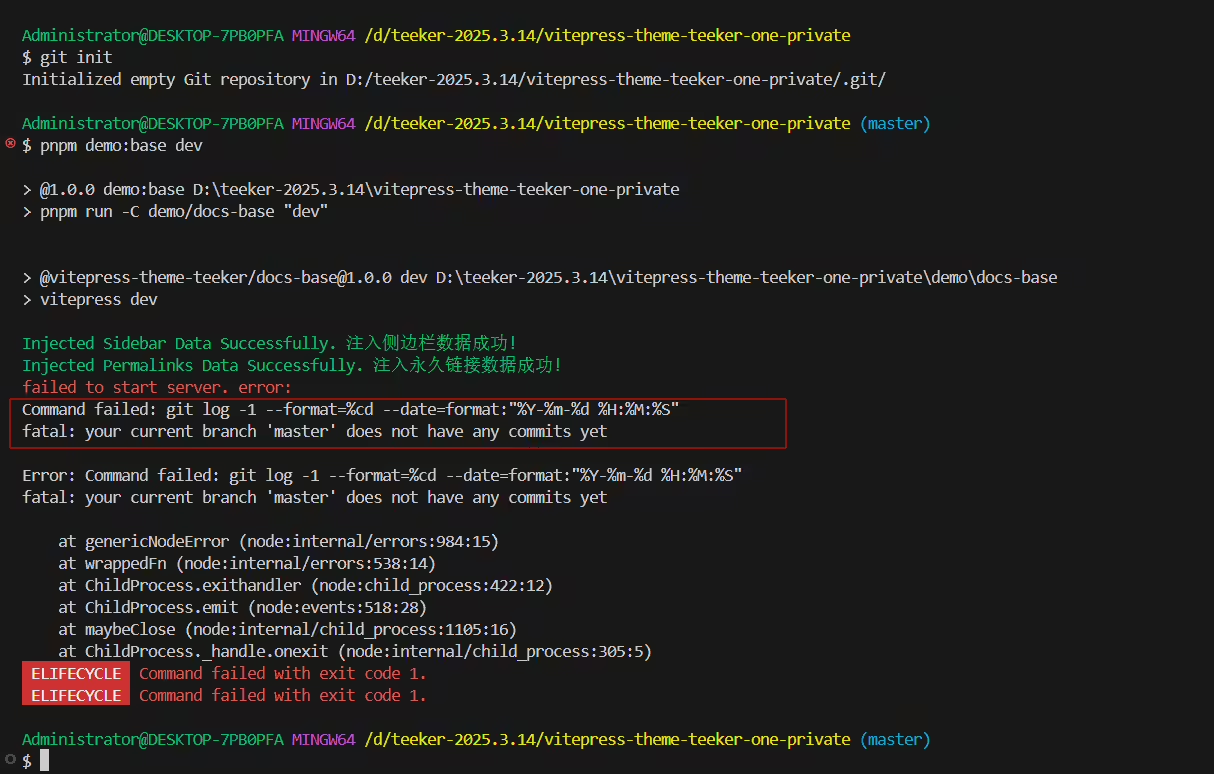
只能通过git拉取后,才可以正常运行:。。。
🍊排查
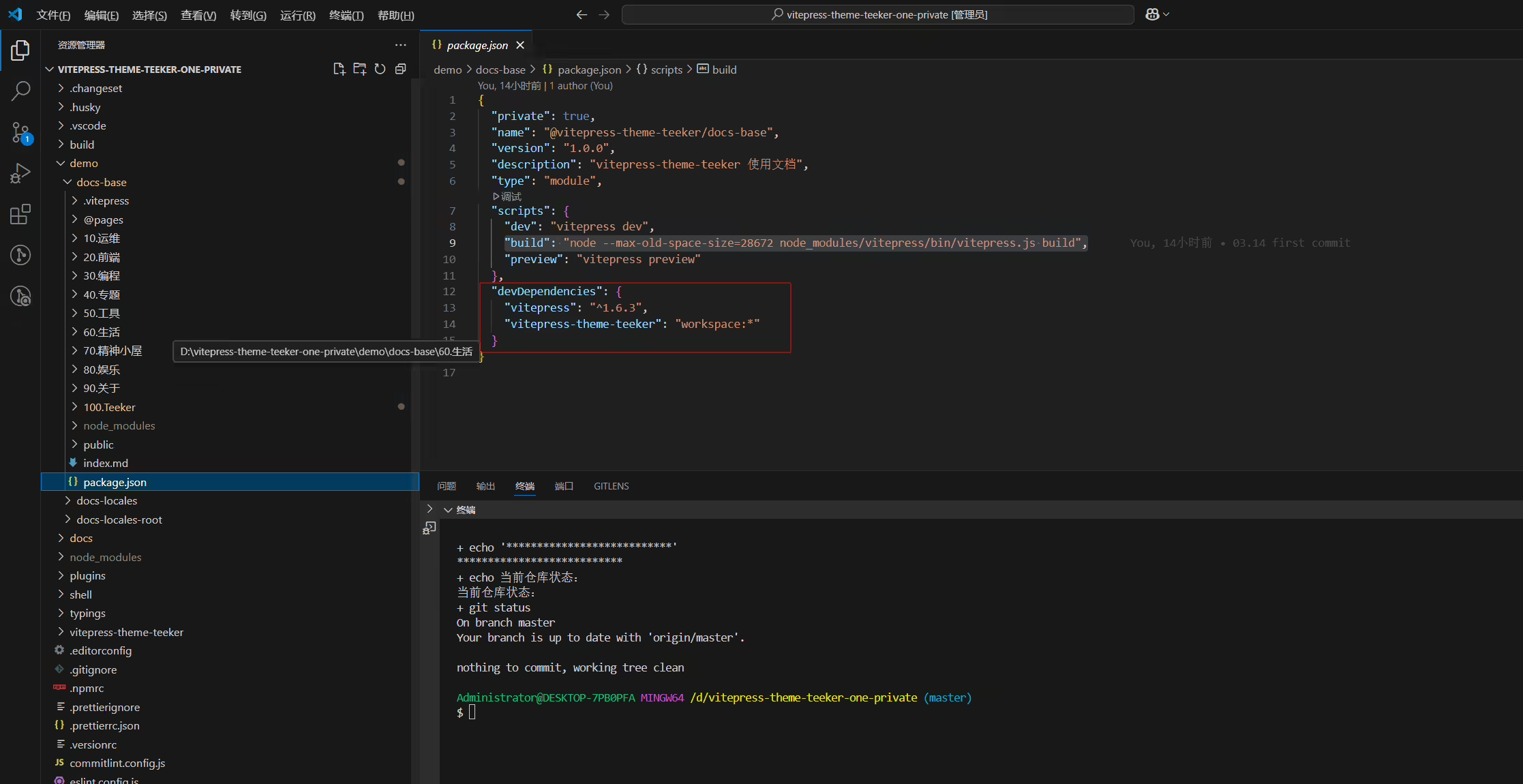
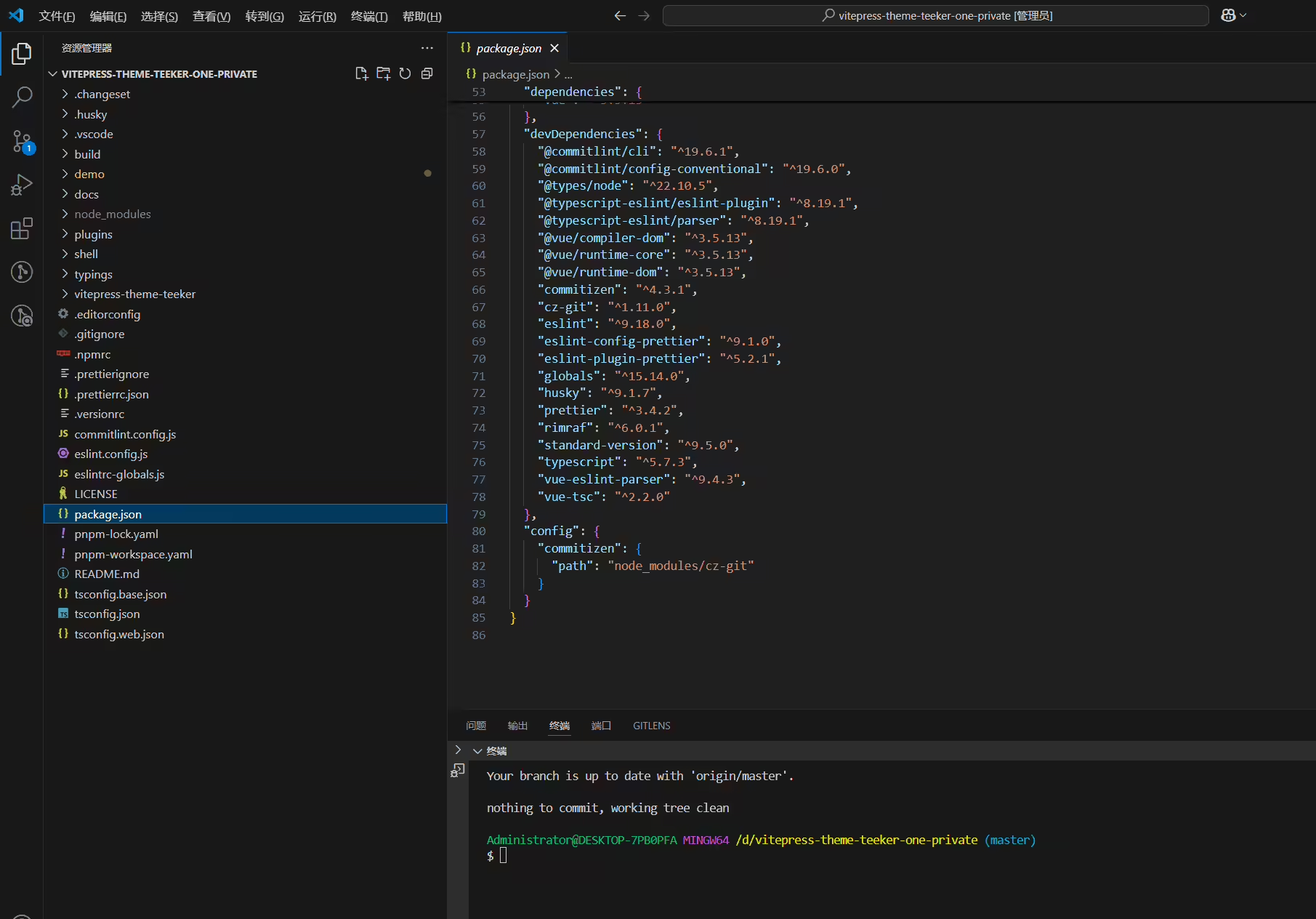
2025年3月27日已解决
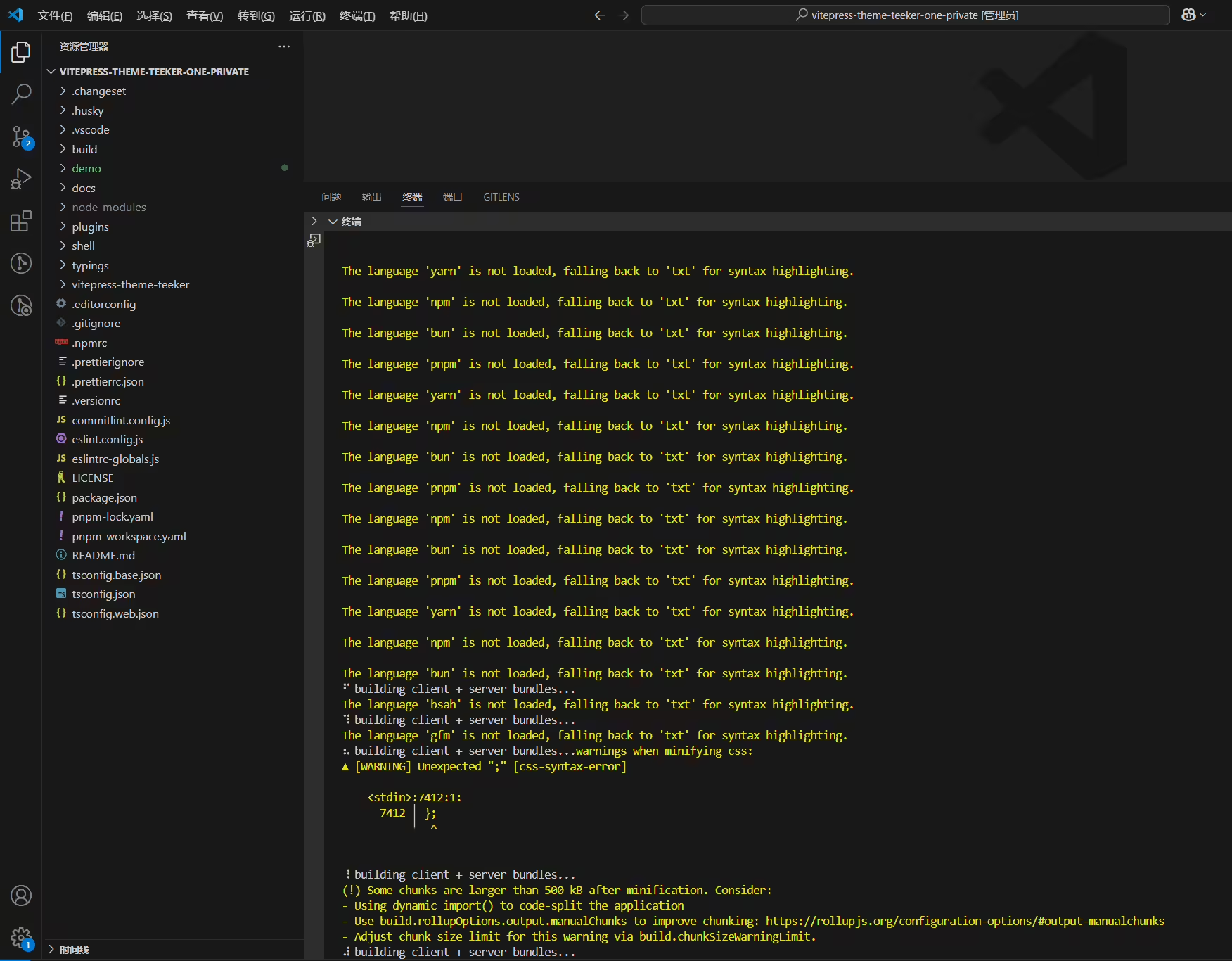
不识别的语法直接写bash,然后在代码顶部加注释就好。
还有就是:语法高亮的警告信息(如果不配置,那么当自己文档里有很多关于这些报错时,会严重影响用户体验的;) 重要的应该就剩这些了,我再整理下那个文档看看
码块不支持的语言,构建时有报错log
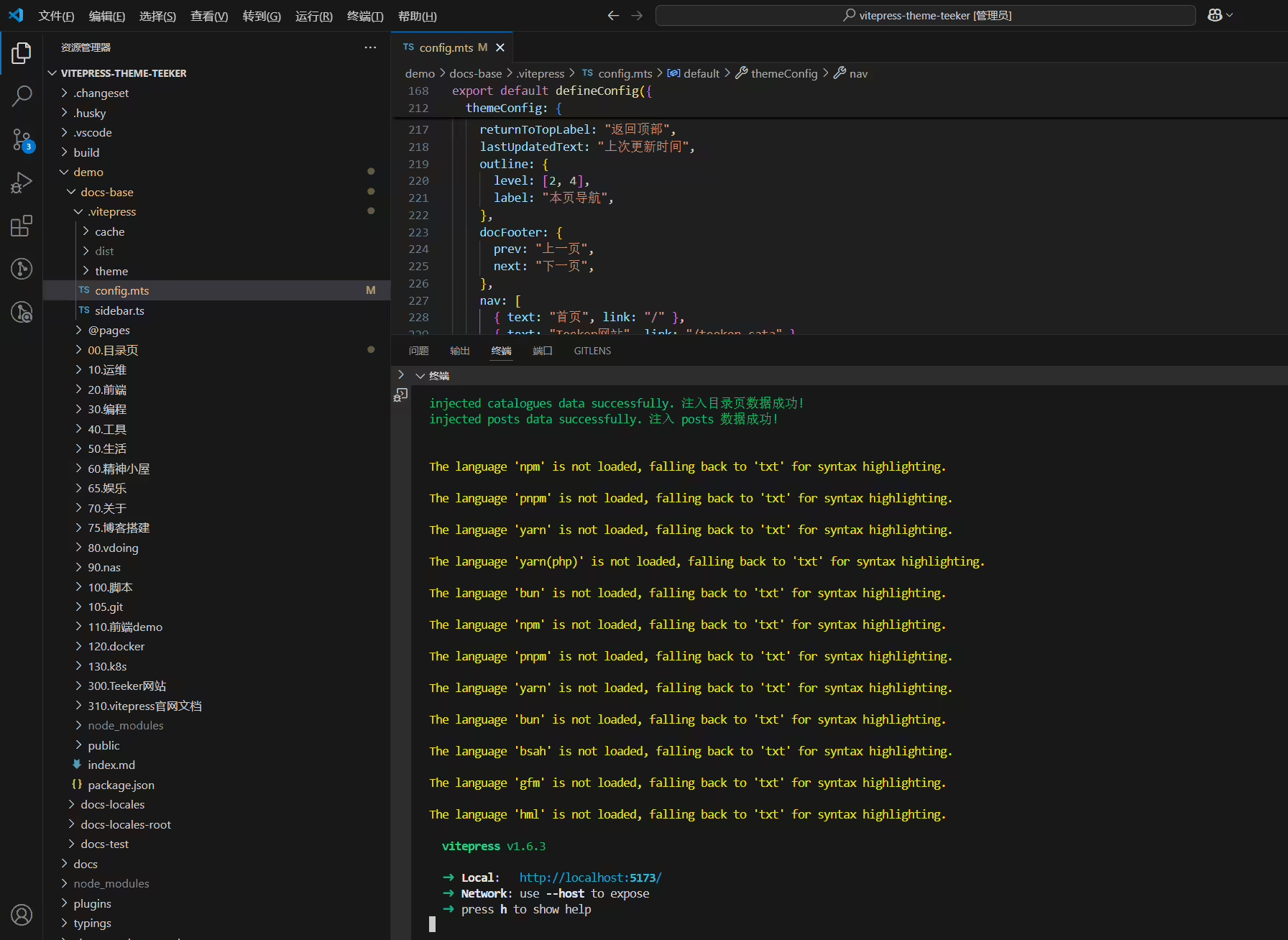
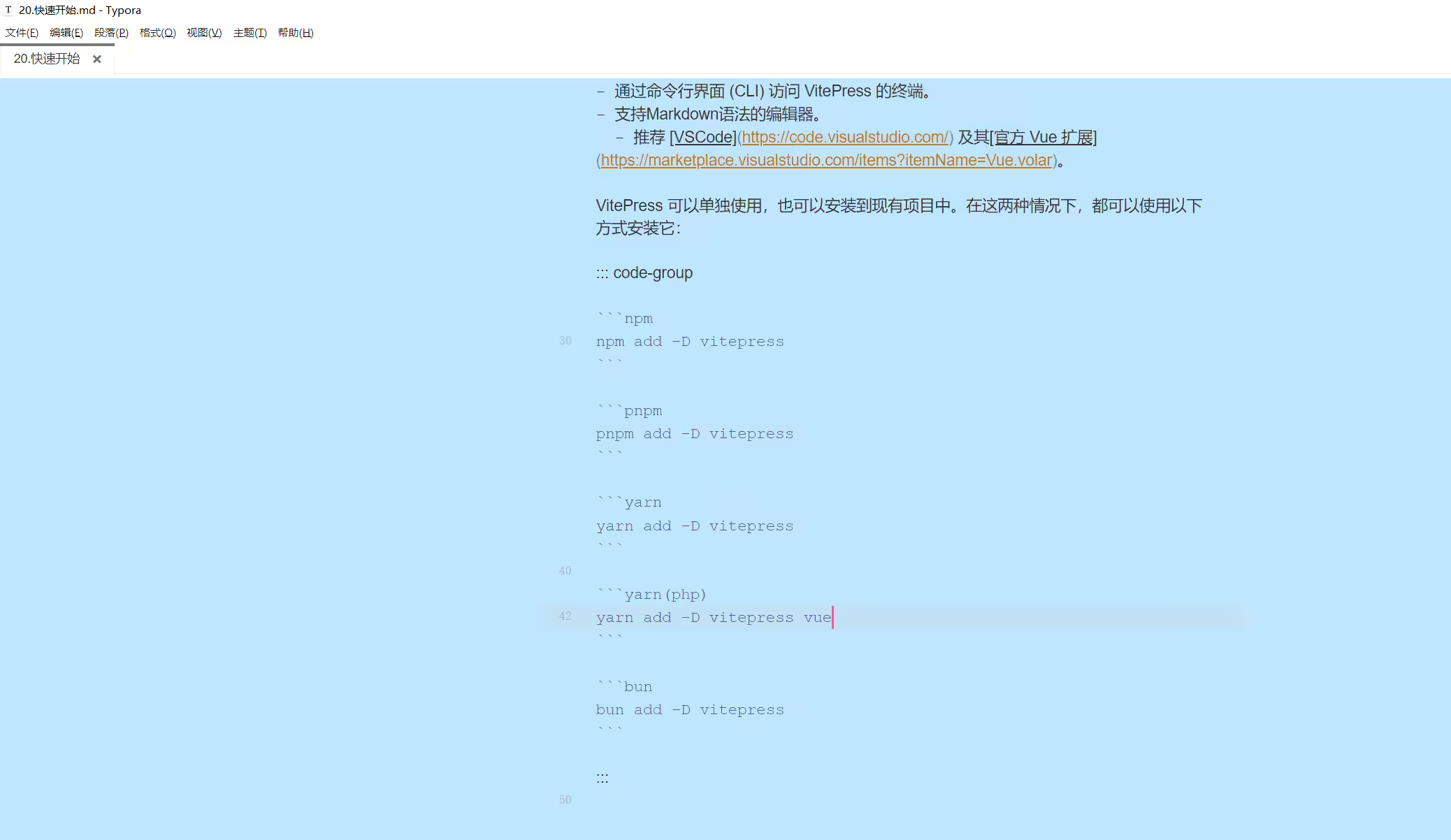
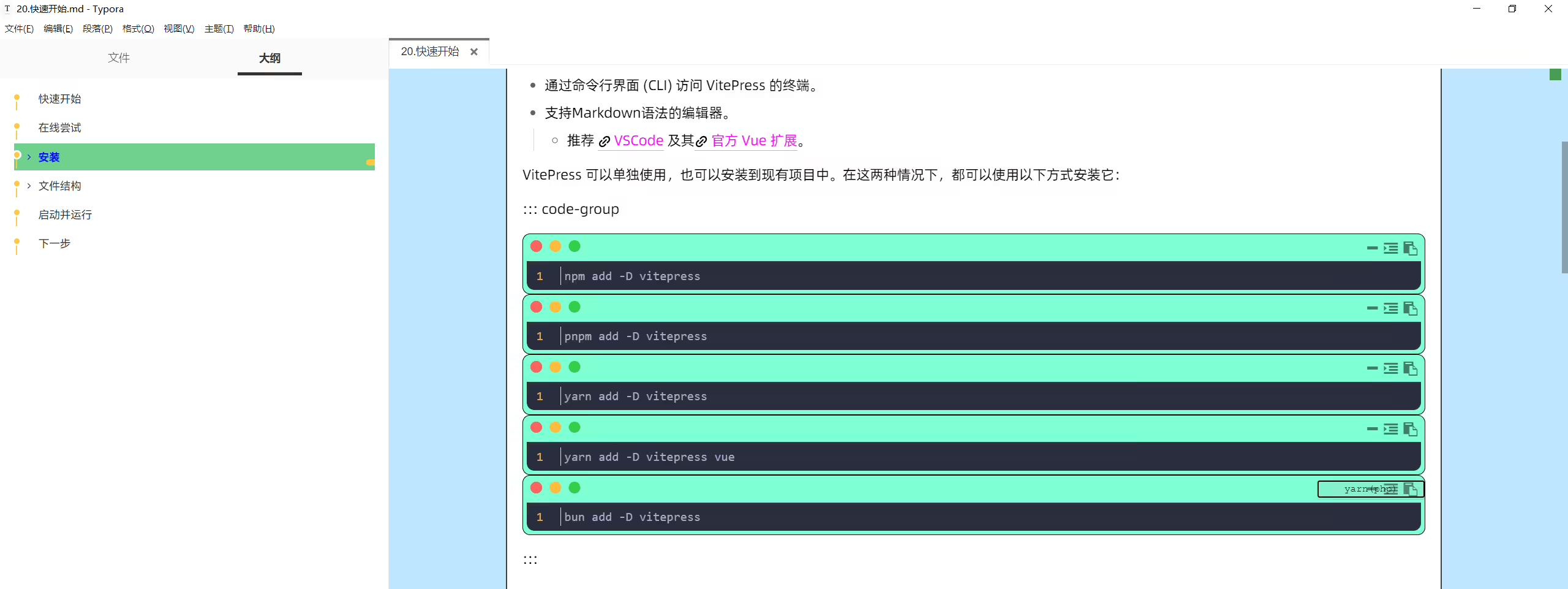
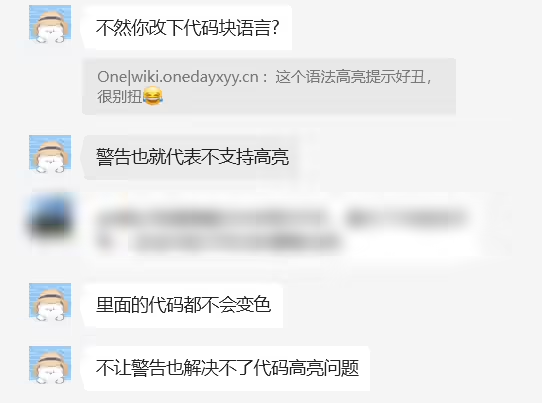

2025年3月25日已解决
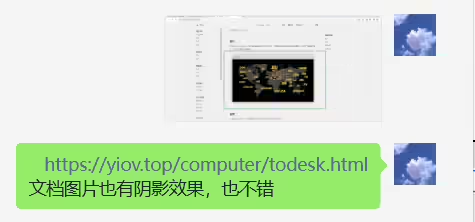
https://yiov.top/computer/todesk.html 文档图片也有阴影效果,也不错
2025年3月25日已解决。
2025年3月20日记录
案例网站:


2025年3月25日已解决。
2025年3月11日记录
文章右下角评论按钮点击后不能立马到达文章末尾,需要多点击几次才行
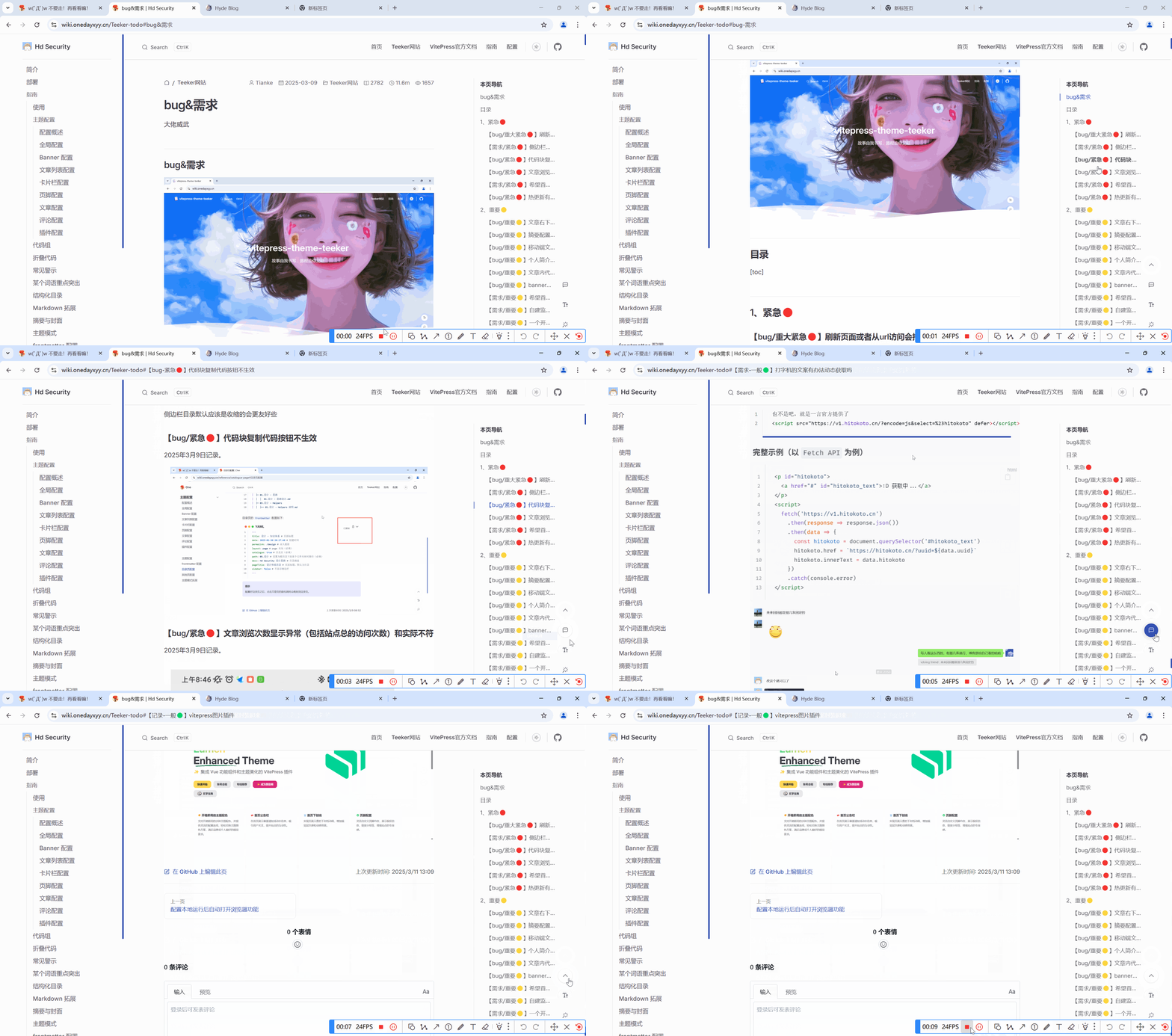
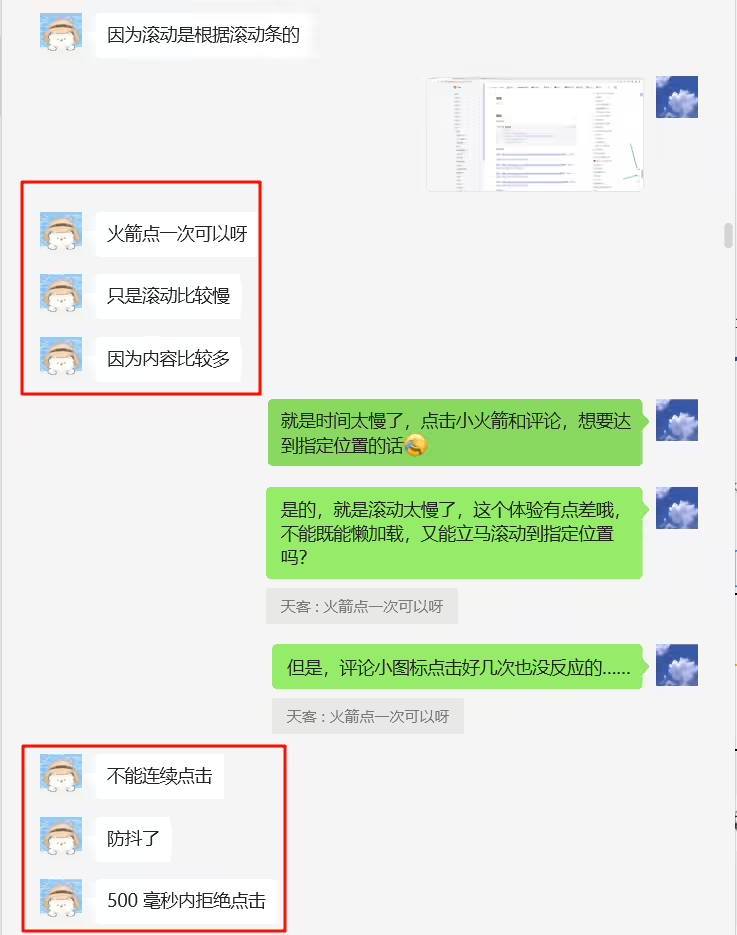
2025年3月23日已解决
2025年3月17日提出。
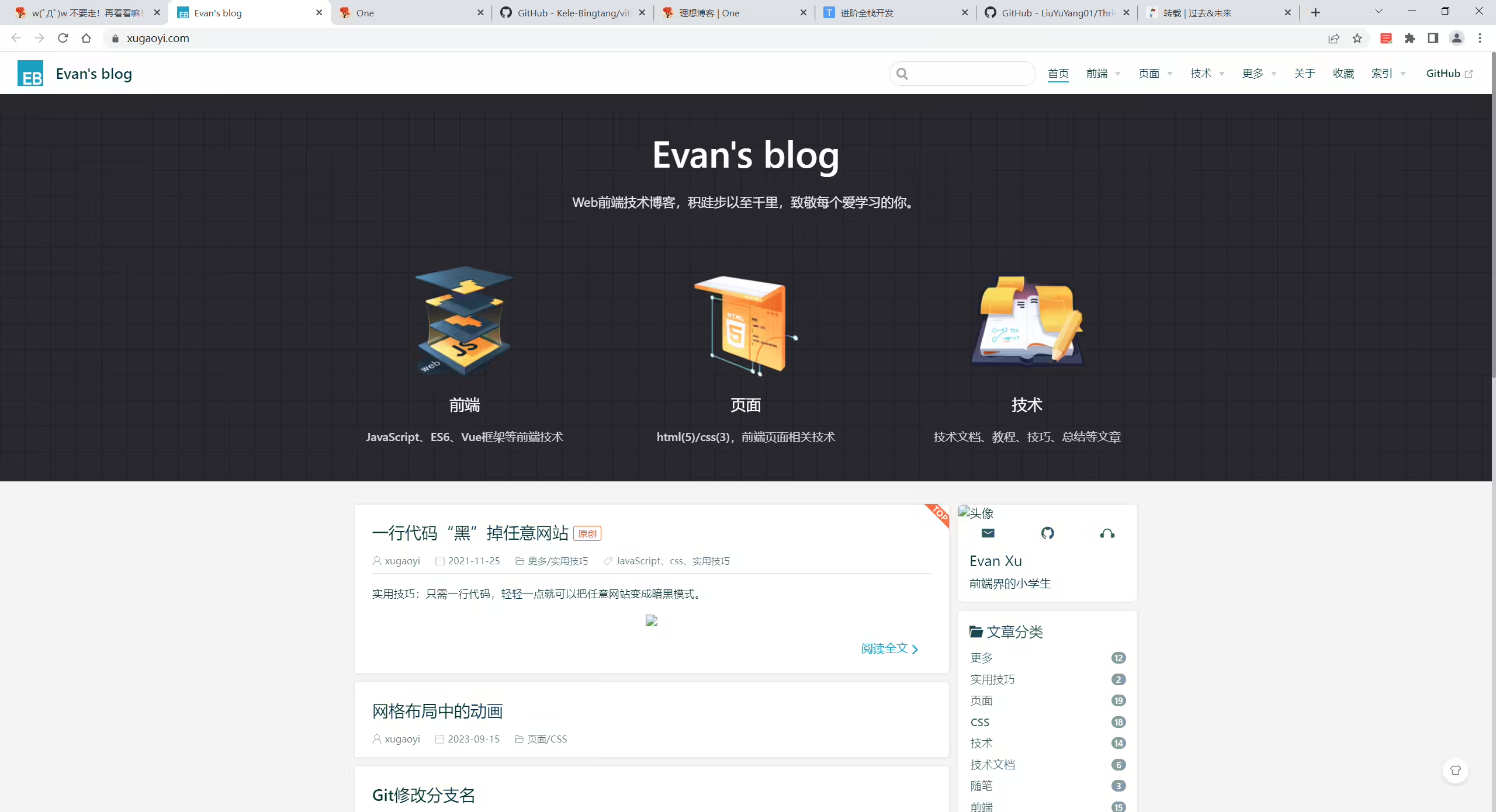
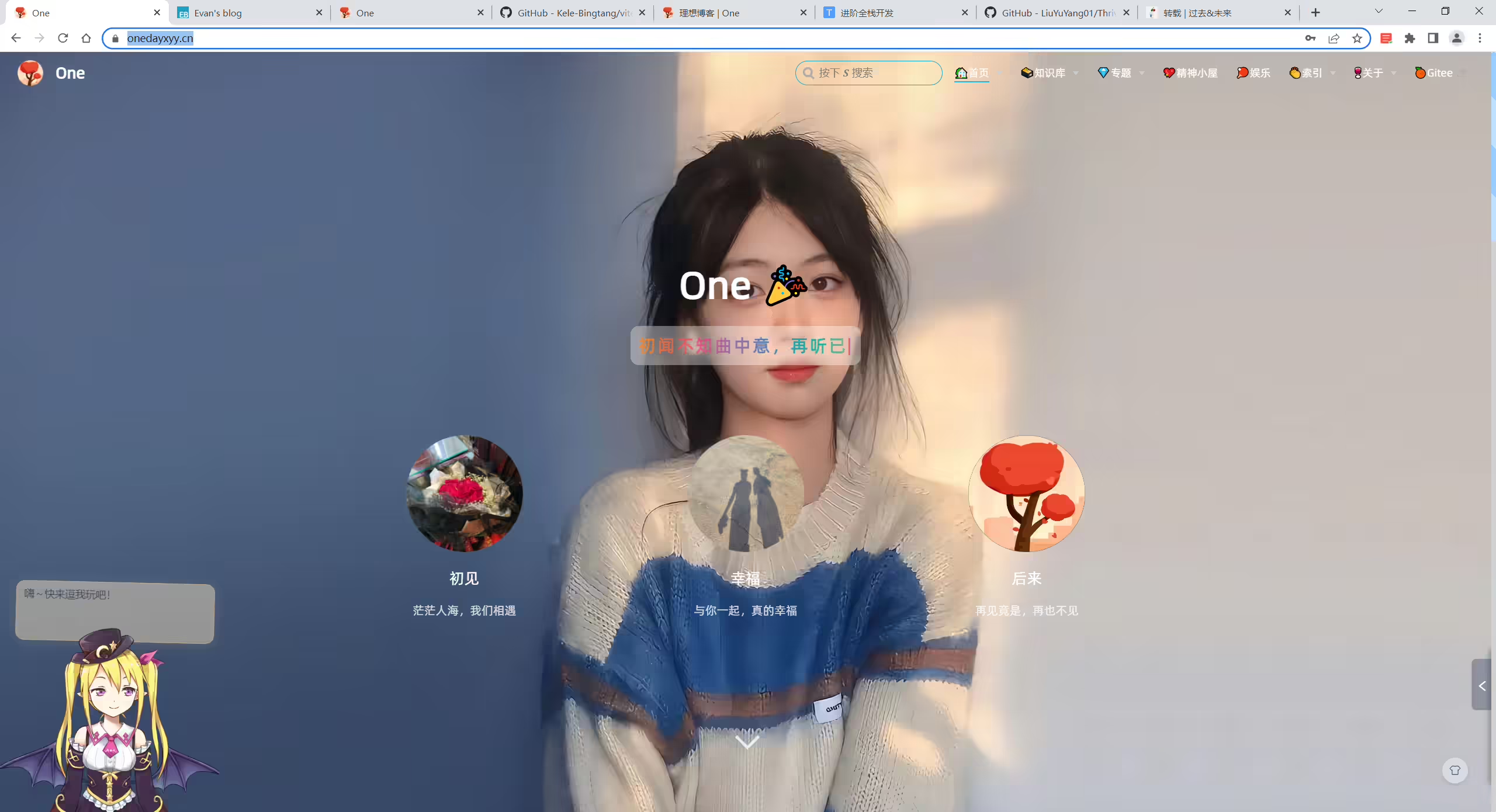
2025年3月23日已解决
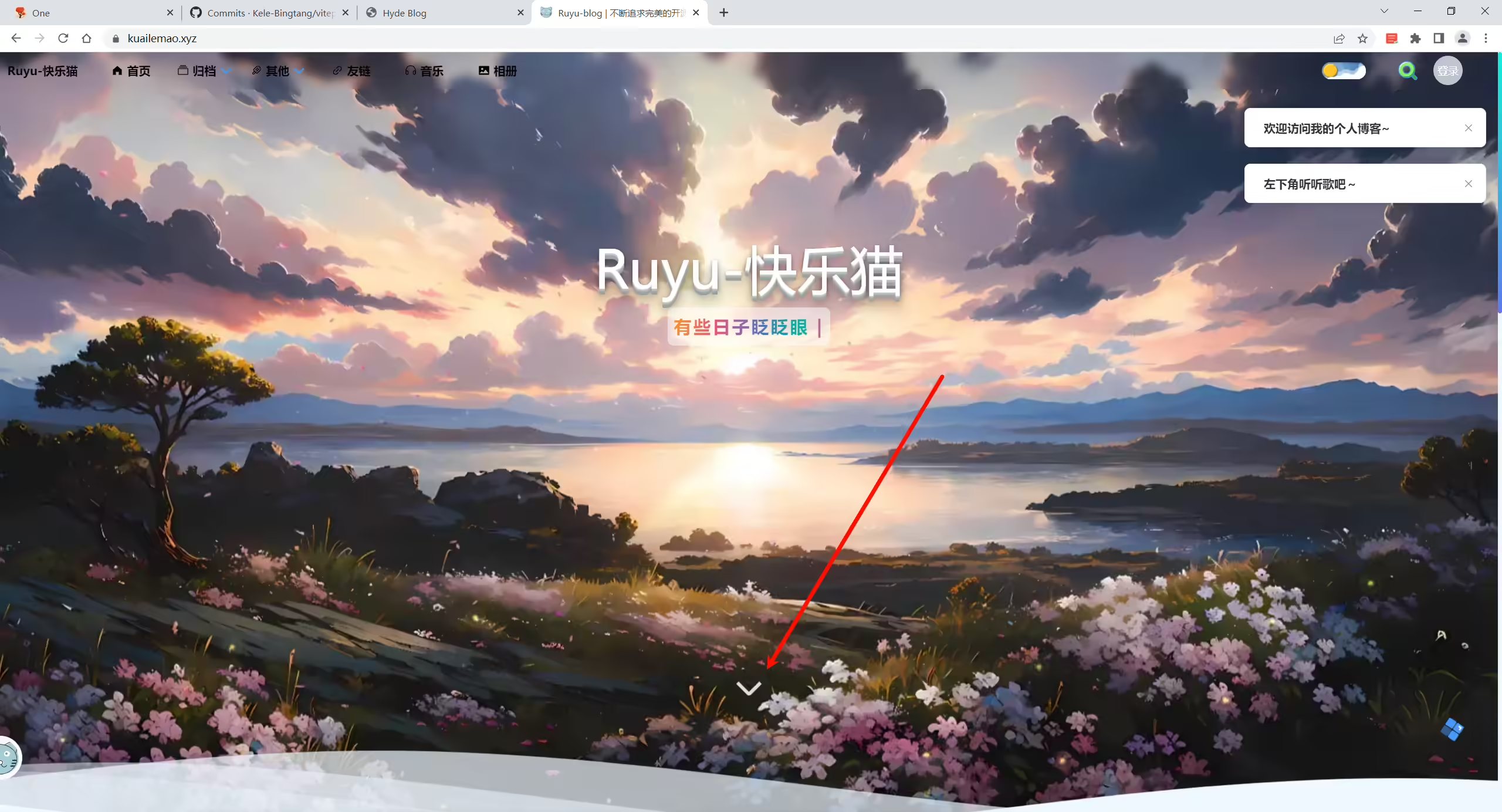
@天客 首页的渐变动画可以参考下https://kuailemao.xyz/ 放大后然后渐变
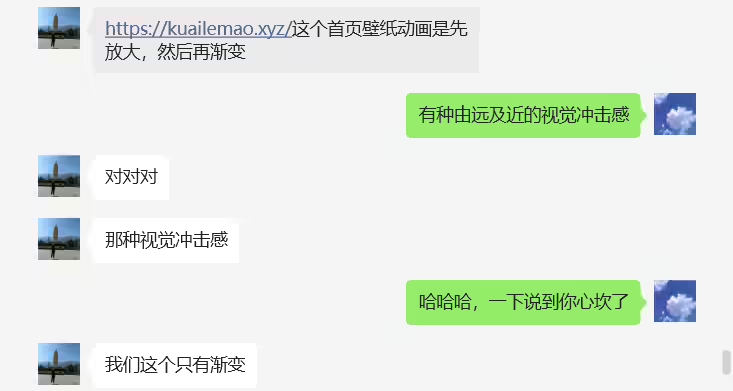
2025年3月23日已解决
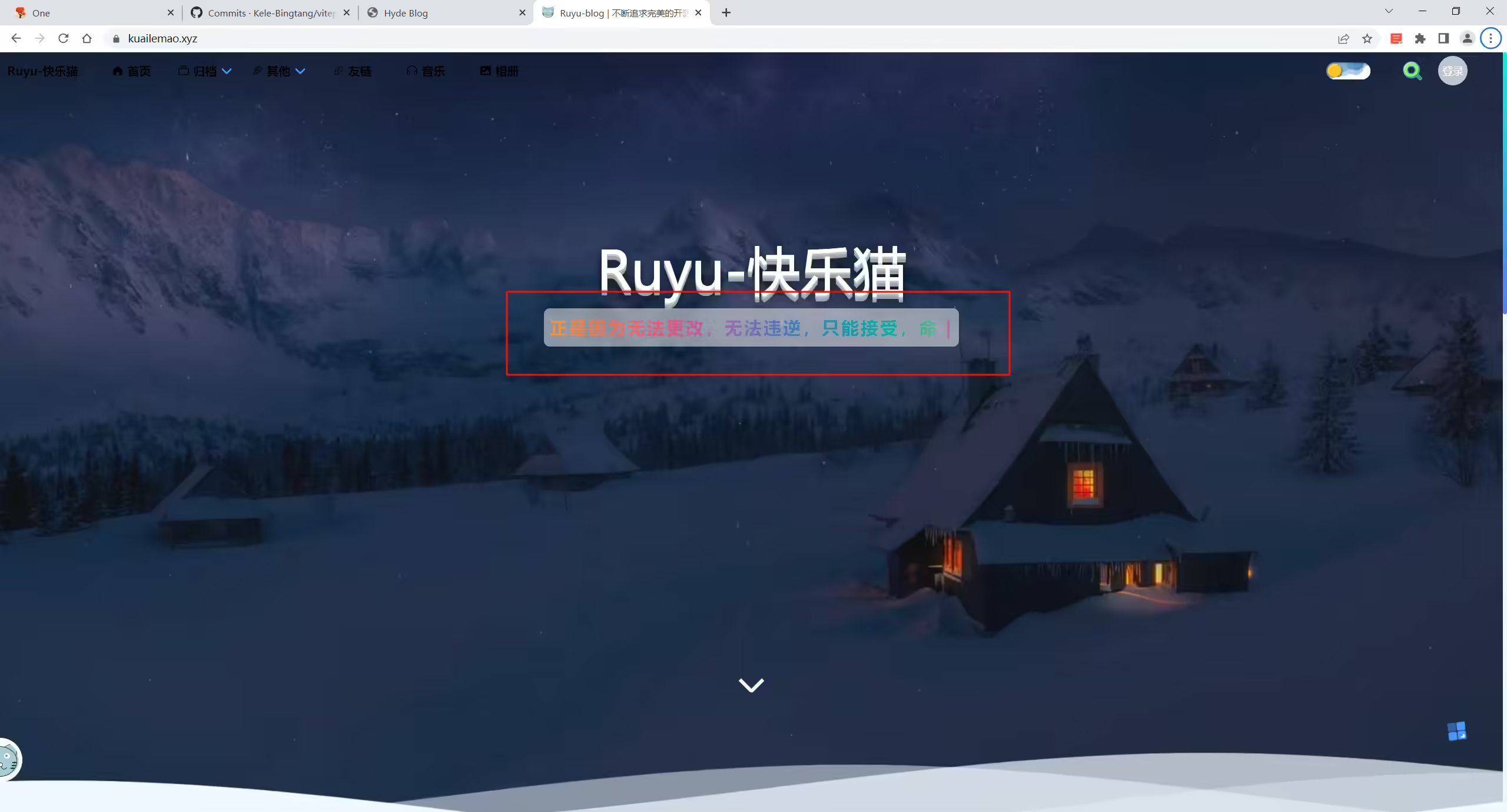
2025年3月23日已解决
🍊 案例1:teeker项目运行时,新建文件后浏览器无法热更新正常显示文件
2025年3月12日记录。
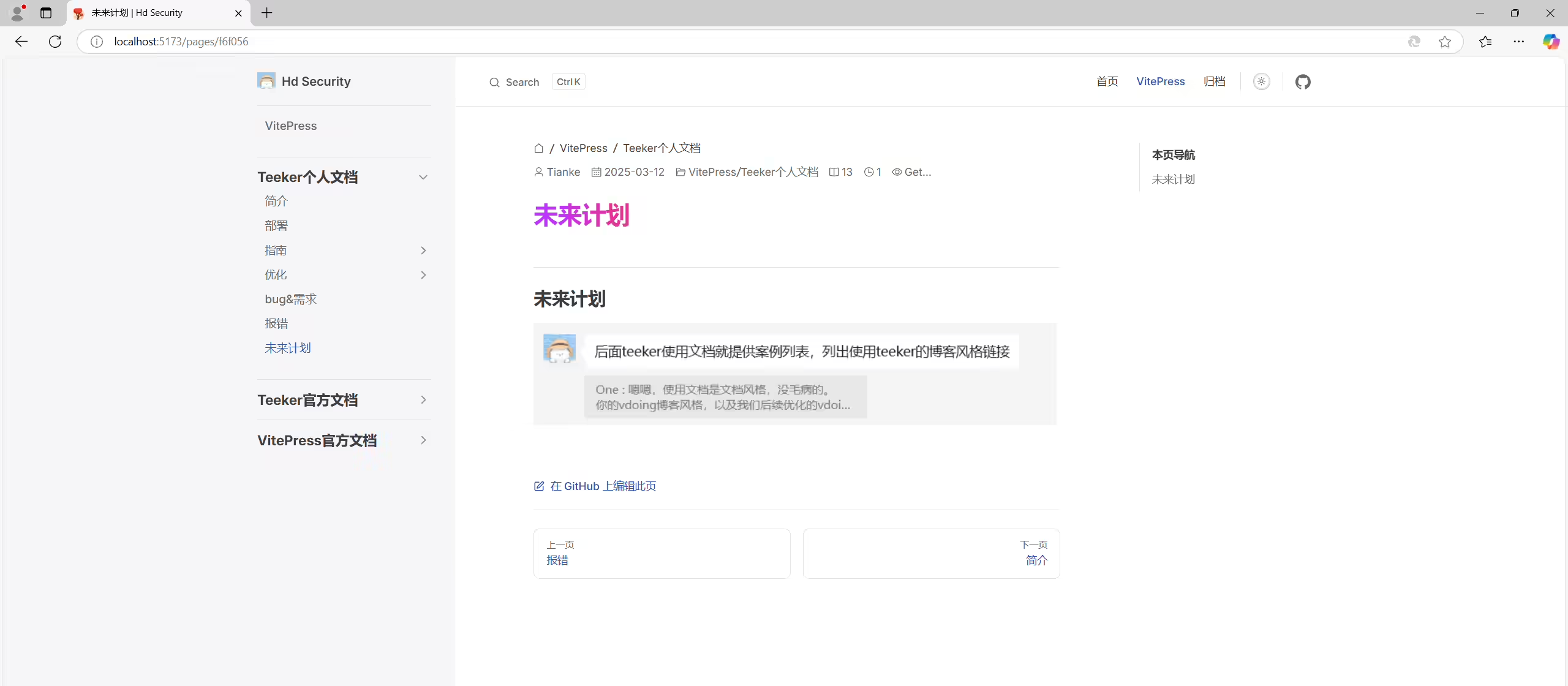
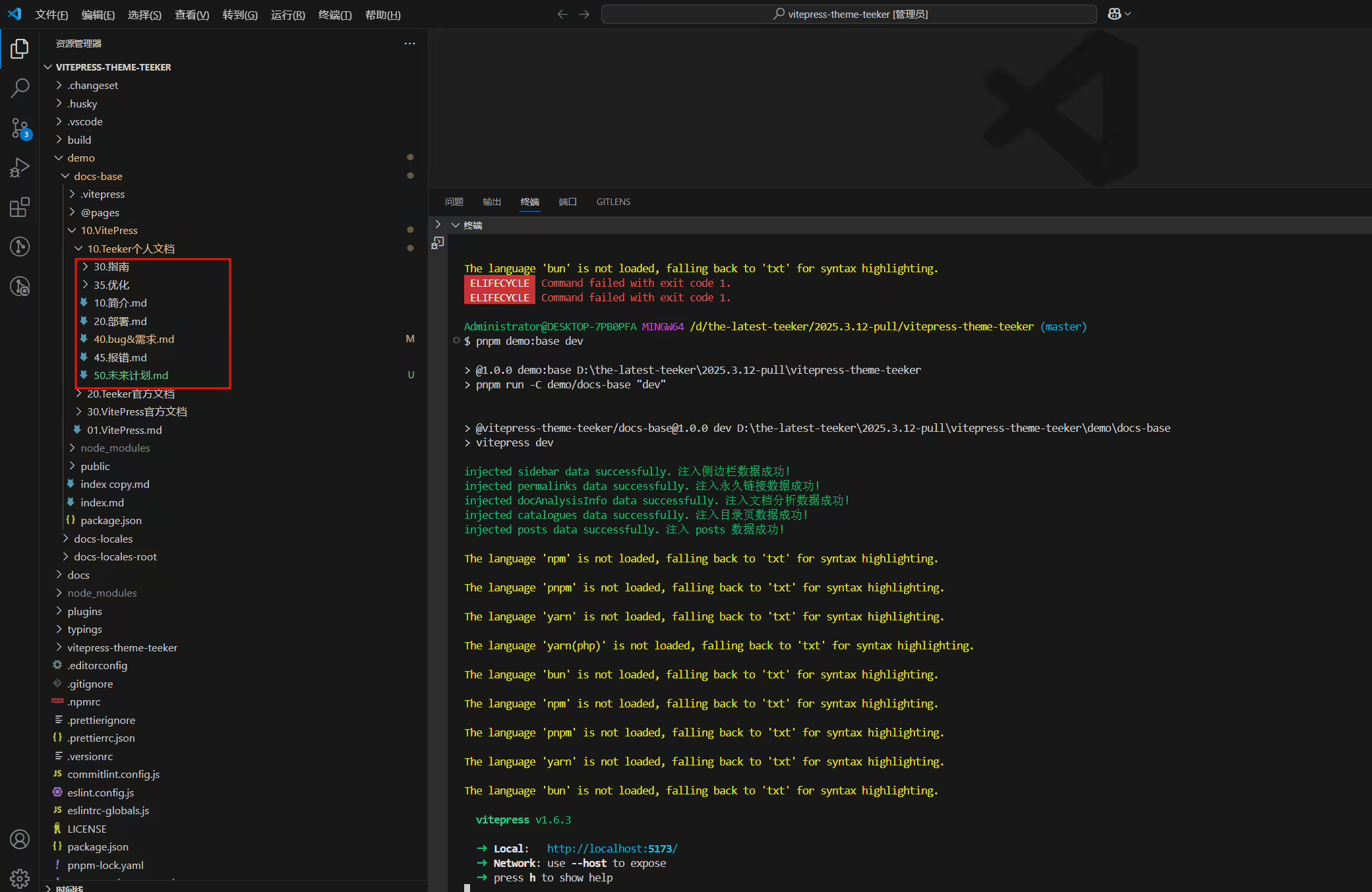
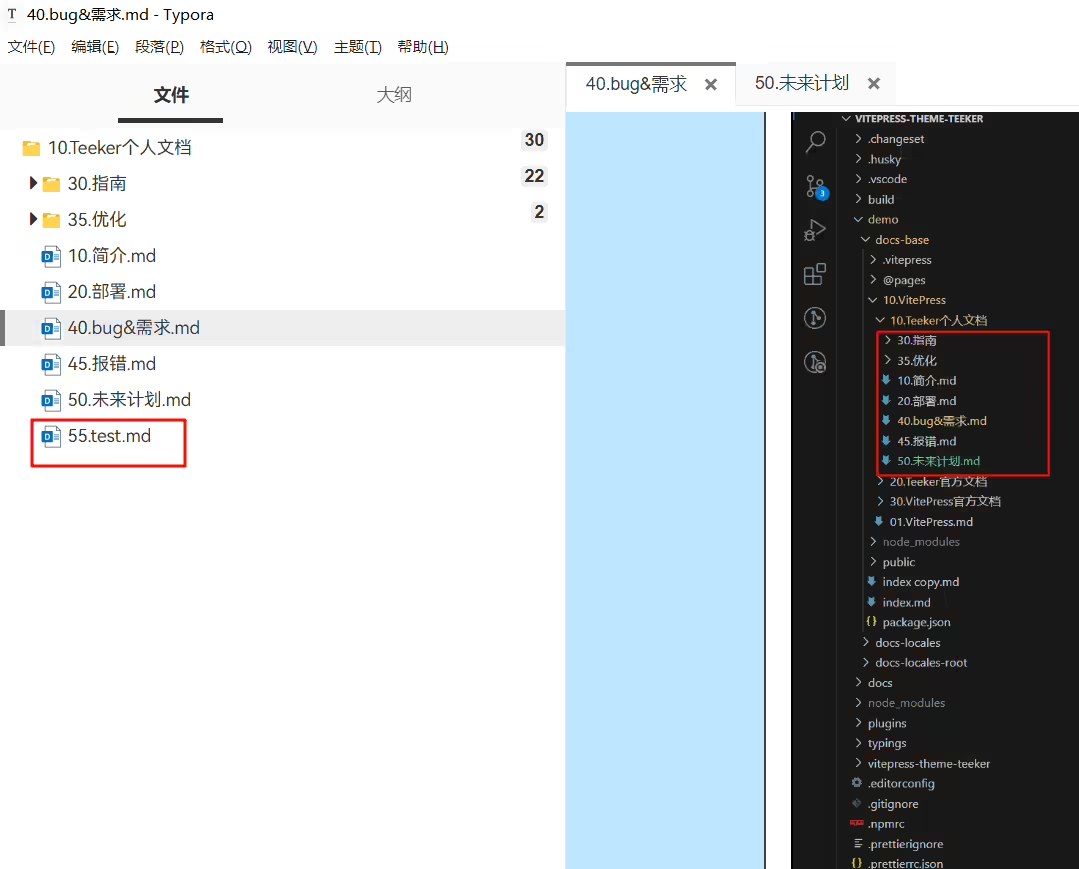
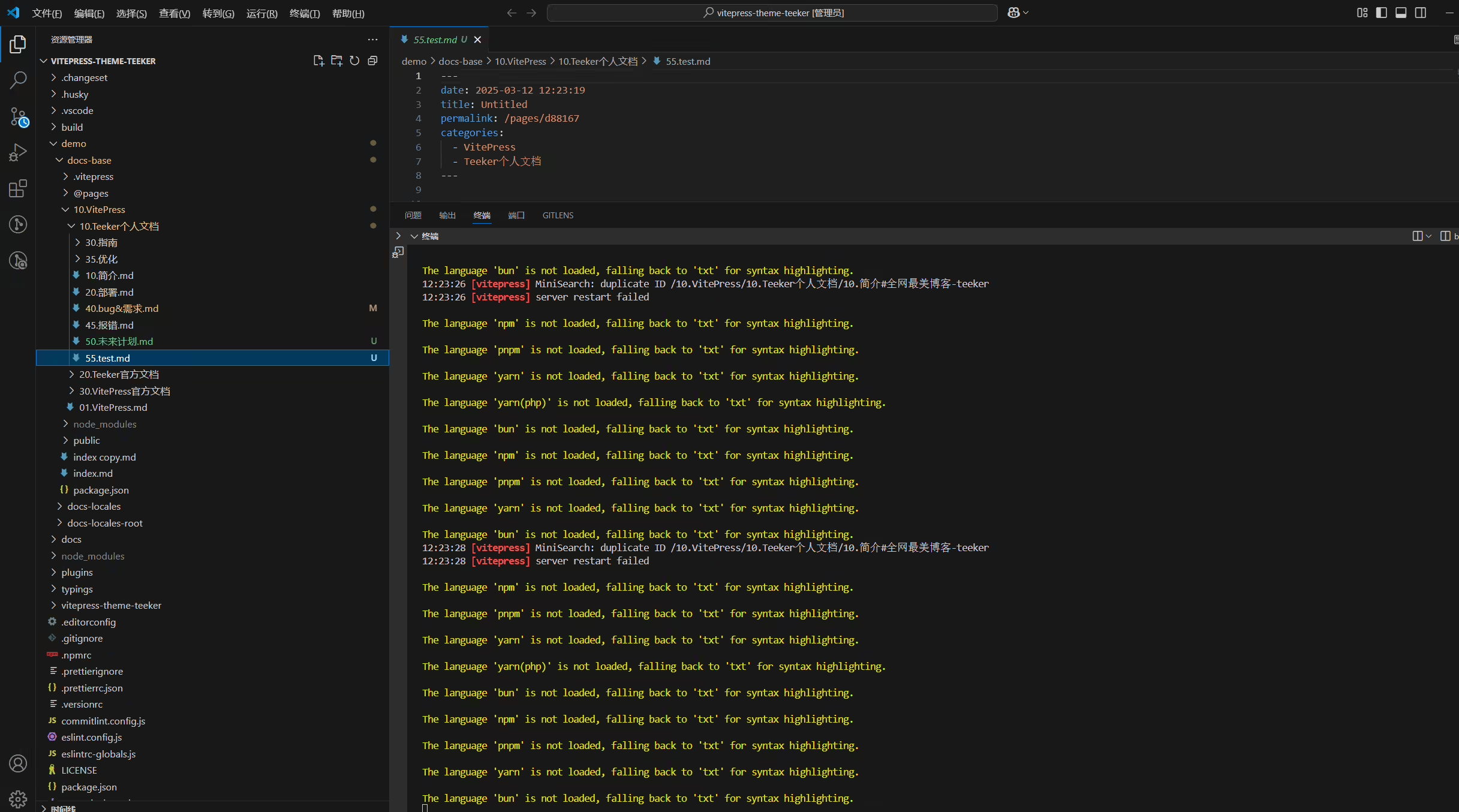
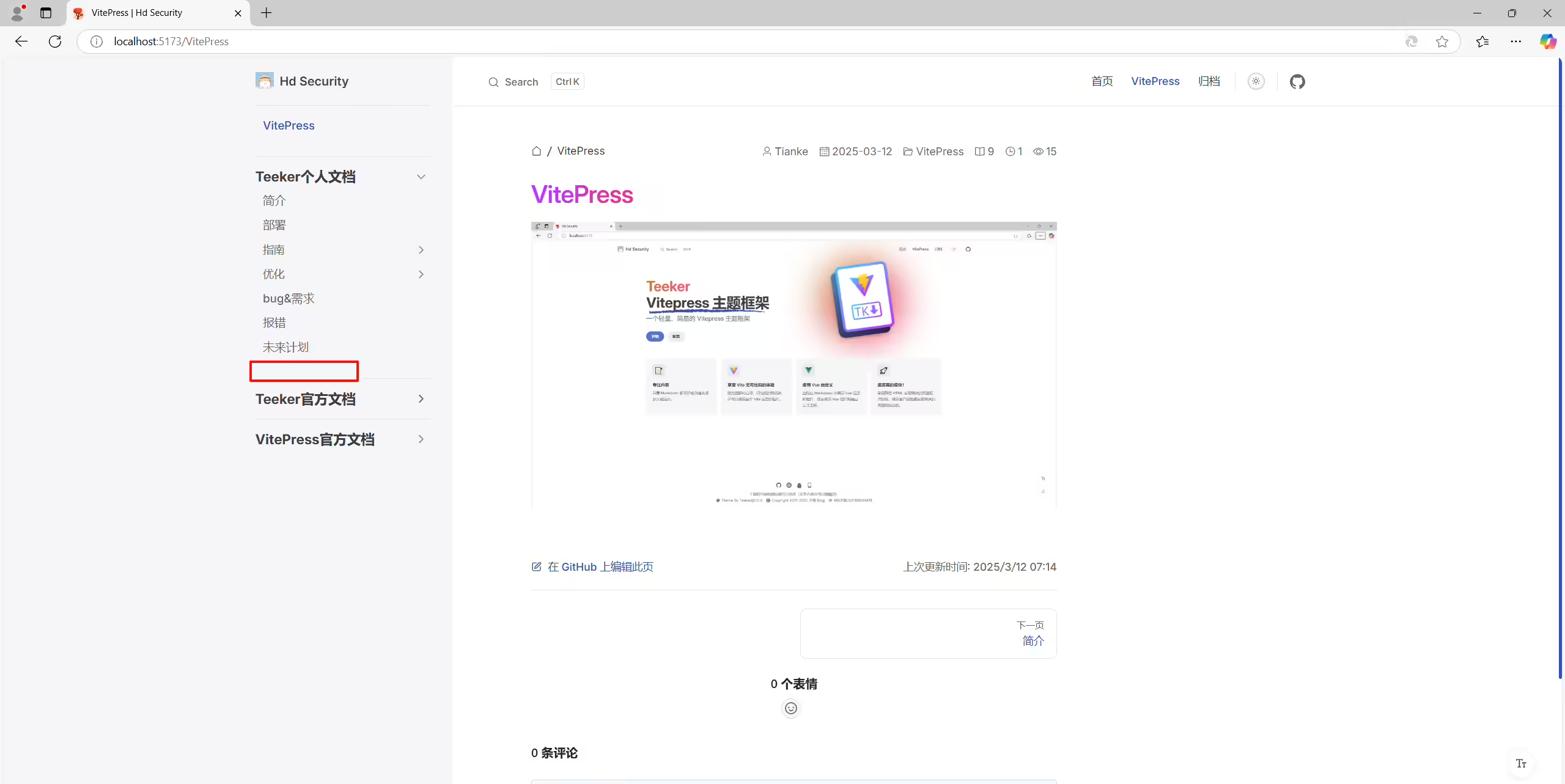
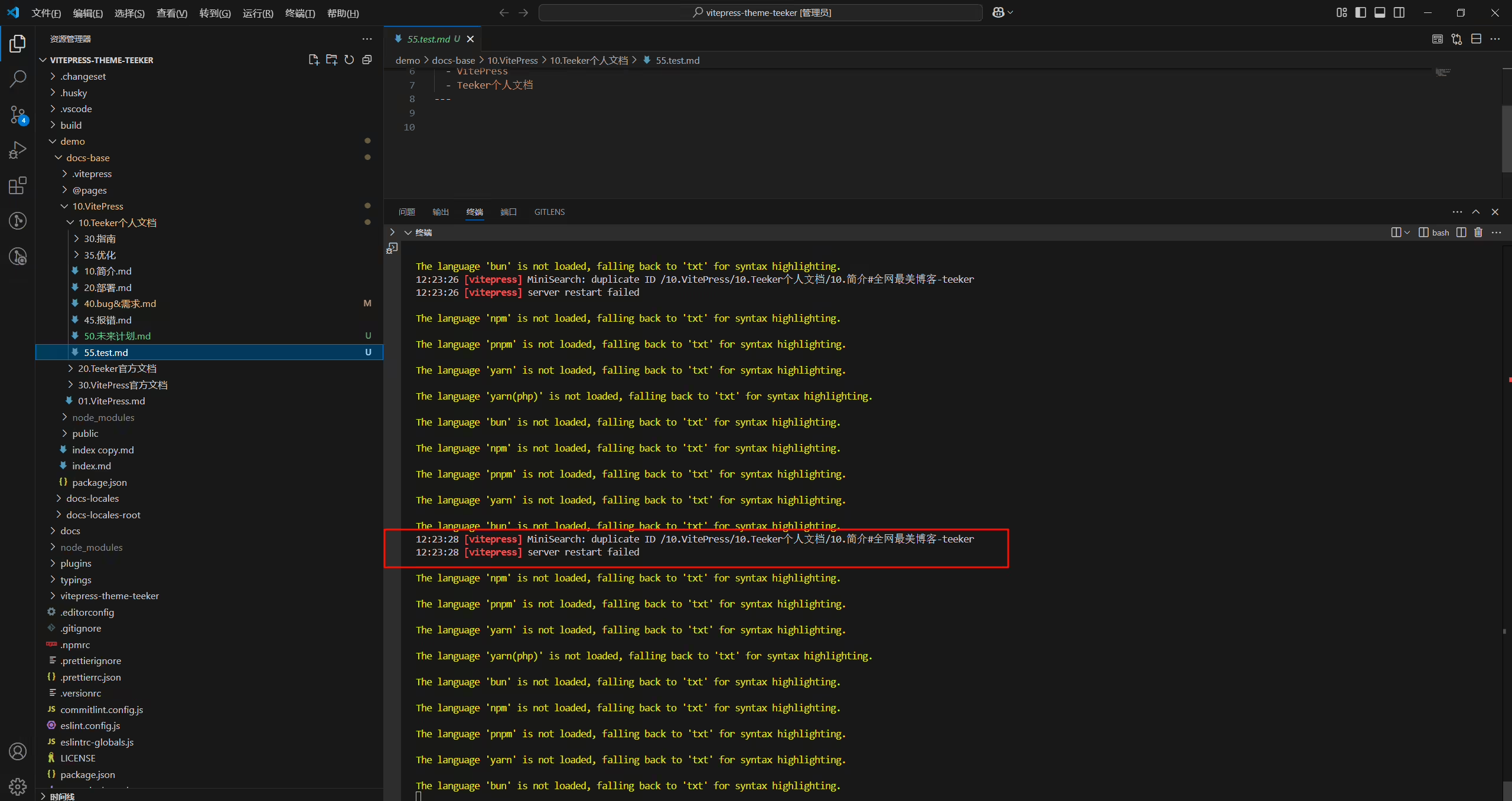
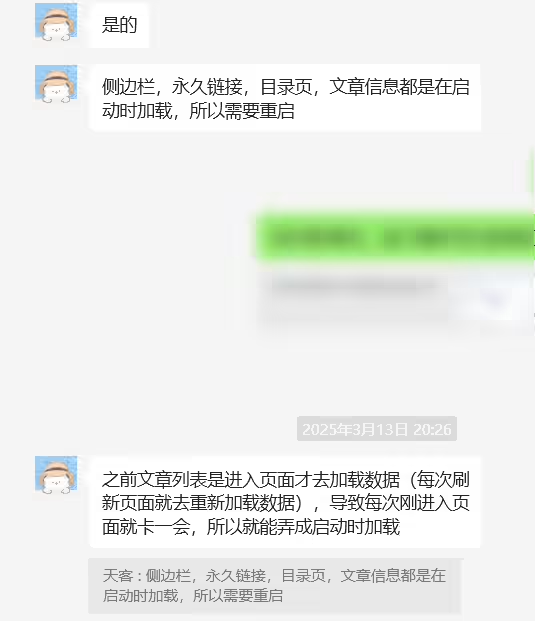
(已解决)2025年3月17日
🍊故障现象
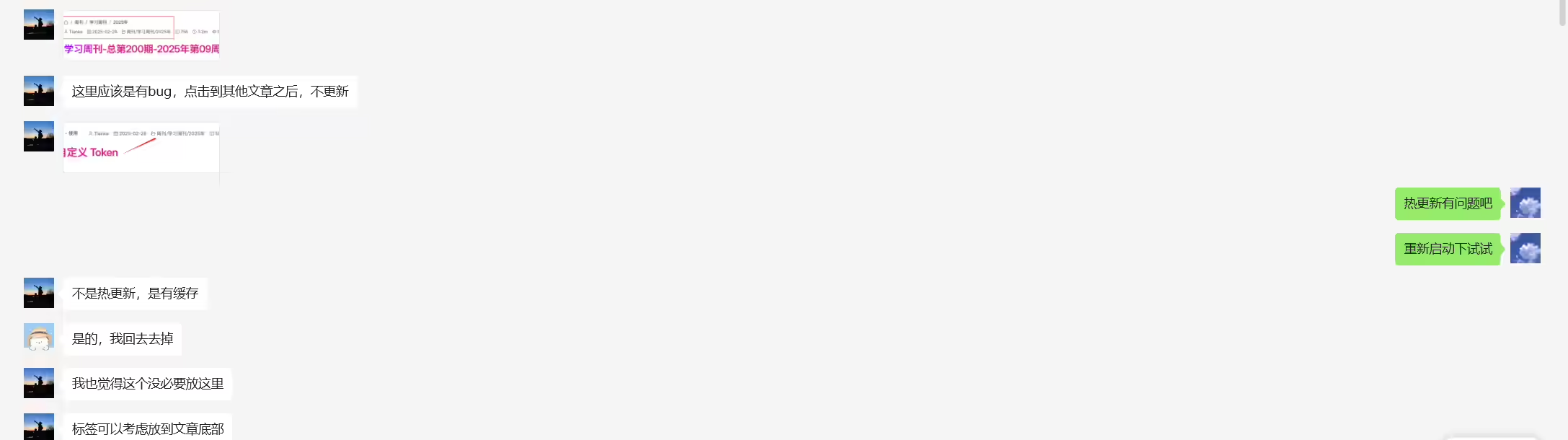
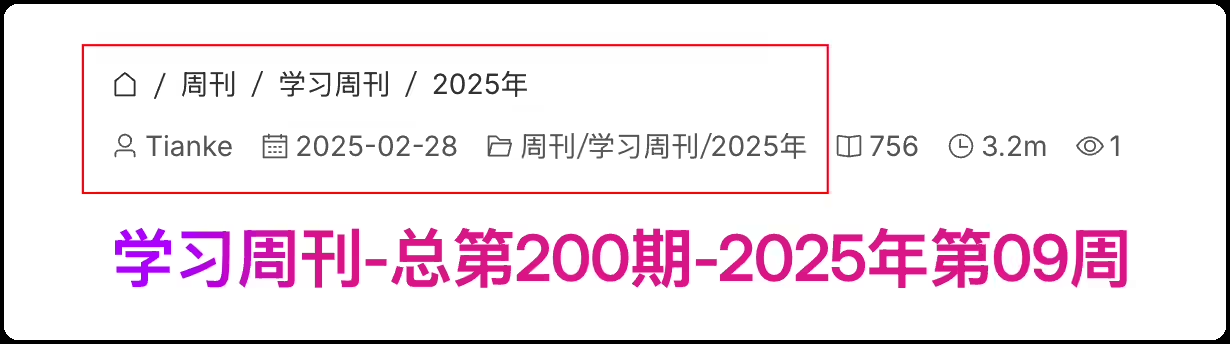
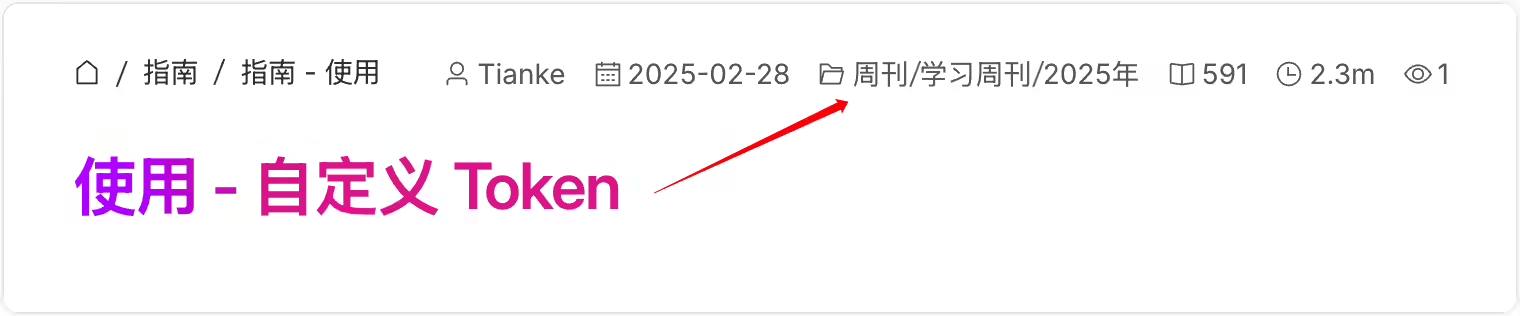
2025年3月15日
但是自己的正常哇???
2025年3月16日 已解决。
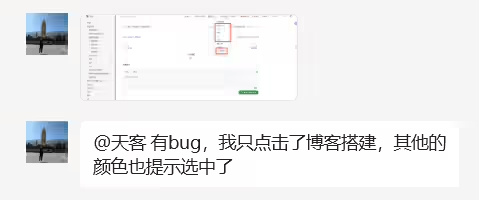
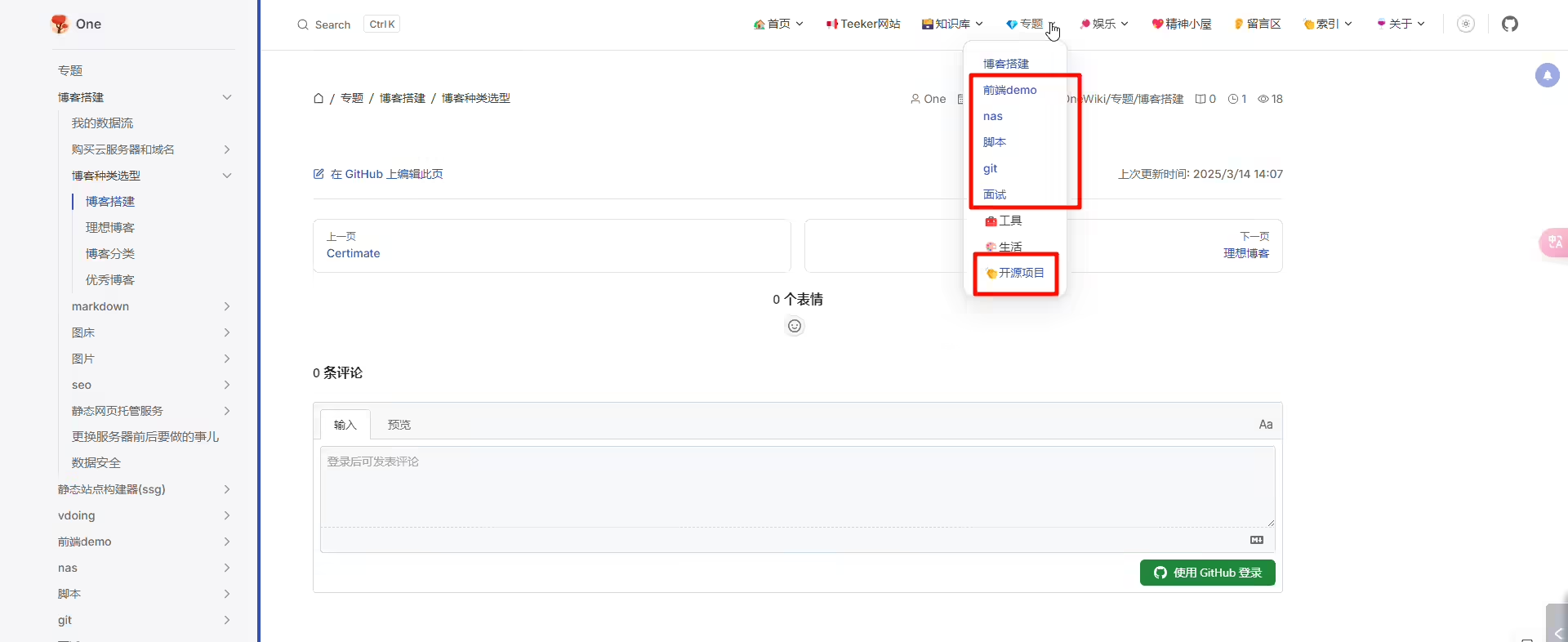
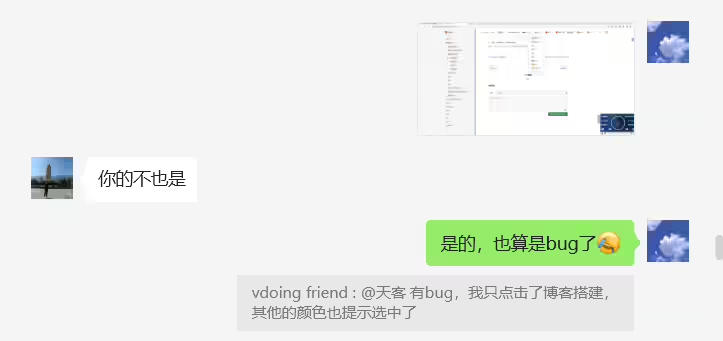
2025年3月16日已解决。
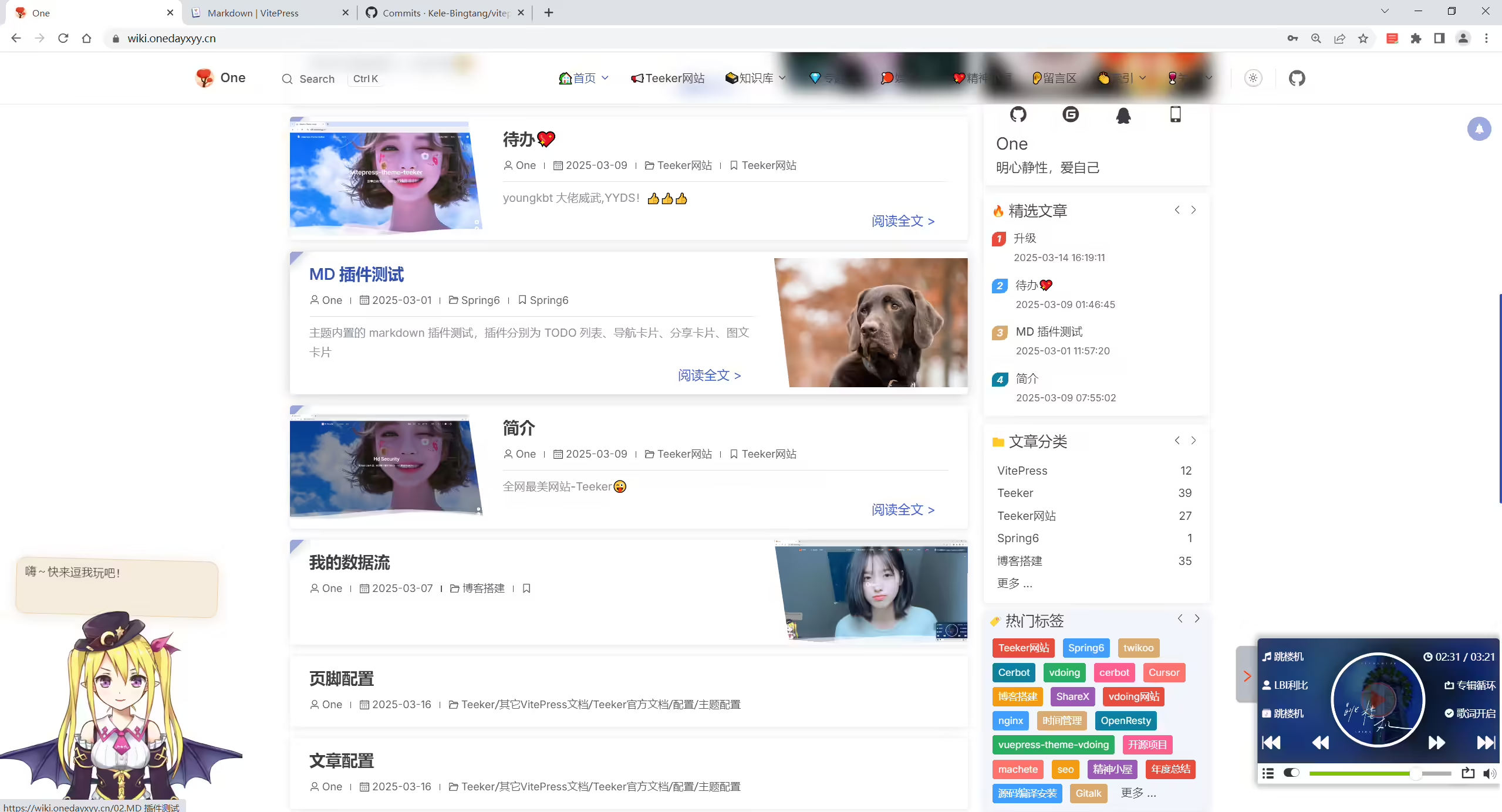

2025年3月16日
已解决
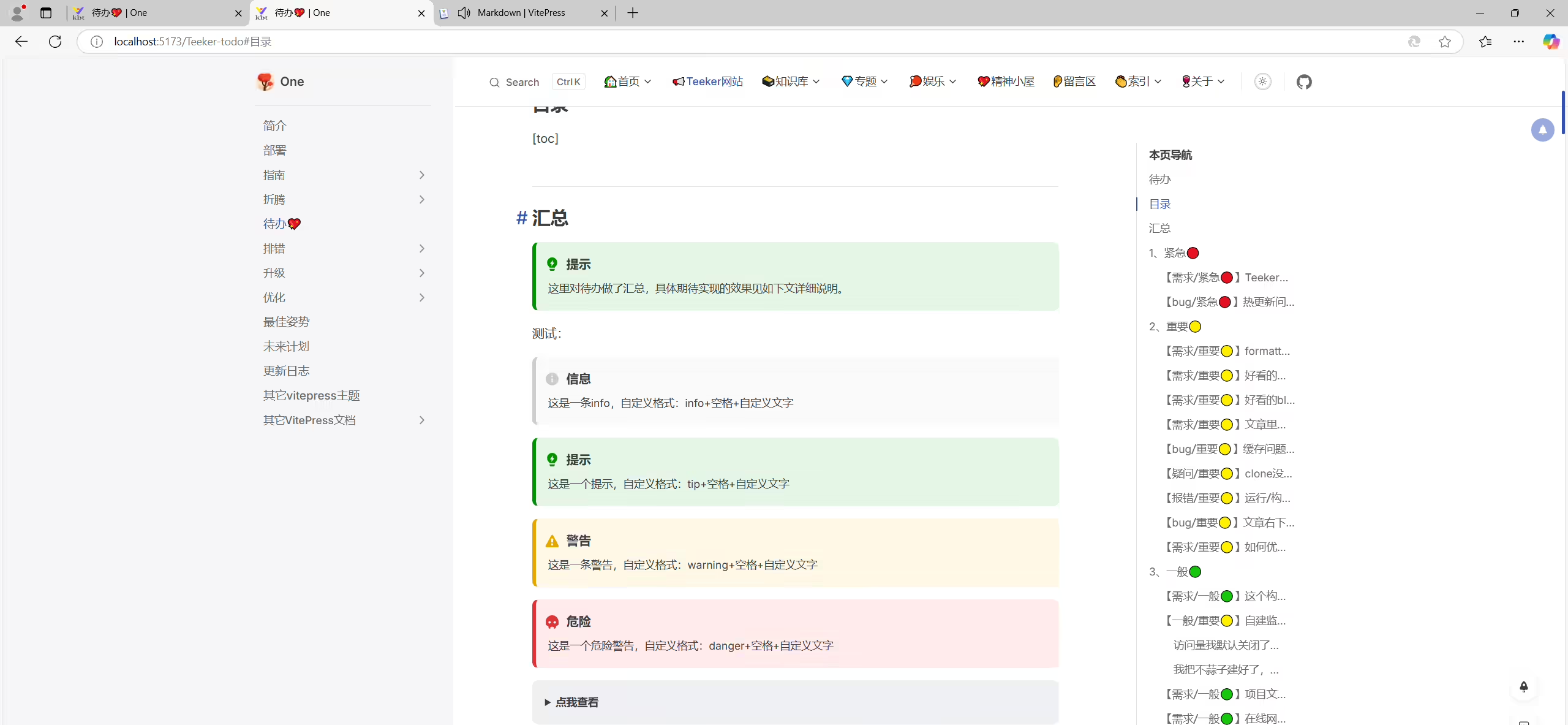
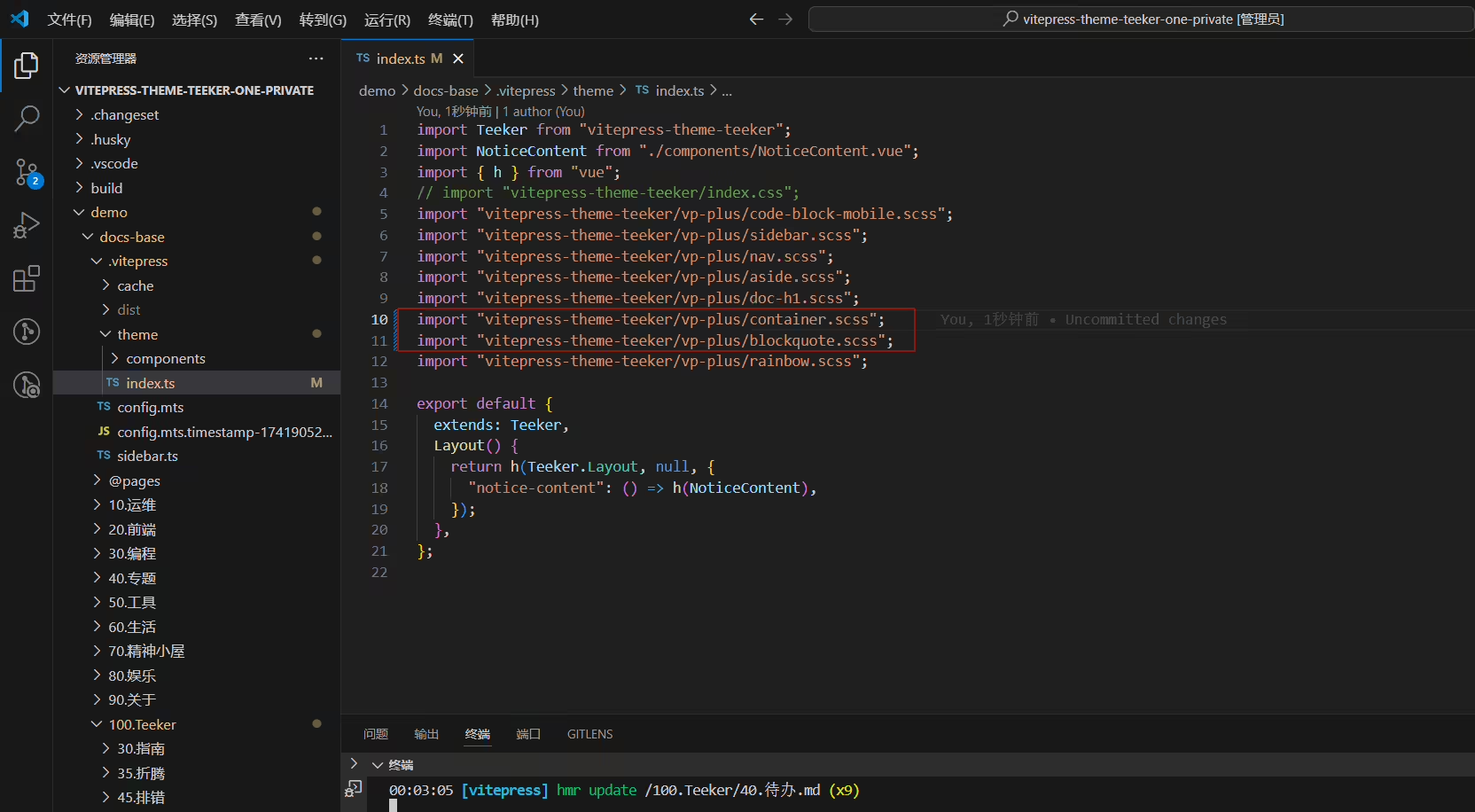
对demo\docs-base\.vitepress\theme\index.ts文件,将这2行注释取消掉:
2025年3月14日已解决。
编辑demo\docs-base\package.json文件,修改build行内容为如下代码:
1"build": "node --max-old-space-size=28672 node_modules/vitepress/bin/vitepress.js build",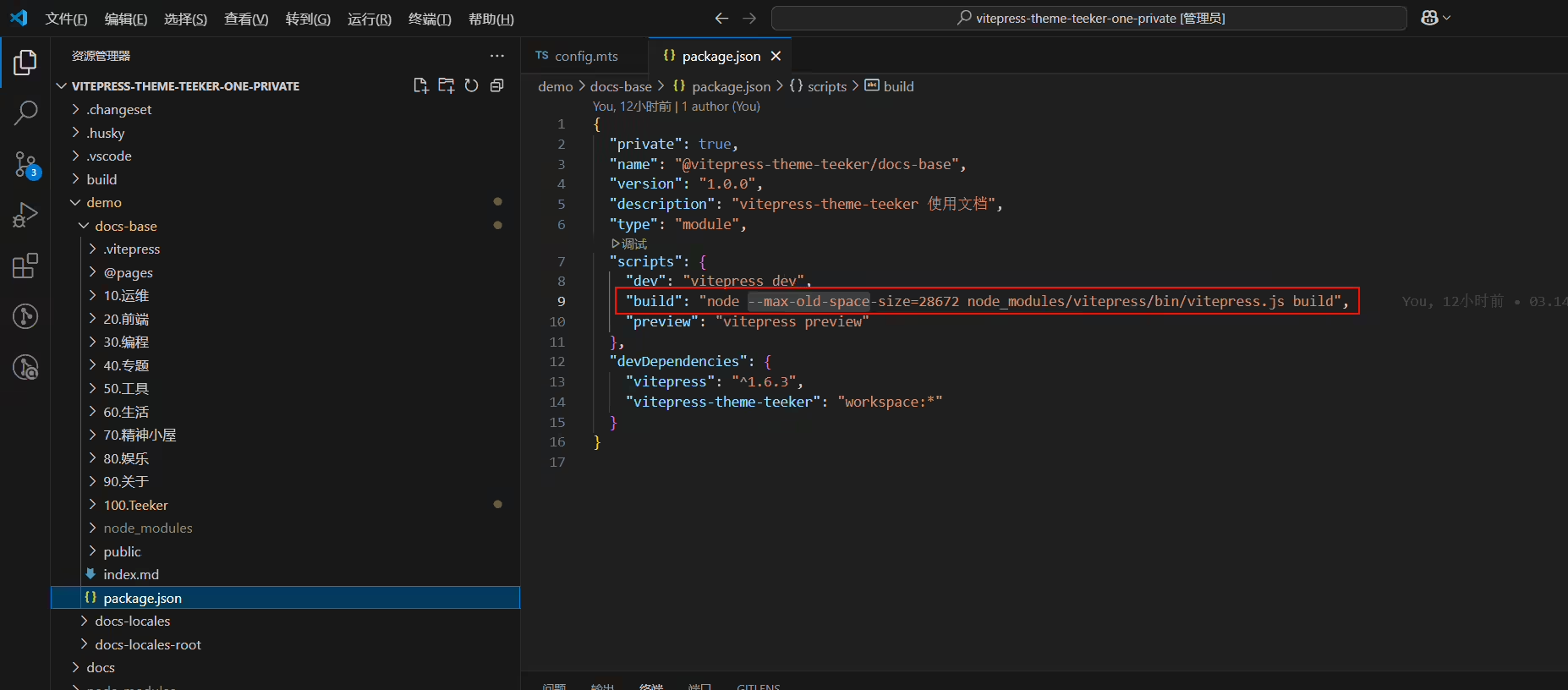
2025年3月13日记录
1--max-old-space-size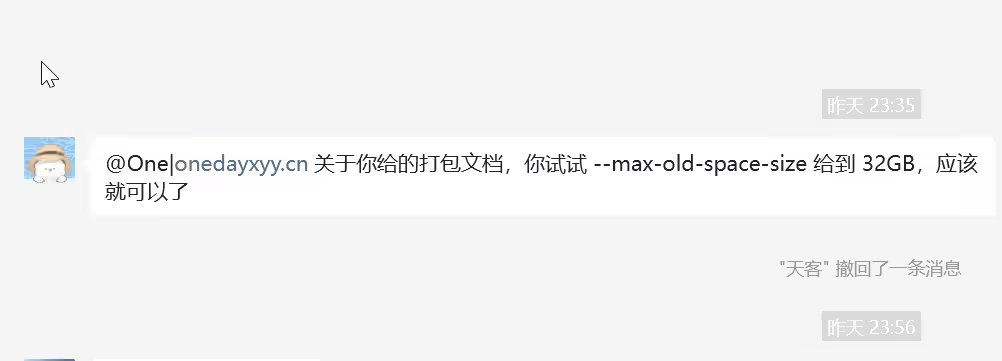
次需求已完全实现。❤️❤️(大佬威武)
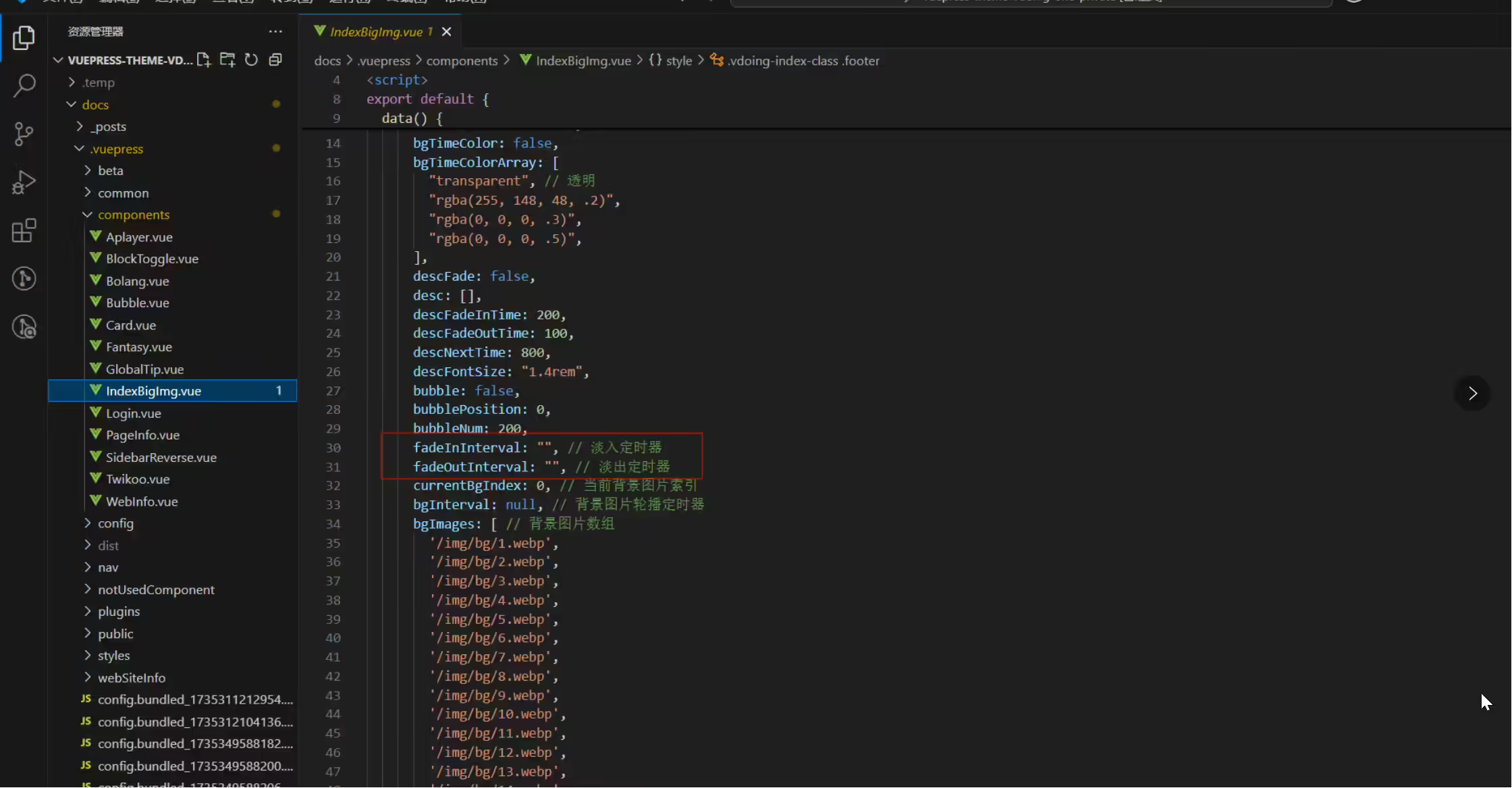
这一版,banner大图随机播放 功能OK了,但是切换效果不要很突兀–这个功能还没实现呢
2025年3月10日记录
作者最近一次提交:17137d05da6a4355dd6a5edc63315d6fe598422e
希望首页banner大图能随机播放、且切换效果不要很突兀

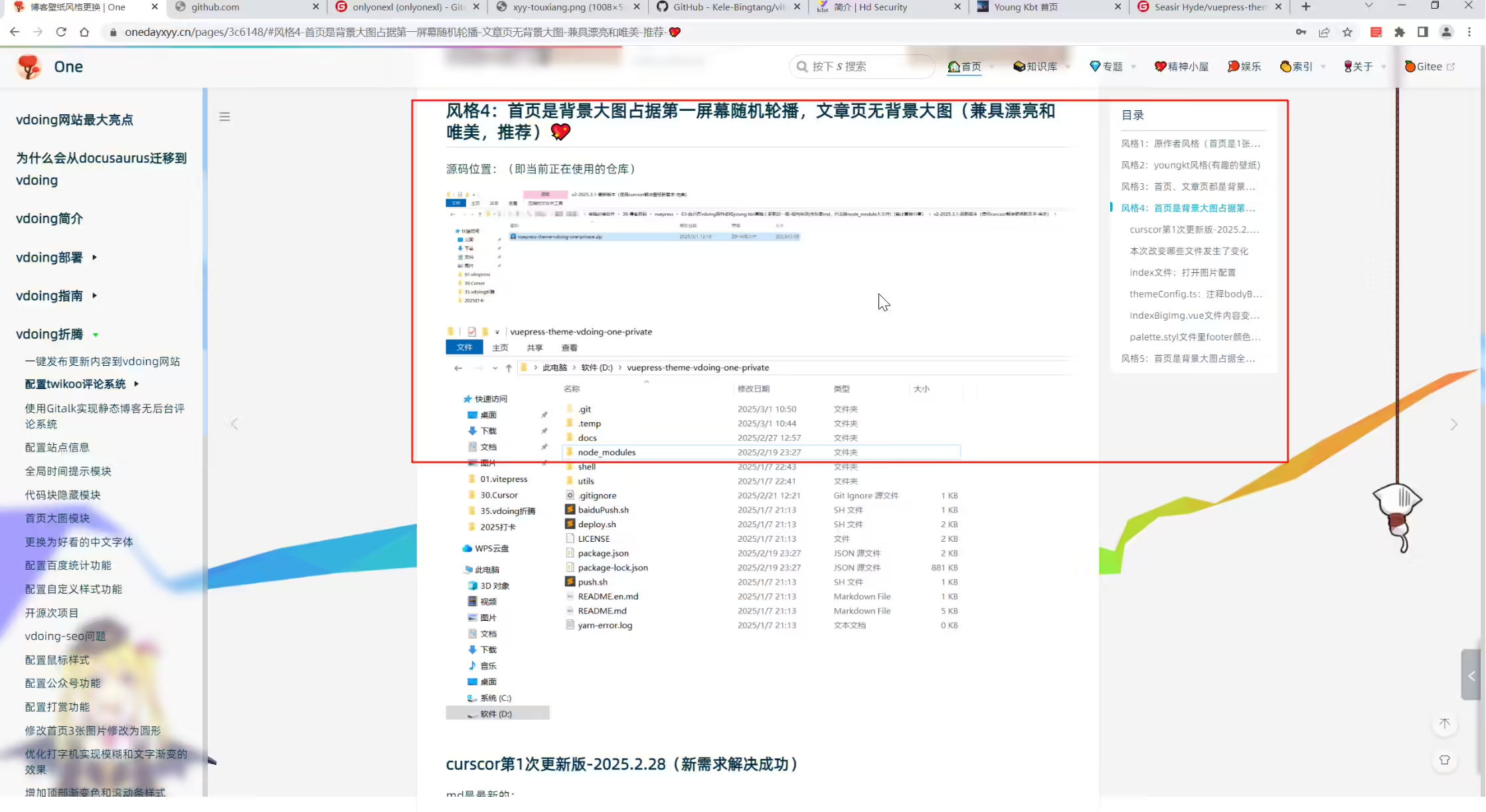
https://onedayxyy.cn/pages/3c6148/
2025年3月13日记录
次bug已解决。❤️(感谢大佬)
2025年3月9日记录。
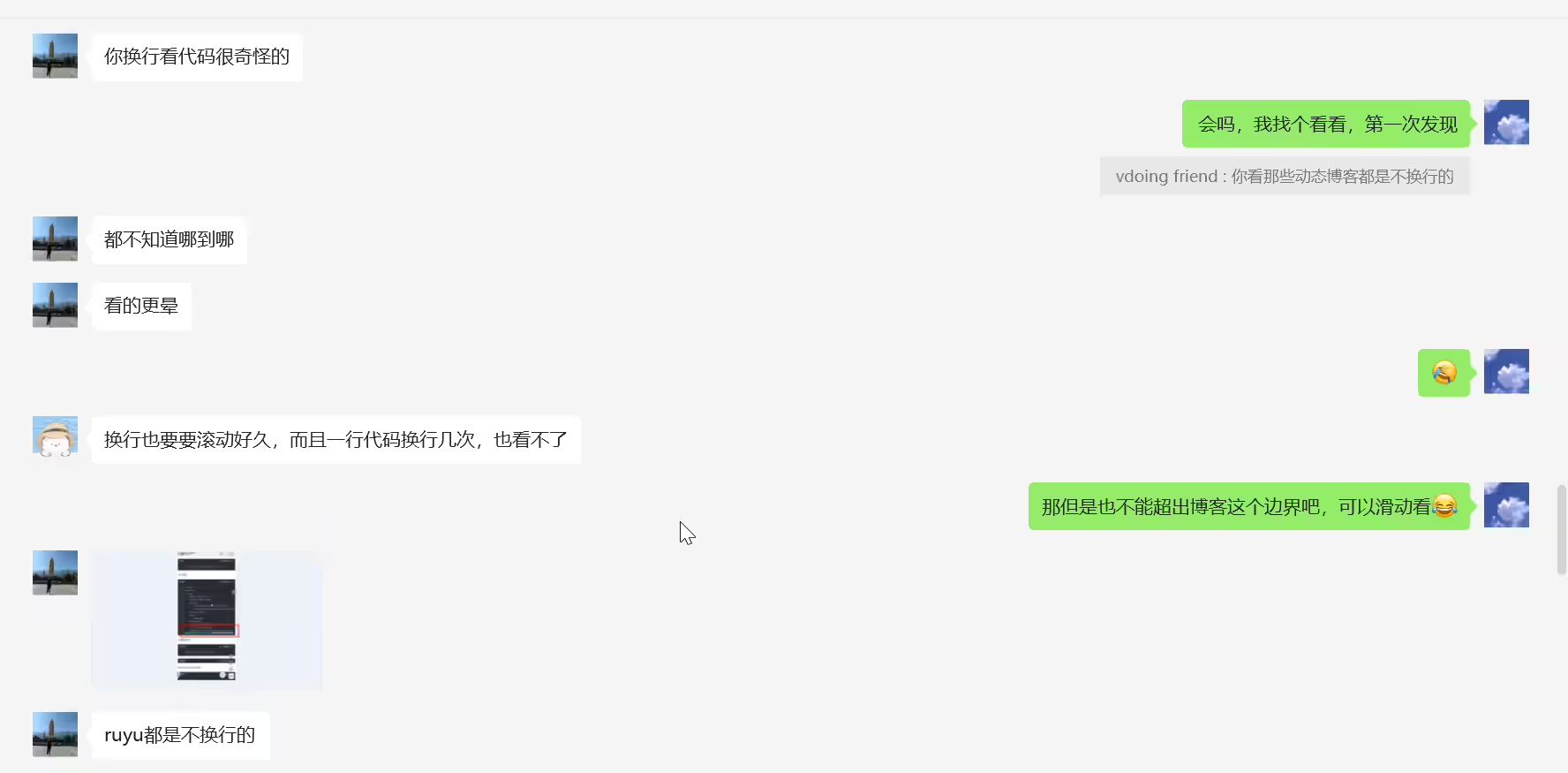
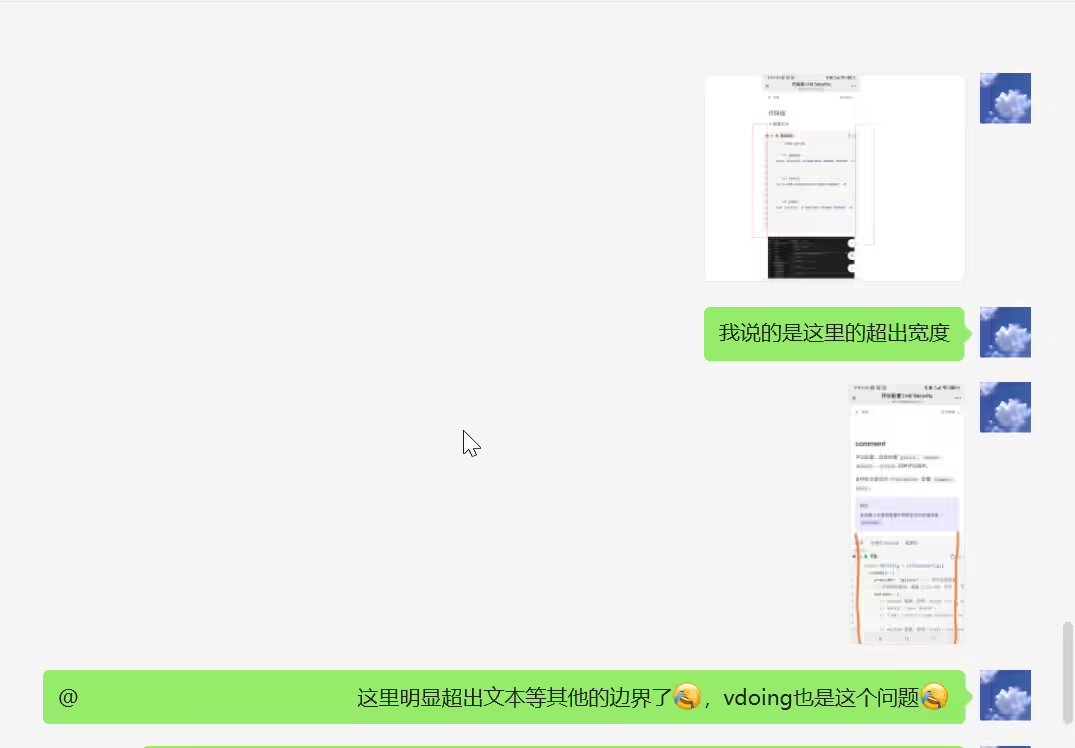
需求:
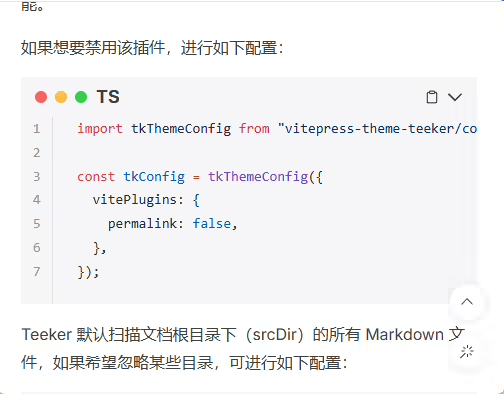
希望代码块区域是暗黑风格背景

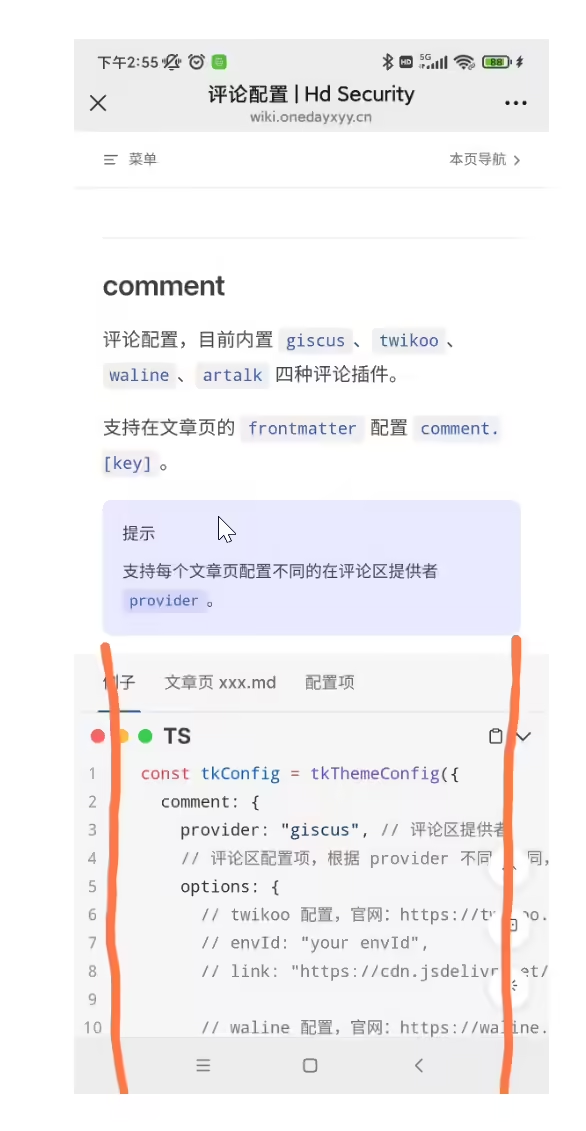
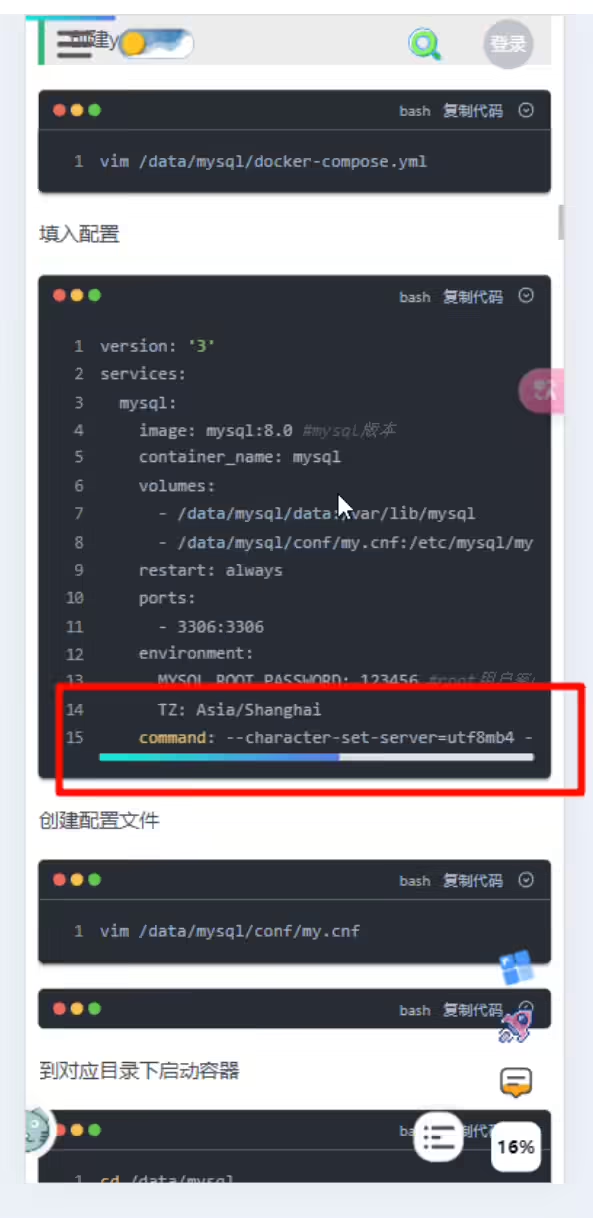
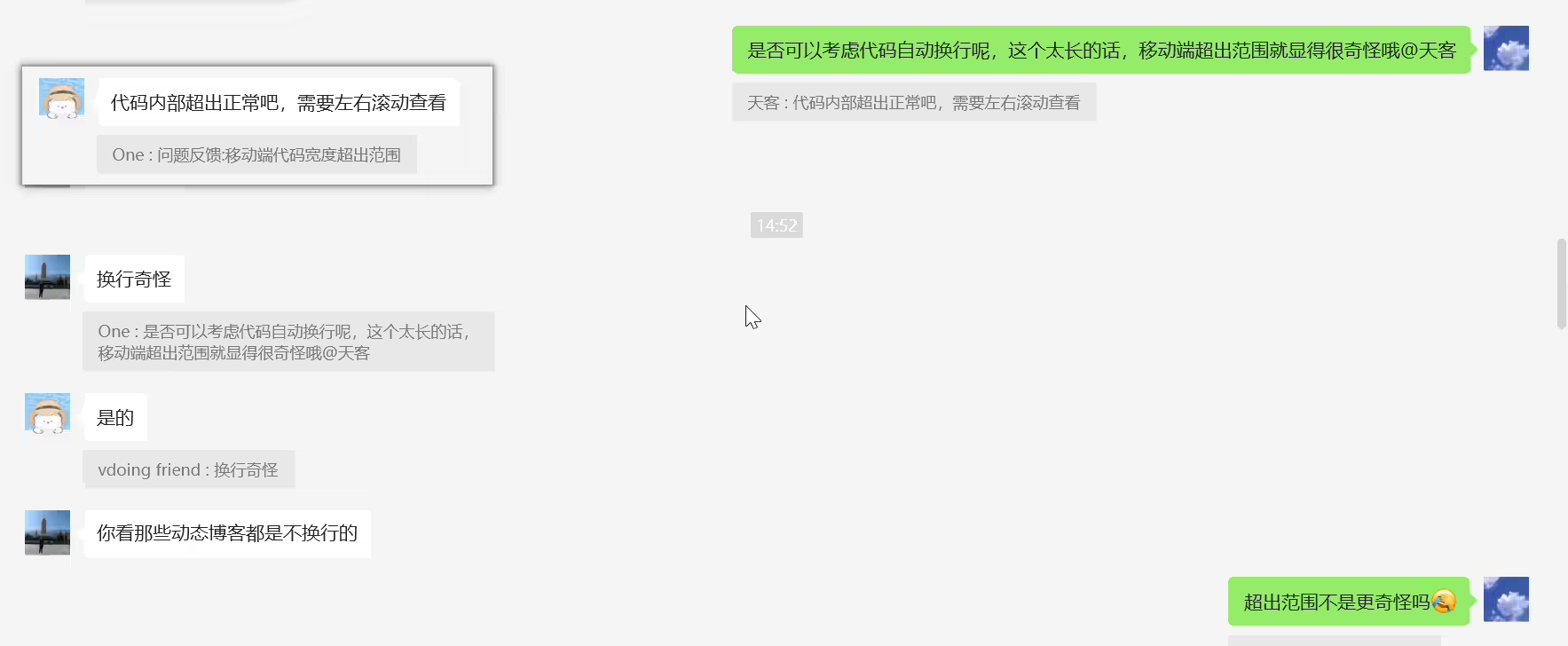
解决:vitepress 是刻意改成那样,我加了增强 文件吧,到时候引入就可以了,我就不直接改了
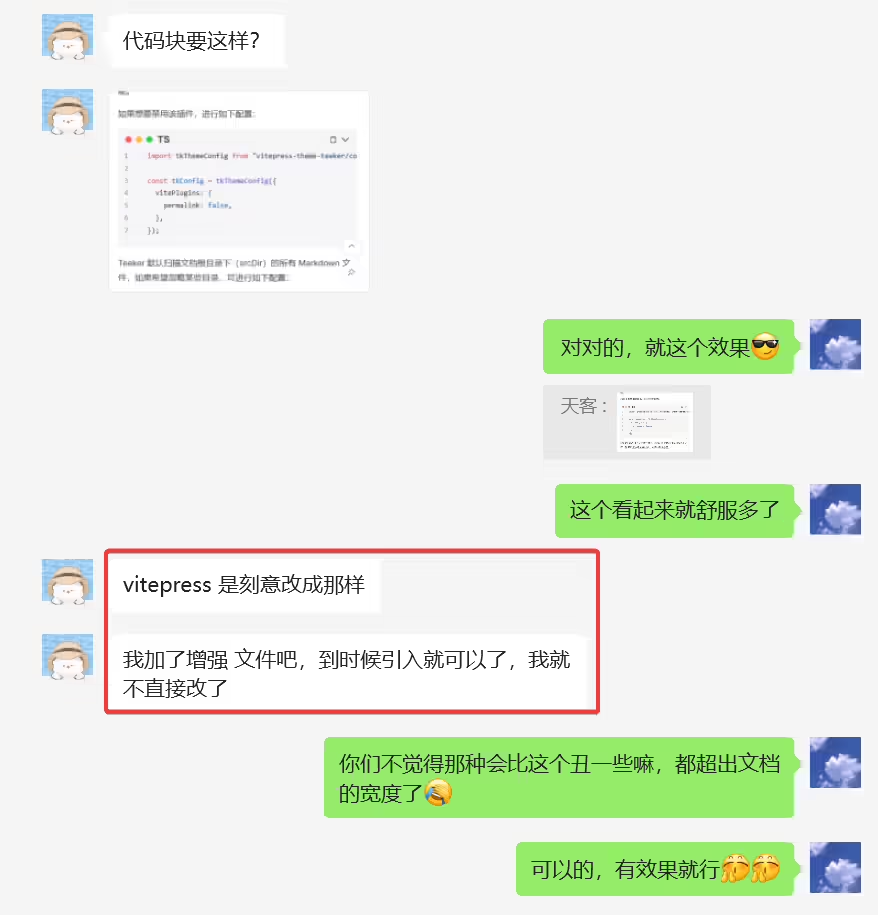
2025年3月13日记录
次bug已解决。❤️(感谢大佬)
2025年3月9日记录。
2025年3月13日记录
次bug已解决。❤️(感谢大佬)
2025年3月9日记录。

文章标题已支持渐变效果
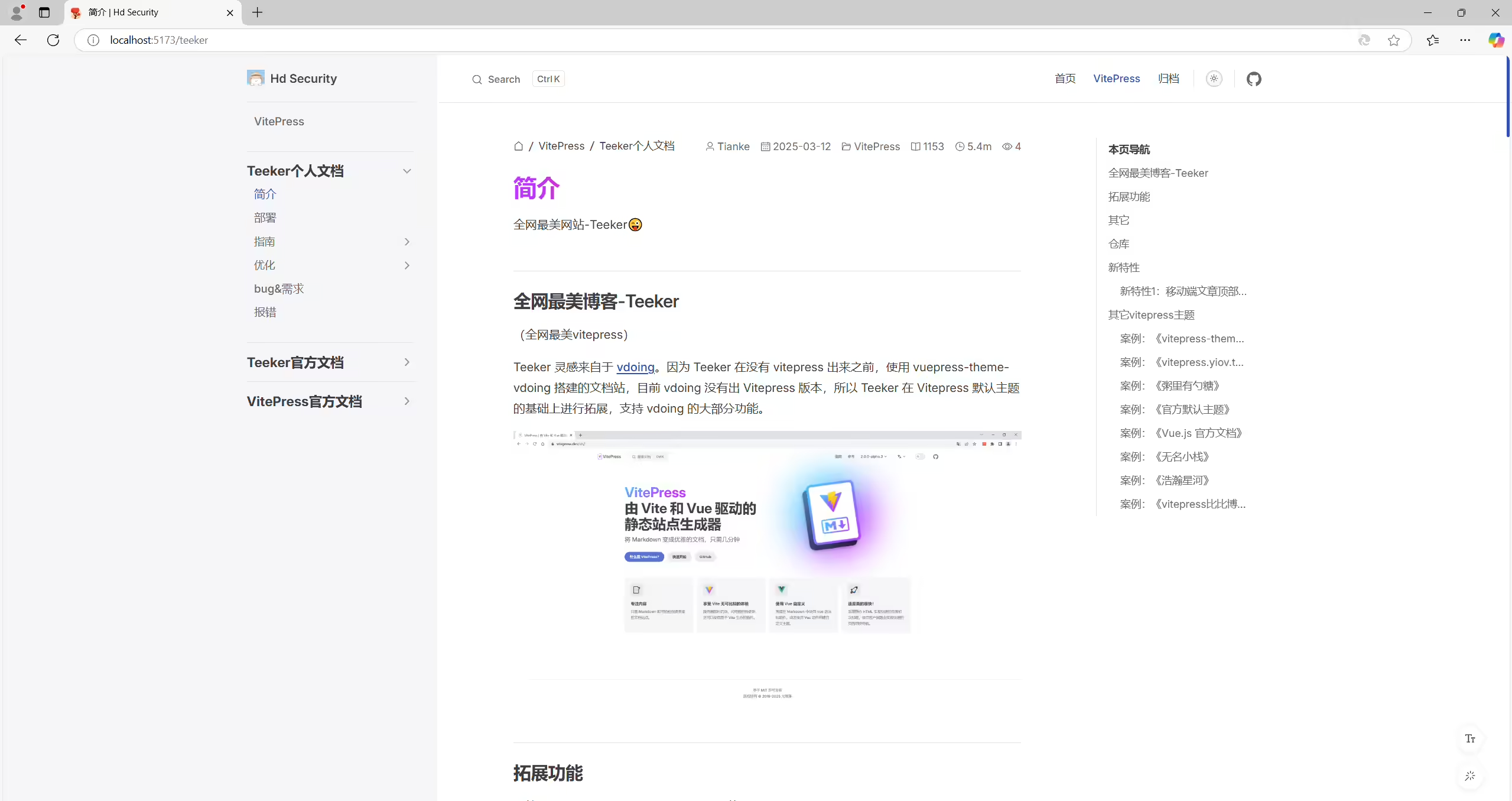
首页大图标已经有渐变效果了,但是文章标题还不支持渐变效果
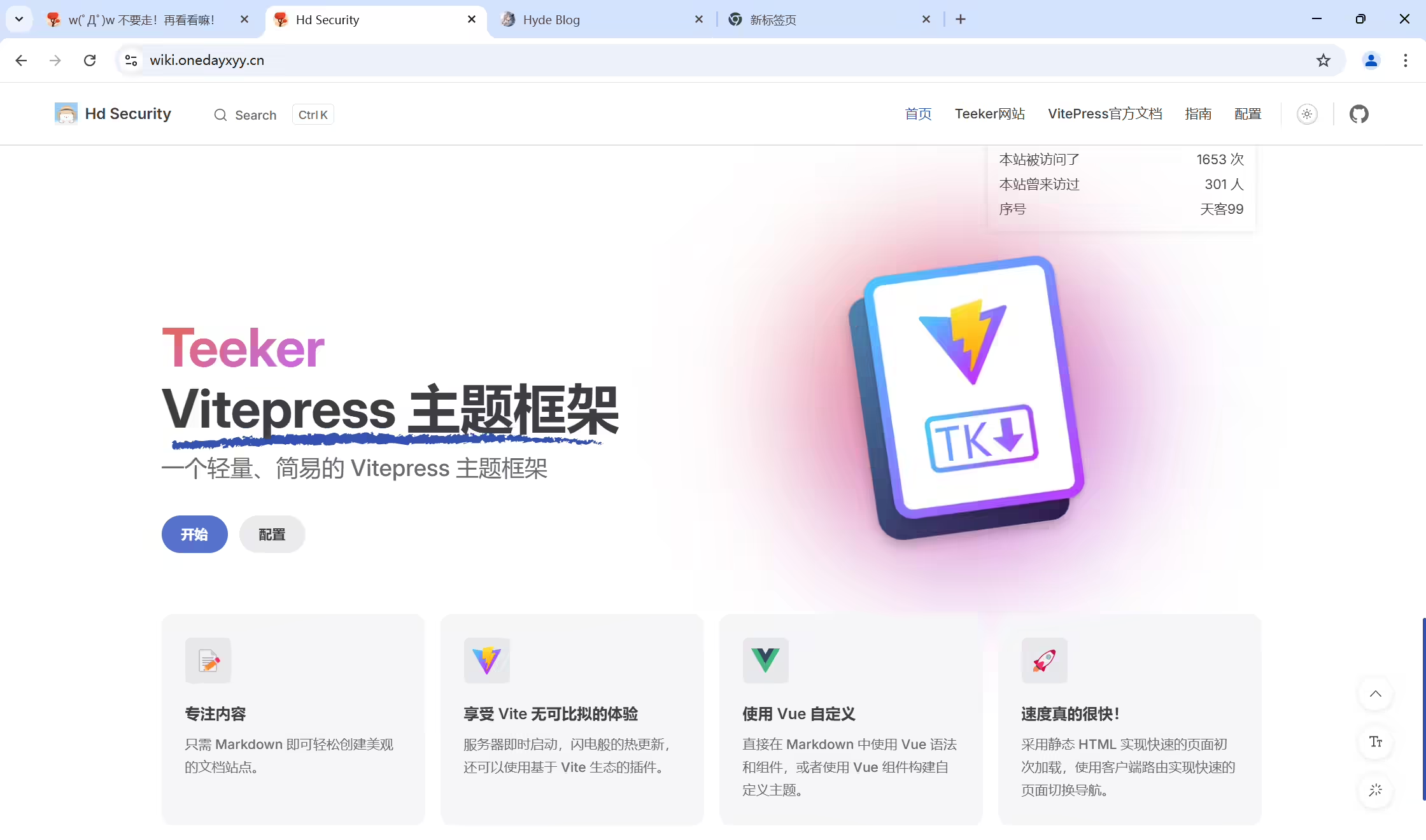
2025年3月10日记录
作者最近一次提交:17137d05da6a4355dd6a5edc63315d6fe598422e
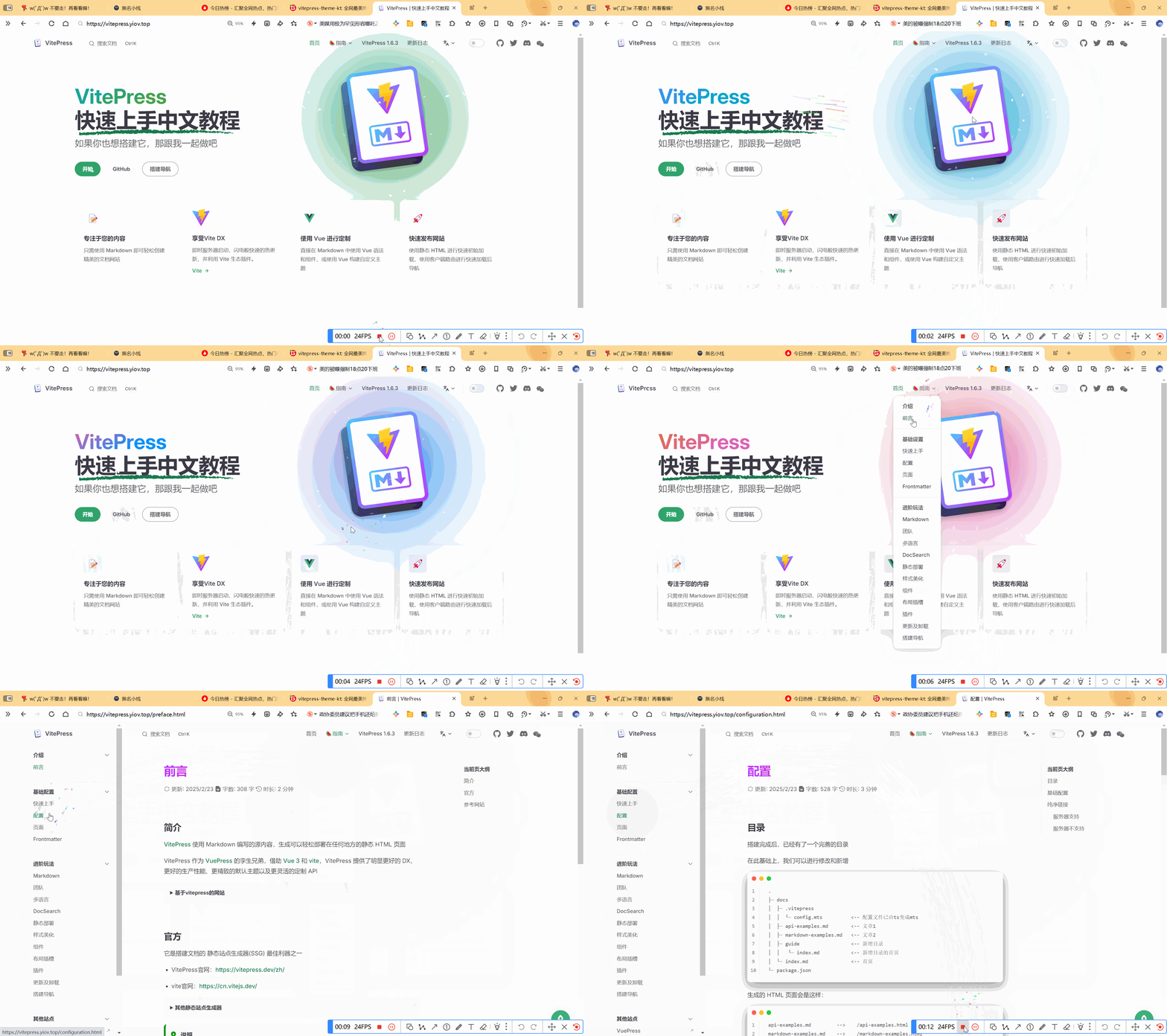
希望首页大图标和文章标题都支持渐变效果
参考demo:
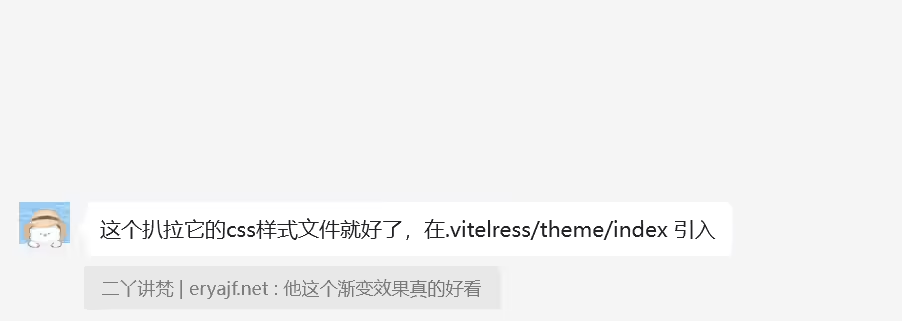
配置方法
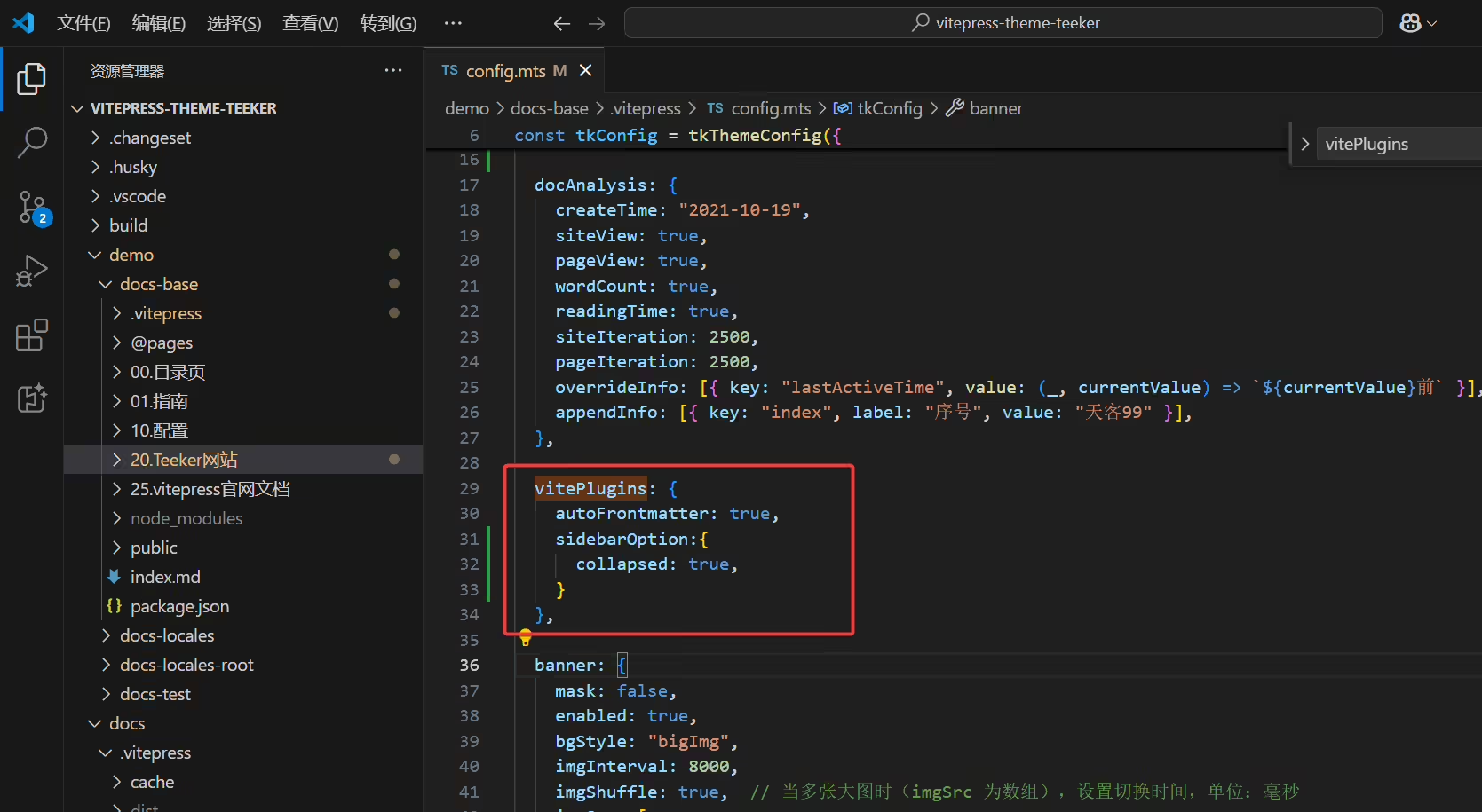
1docs\.vitepress\config.mts
2  vitePlugins: {
3    autoFrontmatter: true,
4    sidebarOption:{
5      collapsed: true,
6    }
7  },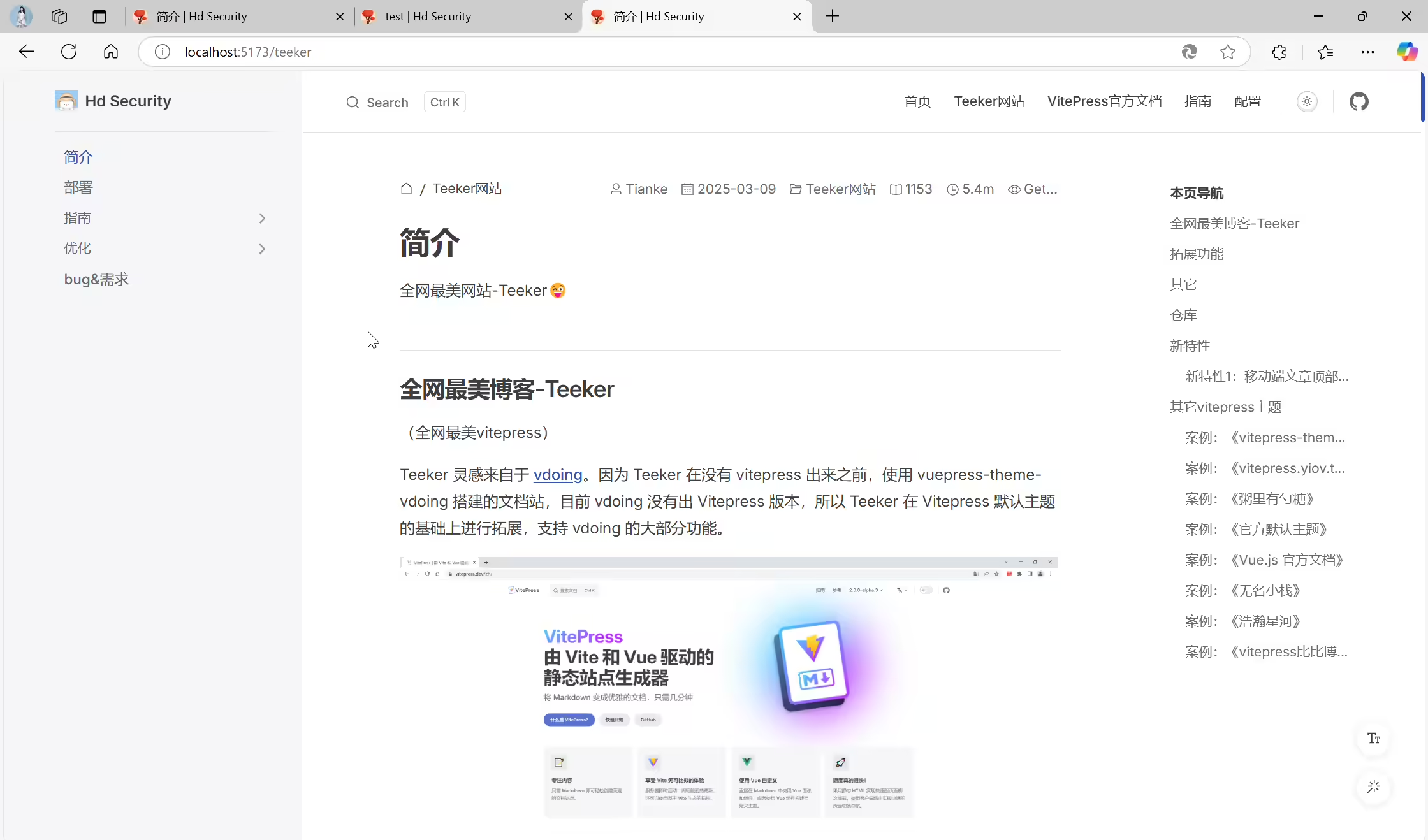
2025年3月10日记录。
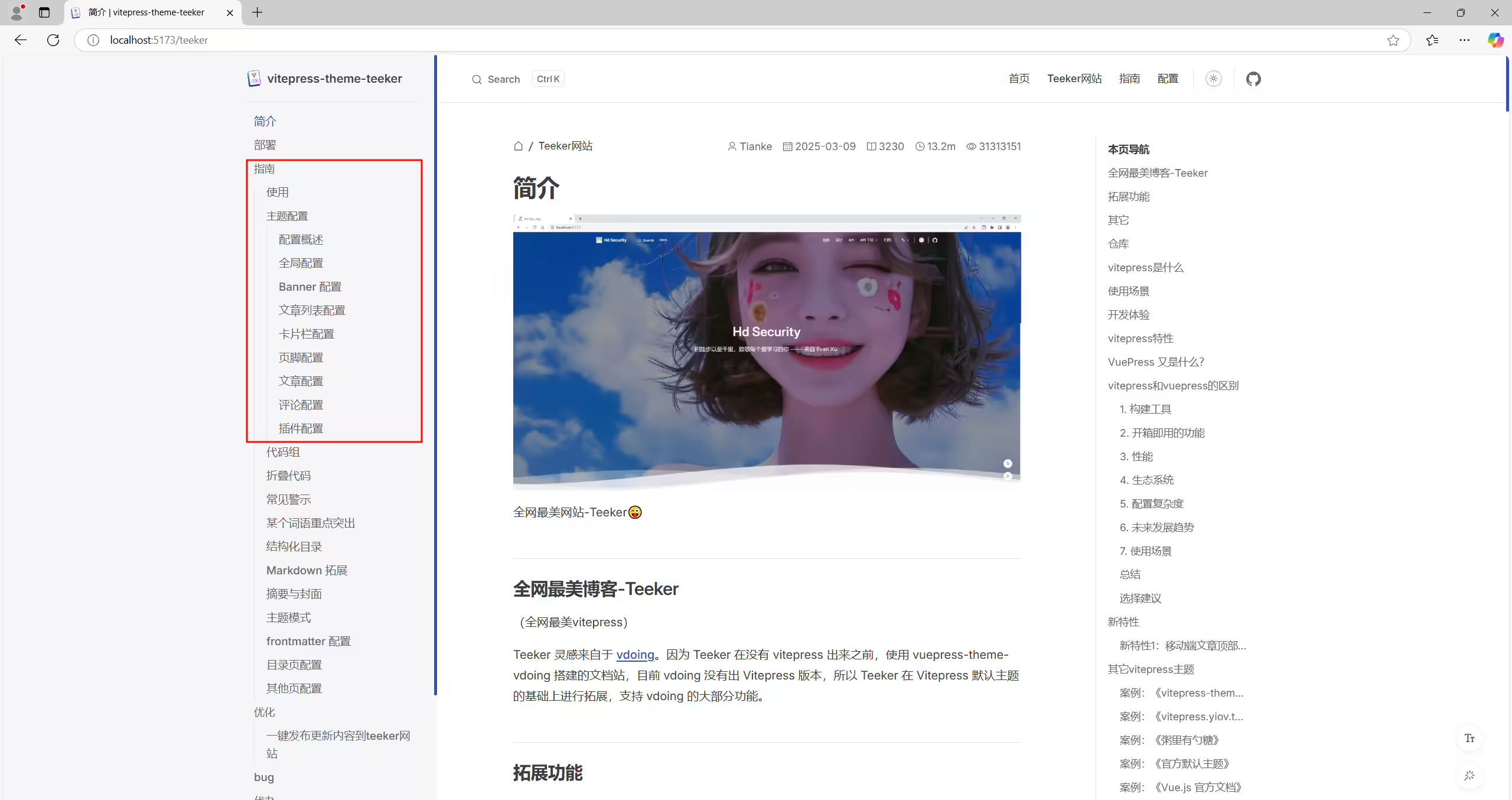
侧边栏目录默认应该是收缩的会更友好些
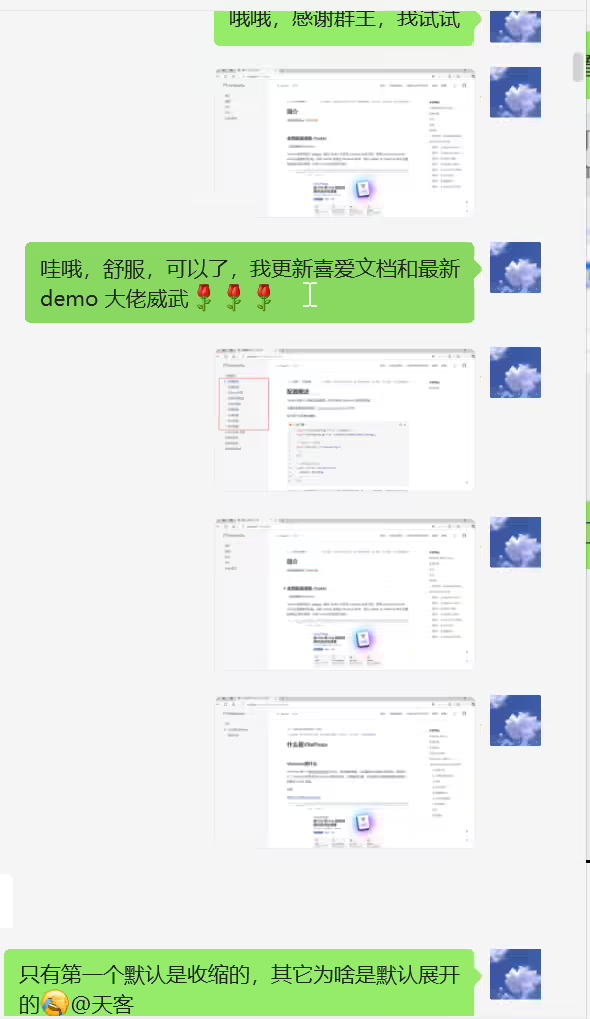
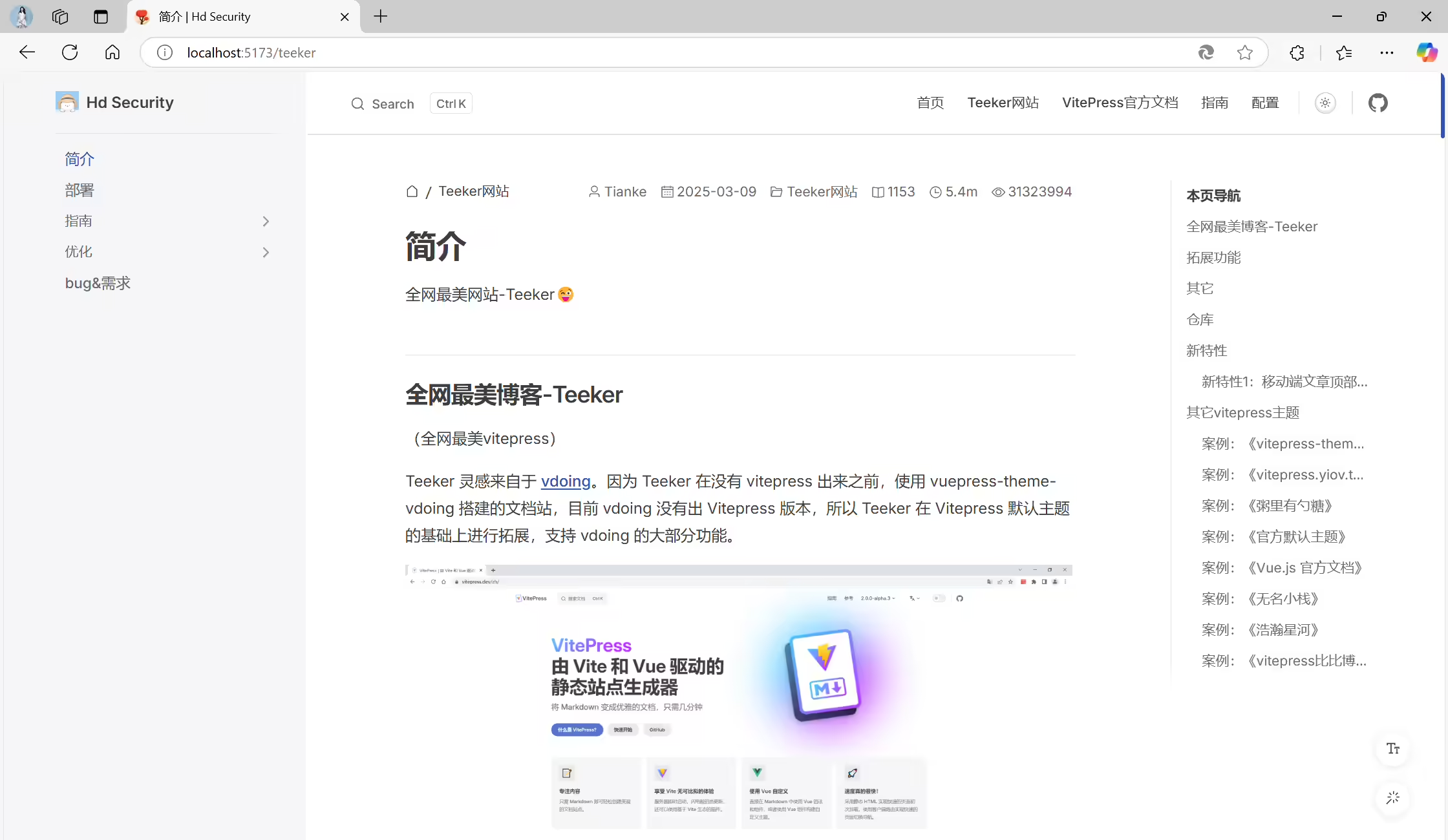
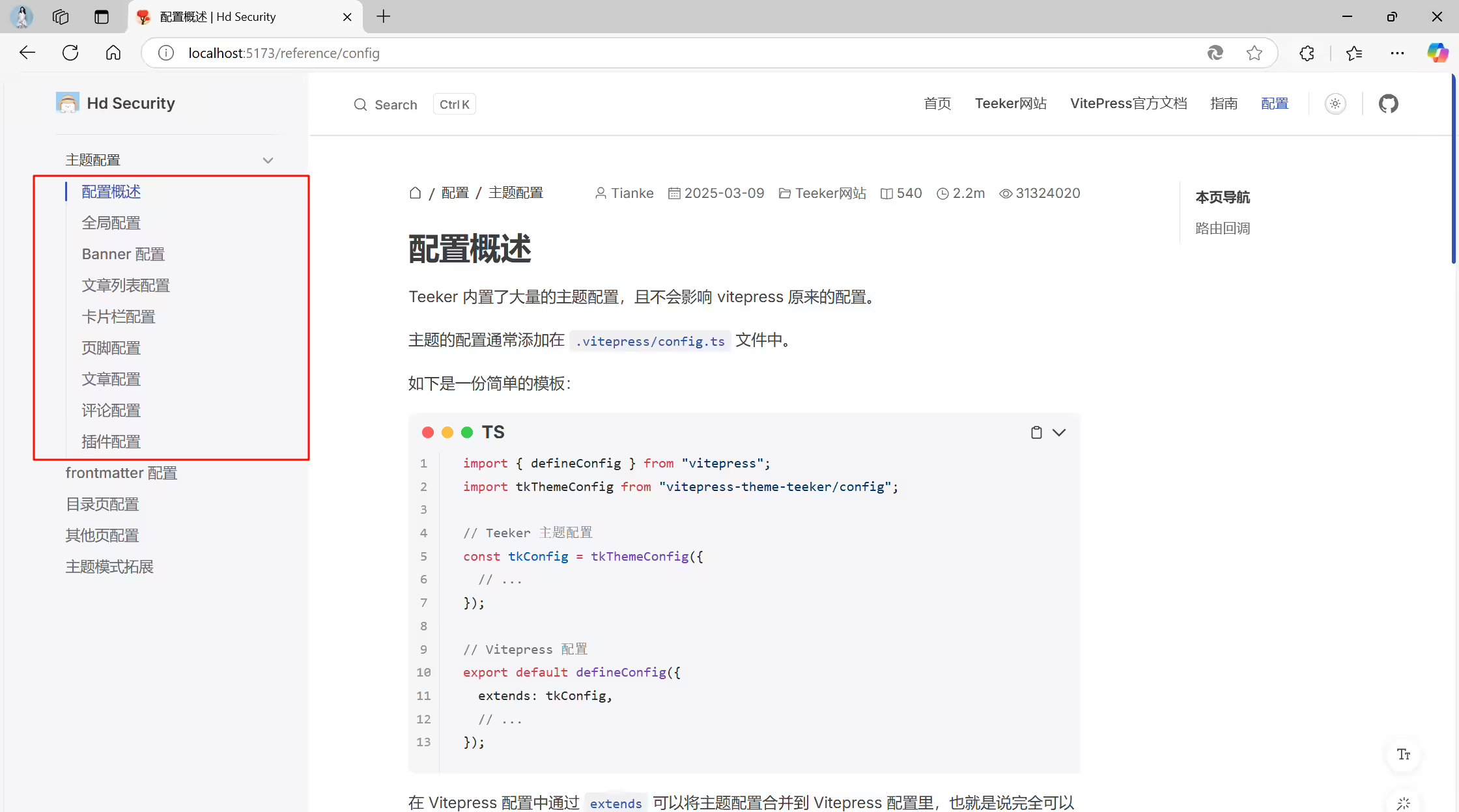

2025年3月11日作者已修复。❤️❤️(大佬威武)
2025年3月9日记录。
故障问题:

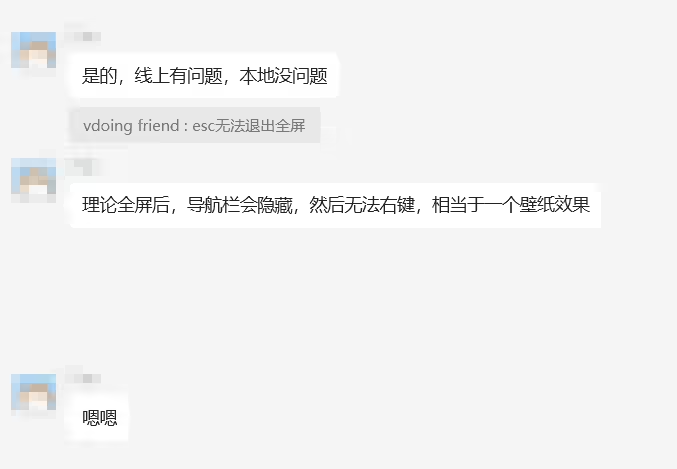
2025年3月9日记录。
(当前版本再观察一段时间看看–2025年3月10日)
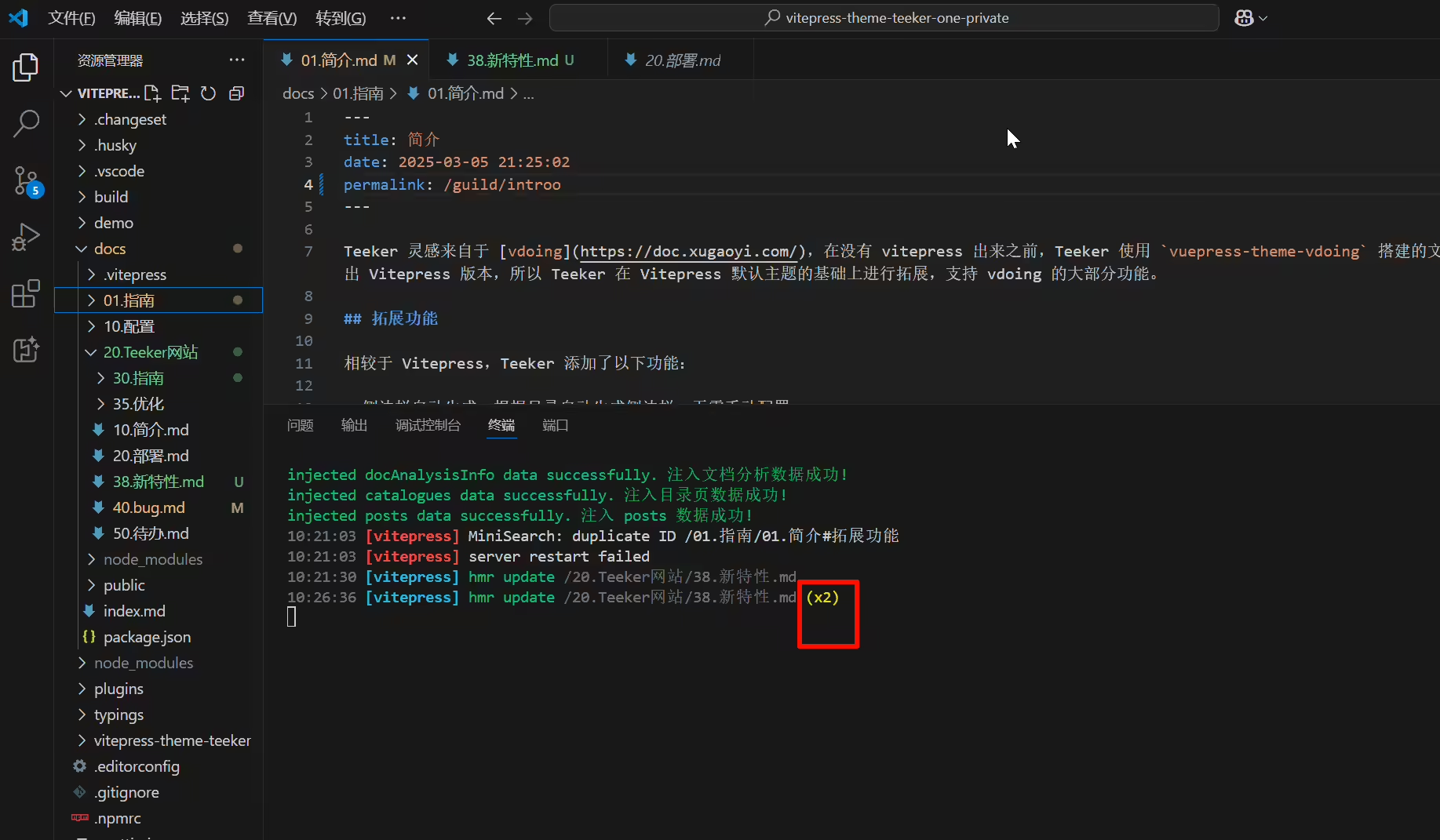
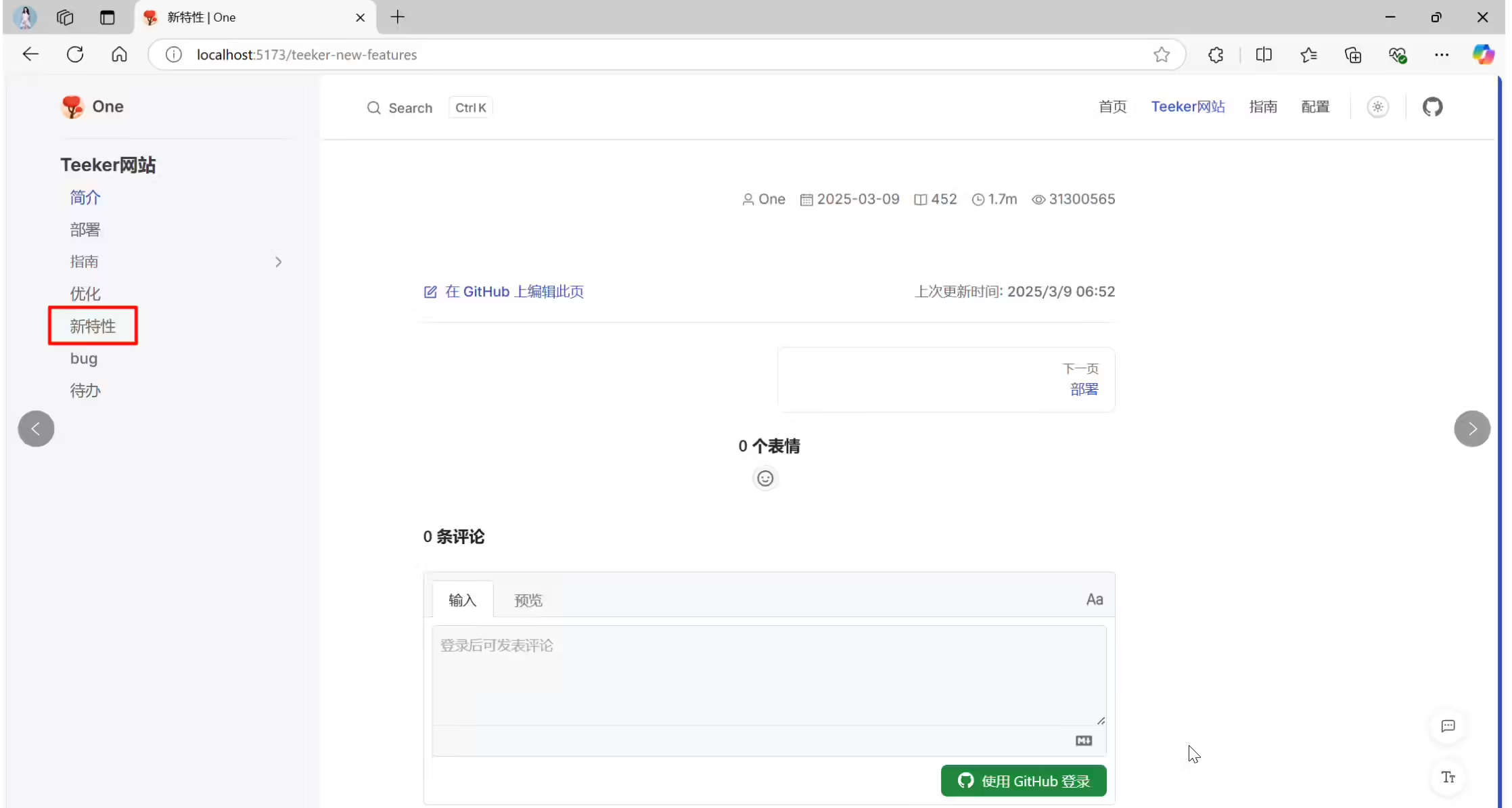
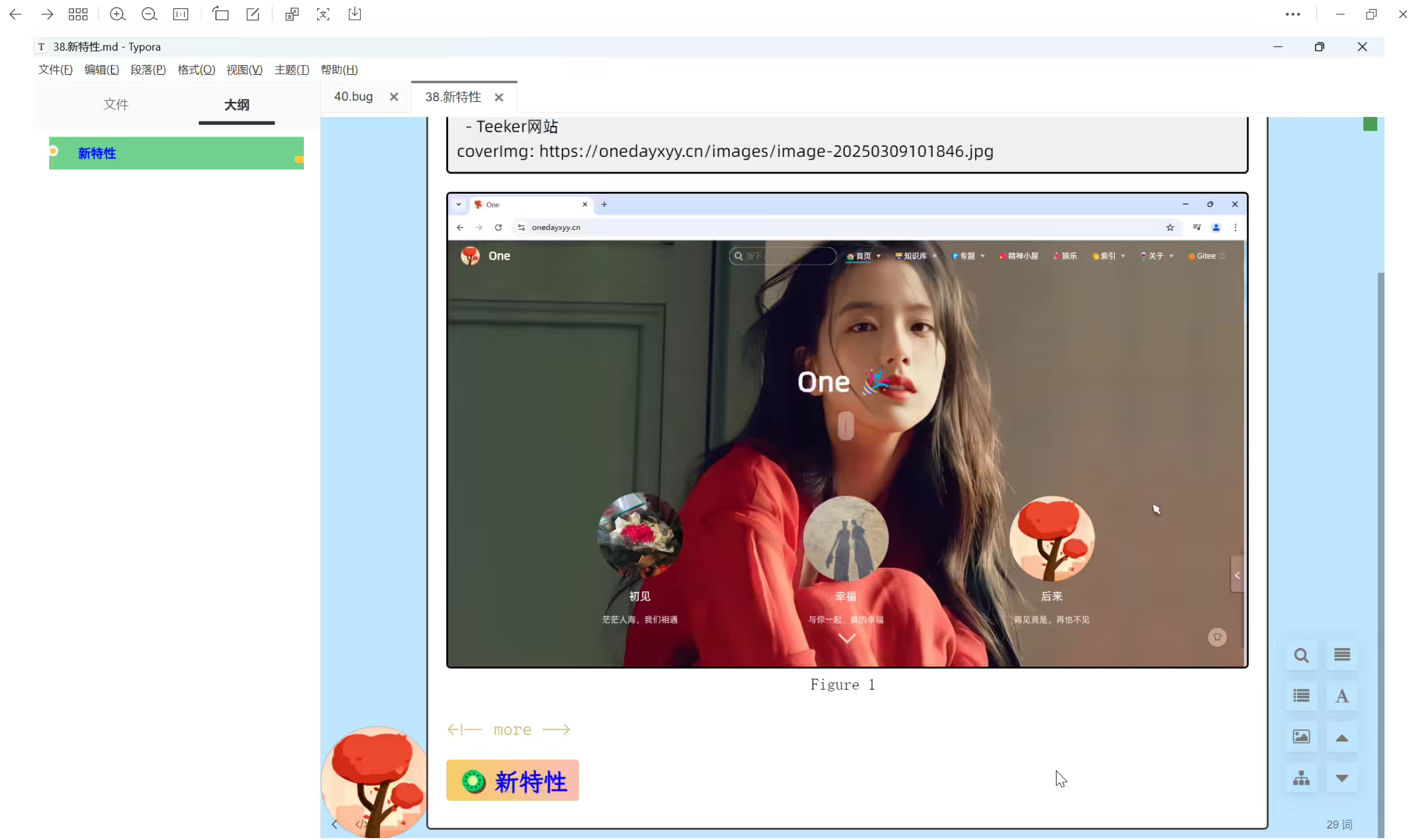
(已解决)【bug/紧急🔴】本地运行时,有些页面点击一会儿就感觉像是卡死了,页面显示空白
2025年3月9日记录。
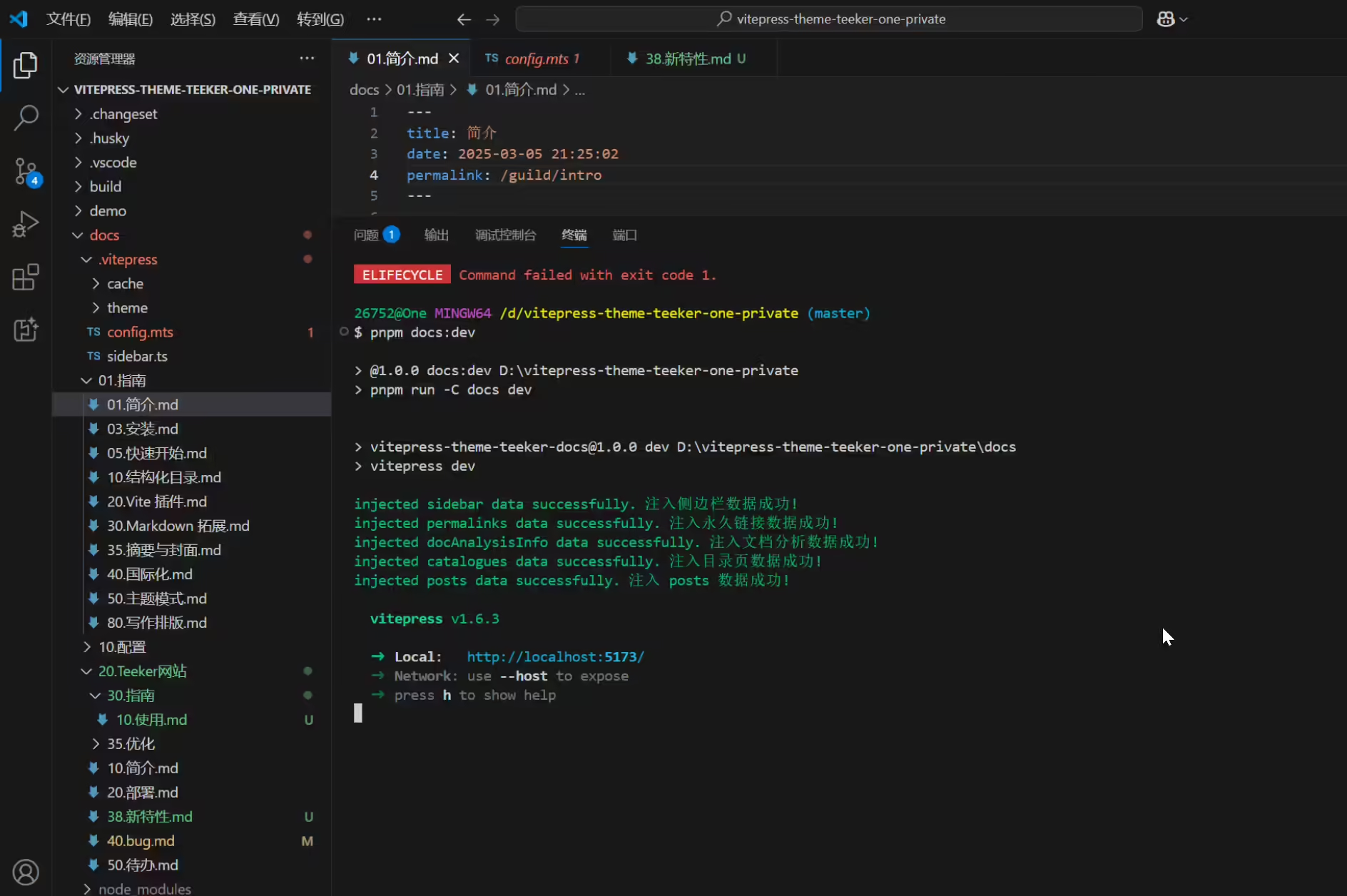
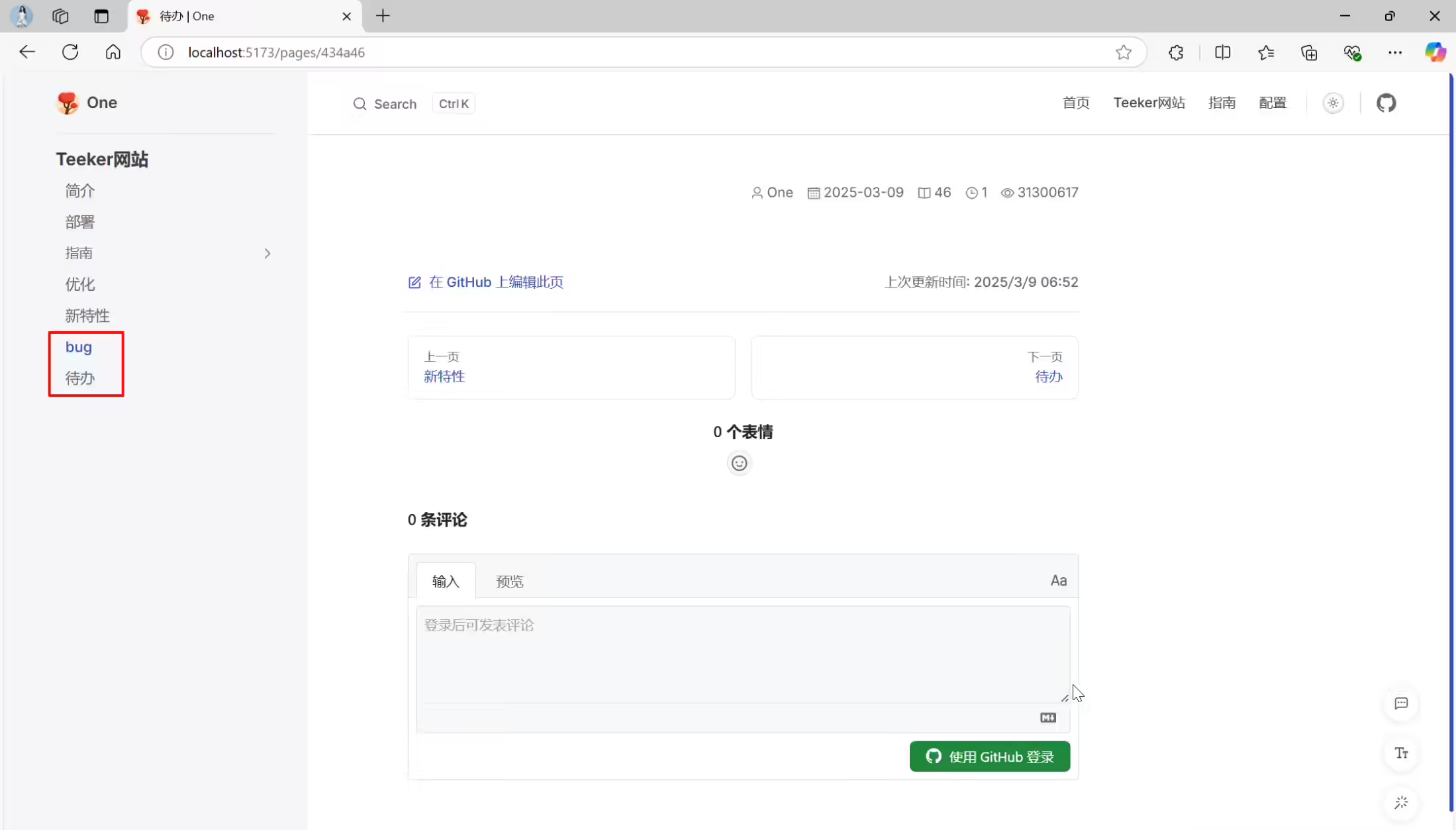
2025年3月11日作者已修复。❤️❤️(大佬威武)
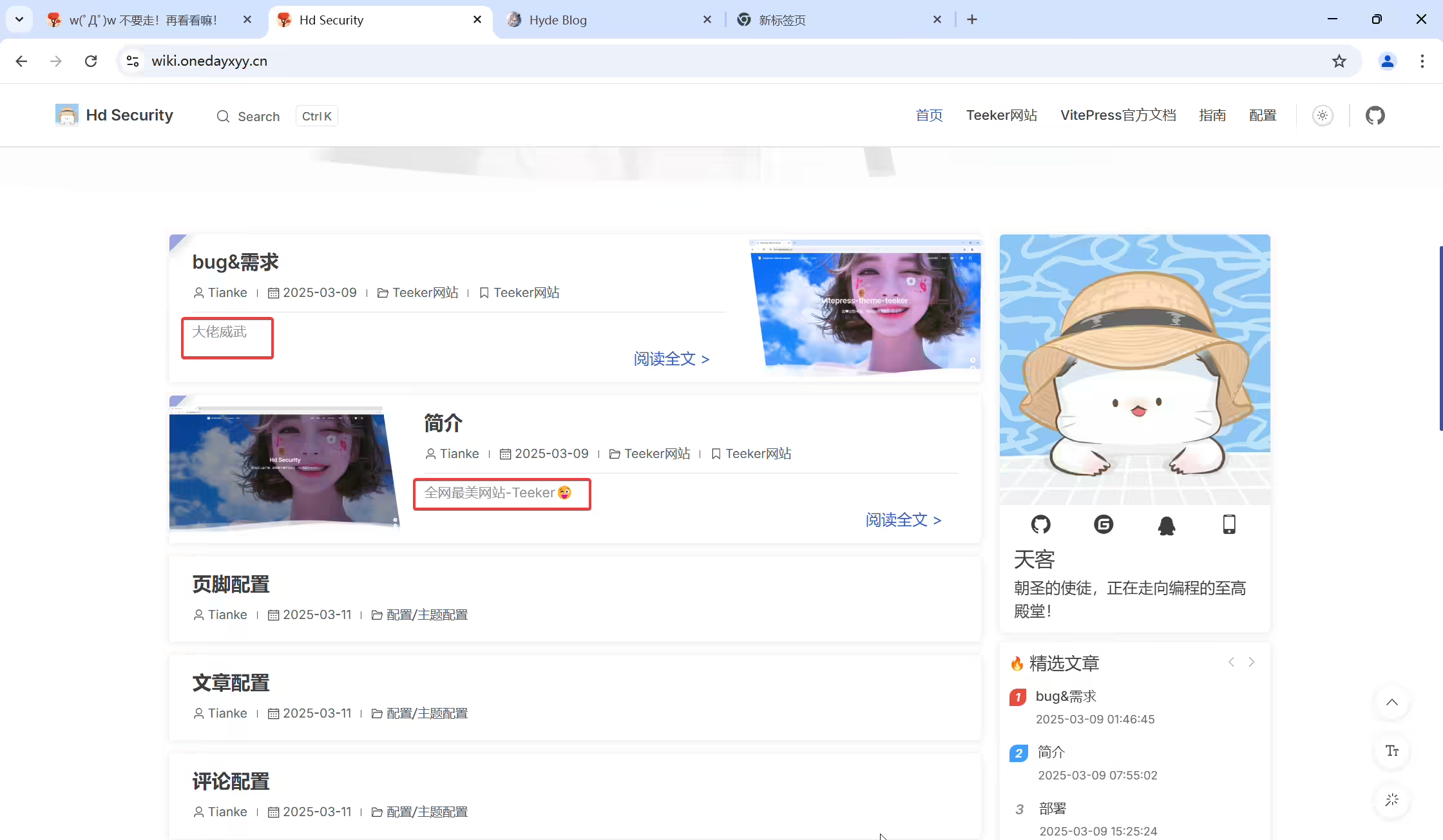
2025年3月10日记录
作者最近一次提交:17137d05da6a4355dd6a5edc63315d6fe598422e
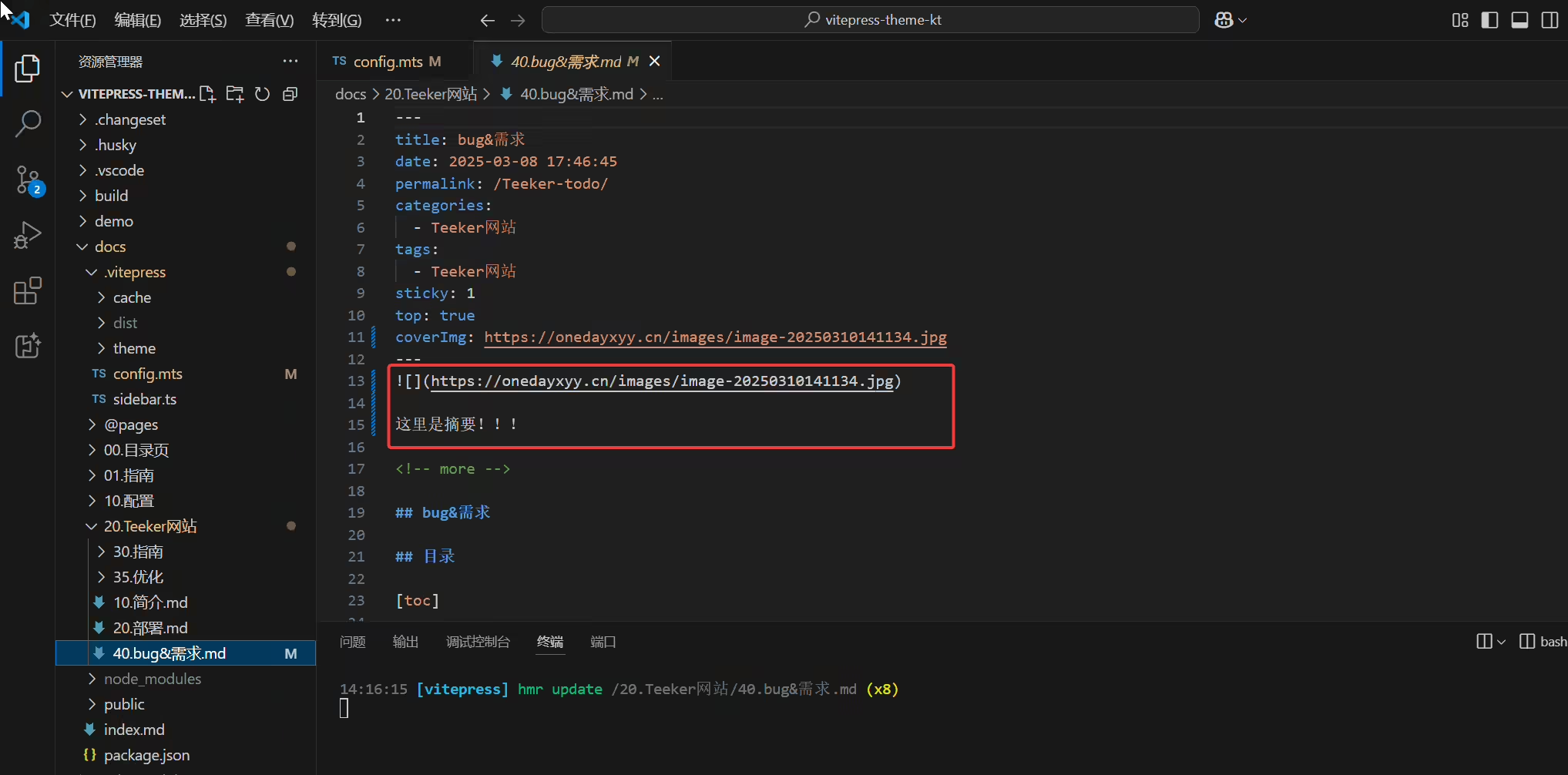
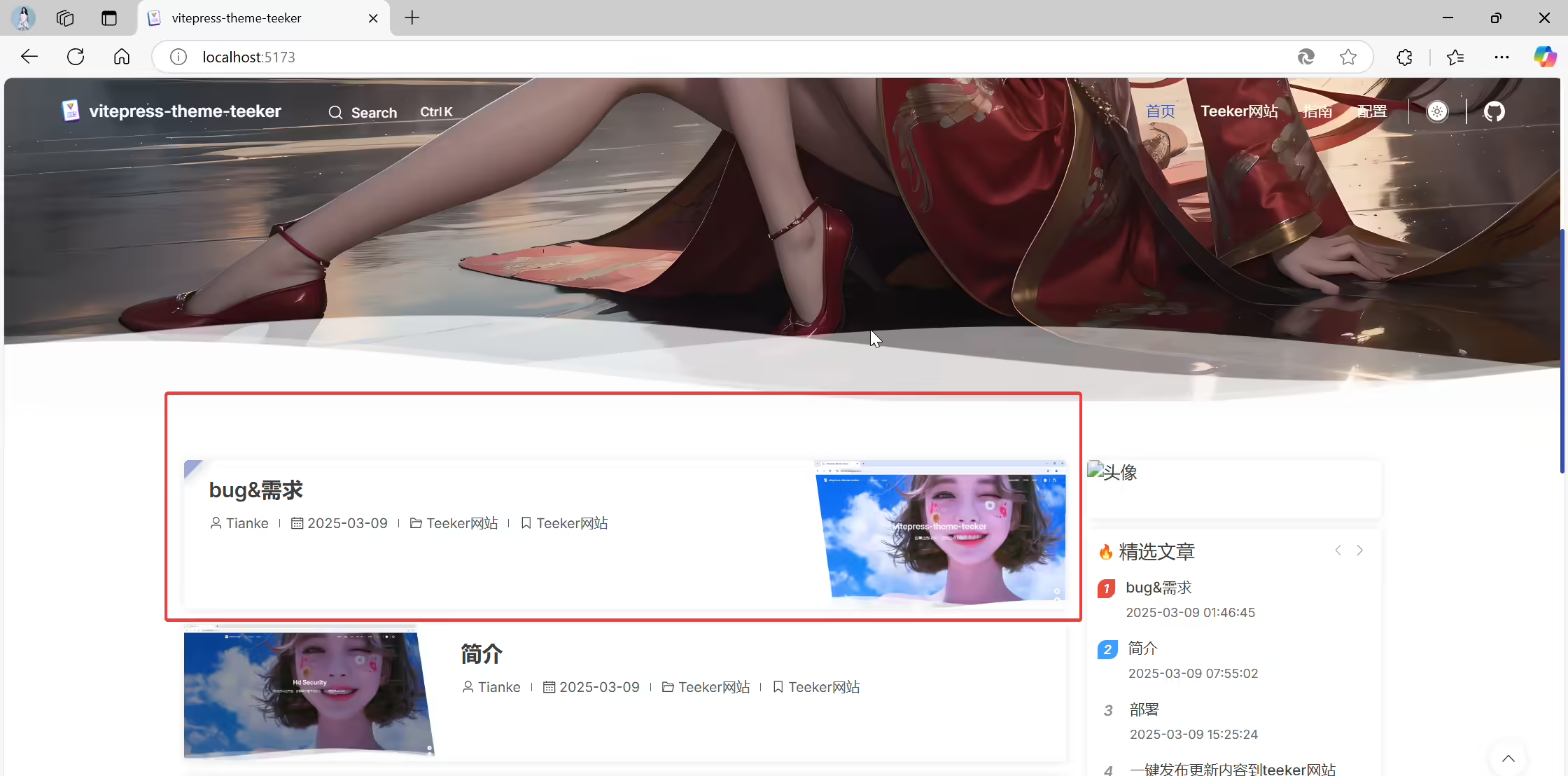
2025年3月11日作者已修复。❤️❤️(大佬威武)
2025年3月9日记录。
2025年3月9日记录。