
快捷菜单
常用功能一站直达
更多功能请点顶栏「快捷菜单」
[[toc]]
[toc]
2025年3月19日记录,已解决。
配置环境:
《Youbg Kbt》大佬开源的《vitepress-theme-teek》一个博客项目(知识库+博客 二合一),它是一个轻量、简易的VitePress主题框架,非常简约唯美,且也在持续迭代更新,感谢大佬开源的这款优秀产品,大佬威武。💖💖💖
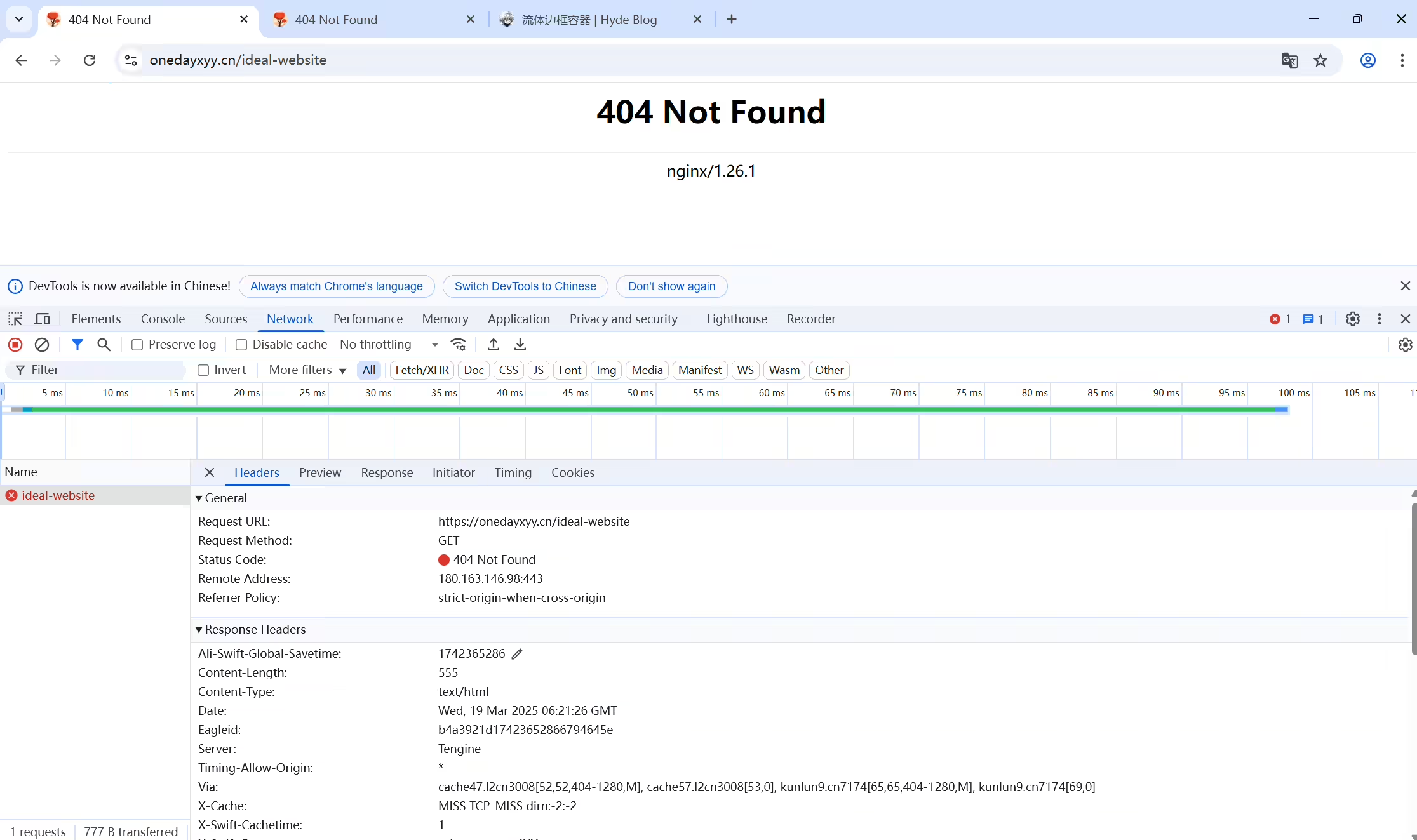
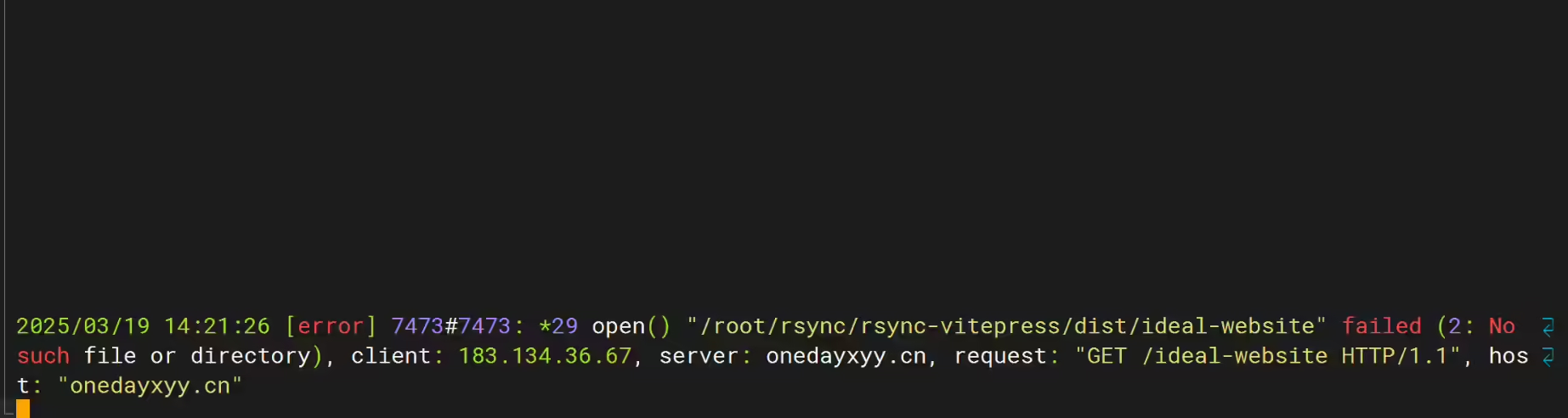
线上博客,正常访问页面是可以的,但是刷新页面后就会出现404错误。
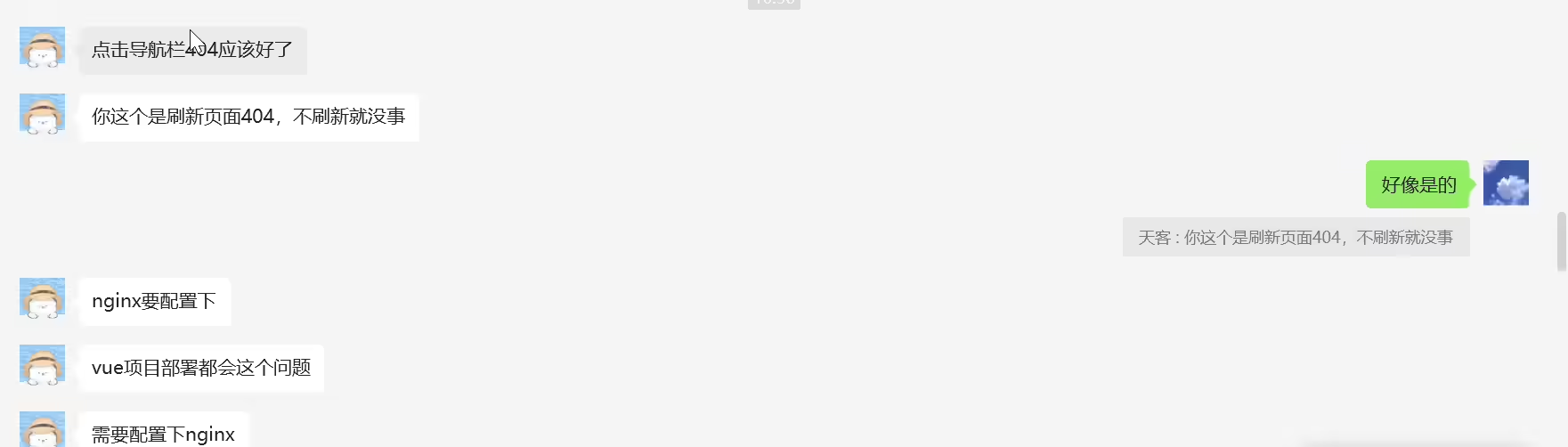
https://router.vuejs.org/zh/guide/essentials/history-mode.html


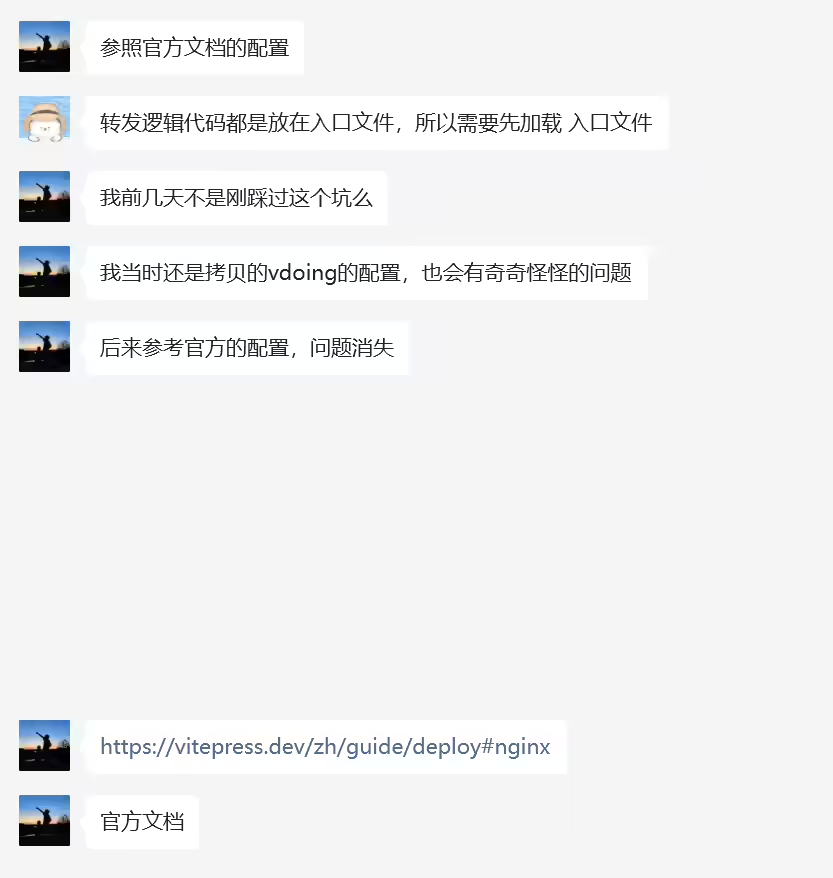
https://vitepress.dev/zh/guide/deploy#nginx
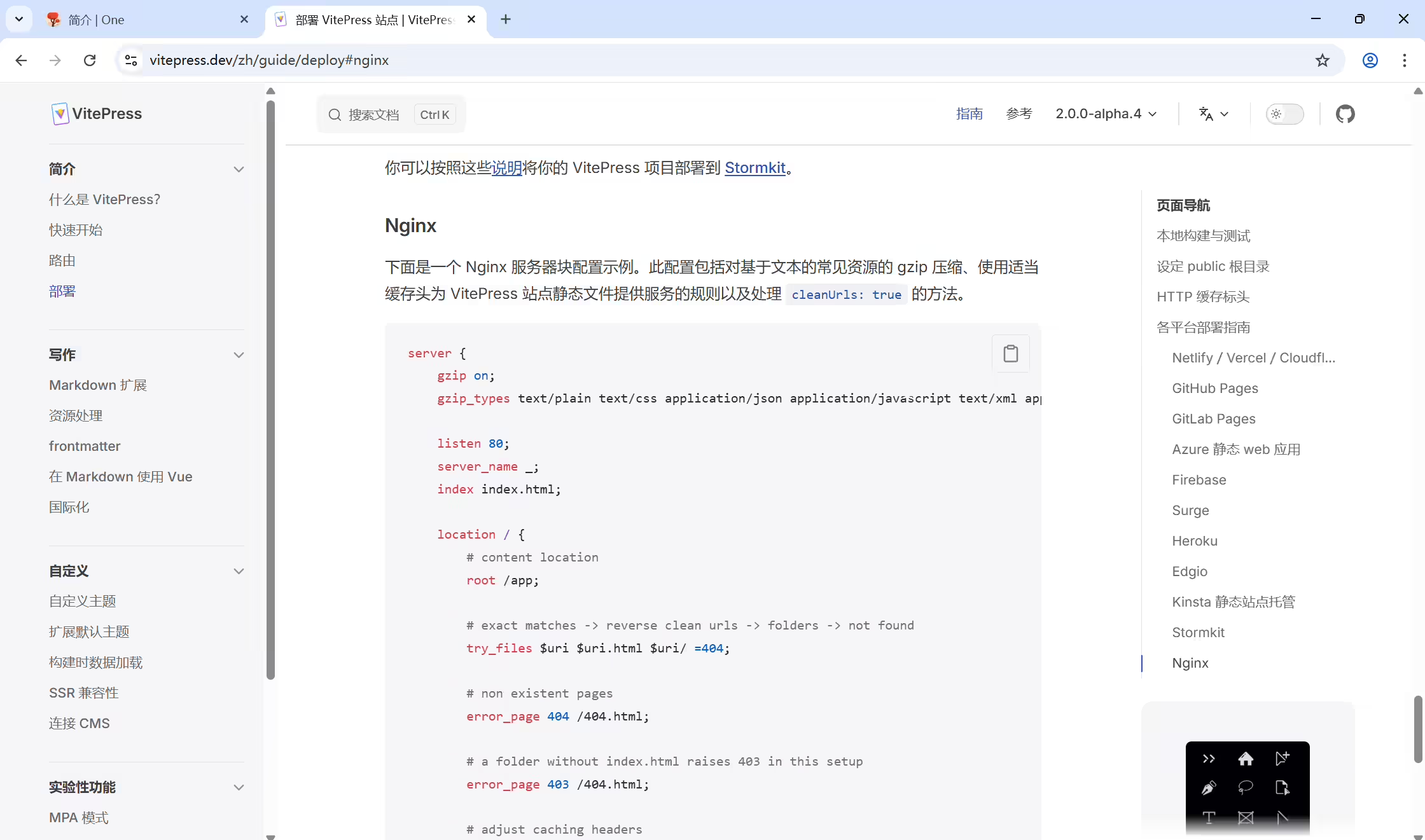
 1server {
 2    gzip on;
 3    gzip_types text/plain text/css application/json application/javascript text/xml application/xml application/xml+rss text/javascript;
 4
 5    listen 80;
 6    server_name _;
 7    index index.html;
 8
 9    location / {
10        # content location
11        root /app;
12
13        # exact matches -> reverse clean urls -> folders -> not found
14        try_files $uri $uri.html $uri/ =404;
15
16        # non existent pages
17        error_page 404 /404.html;
18
19        # a folder without index.html raises 403 in this setup
20        error_page 403 /404.html;
21
22        # adjust caching headers
23        # files in the assets folder have hashes filenames
24        location ~* ^/assets/ {
25            expires 1y;
26            add_header Cache-Control "public, immutable";
27        }
28    }
29}[root@wiki conf.d]# cat onedayxyy.cn.conf
 1server {
 2    listen 80;
 3    server_name onedayxyy.cn;
 4    #配置https重定向
 5    return 301 https://$host$request_uri;
 6}
 7
 8server {
 9    gzip on;
10    gzip_types text/plain text/css application/json application/javascript text/xml application/xml application/xml+rss text/javascript;
11
12    listen  443 ssl;
13    server_name  onedayxyy.cn;
14
15    root /root/rsync/rsync-vitepress/dist;
16    location / {
17        index index.html index.htm;
18        try_files $uri $uri.html $uri/ =404;
19
20        # non existent pages
21        error_page 404 /404.html;
22
23        # a folder without index.html raises 403 in this setup
24        error_page 403 /404.html;
25
26        # adjust caching headers
27        # files in the assets folder have hashes filenames
28        location ~* ^/assets/ {
29            expires 1y;
30            add_header Cache-Control "public, immutable";
31        }
32    }
33
34    location /images {
35        alias /images;
36        index index.html;
37      valid_referers none blocked *.onedayxyy.cn onedayxyy.cn *.gitee.com gitee.com localhost 127.0.0.1;
38      if ( $invalid_referer ) {
39           # 如不满足,指定访问如下资源
40           rewrite ^/ https://onedayxyy.cn/error/1.avif;
41           return 403;
42      }
43    }
44
45    location /home {
46    alias /root/home3.0/;
47        index index.html index.htm;
48    }
49
50    location /wiki {
51    alias /root/rsync/rsync-docusaurus/build;
52        index index.html index.htm;
53    }
54
55    location /newyear {
56    alias /root/rsync/rsync-qianduan-demo/qianduan-demo/newyear;
57        index index.html index.htm;
58    }
59
60    location /error {
61        autoindex on; # 启用目录索引
62        alias /FdangDaoLianImages;
63        index index.html;   # 默认显示index.html文件,如果没有则列出目录内容
64    }
65
66    ssl_certificate             /etc/letsencrypt/live/onedayxyy.cn/fullchain.pem;
67    ssl_certificate_key         /etc/letsencrypt/live/onedayxyy.cn/privkey.pem;
68
69    ssl_session_timeout 5m;
70    ssl_protocols TLSv1.1 TLSv1.2 TLSv1.3;
71    ssl_ciphers EECDH+CHACHA20:EECDH+AES128:RSA+AES128:EECDH+AES256:RSA+AES256:EECDH+3DES:RSA+3DES:!MD5;
72    ssl_prefer_server_ciphers on;
73    add_header Strict-Transport-Security "max-age=31536000";
74
75    access_log /var/log/nginx/onedayxyy.cn.https.log;
76}1systemctl restart nginx测试,发现以上问题是被解决了的,完美。😂
精选 · 友链 · 更多

One的公众号
爱折腾博客的小白
