
快捷菜单
常用功能一站直达
更多功能请点顶栏「快捷菜单」
[[toc]]
[toc]
 1Teek~一款简约、唯美、丝滑、强大的VitePress主题
 2(1)Teek简约版:(原作者模板)
 3demo: https://vp.teek.top/
 4简约模板:https://github.com/Kele-Bingtang/vitepress-theme-teek-docs-template
 5
 6
 7
 8(2)Teek增强版:(One或Hyde模板)
 9One:
10	主站:https://onedayxyy.cn/
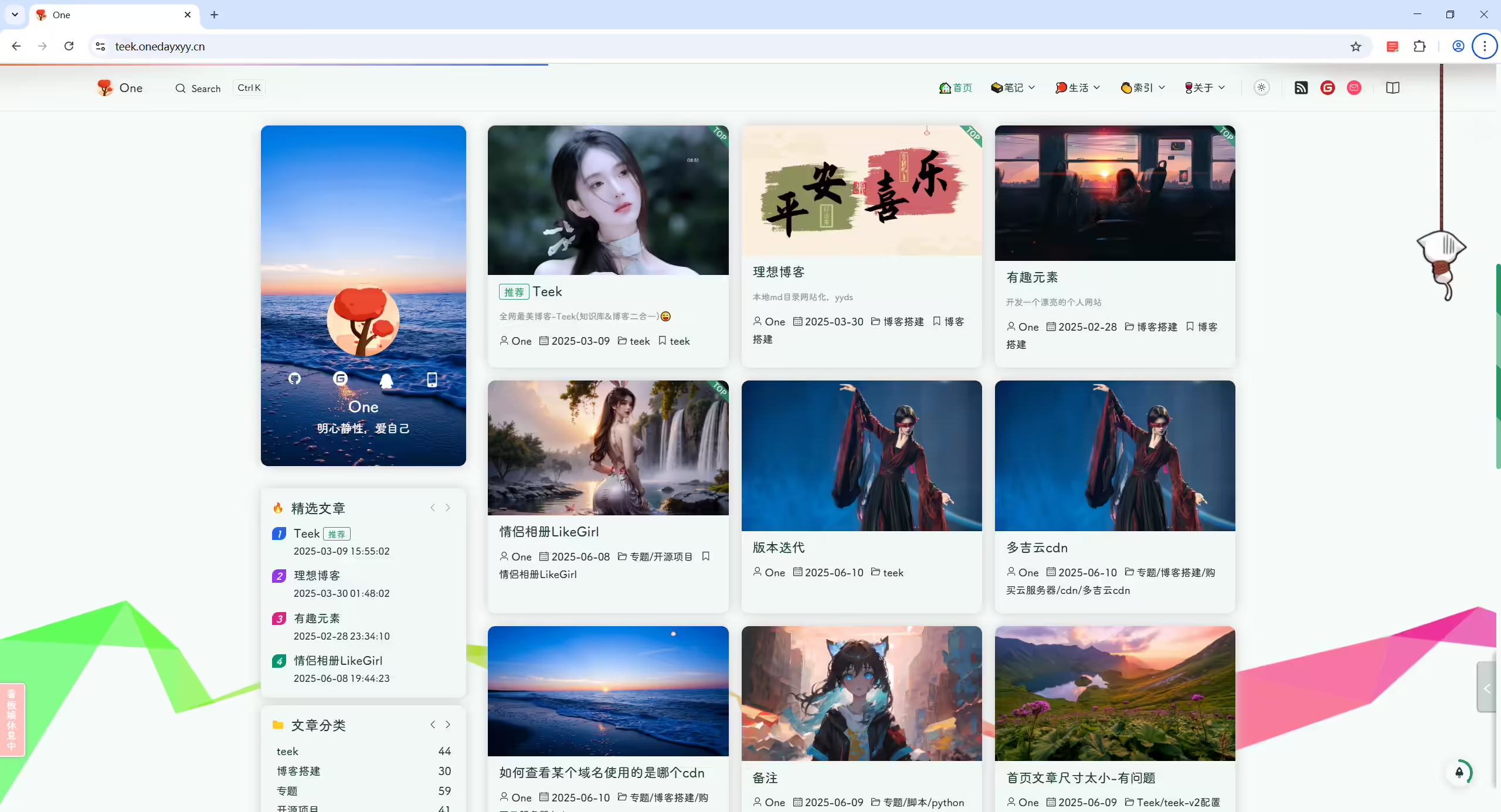
11    demo:https://teek.onedayxyy.cn/
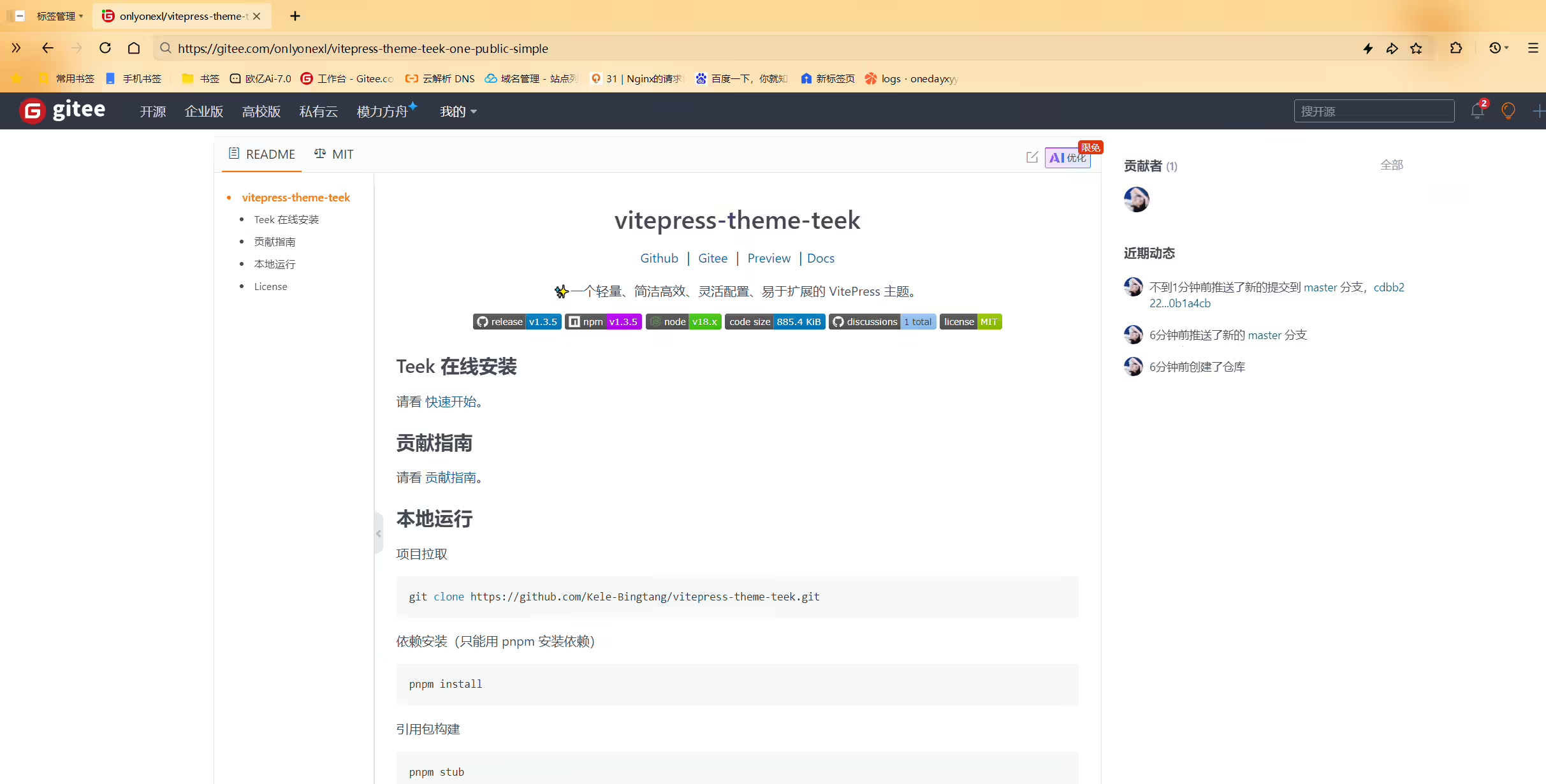
12	简约模板:https://gitee.com/onlyonexl/vitepress-theme-teek-one-public-simple  (推荐)
13	花里胡哨模板:https://gitee.com/onlyonexl/vitepress-theme-teek-one-public-gull (不推荐)
14Hyde:
15	demo:https://teek.seasir.top/
16	模板:https://gitee.com/SeasirHyde/teek-hyde
17
18---
19
20One 主站:https://onedayxyy.cn/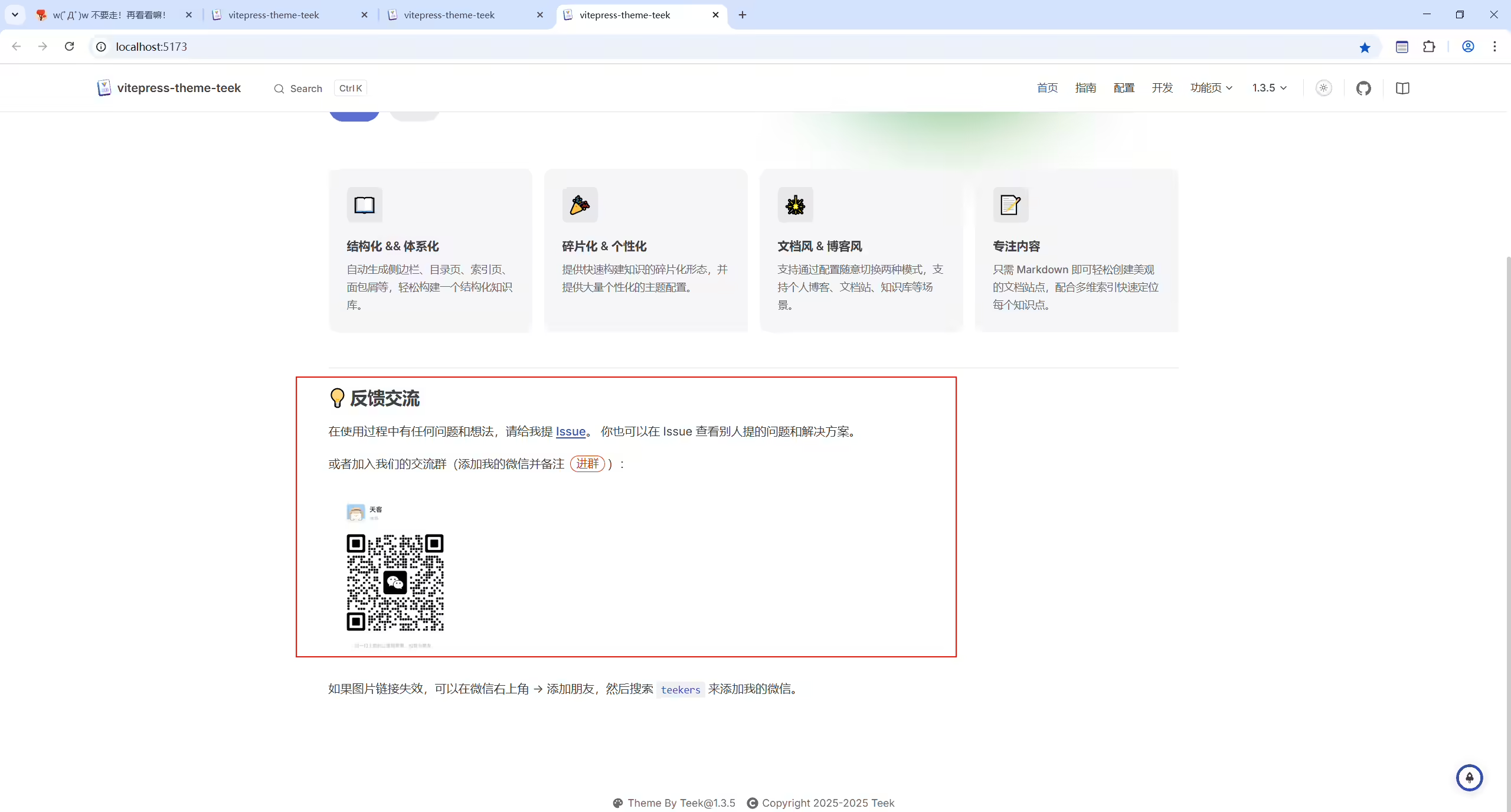
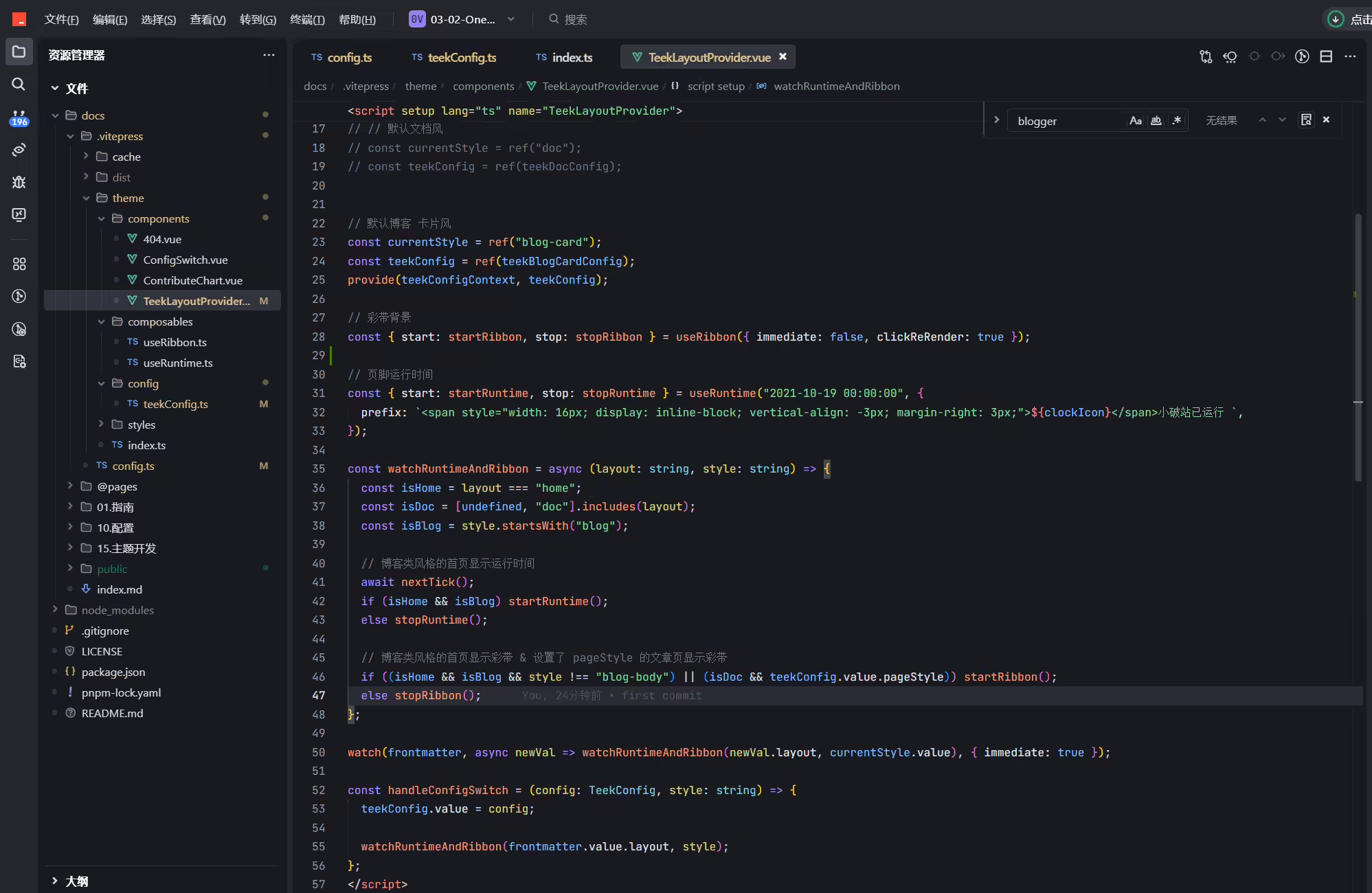
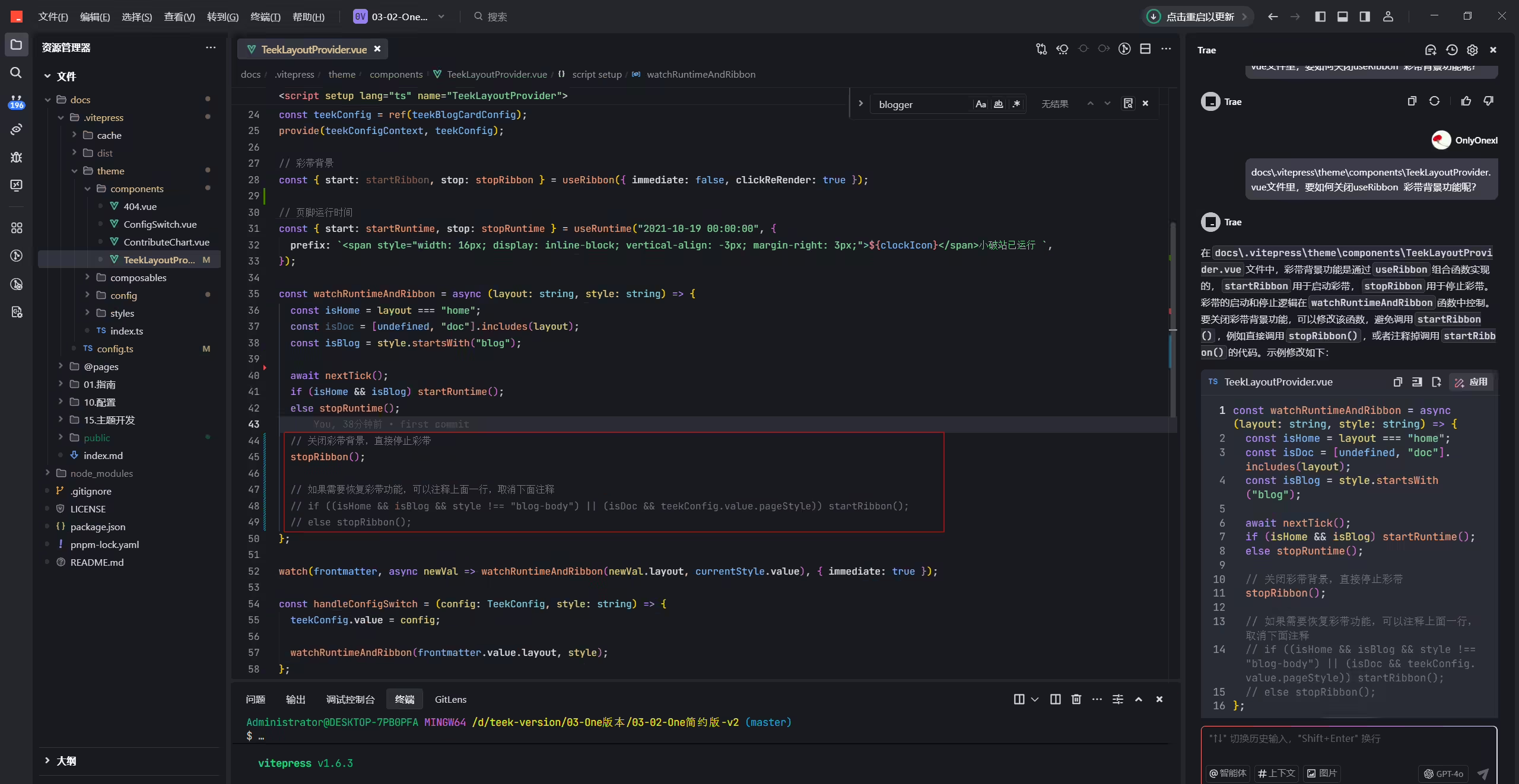
注释次部分代码:
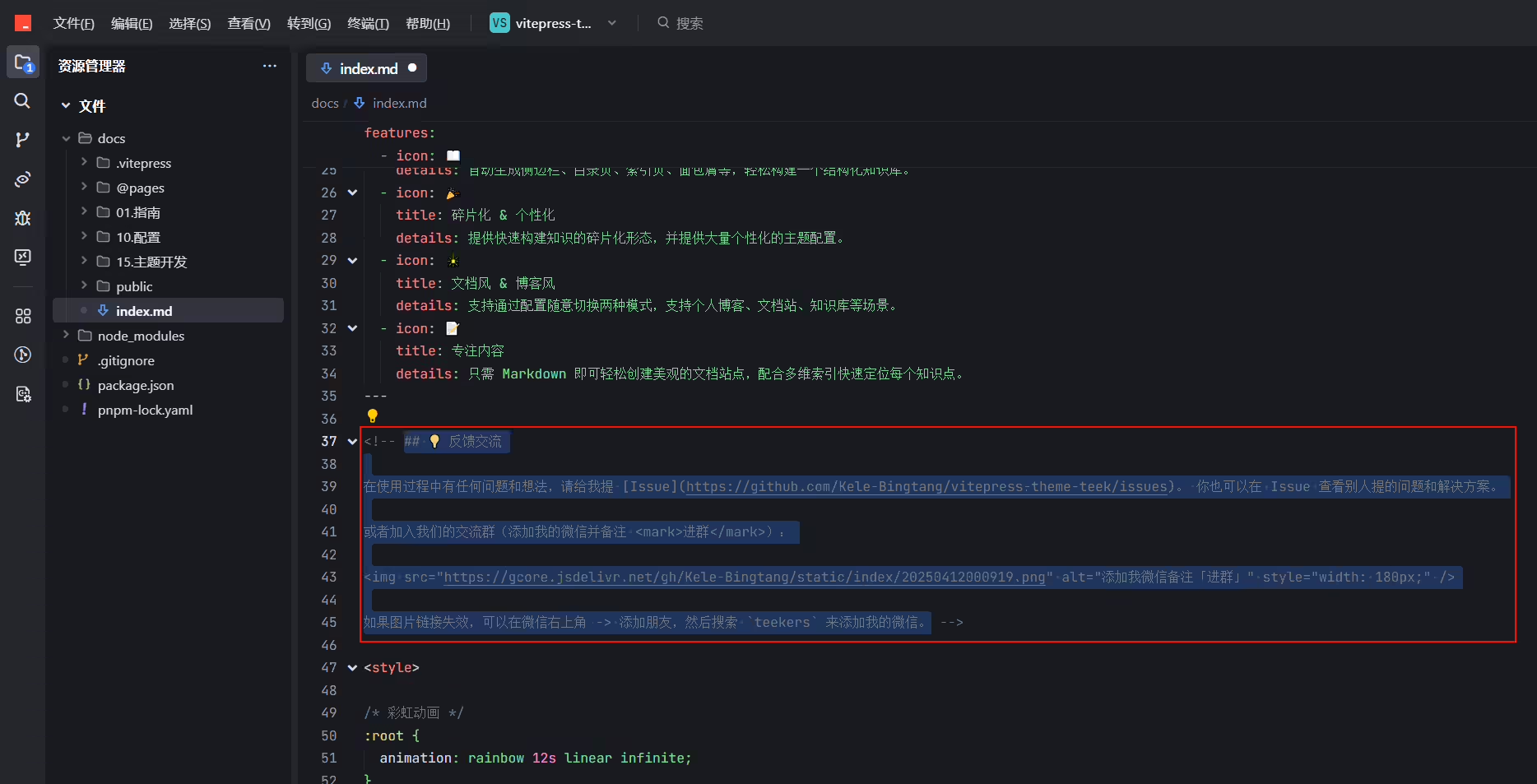
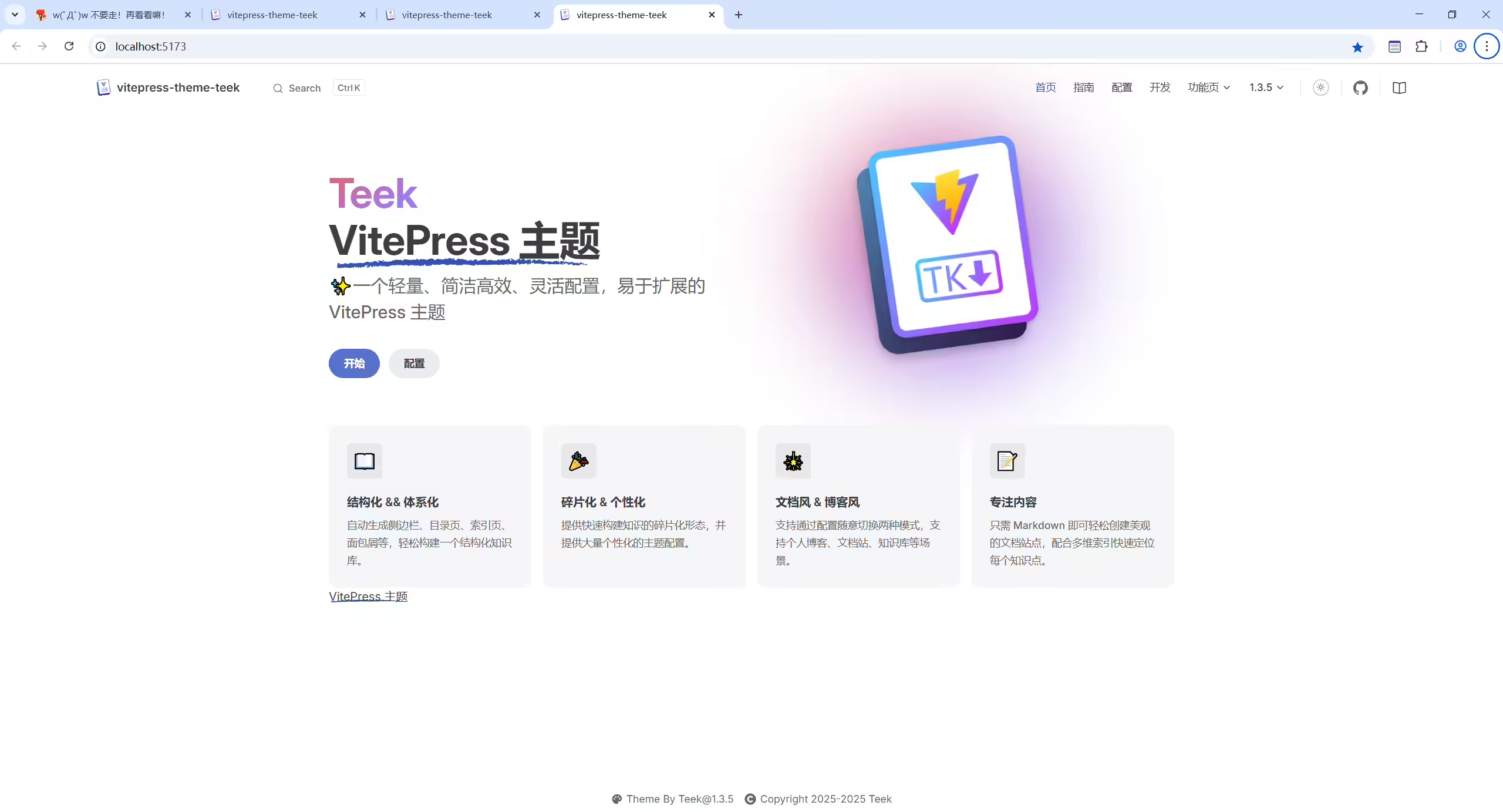
重新运行下就好了!!!
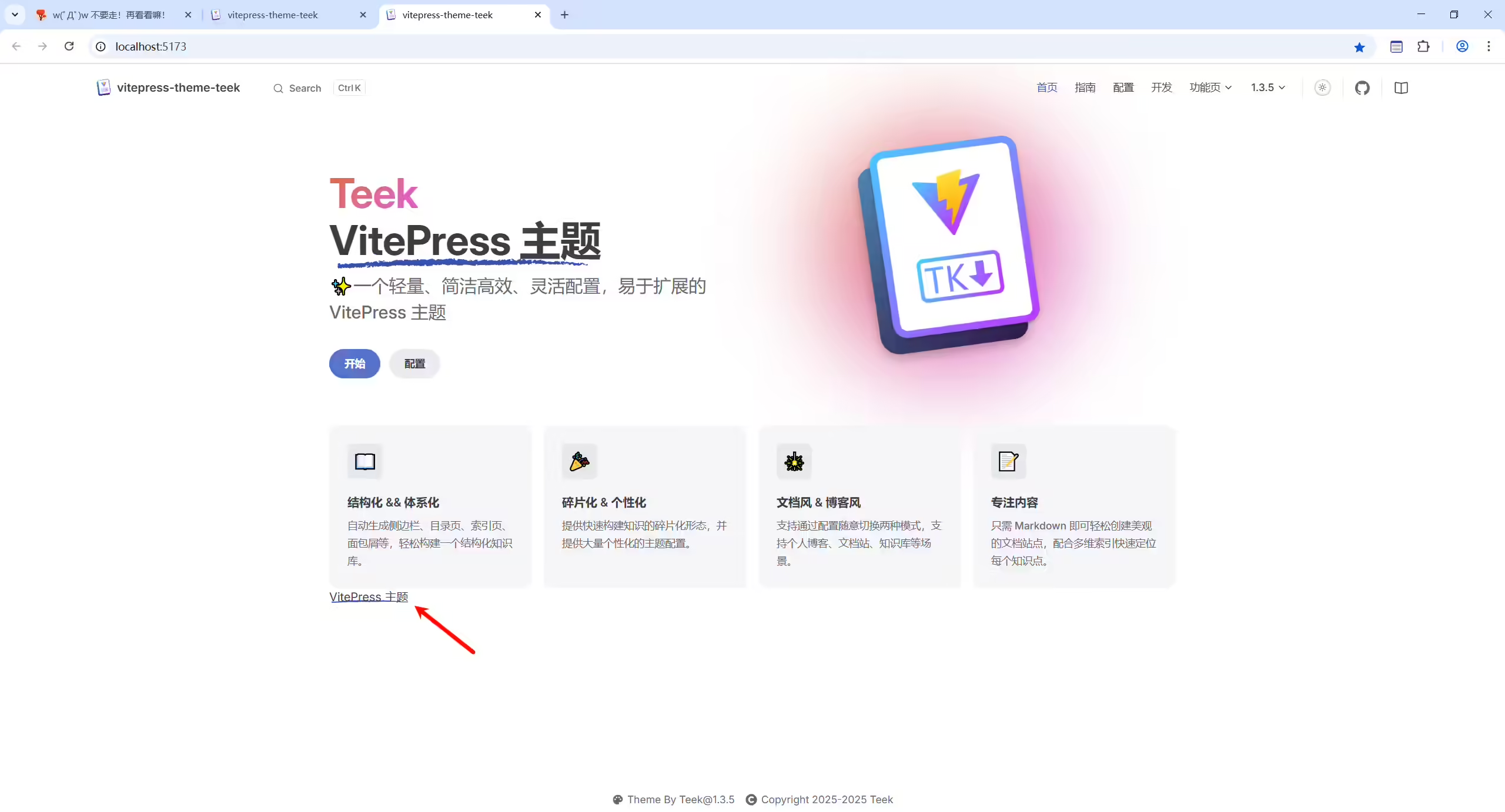
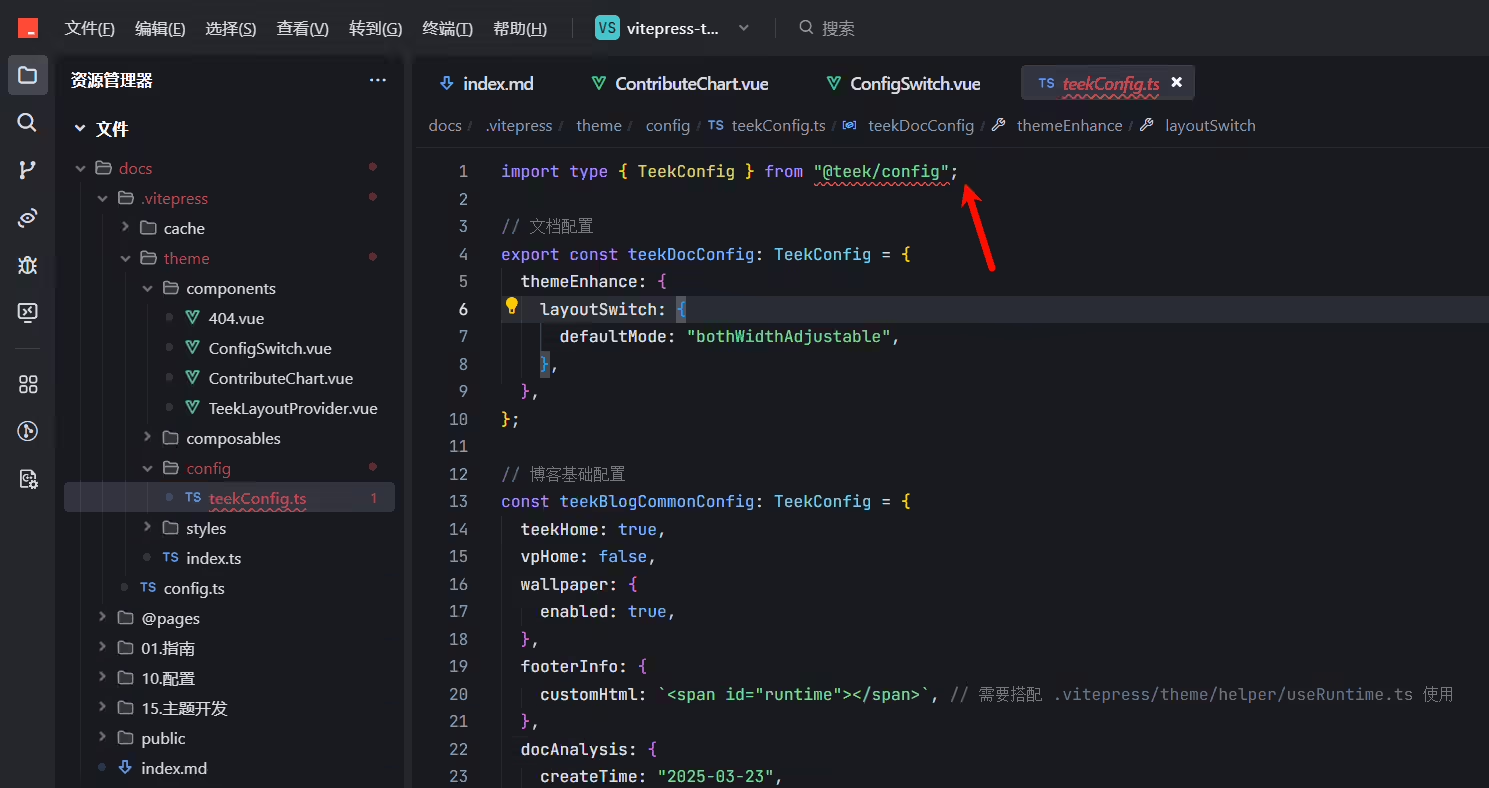
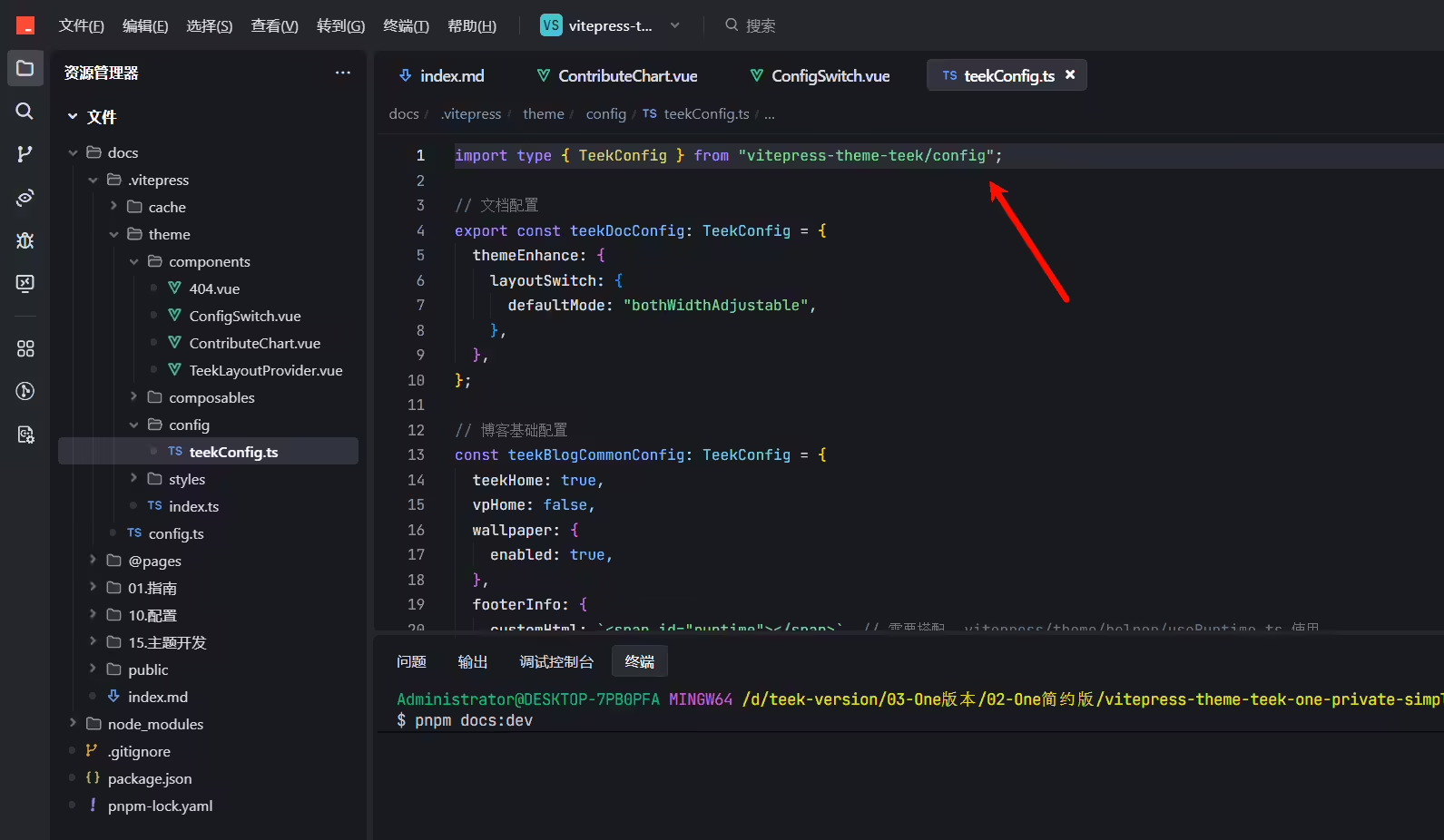
默认是文档风格
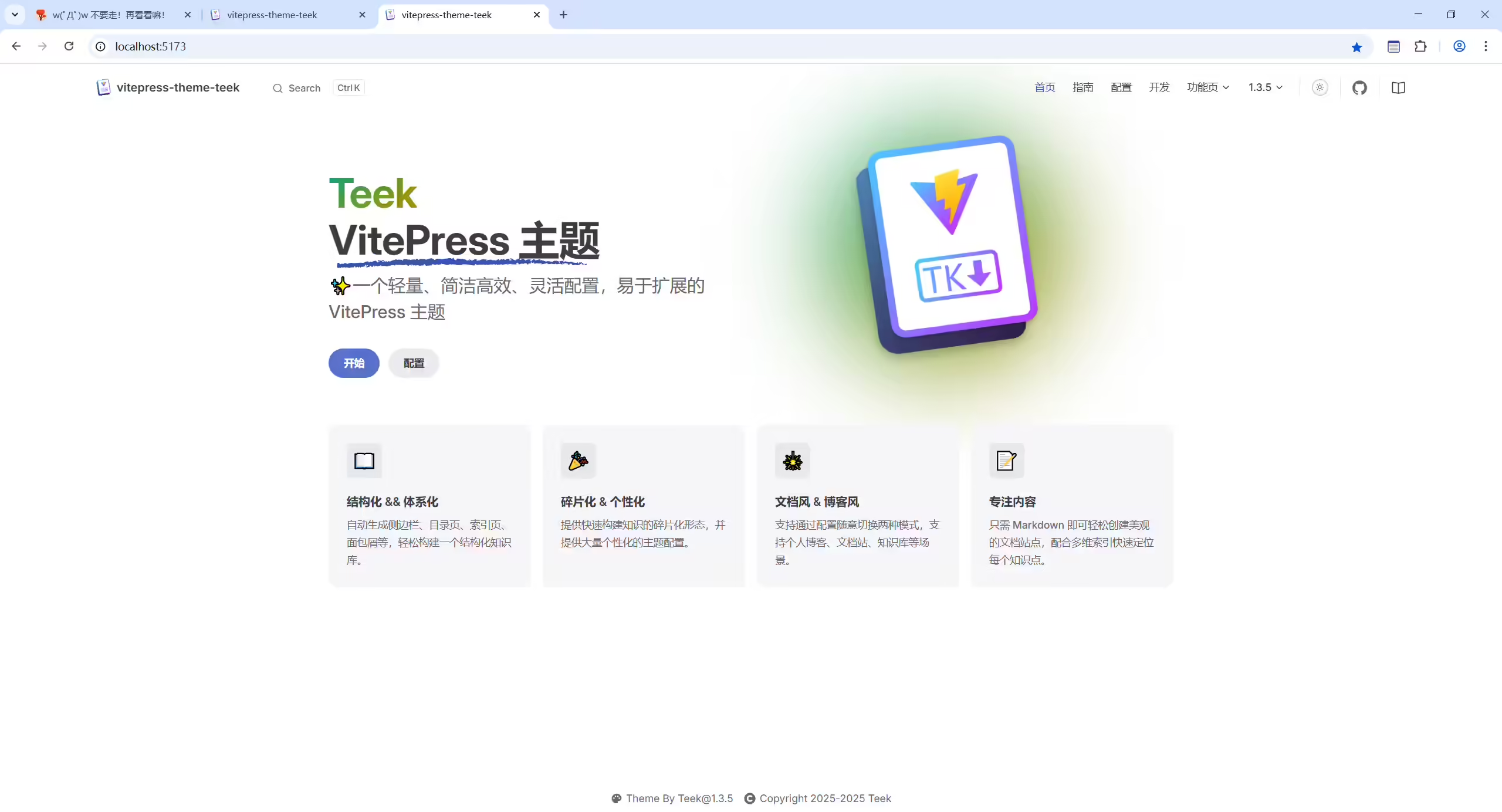
验证(OK的)
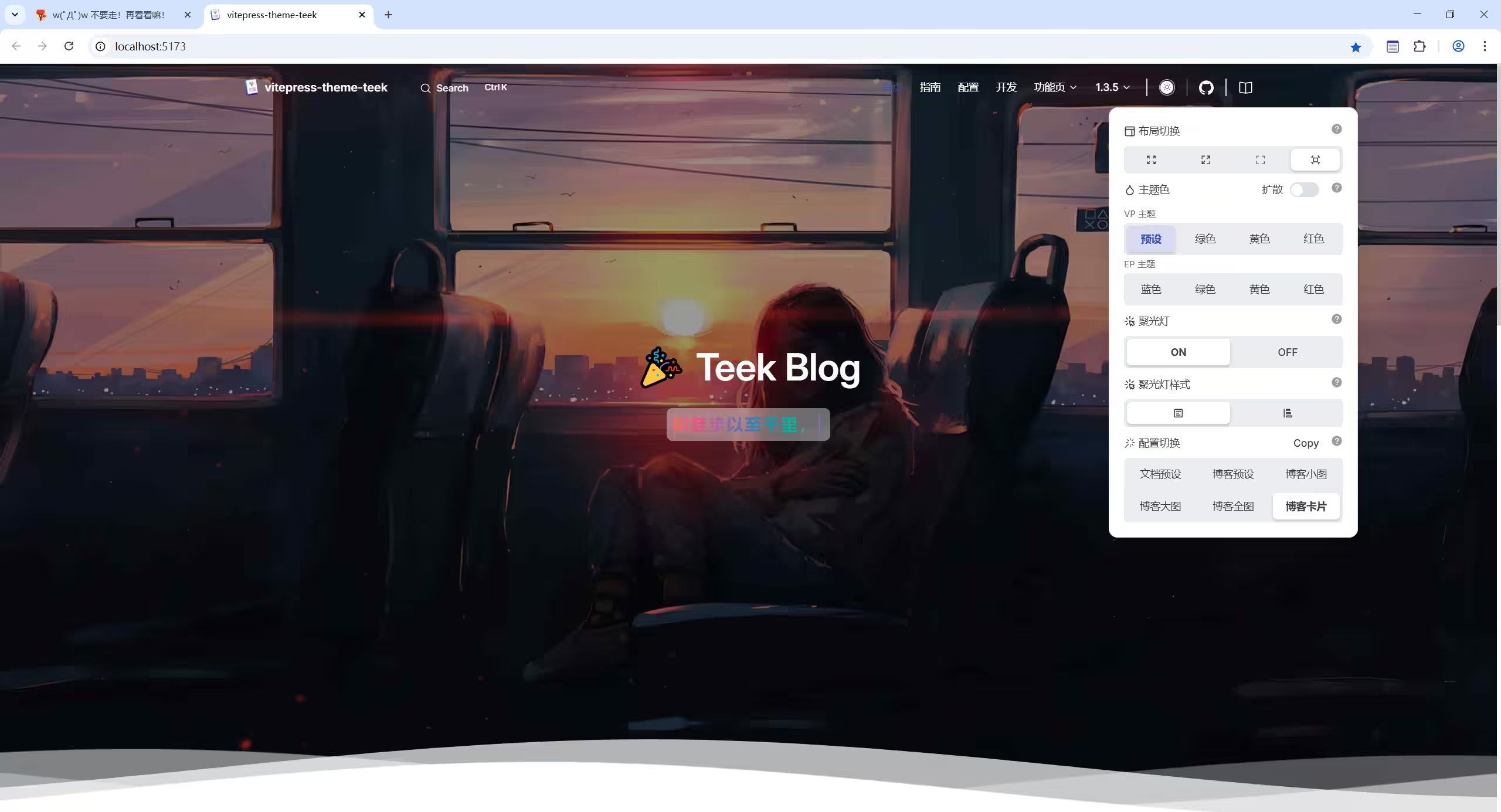
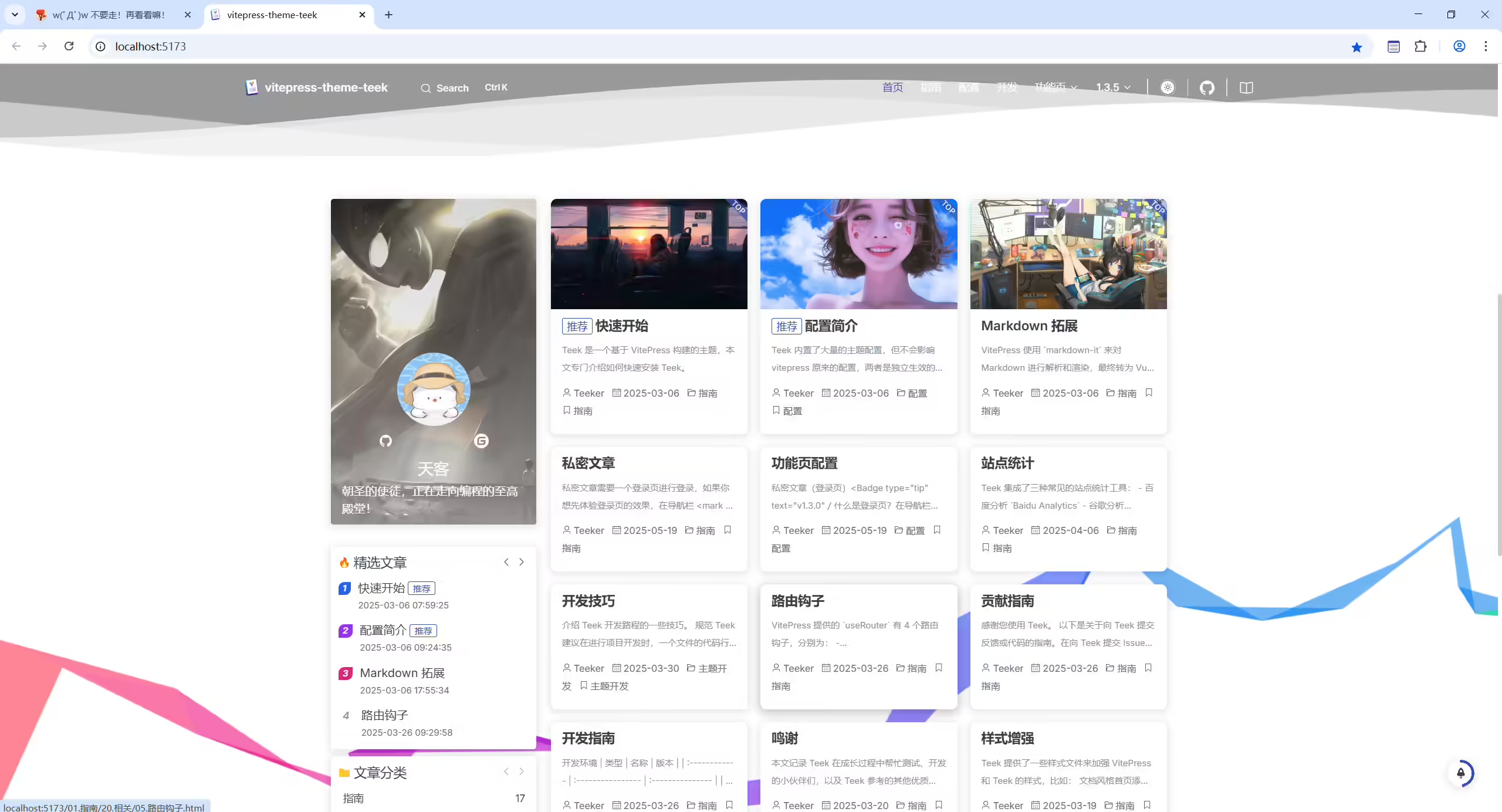
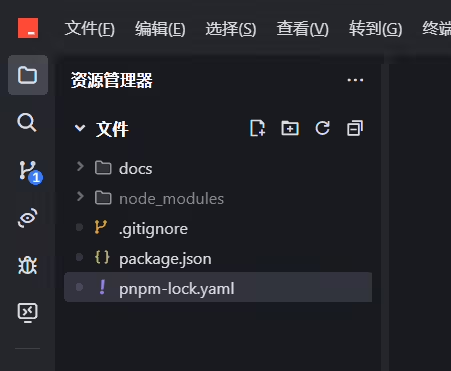
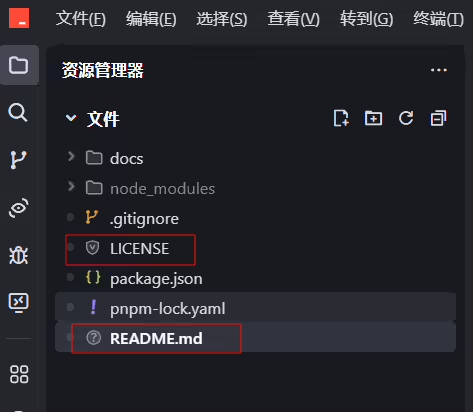
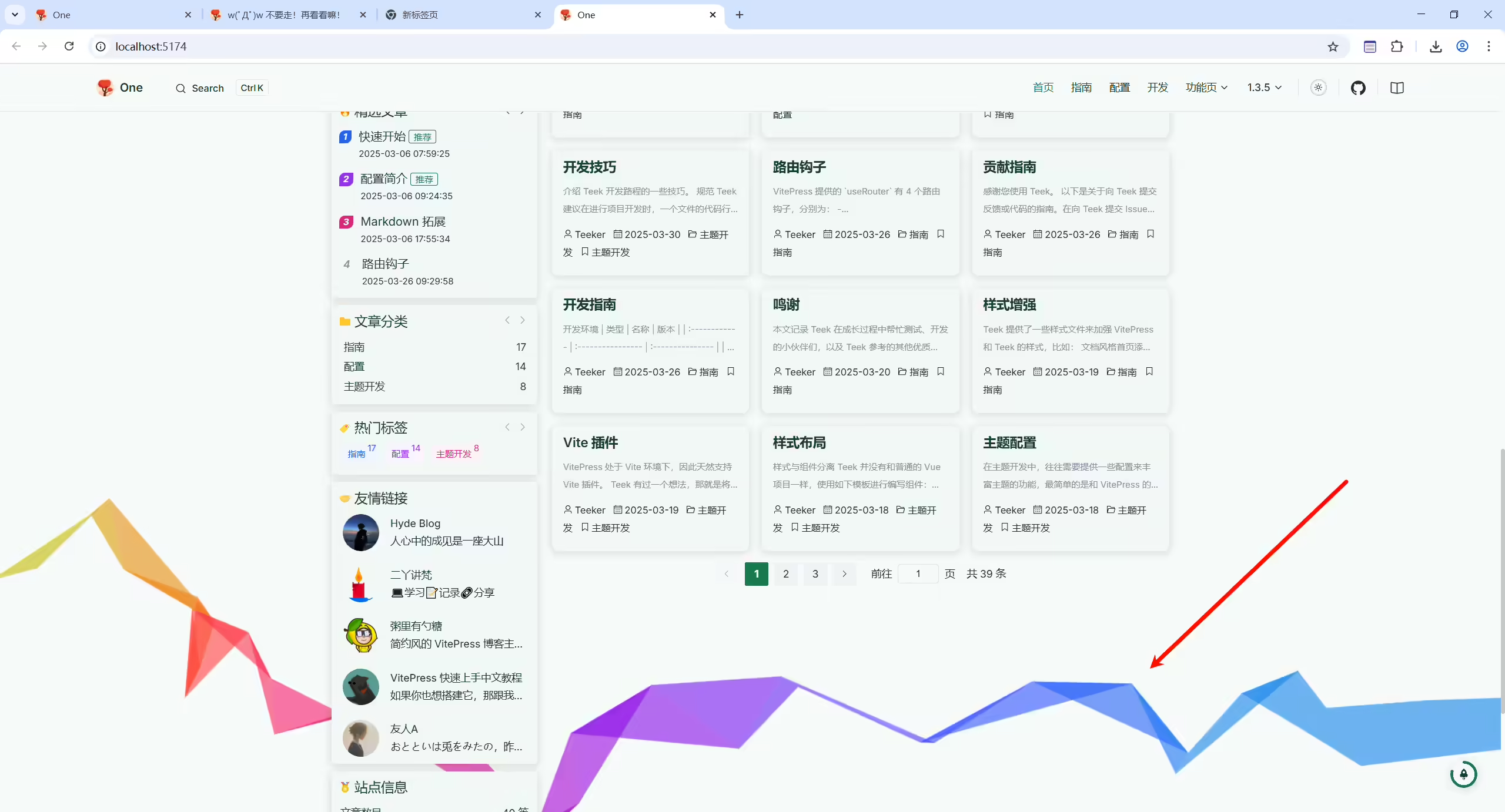
默认是有彩虹功能的,为了简约,这里关闭彩虹功能
默认
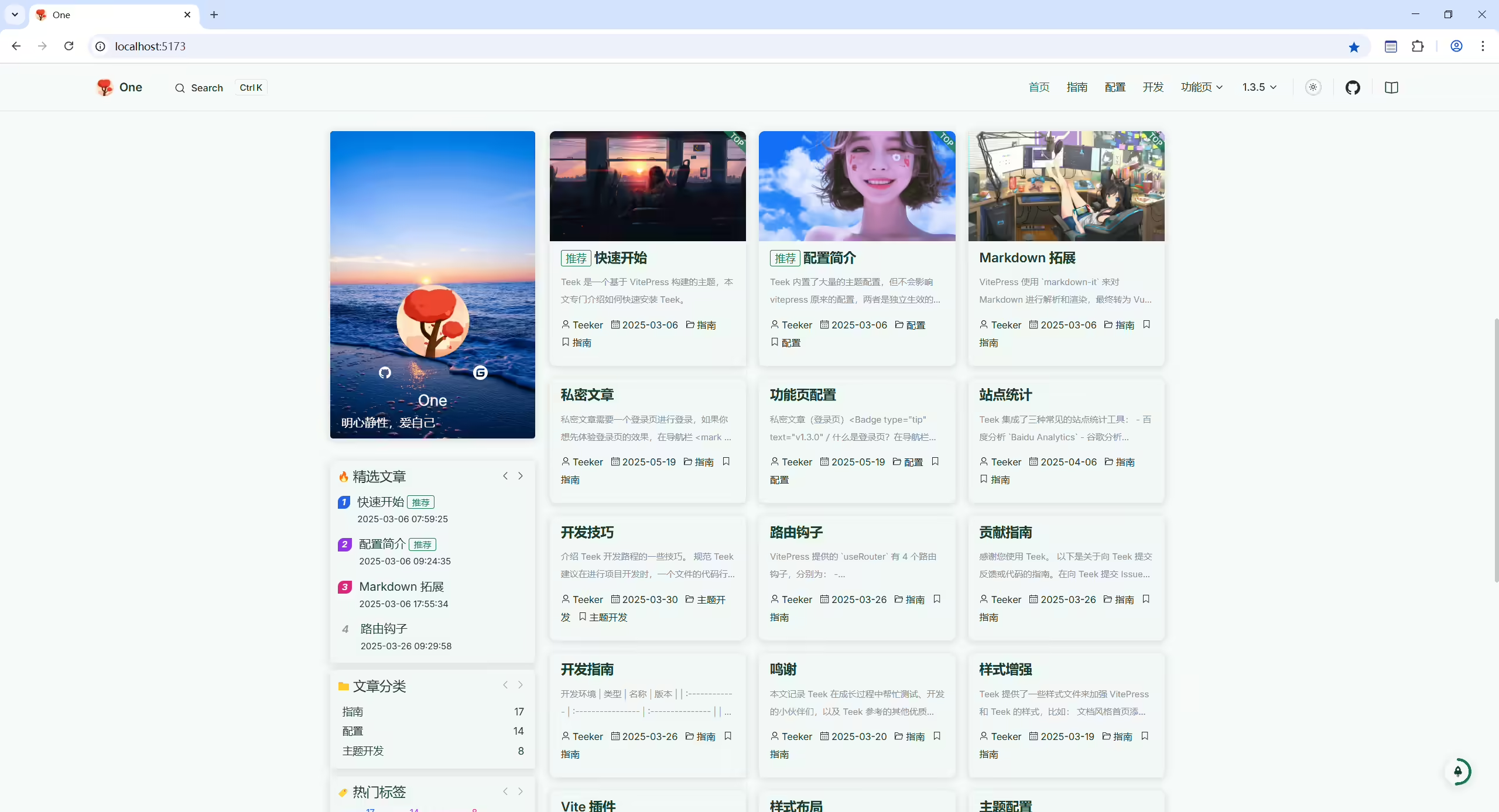
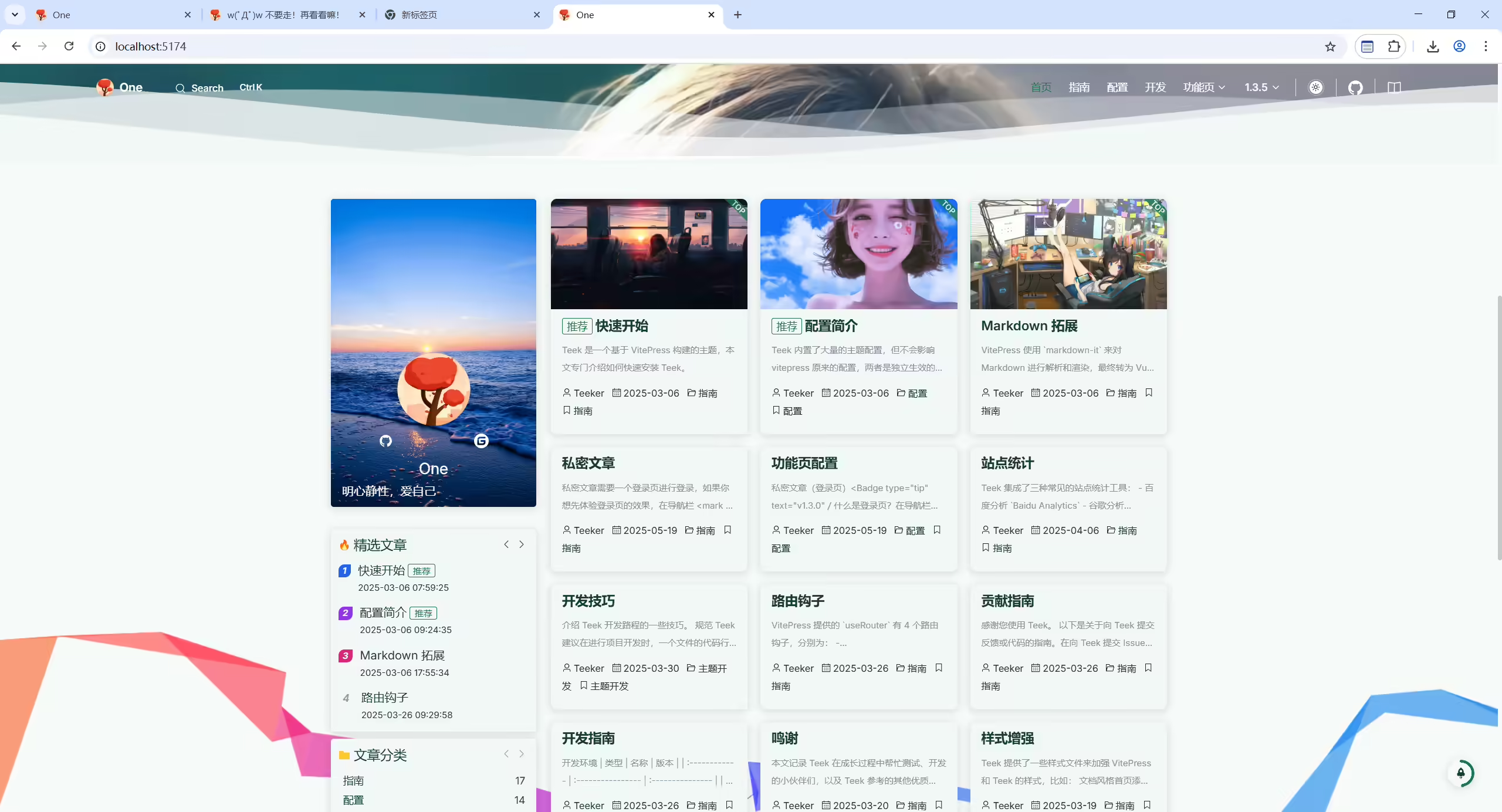
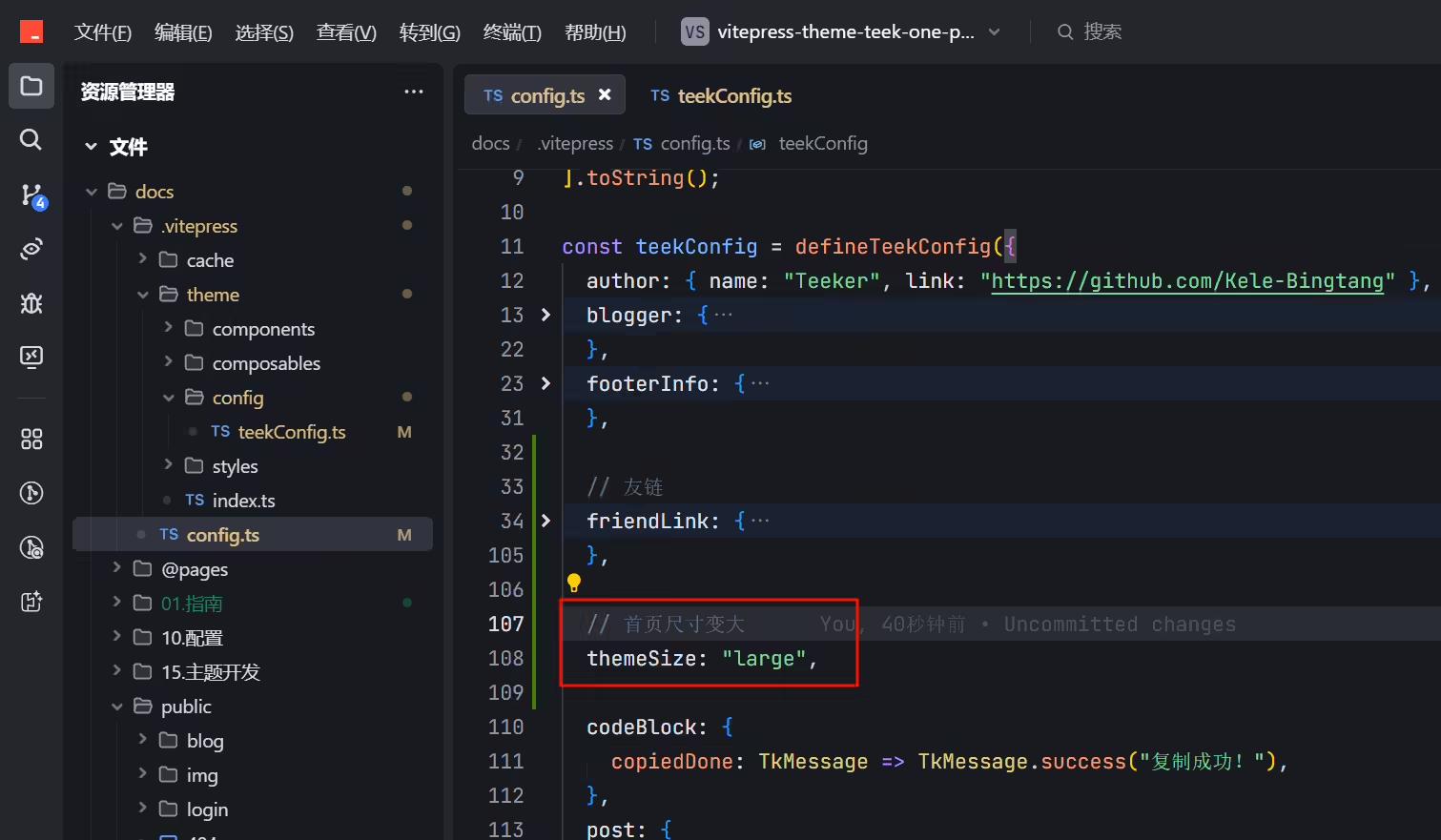
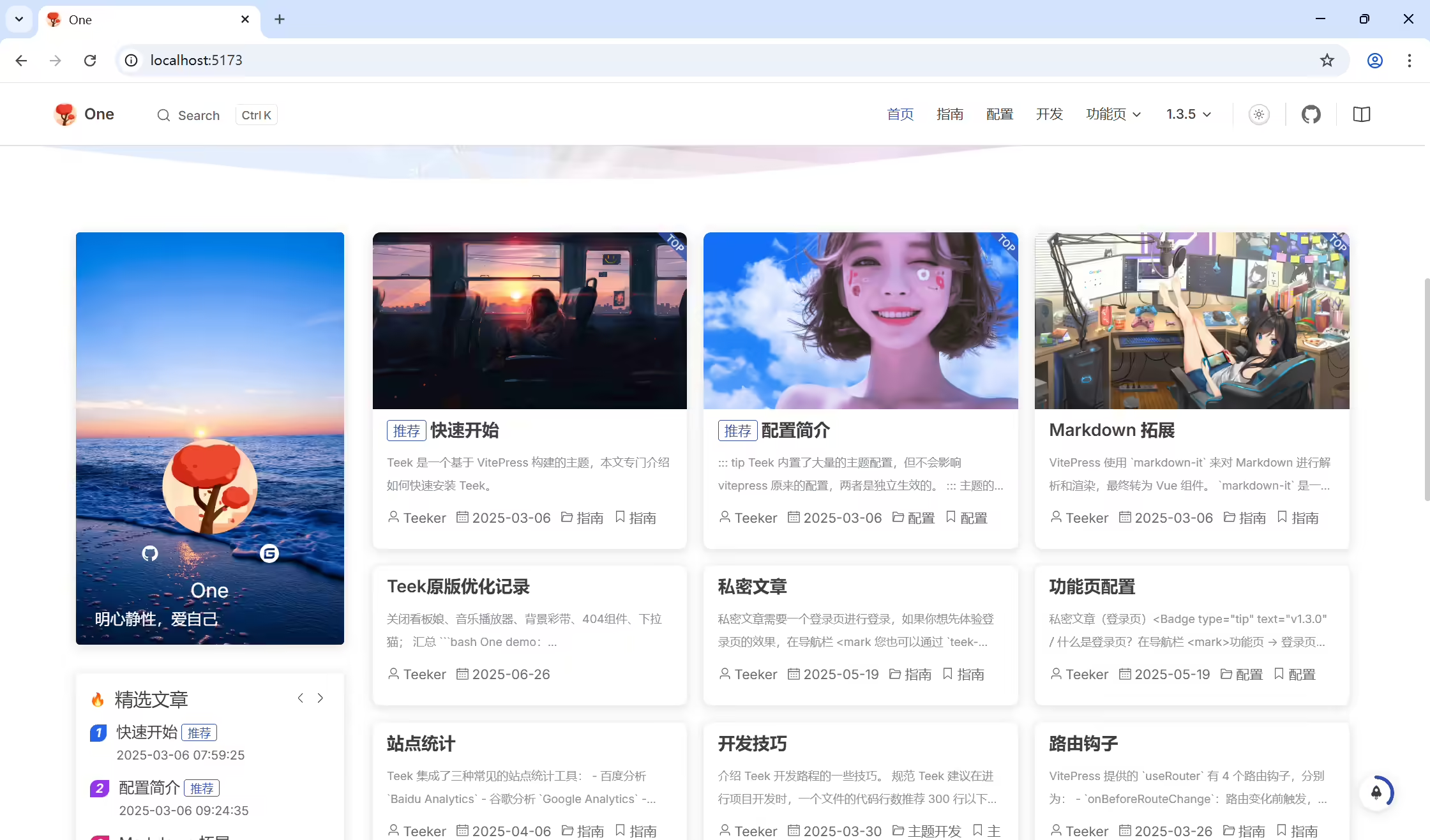
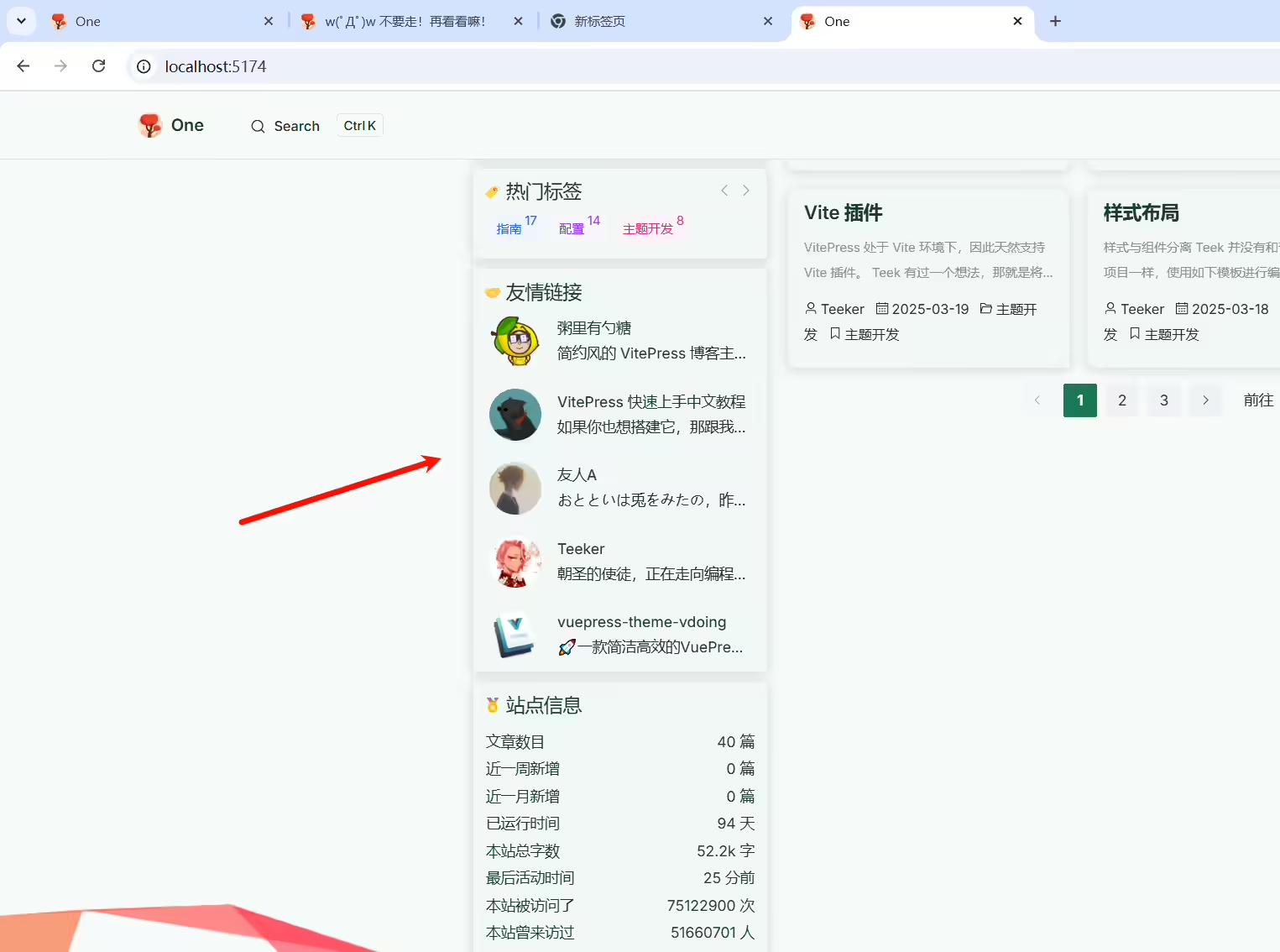
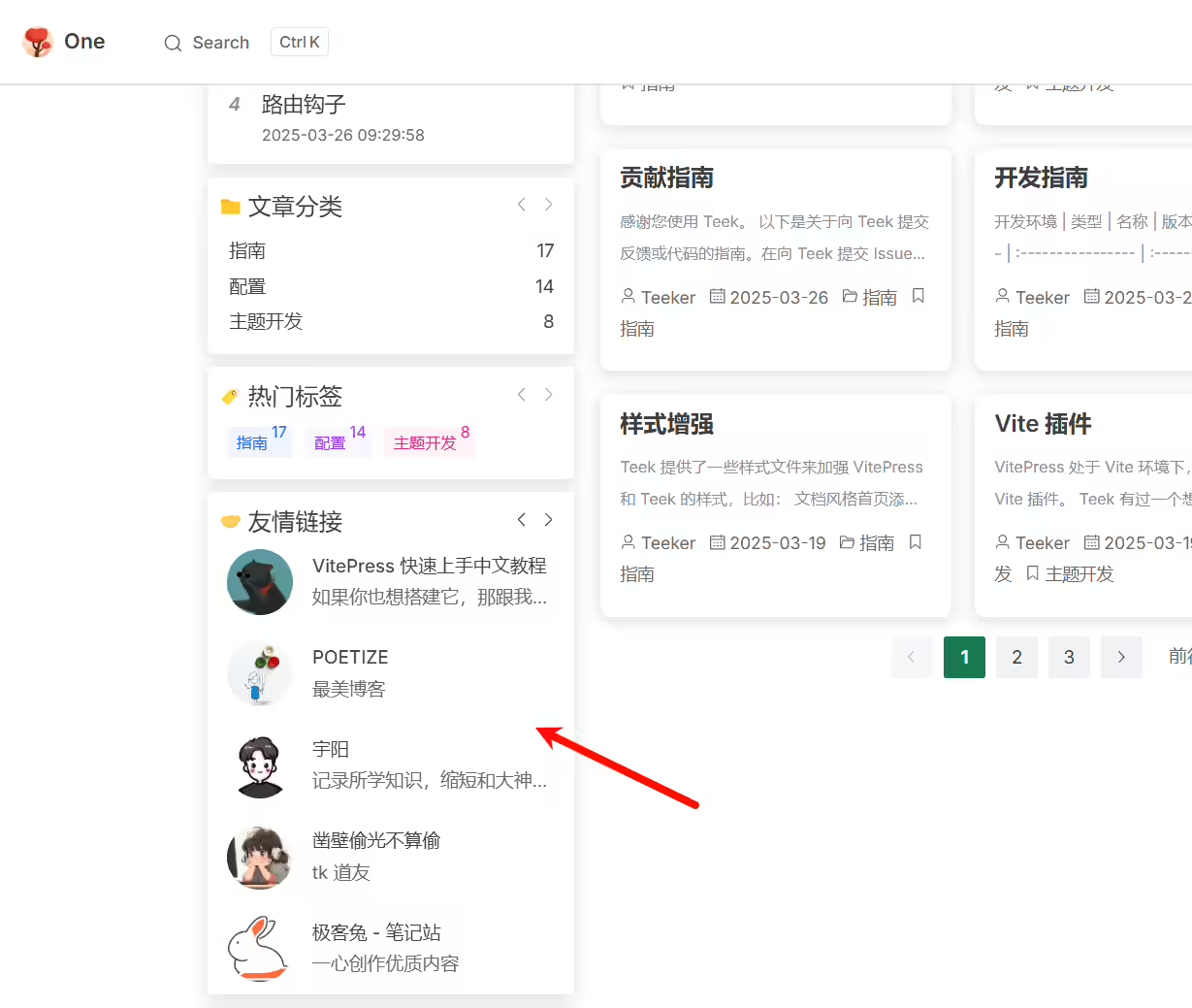
编辑docs\.vitepress\config.ts文件:
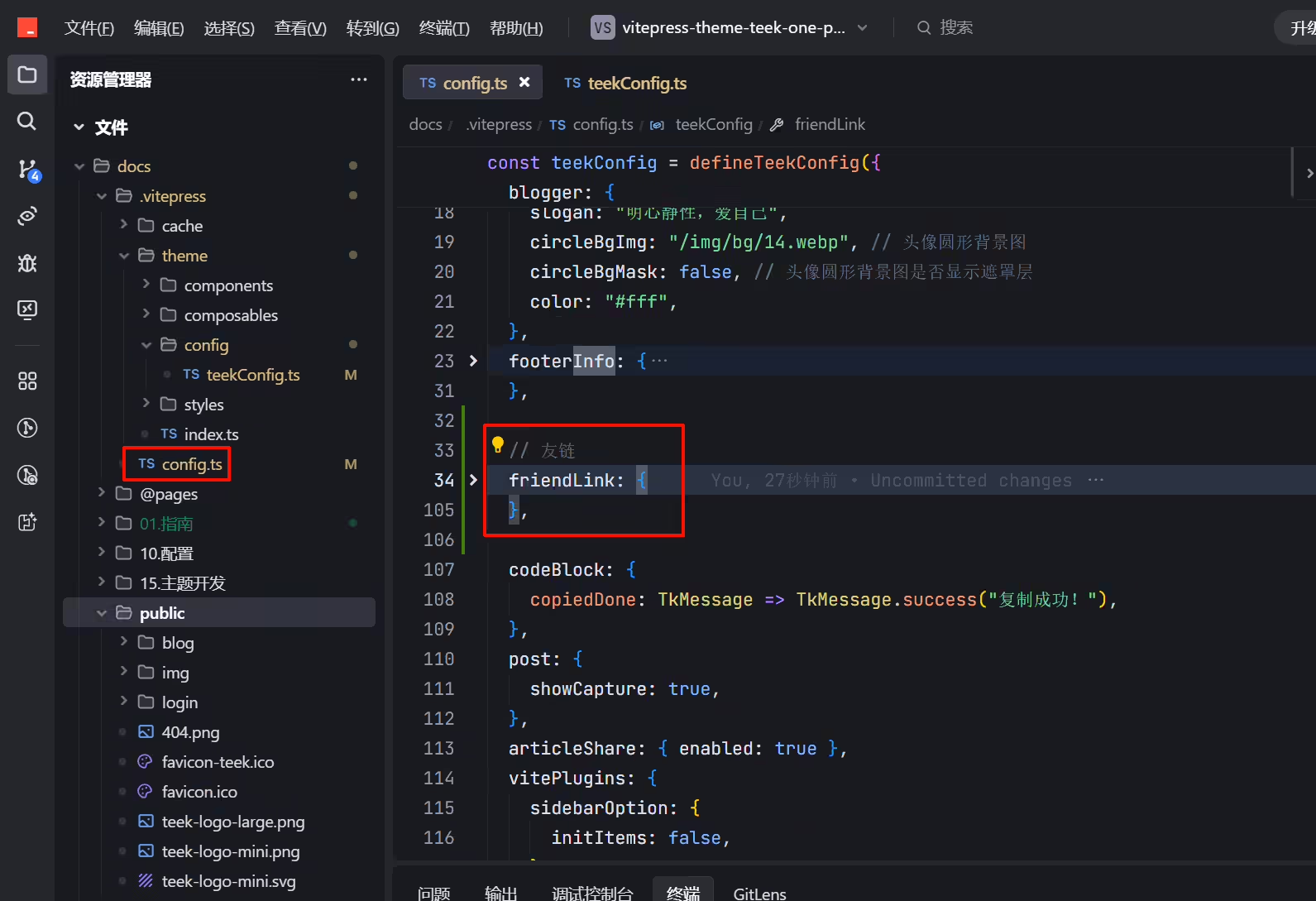
 1  // 友链
 2  friendLink: {
 3    enabled: true, // 是否启用友情链接卡片
 4    list: [
 5      {
 6        avatar: "/teek-logo-large.avif",
 7        name: "vitepress-theme-teek",
 8        desc: "Teek官网",
 9        link: "https://vp.teek.top/",
10      },
11      {
12        name: "Teeker",
13        desc: "朝圣的使徒,正在走向编程的至高殿堂!",
14        link: "http://notes.teek.top/",
15        avatar: "https://testingcf.jsdelivr.net/gh/Kele-Bingtang/static/user/avatar2.avif",
16      },
17      {
18        avatar: "/img/website/hyde.ico",
19        name: "Hyde Blog",
20        desc: "人心中的成见是一座大山",
21        link: "https://teek.seasir.top/",
22      },
23      {
24        avatar: "https://wiki.eryajf.net/img/logo.avif",
25        name: "二丫讲梵",
26        desc: "💻学习📝记录🔗分享",
27        link: "https://wiki.eryajf.net/",
28      },
29      {
30        avatar: "/img/website/sugarat.top-logo.avif",
31        name: "粥里有勺糖",
32        desc: "大佬,新颖,不错的VitePress主题",
33        link: "https://sugarat.top/",
34      },
35      {
36        name: "VitePress 快速上手中文教程",
37        desc: "如果你也想搭建它,那跟我一起做吧",
38        link: "https://vitepress.yiov.top/",
39        avatar: "https://avatars.githubusercontent.com/u/90893790?v=4",
40      },
41      {
42        avatar: "https://img.onedayxyy.cn/images/POETIZE-logo.avif",
43        name: "POETIZE",
44        desc: "最美博客",
45        link: "https://poetize.cn/",
46      },
47      {
48        avatar: "https://img.onedayxyy.cn/images/image-20250220073534772.avif",
49        name: "宇阳",
50        desc: "记录所学知识,缩短和大神的差距!",
51        link: "https://liuyuyang.net",
52      },
53      {
54        avatar: "https://sinc.us.kg/avatar/avatar.avif",
55        name: "凿壁偷光不算偷",
56        desc: "tk 道友",
57        link: "https://sinc.us.kg/",
58      },
59      {
60        avatar: "/img/websites/zhouyu2156.github.io.svg",
61        name: "极客兔 - 笔记站",
62        desc: "一心创作优质内容",
63        link: "https://zhouyu2156.github.io/",
64      },
65    ], // 友情链接数据列表
66    limit: 5, // 一页显示的数量
67    // autoScroll: false, // 是否自动滚动
68    // scrollSpeed: 2500, // 滚动间隔时间,单位:毫秒。autoScroll 为 true 时生效
69
70    autoPage: true, // 是否自动翻页
71    pageSpeed: 4000, // 翻页间隔时间,单位:毫秒。autoPage 为 true 时生效
72    titleClick: (router) => router.go("/websites"), // 查看更多友链
73  },
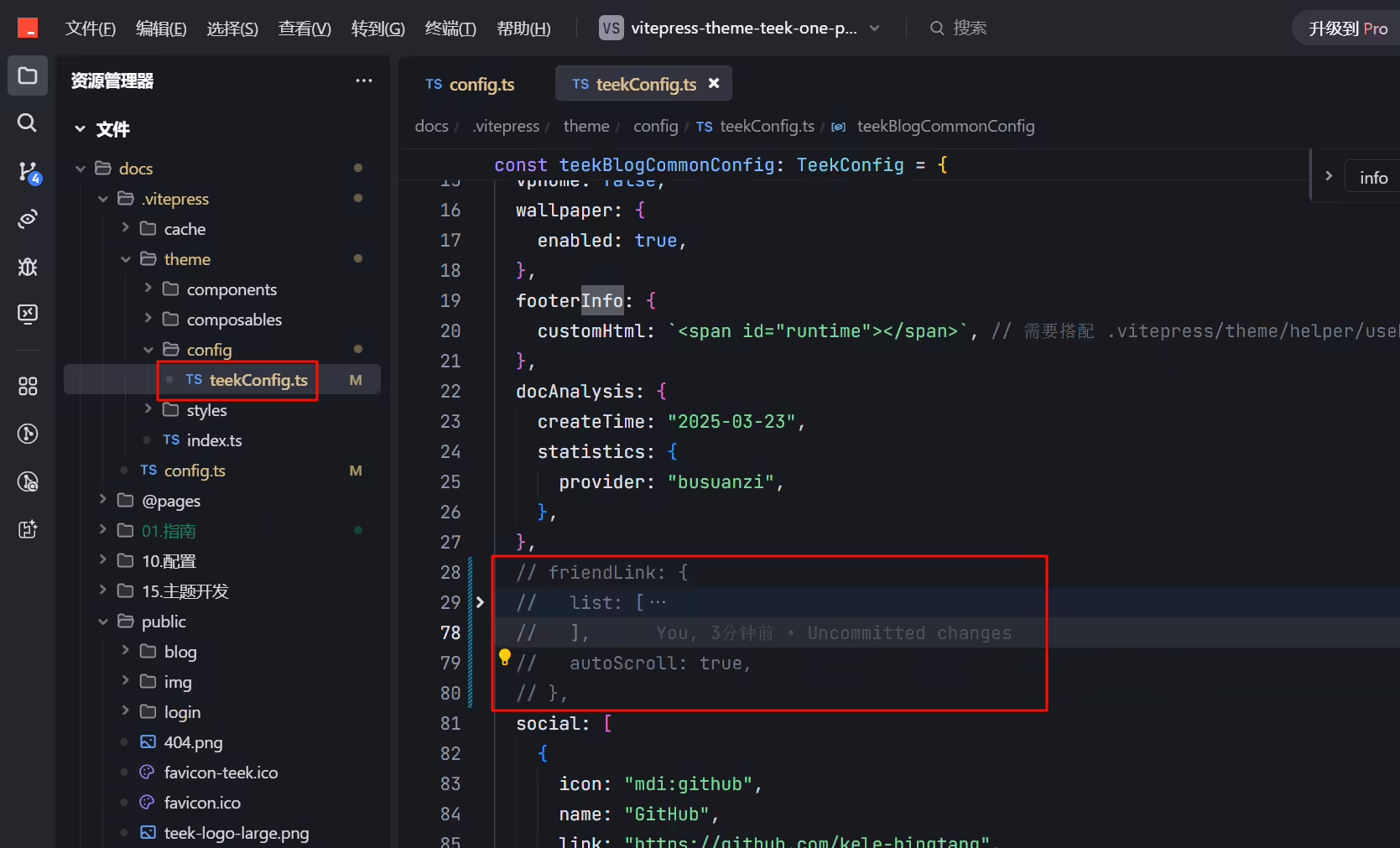
注释以下内容:
编辑docs\.vitepress\theme\config\teekConfig.ts文件:
 1  // friendLink: {
 2  //   list: [
 3  //     {
 4  //       name: "Teeker",
 5  //       desc: "朝圣的使徒,正在走向编程的至高殿堂!",
 6  //       avatar: "https://testingcf.jsdelivr.net/gh/Kele-Bingtang/static/user/avatar2.avif",
 7  //       link: "http://notes.teek.top/",
 8  //     },
 9  //     {
10  //       name: "vuepress-theme-vdoing",
11  //       desc: "🚀一款简洁高效的VuePress 知识管理&博客 主题",
12  //       avatar: "https://doc.xugaoyi.com/img/logo.avif",
13  //       link: "https://doc.xugaoyi.com/",
14  //     },
15  //     {
16  //       name: "One",
17  //       desc: "明心静性,爱自己",
18  //       avatar: "https://onedayxyy.cn/img/xyy-touxiang.avif",
19  //       link: "https://onedayxyy.cn/",
20  //     },
21  //     {
22  //       name: "Hyde Blog",
23  //       desc: "人心中的成见是一座大山",
24  //       avatar: "https://teek.seasir.top/avatar/avatar.avif",
25  //       link: "https://teek.seasir.top/",
26  //     },
27  //     {
28  //       name: "二丫讲梵",
29  //       desc: "💻学习📝记录🔗分享",
30  //       avatar: "https://wiki.eryajf.net/img/logo.avif",
31  //       link: " https://wiki.eryajf.net/",
32  //     },
33  //     {
34  //       name: "粥里有勺糖",
35  //       desc: "简约风的 VitePress 博客主题",
36  //       avatar: "https://theme.sugarat.top/logo.avif",
37  //       link: "https://theme.sugarat.top/",
38  //     },
39  //     {
40  //       name: "VitePress 快速上手中文教程",
41  //       desc: "如果你也想搭建它,那跟我一起做吧",
42  //       avatar: "https://avatars.githubusercontent.com/u/90893790?v=4",
43  //       link: "https://vitepress.yiov.top/",
44  //     },
45  //     {
46  //       name: "友人A",
47  //       desc: "おとといは兎をみたの,昨日は鹿,今日はあなた",
48  //       avatar: "http://niubin.site/logo.avif",
49  //       link: "http://niubin.site/",
50  //     },
51  //   ],
52  //   autoScroll: true,
53  // },
配置
(1)在docs\.vitepress\config.mts文件defineConfig区域配置如下代码:
1  // 运行后自动打开网页
2  vite: {
3    server: {
4      open: true
5    }
6  },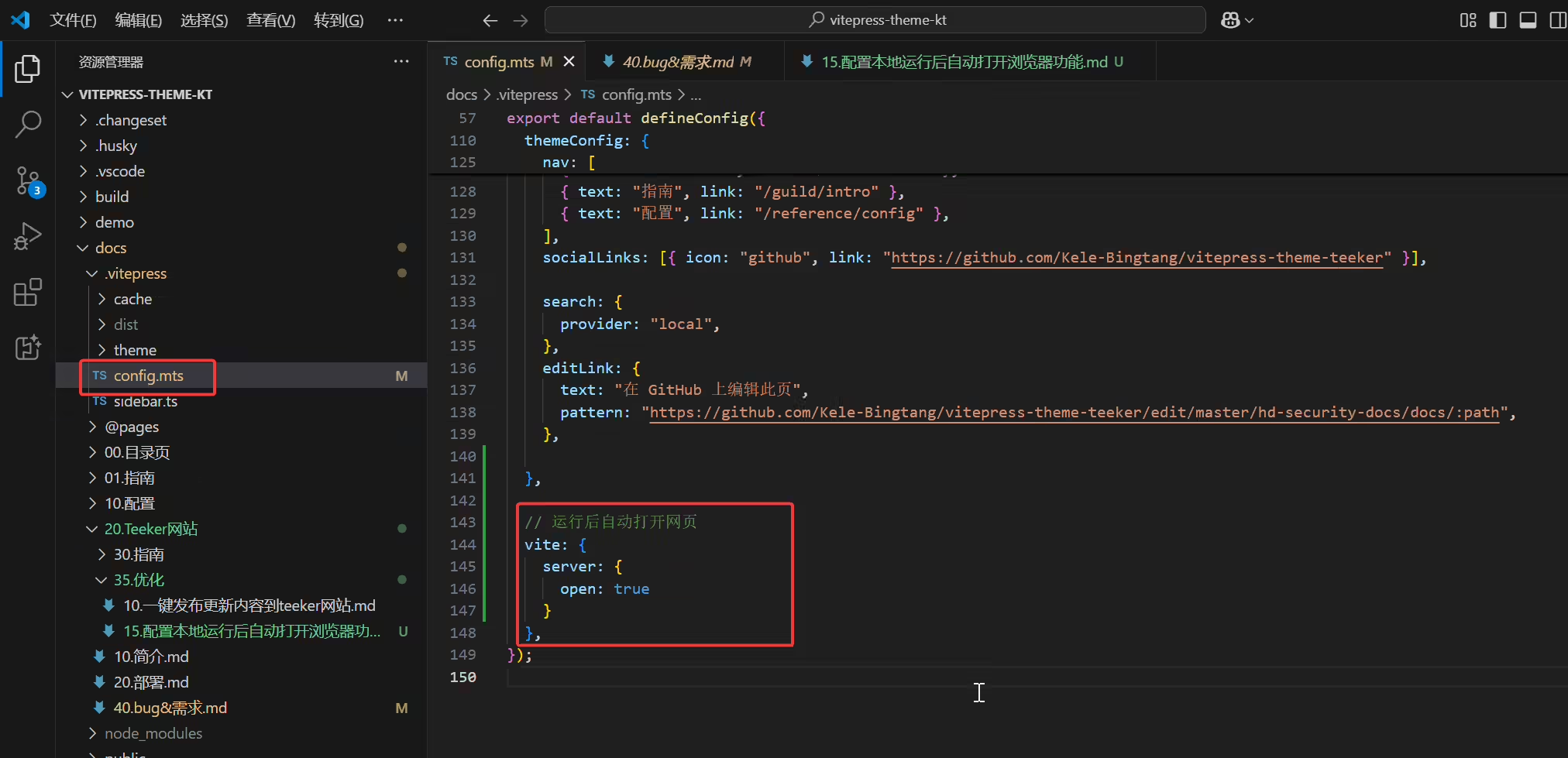
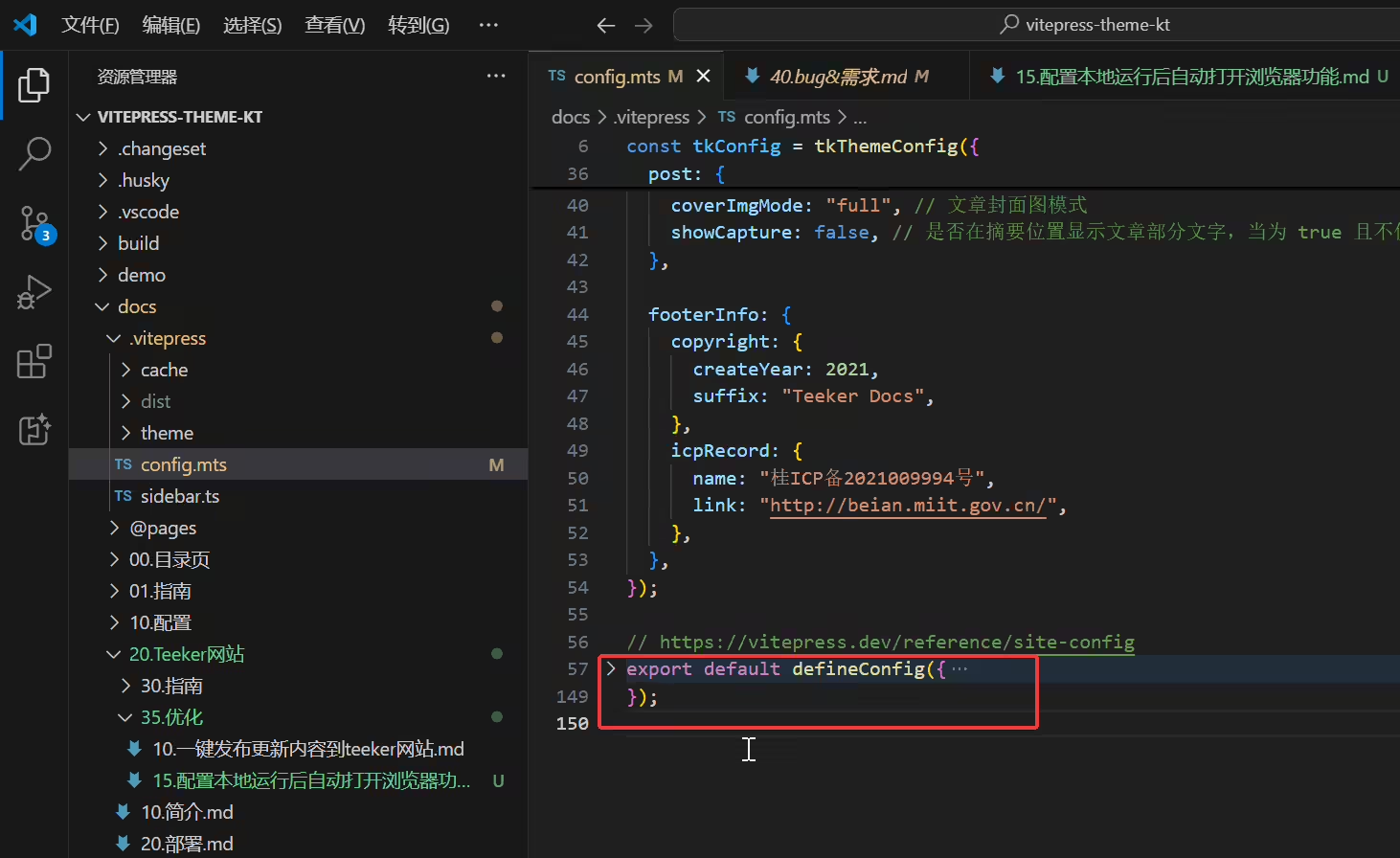
(2)运行测试
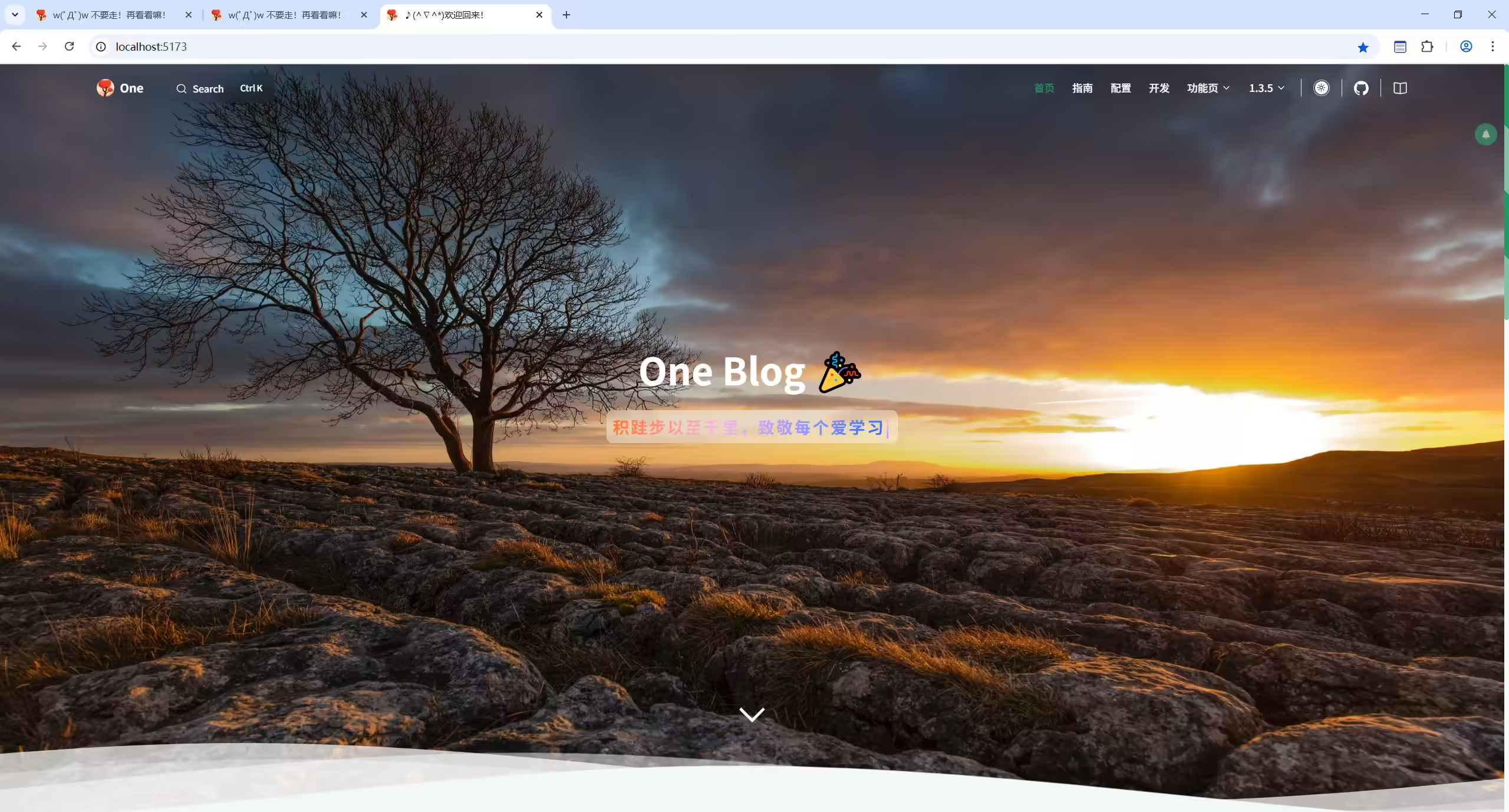
运行以下命令后,就会自动打开浏览器了:完美。😊
1pnpm docs:dev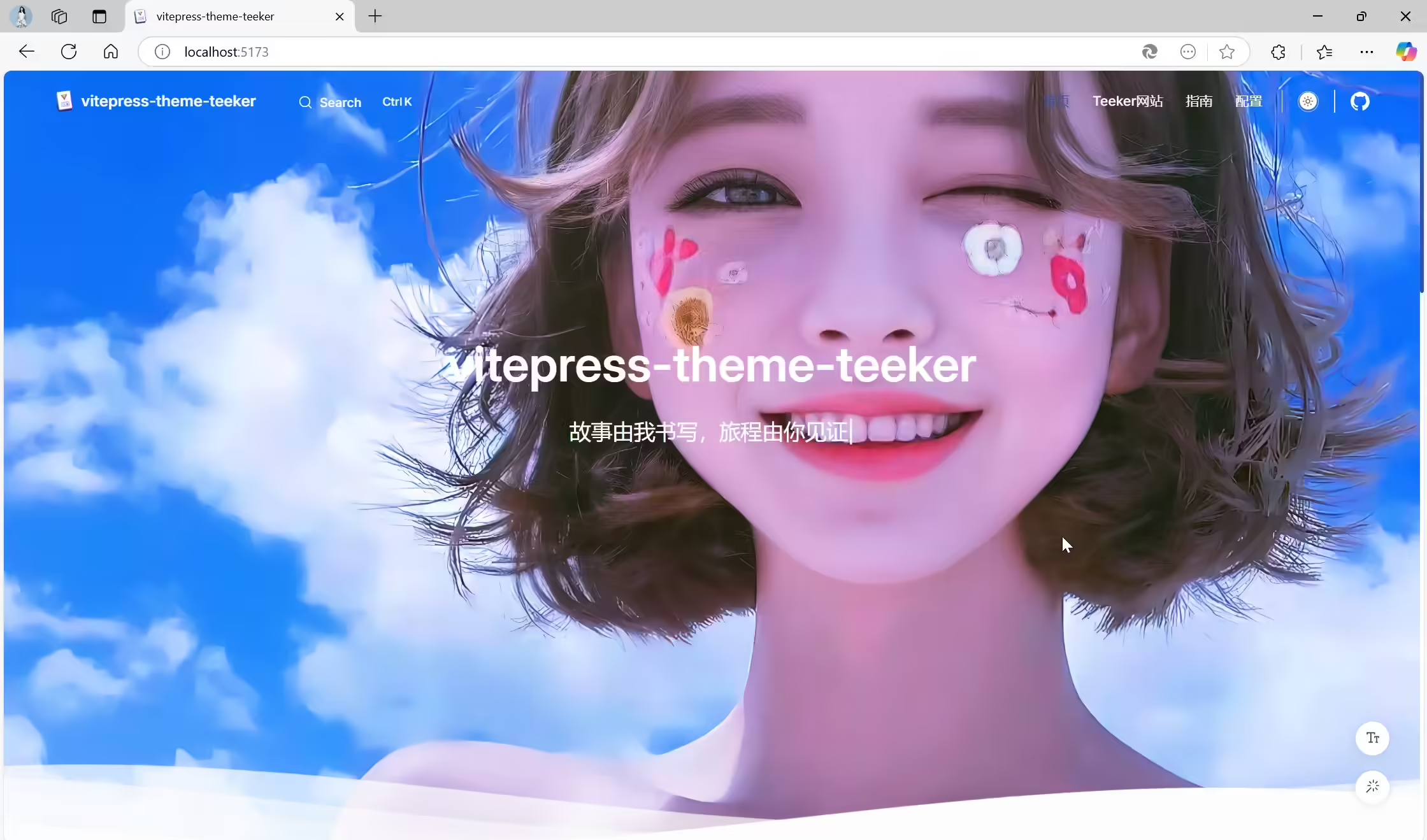
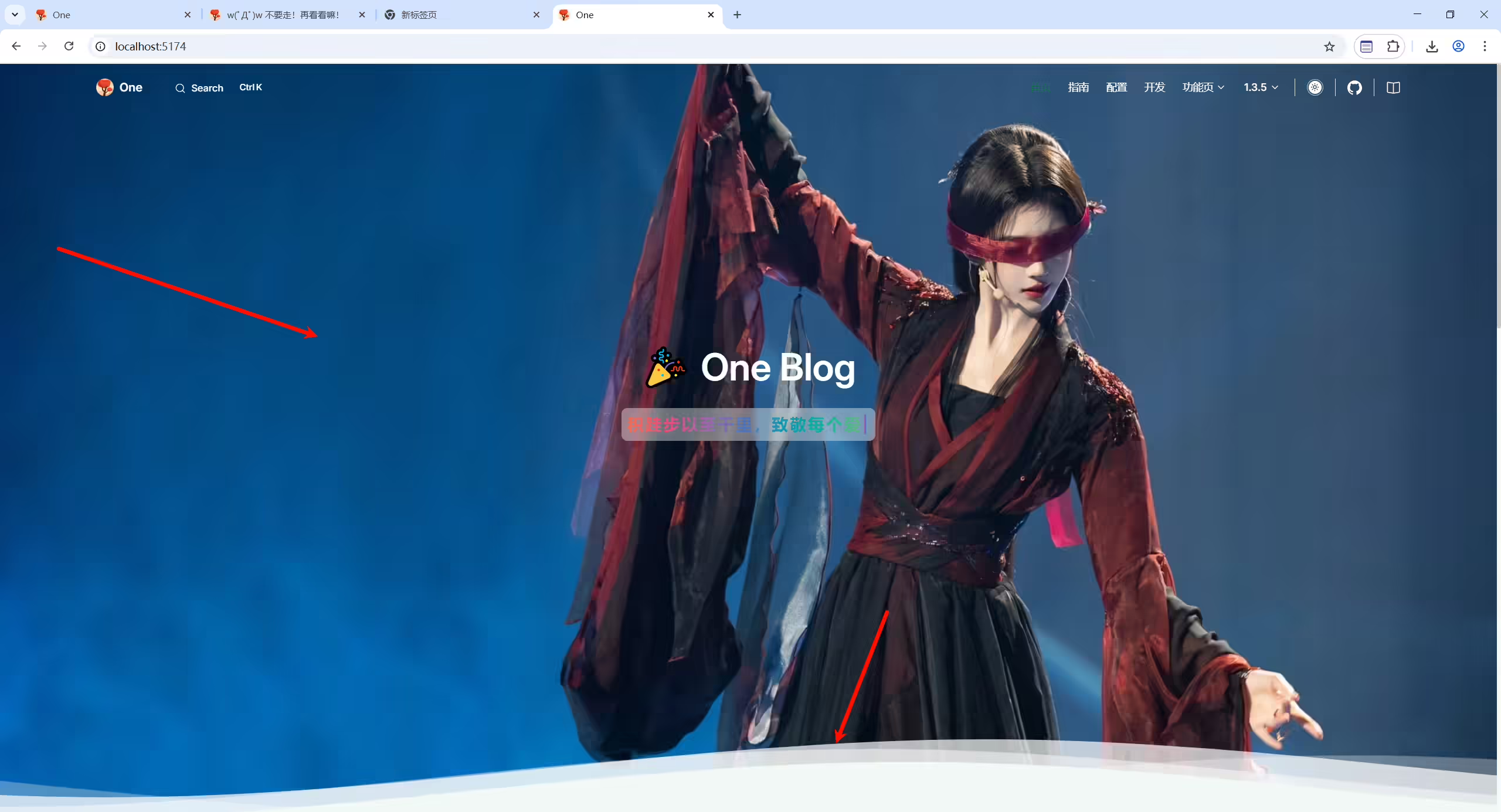
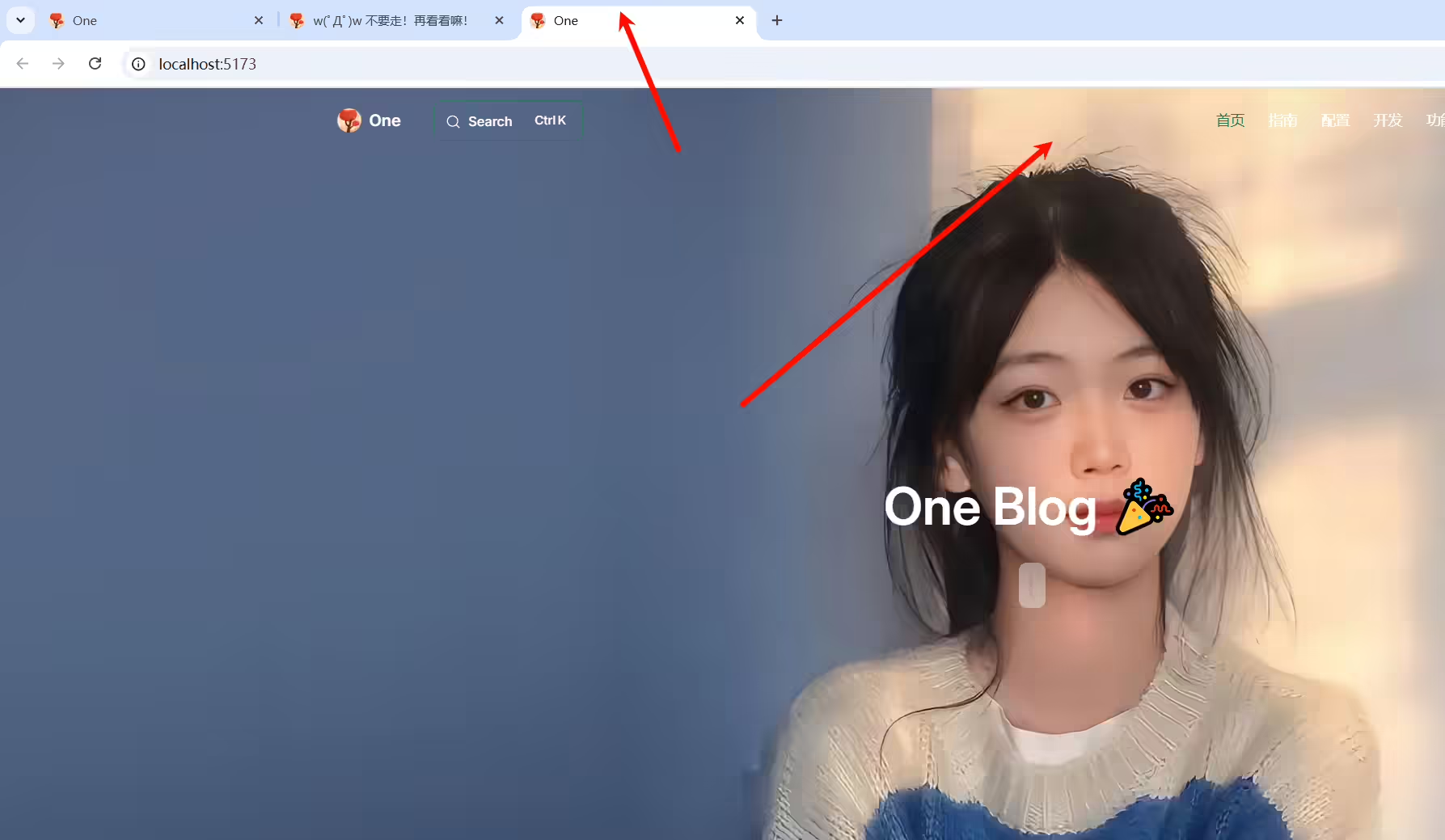
箭头配置:
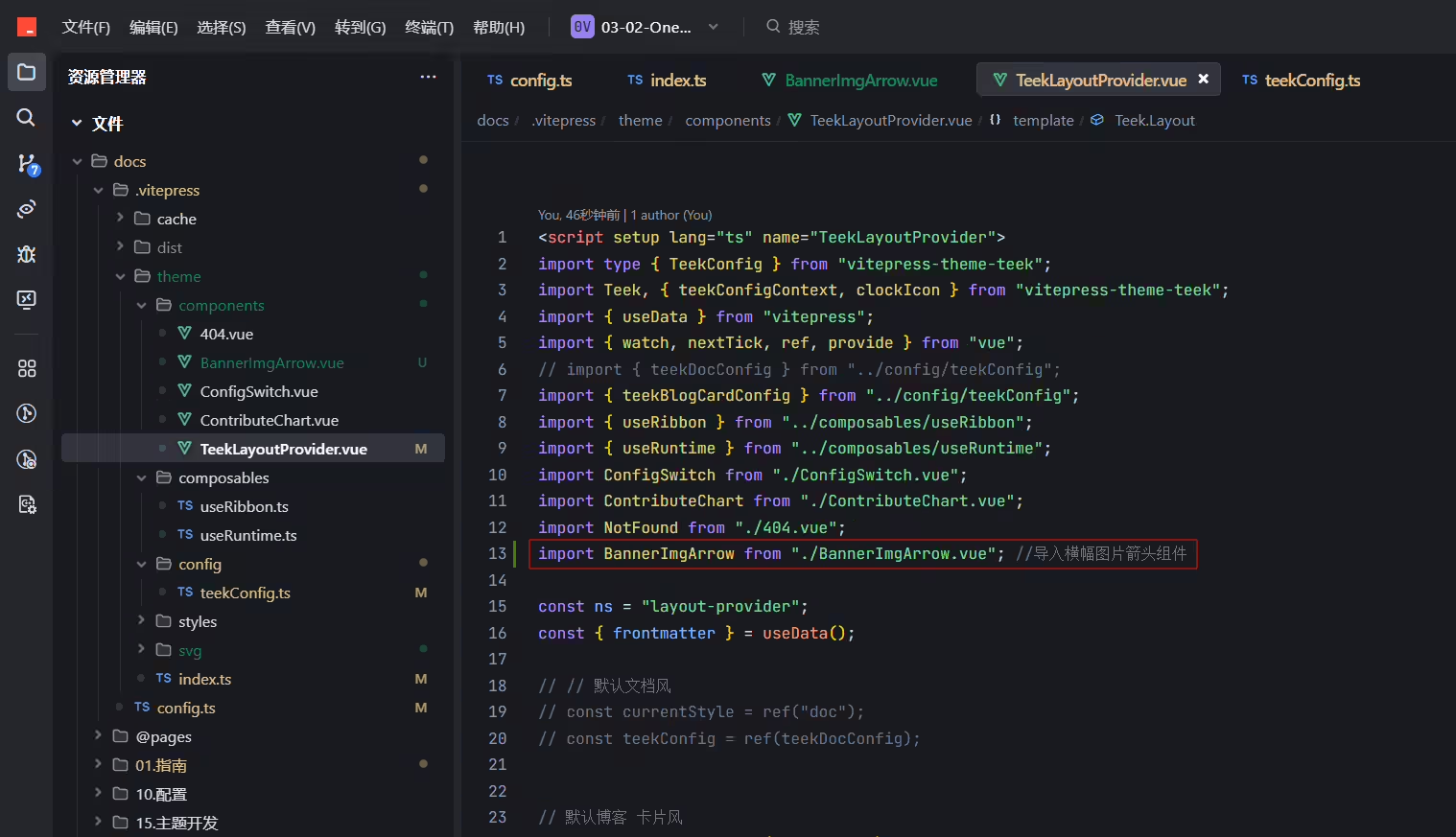
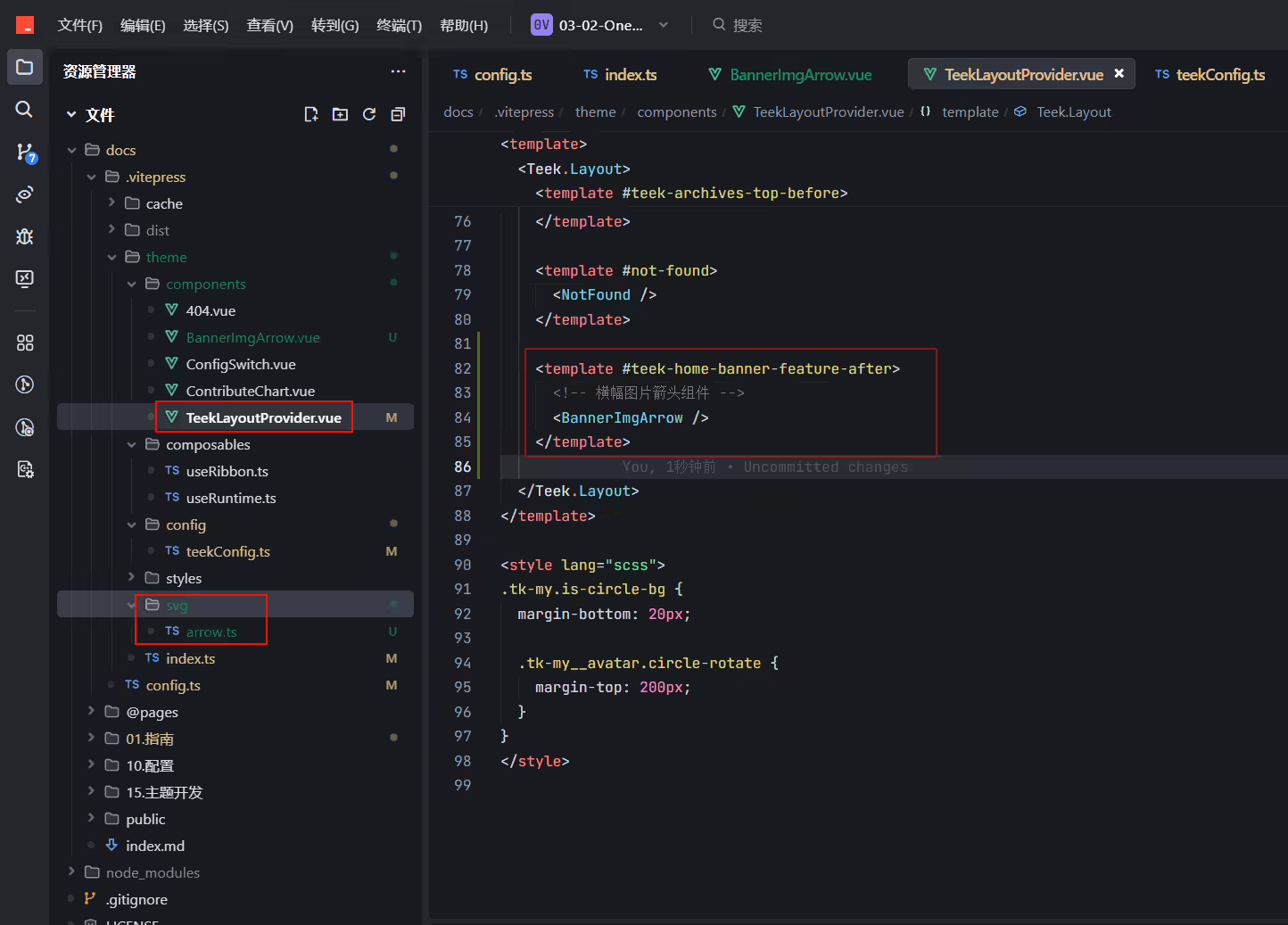
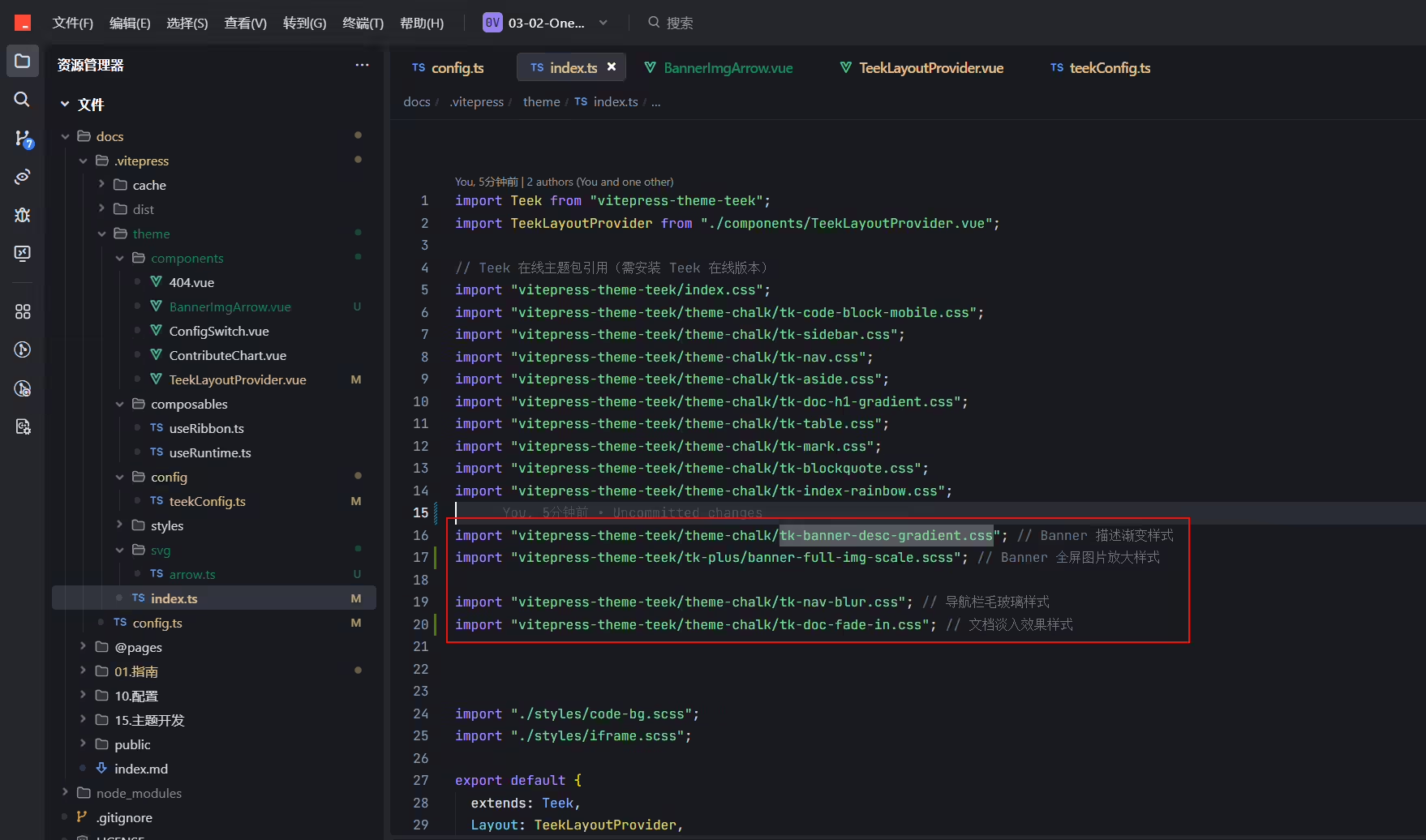
由远及近效果、导航栏毛玻璃配置:
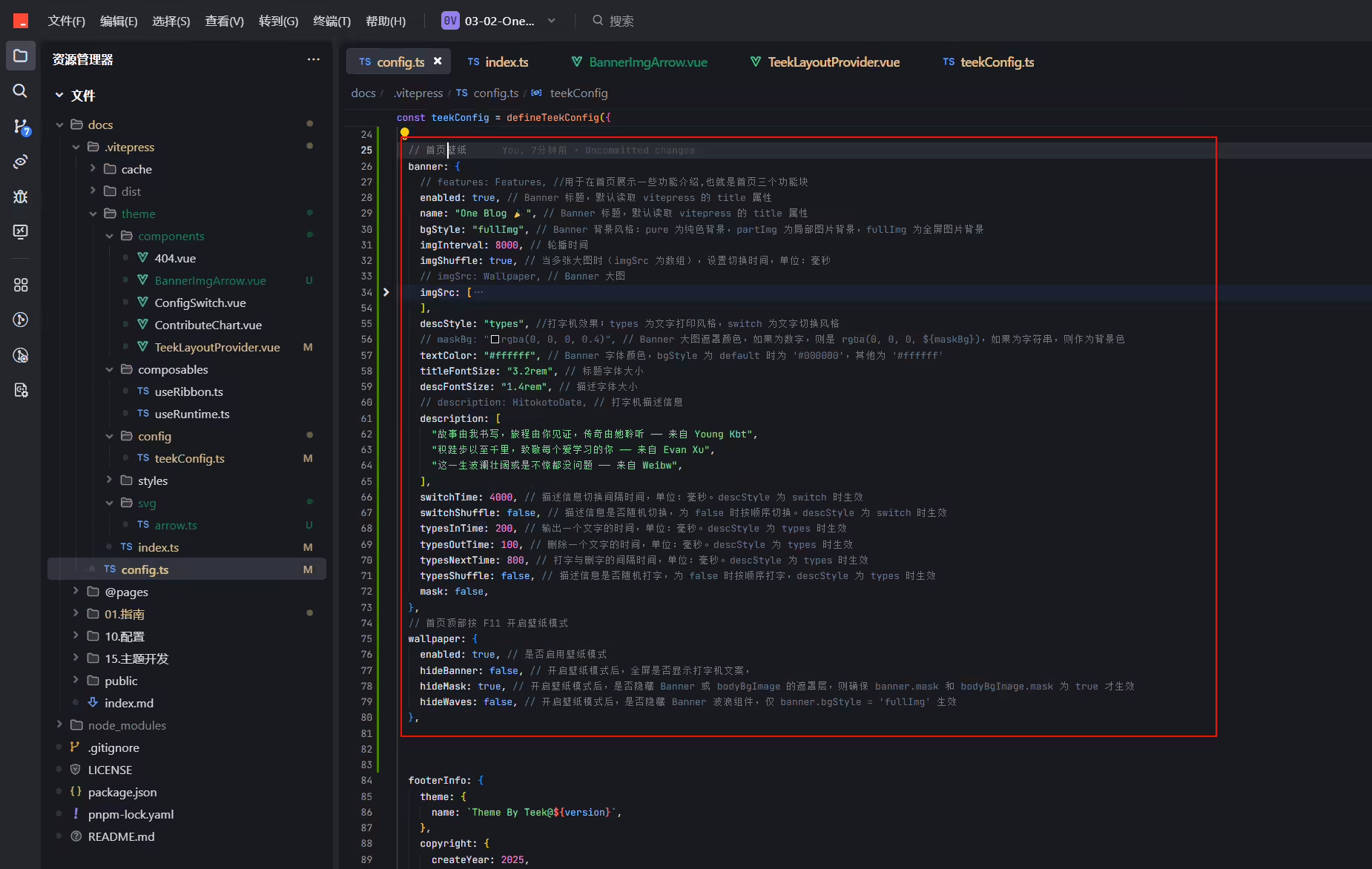
壁纸配置:
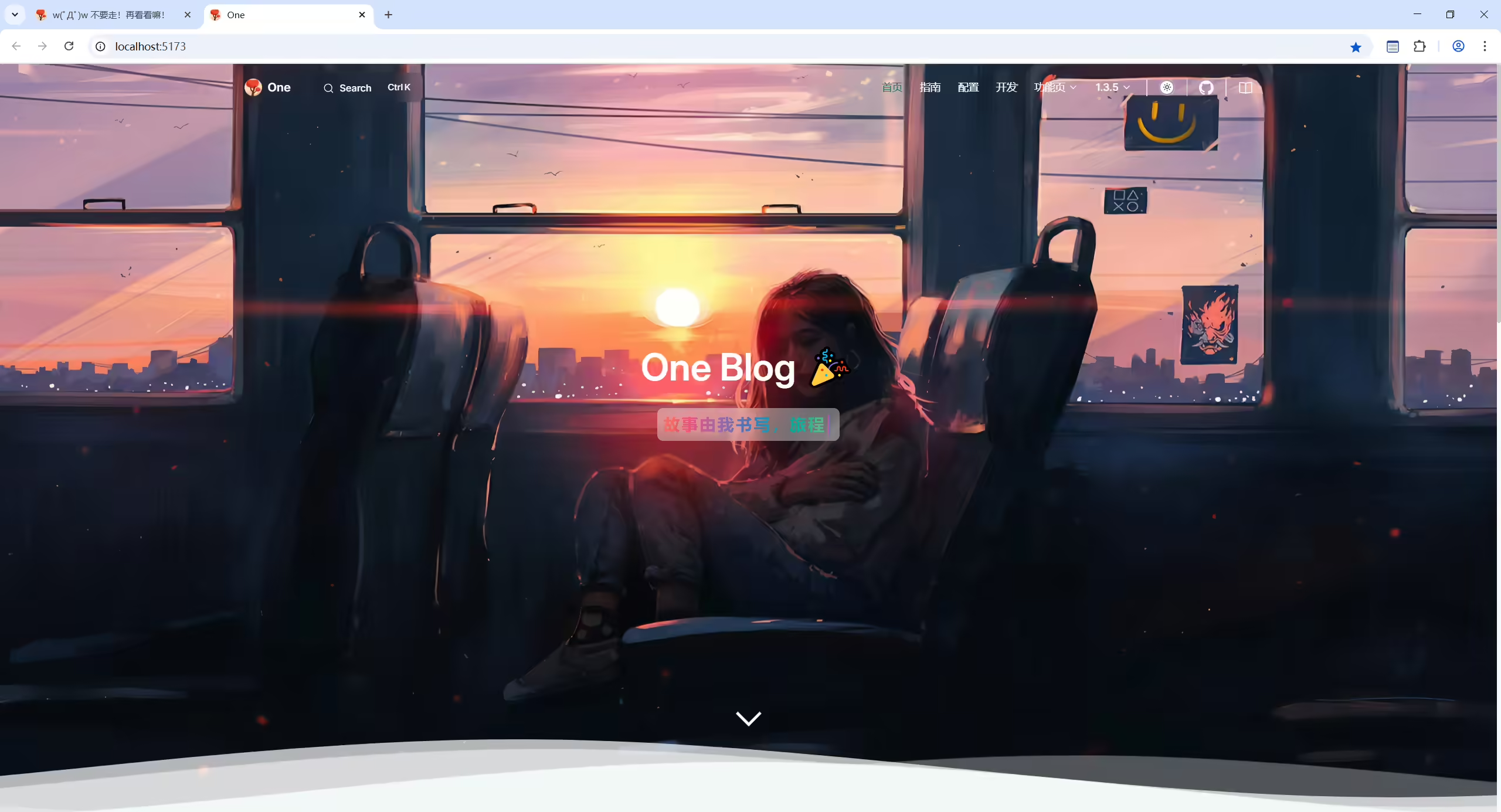
已配置:
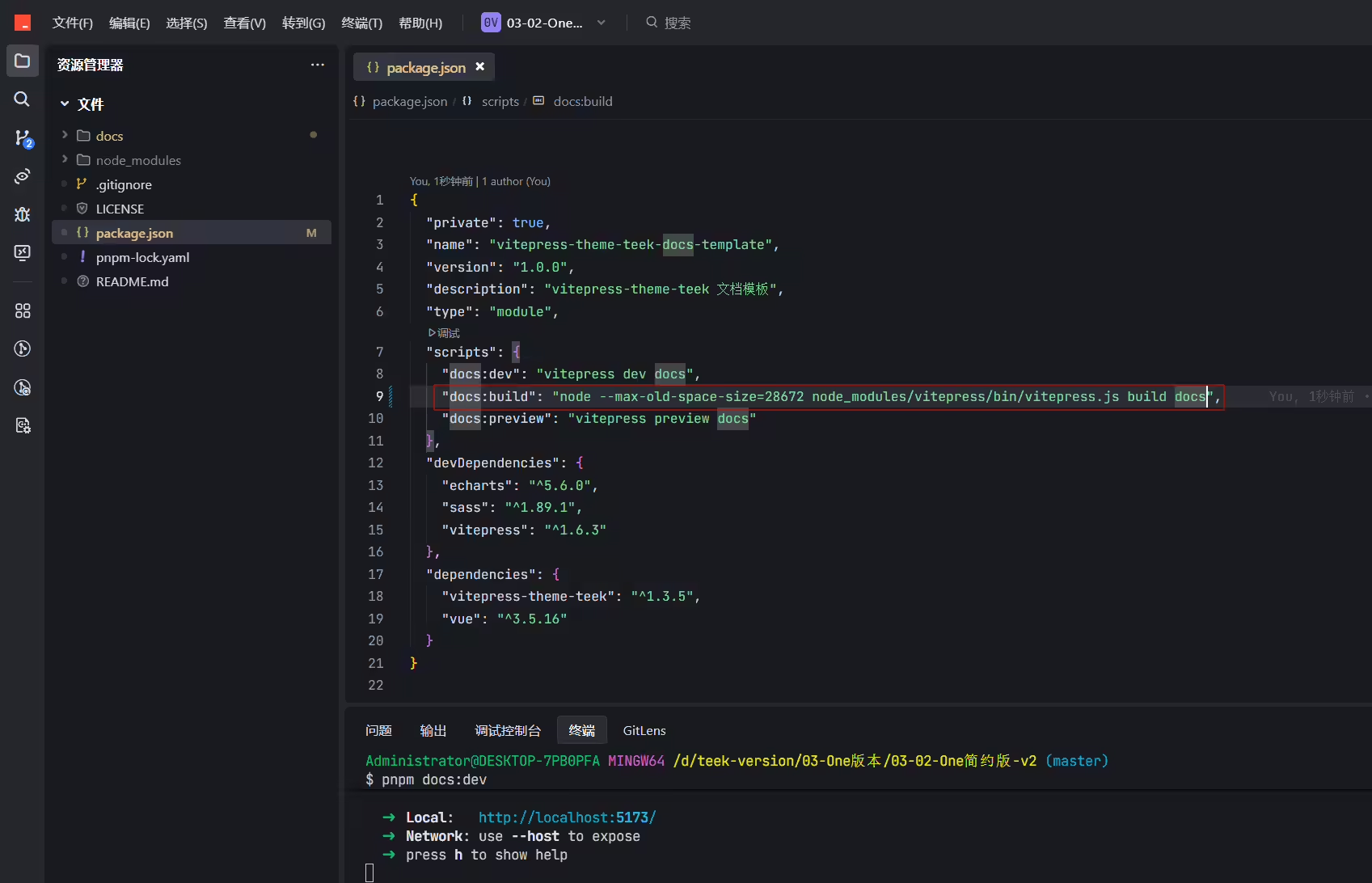
1(!) Some chunks are larger than 500 kB after minification. Consider:
2- Using dynamic import() to code-split the application
3- Use build.rollupOptions.output.manualChunks to improve chunking: https://rollupjs.org/configuration-options/#output-manualchunks
4- Adjust chunk size limit for this warning via build.chunkSizeWarningLimit.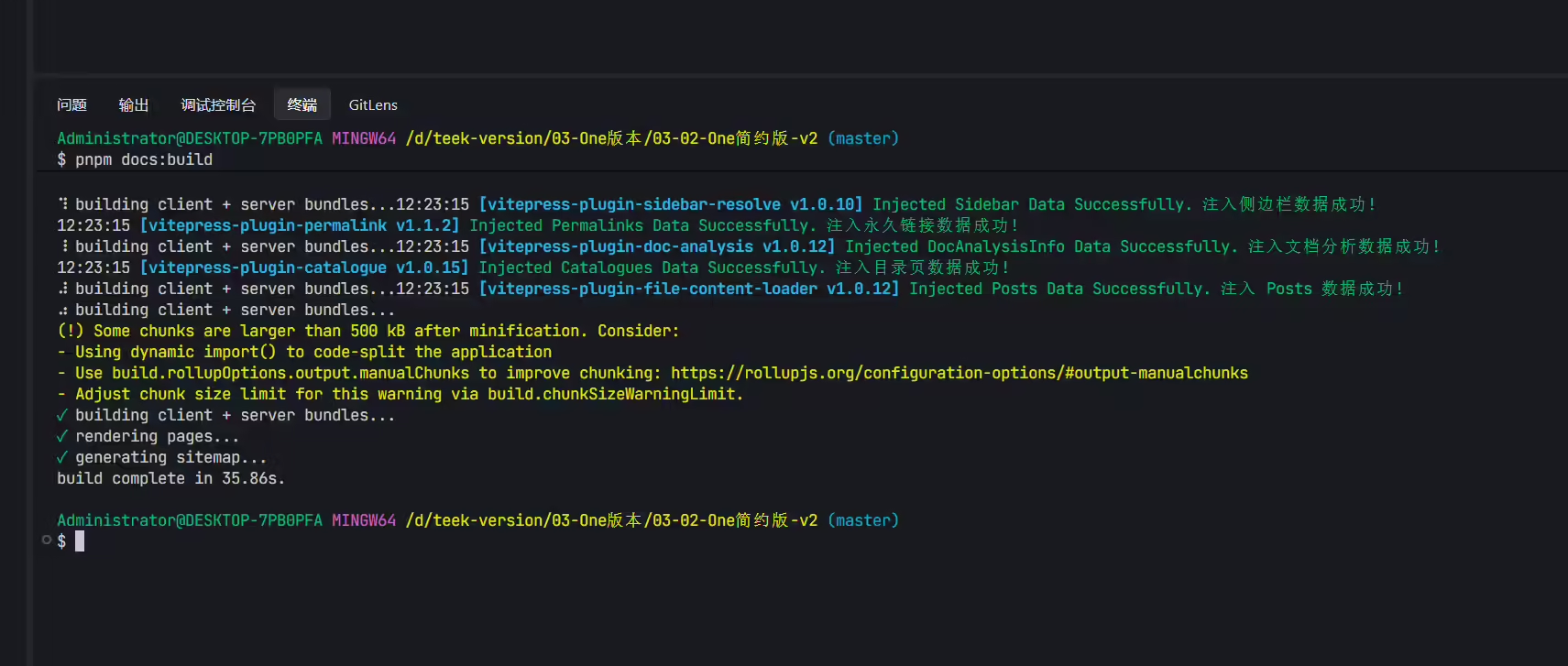
警告
提示你的内容太大了,打包后的任意文件超出了500KB,希望你能优化下,要么md文档内容写少点,当然这不现实
解决方法:
Demo\docs-base\.vitepress\config.mts,添加如下配置1export default defineConfig({
2 vite: {
3 //其他配置项
4 build: {
5 chunkSizeWarningLimit: 1500, // 限制警告的块大小
6 },
7 },
8})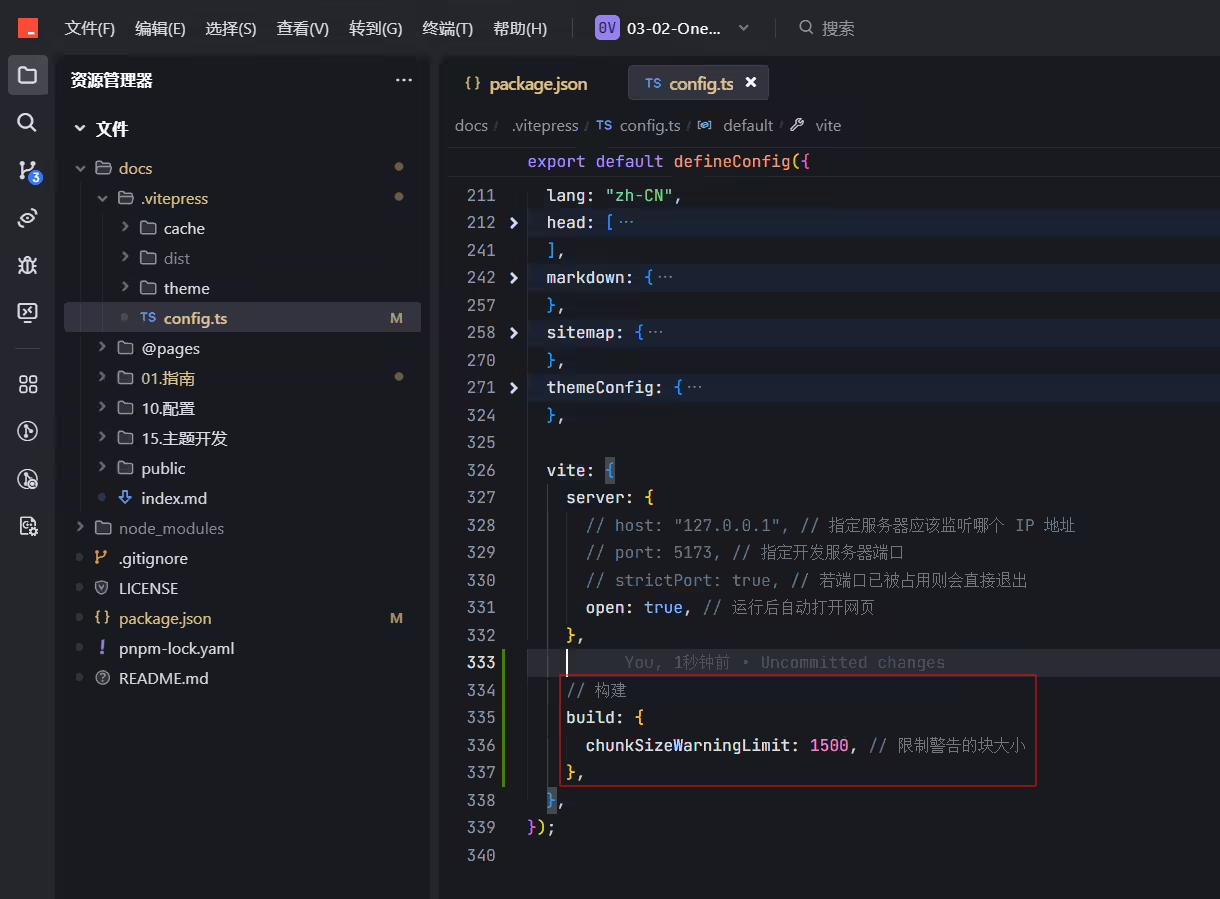
感觉这个配置后,就出现了打包报错的问题。。。。!!!
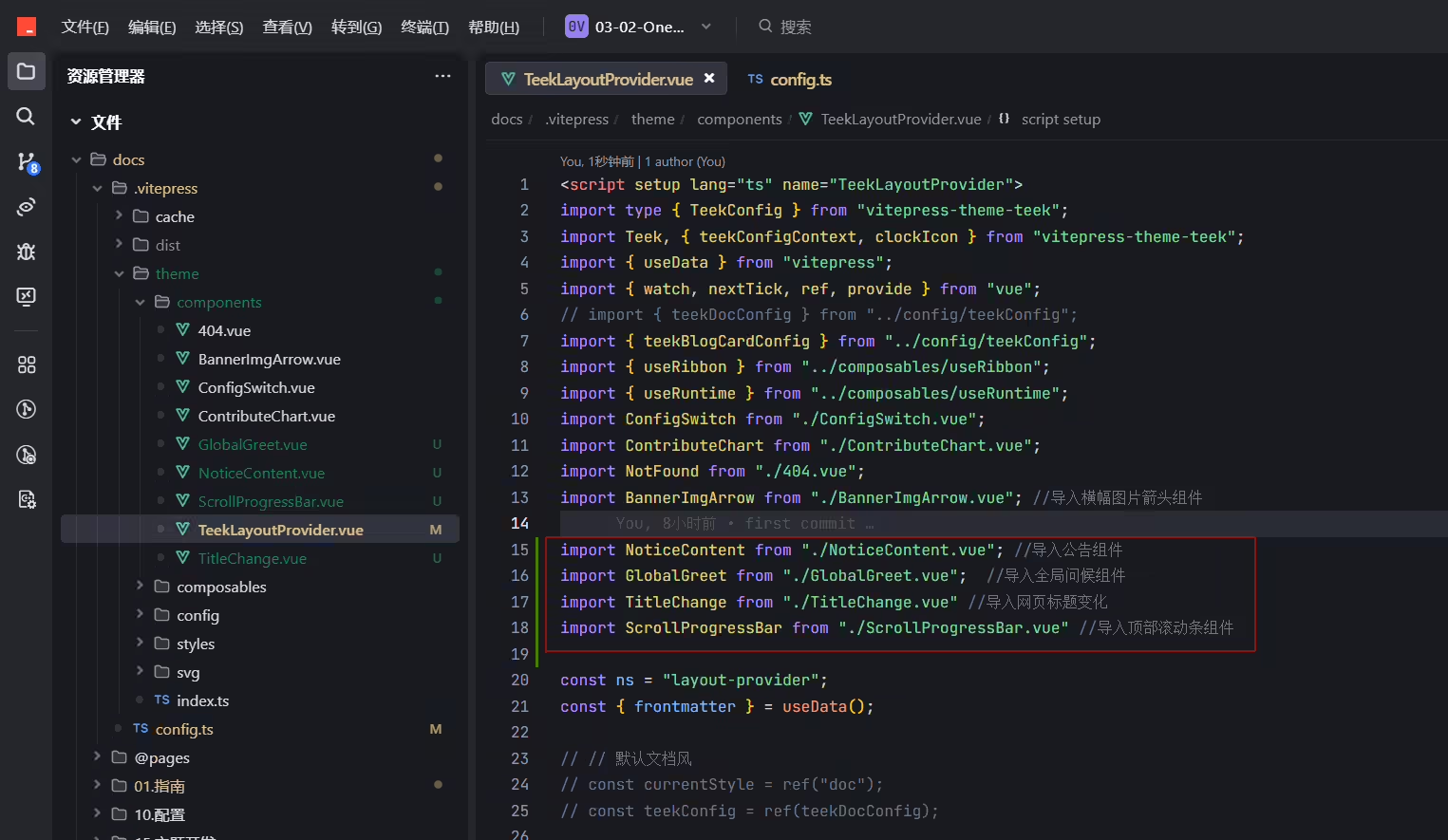
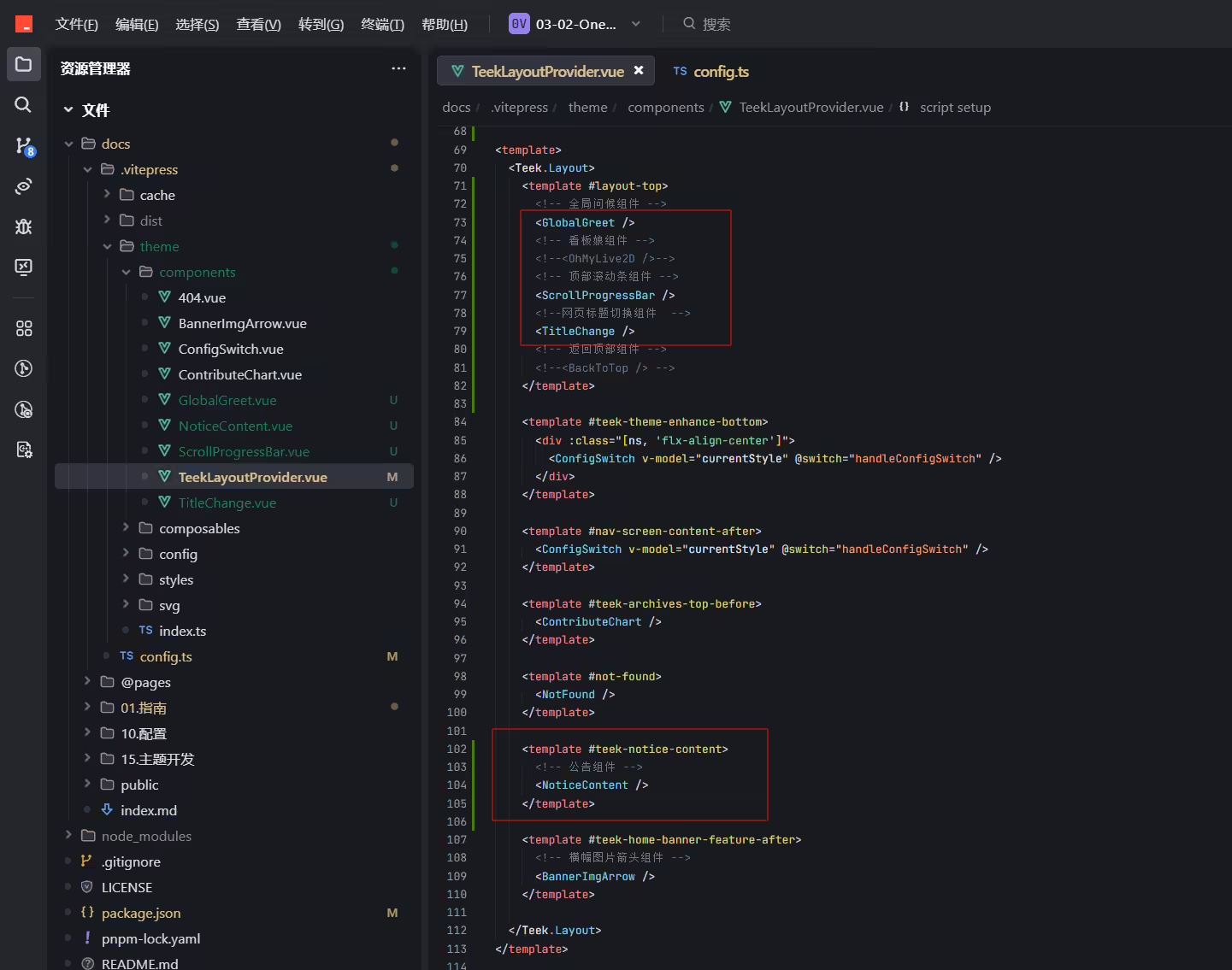
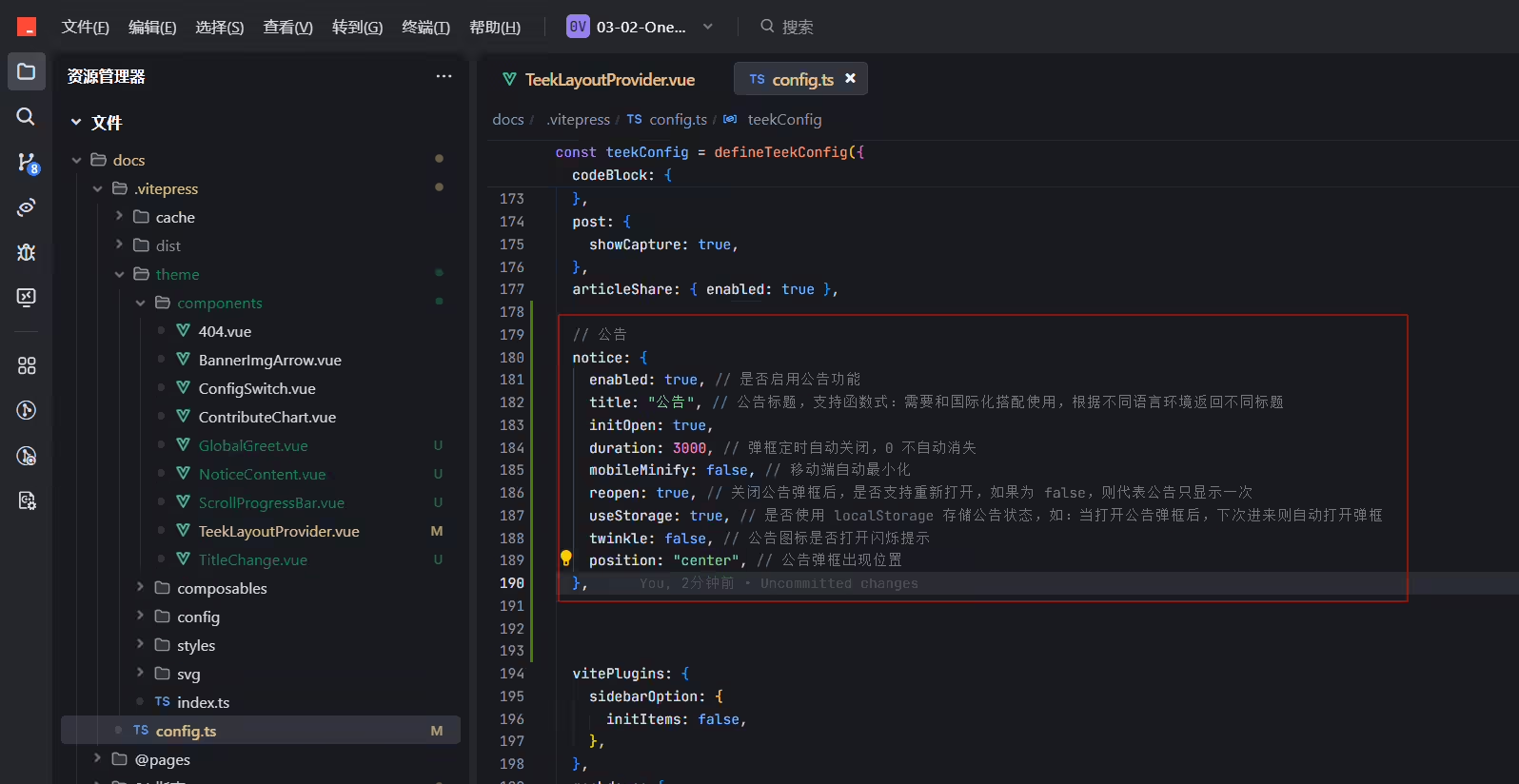

编辑docs\.vitepress\theme\config\teekConfig.ts文件:
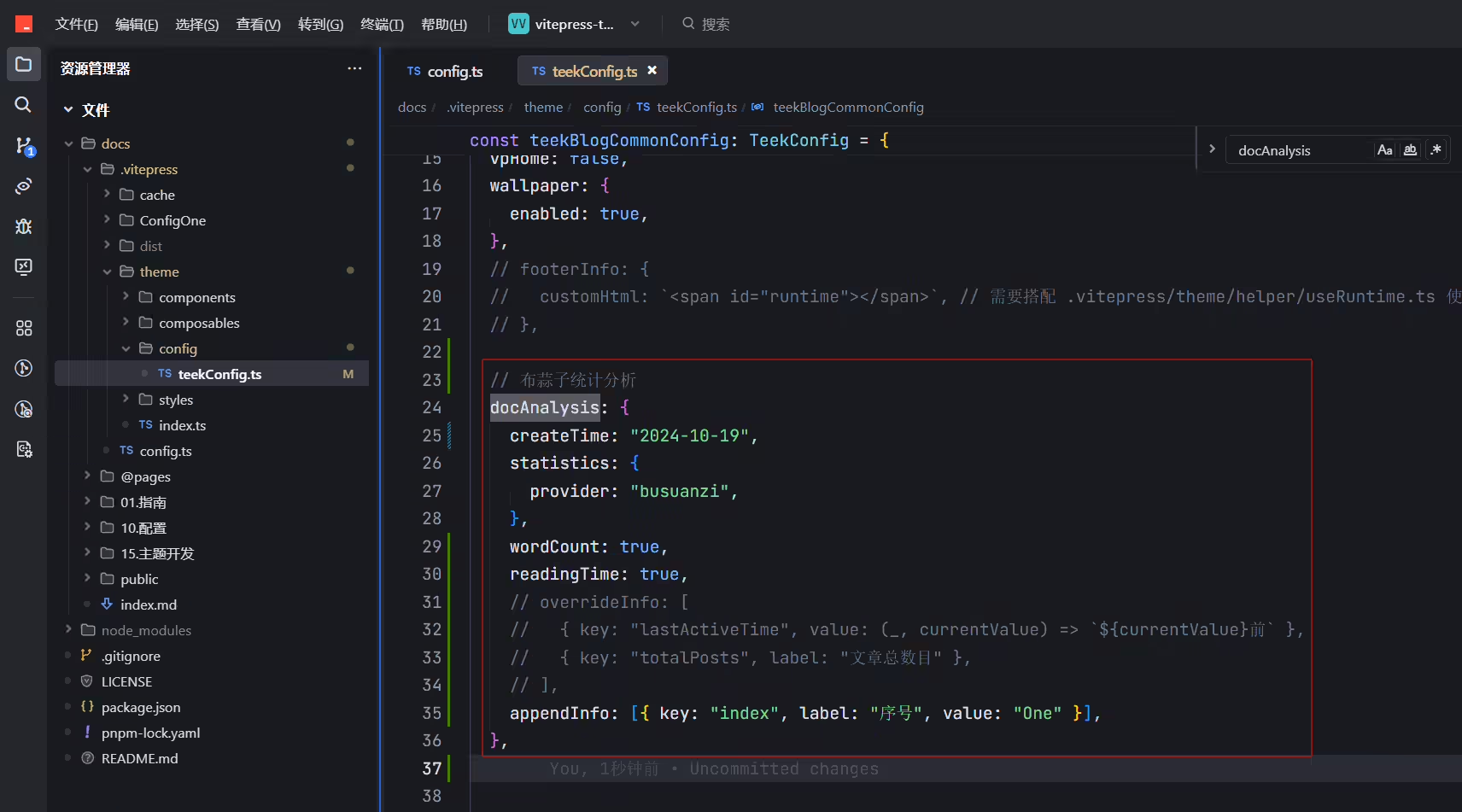
 1  // 布蒜子统计分析
 2  docAnalysis: {
 3    createTime: "2024-10-19",
 4    statistics: {
 5      provider: "busuanzi",
 6    },
 7    wordCount: true,
 8    readingTime: true,
 9    // overrideInfo: [
10    //   { key: "lastActiveTime", value: (_, currentValue) => `${currentValue}前` },
11    //   { key: "totalPosts", label: "文章总数目" },
12    // ],
13    appendInfo: [{ key: "index", label: "序号", value: "One" }],
14  },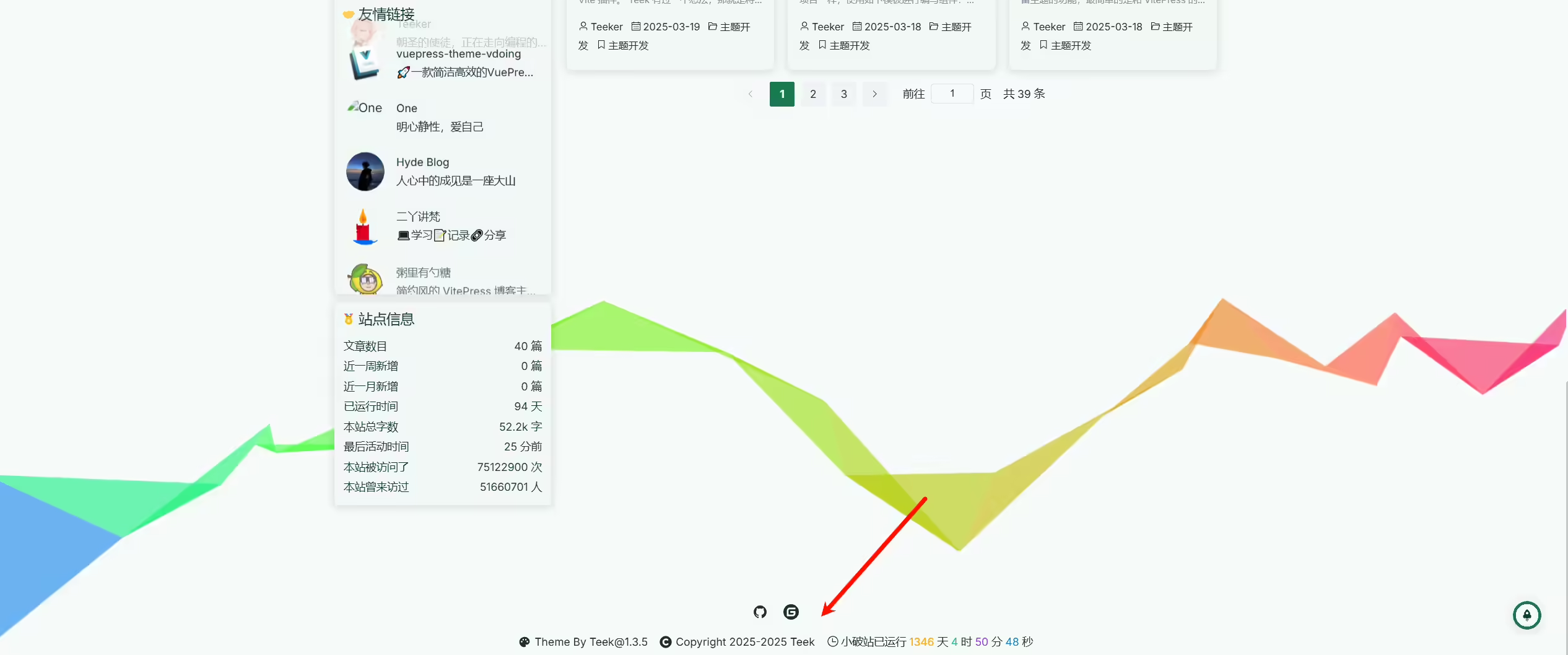
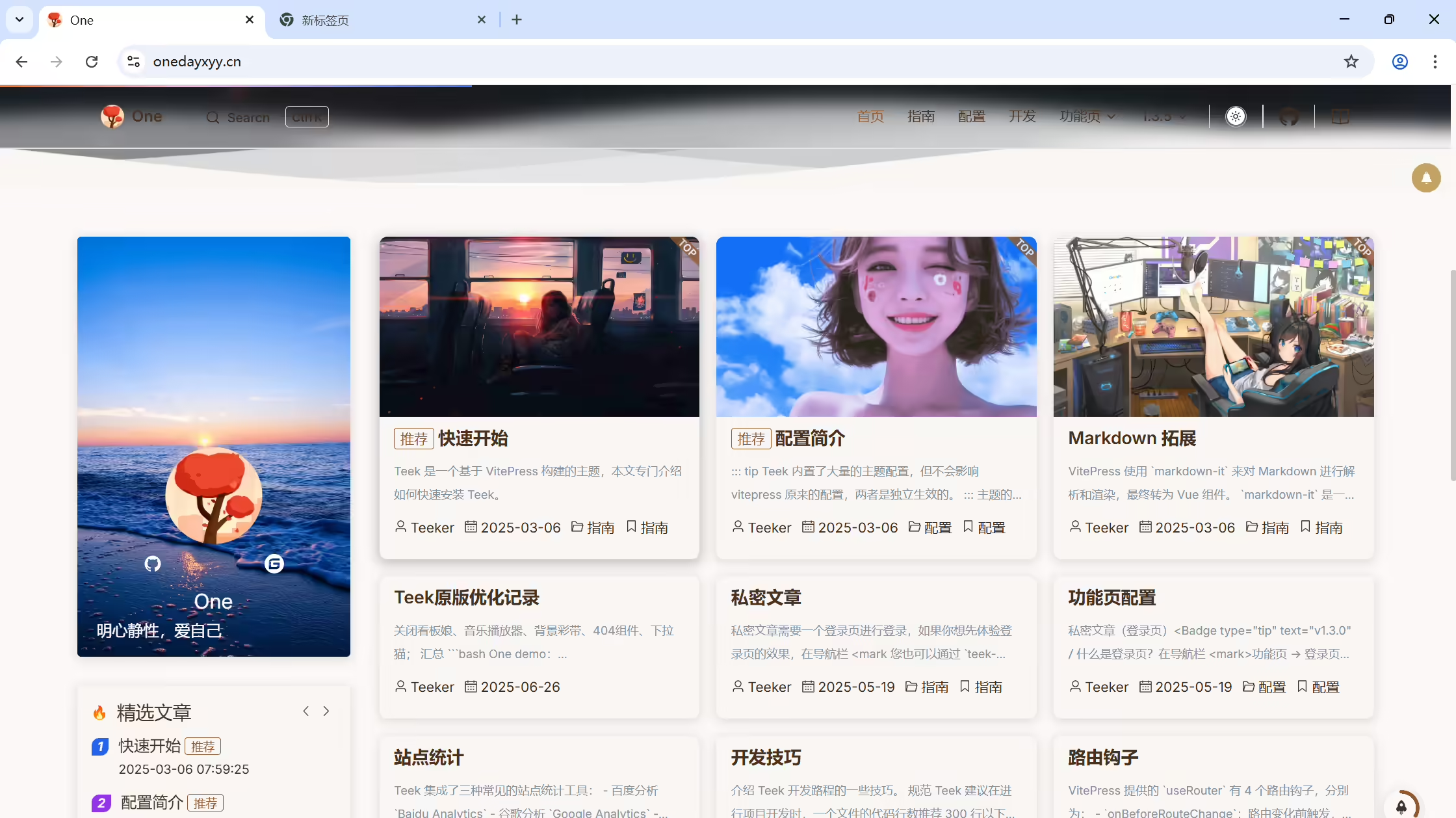
OK。
建议关闭自动摘要功能
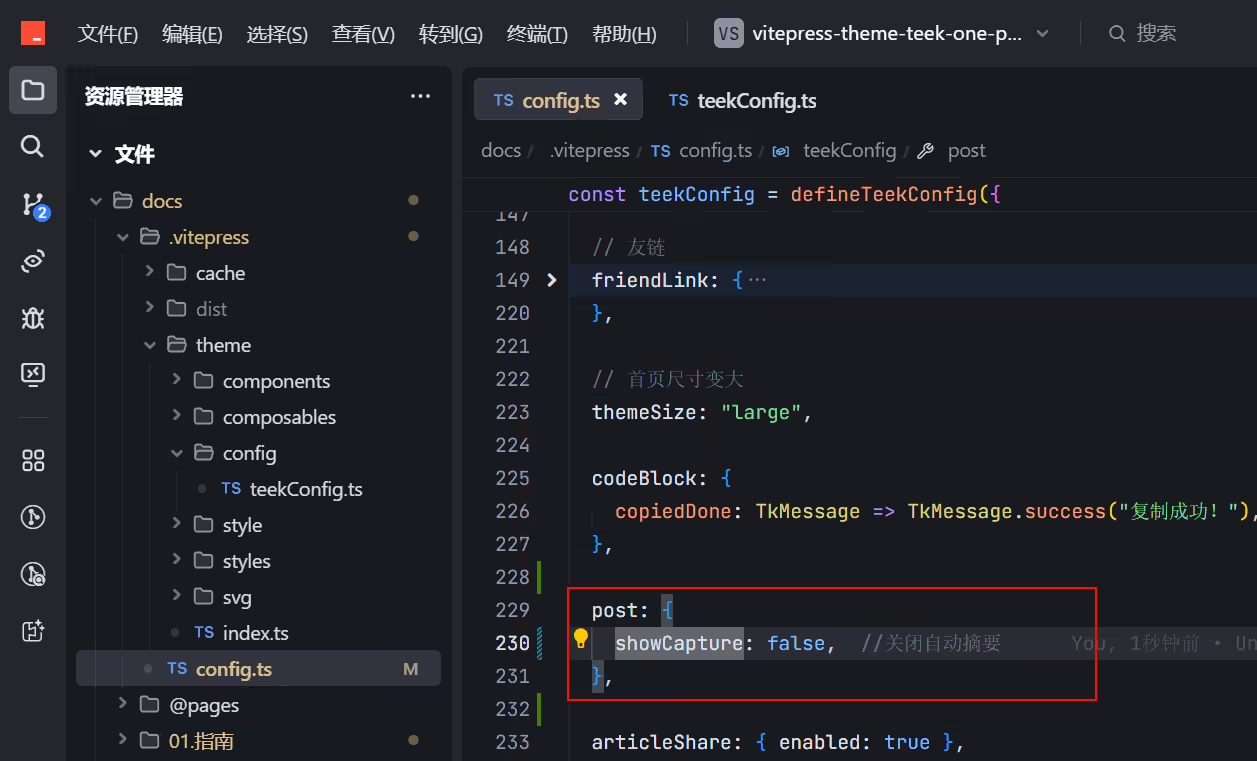
推荐 关闭自动显示摘要功能,这样首页文章会更加简约一点。
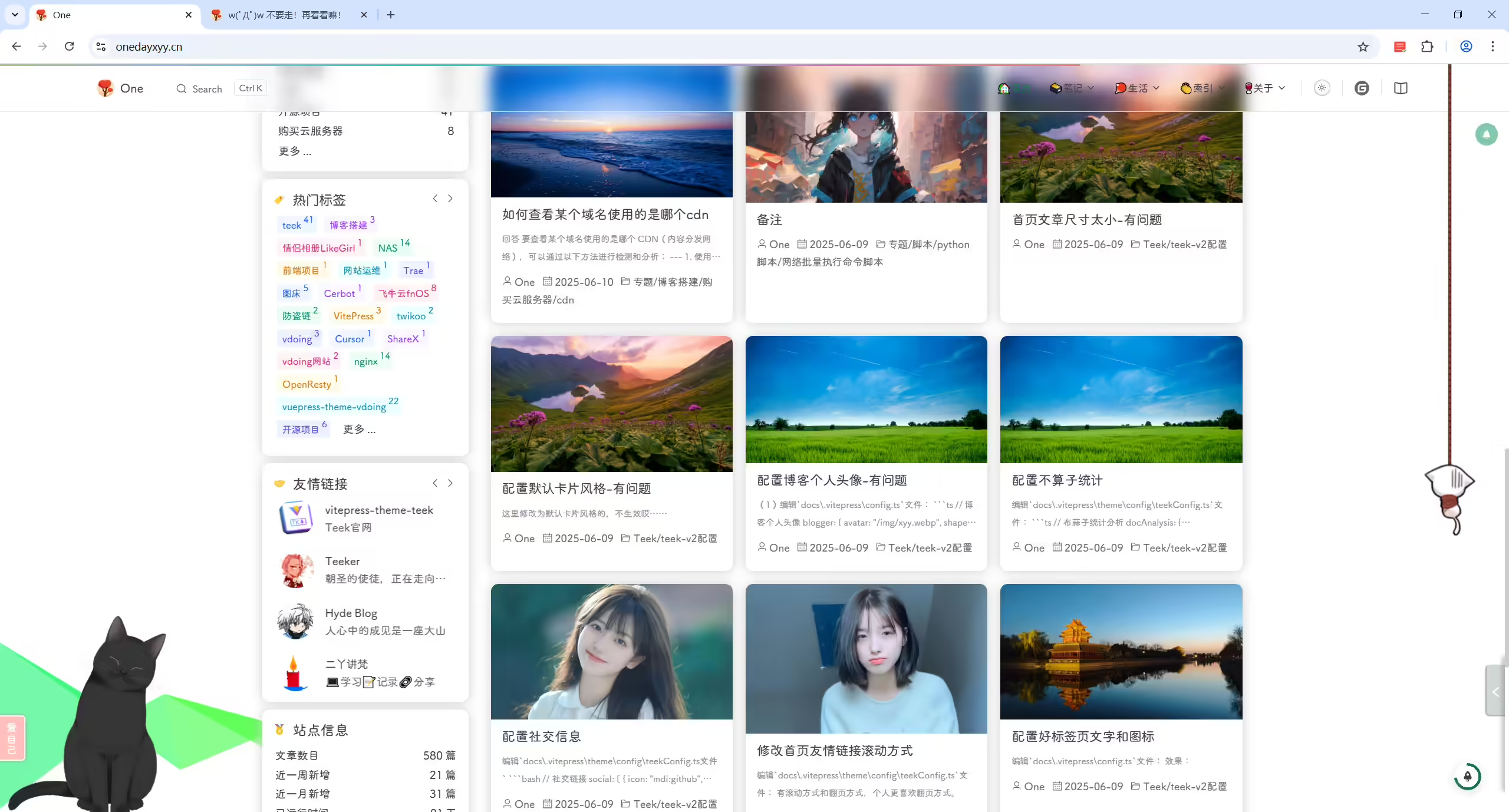
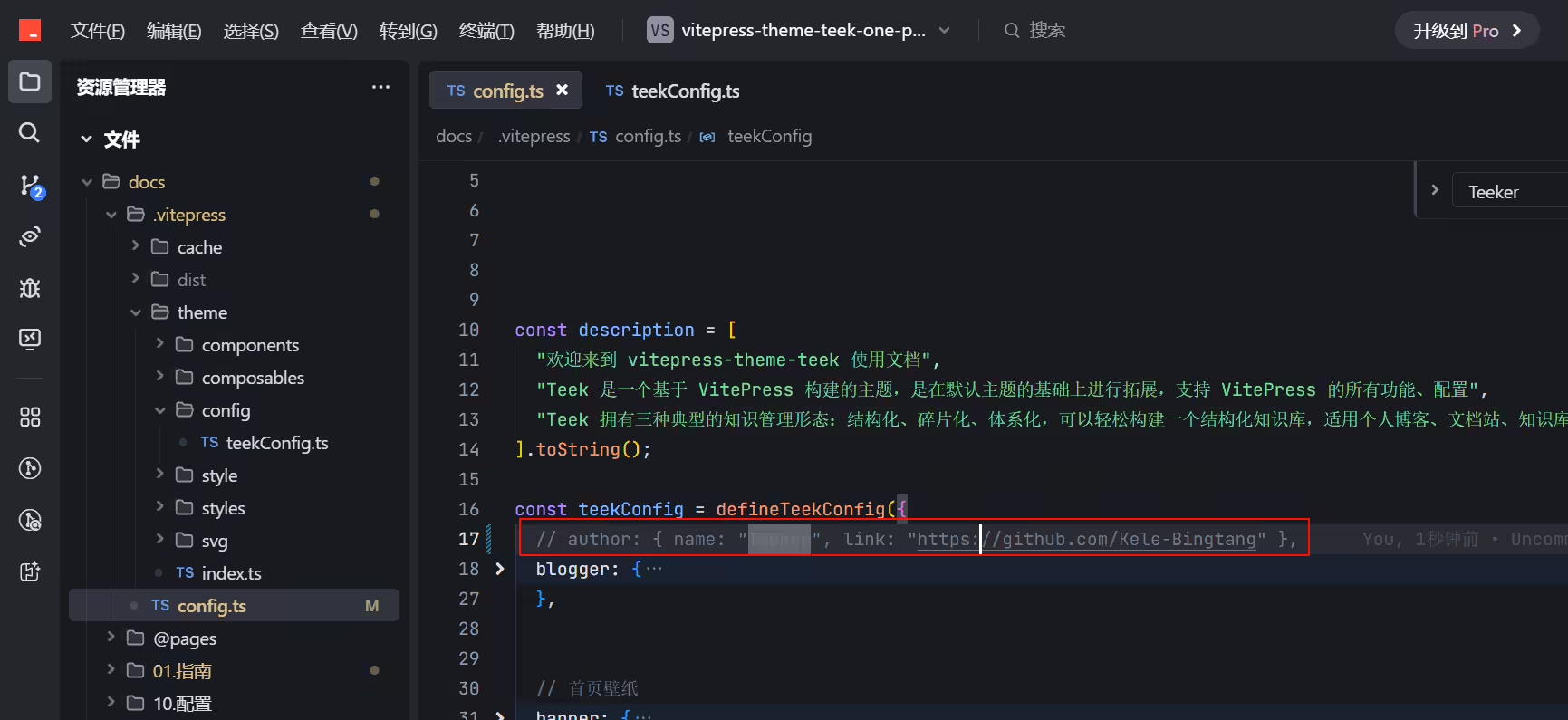
docs\.vitepress\config.ts文件:
 1    autoFrontmatter: true, // 自动生成 frontmatter
 2    permalinkOption: {
 3      notFoundDelayLoad: 1000, // 1秒后加载
 4    },
 5
 6    // 自动格式formatter插件 添加文章封面图
 7    autoFrontmatterOption: {
 8      exclude: { title: true, date: true }, // 排除自动生成字段
 9      transform: frontmatter => {
10       // 如果文件本身存在了 coverImg,则不生成
11       if (frontmatter.coverImg) return;
12
13       // 随机获取 coverImg
14       const list = [
15        "https://img.onedayxyy.cn/images/1.avif",
16        "https://img.onedayxyy.cn/images/2.avif",
17        "https://img.onedayxyy.cn/images/3.avif",
18        "https://img.onedayxyy.cn/images/4.avif",
19        "https://img.onedayxyy.cn/images/5.avif",
20        "https://img.onedayxyy.cn/images/6.avif",
21        "https://img.onedayxyy.cn/images/7.avif",
22        "https://img.onedayxyy.cn/images/8.avif",
23        "https://img.onedayxyy.cn/images/9.avif",
24        "https://img.onedayxyy.cn/images/10.avif",
25        "https://img.onedayxyy.cn/images/11.avif",
26        "https://img.onedayxyy.cn/images/12.avif",
27        "https://img.onedayxyy.cn/images/13.avif",
28        "https://img.onedayxyy.cn/images/14.avif",
29        "https://img.onedayxyy.cn/images/15.avif",
30        "https://img.onedayxyy.cn/images/16.avif",
31        "https://img.onedayxyy.cn/images/17.avif",
32        "https://img.onedayxyy.cn/images/18.avif",
33        "https://img.onedayxyy.cn/images/19.avif",
34       ];
35
36       const coverImg = list[Math.floor(Math.random() * list.length)];
37
38       const transformResult = { ...frontmatter, coverImg };
39
40       return Object.keys(transformResult).length ? transformResult : undefined;
41      },
42    },
43  },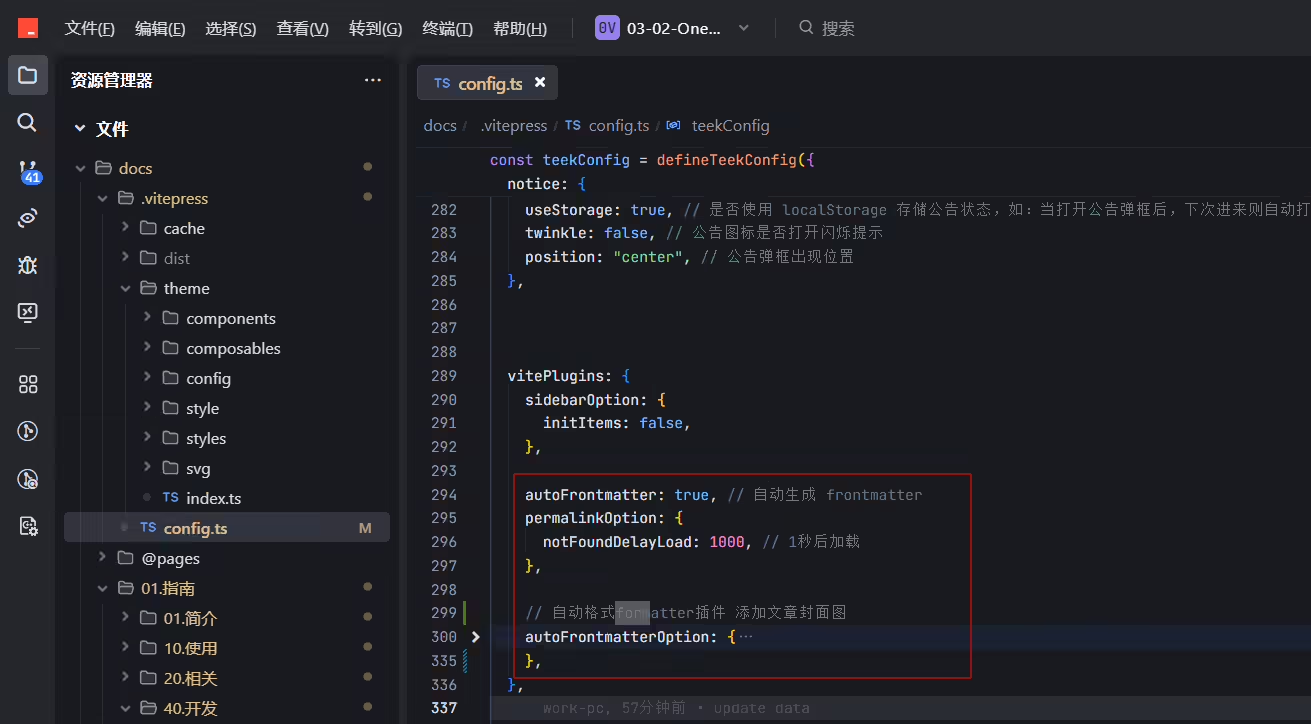
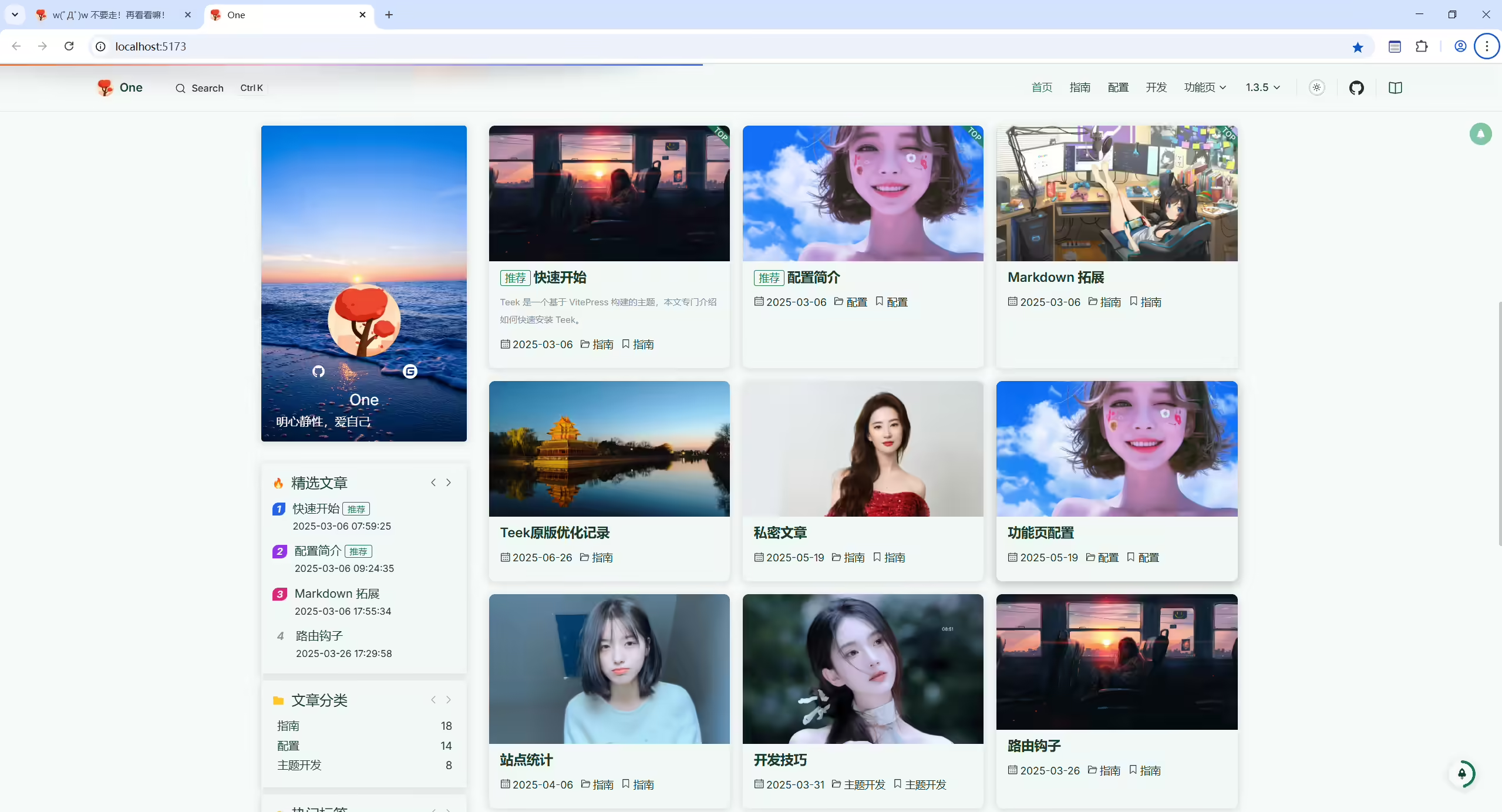
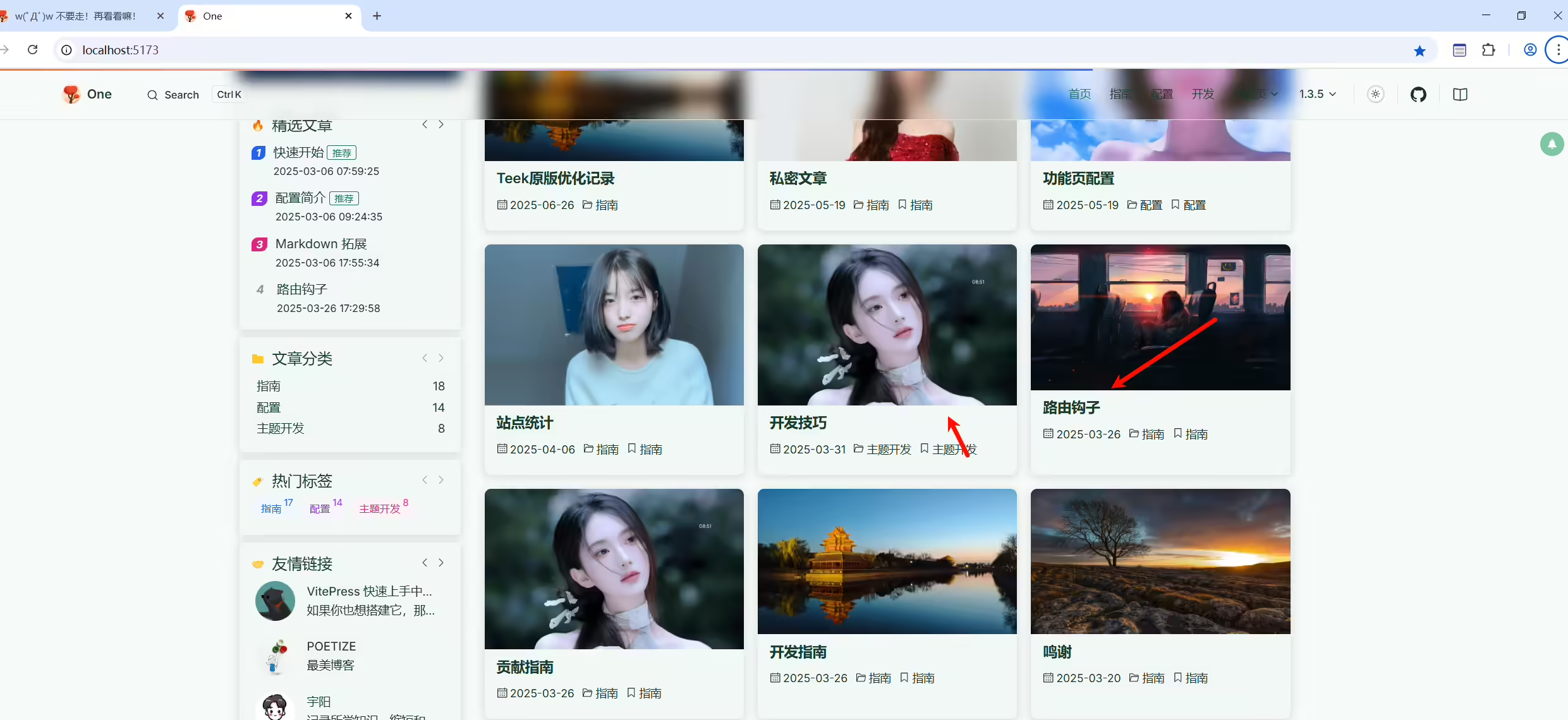
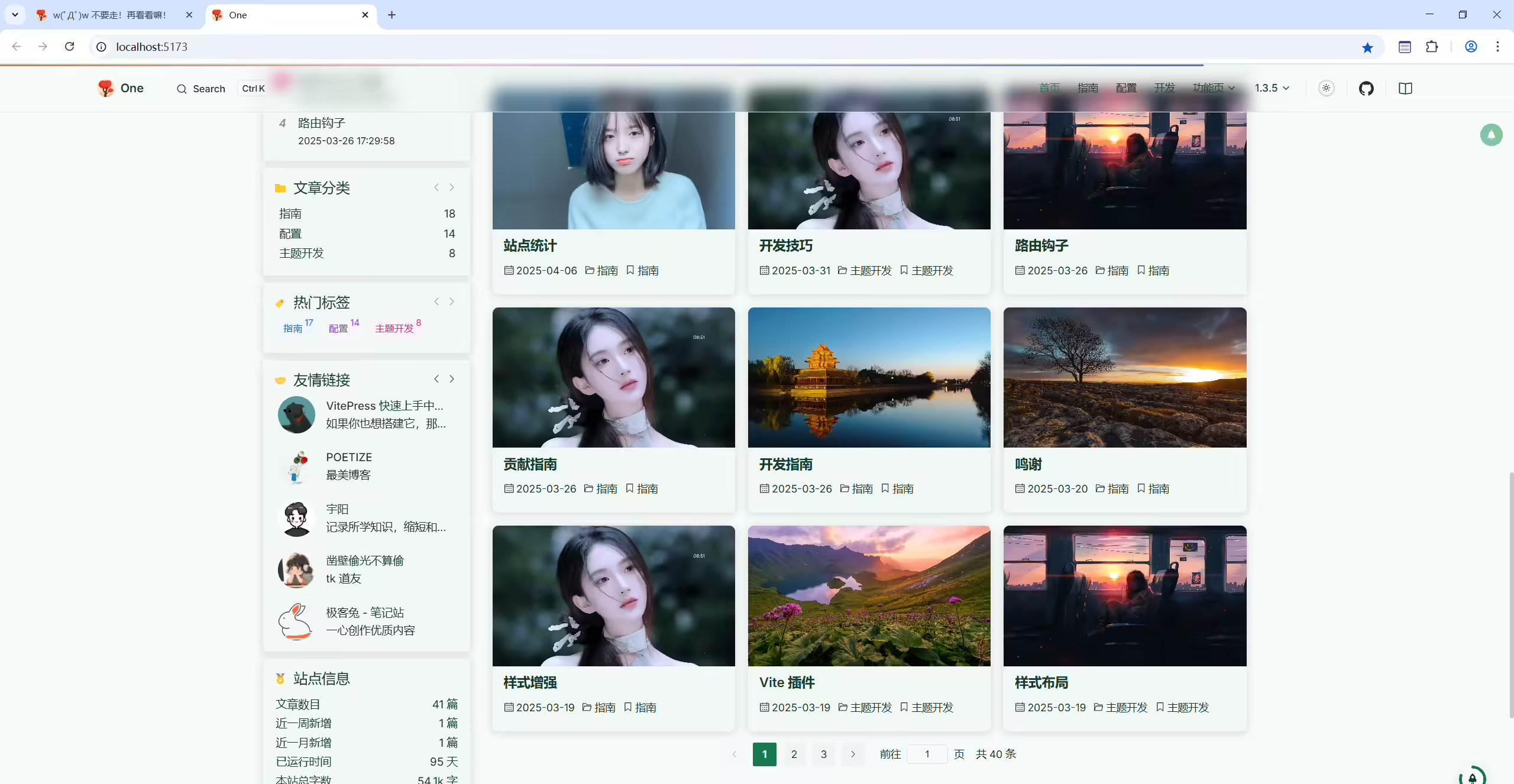
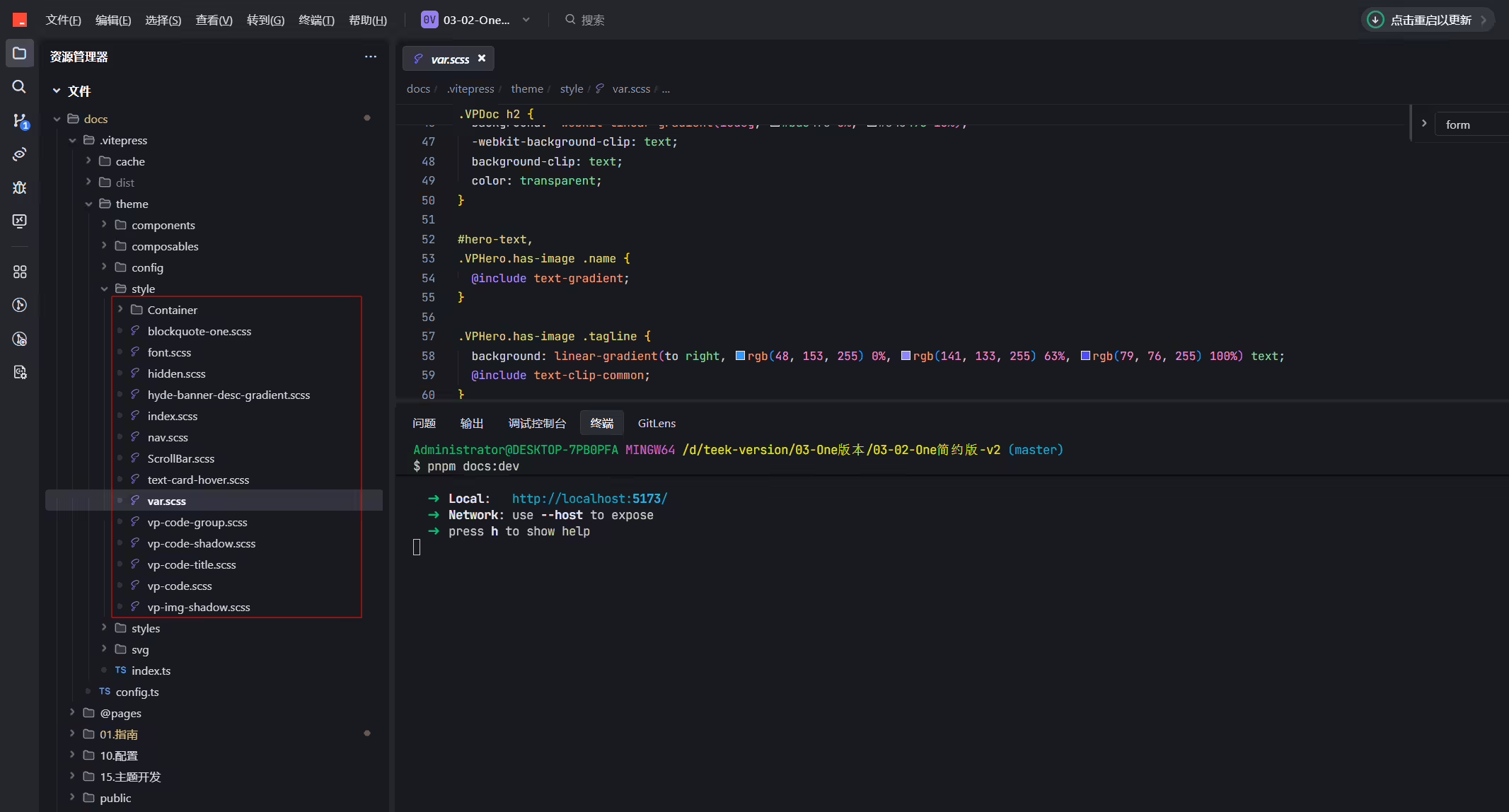
docs\.vitepress\theme\style\var.scss文件:
1// 让首页文章卡片的封面高度保持一致
2.tk-post-item-card__cover-img .cover-img {
3  cursor: pointer;
4  height: 190px;
5  -o-object-fit: cover;
6  object-fit: cover;
7  transition: transform .4s linear;
8  width: 100%;
9}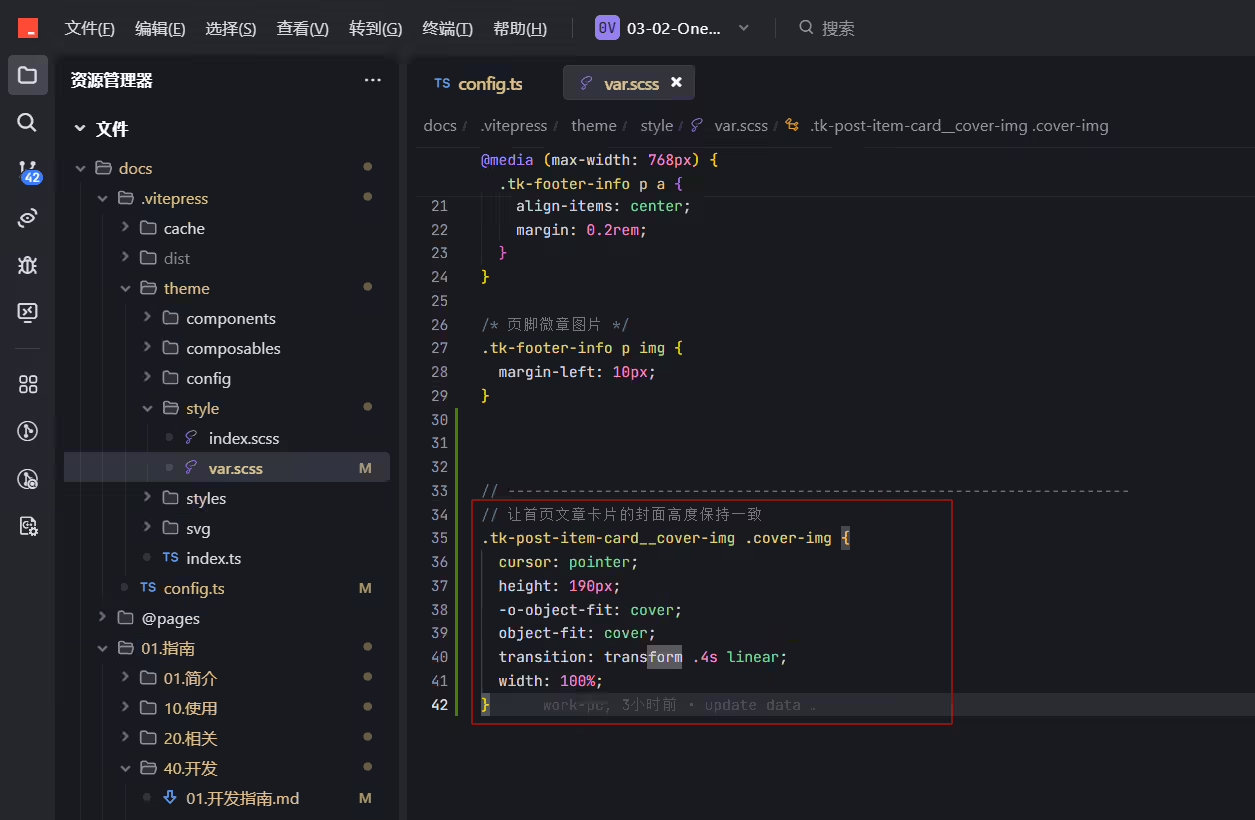
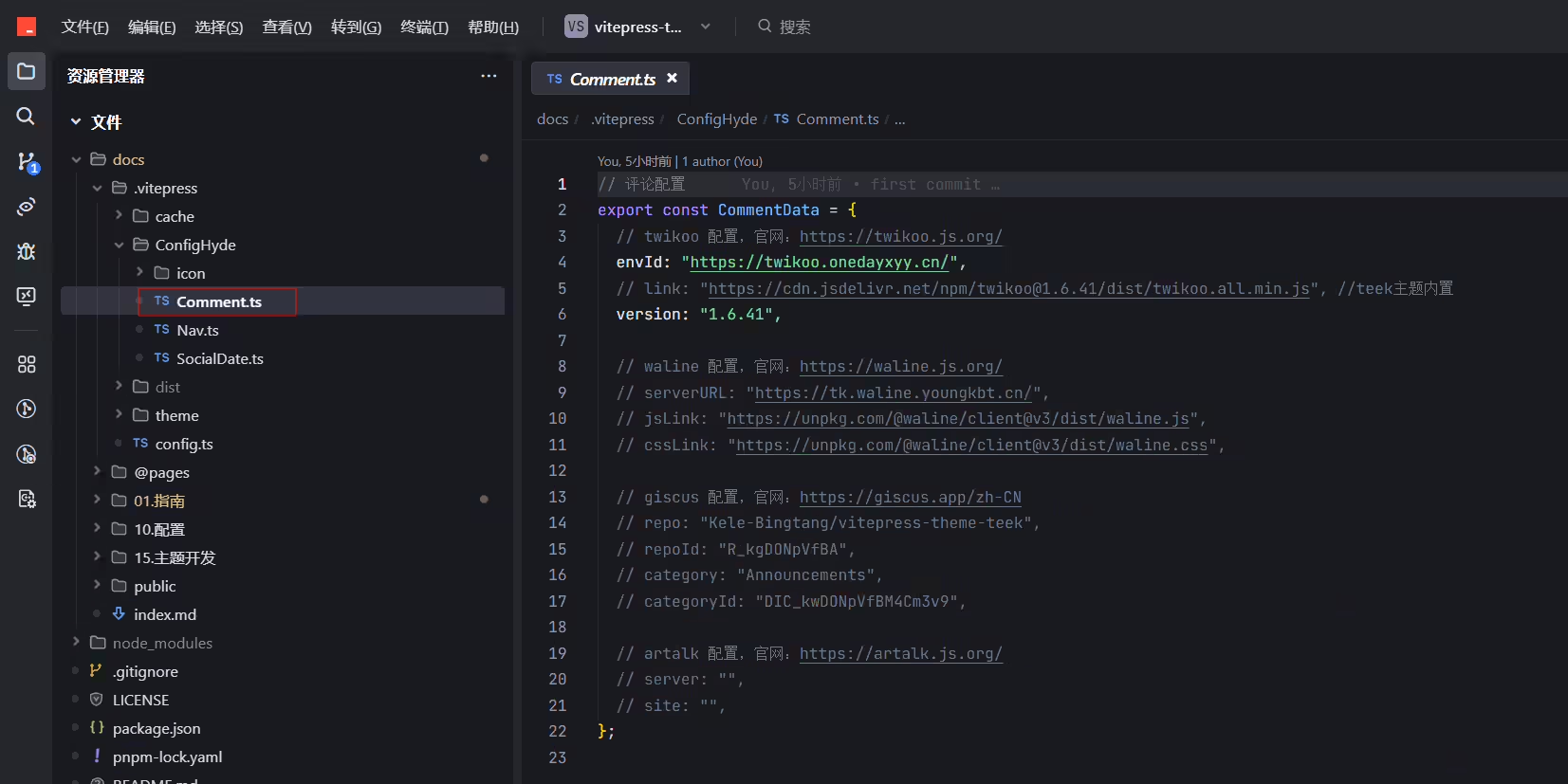
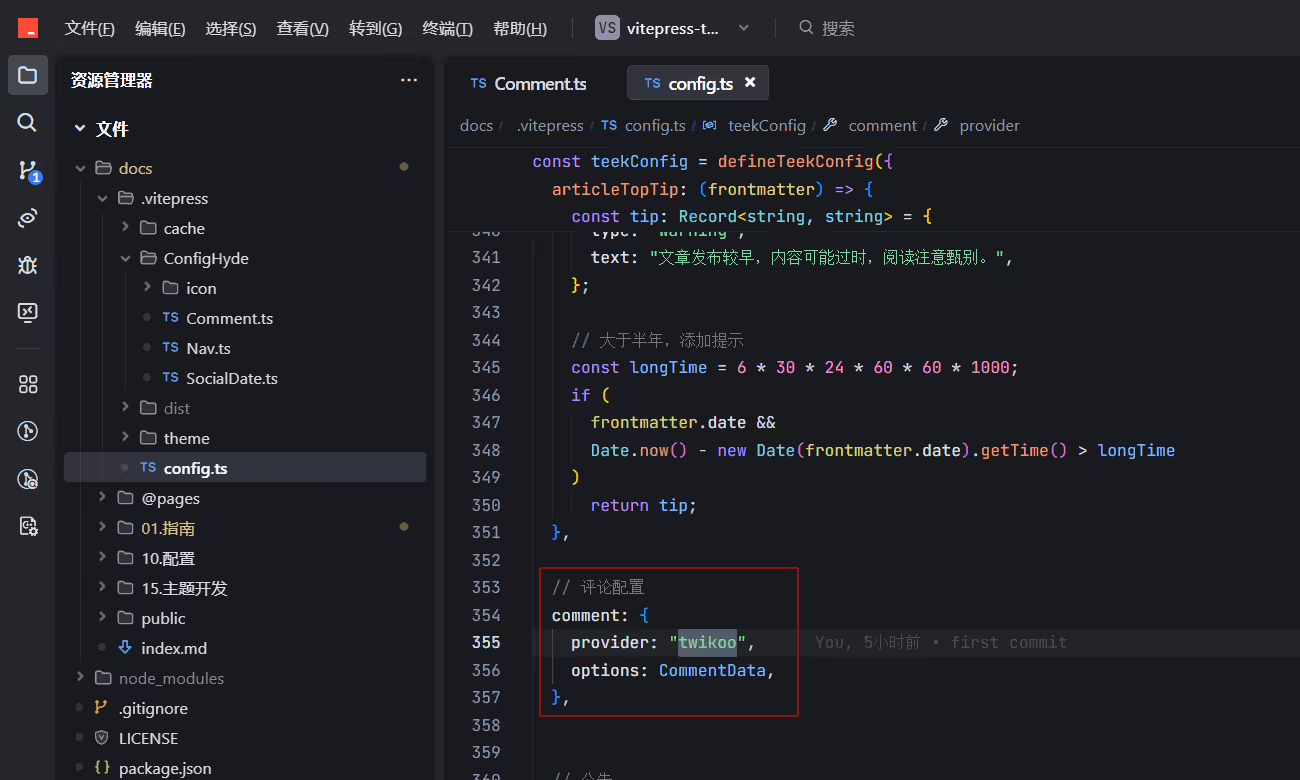
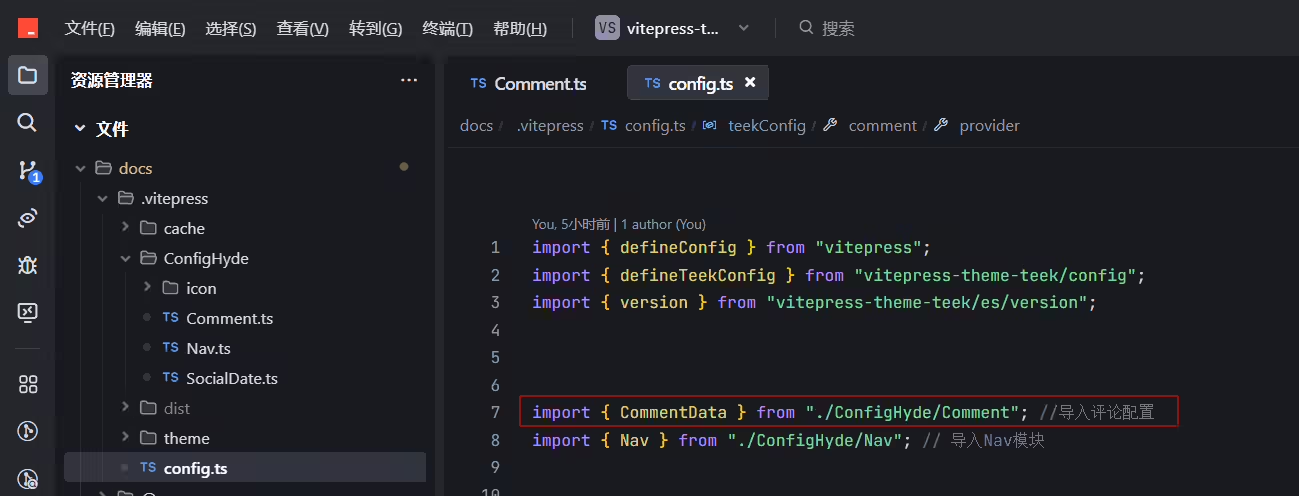
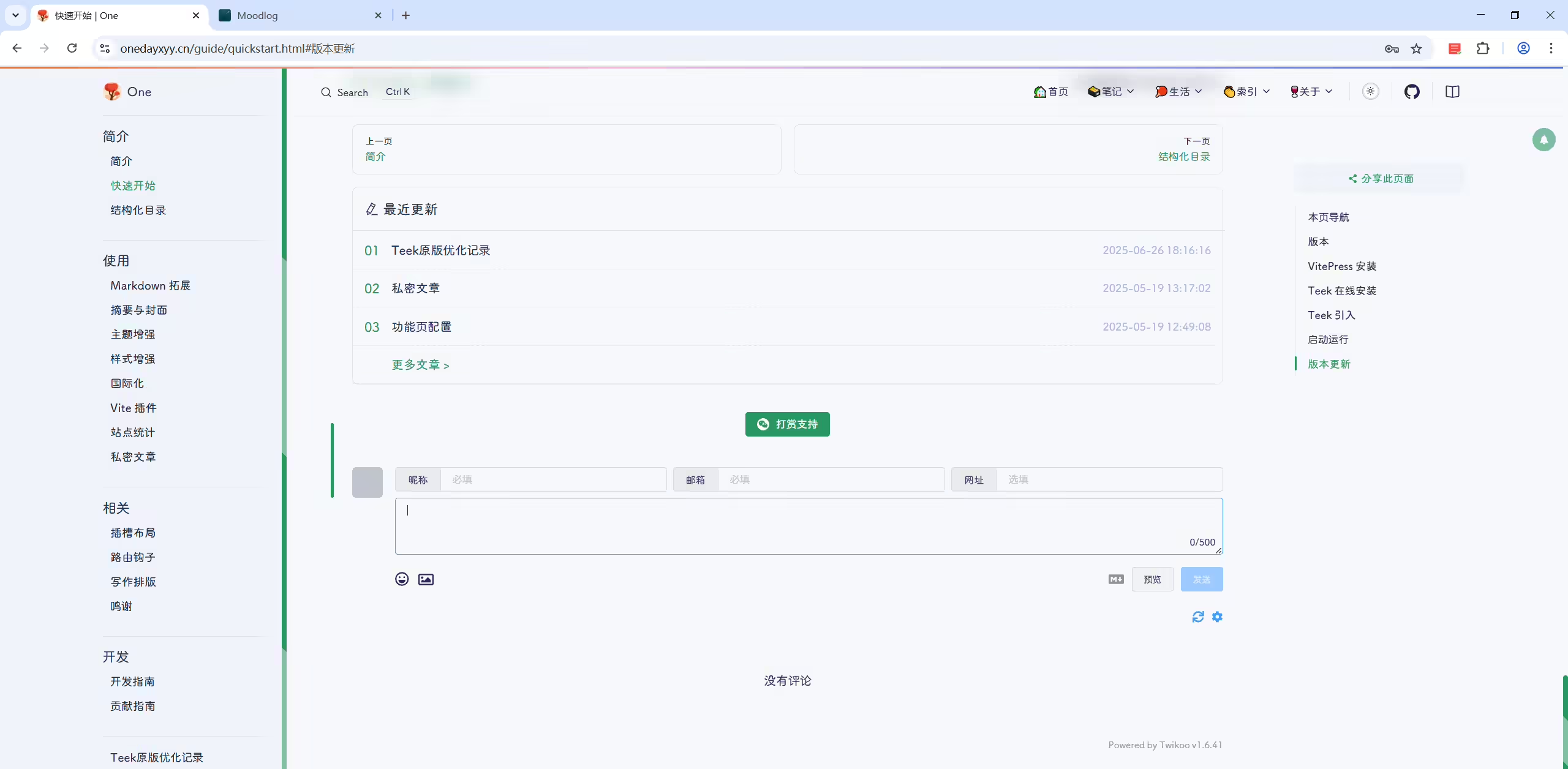
有时twikoo不见了??
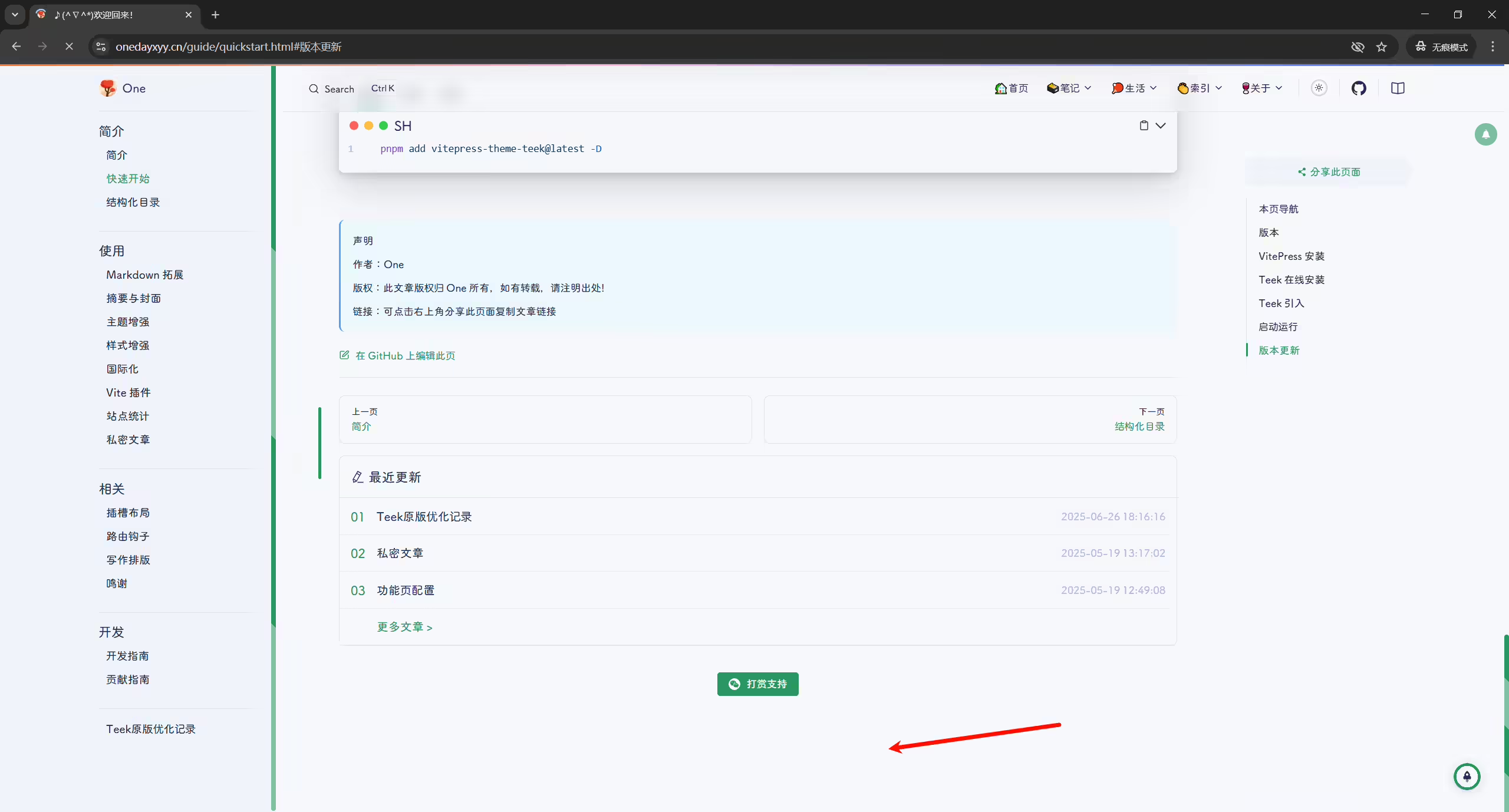
有时就出现了:。。。
使用了好看的字体后 这里的样式就不明显了,回退使用默认字体
有问题后效果:
默认效果:
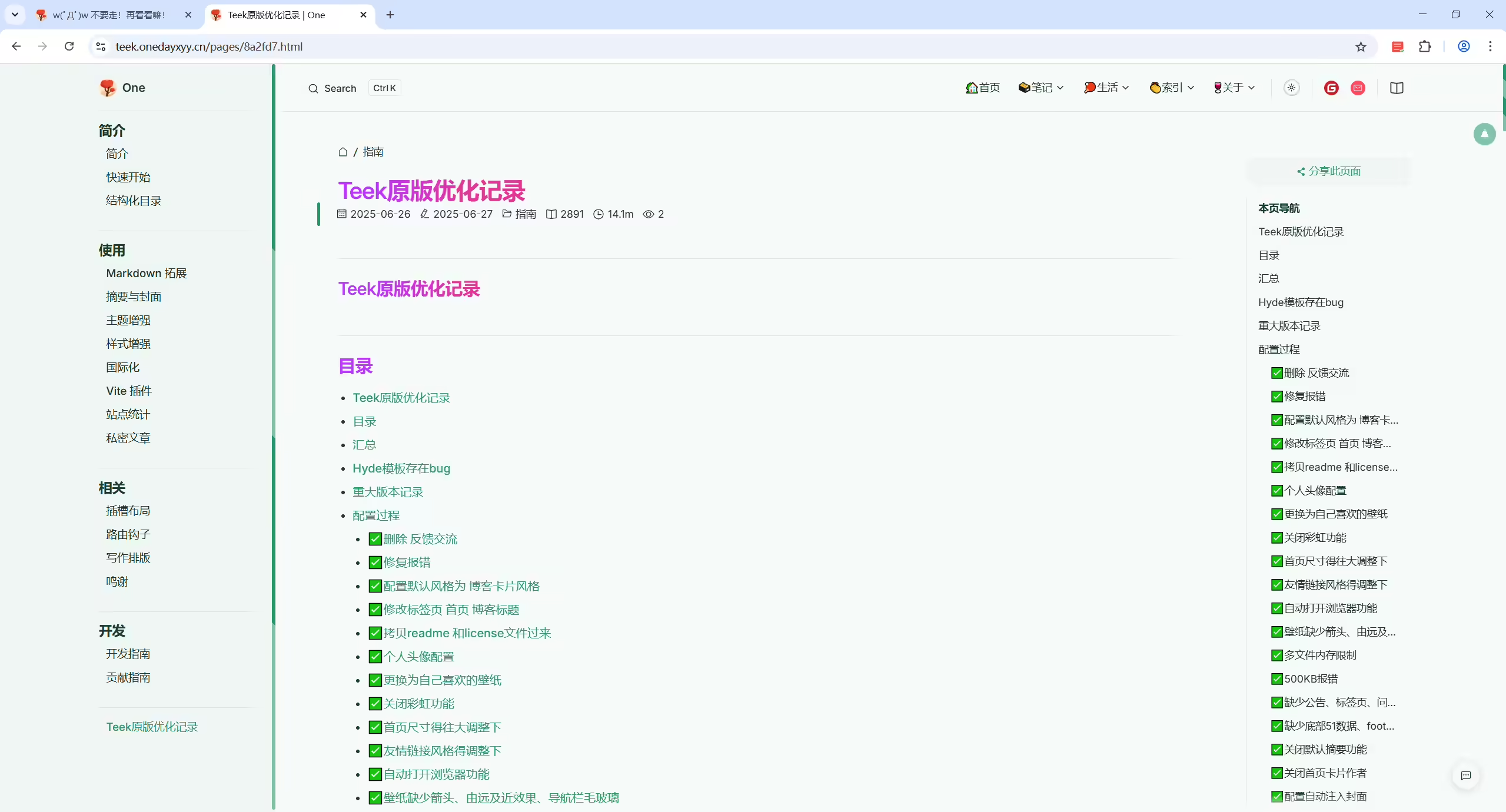
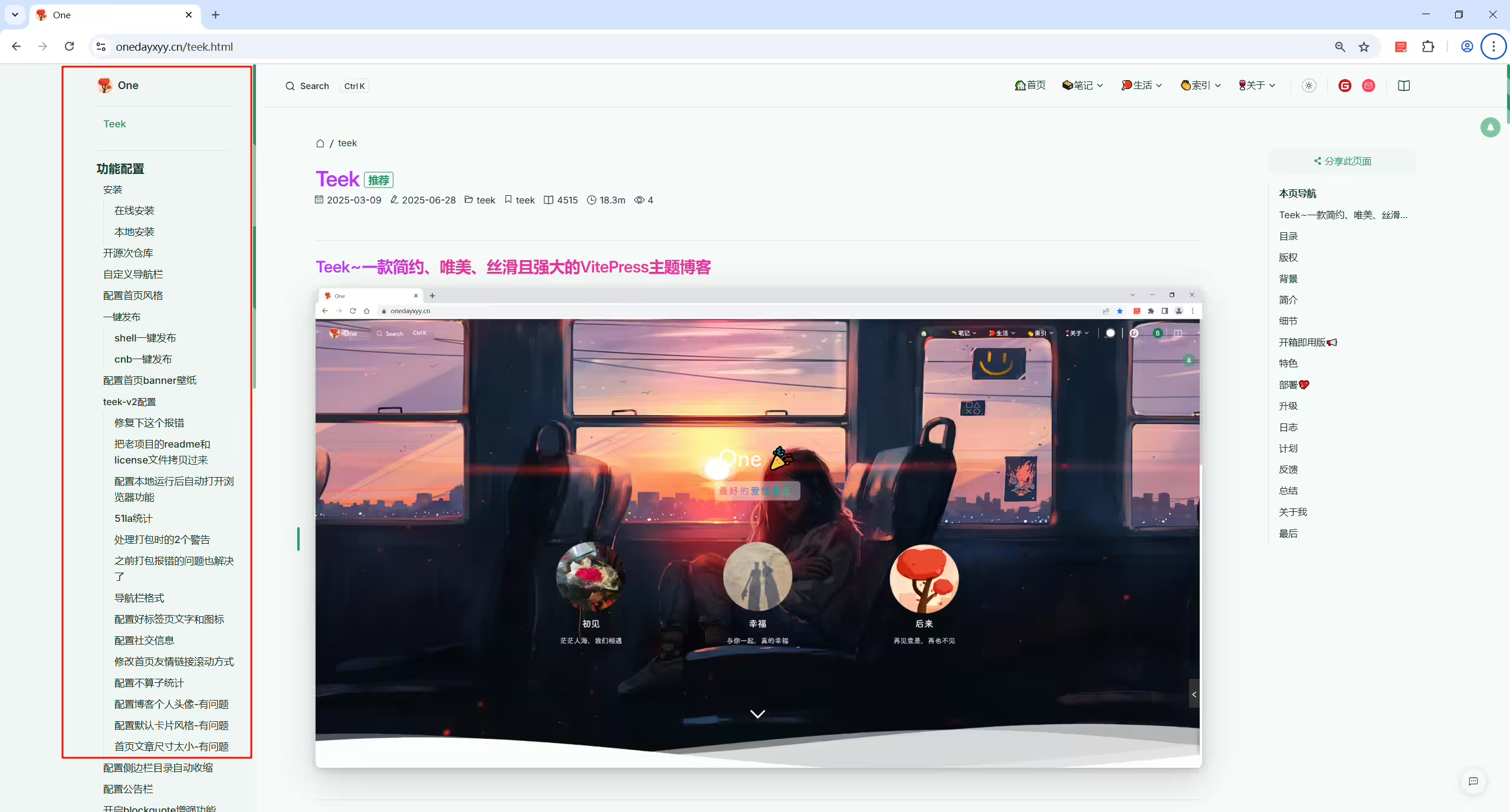
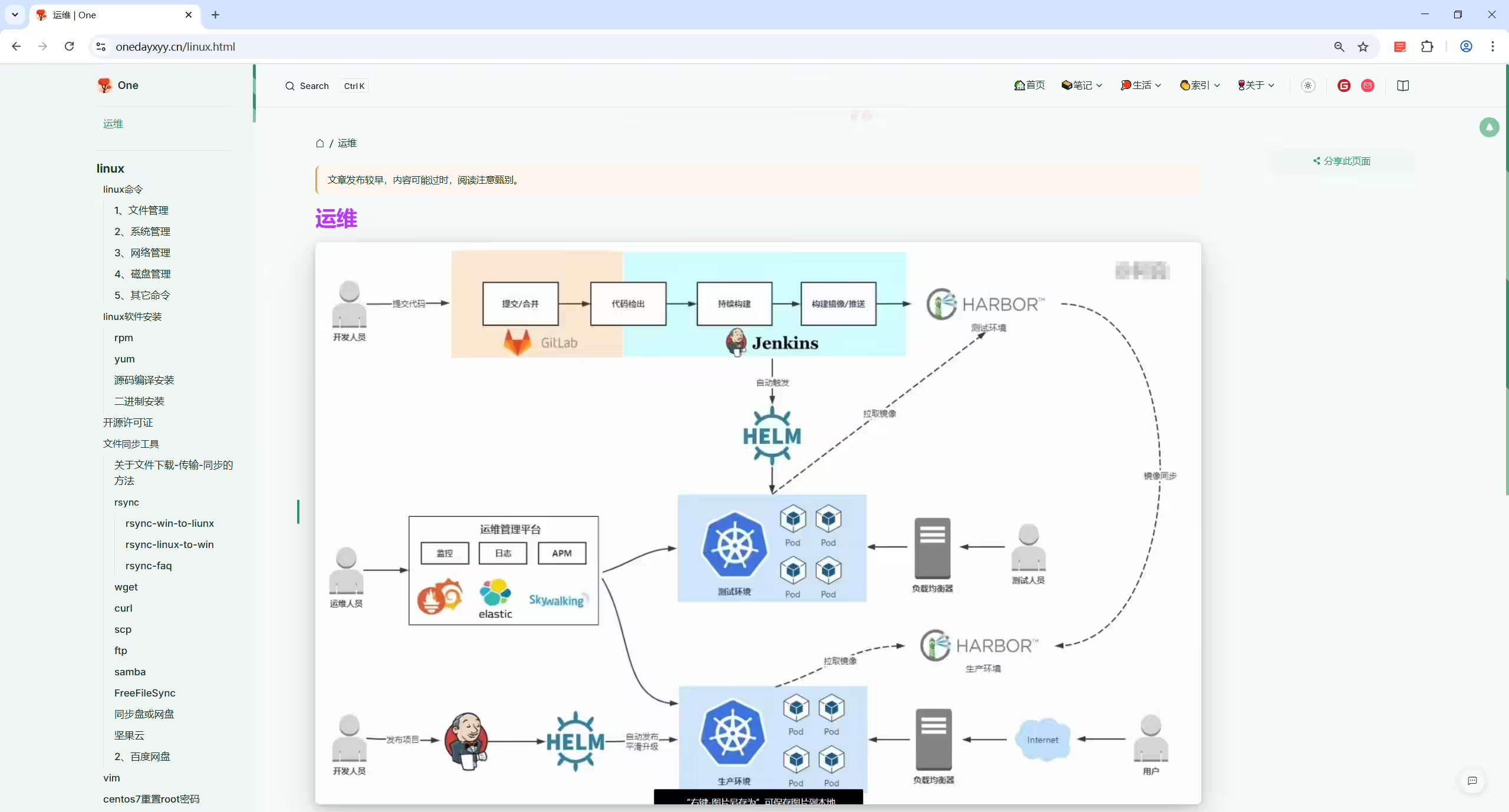
以上配置方式如下:
默认不配置的:
这个情况适用于目录少,目录层级少,目录下子文件少;否则的话,太丑了。。;
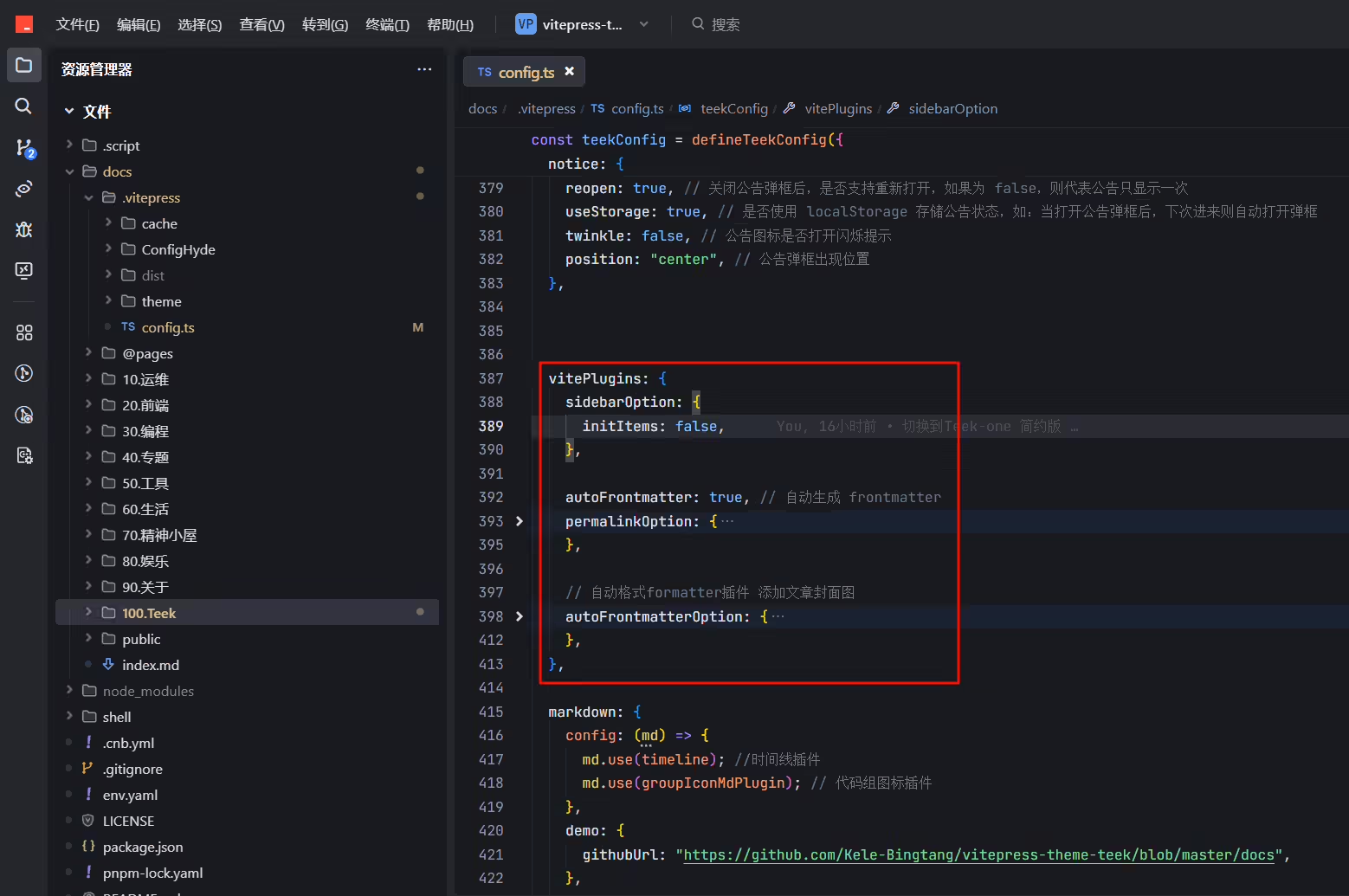
docs\.vitepress\config.ts
1    sidebarOption: {
2      // initItems: false, //这条命令注释后,才会让文档和目录的样式保持一致
3      collapsed: true, //打开侧边栏自动收缩功能
4    },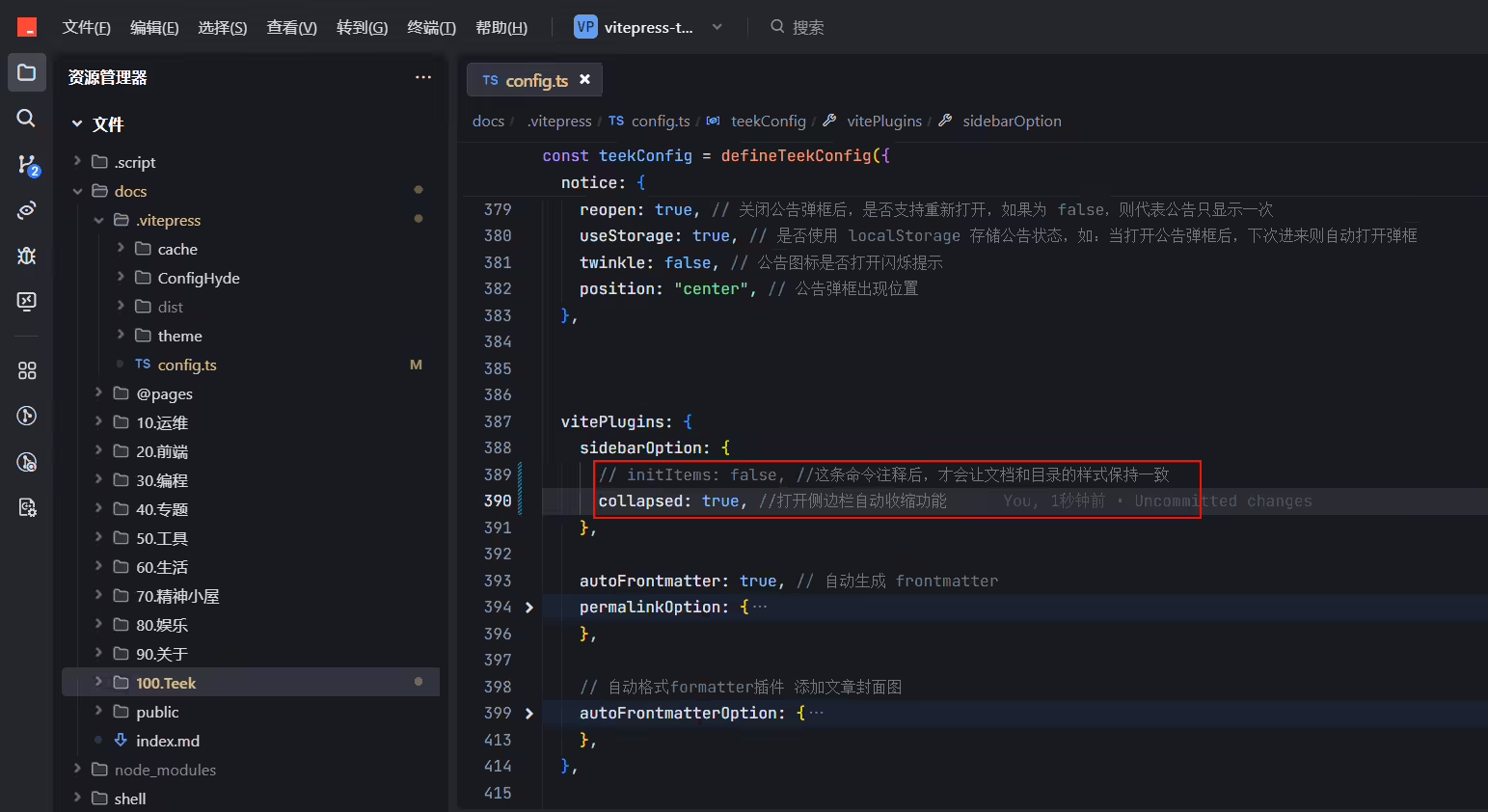
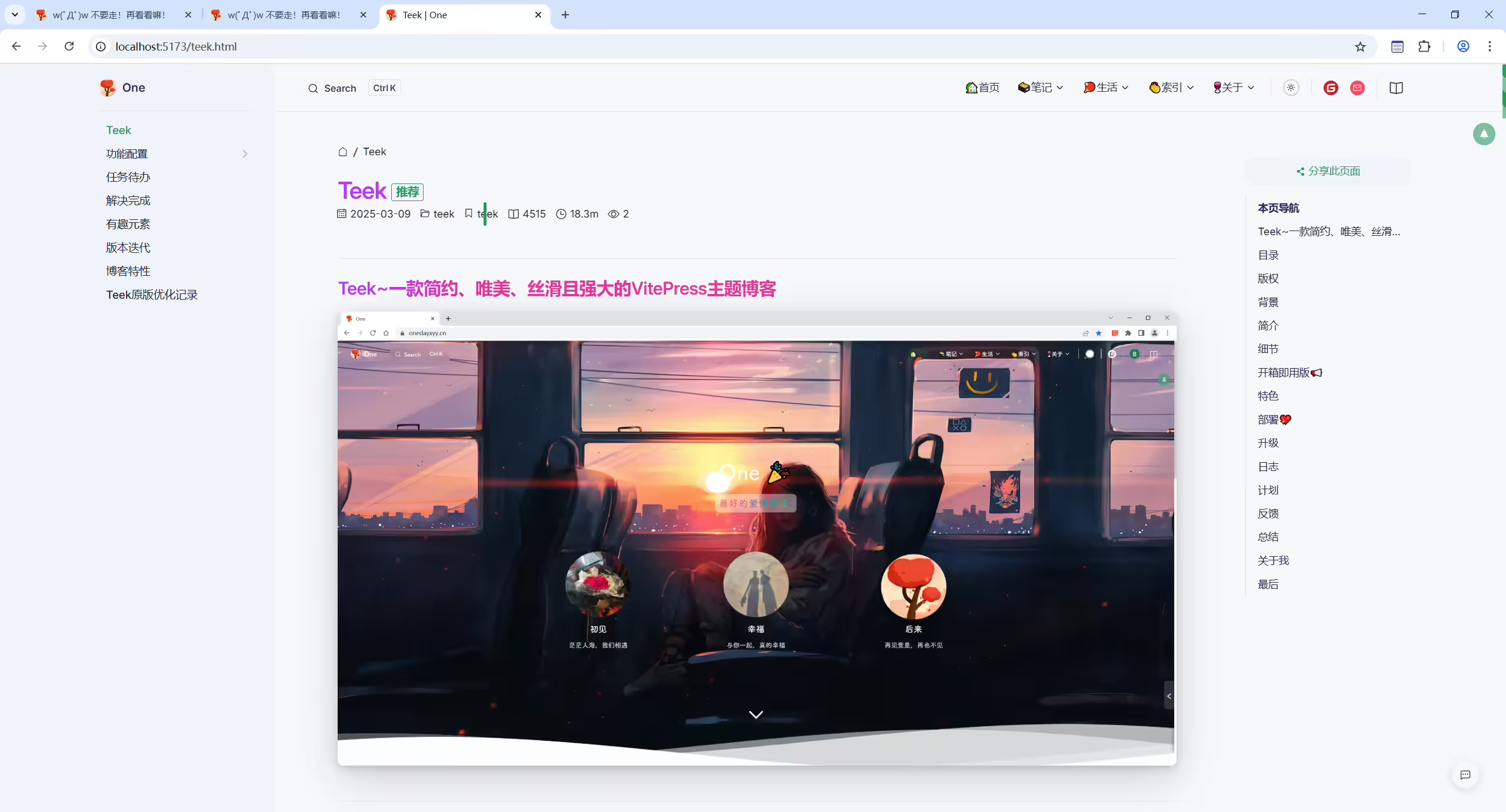
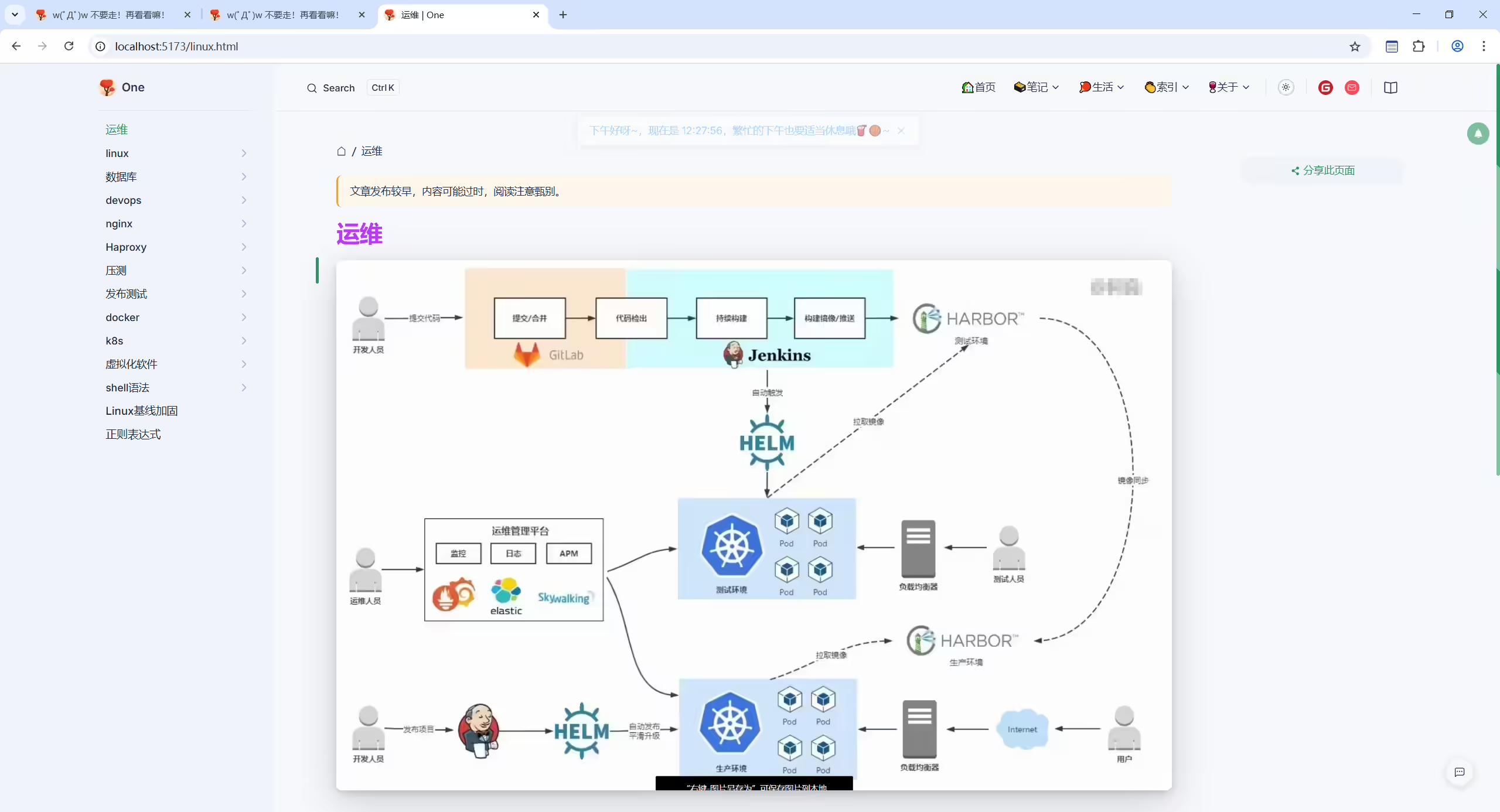
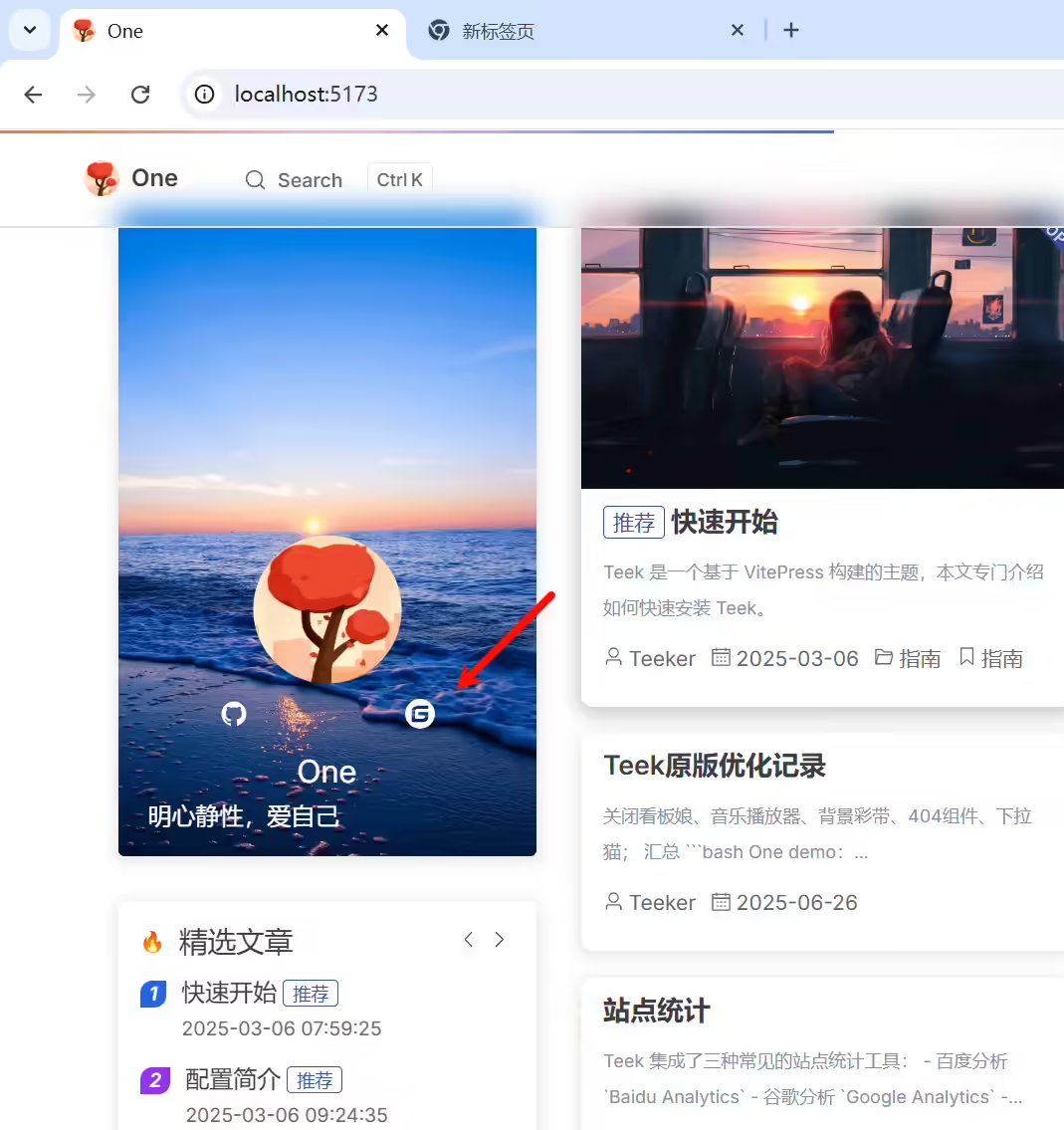
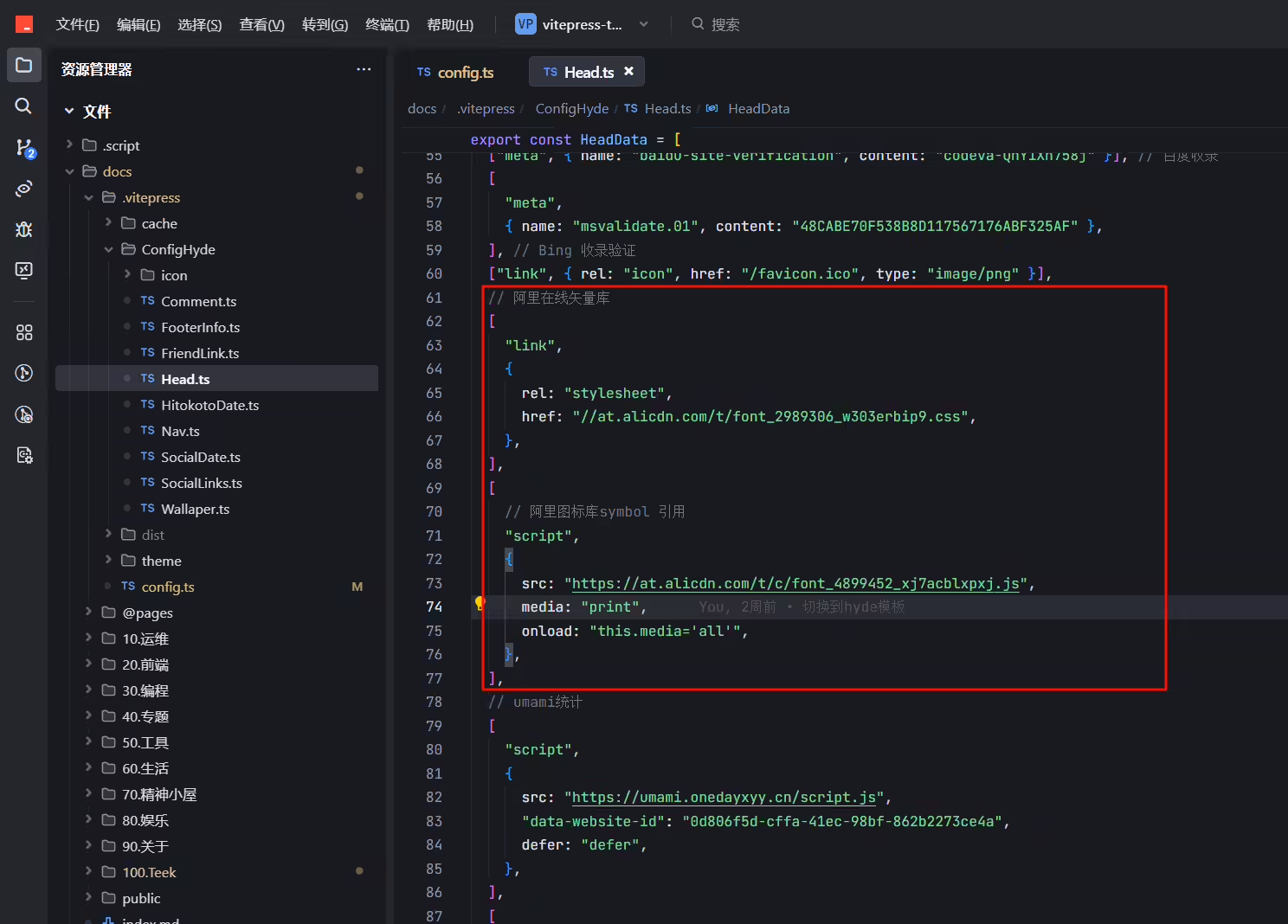
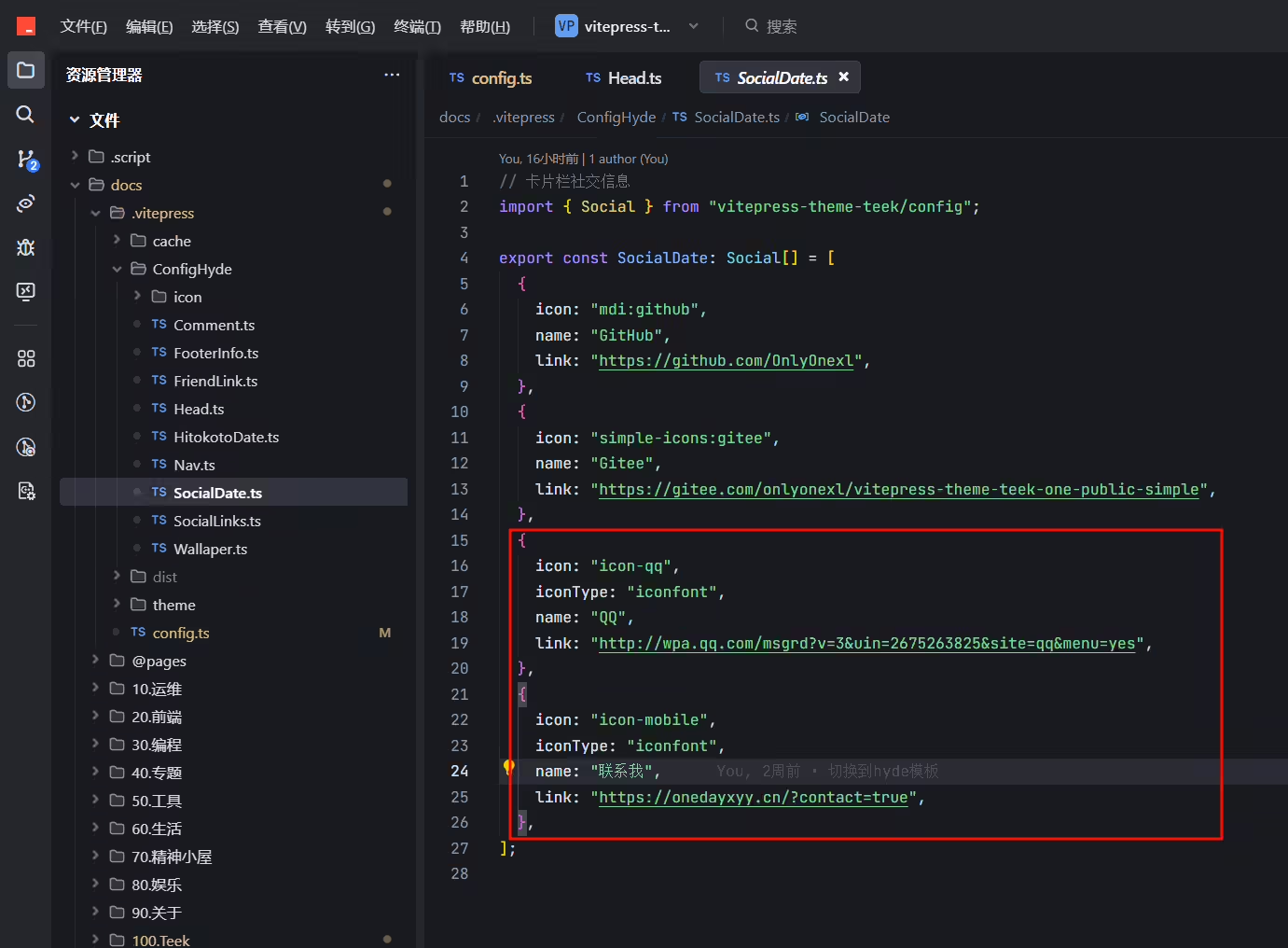
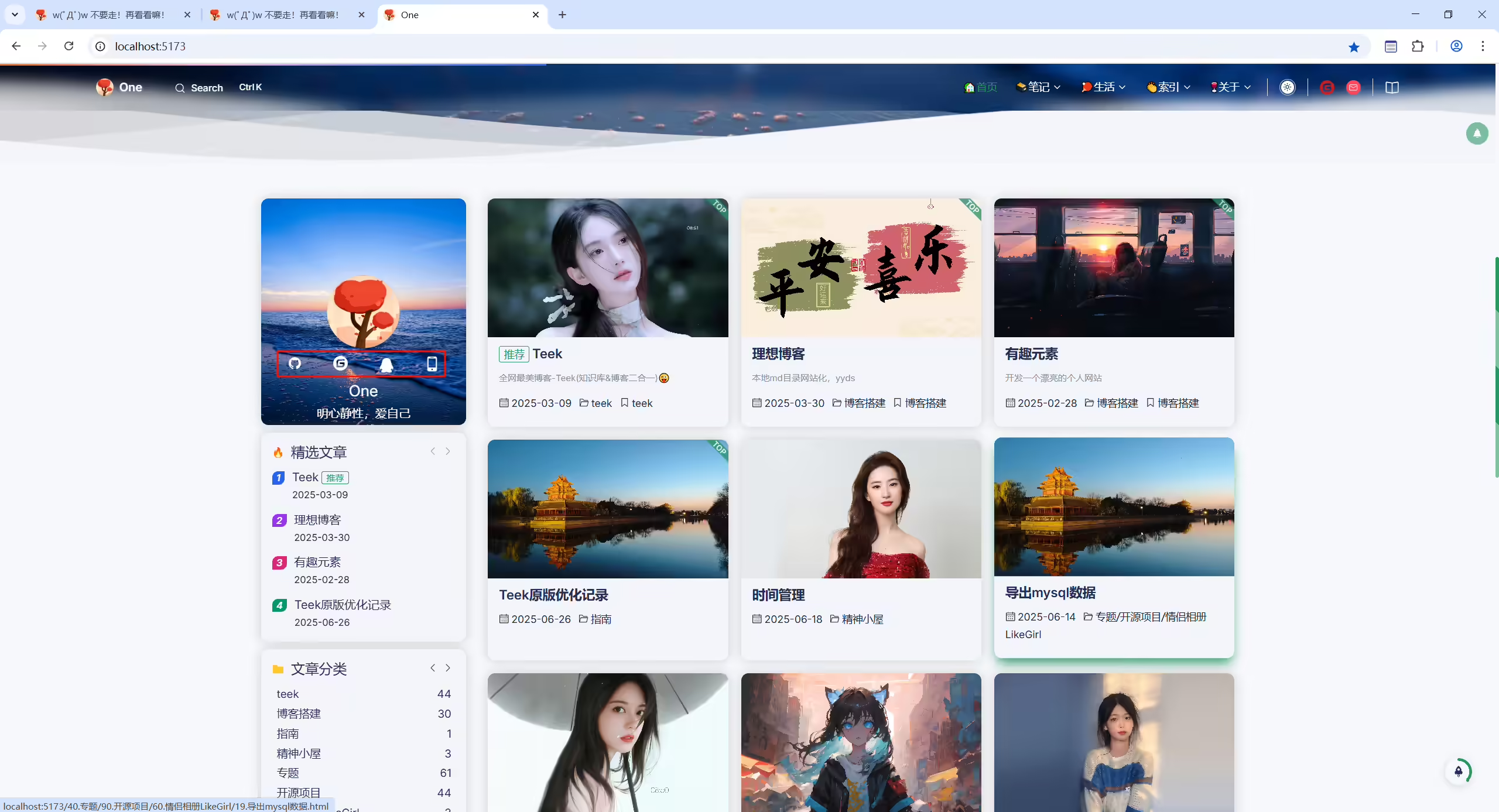
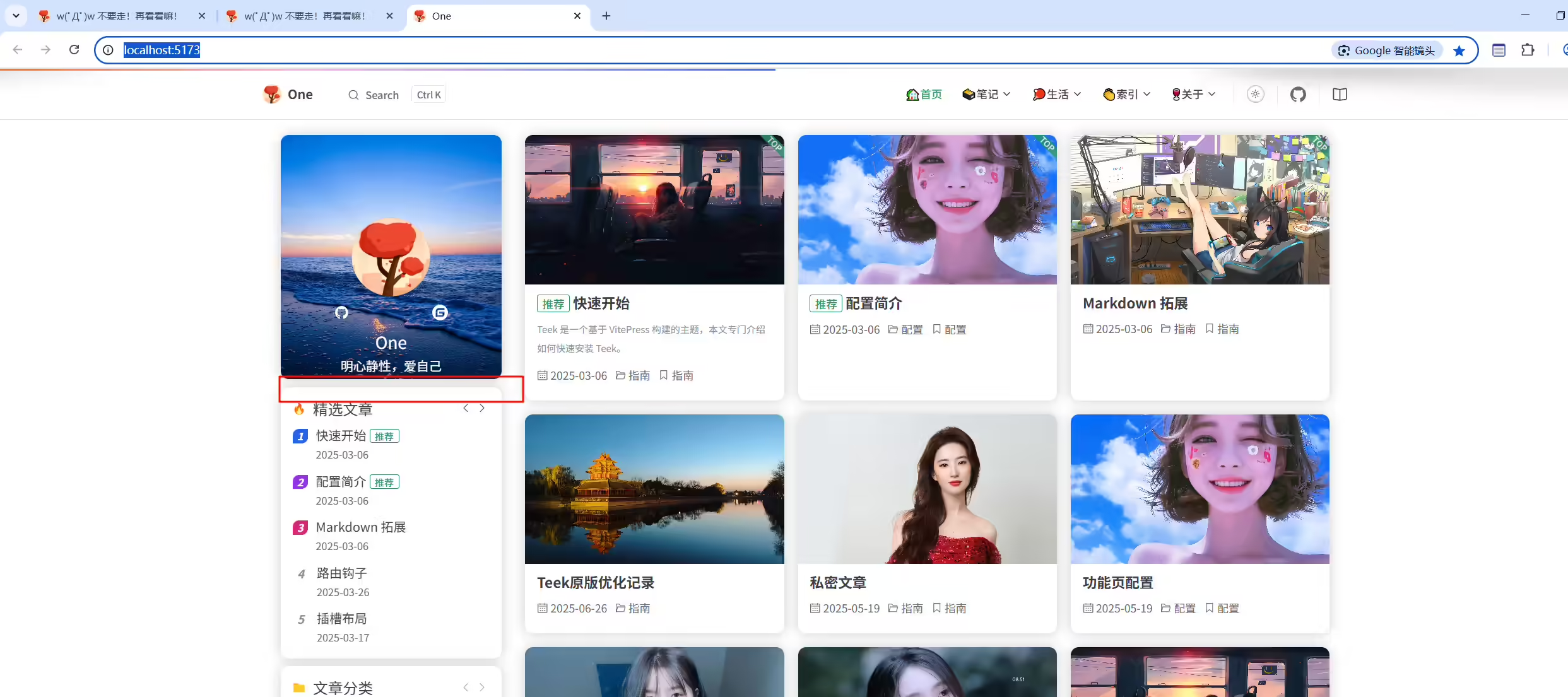
忘记在哪里了哈哈哈哈。。。。
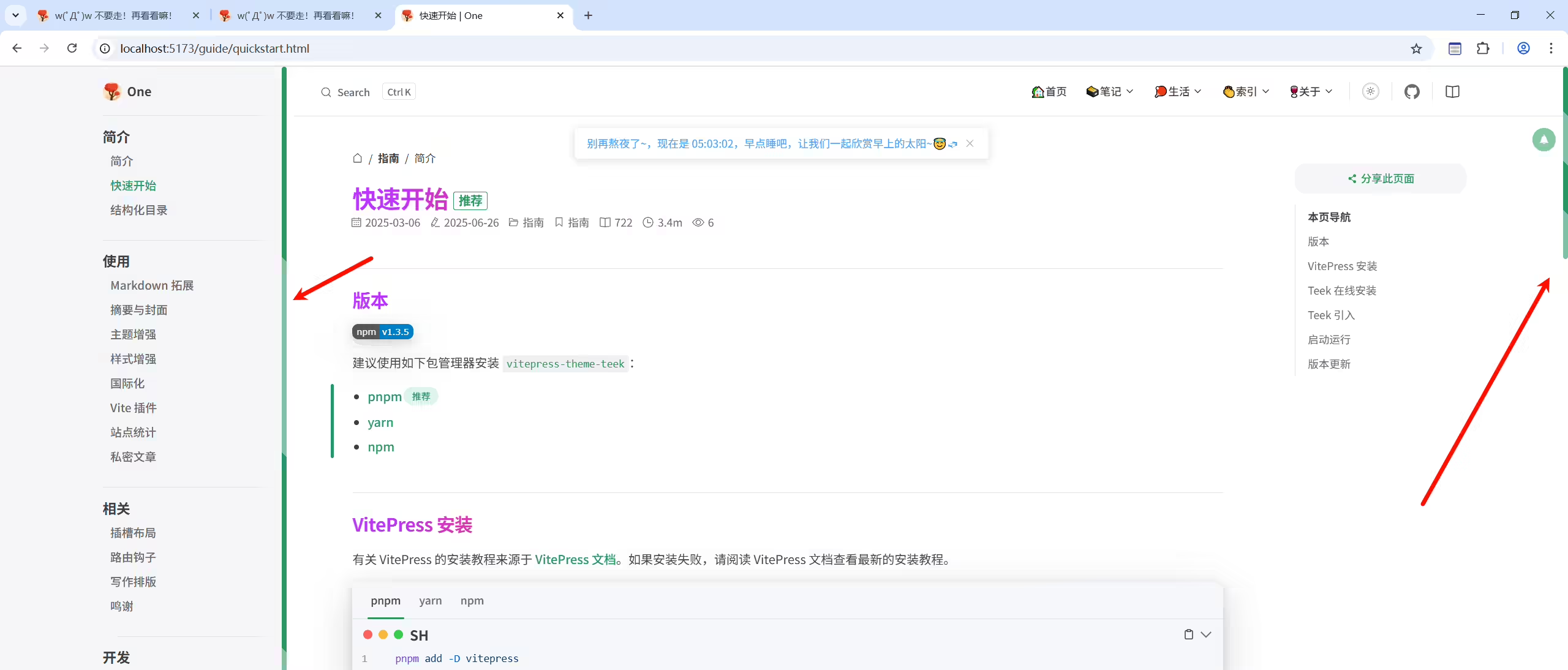
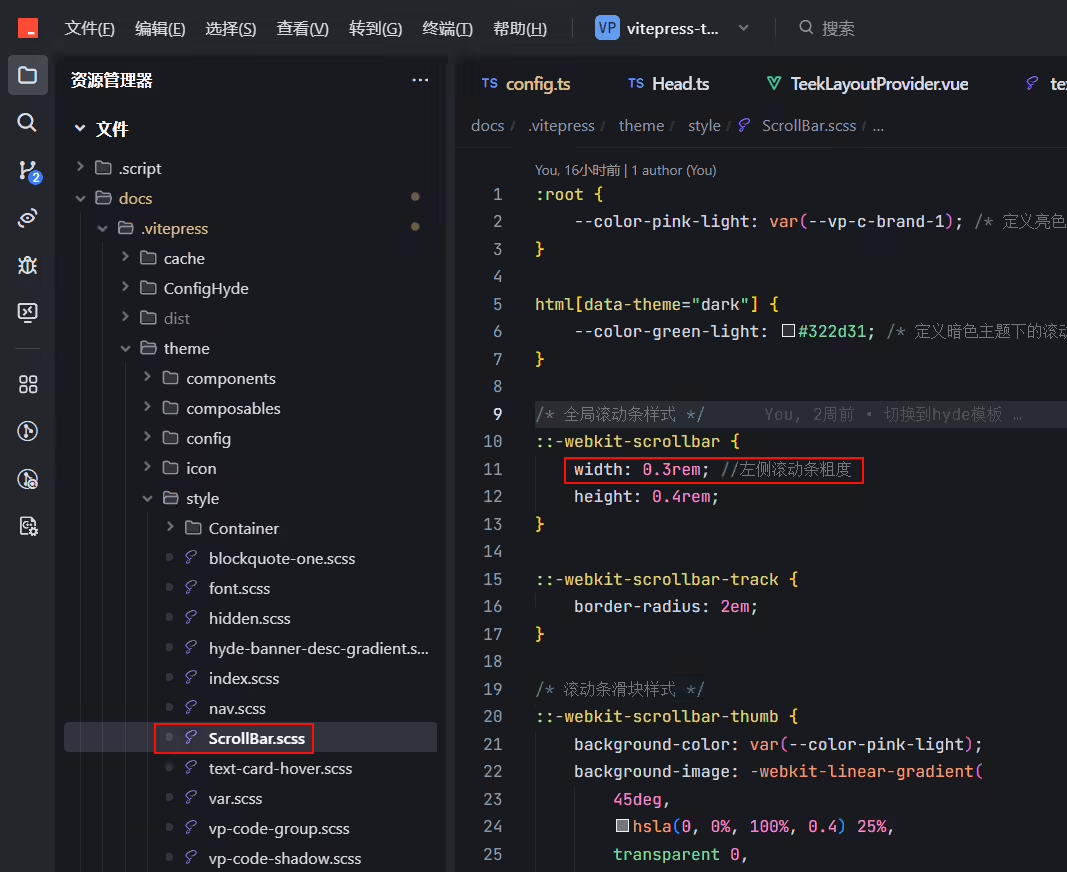
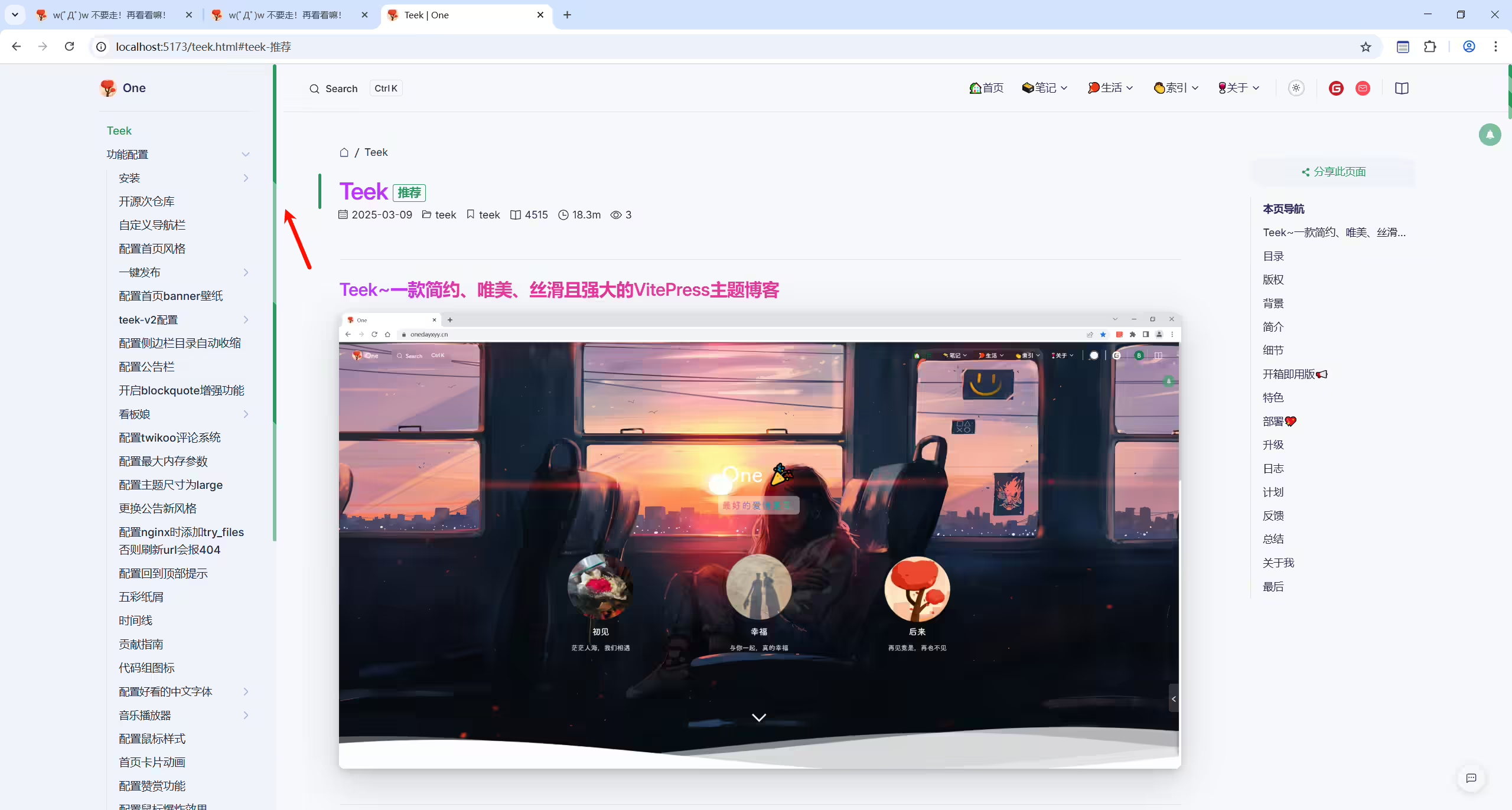
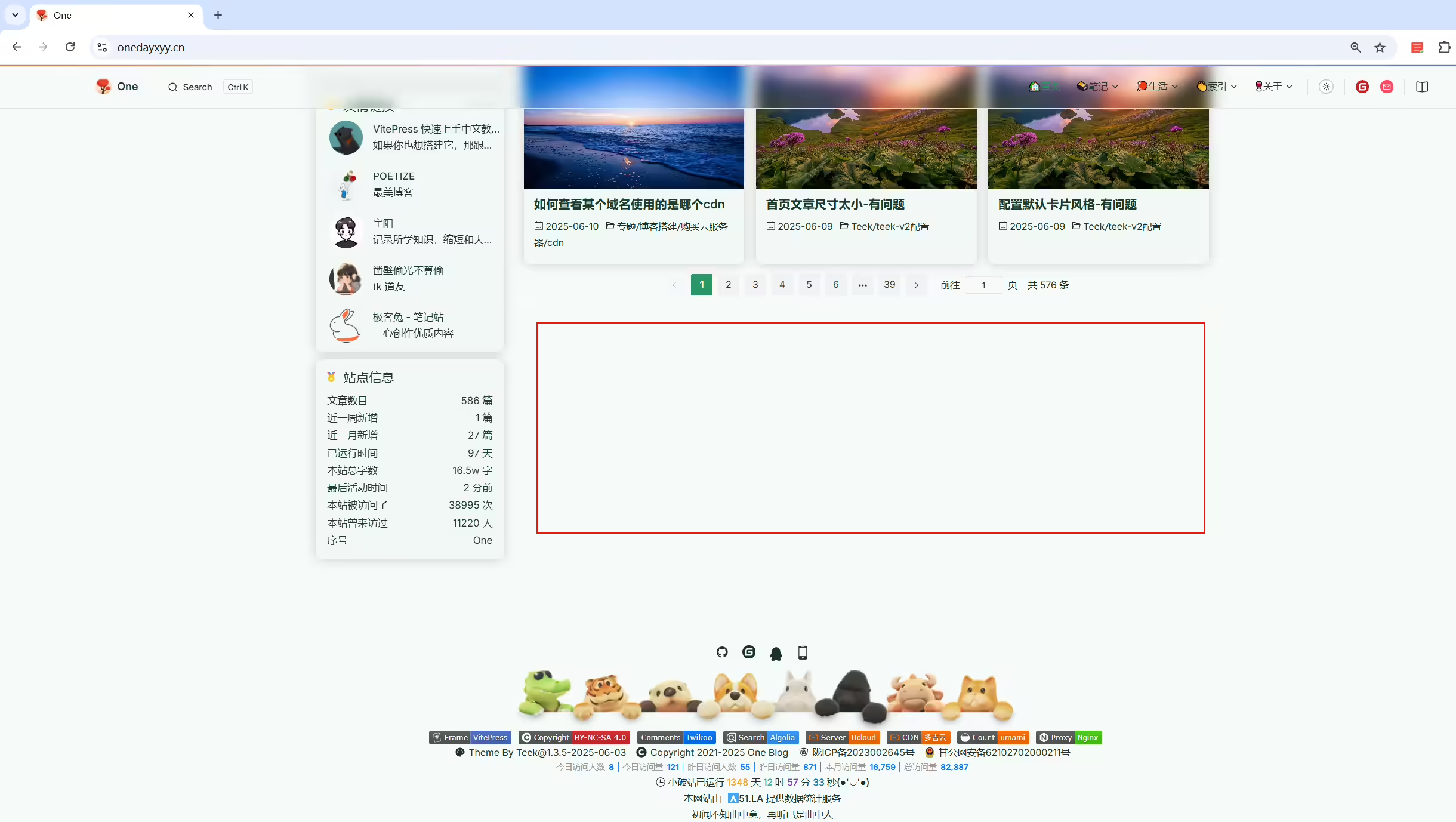
docs\.vitepress\config.ts
1  page: {
2    pageSize: 18, //首页 Post 文章列表的分页配置
3  },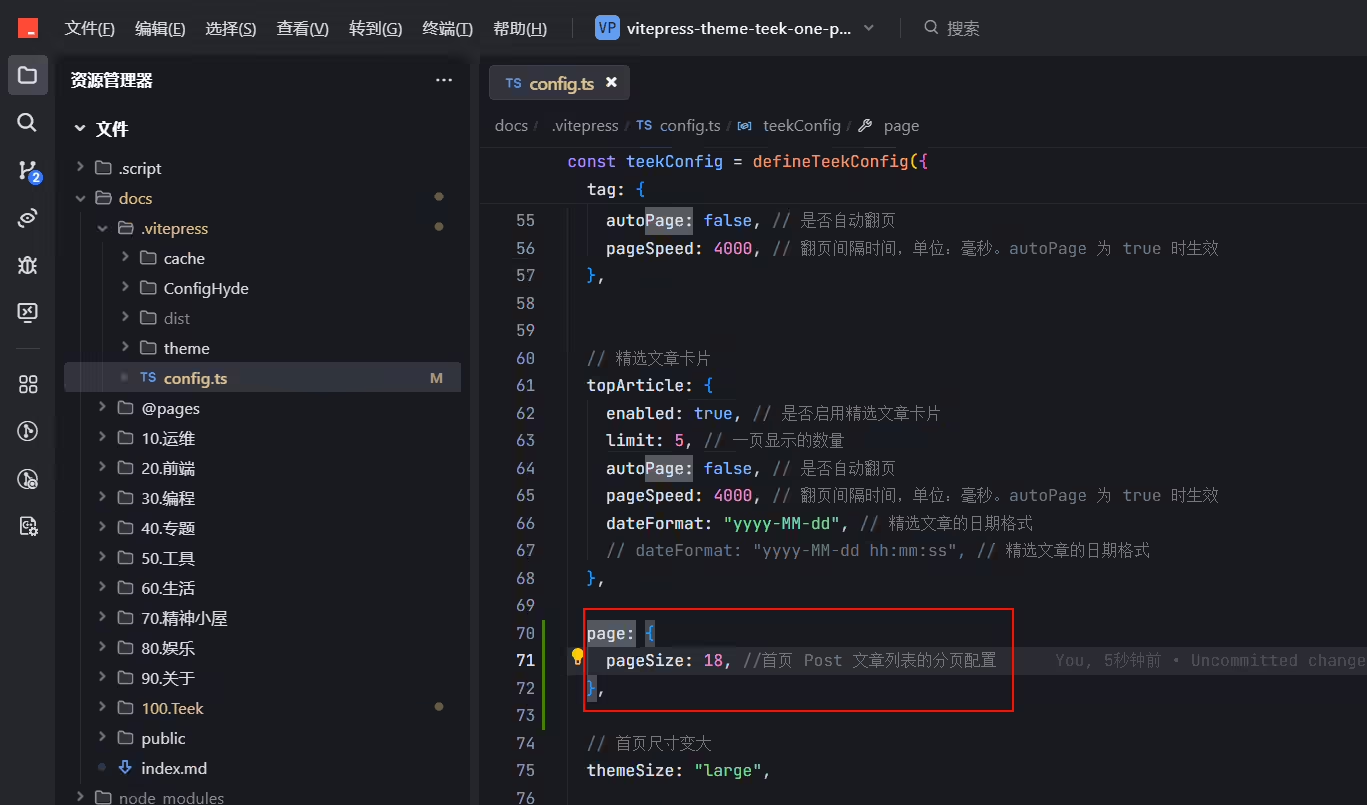
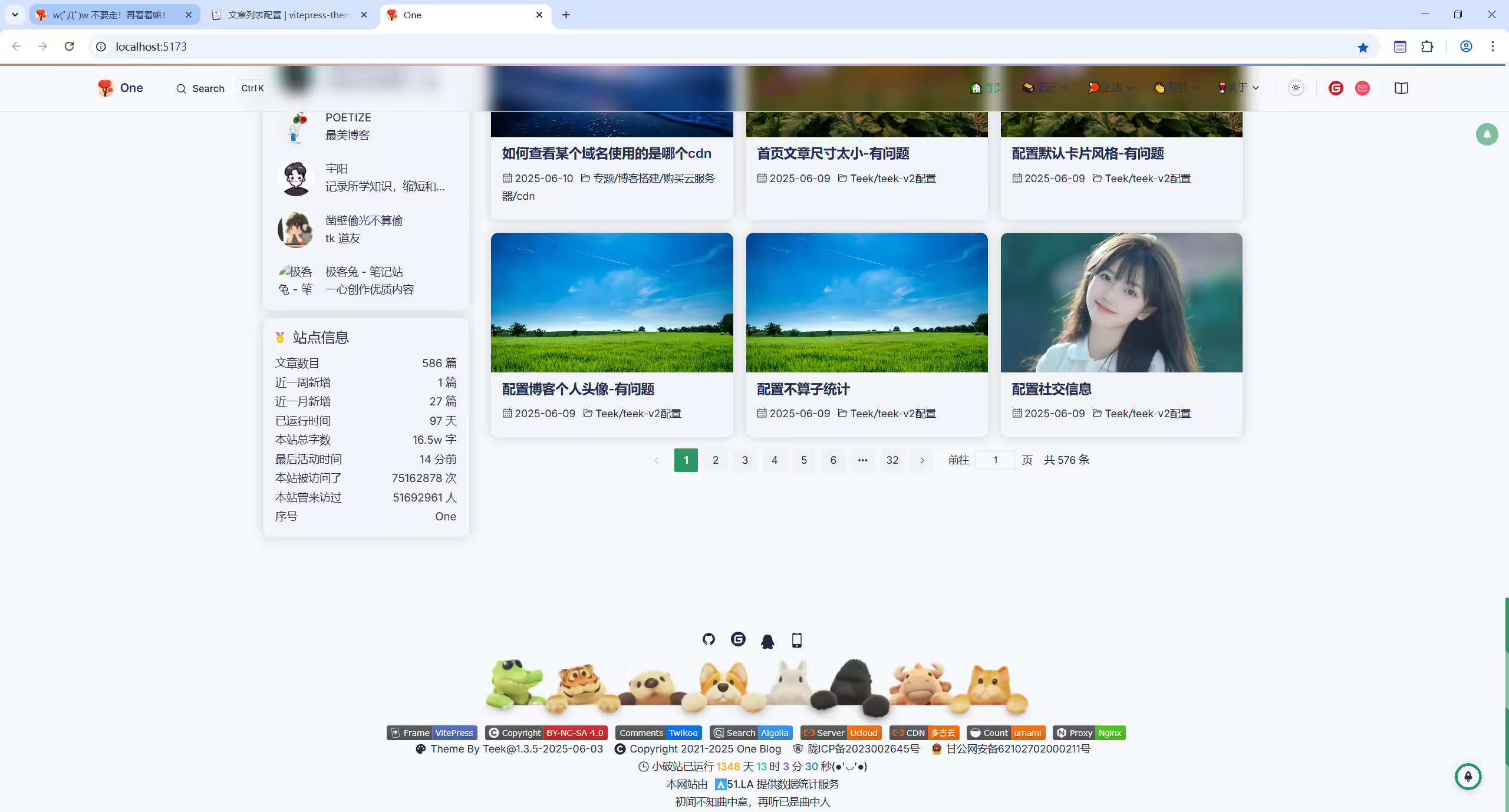
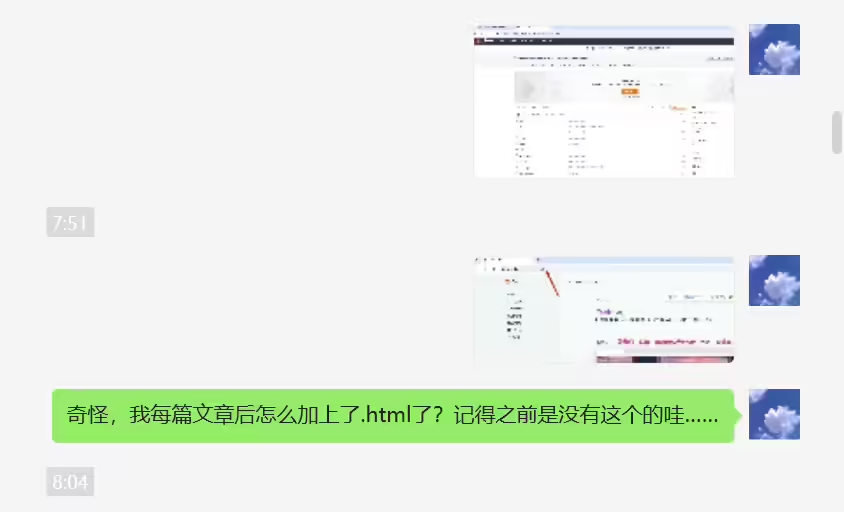
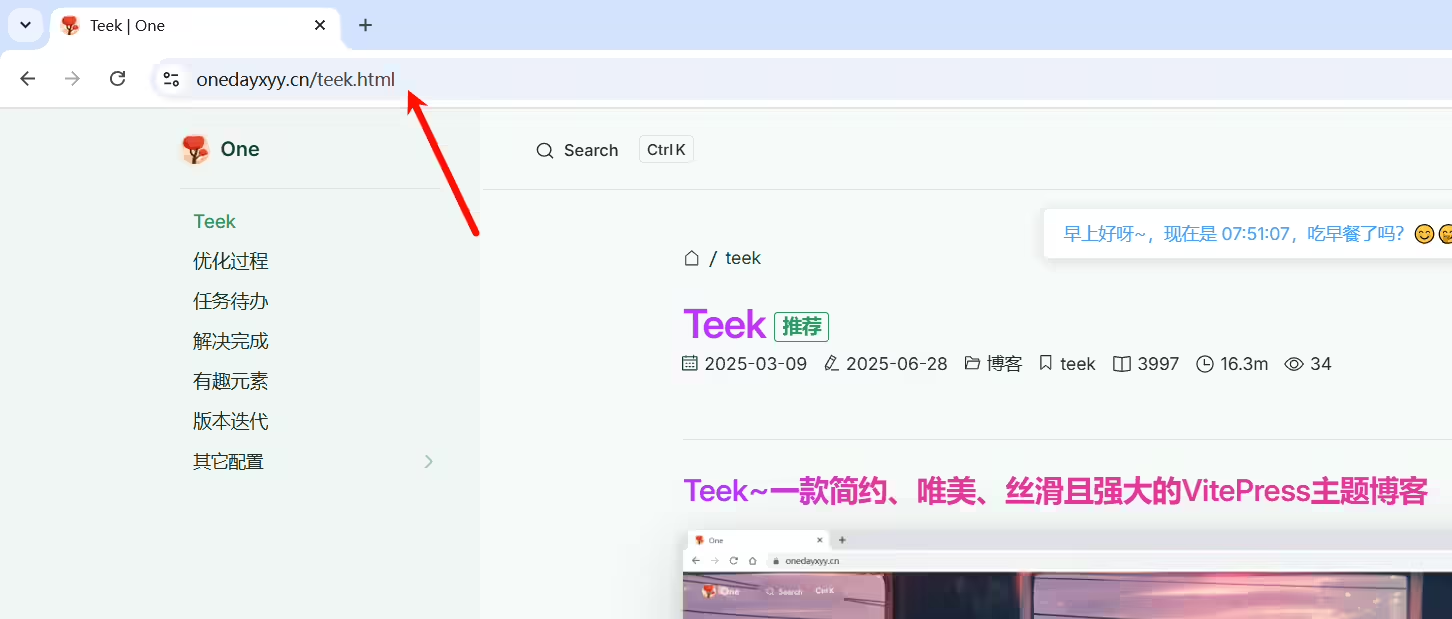
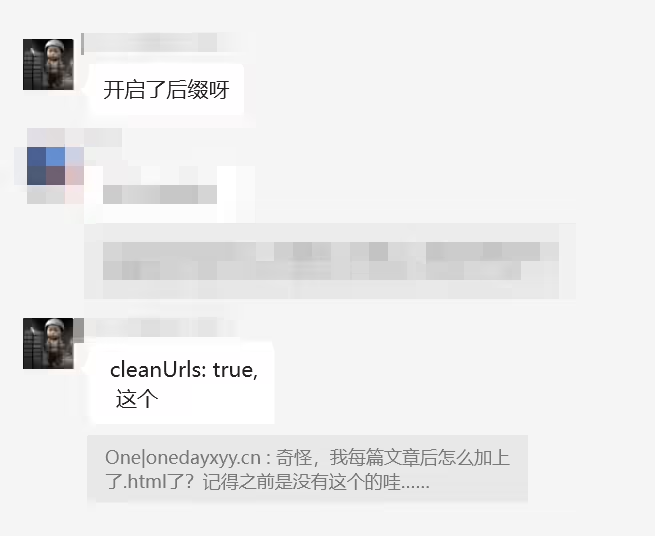
cleanUrls: true,
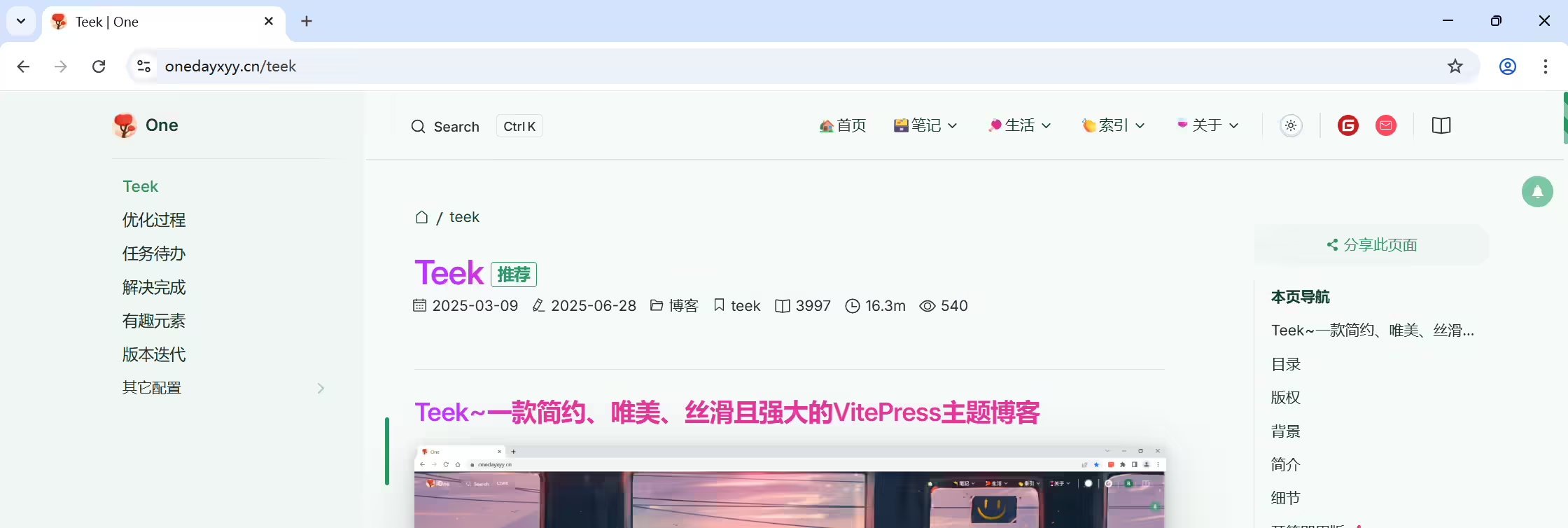
2025年7月19日更新。
环境:适用于Teek@1.3.5-2025.6.3
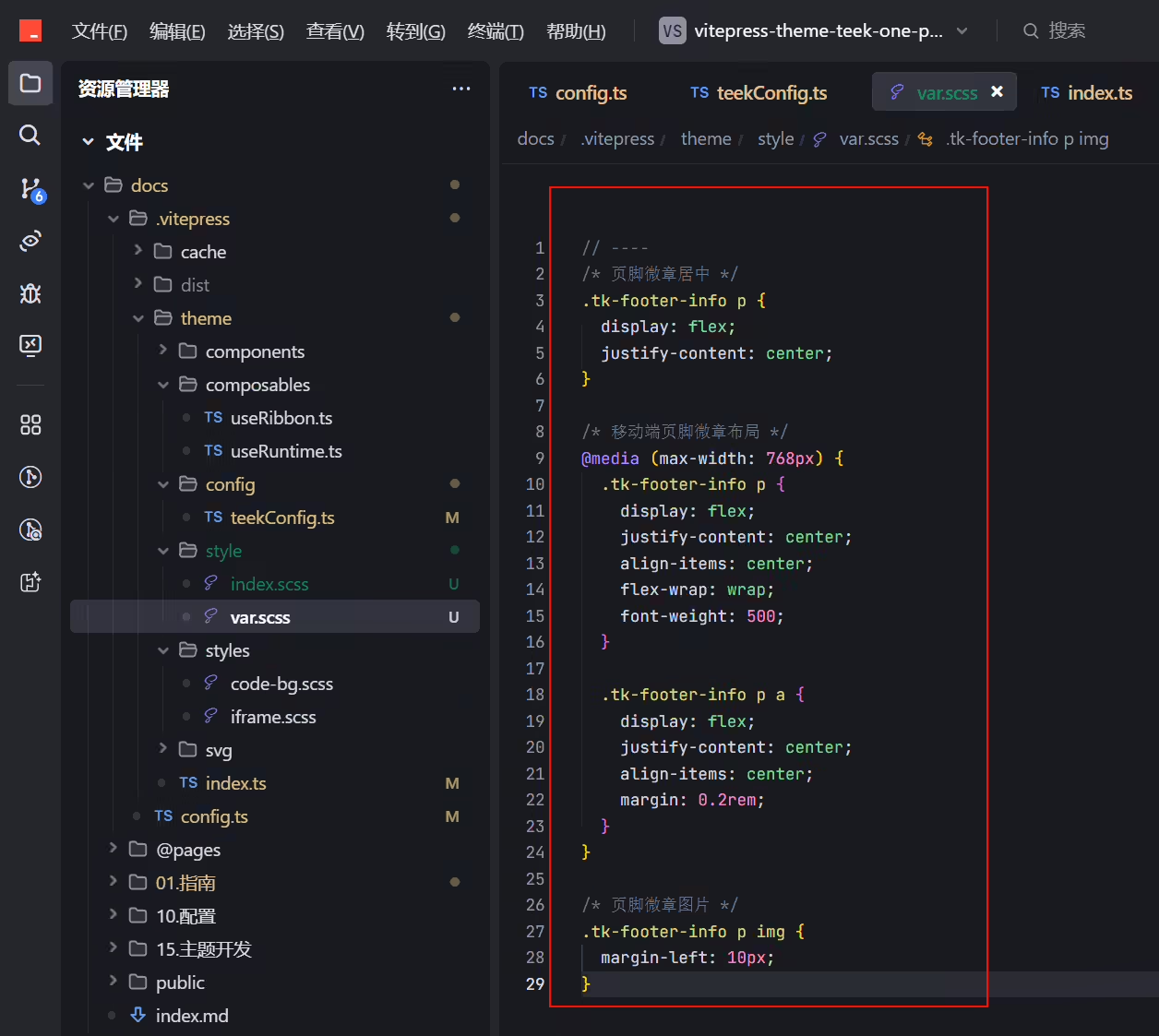
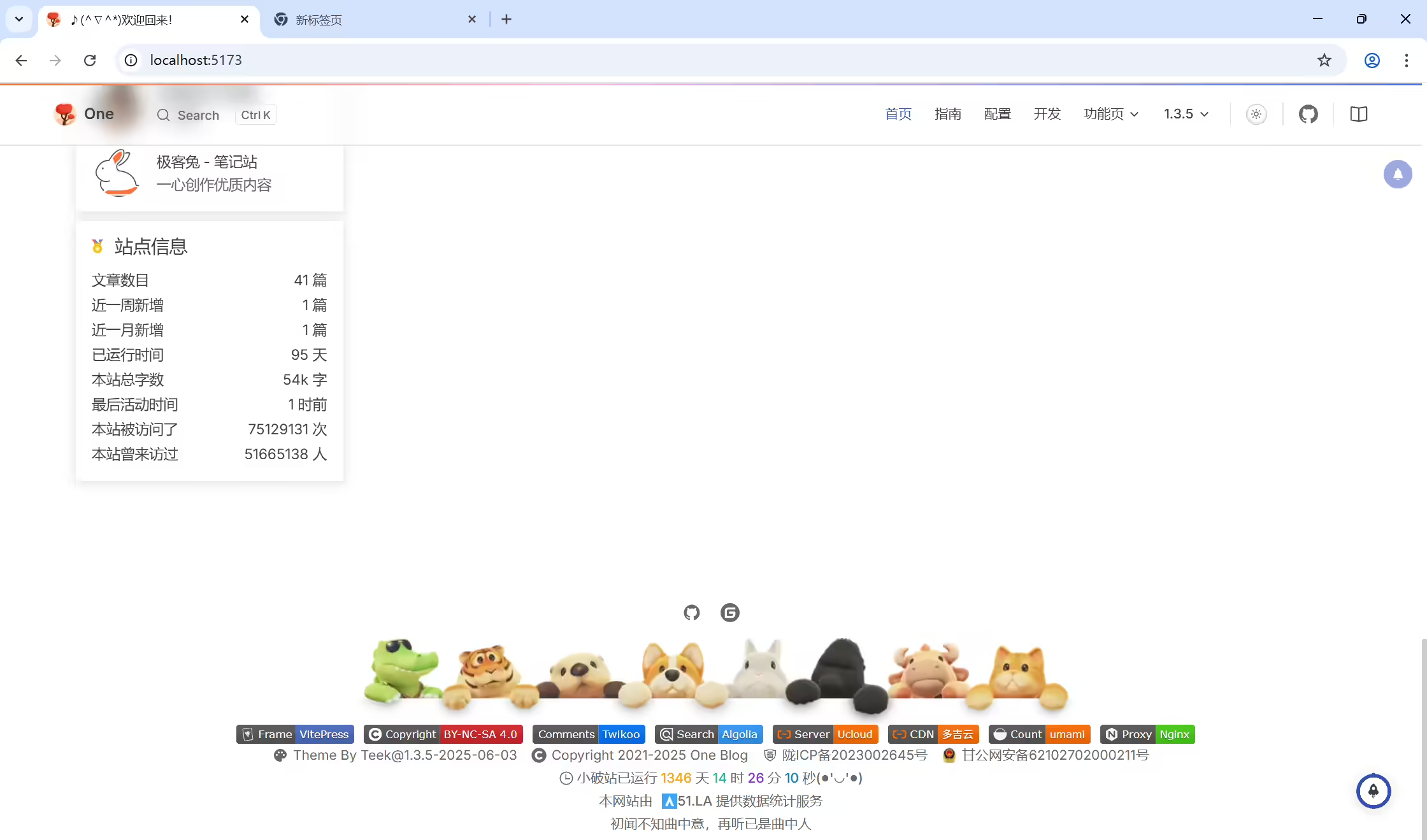
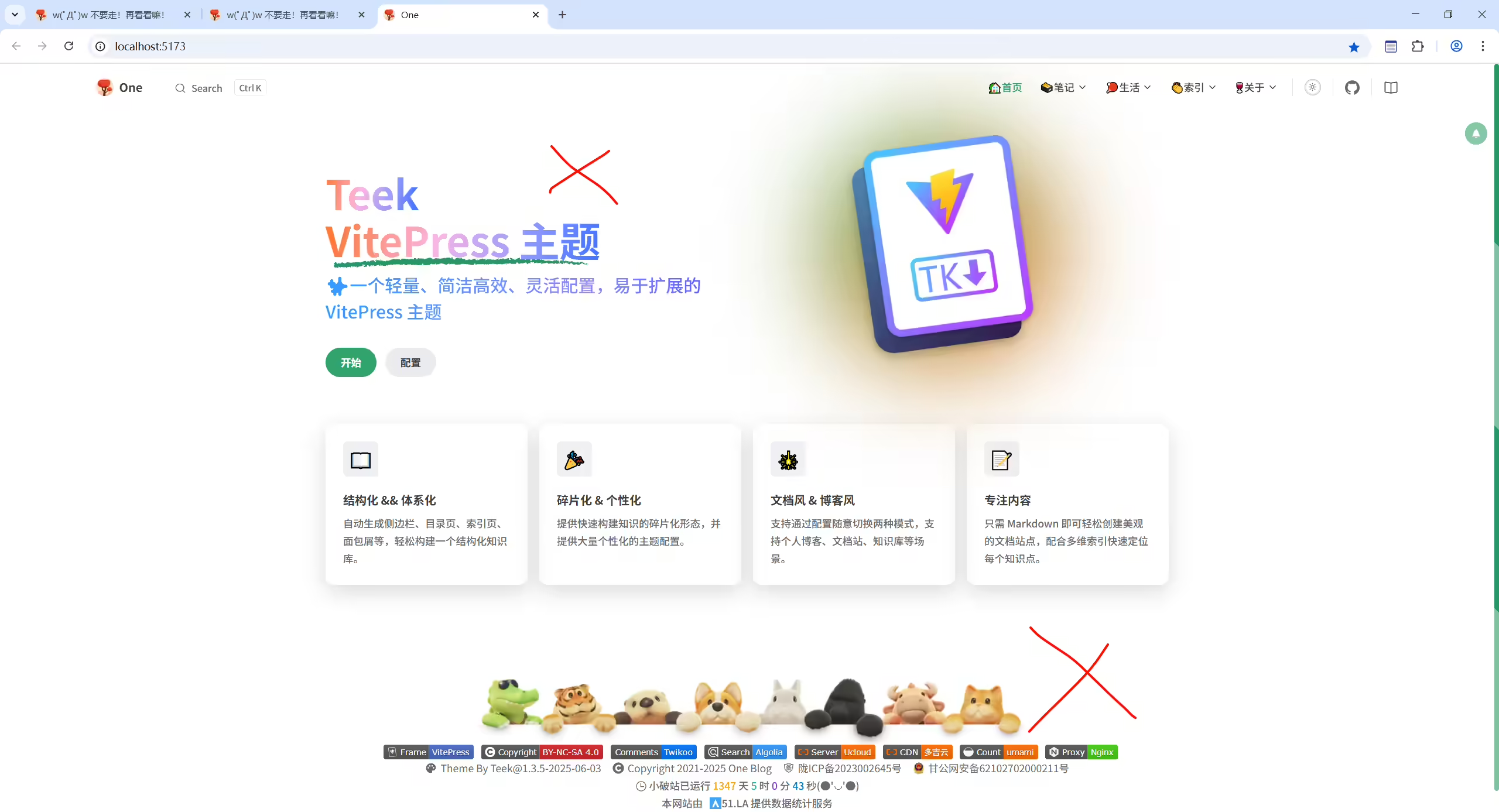
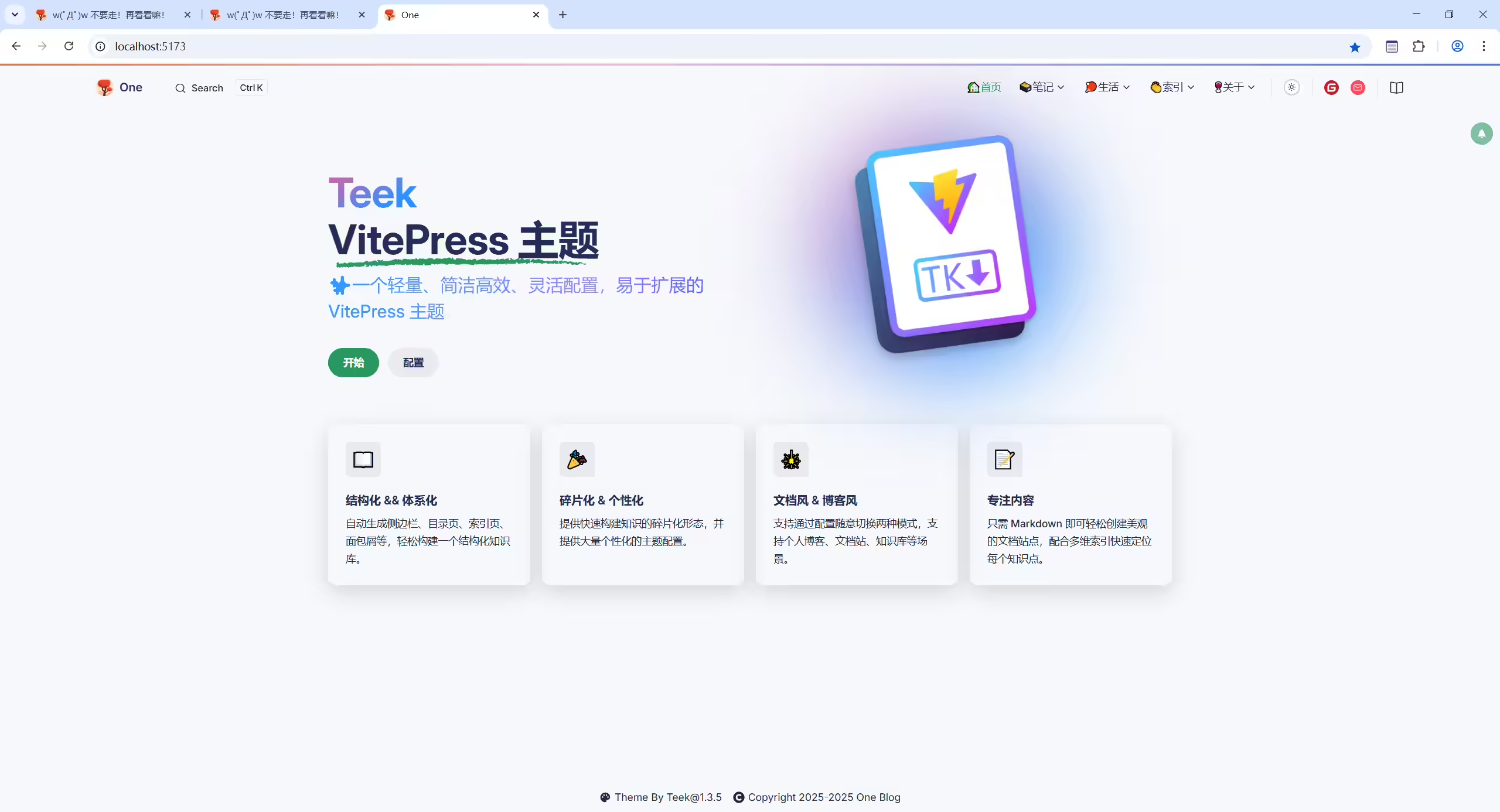
底下占的位置太多了;
上面的umami应该改为51la;
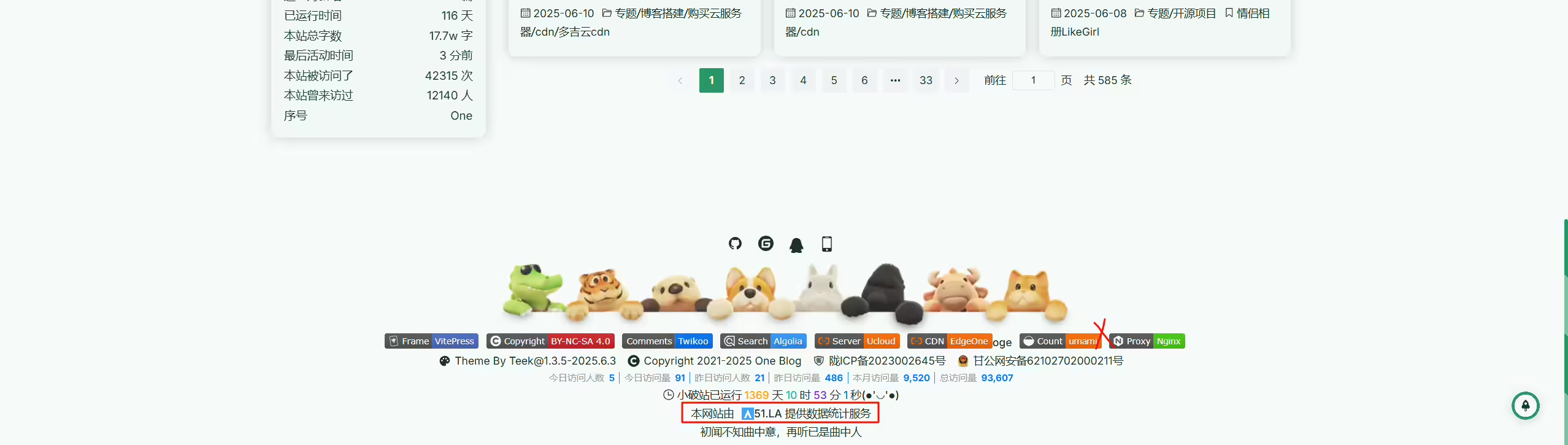
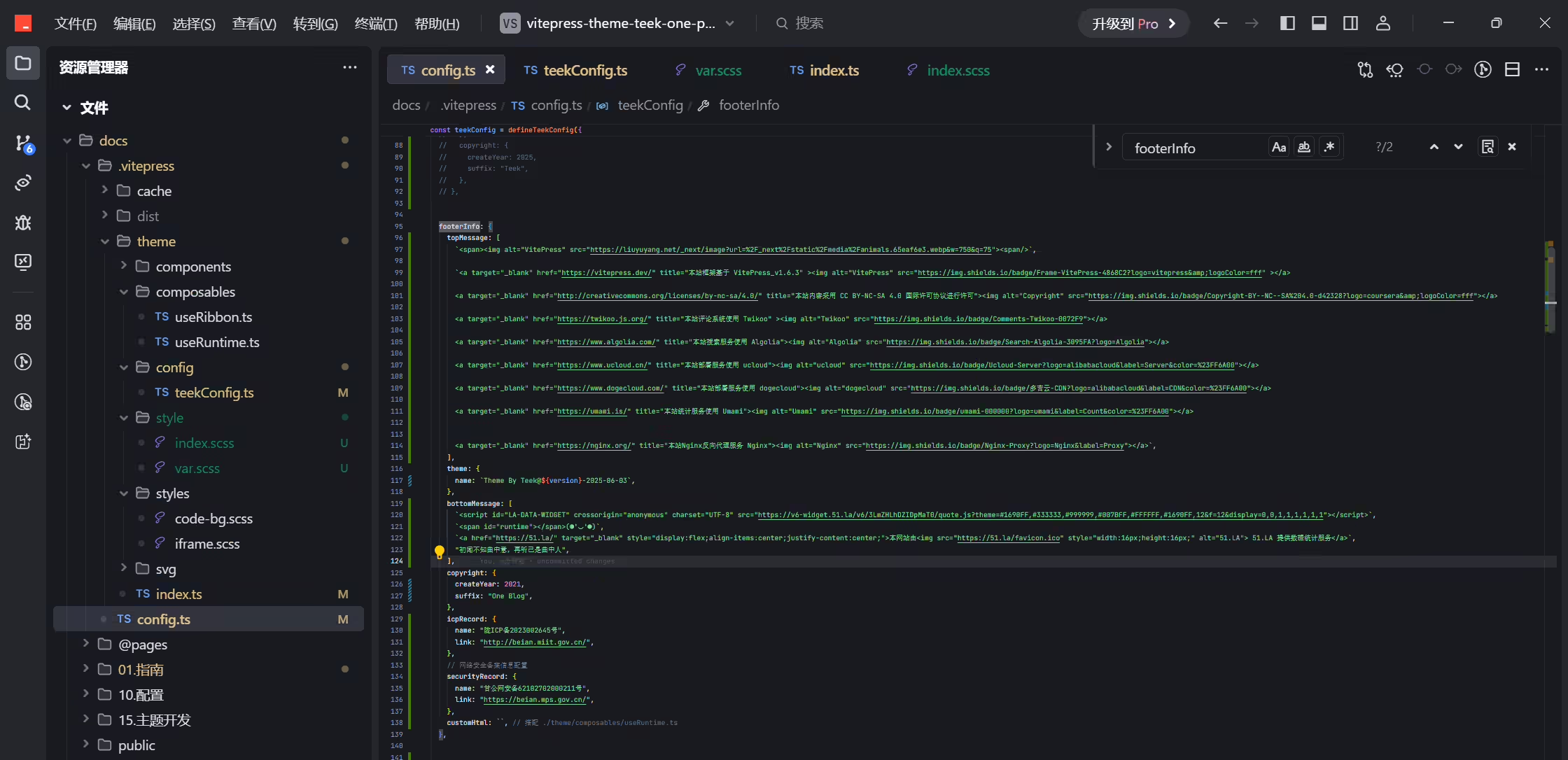
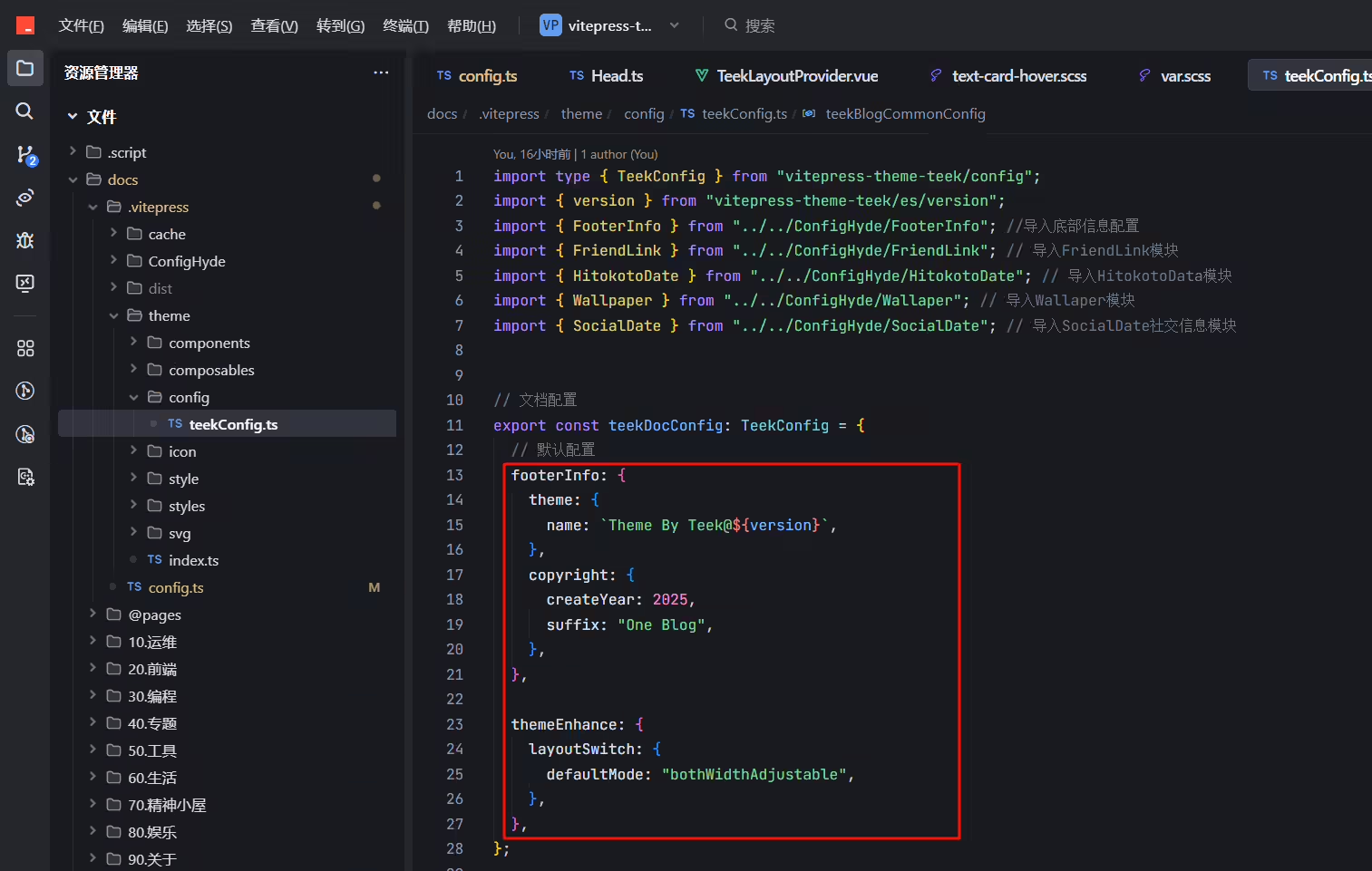
docs\.vitepress\ConfigHyde\FooterInfo.ts
1// 底部信息配置
2import { version } from "vitepress-theme-teek/es/version"; // 导入版本号
3
4export const FooterInfo = {
5 topMessage: [
6 `<span><img alt="VitePress" src="https://liuyuyang.net/_next/image?url=%2F_next%2Fstatic%2Fmedia%2Fanimals.65eaf6e3.avif&w=750&q=75"><span/>`,
7
8 `<a target="_blank" href="https://vitepress.dev/" title="本站框架基于 VitePress_v1.6.3" ><img alt="VitePress" src="https://img.shields.io/badge/Frame-VitePress-4868C2?logo=vitepress&logoColor=fff" ></a>
9
10 <a target="_blank" href="http://creativecommons.org/licenses/by-nc-sa/4.0/" title="本站内容采用 CC BY-NC-SA 4.0 国际许可协议进行许可"><img alt="Copyright" src="https://img.shields.io/badge/Copyright-BY--NC--SA%204.0-d42328?logo=coursera&logoColor=fff"></a>
11
12 <a target="_blank" href="https://twikoo.js.org/" title="本站评论系统使用 Twikoo" ><img alt="Twikoo" src="https://img.shields.io/badge/Comments-Twikoo-0072F9"></a>
13
14 <a target="_blank" href="https://www.algolia.com/" title="本站搜索服务使用 Algolia"><img alt="Algolia" src="https://img.shields.io/badge/Search-Algolia-3095FA?logo=Algolia"></a>
15
16 <a target="_blank" href="https://www.ucloud.cn/" title="本站部署服务使用 ucloud"><img alt="ucloud" src="https://img.shields.io/badge/Ucloud-Server?logo=alibabacloud&label=Server&color=%23FF6A00"></a>
17
18 <a target="_blank" href="https://edgeone.ai/zh" title="本站部署服务使用 EdgeOne"><img alt="EdgeOne" src="https://img.shields.io/badge/EdgeOne-CDN?logo=alibabacloud&label=CDN&color=%23FF6A00"></a>oge
19
20 <a target="_blank" href="https://umami.is/" title="本站统计服务使用 Umami"><img alt="Umami" src="https://img.shields.io/badge/umami-000000?logo=umami&label=Count&color=%23FF6A00"></a>
21
22
23 <a target="_blank" href="https://nginx.org/" title="本站Nginx反向代理服务 Nginx"><img alt="Nginx" src="https://img.shields.io/badge/Nginx-Proxy?logo=Nginx&label=Proxy"></a>`,
24 ],
25 theme: {
26 name: `Theme By Teek@${version}-2025.6.3`,
27 },
28 bottomMessage: [
29 `<script id="LA-DATA-WIDGET" crossorigin="anonymous" charset="UTF-8" src="https://v6-widget.51.la/v6/3LmZHLhDZIDpMaT0/quote.js?theme=#1690FF,#333333,#999999,#007BFF,#FFFFFF,#1690FF,12&f=12&display=0,0,1,1,1,1,1,1"></script>`,
30 `<span id="runtime"></span>(●'◡'●)`,
31 `<a href="https://51.la/" target="_blank" style="display:flex;align-items:center;justify-content:center;">本网站由<img src="https://51.la/favicon.ico" style="width:16px;height:16px;" alt="51.LA"> 51.LA 提供数据统计服务</a>`,
32 "初闻不知曲中意,再听已是曲中人",
33 ],
34 copyright: {
35 createYear: 2021,
36 suffix: "One Blog",
37 },
38 icpRecord: {
39 name: "陇ICP备2023002645号",
40 link: "http://beian.miit.gov.cn/",
41 },
42 // 网络安全备案信息配置
43 securityRecord: {
44 name: "甘公网安备62102702000211号",
45 link: "https://beian.mps.gov.cn/",
46 },
47 customHtml: ``, // 搭配 ./theme/composables/useRuntime.ts
48};docs\.vitepress\ConfigHyde\FooterInfo.ts
1// 底部信息配置
2import { version } from "vitepress-theme-teek/es/version"; // 导入版本号
3
4export const FooterInfo = {
5 topMessage: [
6 `<span><img alt="VitePress" src="https://liuyuyang.net/_next/image?url=%2F_next%2Fstatic%2Fmedia%2Fanimals.65eaf6e3.avif&w=750&q=75"><span/>`,
7
8 `<a target="_blank" href="https://vitepress.dev/" title="本站框架基于 VitePress_v1.6.3" ><img alt="VitePress" src="https://img.shields.io/badge/Frame-VitePress-4868C2?logo=vitepress&logoColor=fff" ></a>
9
10 <a target="_blank" href="http://creativecommons.org/licenses/by-nc-sa/4.0/" title="本站内容采用 CC BY-NC-SA 4.0 国际许可协议进行许可"><img alt="Copyright" src="https://img.shields.io/badge/Copyright-BY--NC--SA%204.0-d42328?logo=coursera&logoColor=fff"></a>
11
12 <a target="_blank" href="https://twikoo.js.org/" title="本站评论系统使用 Twikoo" ><img alt="Twikoo" src="https://img.shields.io/badge/Comments-Twikoo-0072F9"></a>
13
14 <a target="_blank" href="https://www.algolia.com/" title="本站搜索服务使用 Algolia"><img alt="Algolia" src="https://img.shields.io/badge/Search-Algolia-3095FA?logo=Algolia"></a>
15
16 <a target="_blank" href="https://www.ucloud.cn/" title="本站部署服务使用 ucloud"><img alt="ucloud" src="https://img.shields.io/badge/Ucloud-Server?logo=alibabacloud&label=Server&color=%23FF6A00"></a>
17
18 <a target="_blank" href="https://edgeone.ai/zh" title="本站部署服务使用 EdgeOne"><img alt="EdgeOne" src="https://img.shields.io/badge/EdgeOne-CDN?logo=alibabacloud&label=CDN&color=%23FF6A00"></a>
19
20 <a target="_blank" href="https://51.la/" title="本站统计服务使用 51.LA"><img alt="51.LA" src="https://img.shields.io/badge/51.LA-000000?logo=51.LA&label=Count&color=%23FF6A00"></a>
21
22
23 <a target="_blank" href="https://nginx.org/" title="本站Nginx反向代理服务 Nginx"><img alt="Nginx" src="https://img.shields.io/badge/Nginx-Proxy?logo=Nginx&label=Proxy"></a>`,
24 ],
25 theme: {
26 name: `Theme By Teek@${version}-2025.6.3`,
27 },
28 bottomMessage: [
29 `<script id="LA-DATA-WIDGET" crossorigin="anonymous" charset="UTF-8" src="https://v6-widget.51.la/v6/3LmZHLhDZIDpMaT0/quote.js?theme=#1690FF,#333333,#999999,#007BFF,#FFFFFF,#1690FF,12&f=12&display=0,0,1,1,1,1,1,1"></script>`,
30 `<span id="runtime"></span>(●'◡'●)`,
31 "初闻不知曲中意,再听已是曲中人",
32 ],
33 copyright: {
34 createYear: 2021,
35 suffix: "One Blog",
36 },
37 icpRecord: {
38 name: "陇ICP备2023002645号",
39 link: "http://beian.miit.gov.cn/",
40 },
41 // 网络安全备案信息配置
42 securityRecord: {
43 name: "甘公网安备62102702000211号",
44 link: "https://beian.mps.gov.cn/",
45 },
46 customHtml: ``, // 搭配 ./theme/composables/useRuntime.ts
47};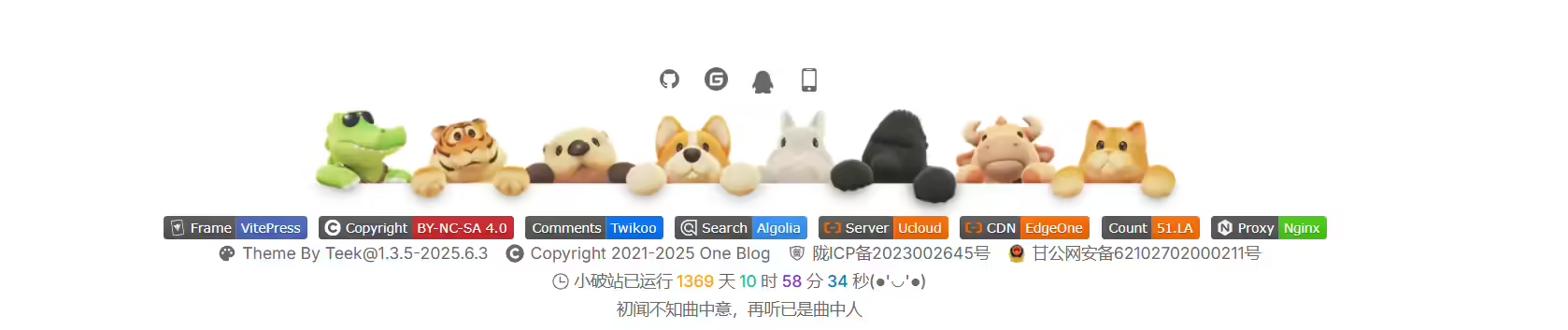
2025年7月20日更新。
环境:适用于Teek@1.3.5-2025.6.3
版权:
次功能来源于《Hyde》模板,感谢大佬贡献的代码。
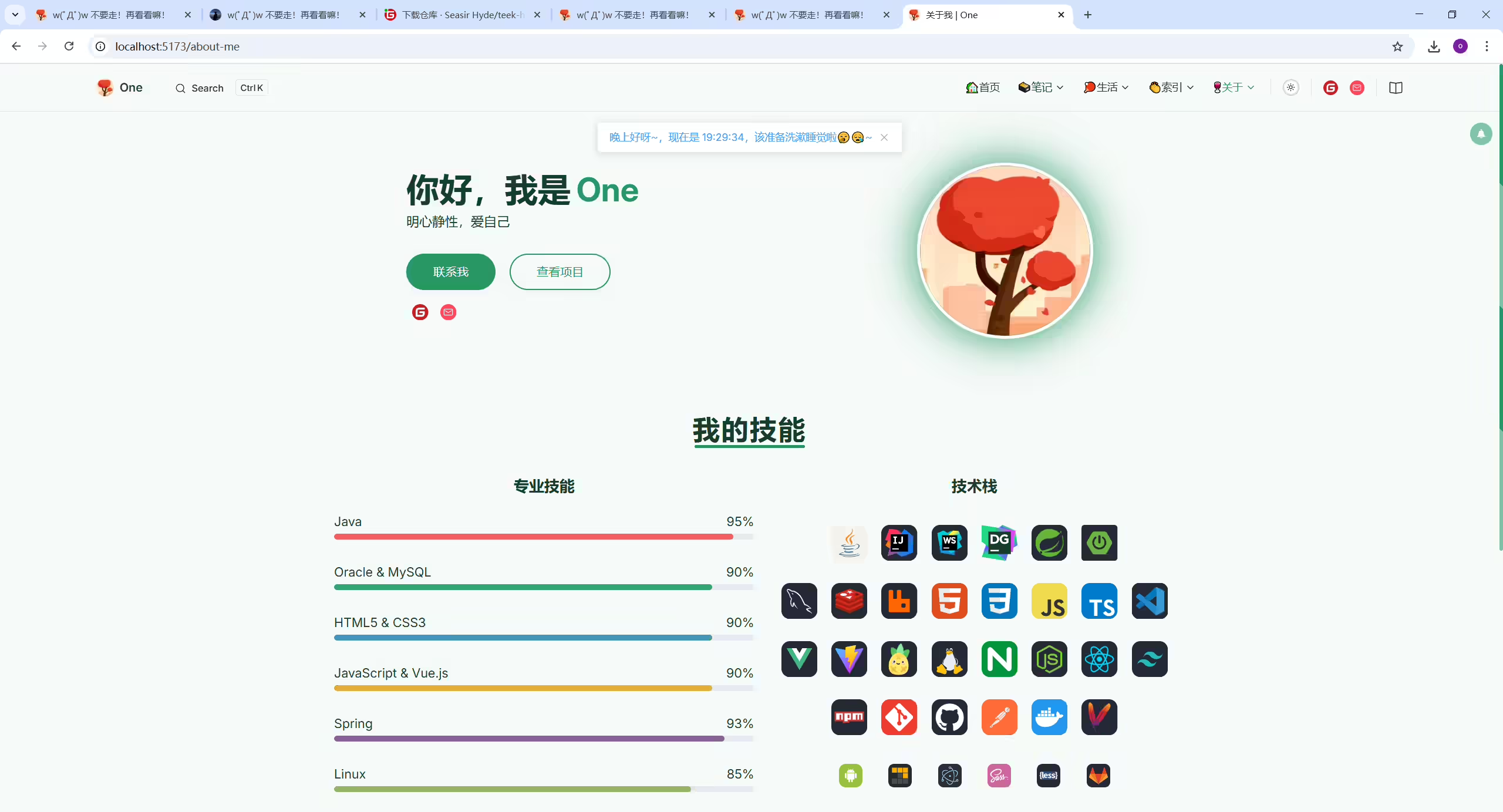
创建docs\.vitepress\theme\components\404.vue文件
1<script setup lang="ts">
2import { withBase, useRouter } from "vitepress";
3
4const router = useRouter();
5
6const ns = "error-page";
7</script>
8
9<template>
10 <div :class="[ns, 'flx-center']">
11 <img :src="withBase('/404.avif')" :class="`${ns}__img`" alt="404" />
12 <div :class="[`${ns}__detail`, 'flx-column']">
13 <h2>404</h2>
14 <h4>抱歉,您访问的页面不存在~🤷♂️🤷♀️</h4>
15 <button @click="router.go('/')">返回首页</button>
16 </div>
17 </div>
18</template>
19
20<style scoped lang="scss">
21$namespace: error-page;
22
23.#{$namespace} {
24 width: 100%;
25 height: calc(100vh - var(--vp-nav-height));
26 gap: 120px;
27
28 &__detail {
29 h2 {
30 font-size: 60px;
31 color: var(--vp-c-text-1);
32 line-height: 1;
33 }
34 h4 {
35 margin: 10px 0 20px 0;
36 font-size: 19px;
37 font-weight: normal;
38 color: var(--vp-c-text-2);
39 }
40
41 button {
42 color: #ffffff;
43 background-color: #395ae3;
44 box-shadow: 0 2px 0 rgba(5, 145, 255, 0.1);
45 font-size: 14px;
46 width: 100px;
47 height: 32px;
48 padding: 4px 15px;
49 border-radius: 6px;
50 outline: none;
51 position: relative;
52 display: inline-block;
53 font-weight: 400;
54 white-space: nowrap;
55 text-align: center;
56 background-image: none;
57 border: 1px solid transparent;
58 cursor: pointer;
59 transition: all 0.2s cubic-bezier(0.645, 0.045, 0.355, 1);
60 user-select: none;
61 touch-action: manipulation;
62 line-height: 1.5714285714285714;
63
64 &:hover {
65 background-color: #5a79f4;
66 }
67 }
68 }
69
70 @media (max-width: 768px) {
71 flex-direction: column;
72 gap: 60px;
73 transform: translateY(-10%);
74 &__detail {
75 align-items: center;
76 }
77 }
78}
79</style>创建docs\90.关于\10.关于我.md文件
 1---
 2title: 关于我
 3date: 2025-01-03 11:19:48
 4permalink: /about-me
 5layout: page # 必须指定为page
 6categories:
 7  - 更多
 8tags:
 9  - 关于我
10author:
11  name: One
12  link: https://wiki.onedayxyy.cn/
13sidebar: false
14article: false
15comment: false
16---
17
18<script setup>
19import About from '../.vitepress/theme/components/About.vue'
20</script>
21
22<About />2025年7月25日更新。
比前一版更加好看些了。
环境:适用于Teek@1.3.5-2025.6.3
版权:
次功能来源于《Hyde》模板,感谢大佬贡献的代码。
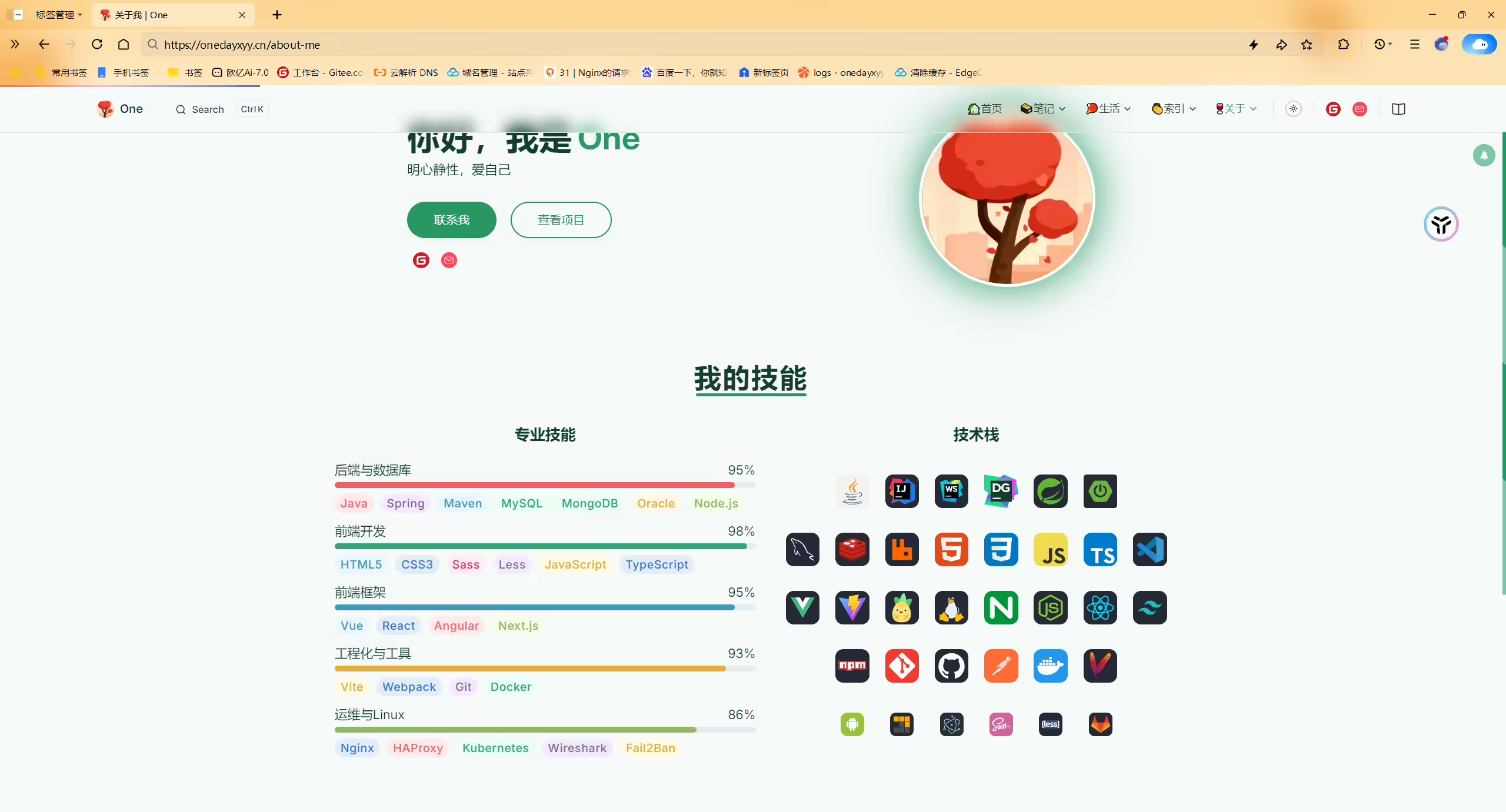
创建docs\.vitepress\theme\components\404.vue文件
 1<template>
 2  <div class="about-container">
 3    <!-- Profile Section -->
 4    <ProfileSection :is-visible="aboutHeroVisible" />
 5
 6    <!-- Skills Section -->
 7    <SkillsSection :is-visible="skillsSectionVisible" :is-mobile="isMobile" />
 8
 9    <!-- Projects Section -->
10    <div ref="ossSectionRef">
11      <ProjectsSection :is-visible="ossSectionVisible" :is-mobile="isMobile" />
12    </div>
13  </div>
14</template>
15
16<script setup>
17import { ref, onMounted } from 'vue';
18import { useIntersectionObserver } from './About/useIntersectionObserver';
19import { useMobileDetection } from './About/useMobileDetection';
20import ProfileSection from './About/ProfileSection.vue';
21import SkillsSection from './About/SkillsSection.vue';
22import ProjectsSection from './About/ProjectsSection.vue';
23
24// 移动端检测
25const { isMobile } = useMobileDetection();
26
27// 首屏元素延迟动画
28const aboutHeroVisible = ref(false);
29const skillsSectionVisible = ref(false);
30
31// Projects section 观察器
32const { isVisible: ossSectionVisible, targetRef: ossSectionRef } = useIntersectionObserver(0.2);
33
34// 首屏动画优化
35onMounted(() => {
36  // 使用 requestAnimationFrame 优化动画触发时机
37  requestAnimationFrame(() => {
38    aboutHeroVisible.value = true;
39    skillsSectionVisible.value = true;
40  });
41});
42</script>
43
44<style scoped>
45.about-container {
46  width: 100%;
47  min-height: 100vh;
48}
49
50/* 全局动画优化 */
51.about-container * {
52  will-change: auto;
53}
54
55/* 减少重绘和回流 */
56.about-container img {
57  transform: translateZ(0);
58}
59
60/* 优化滚动性能 */
61@media (prefers-reduced-motion: no-preference) {
62  .about-container {
63    scroll-behavior: smooth;
64  }
65}
66
67/* 针对低性能设备的优化 */
68@media (prefers-reduced-motion: reduce) {
69  .about-container * {
70    animation-duration: 0.01ms !important;
71    animation-iteration-count: 1 !important;
72    transition-duration: 0.01ms !important;
73  }
74}
75</style>拷贝仓库里About目录到如下docs\.vitepress\theme\components\路径:
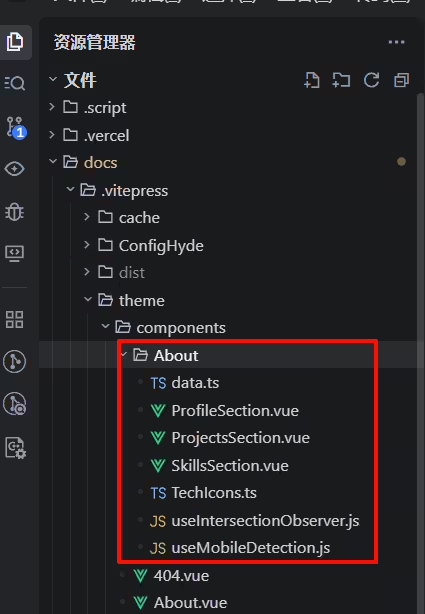
创建docs\90.关于\10.关于我.md文件
 1---
 2title: 关于我
 3date: 2025-01-03 11:19:48
 4permalink: /about-me
 5layout: page # 必须指定为page
 6categories:
 7  - 更多
 8tags:
 9  - 关于我
10author:
11  name: One
12  link: https://wiki.onedayxyy.cn/
13sidebar: false
14article: false
15comment: false
16---
17
18<script setup>
19import About from '../.vitepress/theme/components/About.vue'
20</script>
21
22<About />2025年8月12日更新。
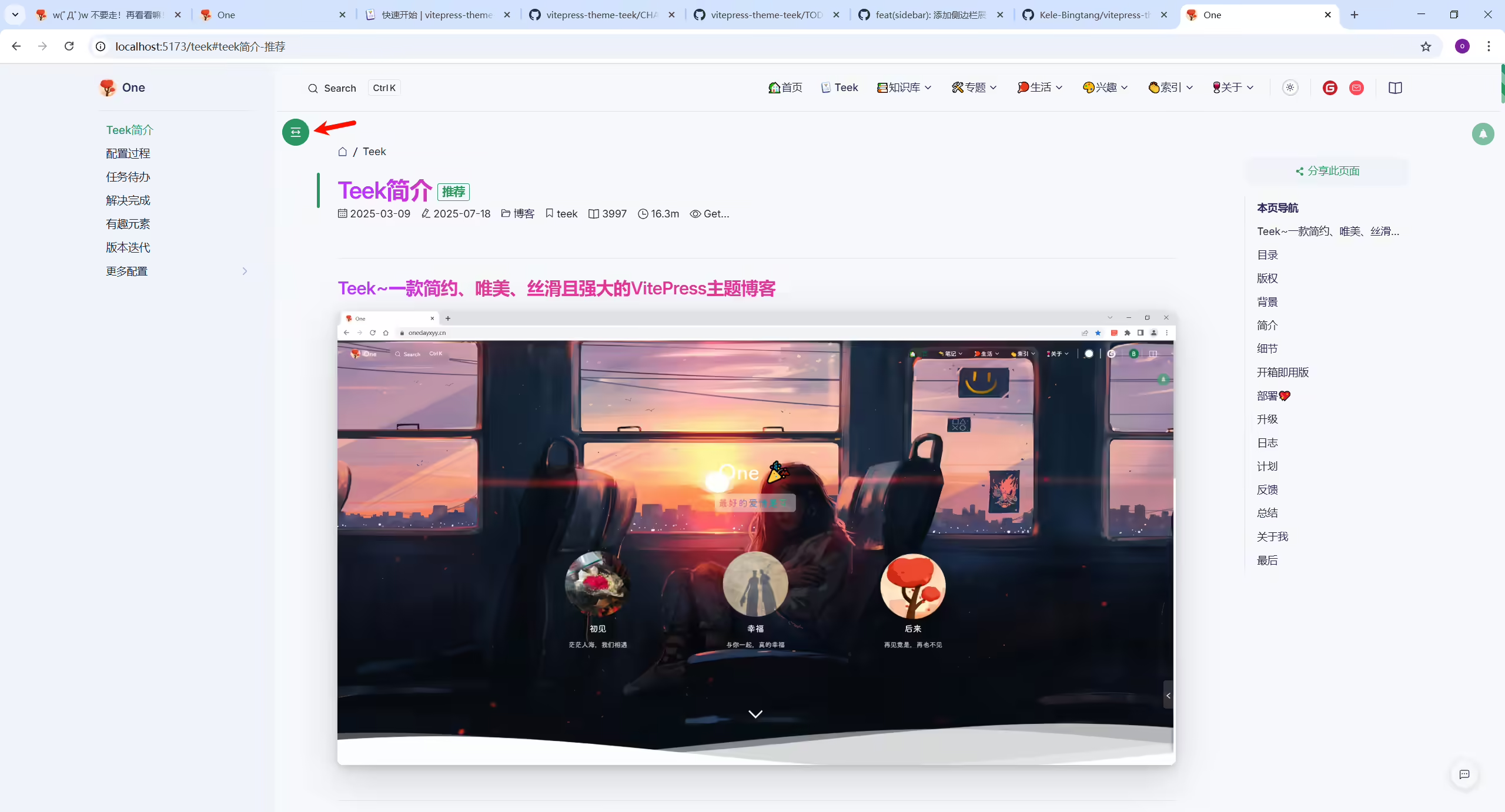
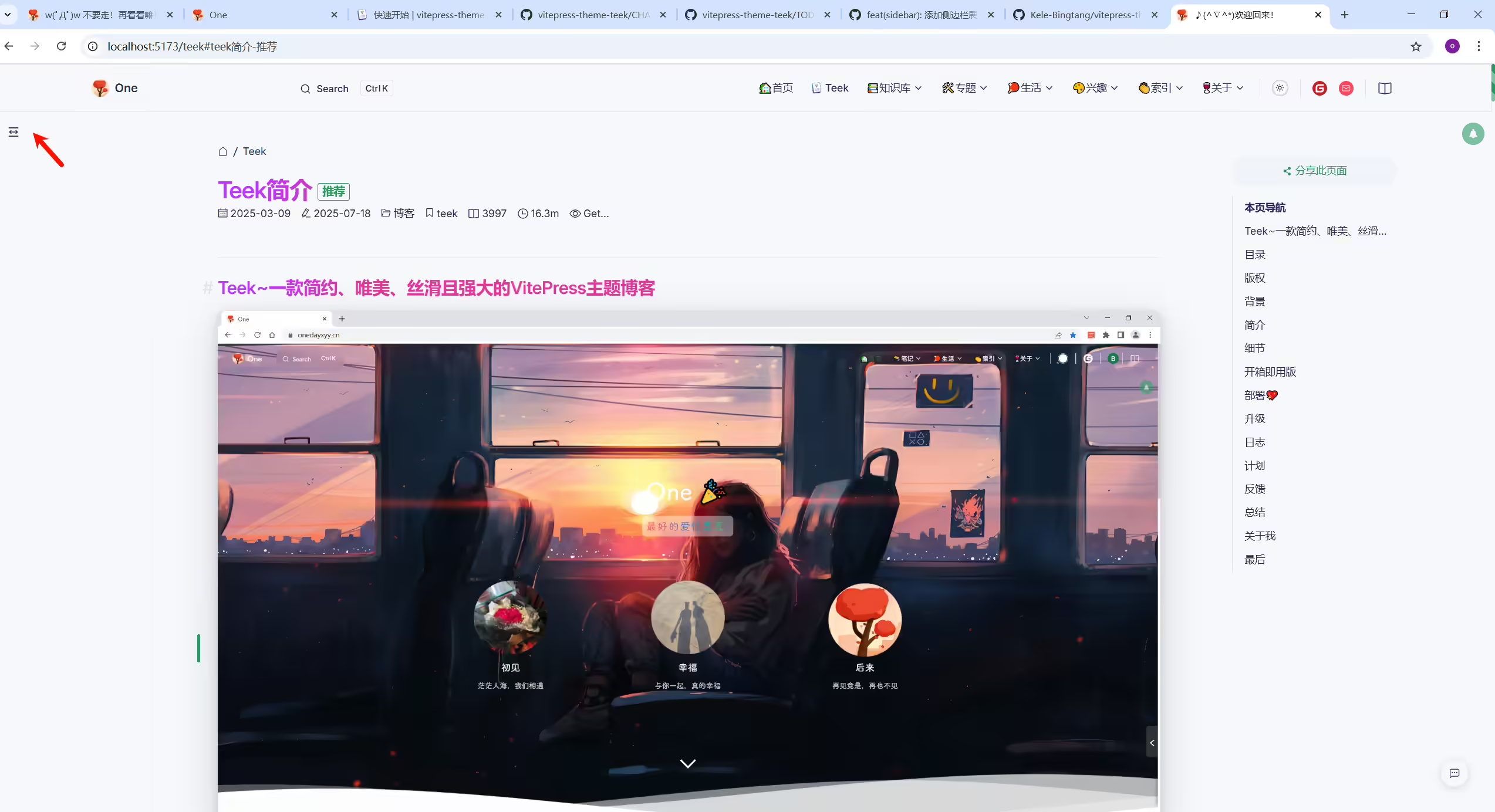
编辑docs/.vitepress/config.ts
1sidebarTrigger: true,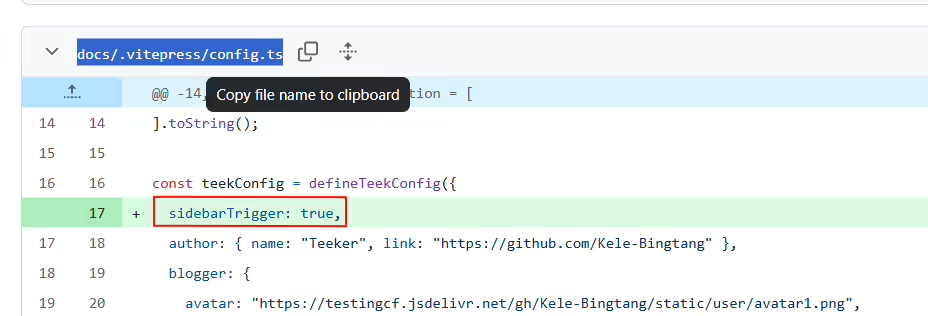
结束。
2025年8月12日更新。
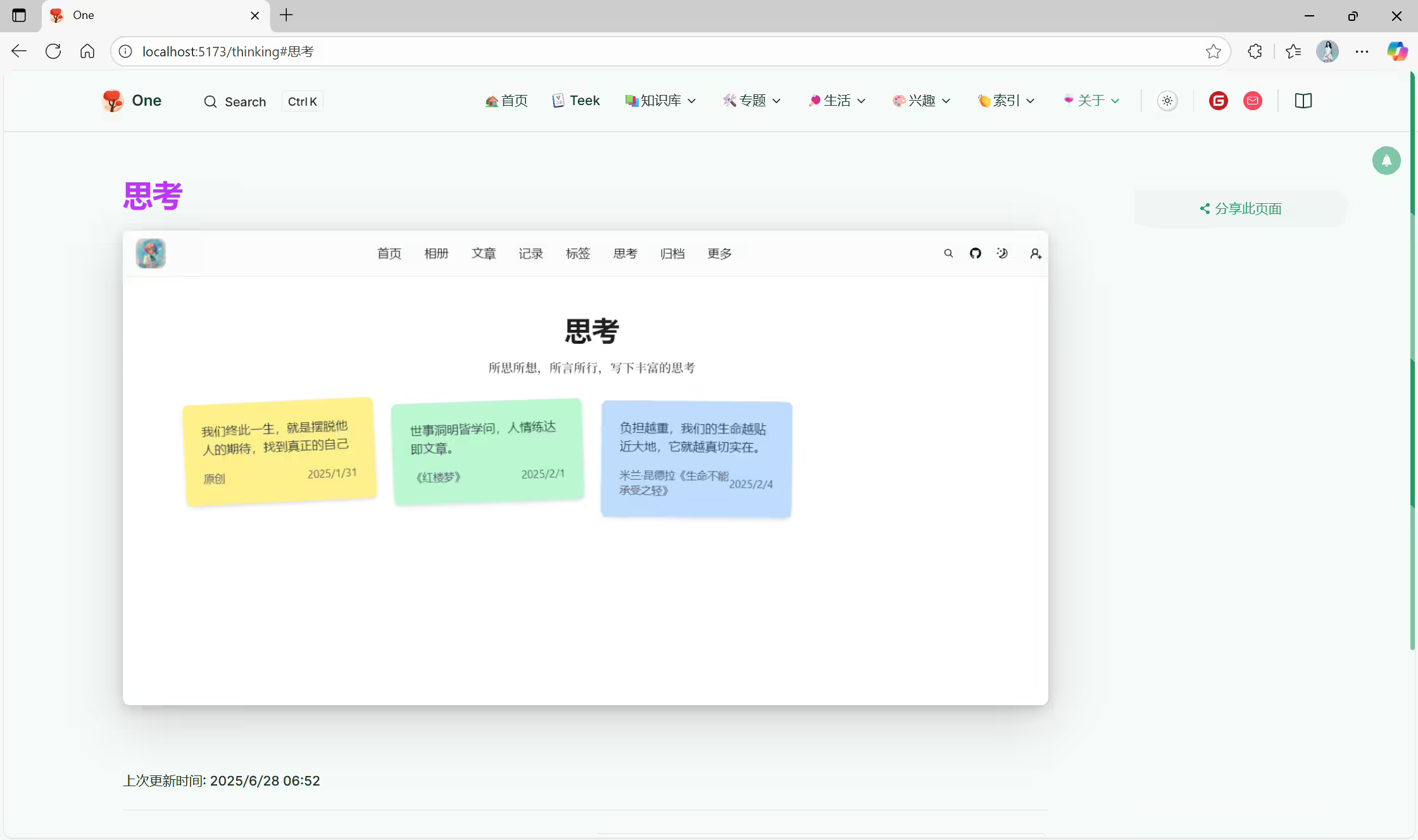
原文:文章配置 | vitepress-theme-teek
在对应md文档的formatter里配置:
1articleTopTip: false # 文章顶部提示
2articleBottomTip: false # 文章底部提示
结束。
2025年8月12日更新。
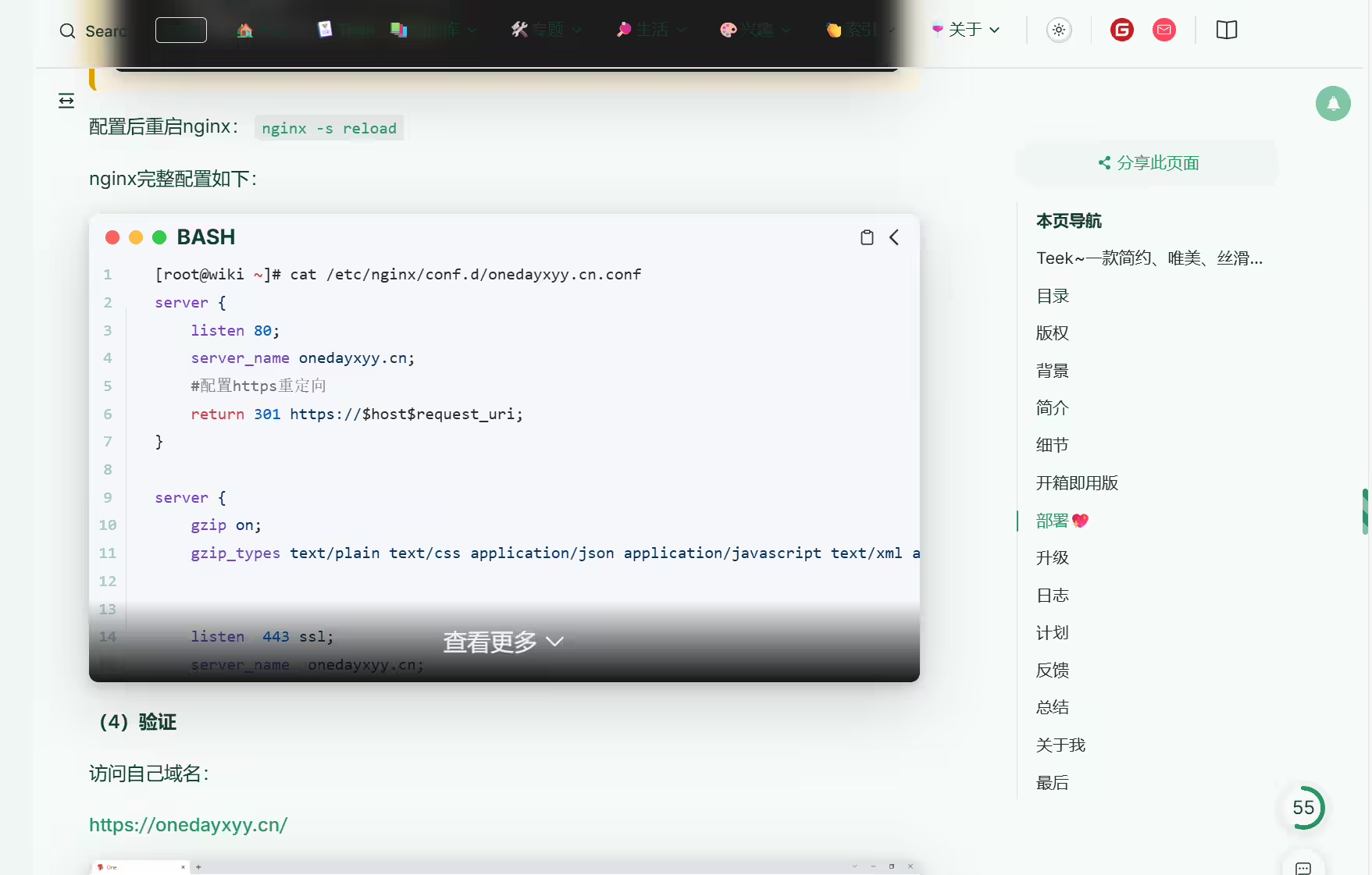
原文:
编辑docs/.vitepress/config.ts
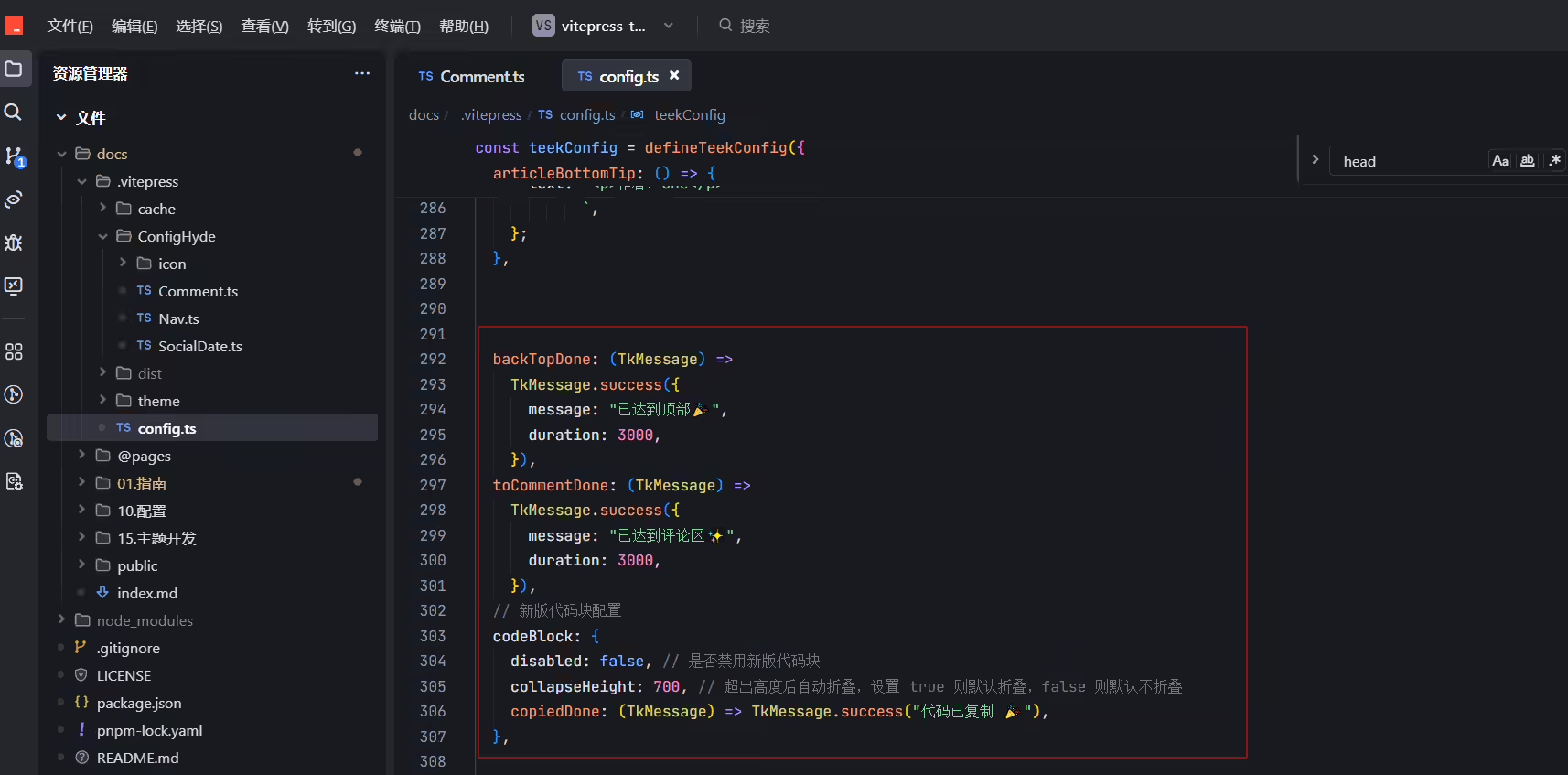
1  // 新版代码块配置
2  codeBlock: {
3    disabled: false, // 是否禁用新版代码块
4    collapseHeight: 700, // 超出高度后自动折叠,设置 true 则默认折叠,false 则默认不折叠
5    overlay: true, // 代码块底部是否显示展开/折叠遮罩层
6    overlayHeight: 400, // 当出现遮罩层时,指定代码块显示高度,当 overlay 为 true 时生效
7    copiedDone: (TkMessage) => TkMessage.success("复制成功!"),
8  },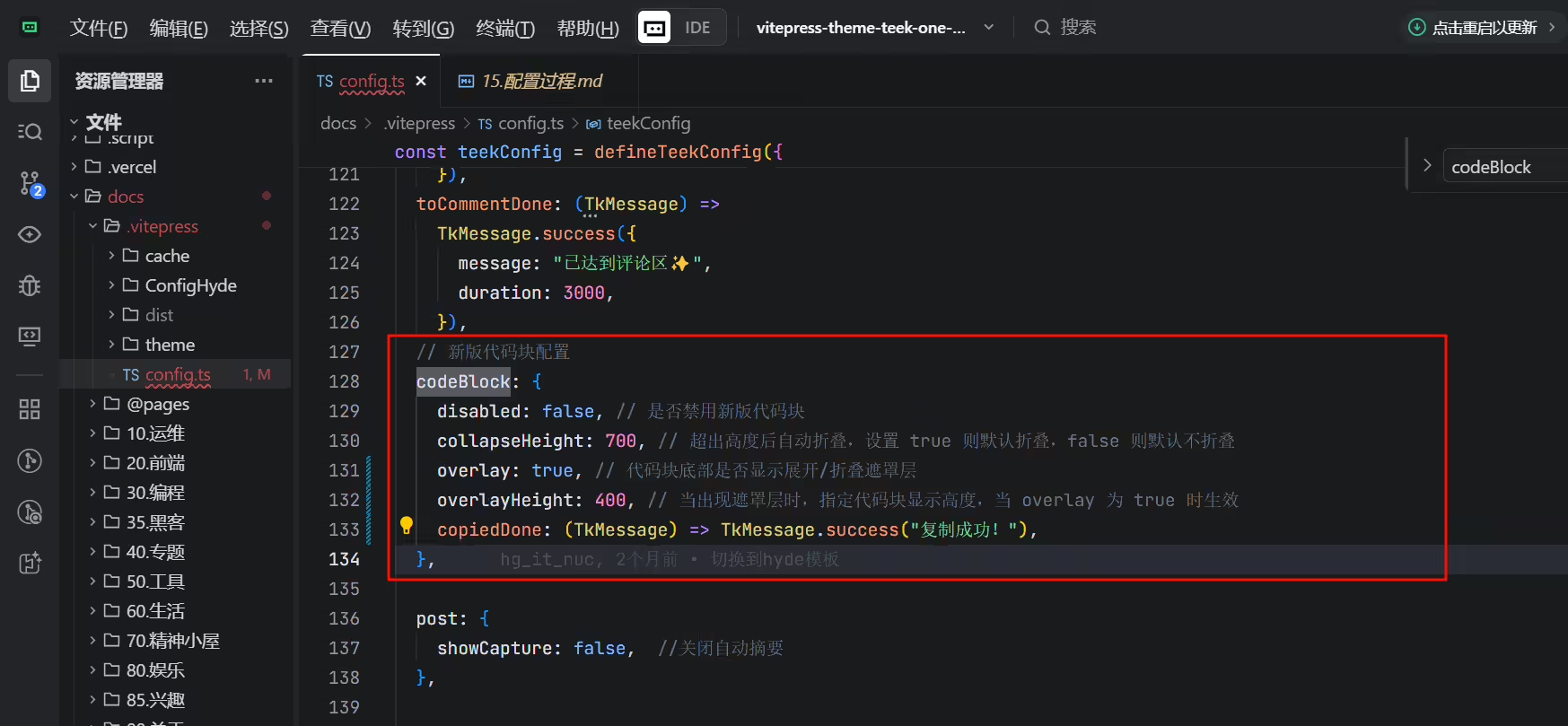
结束。
2025年8月14日更新。
视频链接:
来源 《首页特性悬停效果》文章。
环境:适用于Teek@1.4.0-2025.8.12。
给首页特性VPFeature加一个hover效果,添加如下代码即可
 1/* .vitepress/theme/style/var.css */
 2
 3/* VPFeatures 页卡悬浮效果 */
 4.VPFeatures .items .item {
 5  transition: transform 0.3s;
 6}
 7
 8.VPFeatures .items .item:hover {
 9  transform: translateY(-5px);
10}
配置完,运行验证即可。
结束。
2025年8月14日更新。
原文:《backTop》
环境:适用于Teek@1.4.0-2025.8.12。
编辑docs\.vitepress\config.ts文件:
 1  //右下角回到顶部配置。
 2  backTop: {
 3    enabled: true, // 是否启动回到顶部功能
 4    content: "progress", // 回到顶部按钮的显示内容,可选配置 progress | icon
 5    done: TkMessage => TkMessage.success("返回顶部成功"), // 回到顶部后的回调
 6  },
 7
 8  //右下角滚动滚动到评论区配置。
 9  toComment: {
10    enabled: true, // 是否启动滚动到评论区功能
11    done: TkMessage => TkMessage.success("已抵达评论区"), // 滚动到评论区后的回调
12  },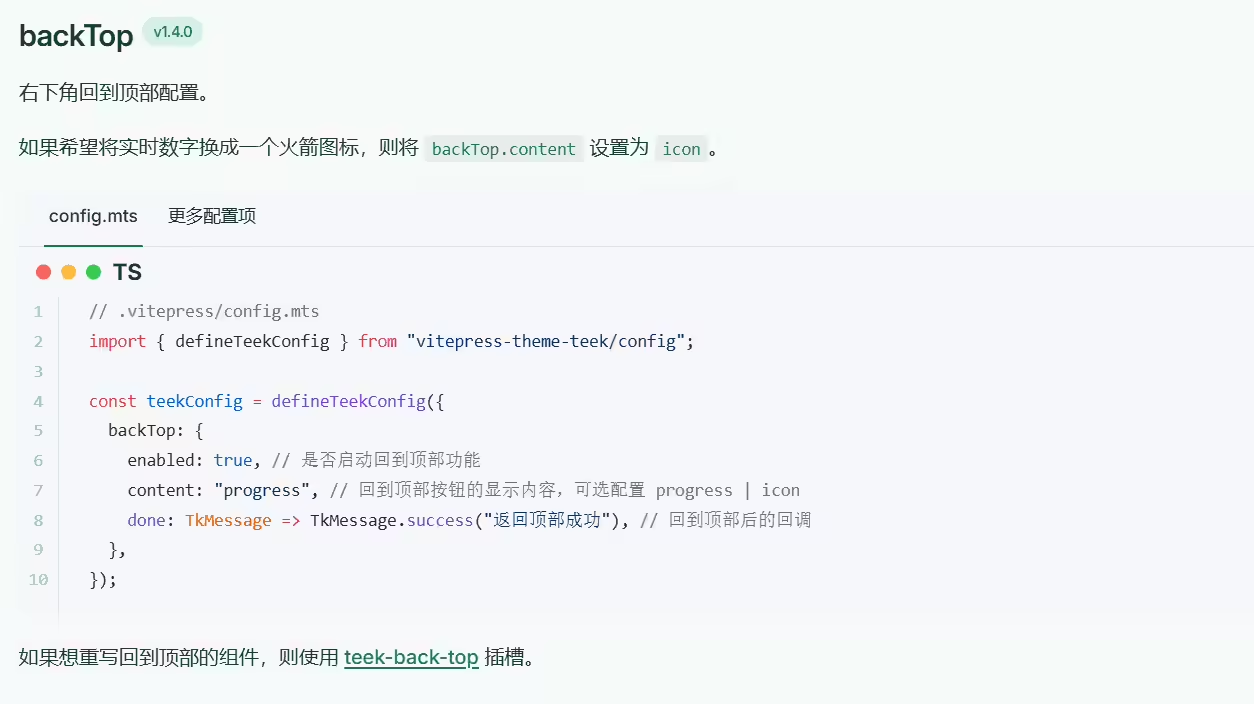
结束。
2025年8月18日测试。
环境:在Teek@1.4.2-2025.8.17版本测试成功。(通用方法)
批量给Teek博客所有文章添加封面
docs\.vitepress\config.ts配置:
 1  vitePlugins: {
 2    sidebarOption: {
 3      // initItems: false, //这条命令注释后,才会让文档和目录的样式保持一致
 4      collapsed: true, //打开侧边栏自动收缩功能
 5      ignoreList: [/^_.*$/],
 6    },
 7
 8    autoFrontmatter: true, // 自动生成 frontmatter
 9    // permalinkOption: {
10    //   notFoundDelayLoad: 1000, // 1秒后加载
11    // },
12
13    // 自动格式formatter插件 添加文章封面图
14    autoFrontmatterOption: {
15      // exclude: { title: true, date: true }, // 排除自动生成字段
16      transform: frontmatter => {
17       // 如果文件本身存在了 coverImg,则不生成
18       if (frontmatter.coverImg) return;
19
20       const list = CoverImgList;
21
22       const coverImg = list[Math.floor(Math.random() * list.length)];
23
24       const transformResult = { ...frontmatter, coverImg };
25
26       return Object.keys(transformResult).length ? transformResult : undefined;
27      },
28    },
29  },

结束。
2025年8月18日测试。
环境:在Teek@1.4.2-2025.8.17版本测试成功。(通用方法)
 1docs目录下都是一些由markdown文件组成的,可能是目录或者是markdown文件。
 2
 3我现在想把这个目录下的所有markdown文件的formatter里包含 "coverImg:" 这一行的内容给删除掉,请给出一个完整的方法(python脚本都行。)
 4
 5一个markdown文件具体formatter示例如下:
 6---
 7title: Teek简介
 8date: 2025-03-09 07:55:02
 9permalink: /teek
10categories:
11  - 博客
12tags:
13  - Teek
14sticky: 1
15top: true
16description: "全网最美博客-Teek(知识库&博客二合一)\U0001F61C"
17titleTag: 推荐
18---
19
20我的项目是在vscode里存放,或者利用vscode的批量替换也行,请给出具体操作方法。
继续分析:
1Teek能实现 “批量操作front matter工具”吗?
2
3需求背景:
4现在我从网上剽了10张好看的妹纸图片,想让这些好看的妹纸做我的博客所有文章的封面,但是昨天已经用frontmatter 自动生成了壁纸,此时该怎么办呢?(感觉简便的方法 就是 只能利用autofrontmatter先删除coverImg信息,再重新生成coverImg信息)打开 VS Code 的全局搜索(Ctrl+Shift+F)
在搜索框输入:
1^coverImg:.*$\n点击正则表达式按钮(.* 图标)和匹配行首按钮(^ 图标)
替换框留空
点击「全部替换」
自己测试过程:


可以看到,已经被替换了,nice。

docs\.vitepress\config.ts配置:
 1  vitePlugins: {
 2    sidebarOption: {
 3      // initItems: false, //这条命令注释后,才会让文档和目录的样式保持一致
 4      collapsed: true, //打开侧边栏自动收缩功能
 5      ignoreList: [/^_.*$/],
 6    },
 7
 8    autoFrontmatter: true, // 自动生成 frontmatter
 9    // permalinkOption: {
10    //   notFoundDelayLoad: 1000, // 1秒后加载
11    // },
12
13    // 自动格式formatter插件 添加文章封面图
14    autoFrontmatterOption: {
15      // exclude: { title: true, date: true }, // 排除自动生成字段
16      transform: frontmatter => {
17       // 如果文件本身存在了 coverImg,则不生成
18       if (frontmatter.coverImg) return;
19
20       const list = CoverImgList;
21
22       const coverImg = list[Math.floor(Math.random() * list.length)];
23
24       const transformResult = { ...frontmatter, coverImg };
25
26       return Object.keys(transformResult).length ? transformResult : undefined;
27      },
28    },
29  },
结束。
