快捷菜单
常用功能一站直达
更多功能请点顶栏「快捷菜单」


[toc]
🍀
前提条件
具备docker环境
具有自己的网站
🍀
实验软件:
🍀
实验环境
什么是Algolia
这个配置过程挺简单的,按文档操作,就OK的。
docusaurus搭建的静态网站,默认是不具有全站内容搜索功能的,因此这里配置Algolia 实现内容搜索。
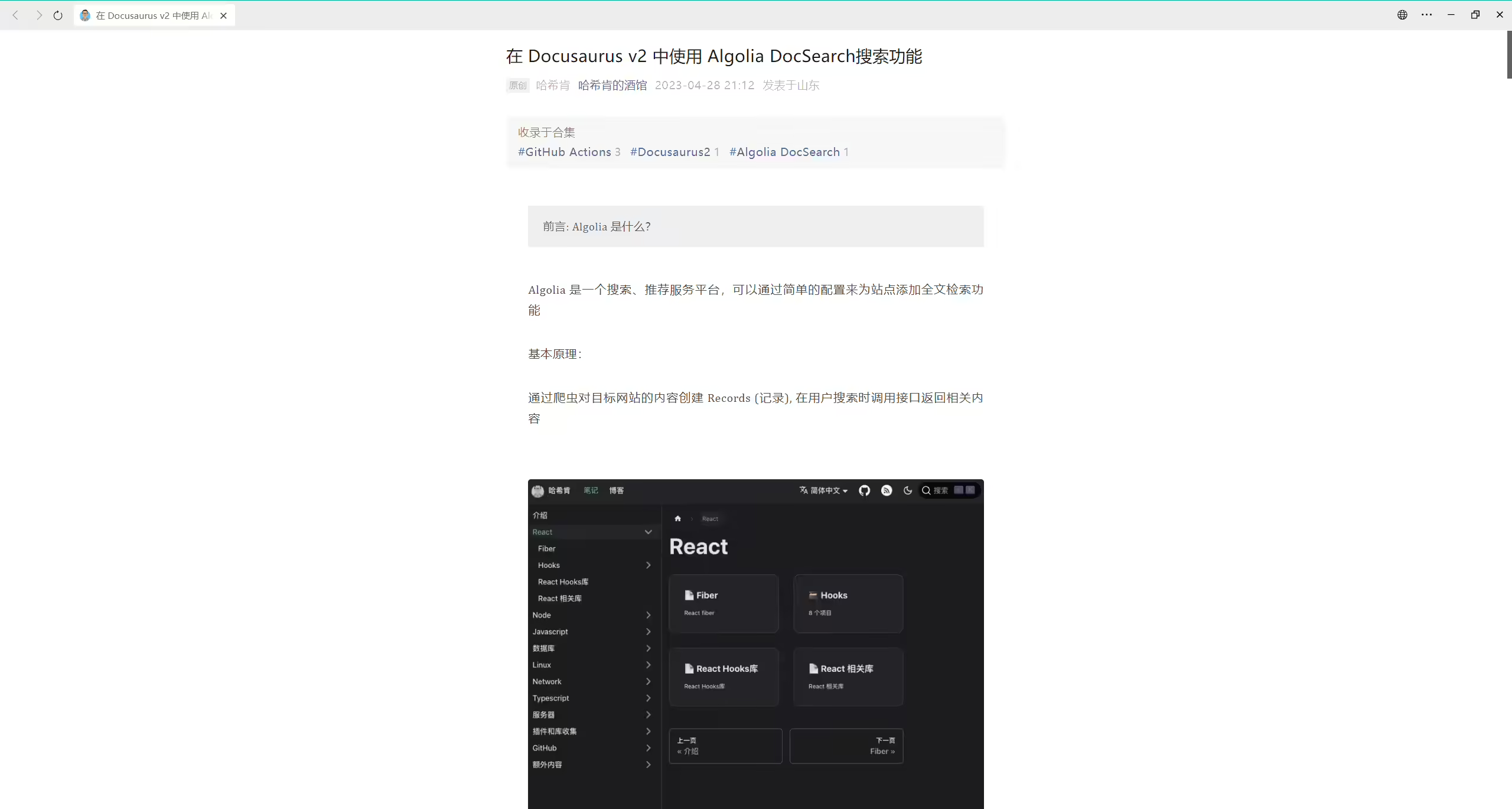
Algolia 是一个搜索、推荐服务平台,可以通过简单的配置来为站点添加全文检索功能。
基本原理:
通过爬虫对目标网站的内容创建 Records (记录), 在用户搜索时调用接口返回相关内容。
为网站添加 实时搜索, 采用 Docusaurus2 官方支持的 Algolia DocSearch
Docsearch 每周一次爬取网站 (可在网页界面上配置具体时间), 并将所有内容汇总到一个 Algolia 索引中
随后,前端页面会调用 Algolia API 来直接查询这些内容。
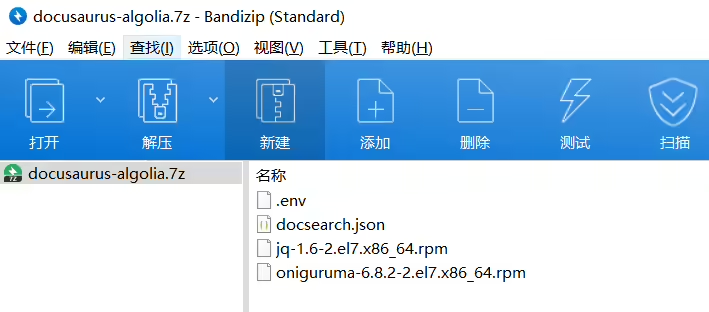
https://img.onedayxyy.cn/images/docusaurus-algolia.7z
一定要先向Docsearch 官网申请成功后,再创建自己的数据源才行,不然可能会测试失败的。
前置条件:
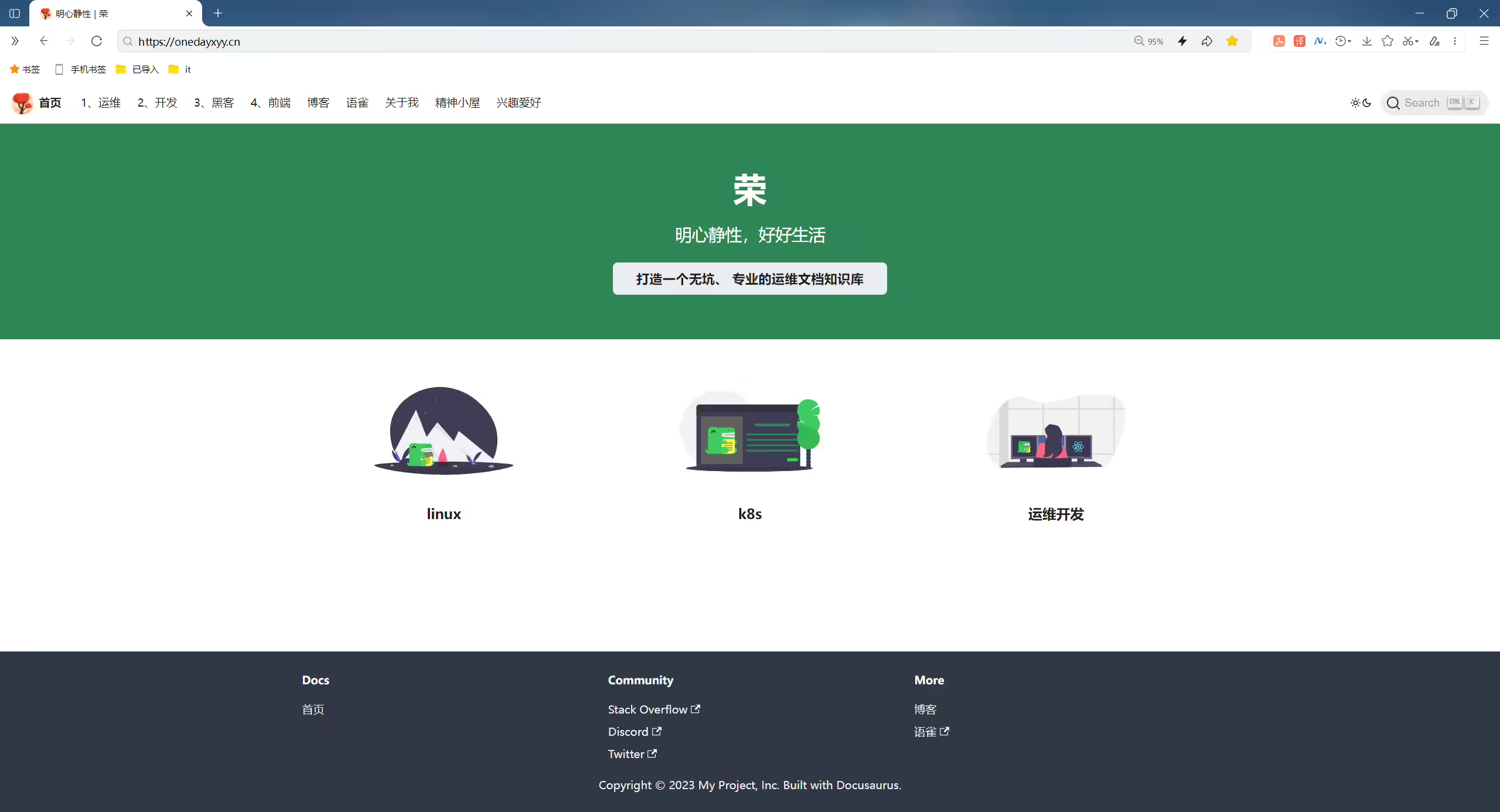
这个是自己的docusaurus文档网站。
https://docsearch.algolia.com/apply/
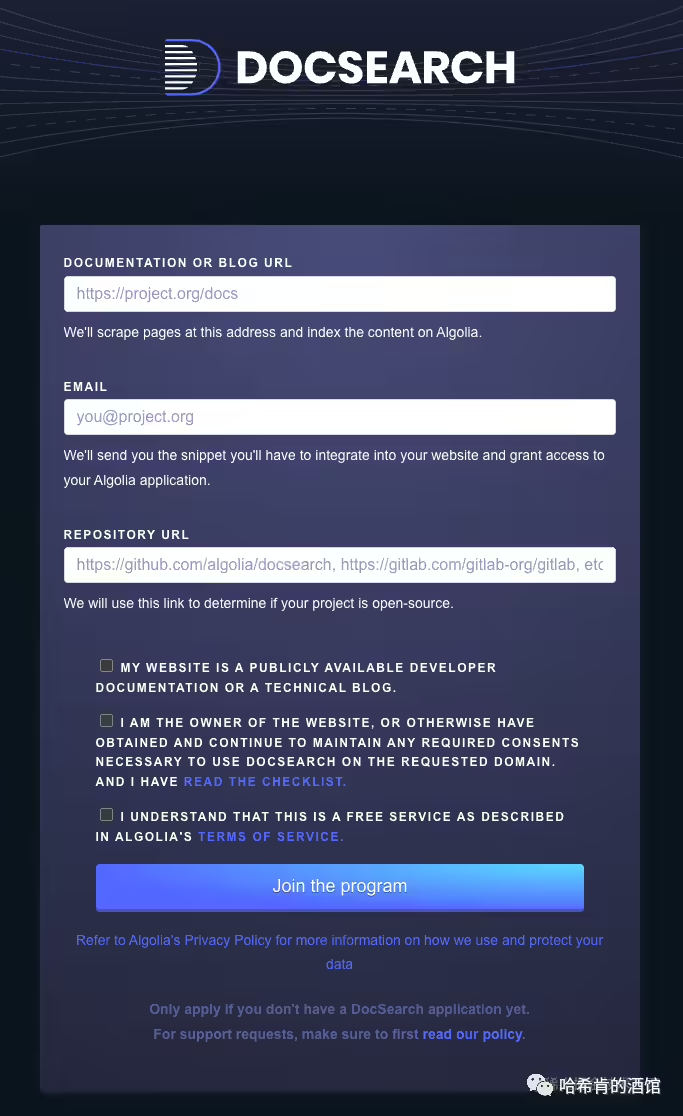
提交后大约 2 天内会收到 反馈邮件, 通知注册成功:
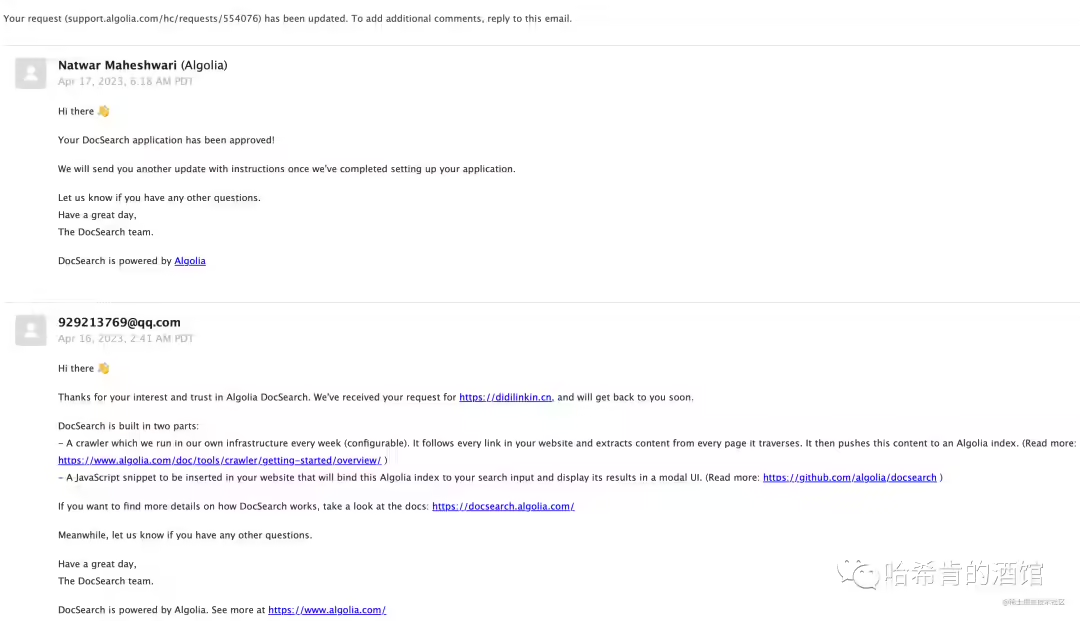
自己的测试过程如下:
https://docsearch.algolia.com/apply/
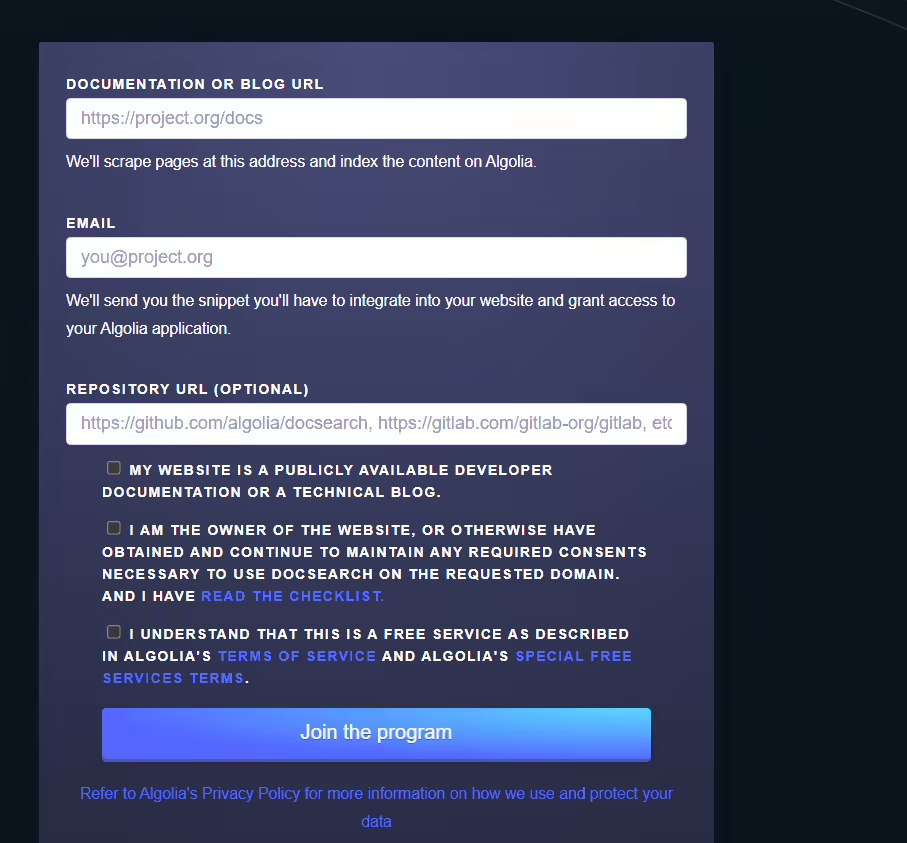
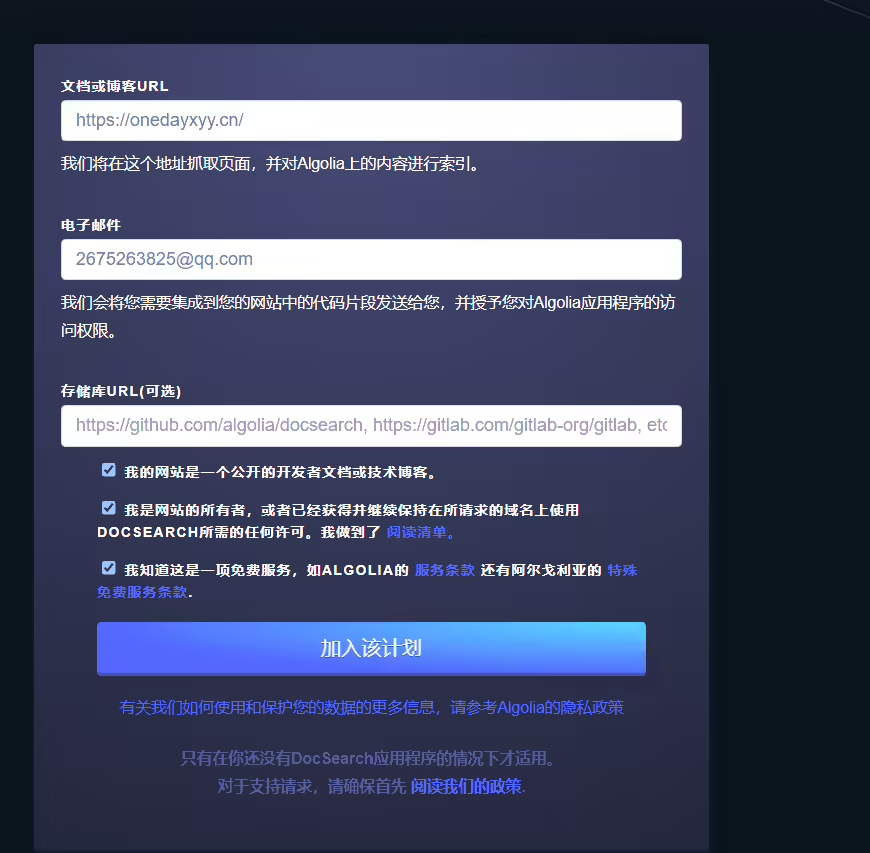
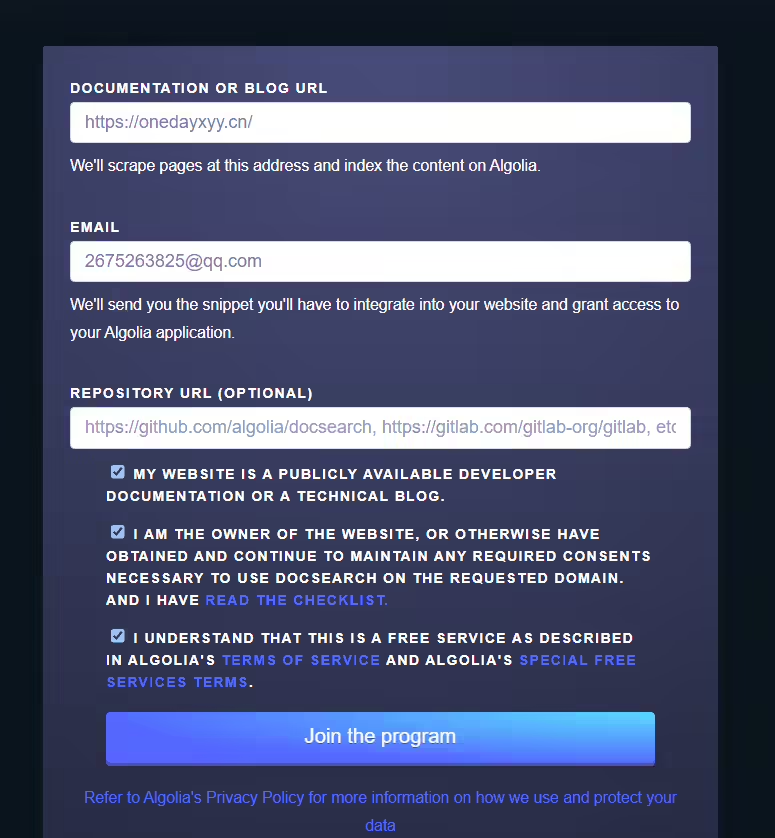
点击Join后,怎么没有反应呢?奇怪。。。(点击后,就自动提交了,我们只需要耐心等待即可)
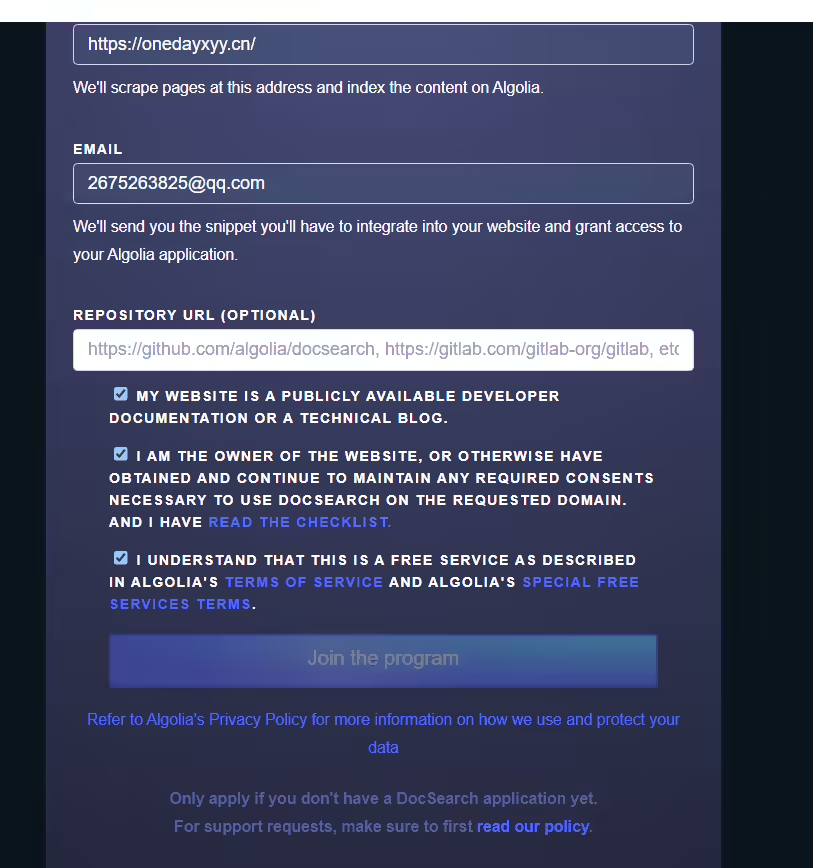
看下后续是否会收到邮件吧?
当前操作时间为:2023年11月15日14:25:55
(几个小时就会得到回复了)
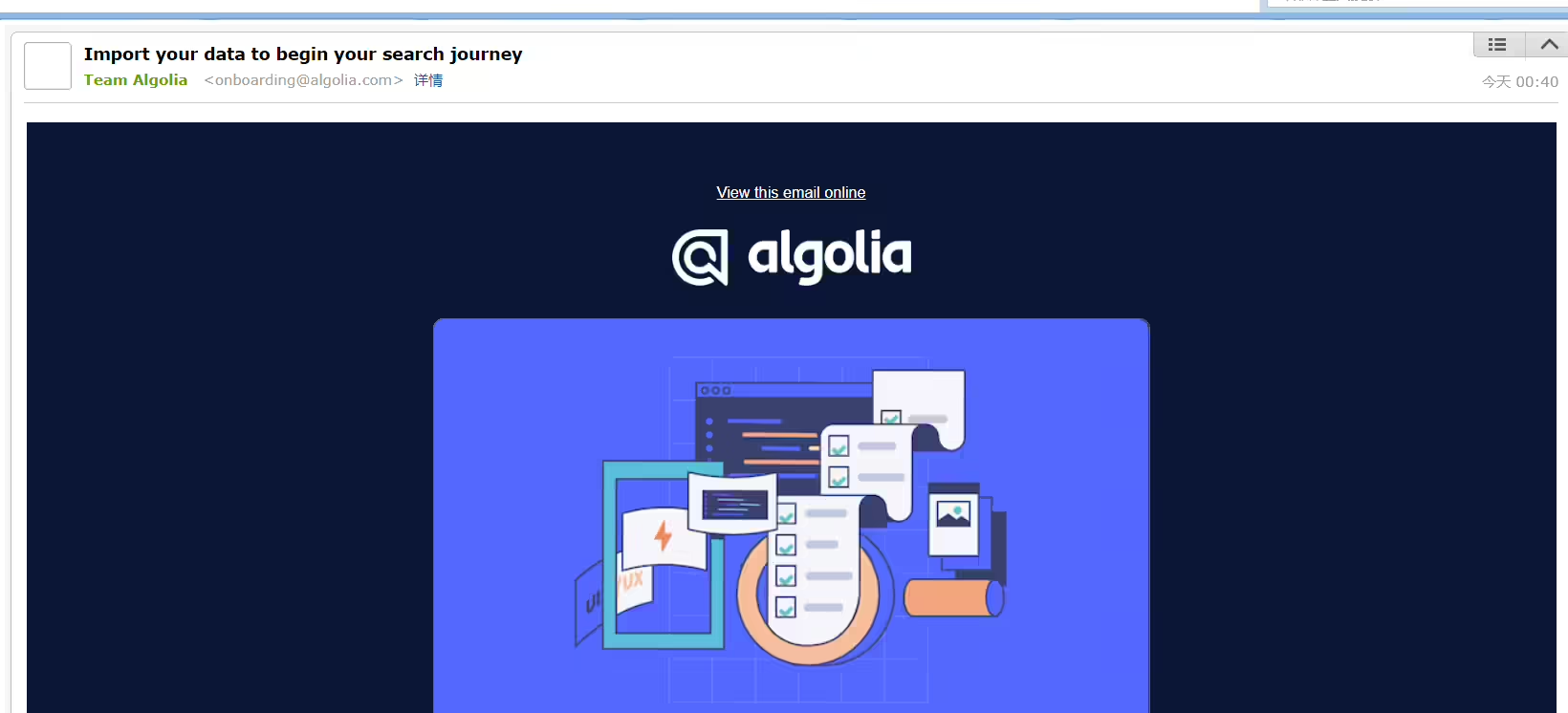
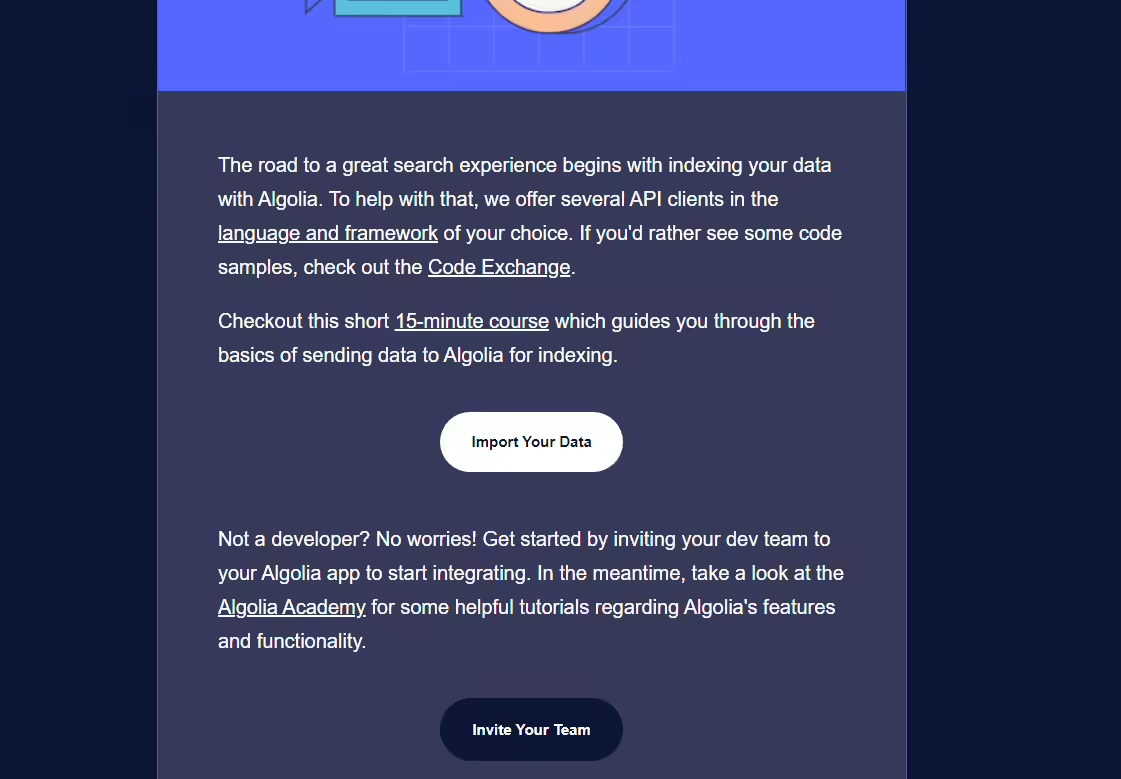
注意:等到官方回复后,这里点击import your data后,就到了具体的配置步骤,我们不用管,按我的文档往下走即可。
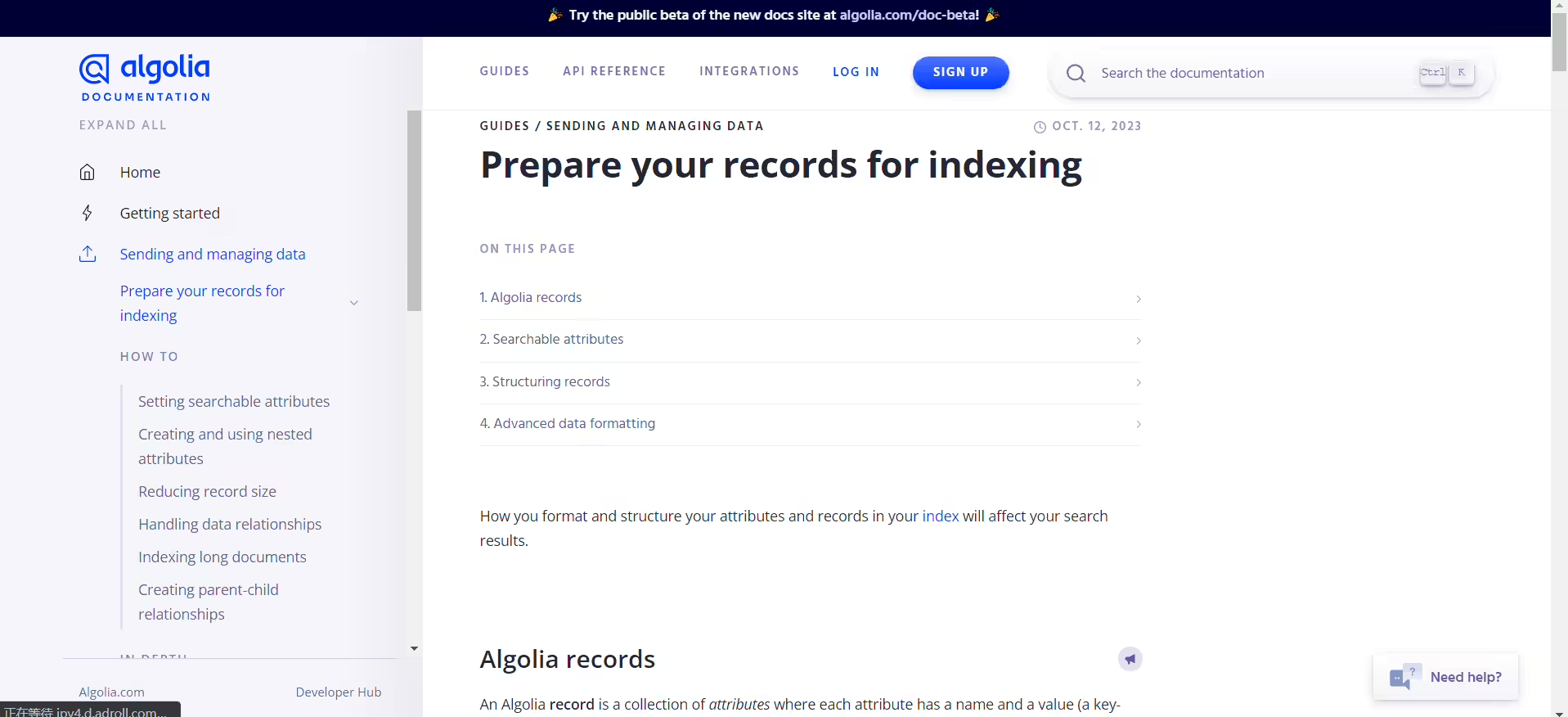
获取 Application ID & API Keys
首先需要去 algolia 官网注册自己的账号,可以直接使用 Github 注册登陆即可。
注册完后,创建数据源 DB:
https://dashboard.algolia.com/apps/EW7M8KMAOC/dashboard
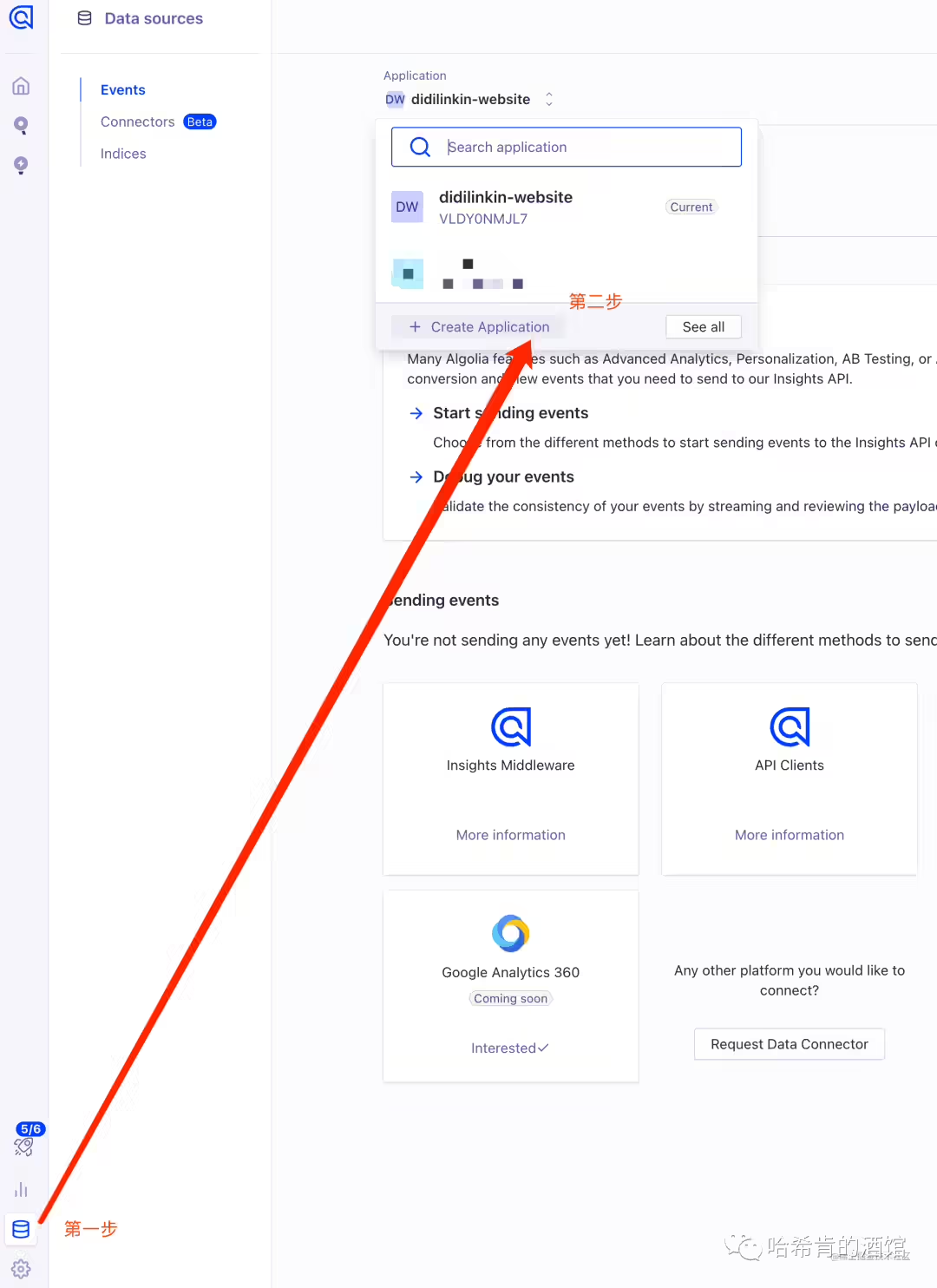
设置 Application 名称, 选择免费计划
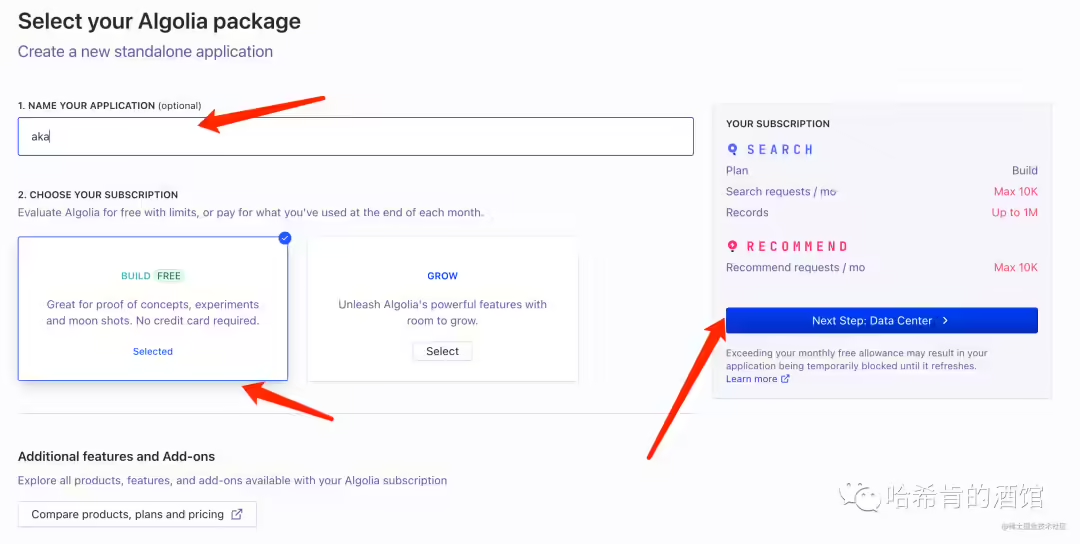
最后选择响应速度快的服务后, 创建成功✅
控制台打开 设置页面,点击 API keys
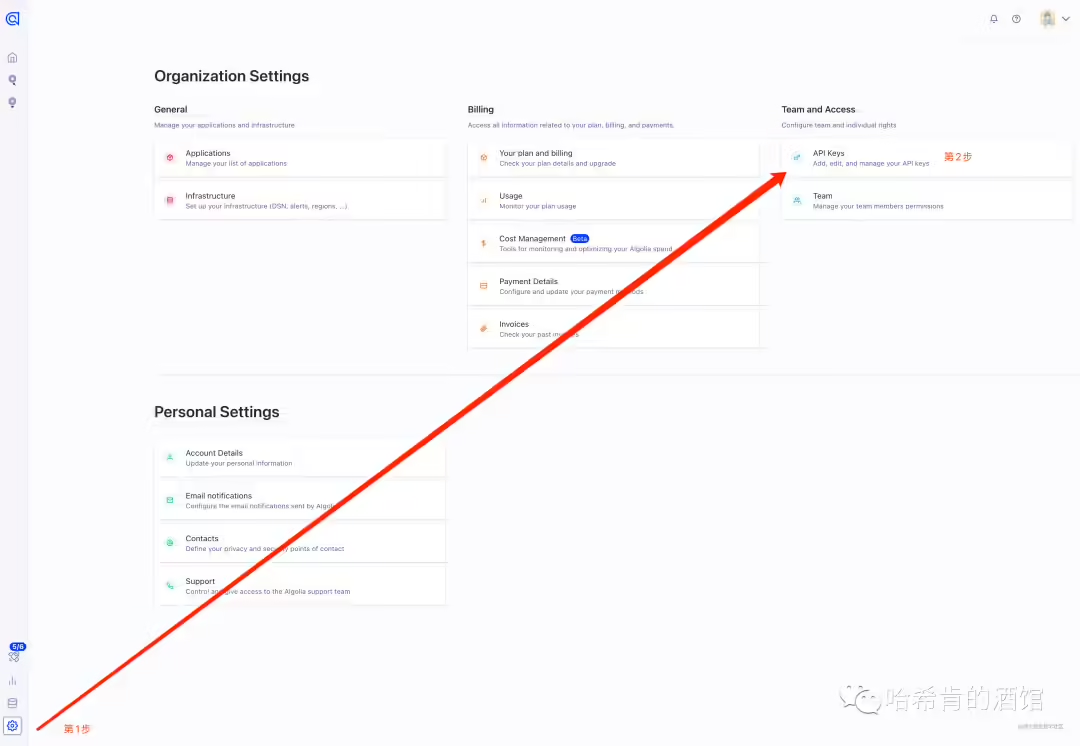
找到 接下来本地配置需要的数据
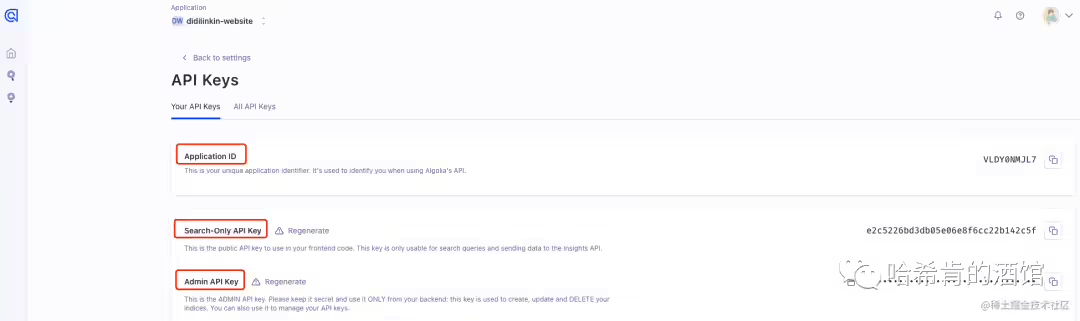
这里记录好需要用到的数据。
Docusaurus 官方已经支持了 algolia 搜索,直接去 docusaurus.config.js 文件配置即可:
来到自己Docusaurus项目仓库,配置docusaurus.config.js文件:
1themeConfig: {
2        // ...
3    algolia: {
4      apiKey: "Admin API Key",
5      indexName: "刚才创建索引的 name,不是数据源的 name",
6      appId: "Application ID",
7    },
8}
1 algolia: {
2 apiKey: "0b438cb16499079d790eb060f84d79ff",
3 indexName: "algoliaSearch",
4 appId: "0R3KBTYR4U",
5 },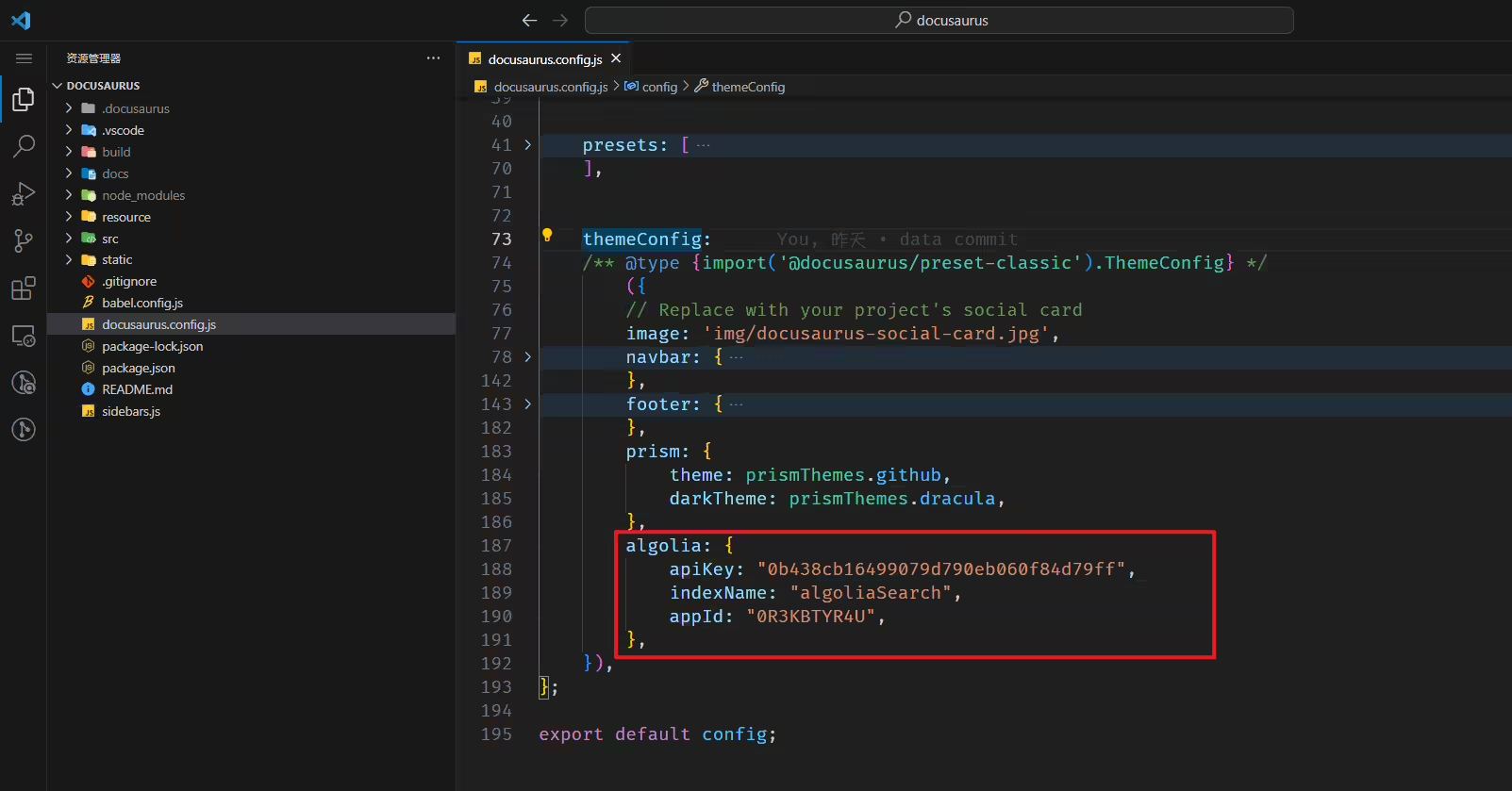
如果是用其他搭建的比如 Hexo,VuePress/ VitePres,也类似,在对应在 config 文件配置就好。
上面 apiKey、appId 可以在 API Keys 里面查看:
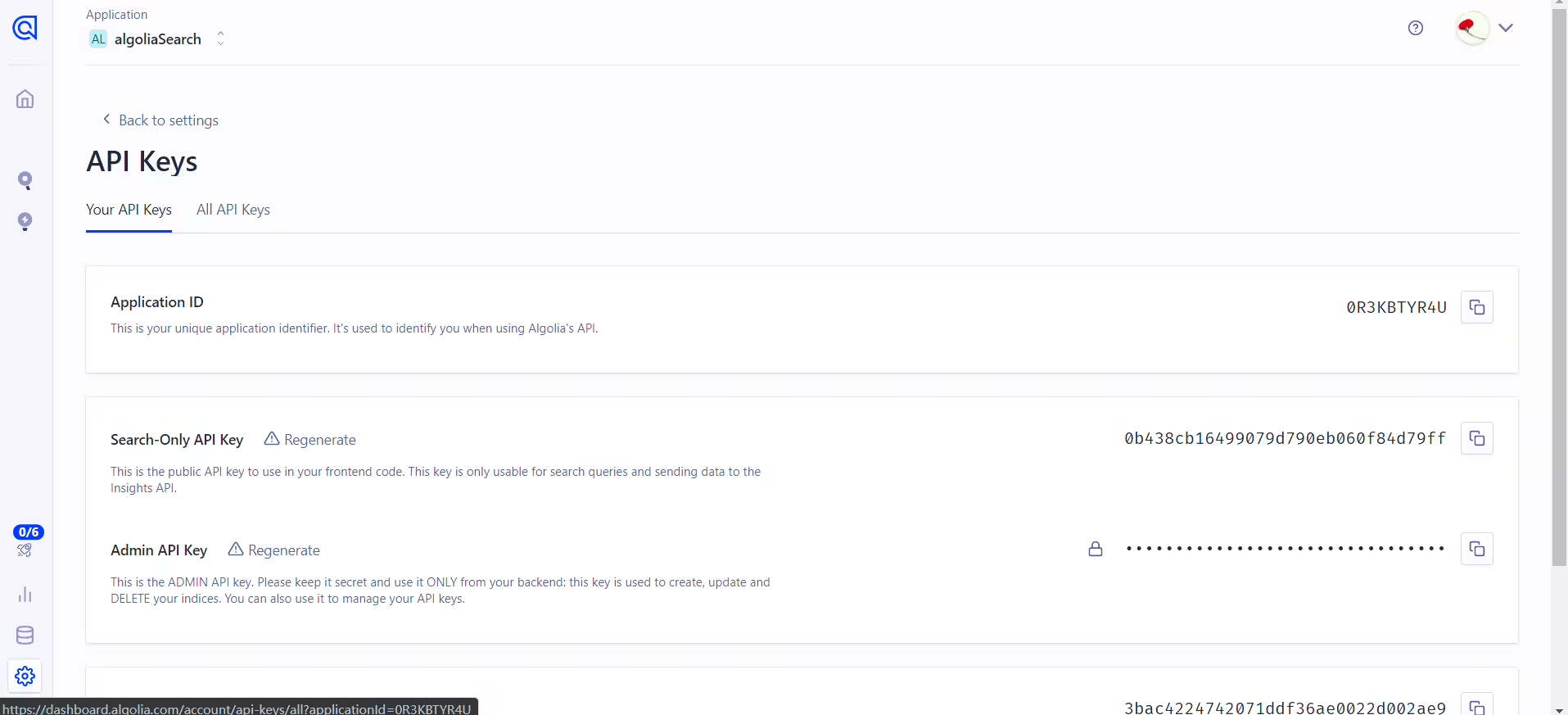
运行项目,就可以看到出现搜索功能,这时候还不能用,因为 algolia 还没有爬取自己网站的内容。
提交docusaurus本地数据到服务器端。
_以下两种 爬虫方式任选其一即可 (推荐使用 GitHub Actions)
_
自己本次选择的方式。
由于 Algolia 限制开源项目才可以免费试用爬虫,所以我们要自己推送数据。需要如下环境:
brew install jq)—— 解析 json 文件用1yum install -y epel-release
2yum install -y jq爬取环境创建后,完成以下步骤
创建如下2个配置文件
(1)创建 .env 文件存放环境变量
.env
1ALGOLIA_APP_ID=0R3KBTYR4U
2ALGOLIA_API_KEY=a515c48b195bc86066ad48dea4464301 ## 务必确认, 这是坑点 不要用 'Write API Key' 或者 'Search API Key',一定要用Admin API Key才行。(2)创建一个docsearch.json文件
docsearch.json
docsearch-config.json (爬虫配置文件)
需修改 3 处:
index_name
start_urls
sitemap_urls
参考文章:
 1{
 2  // 修改部分 修改1:
 3  "index_name": "对应上config文件里面的indexName,也是创建的索引名",
 4  "start_urls": ["https://www.website.com/"], // 自己的域名网站地址 修改2:
 5  // 更换自己的域名地址,Docusaurus 官方会有配置生成 sitemap.xml 的方式 修改3:
 6  "sitemap_urls": ["https://www.website.com/sitemap.xml"],
 7  // end
 8  "stop_urls": ["/search"], // 排除不需要爬取页面的路由地址
 9  "selectors": {
10    "lvl0": {
11      "selector": "(//ul[contains(@class,'menu__list')]//a[contains(@class, 'menu__link menu__link--sublist menu__link--active')]/text() | //nav[contains(@class, 'navbar')]//a[contains(@class, 'navbar__link--active')]/text())[last()]",
12      "type": "xpath",
13      "global": true,
14      "default_value": "Documentation"
15    },
16    "lvl1": "header h1, article h1",
17    "lvl2": "article h2",
18    "lvl3": "article h3",
19    "lvl4": "article h4",
20    "lvl5": "article h5, article td:first-child",
21    "lvl6": "article h6",
22    "text": "article p, article li, article td:last-child"
23  },
24  "custom_settings": {
25    "attributesForFaceting": [
26      "type",
27      "lang",
28      "language",
29      "version",
30      "docusaurus_tag"
31    ],
32    "attributesToRetrieve": [
33      "hierarchy",
34      "content",
35      "anchor",
36      "url",
37      "url_without_anchor",
38      "type"
39    ],
40    "attributesToHighlight": ["hierarchy", "content"],
41    "attributesToSnippet": ["content:10"],
42    "camelCaseAttributes": ["hierarchy", "content"],
43    "searchableAttributes": [
44      "unordered(hierarchy.lvl0)",
45      "unordered(hierarchy.lvl1)",
46      "unordered(hierarchy.lvl2)",
47      "unordered(hierarchy.lvl3)",
48      "unordered(hierarchy.lvl4)",
49      "unordered(hierarchy.lvl5)",
50      "unordered(hierarchy.lvl6)",
51      "content"
52    ],
53    "distinct": true,
54    "attributeForDistinct": "url",
55    "customRanking": [
56      "desc(weight.pageRank)",
57      "desc(weight.level)",
58      "asc(weight.position)"
59    ],
60    "ranking": [
61      "words",
62      "filters",
63      "typo",
64      "attribute",
65      "proximity",
66      "exact",
67      "custom"
68    ],
69    "highlightPreTag": "<span class='algolia-docsearch-suggestion--highlight'>",
70    "highlightPostTag": "</span>",
71    "minWordSizefor1Typo": 3,
72    "minWordSizefor2Typos": 7,
73    "allowTyposOnNumericTokens": false,
74    "minProximity": 1,
75    "ignorePlurals": true,
76    "advancedSyntax": true,
77    "attributeCriteriaComputedByMinProximity": true,
78    "removeWordsIfNoResults": "allOptional",
79    "separatorsToIndex": "_",
80    "synonyms": [
81      ["js", "javascript"],
82      ["ts", "typescript"]
83    ]
84  }
85}
自己本次最终版:
 1{
 2  "index_name": "algoliaSearch",
 3  "start_urls": ["https://www.onedayxyy.cn/"],
 4  "sitemap_urls": ["https://www.onedayxyy.cn/sitemap.xml"],
 5  "stop_urls": ["/search"],
 6  "selectors": {
 7    "lvl0": {
 8      "selector": "(//ul[contains(@class,'menu__list')]//a[contains(@class, 'menu__link menu__link--sublist menu__link--active')]/text() | //nav[contains(@class, 'navbar')]//a[contains(@class, 'navbar__link--active')]/text())[last()]",
 9      "type": "xpath",
10      "global": true,
11      "default_value": "Documentation"
12    },
13    "lvl1": "header h1, article h1",
14    "lvl2": "article h2",
15    "lvl3": "article h3",
16    "lvl4": "article h4",
17    "lvl5": "article h5, article td:first-child",
18    "lvl6": "article h6",
19    "text": "article p, article li, article td:last-child"
20  },
21  "custom_settings": {
22    "attributesForFaceting": [
23      "type",
24      "lang",
25      "language",
26      "version",
27      "docusaurus_tag"
28    ],
29    "attributesToRetrieve": [
30      "hierarchy",
31      "content",
32      "anchor",
33      "url",
34      "url_without_anchor",
35      "type"
36    ],
37    "attributesToHighlight": ["hierarchy", "content"],
38    "attributesToSnippet": ["content:10"],
39    "camelCaseAttributes": ["hierarchy", "content"],
40    "searchableAttributes": [
41      "unordered(hierarchy.lvl0)",
42      "unordered(hierarchy.lvl1)",
43      "unordered(hierarchy.lvl2)",
44      "unordered(hierarchy.lvl3)",
45      "unordered(hierarchy.lvl4)",
46      "unordered(hierarchy.lvl5)",
47      "unordered(hierarchy.lvl6)",
48      "content"
49    ],
50    "distinct": true,
51    "attributeForDistinct": "url",
52    "customRanking": [
53      "desc(weight.pageRank)",
54      "desc(weight.level)",
55      "asc(weight.position)"
56    ],
57    "ranking": [
58      "words",
59      "filters",
60      "typo",
61      "attribute",
62      "proximity",
63      "exact",
64      "custom"
65    ],
66    "highlightPreTag": "<span class='algolia-docsearch-suggestion--highlight'>",
67    "highlightPostTag": "</span>",
68    "minWordSizefor1Typo": 3,
69    "minWordSizefor2Typos": 7,
70    "allowTyposOnNumericTokens": false,
71    "minProximity": 1,
72    "ignorePlurals": true,
73    "advancedSyntax": true,
74    "attributeCriteriaComputedByMinProximity": true,
75    "removeWordsIfNoResults": "allOptional",
76    "separatorsToIndex": "_",
77    "synonyms": [
78      ["js", "javascript"],
79      ["ts", "typescript"]
80    ]
81  }
82}控制台执行 docker 爬去推送命令:
1docker run -it --env-file=.env -e "CONFIG=$(cat docsearch.json | jq -r tostring)" algolia/docsearch-scraper接下来就是等待阶段,这里需要点时间 download docker 内置的东西。
最后控制台出现:
 1...
 2Getting https://didilinkin.cn/docs/react/hooks/custom-hooks from selenium
 3Getting https://didilinkin.cn/docs/react/hooks/useMemo from selenium
 4Getting https://didilinkin.cn/docs/react/hooks/useCallback from selenium
 5Getting https://didilinkin.cn/docs/javascript/versions/es-2016 from selenium
 6Getting https://didilinkin.cn/docs/javascript/versions/es-2015 from selenium
 7> DocSearch: https://didilinkin.cn/docs/plugins-and-libraries/big-screen/ 17 records)
 8> DocSearch: https://didilinkin.cn/docs/server/nginx/nginx-forward-proxy-vs-reverse-proxy/ 8 records)
 9> DocSearch: https://didilinkin.cn/docs/category/caddy/ 3 records)
10> DocSearch: https://didilinkin.cn/docs/category/nginx/ 5 records)
11
12Nb hits: 1369
13
14
自己执行后效果:
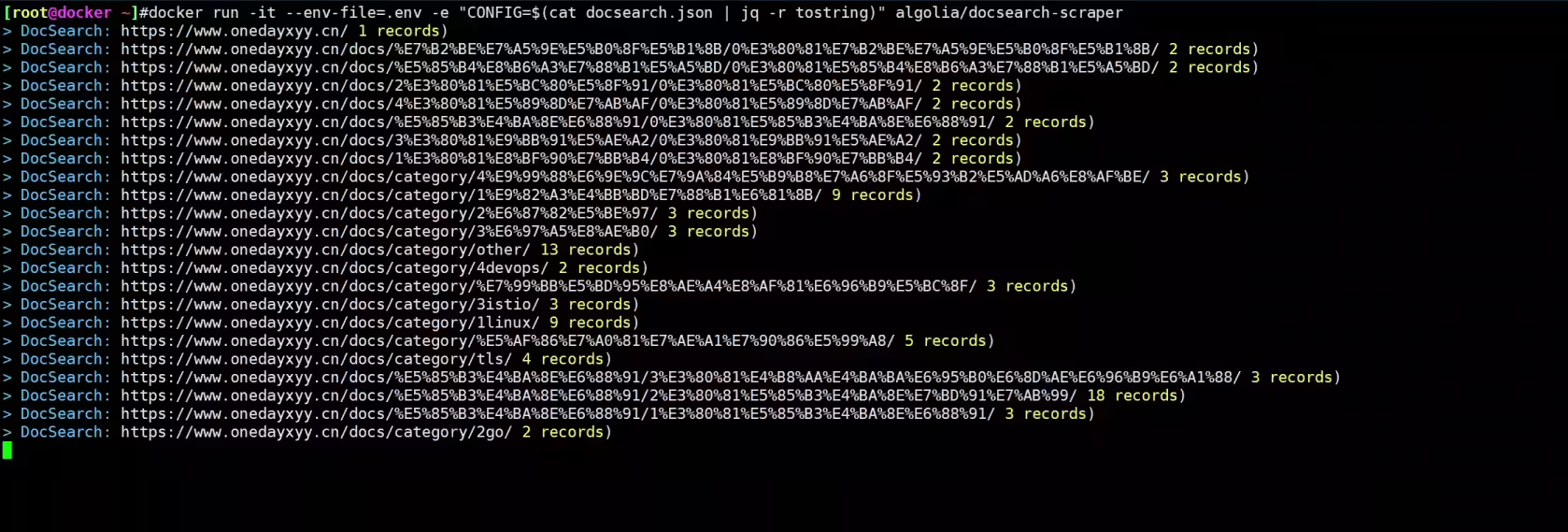
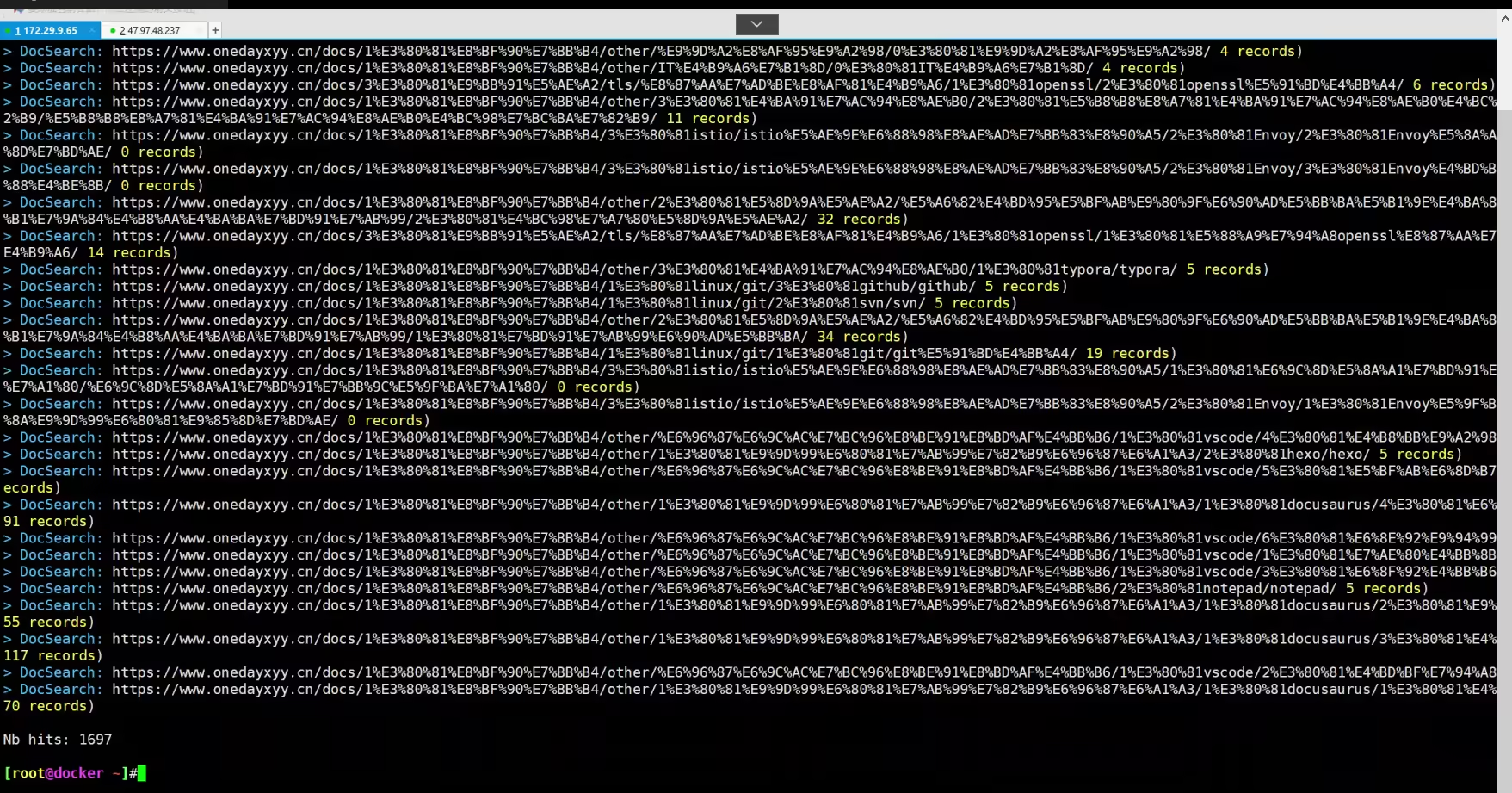
到自己的algolia账户下看下数据情况:
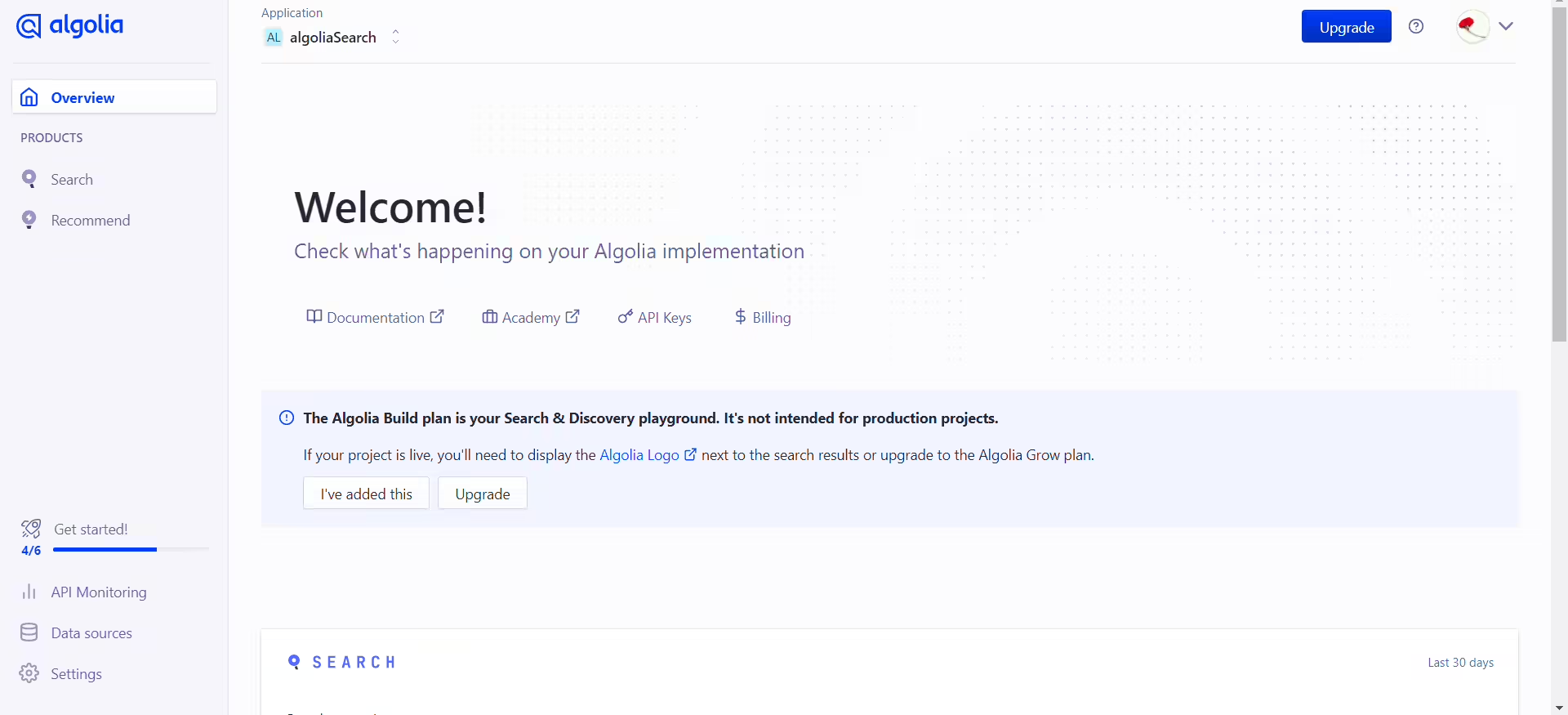
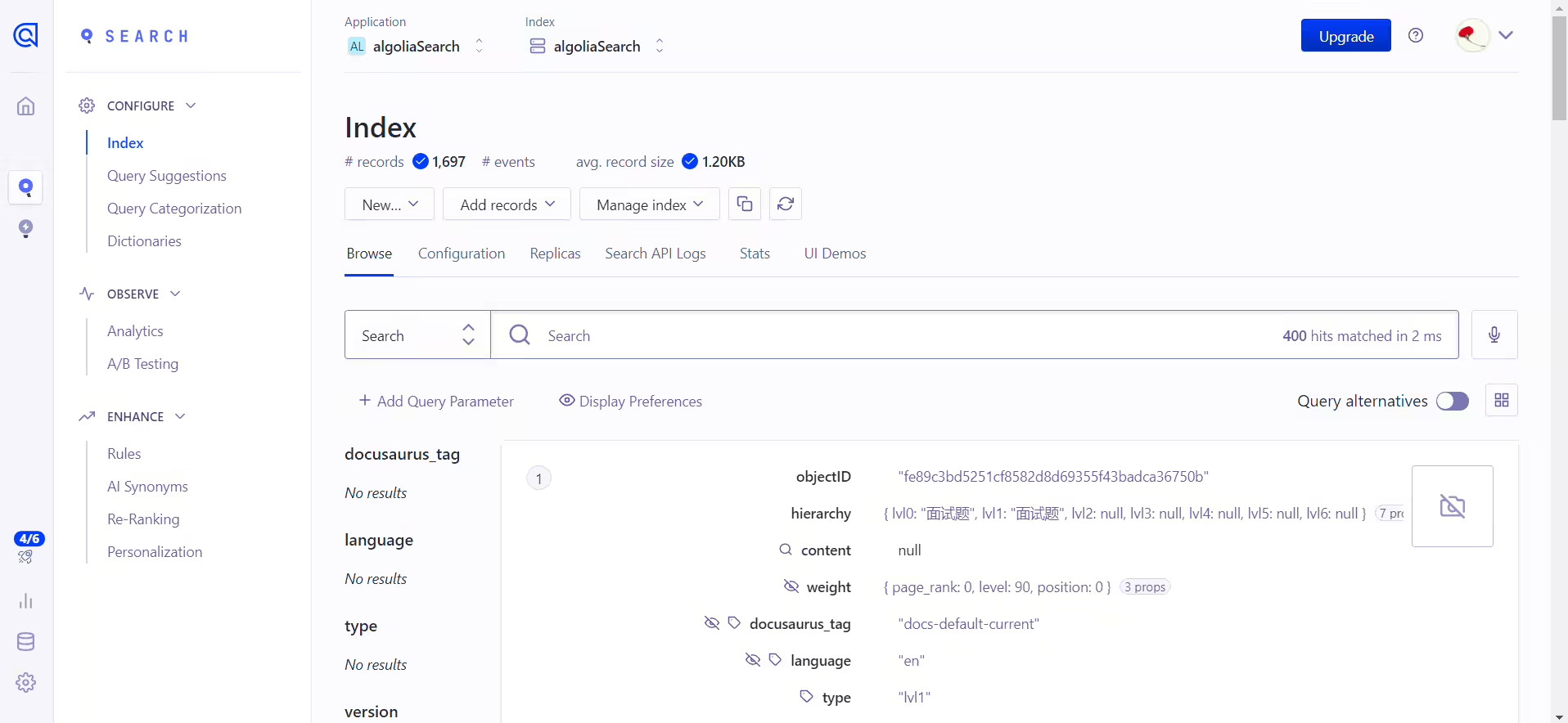
仅做记录,待测试。
v1参考:
在 .github/workflows/ 文件夹下 创建 docsearch-scraper.yml, 用来定义 GitHub Actions 工作流
 1name: 索引爬虫 docsearch-scraper
 2
 3on:
 4  push:
 5    branches: [master]
 6  pull_request:
 7    branches: [master]
 8
 9jobs:
10  scan:
11    runs-on: ubuntu-latest
12
13    steps:
14      - name: Sleep for 10 seconds
15        run: sleep 10s
16        shell: bash
17
18      - name: Checkout repo
19        uses: actions/checkout@v3
20
21      - name: Run scraper
22        env:
23          APPLICATION_ID: ${{ secrets.APPLICATION_ID }}
24          API_KEY: ${{ secrets.API_KEY }}
25        run: |
26          CONFIG="$(cat docsearch-config.json)"
27          docker run -i --rm \
28                  -e APPLICATION_ID=$APPLICATION_ID \
29                  -e API_KEY=$API_KEY \
30                  -e CONFIG="${CONFIG}" \
31                  algolia/docsearch-scraper
然后在 GitHub 的 Secrets 创建
APPLICATION_ID
API_KEY — Admin API Key
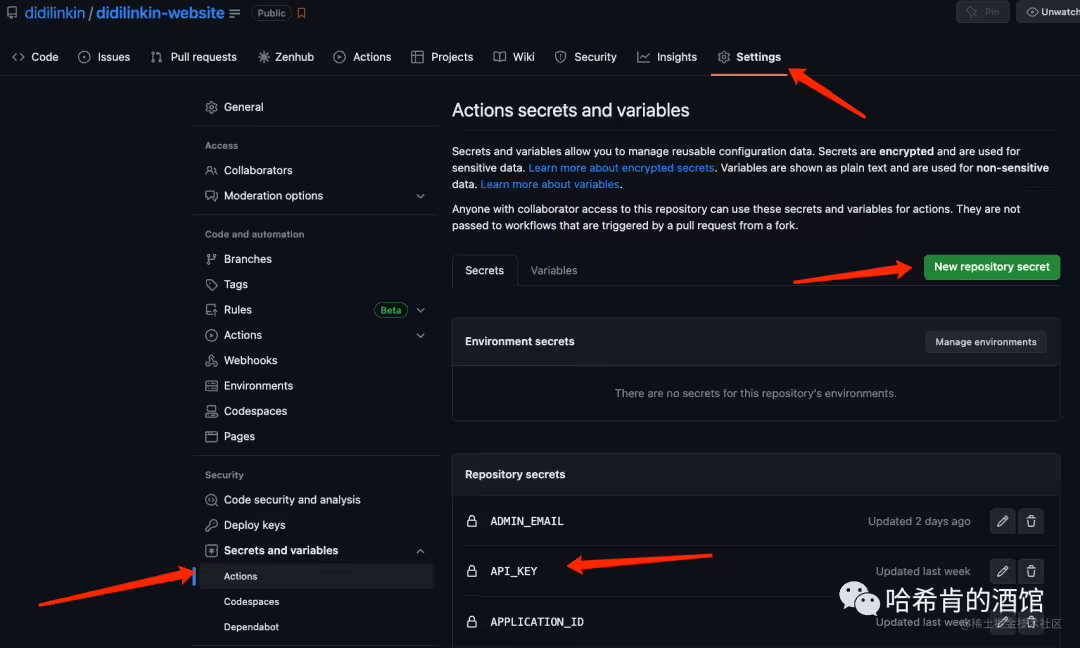
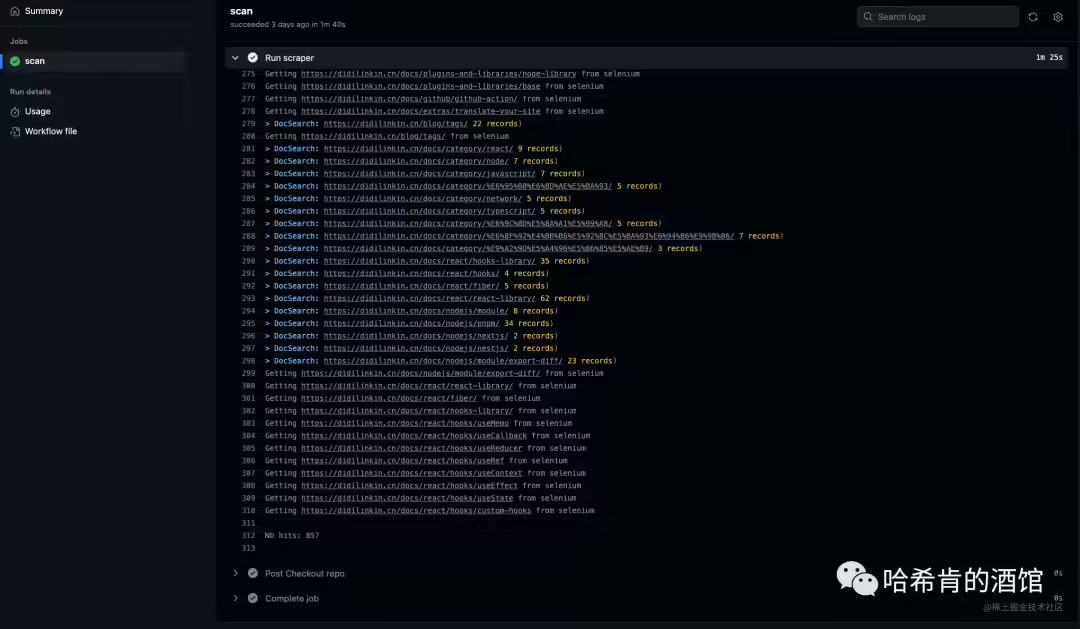
当使用 Git 推送项目到 GitHub 时, Actions 就会自动执行 爬虫任务
v2 参考
可以利用 github 的 Action 帮我们跑这个阶段的内容,这个还是比较方便的。
项目根目录创建 .github/workflows/docsearch.yml 文件
内容:
1name: docsearch
2on:  push:    branches:      - masterjobs:  algolia:    runs-on: ubuntu-latest    steps:      - uses: actions/checkout@v2
3      - name: Get the content of docsearch.json as config        id: algolia_config        run: echo "::set-output name=config::$(cat docsearch.json | jq -r tostring)"
4      - name: Run algolia/docsearch-scraper image        env:          ALGOLIA_APP_ID: ${{ secrets.ALGOLIA_APP_ID }}          ALGOLIA_API_KEY: ${{ secrets.ALGOLIA_API_KEY }}          CONFIG: ${{ steps.algolia_config.outputs.config }}        run: |          docker run \            --env APPLICATION_ID=${ALGOLIA_APP_ID} \            --env API_KEY=${ALGOLIA_API_KEY} \            --env "CONFIG=${CONFIG}" \            algolia/docsearch-scraper
Copy
这里说一下设置 github action 触发的条件
1on: push: branches: - masterCopy
1on: deploymentCopy
1on: schedule: # 约每天早上8点触发(UTC时间0点) - cron: "0 0 * * *"Copy
1on: workflow_dispatch:Copy
⚠️ 注意:
需要注意的是:免费的创建的 algolia 限制文件 records 1000,如果超过的话,Github Action 会跑失败,所以也就是爬取推送不成功。导致搜索用不了。暂时还不知道怎么解决,所以我都是本地用 docker 的。
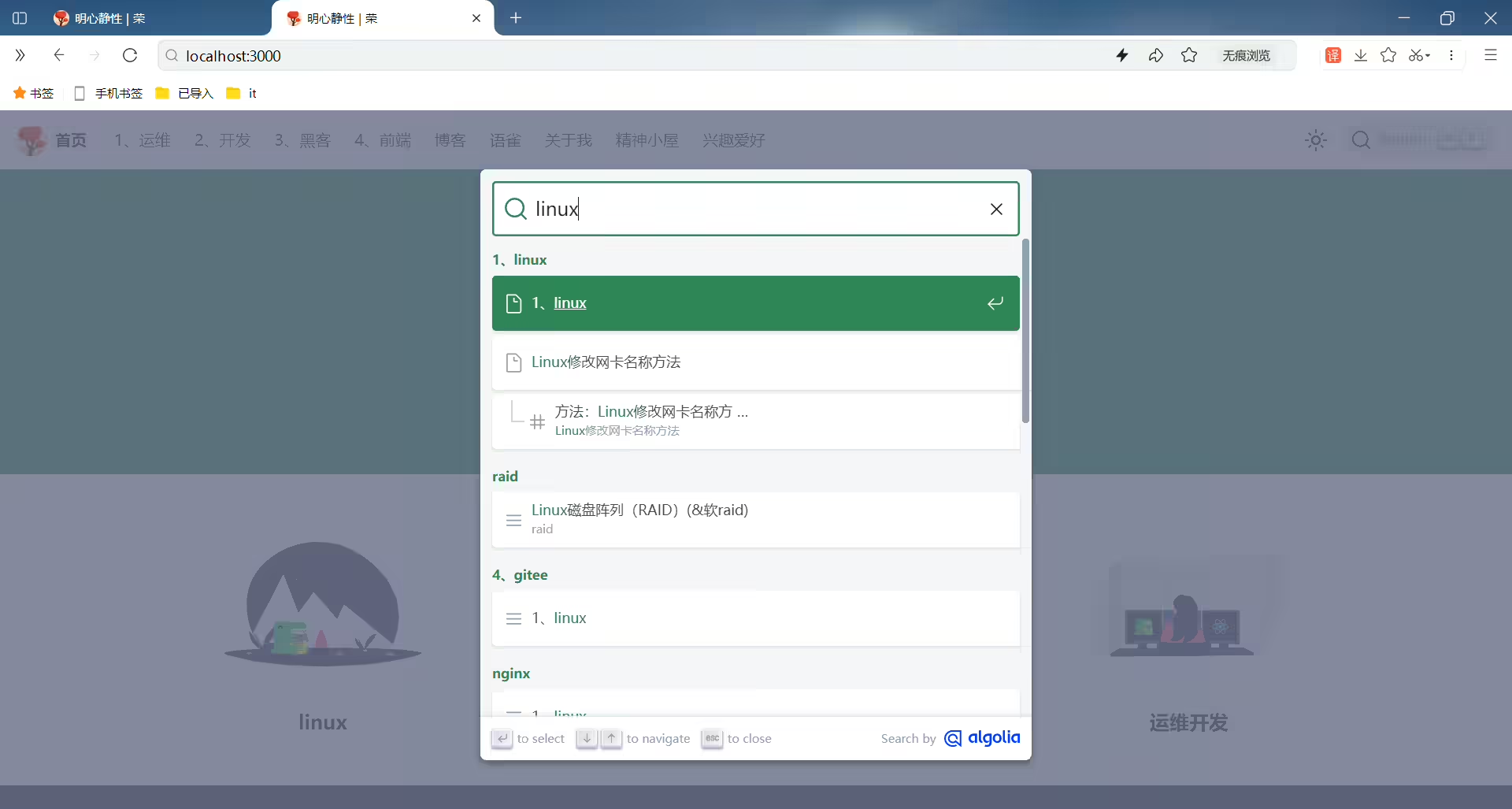
可以看到,此时自己博客网站和本地测试DOI可以正常使用网站搜索功能的:(完美😘)
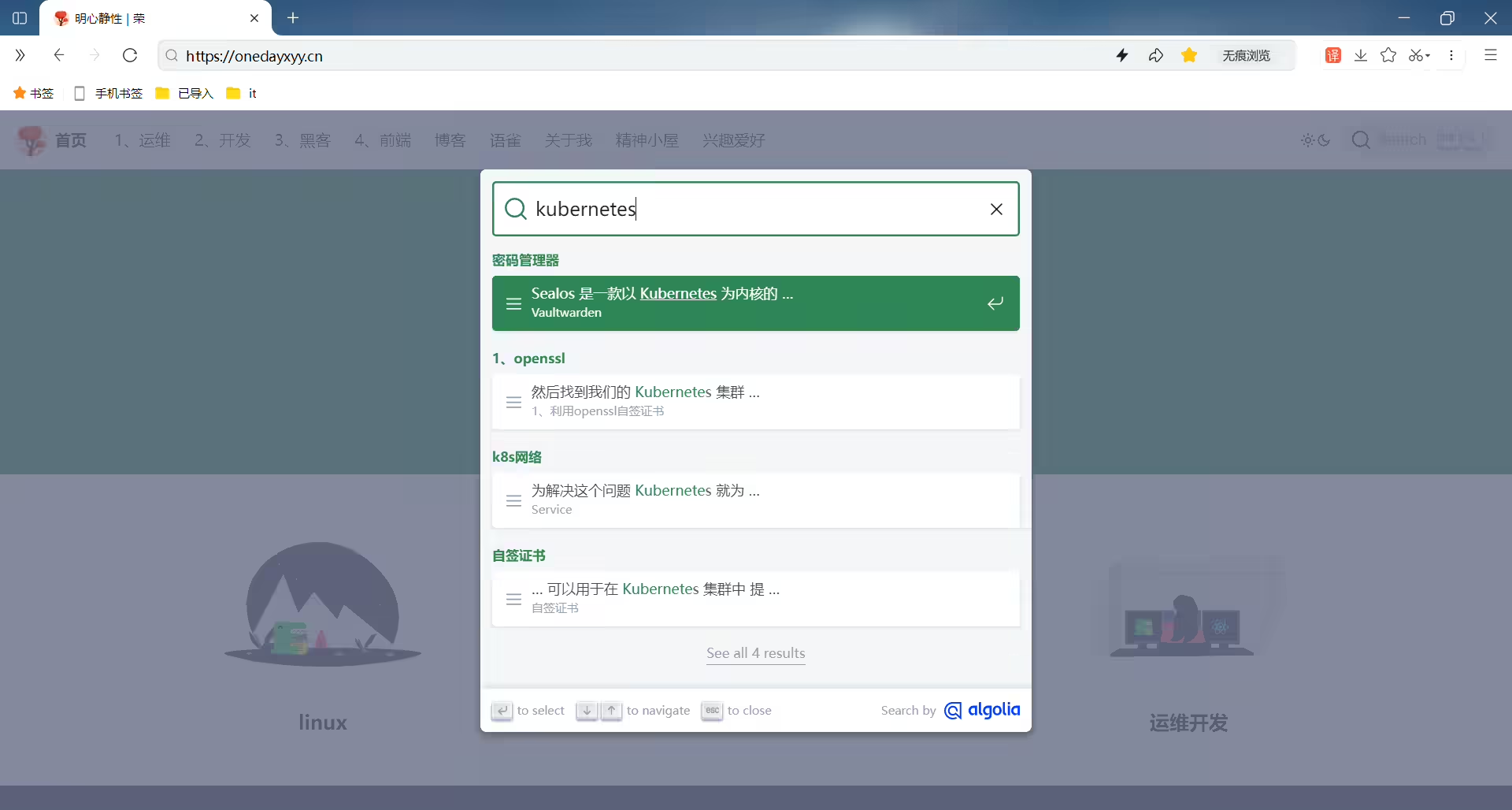
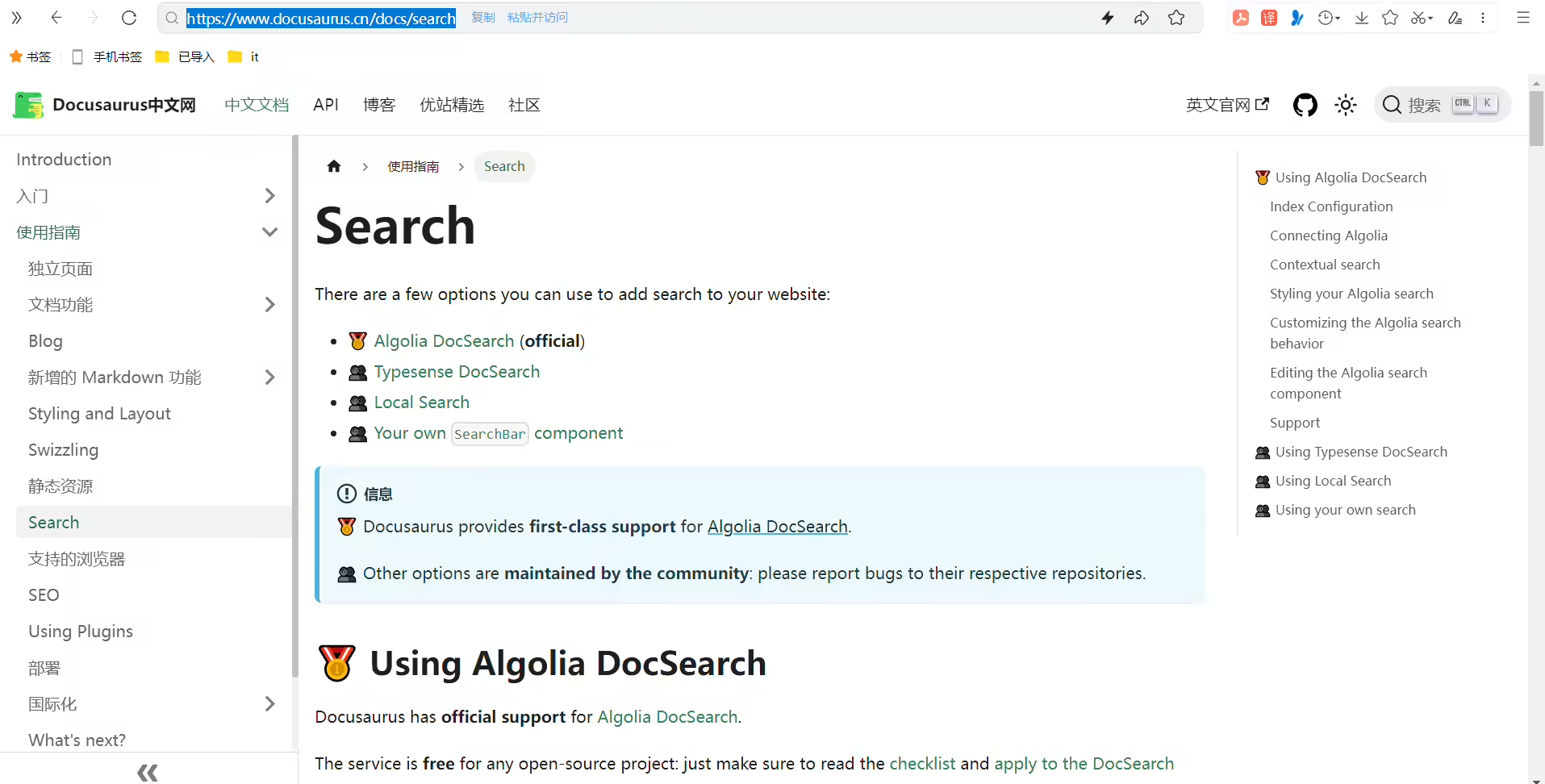
https://www.docusaurus.cn/docs/search
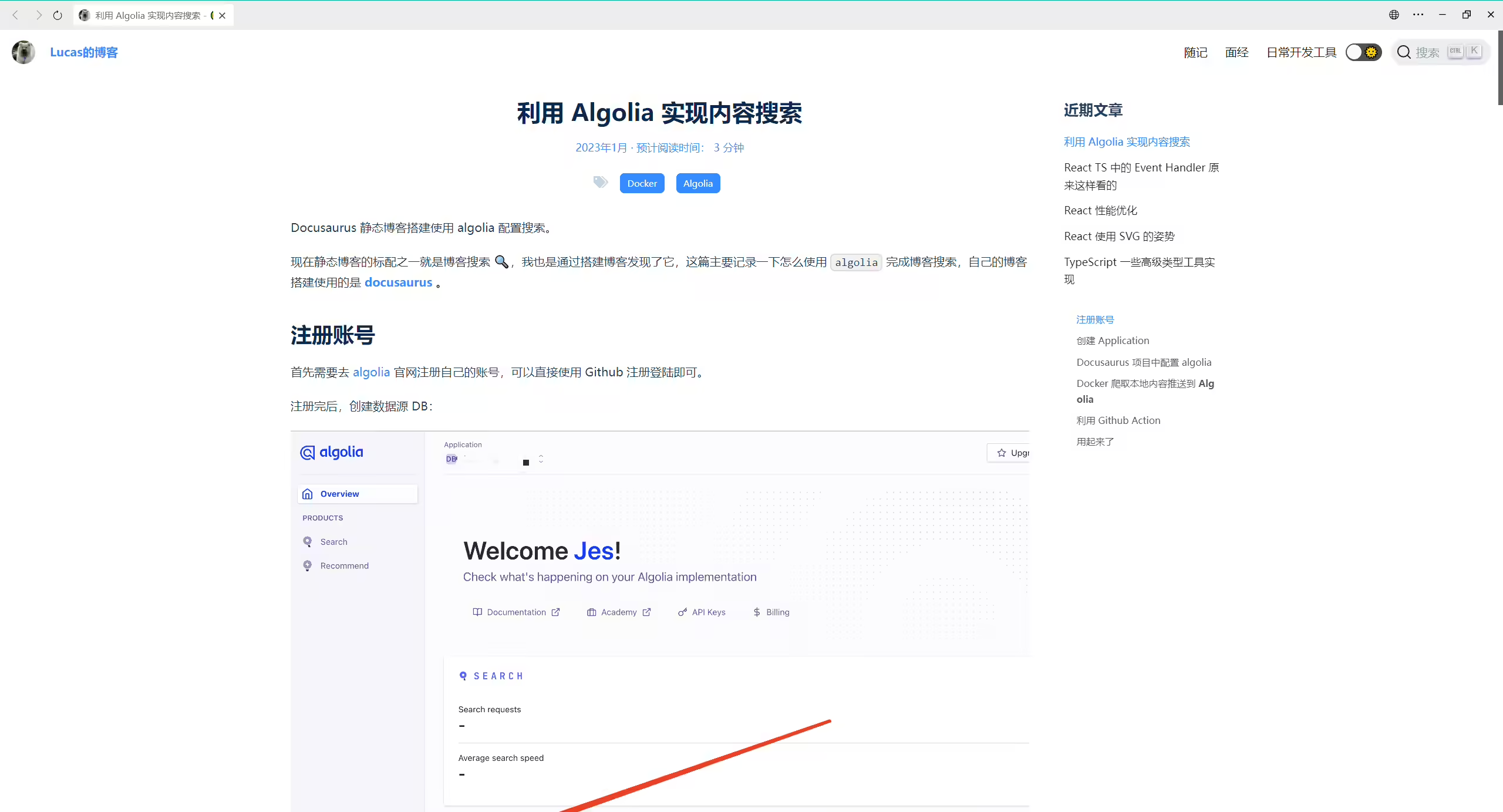
自己本次主要参照的是这个文档,点赞作者。😘
https://ihoneys.github.io/docusaurus-algolia/
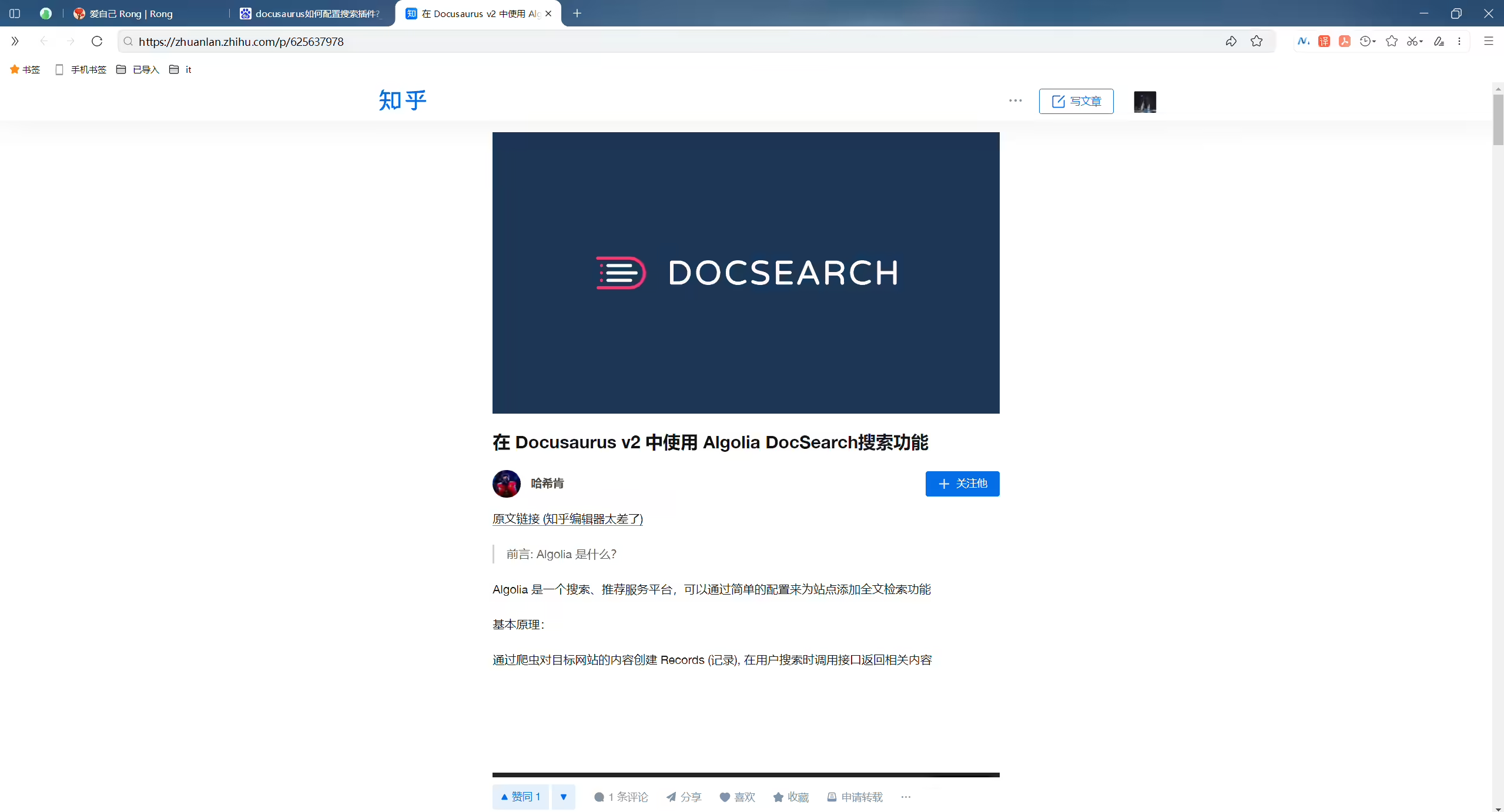
https://zhuanlan.zhihu.com/p/625637978
微信文章地址:
https://mp.weixin.qq.com/s/PJZZ6fAqk_YguNmusvJ1Rg
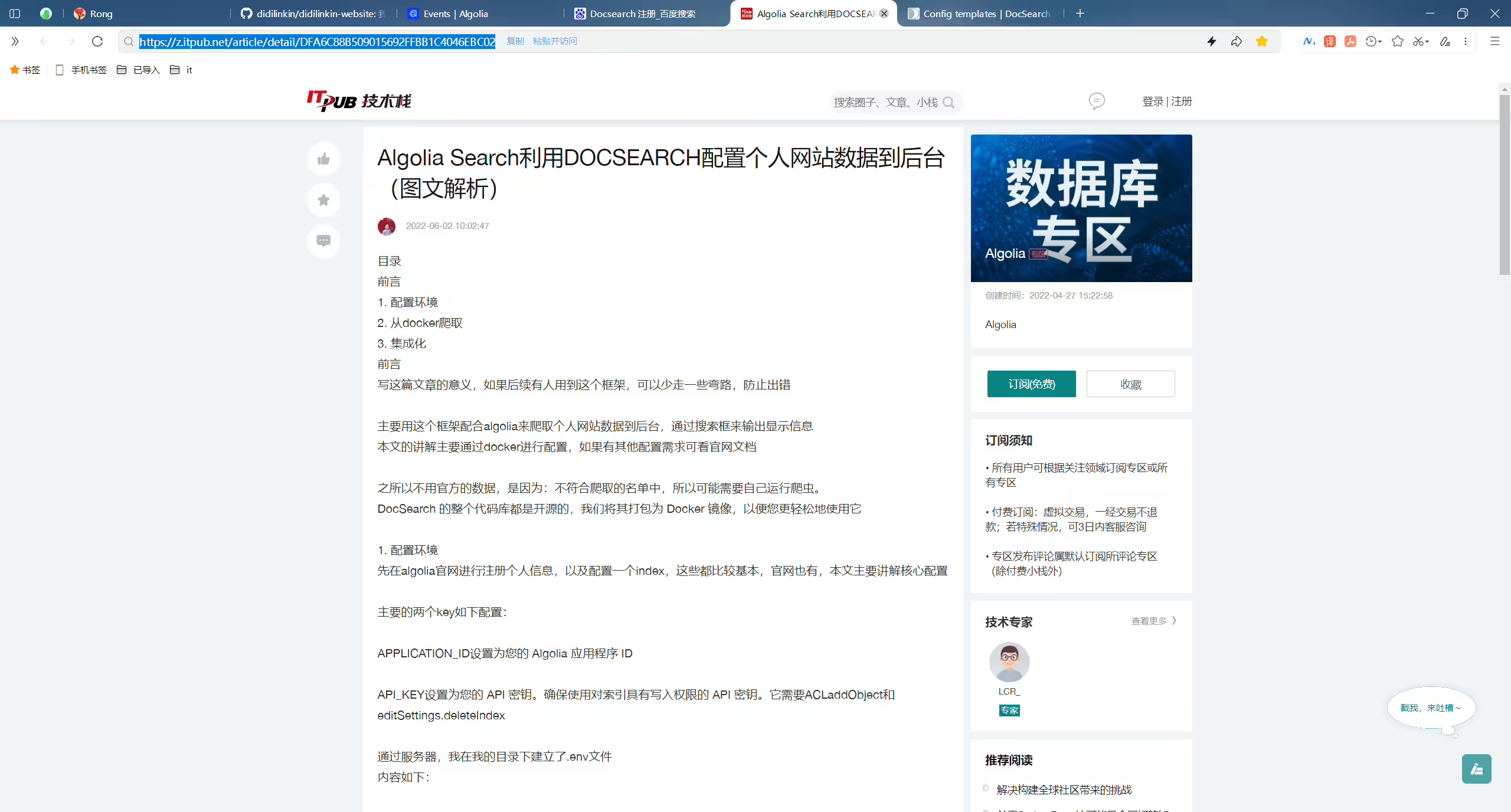
https://z.itpub.net/article/detail/DFA6C88B509015692FFBB1C4046EBC02
🍀 这个问题自己遇到了,最后换成Admin API Key就能正常工作了。
algoliasearch.exceptions.RequestException: Method not allowed with this API key
这个错误通常表示您在使用 Algolia Search API 时使用了无效的 API 密钥或 API 密钥权限不允许使用该请求方法
分析: 使用的 key 不对 - 当前使用的也许是 Search-Only API Key
解决方法: 改为使用 Admin API Key
Error: Process completed with exit code 3.
由于尝试使用 Algolia Search API 更新对象时所使用的 API 密钥缺少必要的权限
确认您正在使用具有正确权限的 Algolia Search API 密钥来更新对象
分析: 使用的 key 权限不对 - 当前使用的也许是 Write API Key
解决方法: 改为使用 Admin API Key
🍀
本地执行 爬虫脚本, 报错: Error: Cannot find module ‘winston’
使用 yarn 重新安装 winston
1 yarn global remove winston
2 yarn global add winston
🍀
1  # 查看本地的 全局依赖是否存在 jq
2  yarn global list --depth=0
3
4  # 删除 jq依赖
5 yarn global remove jq确保本地 npm, yarn, pnpm 的全局依赖中没有 jq, 使用 brew 安装
1# 安装最新版 jq
2brew install --HEAD jq
3
4# 链接 最新版 jq
5brew link jq1索引名称/应用名称:algoliaSearch
2
3Application ID:0R3KBTYR4U
4Search-Only API Key:0b438cb16499079d790eb060f84d79ff
5Admin API Key:a515c48b195bc86066ad48dea44643011hexo index 秘钥:
2Application ID:VOYLUXPB3H
3Search-Only API Key:fcbed6157b52fae1cad0d0cf5de61871
4Admin API Key:56b63583390b4452047d636fed68038b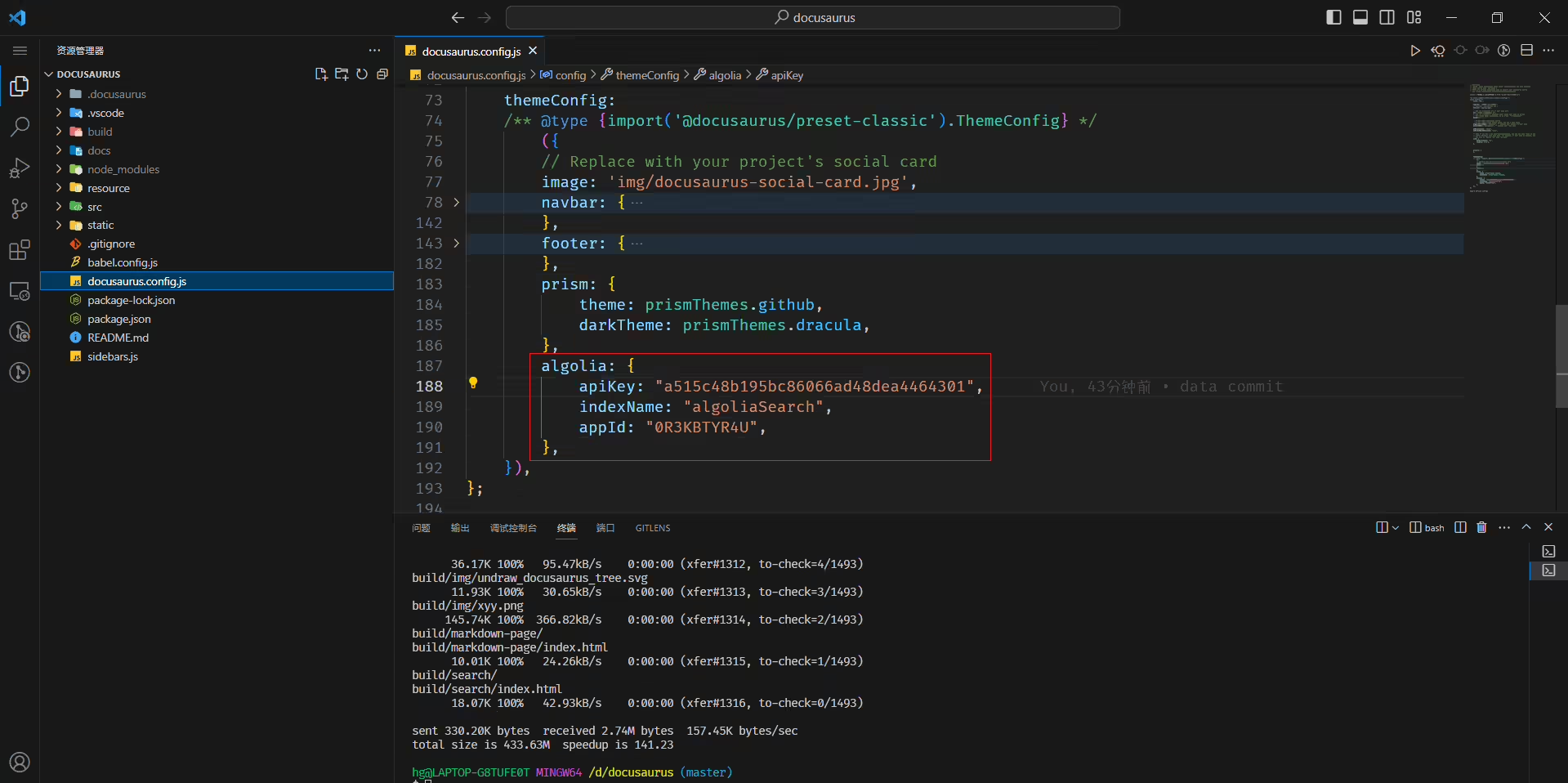
1        algolia: {
2            apiKey: "a515c48b195bc86066ad48dea4464301",
3            indexName: "algoliaSearch",
4            appId: "0R3KBTYR4U",
5 }, 1{
2 // 修改部分
3 "index_name": "对应上config文件里面的indexName,也是创建的索引名",
4 "start_urls": ["https://www.website.com/"], // 自己的域名网站地址
5 // 更换自己的域名地址,Docusaurus 官方会有配置生成 sitemap.xml 的方式
6 "sitemap_urls": ["https://www.website.com/sitemap.xml"],
7 // end
8 "stop_urls": ["/search"], // 排除不需要爬取页面的路由地址
9 "selectors": {
10 "lvl0": {
11 "selector": "(//ul[contains(@class,'menu__list')]//a[contains(@class, 'menu__link menu__link--sublist menu__link--active')]/text() | //nav[contains(@class, 'navbar')]//a[contains(@class, 'navbar__link--active')]/text())[last()]",
12 "type": "xpath",
13 "global": true,
14 "default_value": "Documentation"
15 },
16 "lvl1": "header h1, article h1",
17 "lvl2": "article h2",
18 "lvl3": "article h3",
19 "lvl4": "article h4",
20 "lvl5": "article h5, article td:first-child",
21 "lvl6": "article h6",
22 "text": "article p, article li, article td:last-child"
23 },
24 "custom_settings": {
25 "attributesForFaceting": [
26 "type",
27 "lang",
28 "language",
29 "version",
30 "docusaurus_tag"
31 ],
32 "attributesToRetrieve": [
33 "hierarchy",
34 "content",
35 "anchor",
36 "url",
37 "url_without_anchor",
38 "type"
39 ],
40 "attributesToHighlight": ["hierarchy", "content"],
41 "attributesToSnippet": ["content:10"],
42 "camelCaseAttributes": ["hierarchy", "content"],
43 "searchableAttributes": [
44 "unordered(hierarchy.lvl0)",
45 "unordered(hierarchy.lvl1)",
46 "unordered(hierarchy.lvl2)",
47 "unordered(hierarchy.lvl3)",
48 "unordered(hierarchy.lvl4)",
49 "unordered(hierarchy.lvl5)",
50 "unordered(hierarchy.lvl6)",
51 "content"
52 ],
53 "distinct": true,
54 "attributeForDistinct": "url",
55 "customRanking": [
56 "desc(weight.pageRank)",
57 "desc(weight.level)",
58 "asc(weight.position)"
59 ],
60 "ranking": [
61 "words",
62 "filters",
63 "typo",
64 "attribute",
65 "proximity",
66 "exact",
67 "custom"
68 ],
69 "highlightPreTag": "<span class='algolia-docsearch-suggestion--highlight'>",
70 "highlightPostTag": "</span>",
71 "minWordSizefor1Typo": 3,
72 "minWordSizefor2Typos": 7,
73 "allowTyposOnNumericTokens": false,
74 "minProximity": 1,
75 "ignorePlurals": true,
76 "advancedSyntax": true,
77 "attributeCriteriaComputedByMinProximity": true,
78 "removeWordsIfNoResults": "allOptional",
79 "separatorsToIndex": "_",
80 "synonyms": [
81 ["js", "javascript"],
82 ["ts", "typescript"]
83 ]
84 }
85} 1{
2 "index_name": "algoliaSearch",
3 "start_urls": ["https://www.onedayxyy.cn/"],
4 "sitemap_urls": ["https://www.onedayxyy.cn/sitemap.xml"],
5 "stop_urls": ["/search"],
6 "selectors": {
7 "lvl0": {
8 "selector": "(//ul[contains(@class,'menu__list')]//a[contains(@class, 'menu__link menu__link--sublist menu__link--active')]/text() | //nav[contains(@class, 'navbar')]//a[contains(@class, 'navbar__link--active')]/text())[last()]",
9 "type": "xpath",
10 "global": true,
11 "default_value": "Documentation"
12 },
13 "lvl1": "header h1, article h1",
14 "lvl2": "article h2",
15 "lvl3": "article h3",
16 "lvl4": "article h4",
17 "lvl5": "article h5, article td:first-child",
18 "lvl6": "article h6",
19 "text": "article p, article li, article td:last-child"
20 },
21 "custom_settings": {
22 "attributesForFaceting": [
23 "type",
24 "lang",
25 "language",
26 "version",
27 "docusaurus_tag"
28 ],
29 "attributesToRetrieve": [
30 "hierarchy",
31 "content",
32 "anchor",
33 "url",
34 "url_without_anchor",
35 "type"
36 ],
37 "attributesToHighlight": ["hierarchy", "content"],
38 "attributesToSnippet": ["content:10"],
39 "camelCaseAttributes": ["hierarchy", "content"],
40 "searchableAttributes": [
41 "unordered(hierarchy.lvl0)",
42 "unordered(hierarchy.lvl1)",
43 "unordered(hierarchy.lvl2)",
44 "unordered(hierarchy.lvl3)",
45 "unordered(hierarchy.lvl4)",
46 "unordered(hierarchy.lvl5)",
47 "unordered(hierarchy.lvl6)",
48 "content"
49 ],
50 "distinct": true,
51 "attributeForDistinct": "url",
52 "customRanking": [
53 "desc(weight.pageRank)",
54 "desc(weight.level)",
55 "asc(weight.position)"
56 ],
57 "ranking": [
58 "words",
59 "filters",
60 "typo",
61 "attribute",
62 "proximity",
63 "exact",
64 "custom"
65 ],
66 "highlightPreTag": "<span class='algolia-docsearch-suggestion--highlight'>",
67 "highlightPostTag": "</span>",
68 "minWordSizefor1Typo": 3,
69 "minWordSizefor2Typos": 7,
70 "allowTyposOnNumericTokens": false,
71 "minProximity": 1,
72 "ignorePlurals": true,
73 "advancedSyntax": true,
74 "attributeCriteriaComputedByMinProximity": true,
75 "removeWordsIfNoResults": "allOptional",
76 "separatorsToIndex": "_",
77 "synonyms": [
78 ["js", "javascript"],
79 ["ts", "typescript"]
80 ]
81 }
82}1docker run -it --env-file=.env -e "CONFIG=$(cat docsearch.json | jq -r tostring)" algolia/docsearch-scraper我的博客主旨:
🍀 微信二维码 x2675263825 (舍得), qq:2675263825。

🍀 微信公众号 《云原生架构师实战》

🍀 个人博客站点


🍀 语雀
https://www.yuque.com/xyy-onlyone

🍀 csdn
https://blog.csdn.net/weixin_39246554?spm=1010.2135.3001.5421

🍀 知乎
https://www.zhihu.com/people/foryouone

好了,关于本次就到这里了,感谢大家阅读,最后祝大家生活快乐,每天都过的有意义哦,我们下期见!