
快捷菜单
常用功能一站直达
更多功能请点顶栏「快捷菜单」
次功能借鉴《Hyde》大佬的《五彩纸屑》文章,感谢大佬的手把手文档💖💖💖。
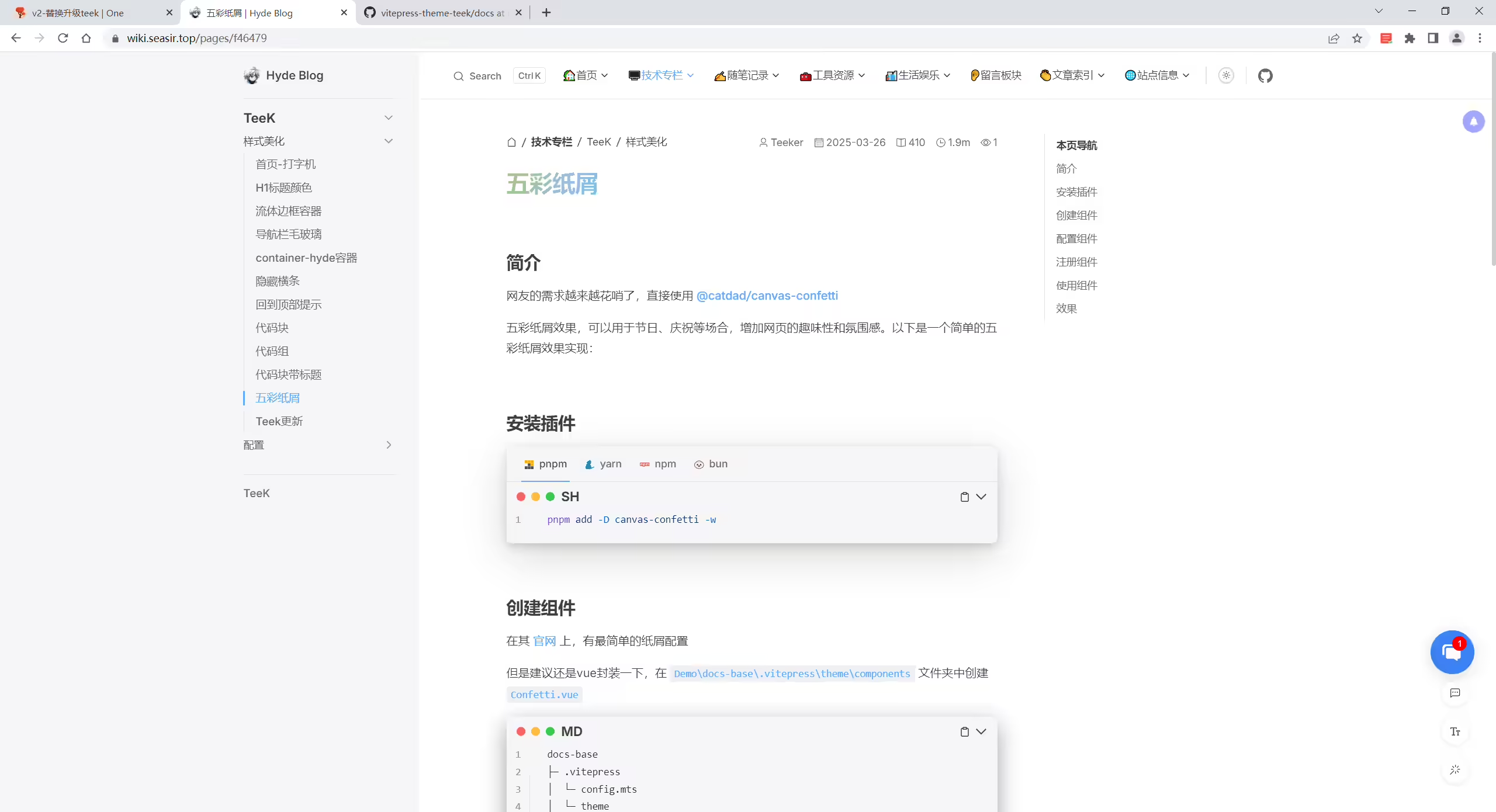
2025年3月26日解决。
配置环境:
《Youbg Kbt》大佬开源的《vitepress-theme-teek》一个博客项目(知识库+博客 二合一),它是一个轻量、简易的VitePress主题框架,非常简约唯美,且也在持续迭代更新,感谢大佬开源的这款优秀产品,大佬威武。💖💖💖
网友的需求越来越花哨了,直接使用 @catdad/canvas-confetti
五彩纸屑效果,可以用于节日、庆祝等场合,增加网页的趣味性和氛围感。以下是一个简单的五彩纸屑效果实现:
demo\docs-base目录下执行命令:1#pnpm
2pnpm add -D canvas-confetti在其 官网 上,有最简单的纸屑配置。
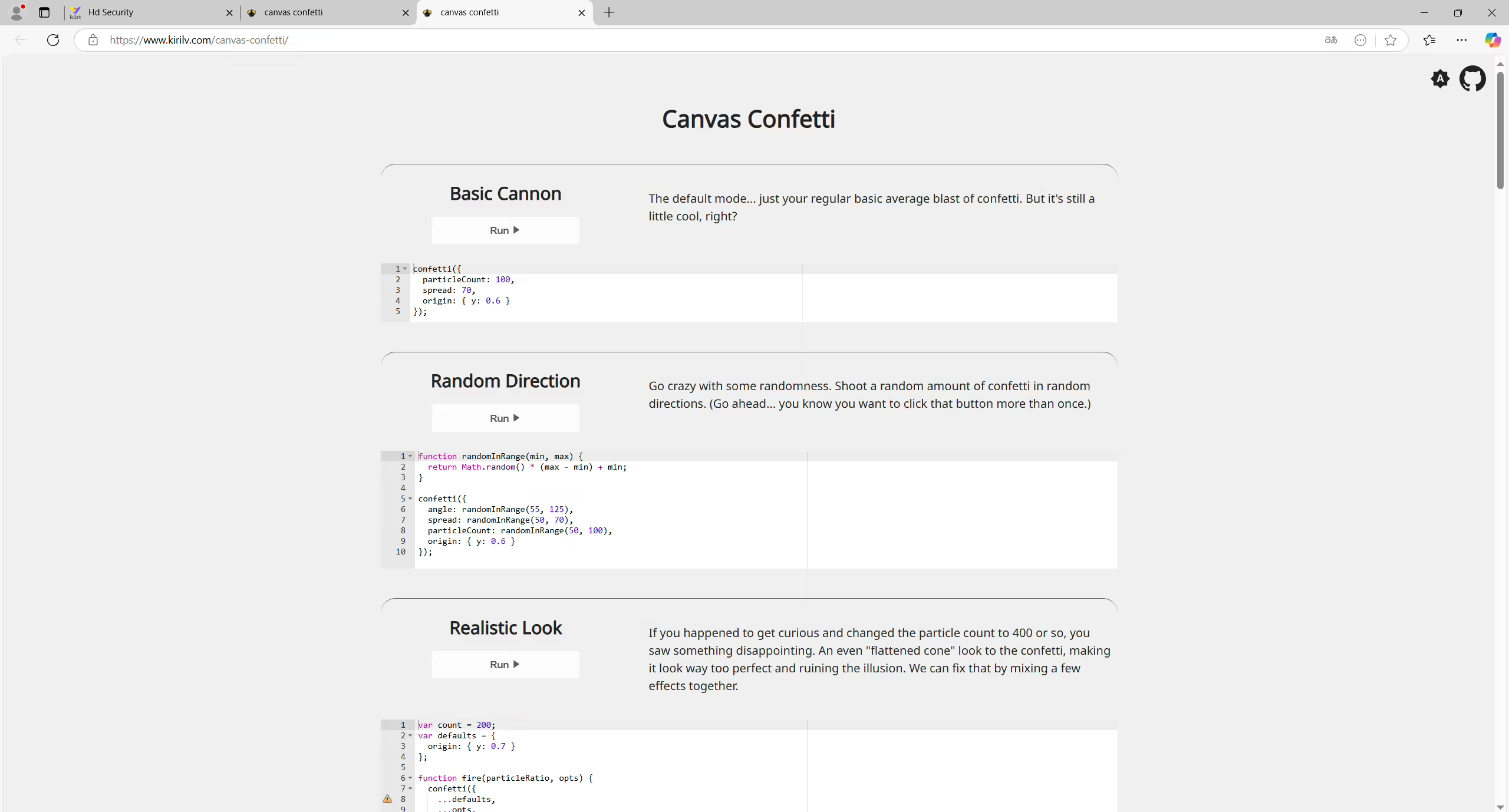
但是建议还是vue封装一下:
Demo\docs-base\.vitepress\theme\components 文件夹中创建 Confetti.vue,配置为如下代码: 1<script setup lang="ts">
2import confetti from "canvas-confetti";
3import { inBrowser } from "vitepress";
4
5if (inBrowser) {
6 /* 纸屑代码这里配置 ,从上面链接提供的代码直接拷贝过来就好*/
7 confetti({
8 particleCount: 100,
9 spread: 170,
10 origin: { y: 0.6 },
11 });
12}
13</script>自己本次实际配置代码为:
 1<script setup lang="ts">
 2import confetti from "canvas-confetti";
 3import { inBrowser } from "vitepress";
 4
 5if (inBrowser) {
 6    var duration = 15 * 1000;
 7    var animationEnd = Date.now() + duration;
 8    var defaults = { startVelocity: 30, spread: 360, ticks: 60, zIndex: 0 };
 9
10    function randomInRange(min, max) {
11    return Math.random() * (max - min) + min;
12    }
13
14    var interval = setInterval(function() {
15    var timeLeft = animationEnd - Date.now();
16
17    if (timeLeft <= 0) {
18        return clearInterval(interval);
19    }
20
21    var particleCount = 50 * (timeLeft / duration);
22    // since particles fall down, start a bit higher than random
23    confetti({ ...defaults, particleCount, origin: { x: randomInRange(0.1, 0.3), y: Math.random() - 0.2 } });
24    confetti({ ...defaults, particleCount, origin: { x: randomInRange(0.7, 0.9), y: Math.random() - 0.2 } });
25    }, 250);
26  confetti({
27    particleCount: 100,
28    spread: 170,
29    origin: { y: 0.6 },
30  });
31}
32</script>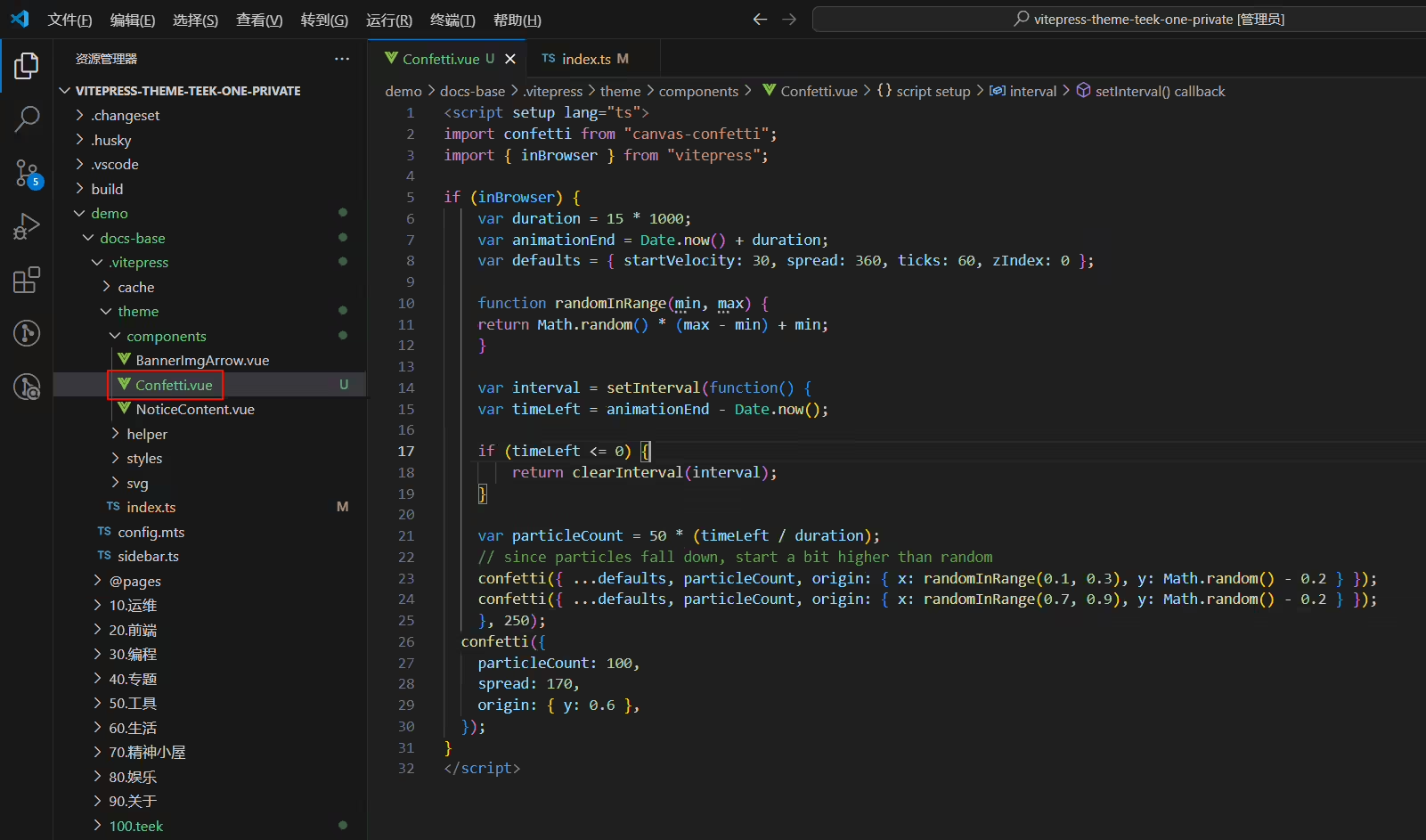
npm打包报错,请使用如下方式
::: details
Demo\docs-base\.vitepress\theme\index.ts 中注册全局组件 1/* Demo\docs-base\.vitepress\theme\index.ts */
2import confetti from "./components/Confetti.vue" //导入五彩纸屑组件
3
4export default {
5 extends: Teek,
6 enhanceApp({ app }) {
7 // 注册组件
8 app.component('confetti' , confetti) //五彩纸屑
9 },
10 Layout: defineComponent({
11 // ...其他配置
12 }),
13}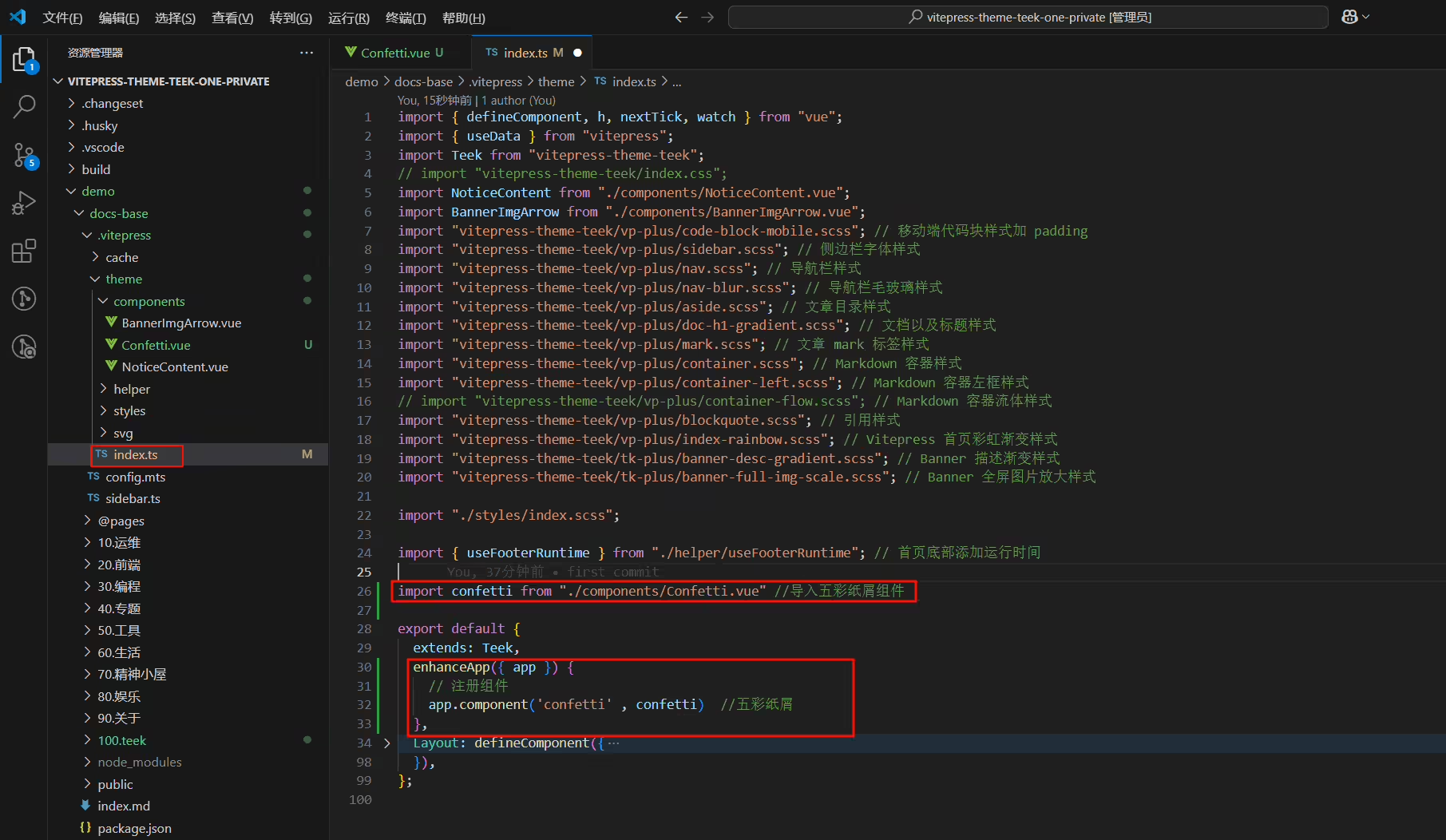
Demo\docs-base\index.md 中使用1<!-- index.md -->
2<!-- 五彩纸屑组件 -->
3<confetti />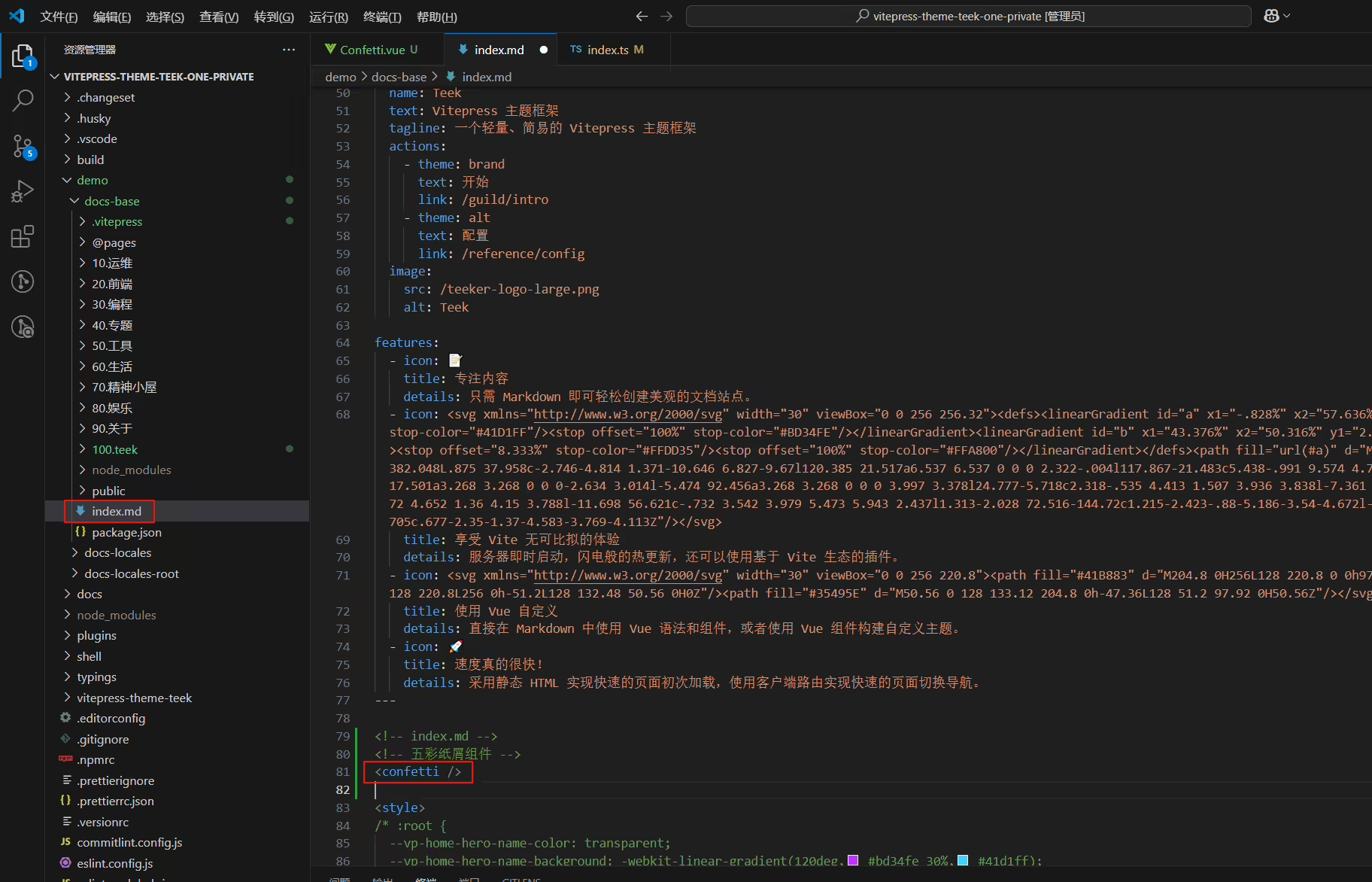
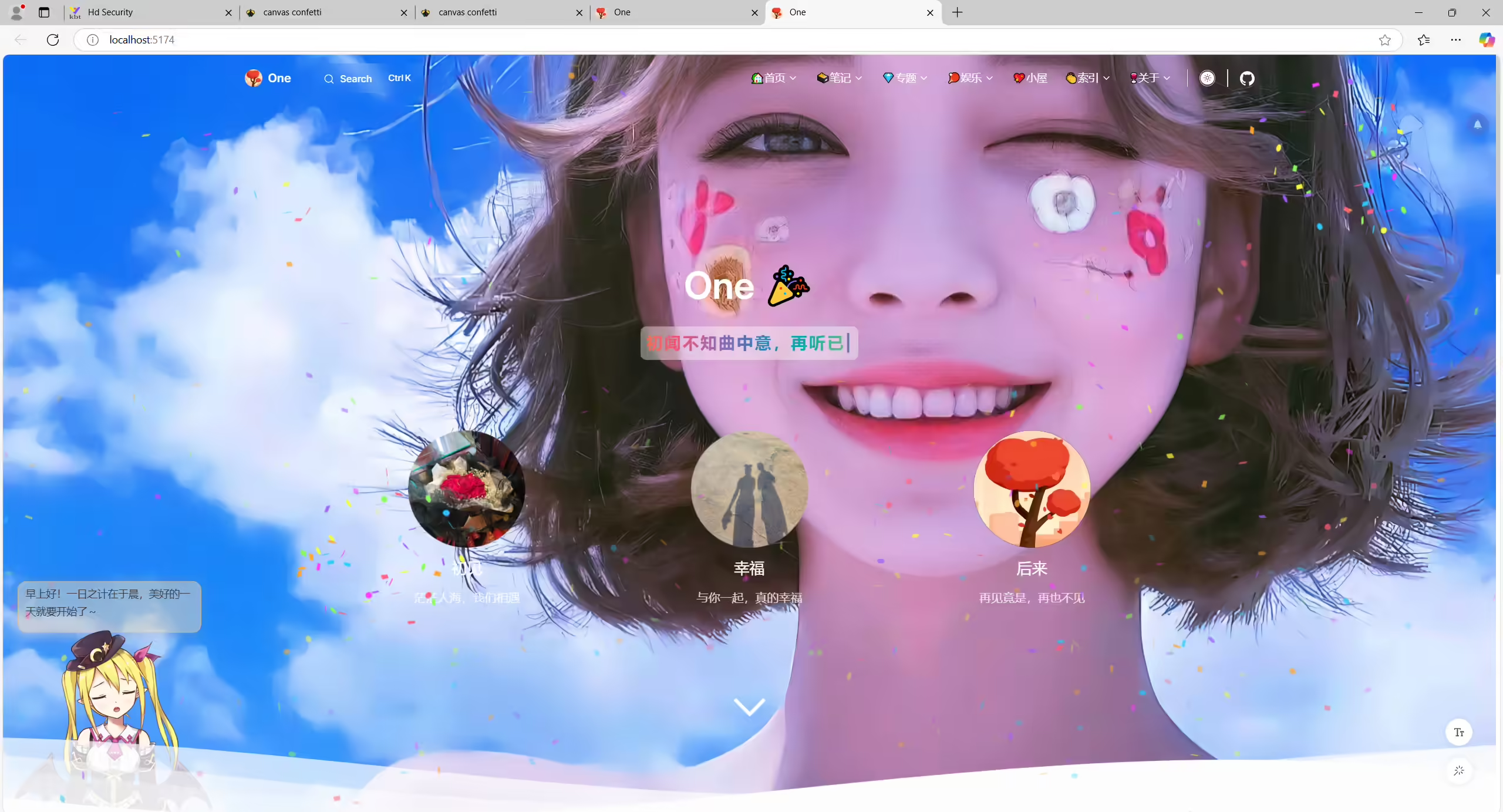
最后回到首页或者其他页面,插入组件看效果,同理也可以做 雪花效果
结束。
 1function randomInRange(min, max) {
 2  return Math.random() * (max - min) + min;
 3}
 4
 5confetti({
 6  angle: randomInRange(55, 125),
 7  spread: randomInRange(50, 70),
 8  particleCount: randomInRange(50, 100),
 9  origin: { y: 0.6 }
10});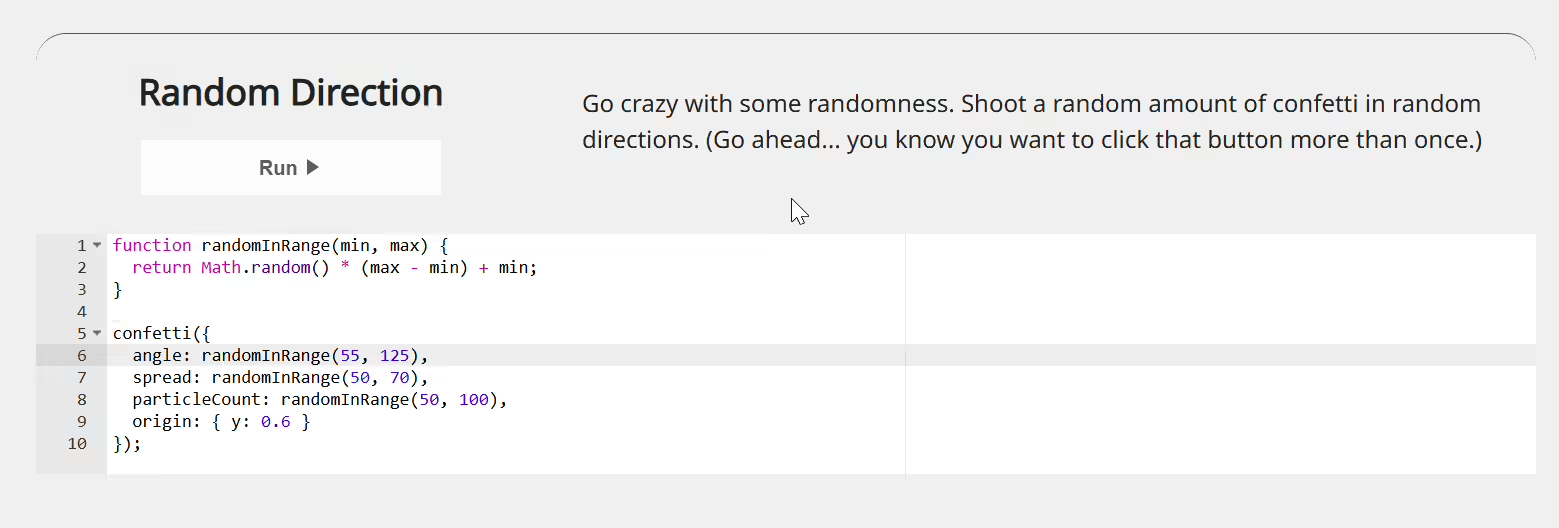
 1var duration = 15 * 1000;
 2var animationEnd = Date.now() + duration;
 3var skew = 1;
 4
 5function randomInRange(min, max) {
 6  return Math.random() * (max - min) + min;
 7}
 8
 9(function frame() {
10  var timeLeft = animationEnd - Date.now();
11  var ticks = Math.max(200, 500 * (timeLeft / duration));
12  skew = Math.max(0.8, skew - 0.001);
13
14  confetti({
15    particleCount: 1,
16    startVelocity: 0,
17    ticks: ticks,
18    origin: {
19      x: Math.random(),
20      // since particles fall down, skew start toward the top
21      y: (Math.random() * skew) - 0.2
22    },
23    colors: ['#ffffff'],
24    shapes: ['circle'],
25    gravity: randomInRange(0.4, 0.6),
26    scalar: randomInRange(0.4, 1),
27    drift: randomInRange(-0.4, 0.4)
28  });
29
30  if (timeLeft > 0) {
31    requestAnimationFrame(frame);
32  }
33}());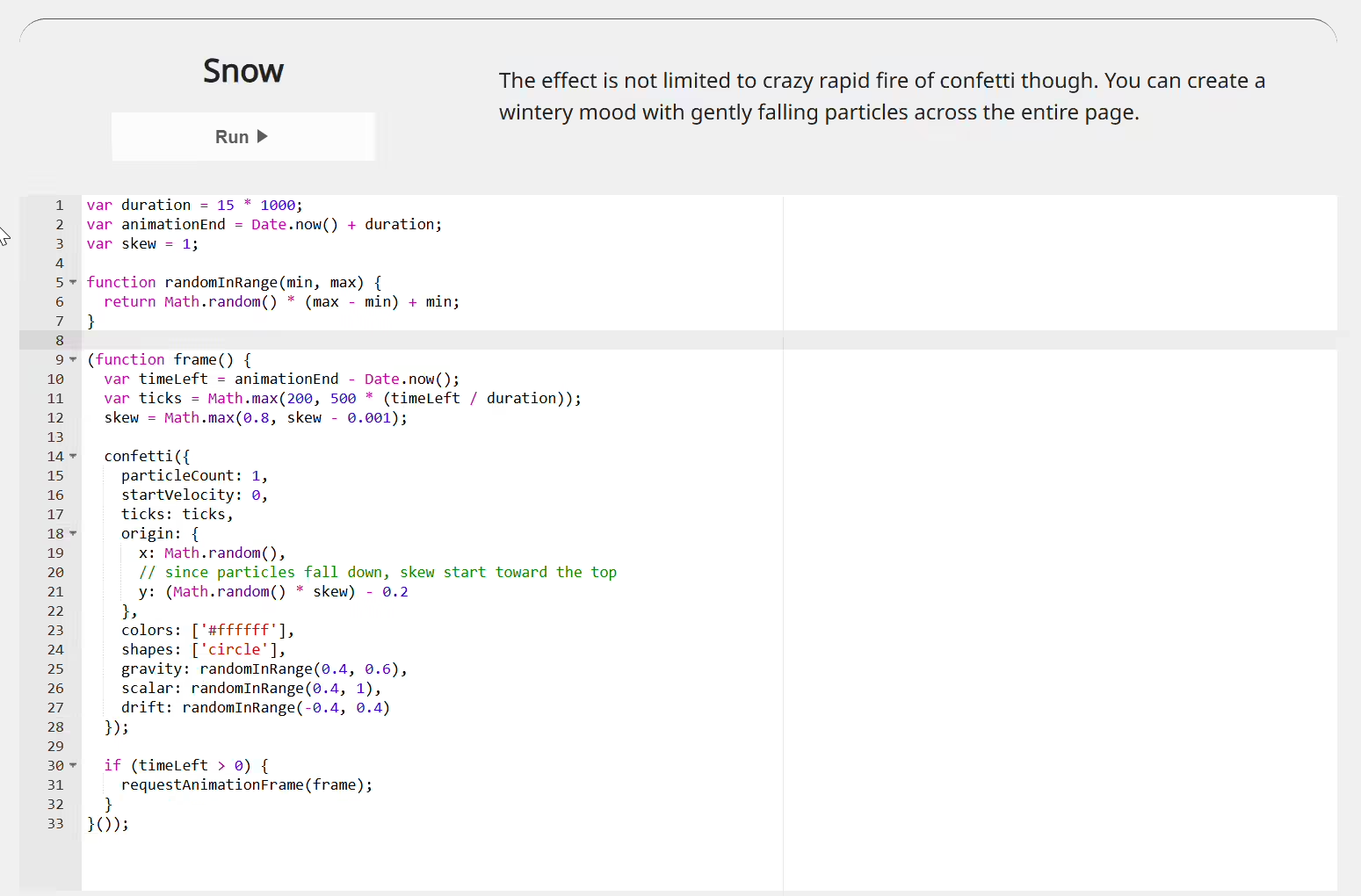
 1// note: you CAN only use a path for confetti.shapeFrompath(), but for
 2// performance reasons it is best to use it once in development and save
 3// the result to avoid the performance penalty at runtime
 4
 5// pumpkin shape from https://thenounproject.com/icon/pumpkin-5253388/
 6var pumpkin = confetti.shapeFromPath({
 7  path: 'M449.4 142c-5 0-10 .3-15 1a183 183 0 0 0-66.9-19.1V87.5a17.5 17.5 0 1 0-35 0v36.4a183 183 0 0 0-67 19c-4.9-.6-9.9-1-14.8-1C170.3 142 105 219.6 105 315s65.3 173 145.7 173c5 0 10-.3 14.8-1a184.7 184.7 0 0 0 169 0c4.9.7 9.9 1 14.9 1 80.3 0 145.6-77.6 145.6-173s-65.3-173-145.7-173zm-220 138 27.4-40.4a11.6 11.6 0 0 1 16.4-2.7l54.7 40.3a11.3 11.3 0 0 1-7 20.3H239a11.3 11.3 0 0 1-9.6-17.5zM444 383.8l-43.7 17.5a17.7 17.7 0 0 1-13 0l-37.3-15-37.2 15a17.8 17.8 0 0 1-13 0L256 383.8a17.5 17.5 0 0 1 13-32.6l37.3 15 37.2-15c4.2-1.6 8.8-1.6 13 0l37.3 15 37.2-15a17.5 17.5 0 0 1 13 32.6zm17-86.3h-82a11.3 11.3 0 0 1-6.9-20.4l54.7-40.3a11.6 11.6 0 0 1 16.4 2.8l27.4 40.4a11.3 11.3 0 0 1-9.6 17.5z',
 8  matrix: [0.020491803278688523, 0, 0, 0.020491803278688523, -7.172131147540983, -5.9016393442622945]
 9});
10// tree shape from https://thenounproject.com/icon/pine-tree-1471679/
11var tree = confetti.shapeFromPath({
12  path: 'M120 240c-41,14 -91,18 -120,1 29,-10 57,-22 81,-40 -18,2 -37,3 -55,-3 25,-14 48,-30 66,-51 -11,5 -26,8 -45,7 20,-14 40,-30 57,-49 -13,1 -26,2 -38,-1 18,-11 35,-25 51,-43 -13,3 -24,5 -35,6 21,-19 40,-41 53,-67 14,26 32,48 54,67 -11,-1 -23,-3 -35,-6 15,18 32,32 51,43 -13,3 -26,2 -38,1 17,19 36,35 56,49 -19,1 -33,-2 -45,-7 19,21 42,37 67,51 -19,6 -37,5 -56,3 25,18 53,30 82,40 -30,17 -79,13 -120,-1l0 41 -31 0 0 -41z',
13  matrix: [0.03597122302158273, 0, 0, 0.03597122302158273, -4.856115107913669, -5.071942446043165]
14});
15// heart shape from https://thenounproject.com/icon/heart-1545381/
16var heart = confetti.shapeFromPath({
17  path: 'M167 72c19,-38 37,-56 75,-56 42,0 76,33 76,75 0,76 -76,151 -151,227 -76,-76 -151,-151 -151,-227 0,-42 33,-75 75,-75 38,0 57,18 76,56z',
18  matrix: [0.03333333333333333, 0, 0, 0.03333333333333333, -5.566666666666666, -5.533333333333333]
19});
20
21var defaults = {
22  scalar: 2,
23  spread: 180,
24  particleCount: 30,
25  origin: { y: -0.1 },
26  startVelocity: -35
27};
28
29confetti({
30  ...defaults,
31  shapes: [pumpkin],
32  colors: ['#ff9a00', '#ff7400', '#ff4d00']
33});
34confetti({
35  ...defaults,
36  shapes: [tree],
37  colors: ['#8d960f', '#be0f10', '#445404']
38});
39confetti({
40  ...defaults,
41  shapes: [heart],
42  colors: ['#f93963', '#a10864', '#ee0b93']
43});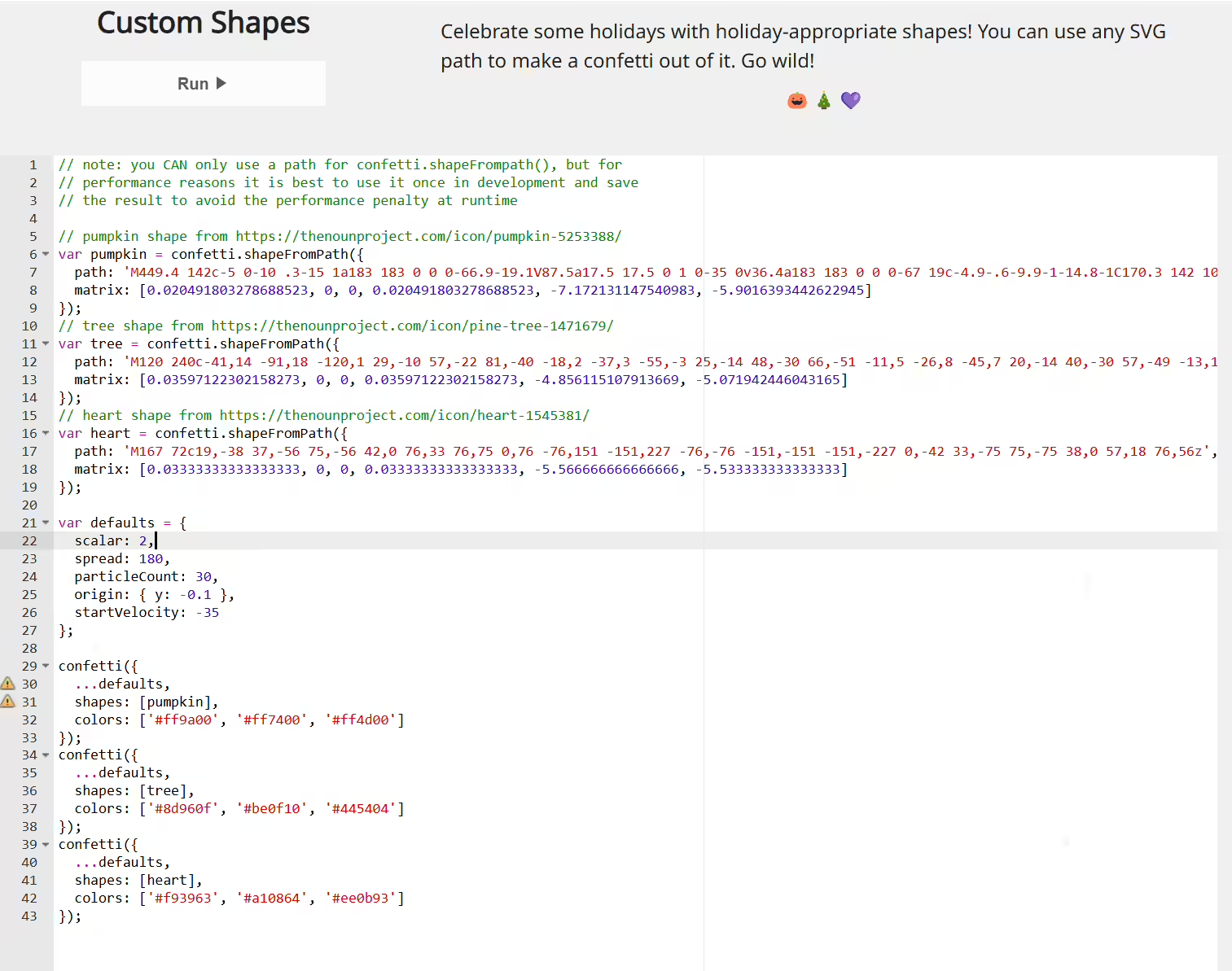
精选 · 友链 · 更多

One的公众号
爱折腾博客的小白
